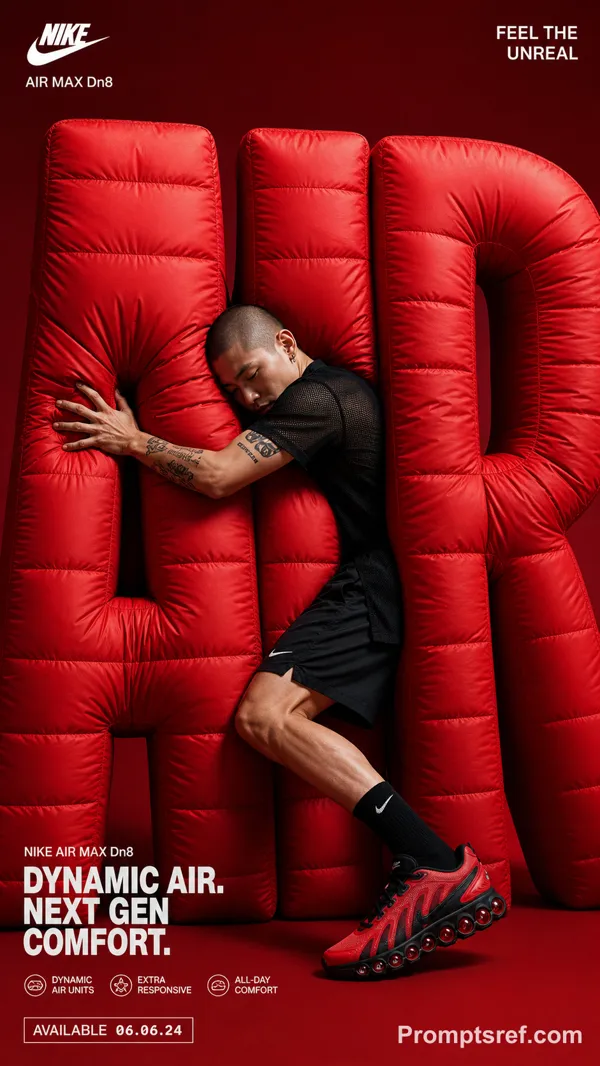
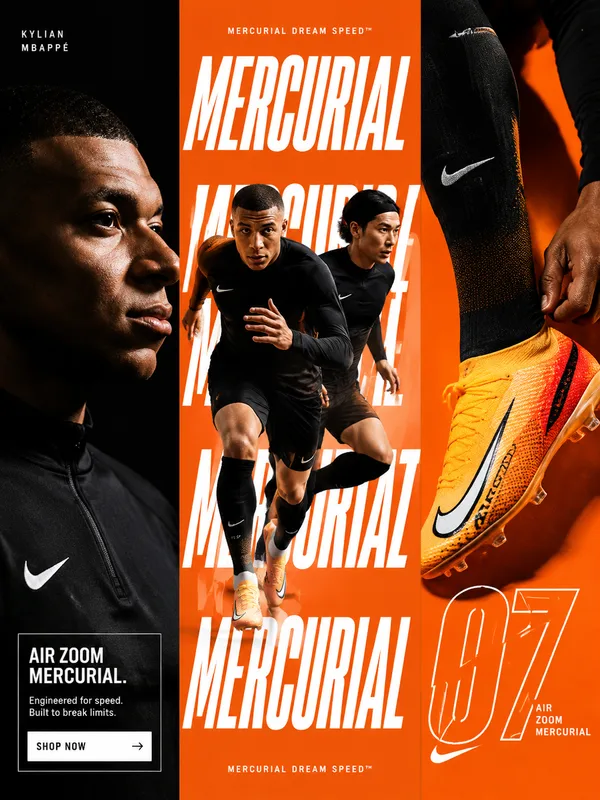
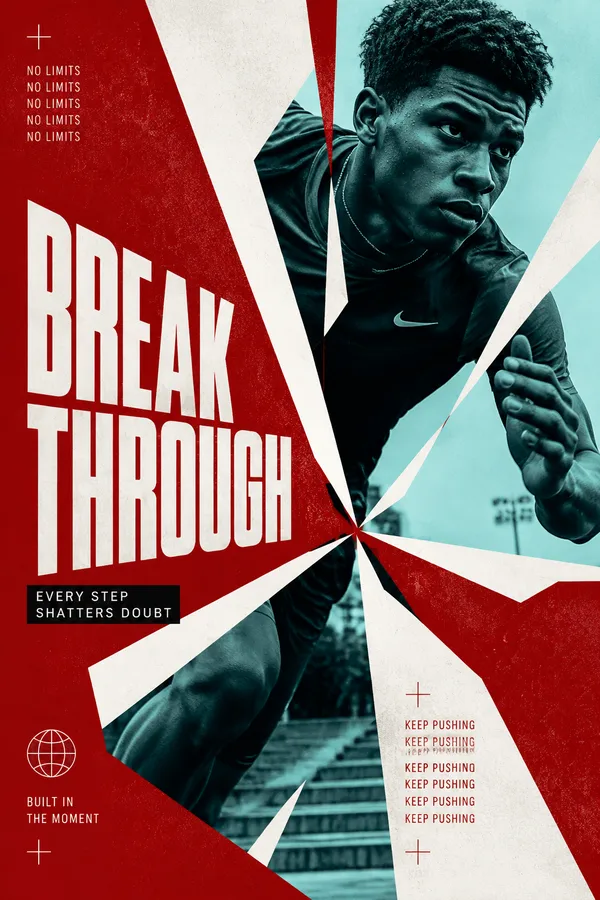
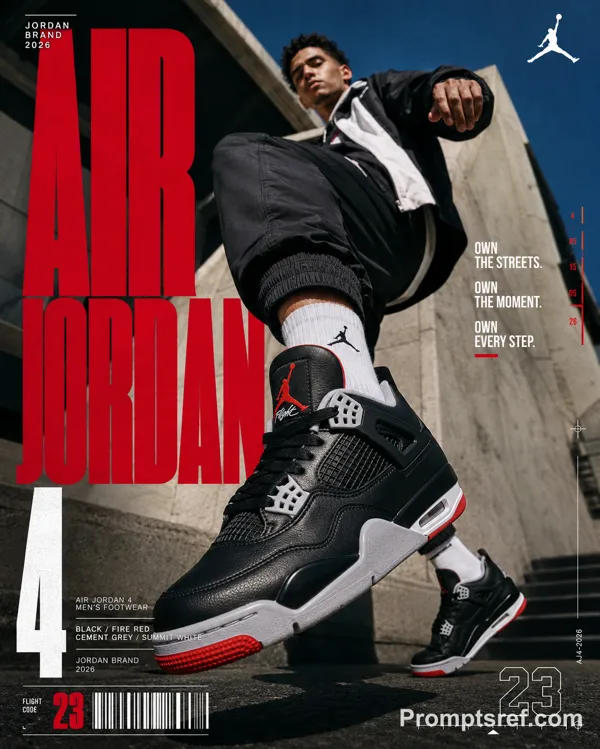
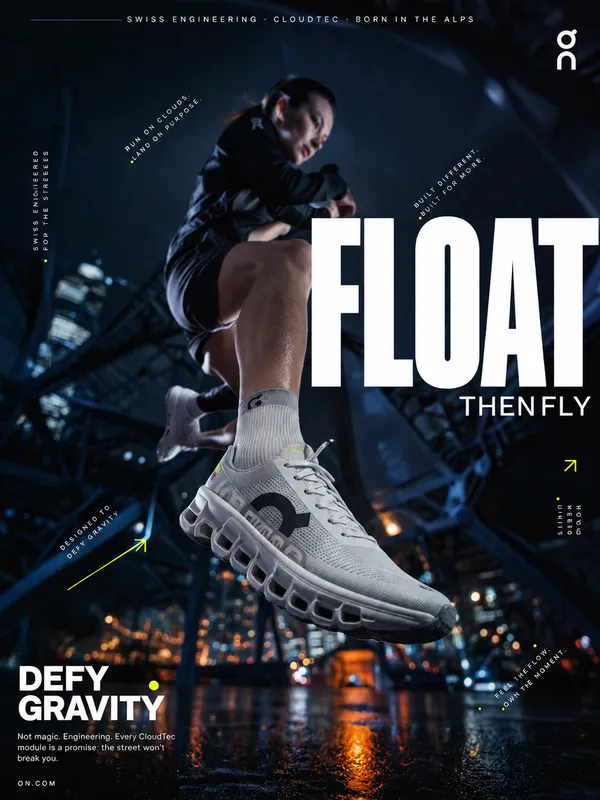
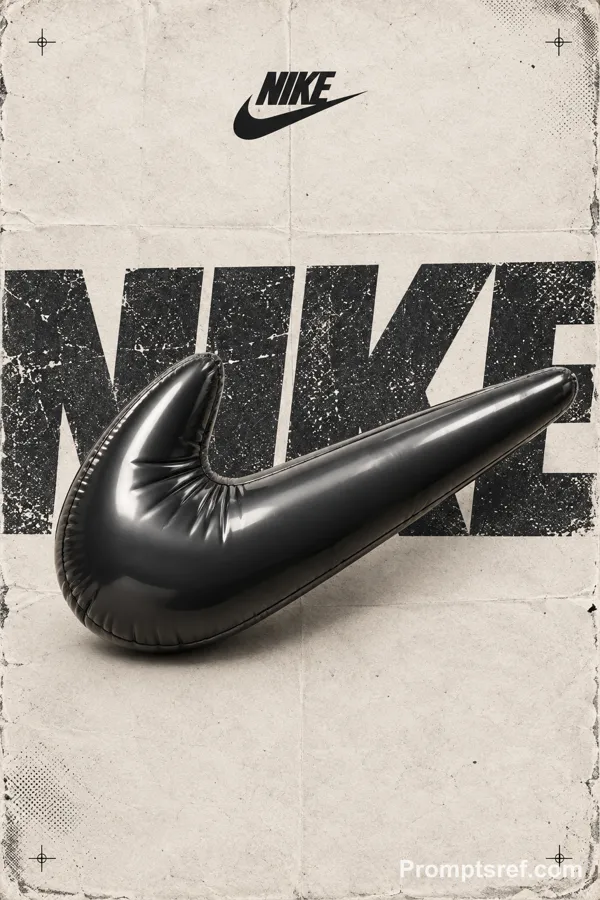
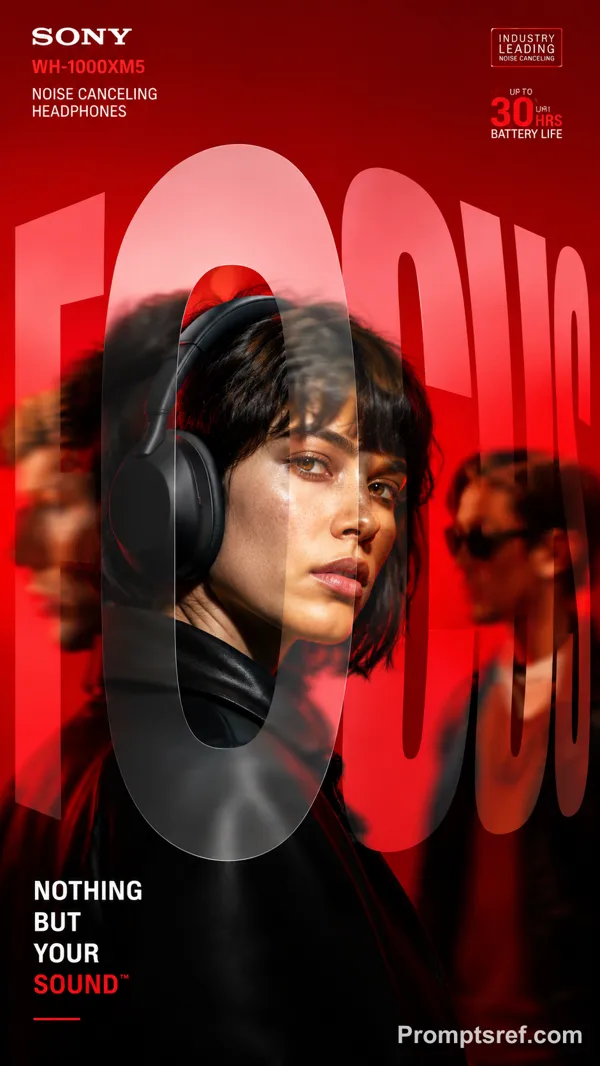
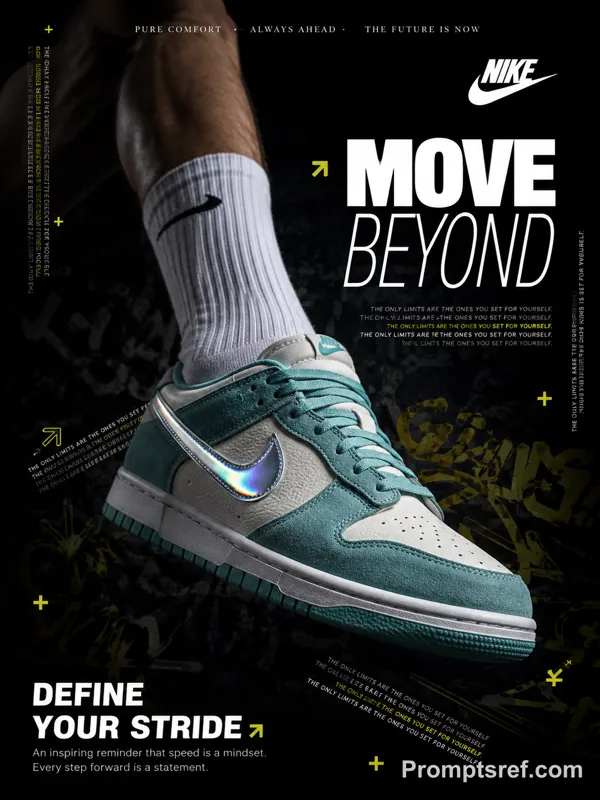
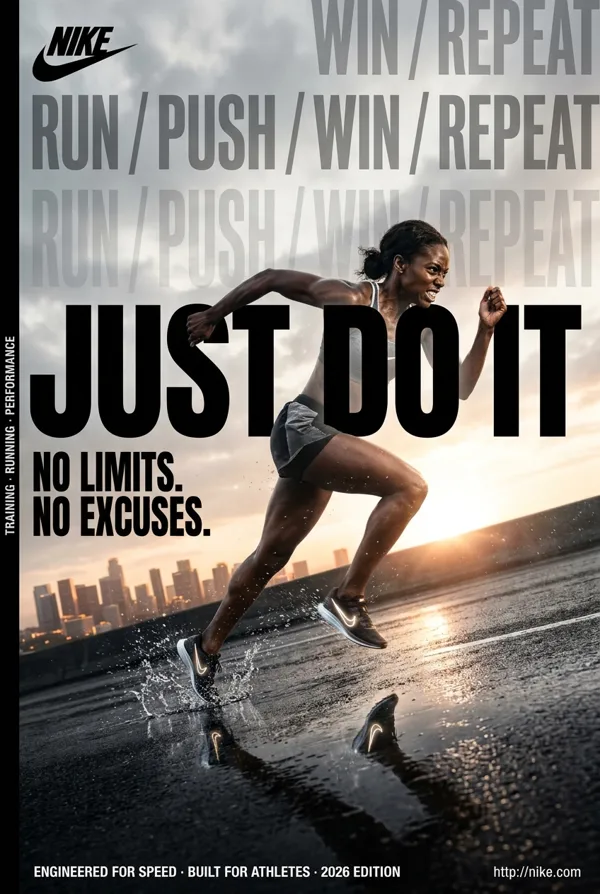
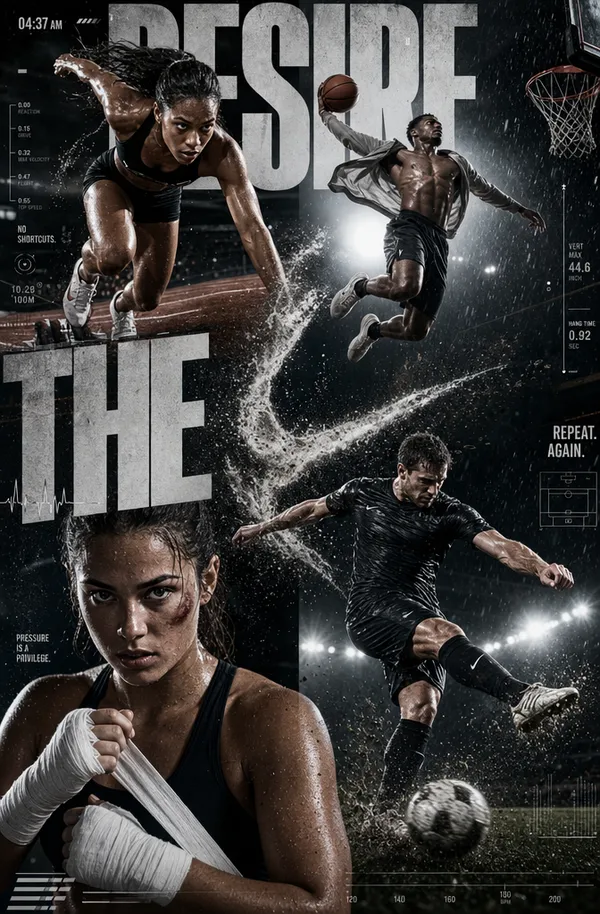
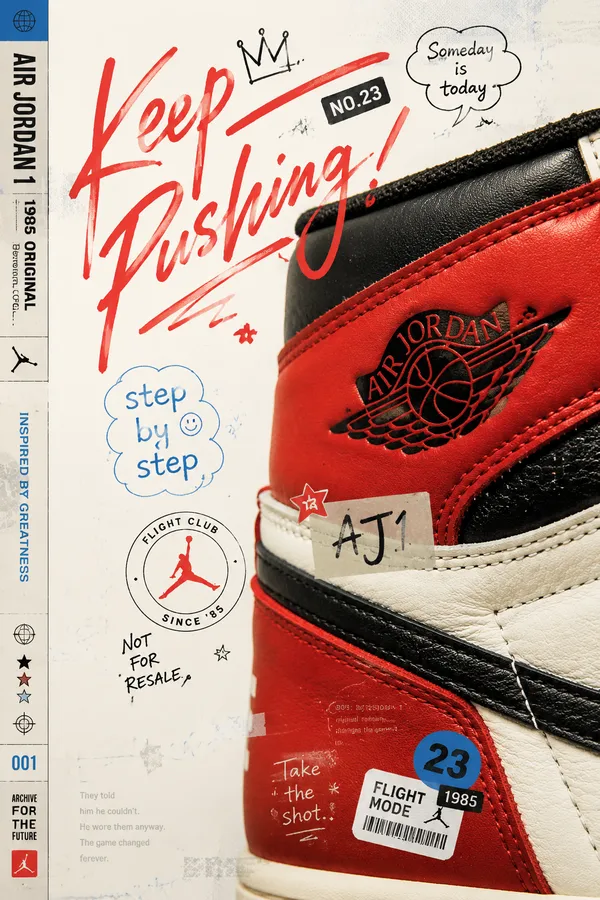
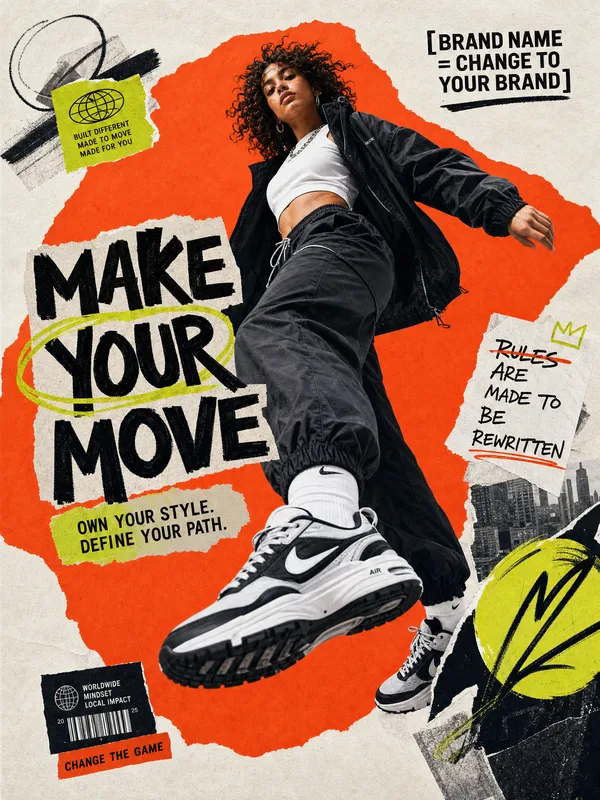
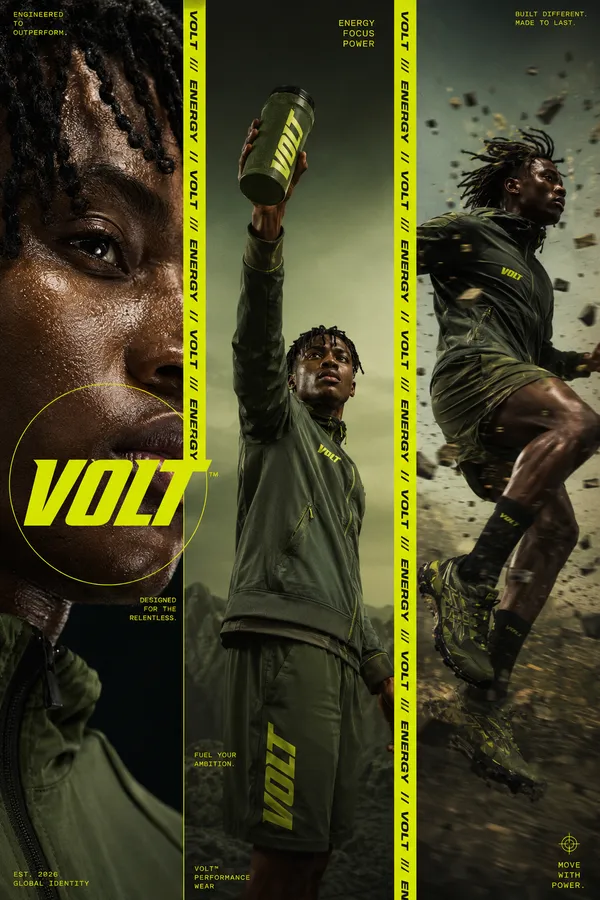
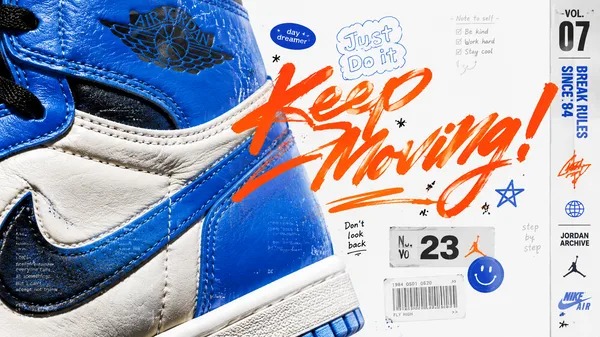
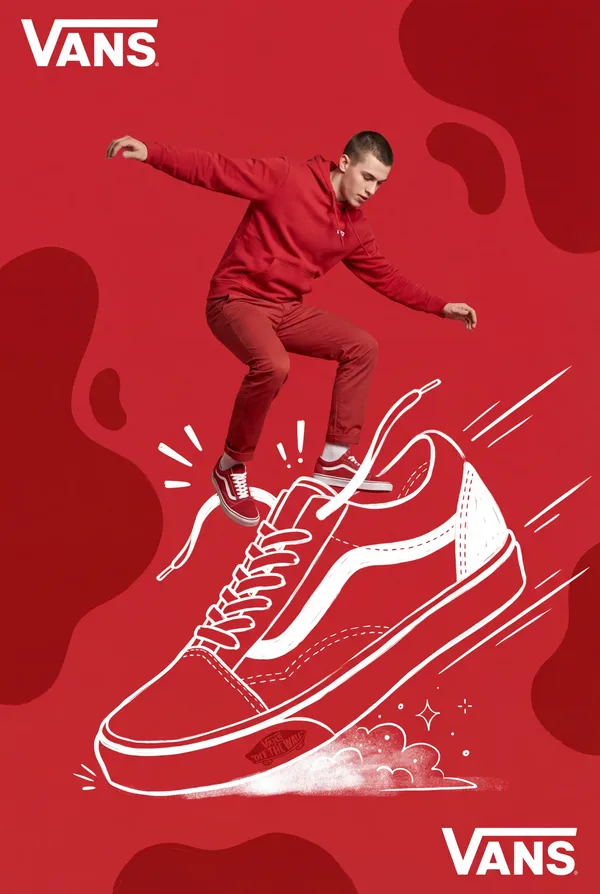
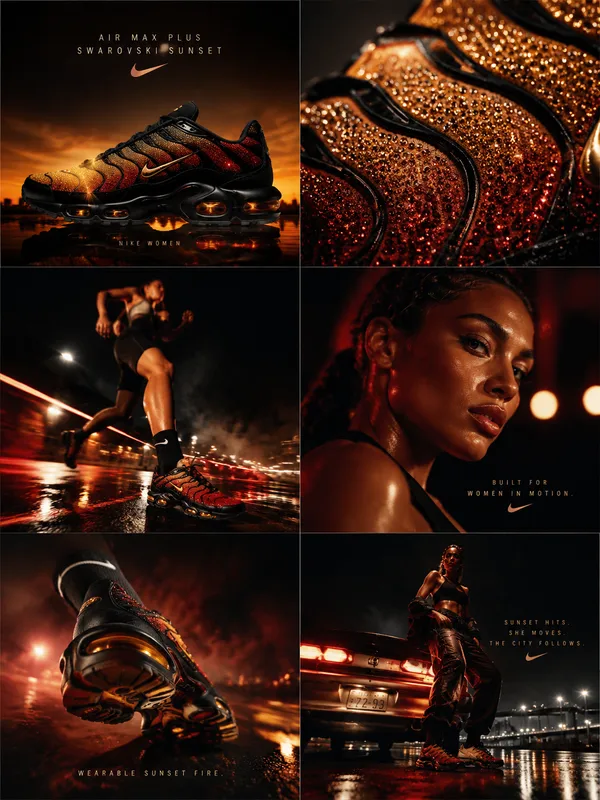
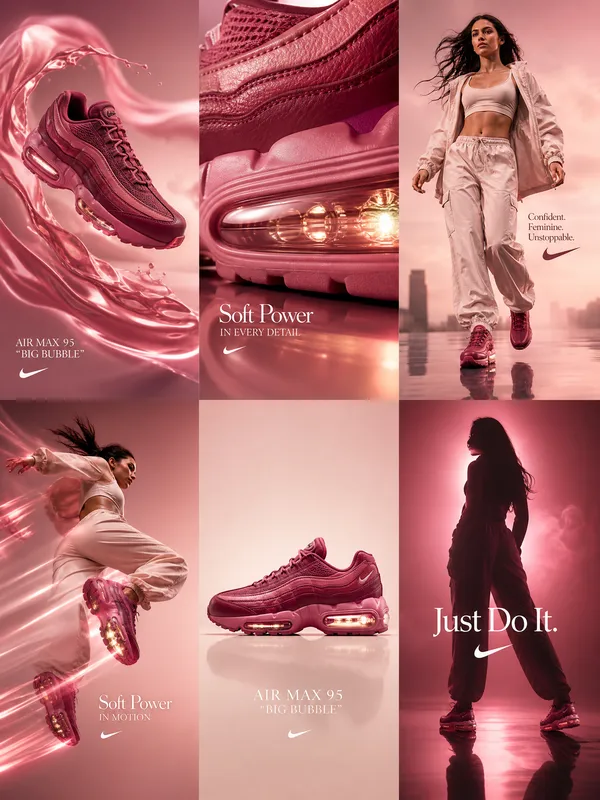
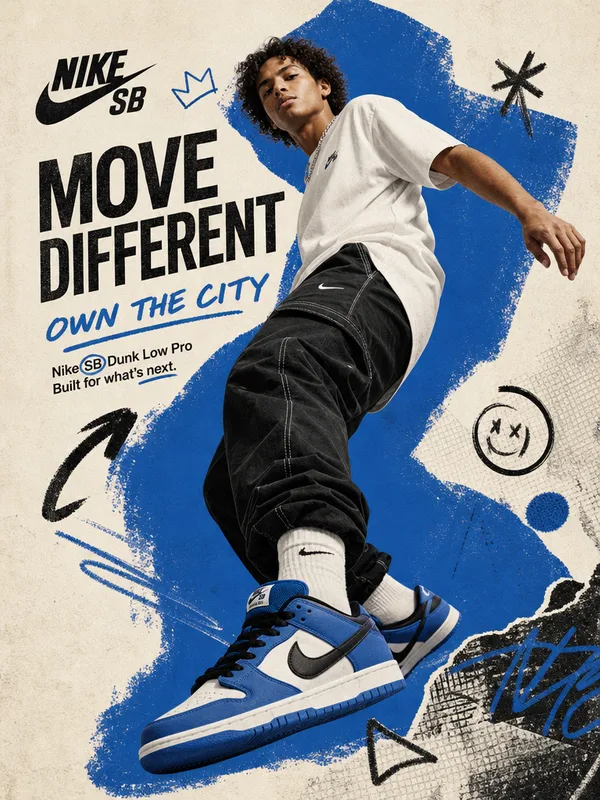
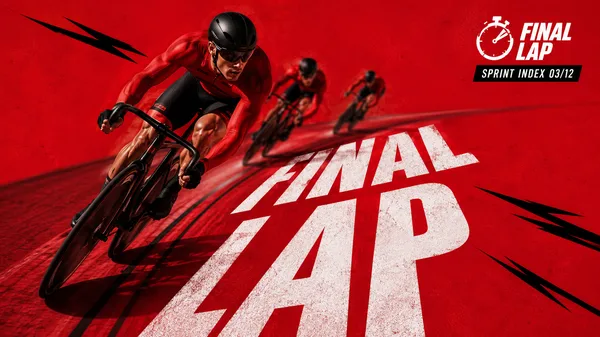
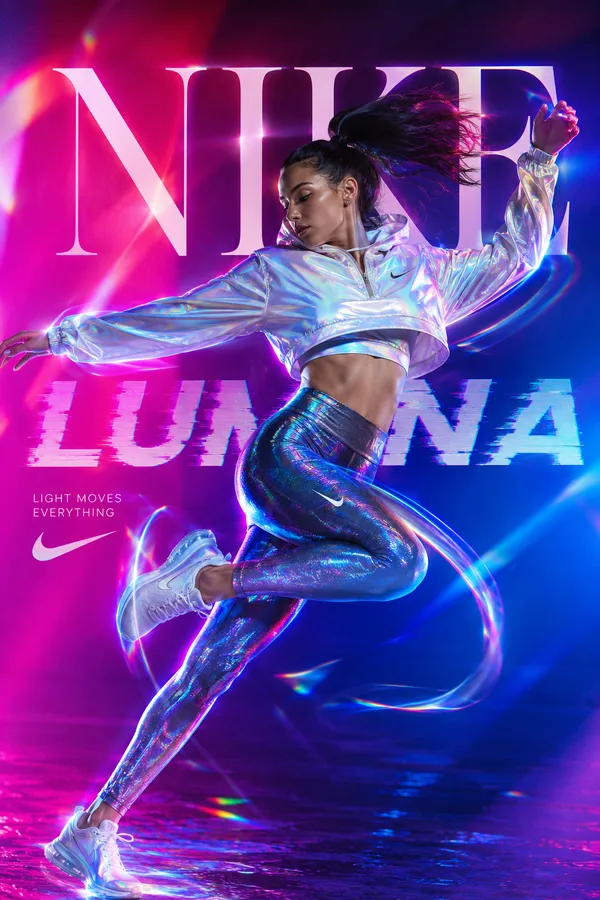
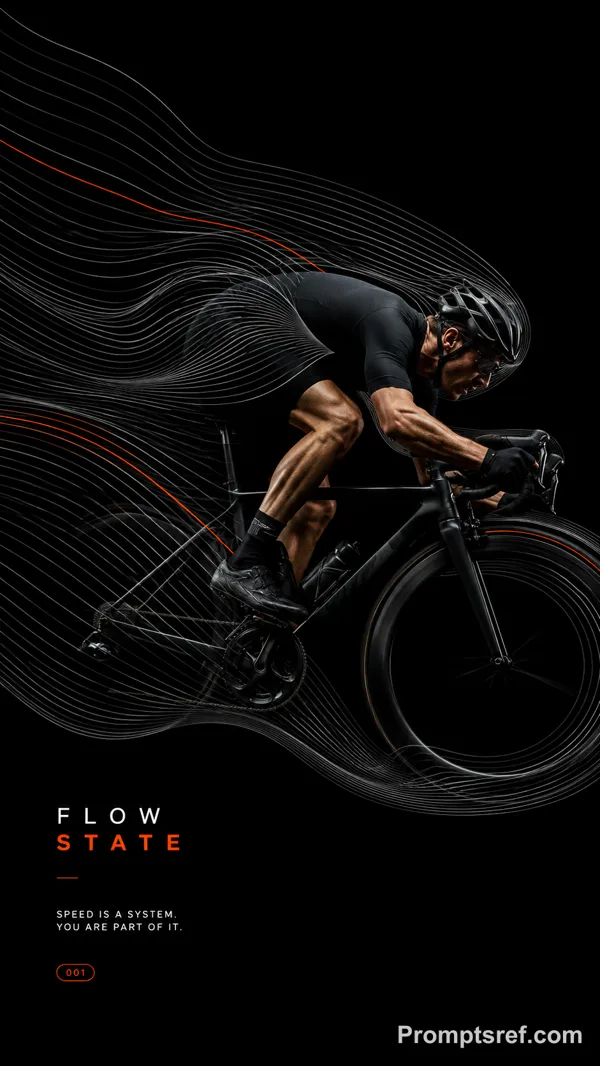
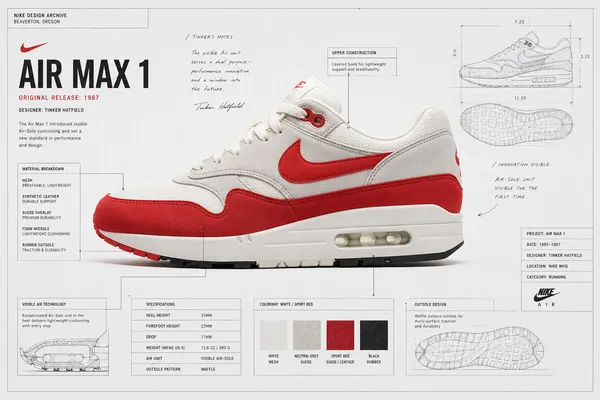
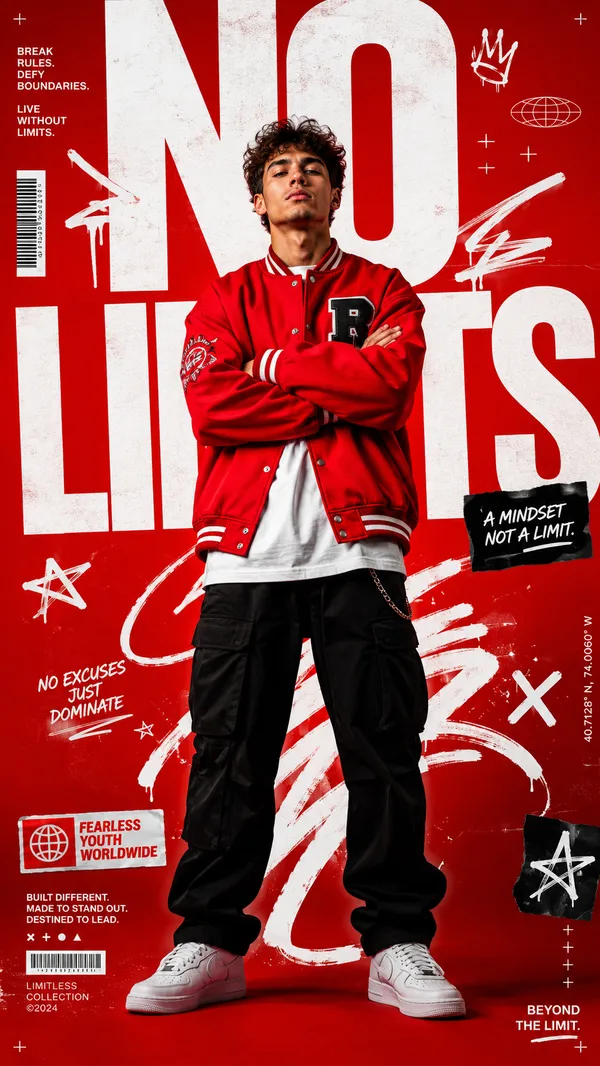
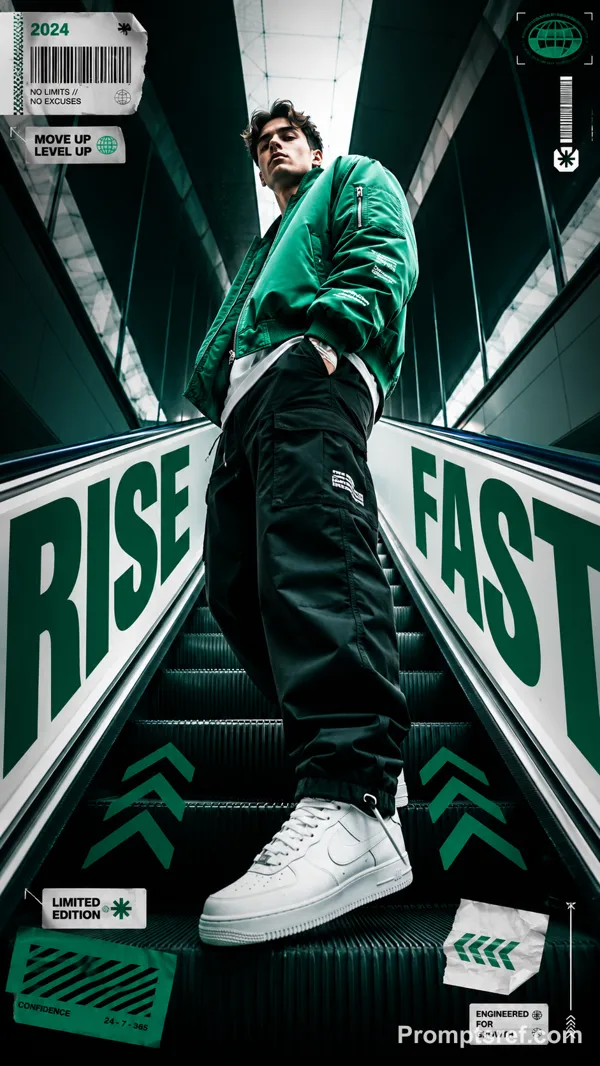
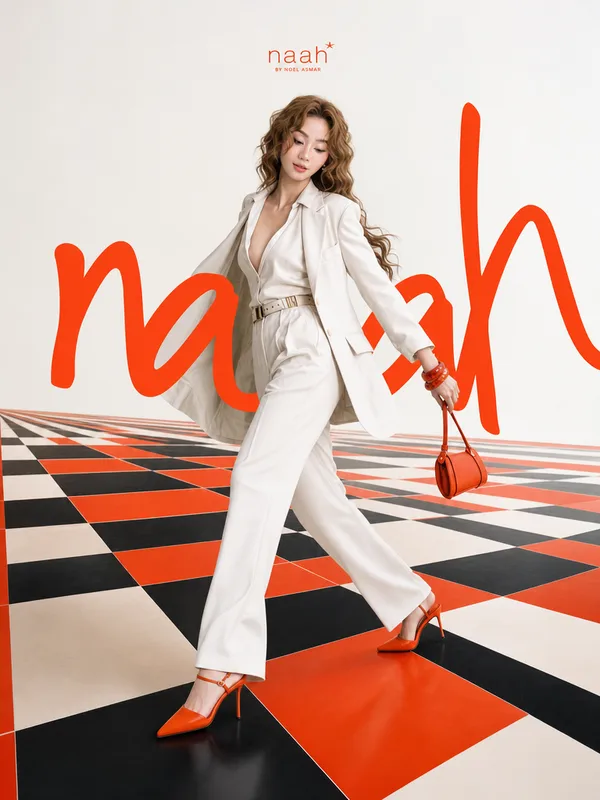
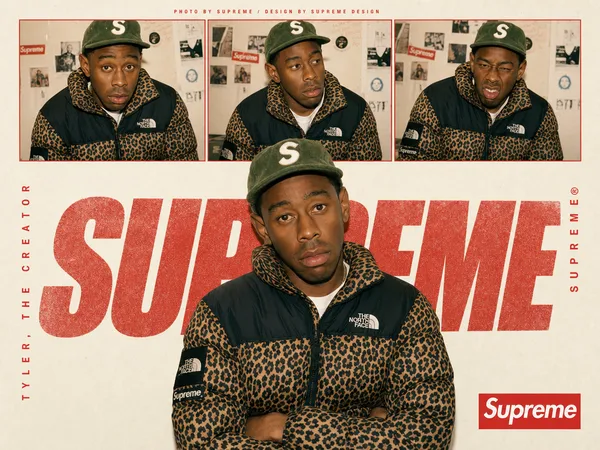
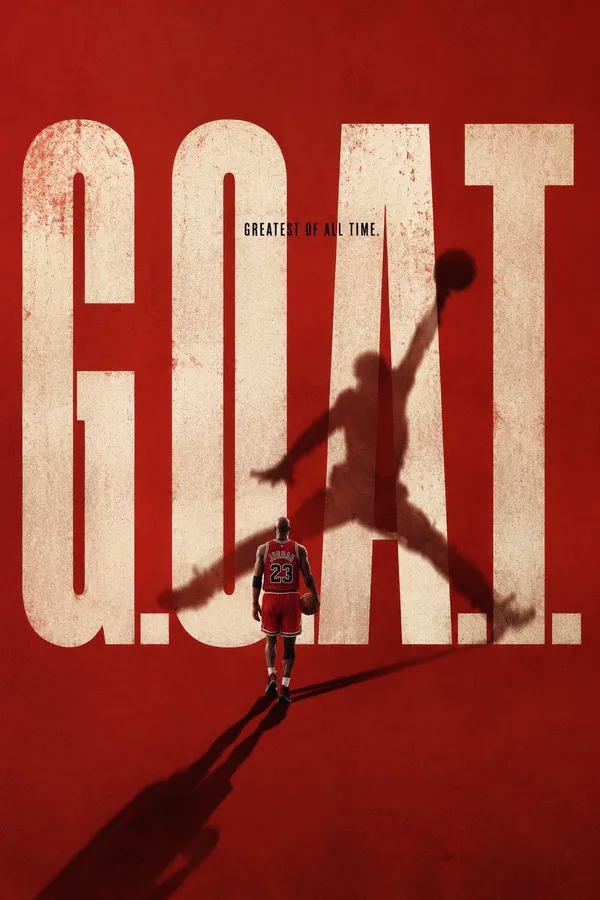
GPT Image 2.0 프롬프트 - 대담한 광학 타이포 포스터

- 화면 비율
- auto
- 화질
- 1K
프롬프트
Create a bold editorial campaign poster where oversized typography works like an optical tool and visibly changes the subject or scene.
Brand: [BRAND NAME]
Product / Campaign: [PRODUCT OR CAMPAIGN]
Main Word: [SHORT WORD]
Subject: [PERSON / PRODUCT / BOTH]
Optical Effect: [FOCUS / ZOOM / REFRACT / PRISM / OTHER]
Main Color: [COLOR]
Accent Color: [COLOR]
Aspect Ratio: [9:16]
Use realistic commercial photography, oversized typography, strong high-contrast colors, and contemporary editorial design.
Make the main word extremely large and let it perform a clear optical function:
FOCUS: shift parts of the subject from soft blur into sharp focus.
ZOOM: use a letter or its negative space as a lens that naturally magnifies the subject.
REFRACT: use transparent letterforms to slightly bend, shift, or distort the image behind them.
PRISM: let light pass through the typography and split into a few controlled colors.
The optical effect should physically interact with the person or product while keeping faces, bodies, and product structures realistic and intact.
Create clear foreground, subject, and background layering, with some typography passing behind the subject and other parts entering the foreground.
Use one dominant high-impact color with black, white, and one or two controlled accent colors. Add only a few meaningful campaign details such as the brand name, product name, slogan, specs, or small editorial labels.
Keep lighting, reflections, focus, magnification, and refraction believable. The final image should feel like a finished commercial campaign key visual — bold, colorful, optical, and visually complete.
리믹스 작품
리믹스아직 리믹스가 없어요. 첫 번째 버전을 만들어 보세요.
이 이미지 프롬프트 사용하기
- 01
프롬프트로 시작하기
프롬프트를 복사하거나 생성 버튼으로 여세요.
- 02
나만의 아이디어 더하기
주제, 배경, 세부 사항을 조정하고 필요하면 참고 자료를 추가하세요.
- 03
생성 전 확인하기
모델과 출력 설정을 확인하세요. 생성 결과는 매번 다를 수 있습니다.