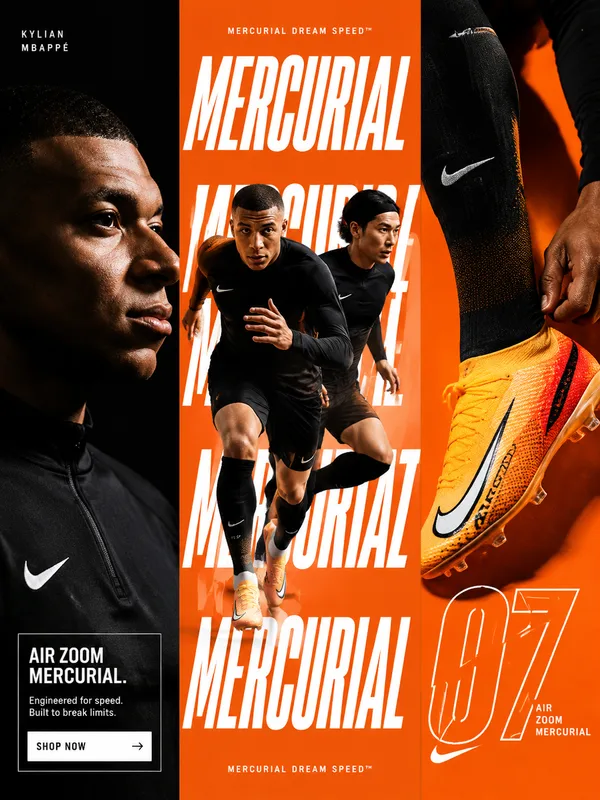
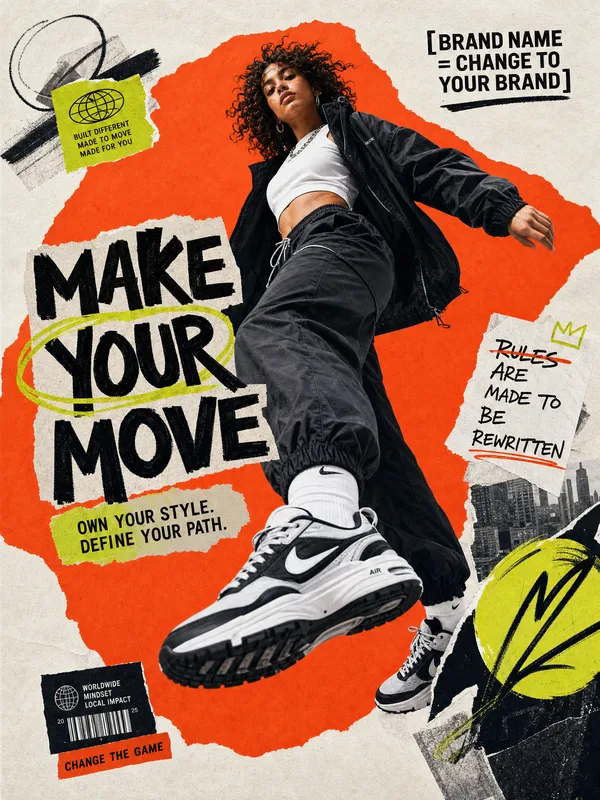
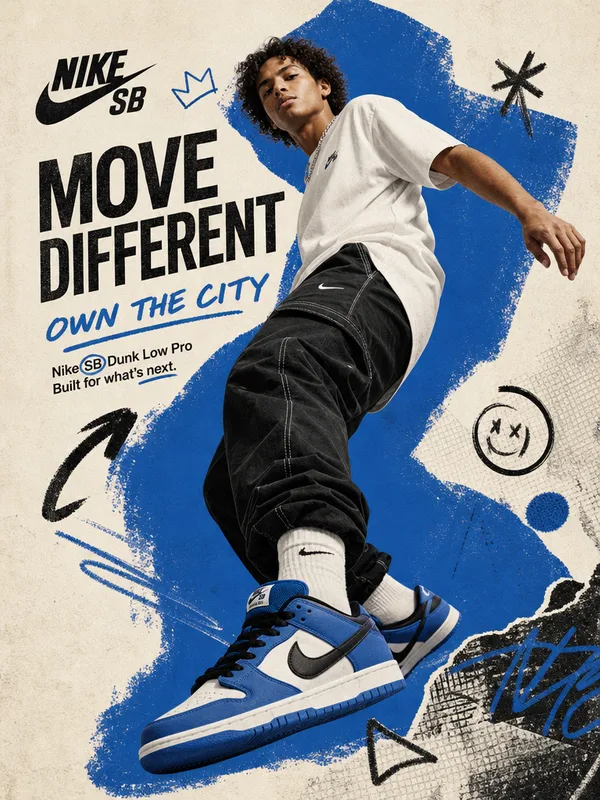
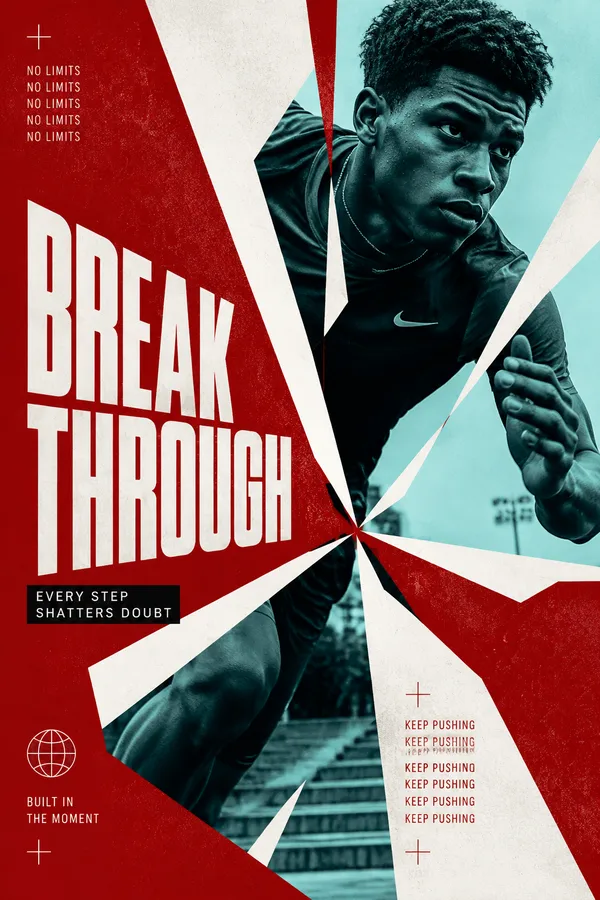
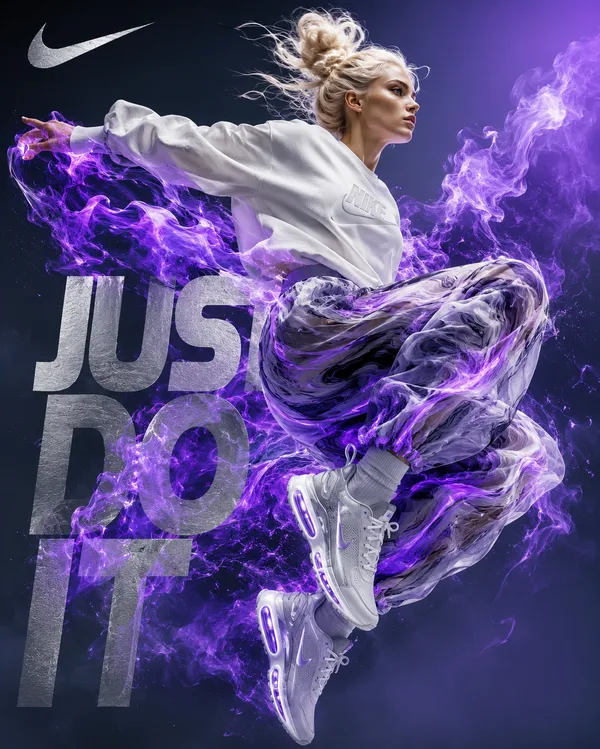
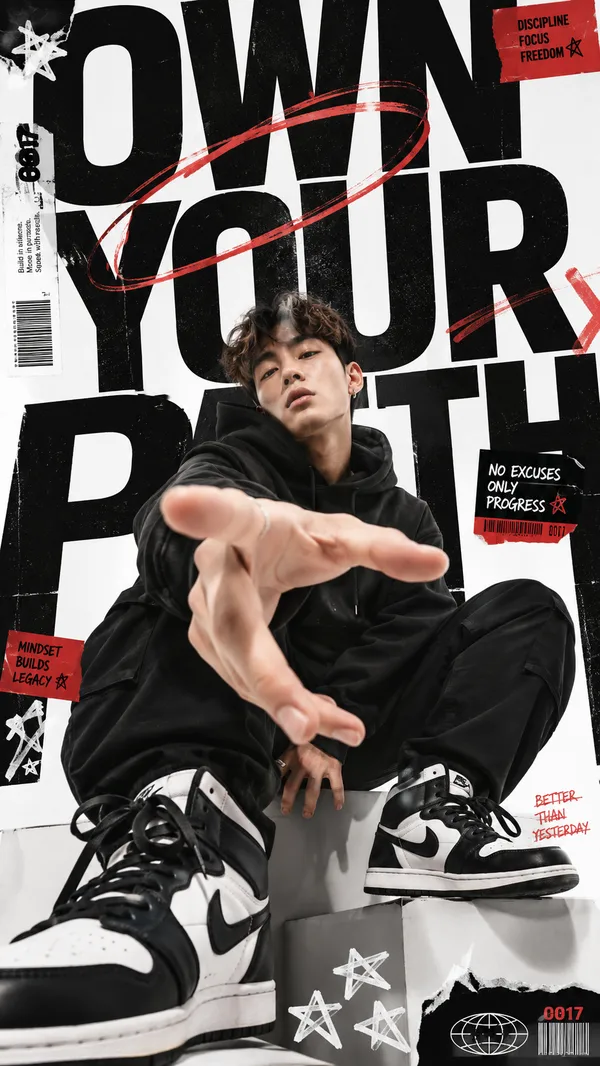
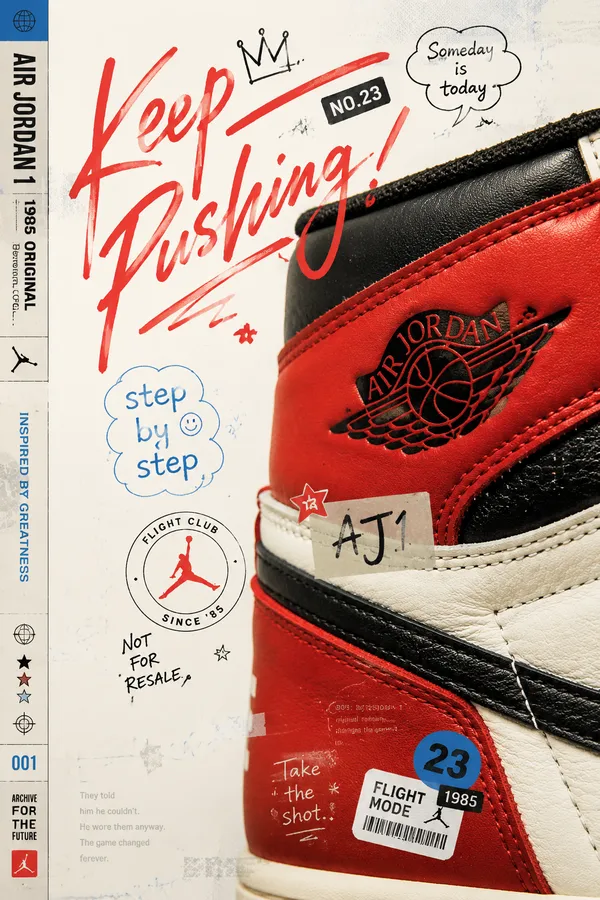
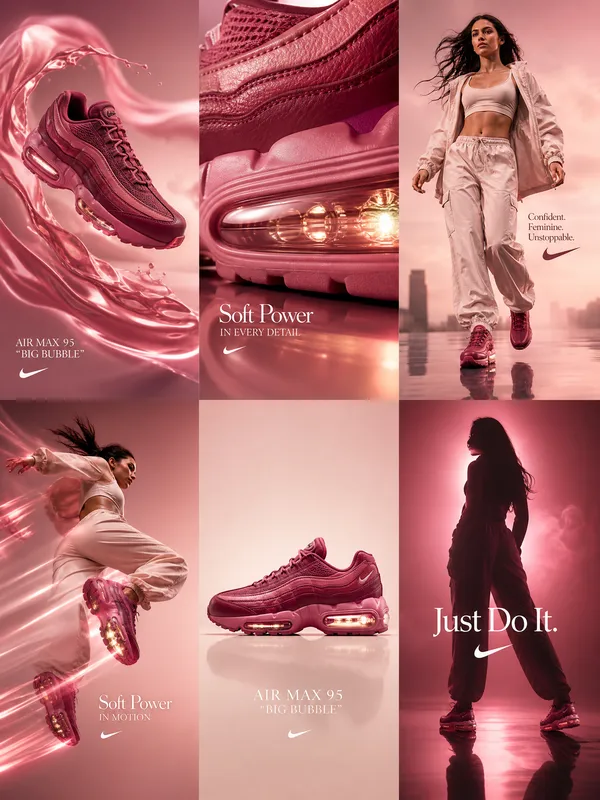
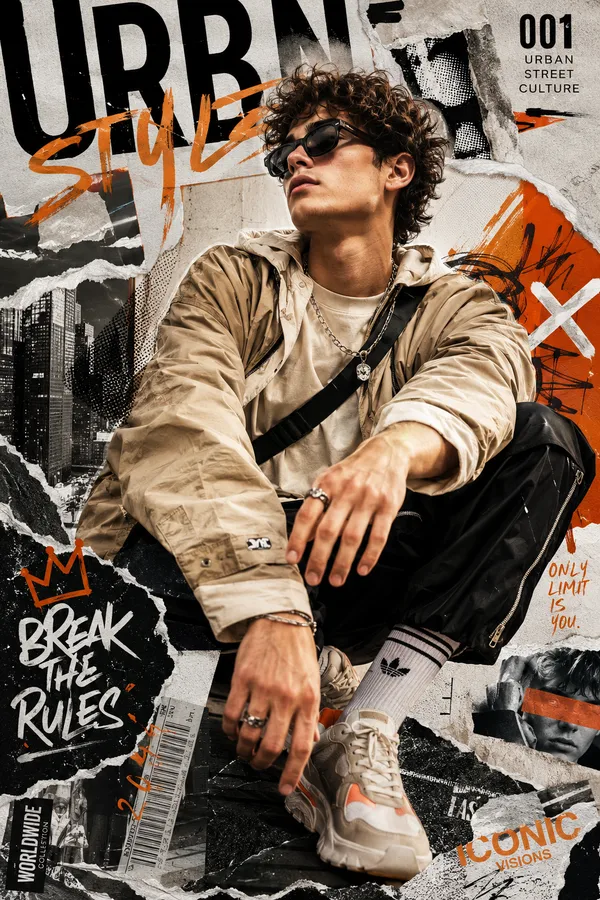
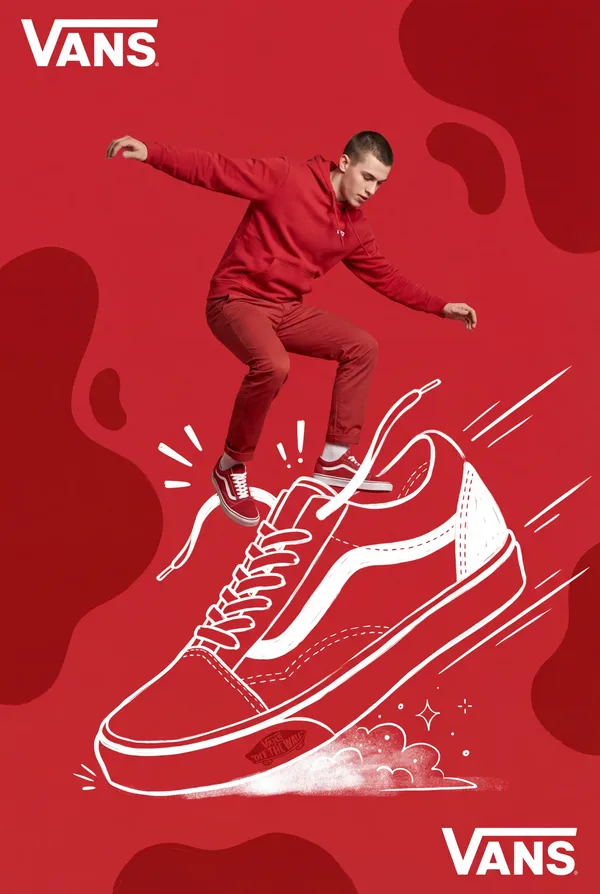
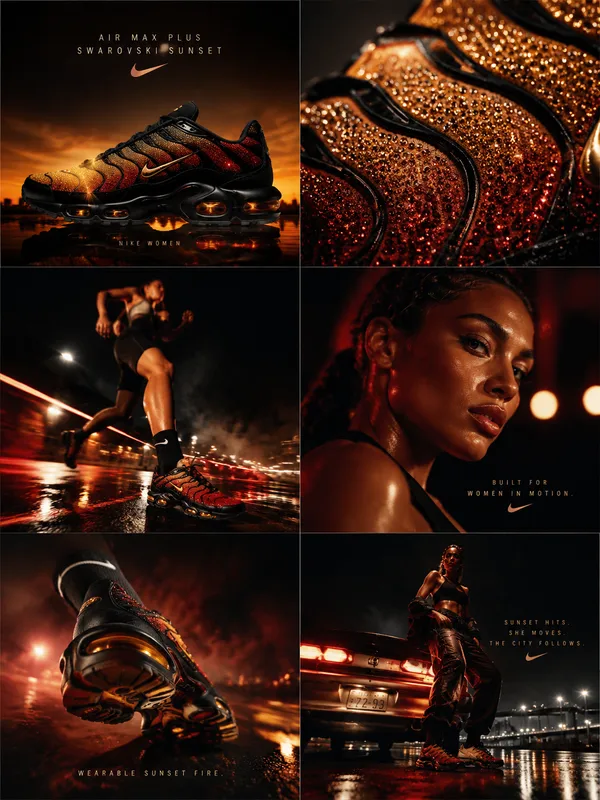
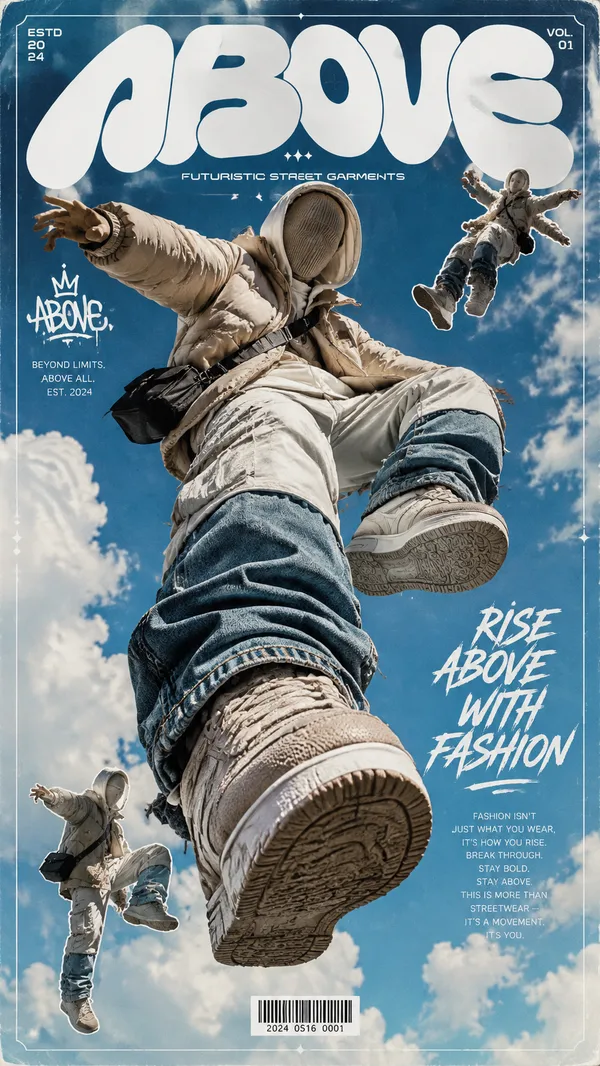
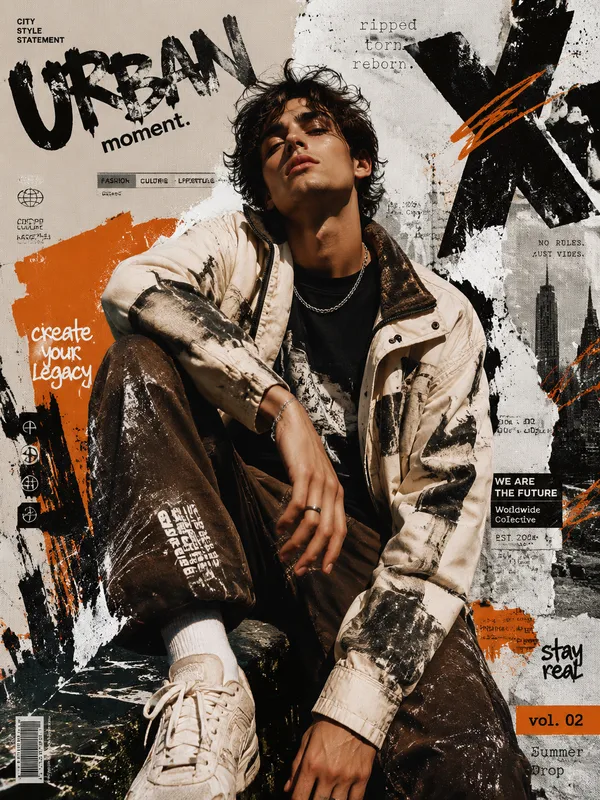
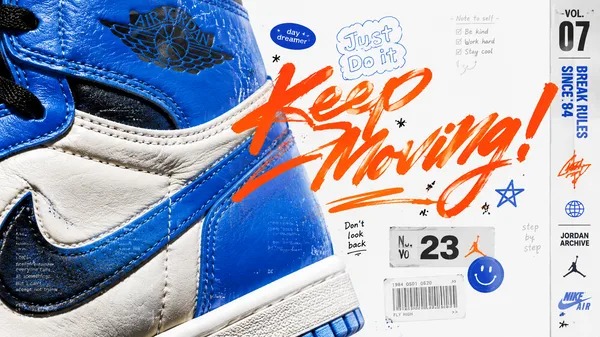
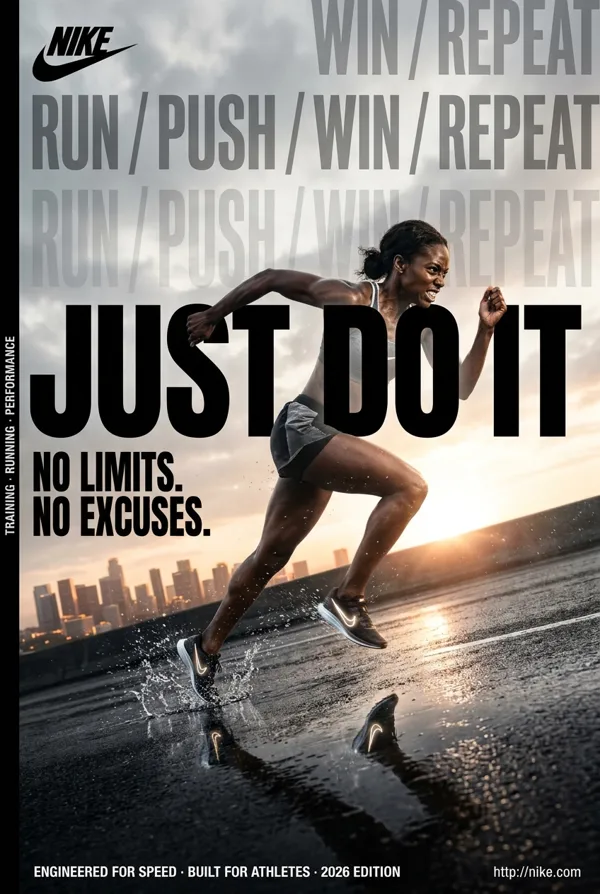
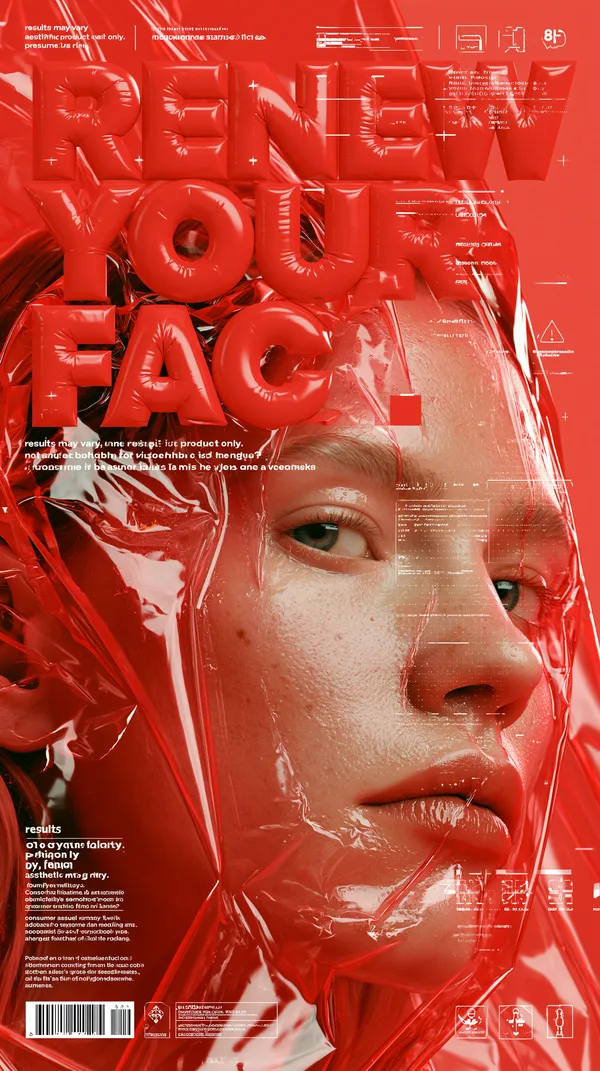
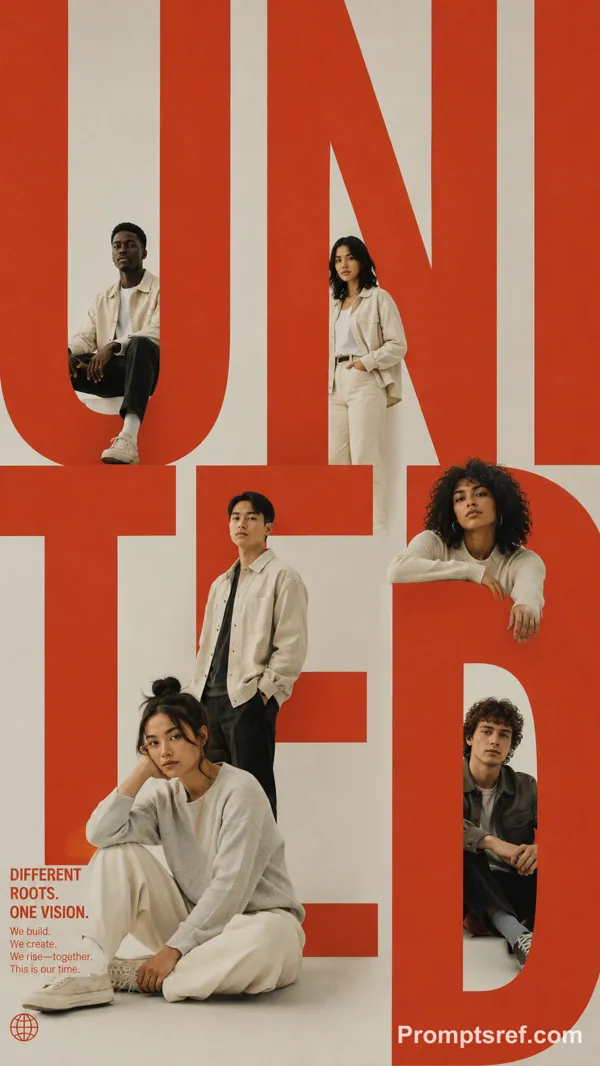
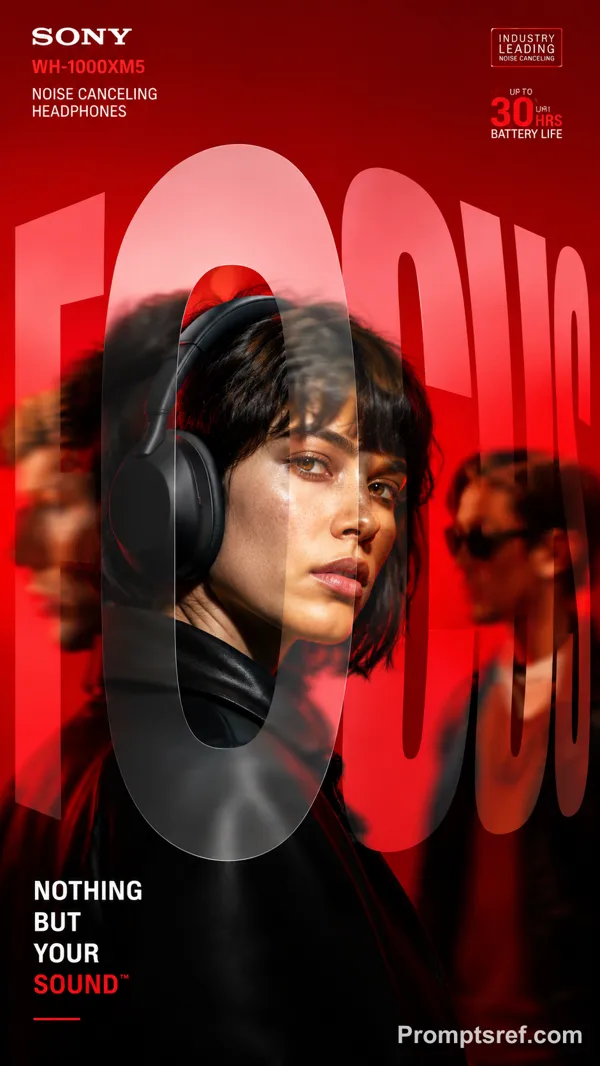
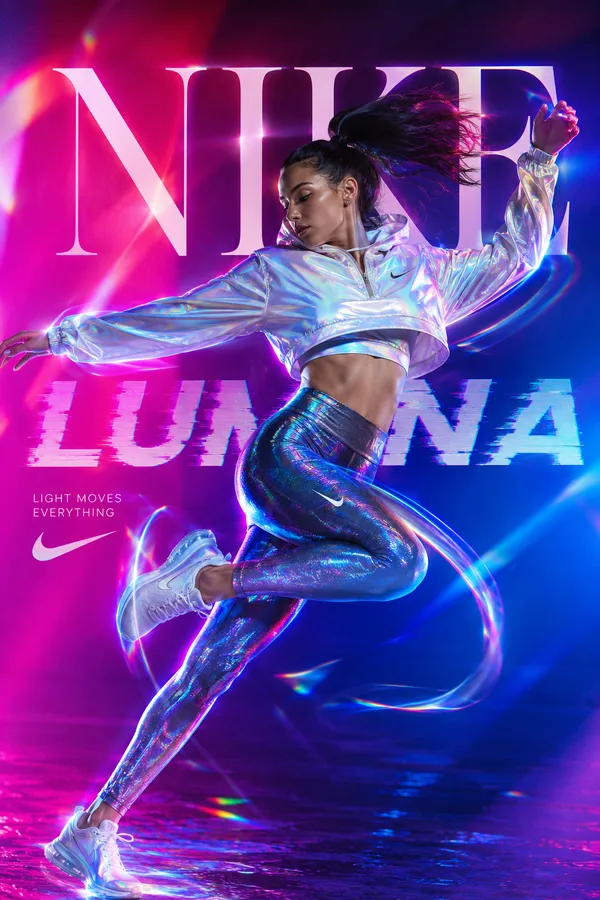
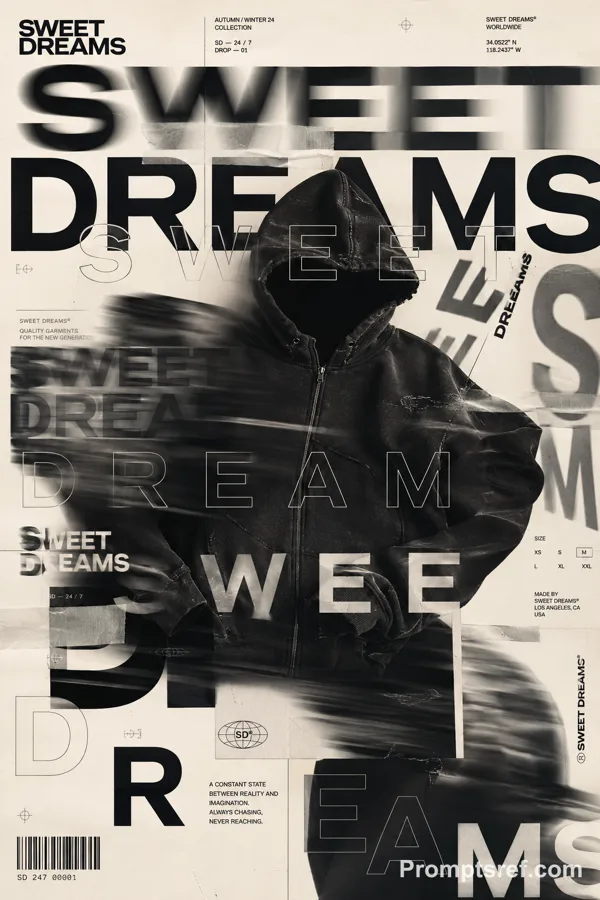
GPT Image 2.0 프롬프트 - 질감 있는 대형 타이포 포스터

- 화면 비율
- auto
- 화질
- 1K
프롬프트
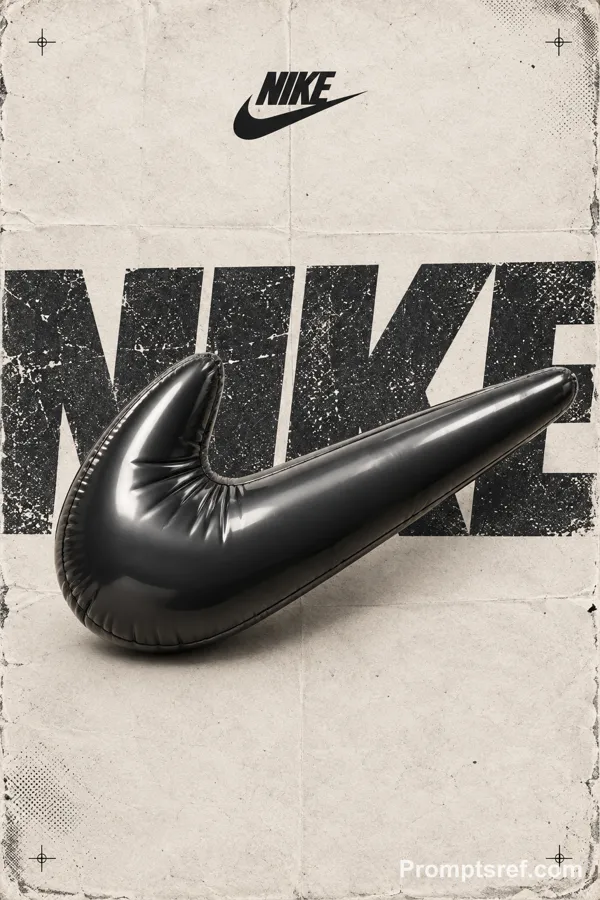
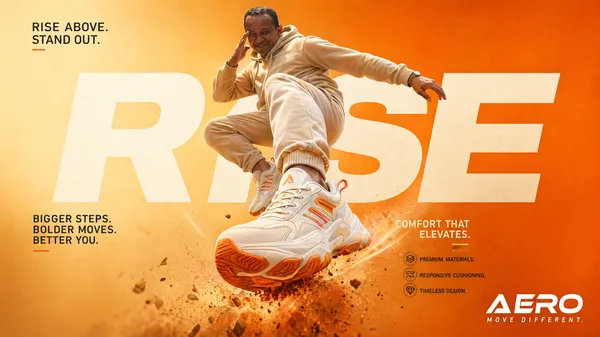
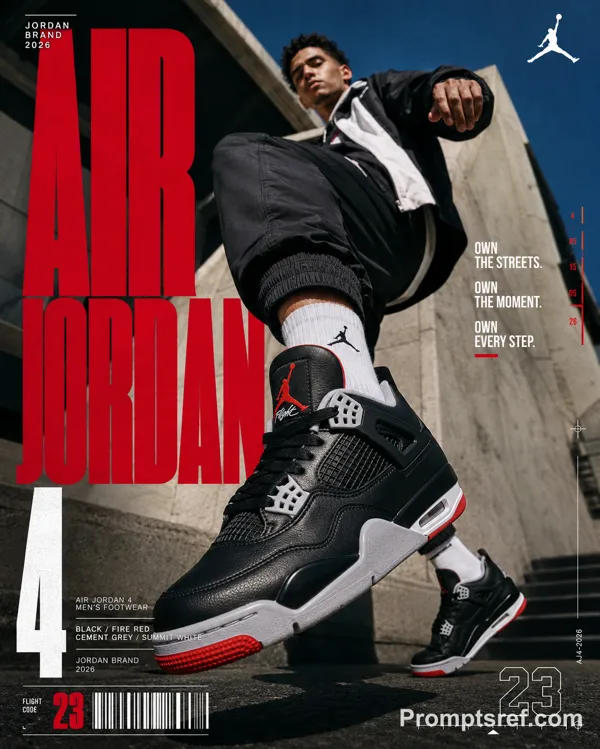
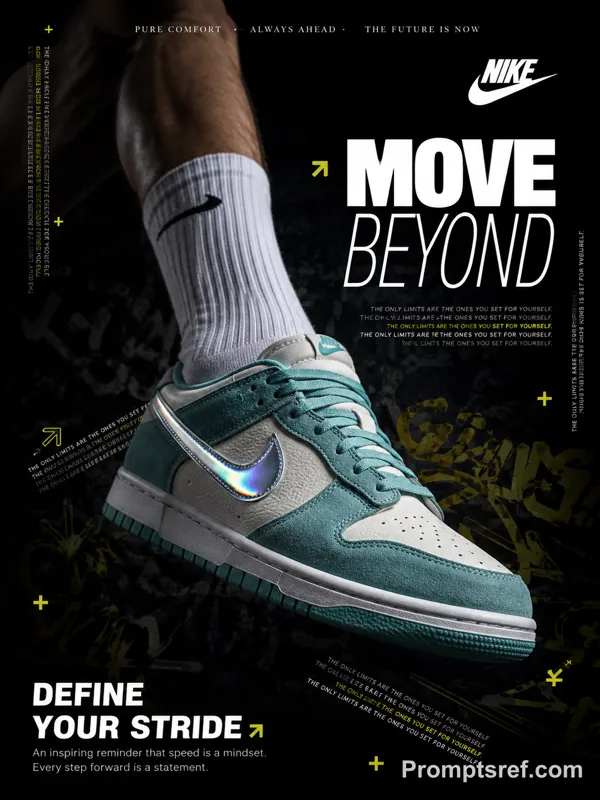
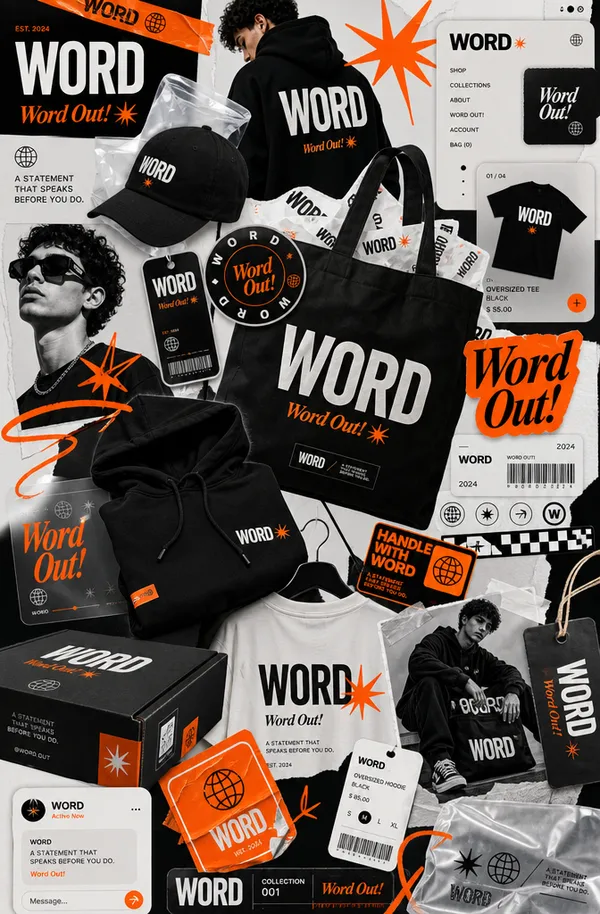
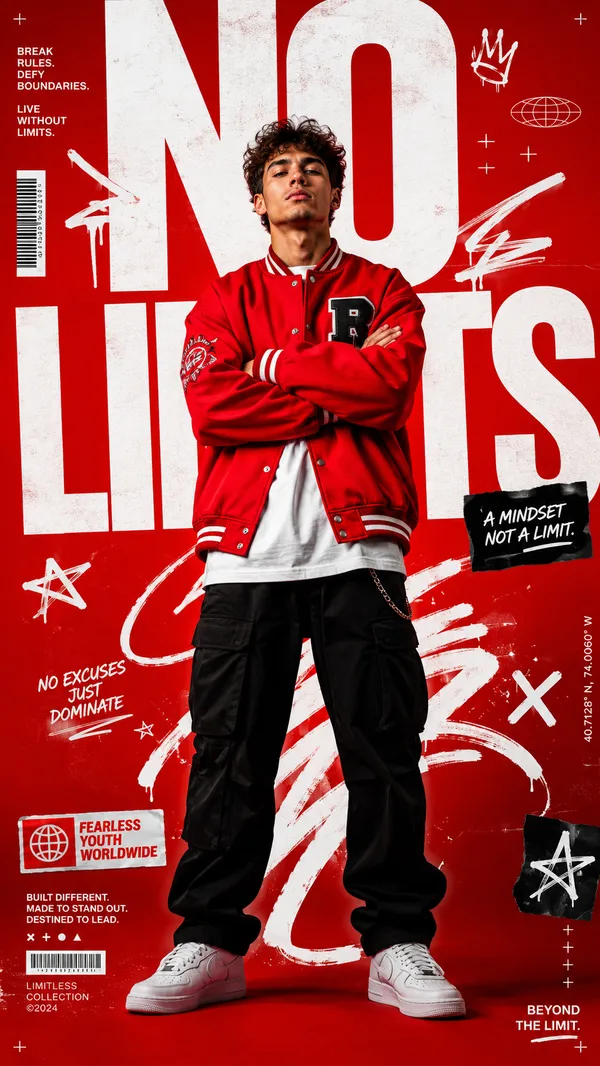
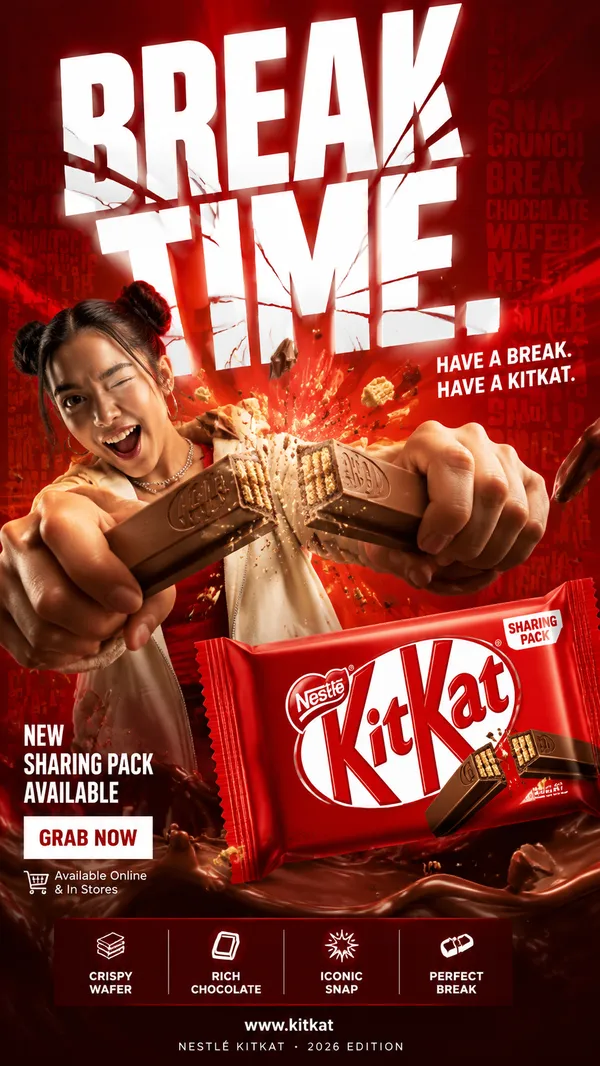
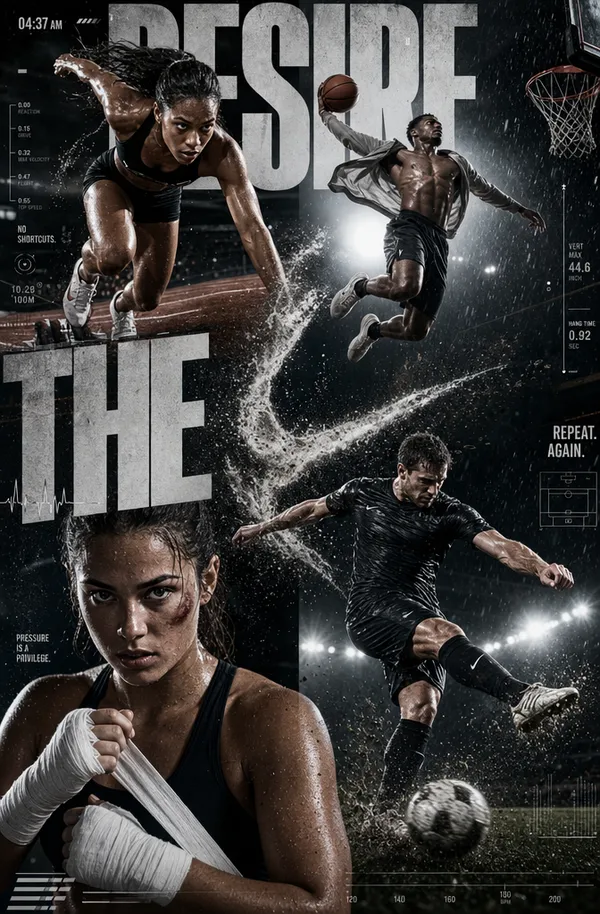
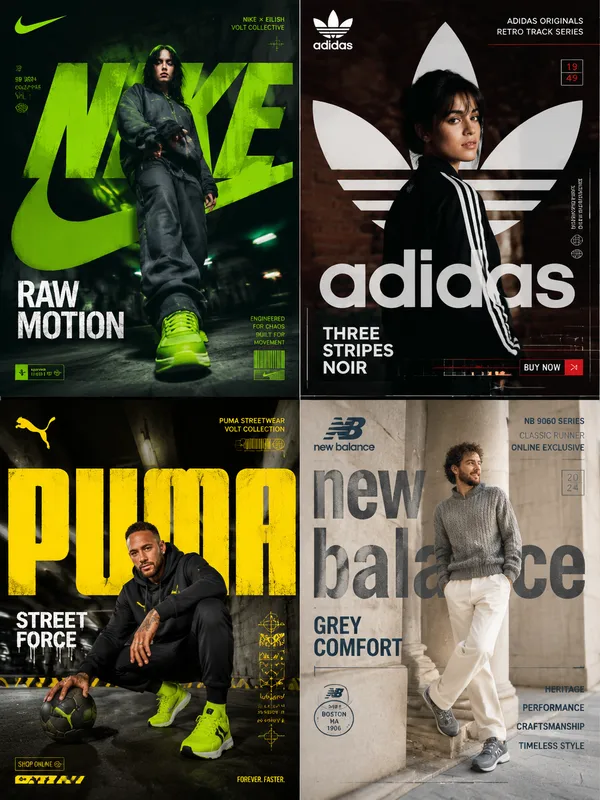
Create a bold editorial campaign poster where oversized typography is made from a real physical material and behaves like that material.
Brand: [BRAND NAME]
Product / Campaign: [PRODUCT OR CAMPAIGN]
Main Word: [SHORT WORD]
Material: [PUFFER FABRIC / DENIM / MESH / CREAM / OTHER]
Material Behavior: [COMPRESS / TEAR / WEAVE / MELT / OTHER]
Subject / Product: [PERSON / PRODUCT / BOTH]
Main Color: [COLOR]
Accent Color: [COLOR]
Campaign Details: [SLOGAN / SPECS / DATE]
Aspect Ratio: [9:16]
Use realistic commercial photography, oversized typography, bold high-contrast colors, and contemporary editorial design.
Make the main word extremely large, filling roughly 50–75% of the frame. Construct the letters from the chosen material with believable texture, thickness, seams, fibers, surface details, and lighting.
Most importantly, make the typography behave physically like the material. Fabric can compress and wrinkle, denim can tear and expose fibers, mesh can be threaded through eyelets, and frozen cream can soften and melt.
Let the subject or product interact directly with the material typography. Use realistic contact, pressure, tension, shadows, folds, tearing, or other material reactions so the effect feels physically connected rather than decorative.
Keep the main word readable even after the material transformation. Distort only the areas affected by the chosen behavior.
Use one dominant color system with a few contrasting accents. Add a small amount of meaningful campaign information such as the brand name, product name, slogan, specifications, labels, or callouts.
The final image should feel like a finished commercial campaign key visual — bold, tactile, colorful, concept-driven, and visually complete.
Avoid generic “subject + big text” layouts, plastic-looking materials, random distortion, meaningless filler text, excessive UI graphics, heavy CGI styling, clutter, and effects that do not match the chosen material.
리믹스 작품
리믹스아직 리믹스가 없어요. 첫 번째 버전을 만들어 보세요.
이 이미지 프롬프트 사용하기
- 01
프롬프트로 시작하기
프롬프트를 복사하거나 생성 버튼으로 여세요.
- 02
나만의 아이디어 더하기
주제, 배경, 세부 사항을 조정하고 필요하면 참고 자료를 추가하세요.
- 03
생성 전 확인하기
모델과 출력 설정을 확인하세요. 생성 결과는 매번 다를 수 있습니다.