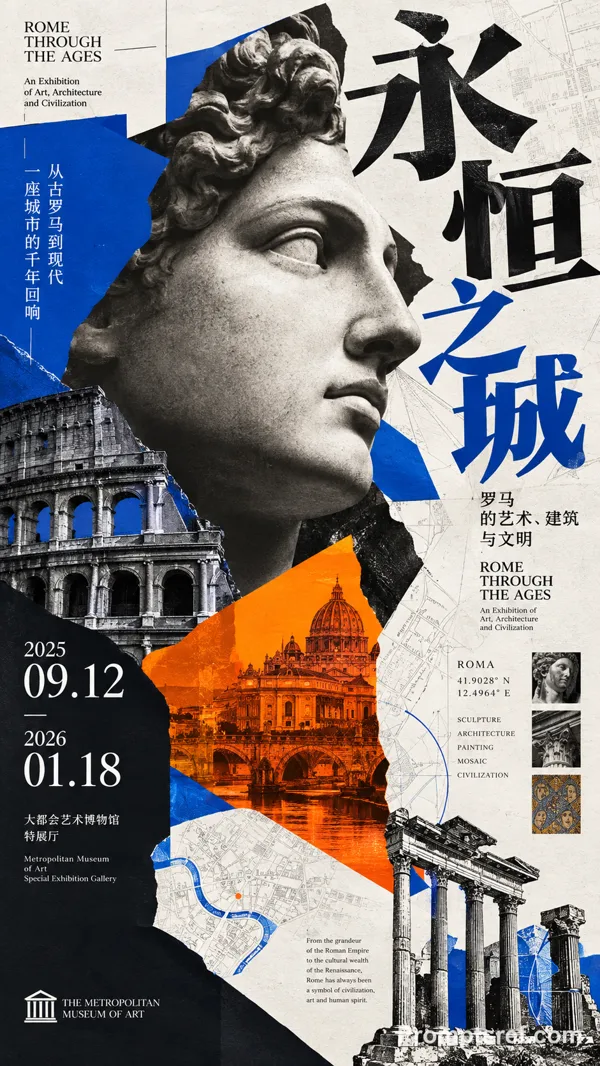
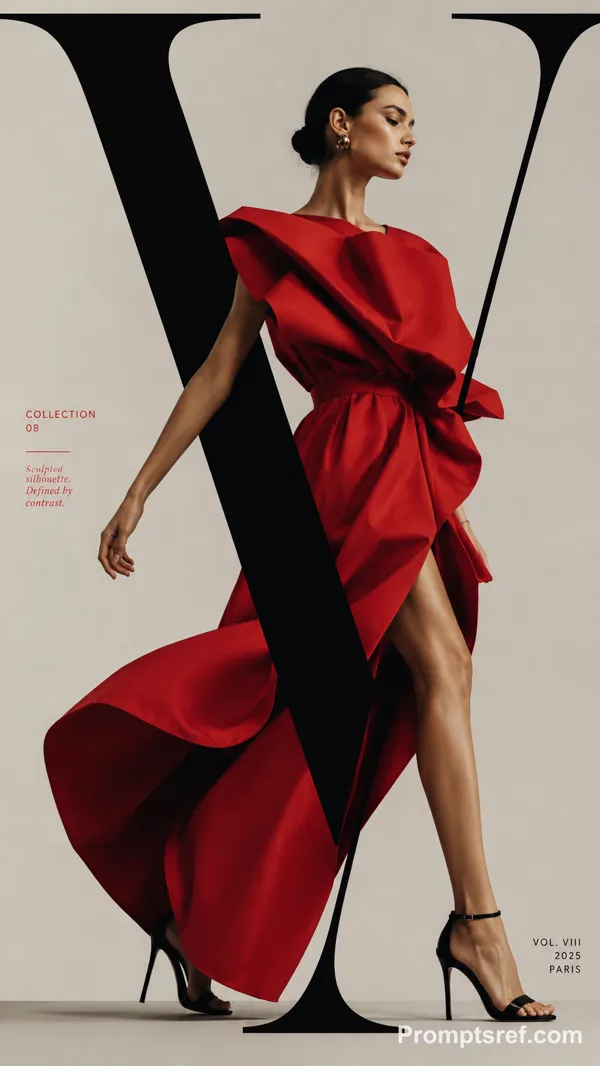
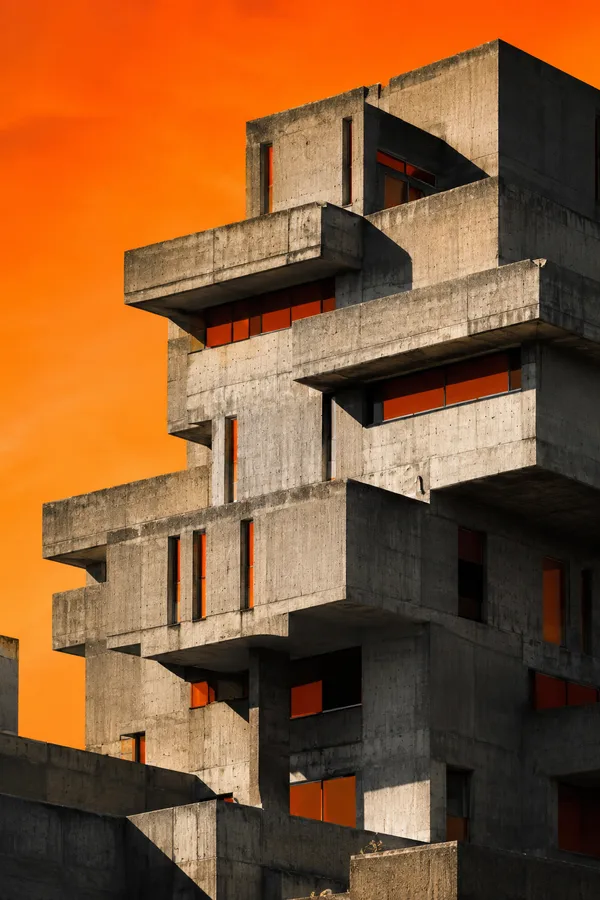
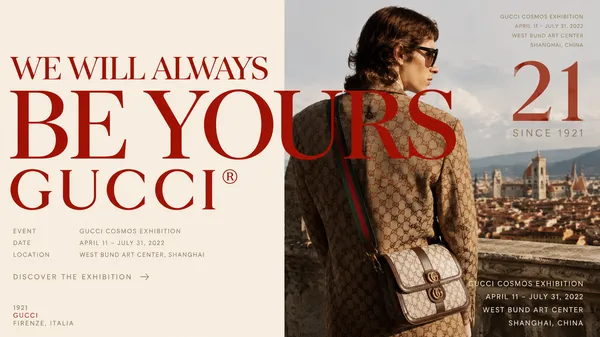
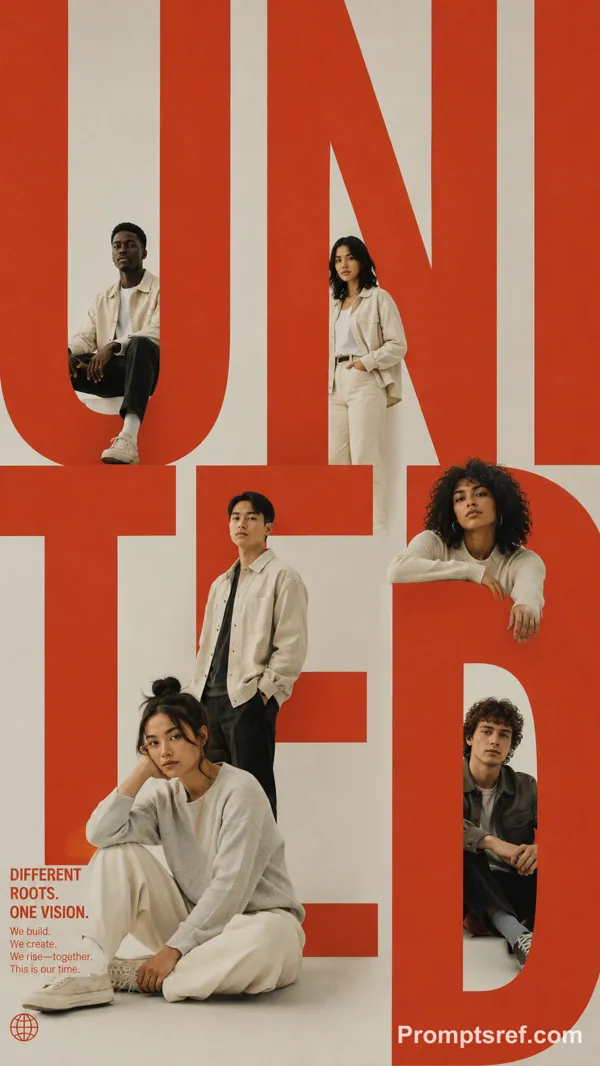
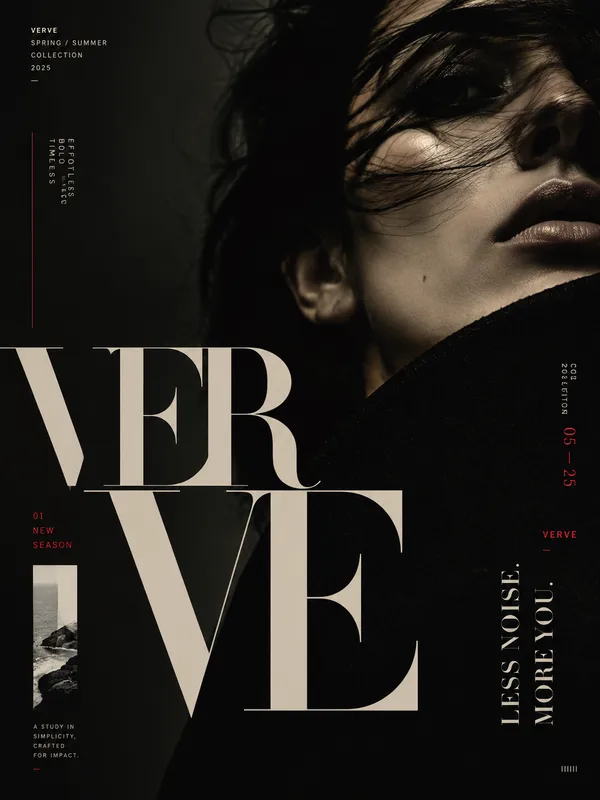
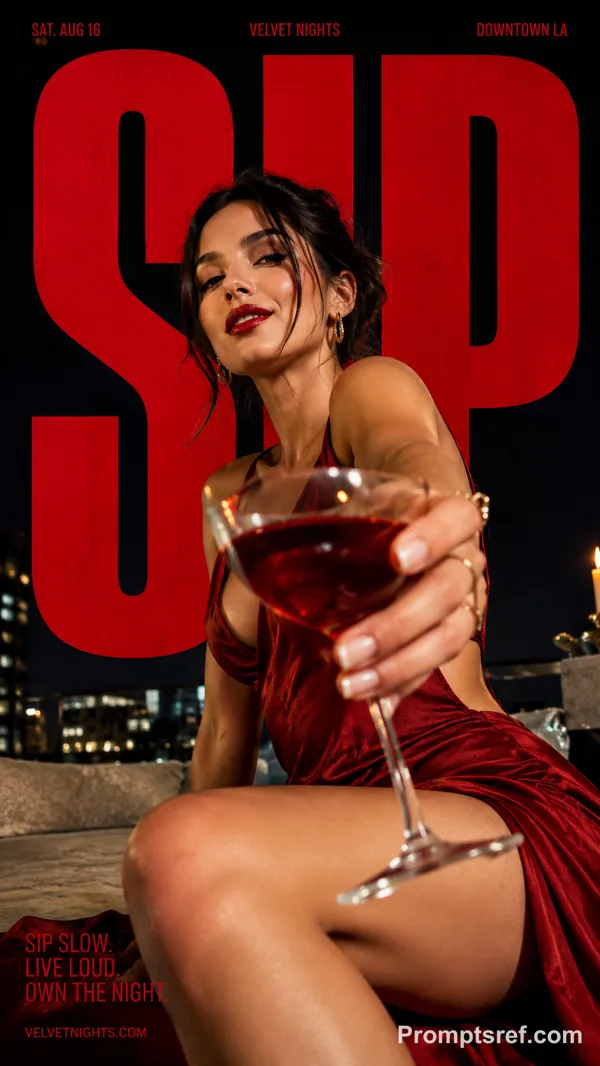
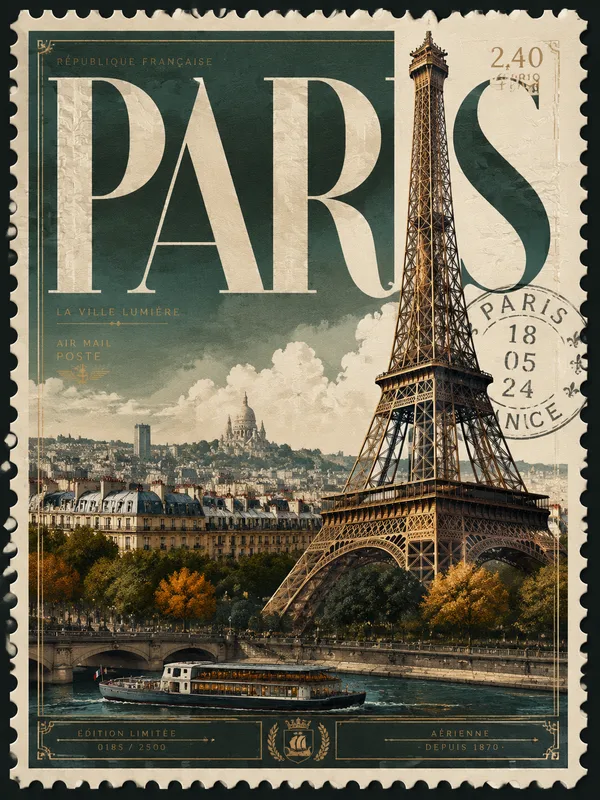
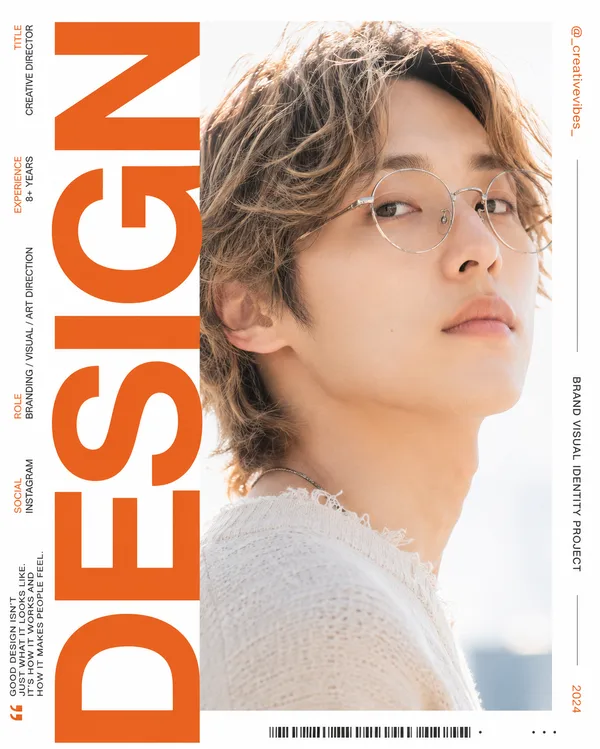
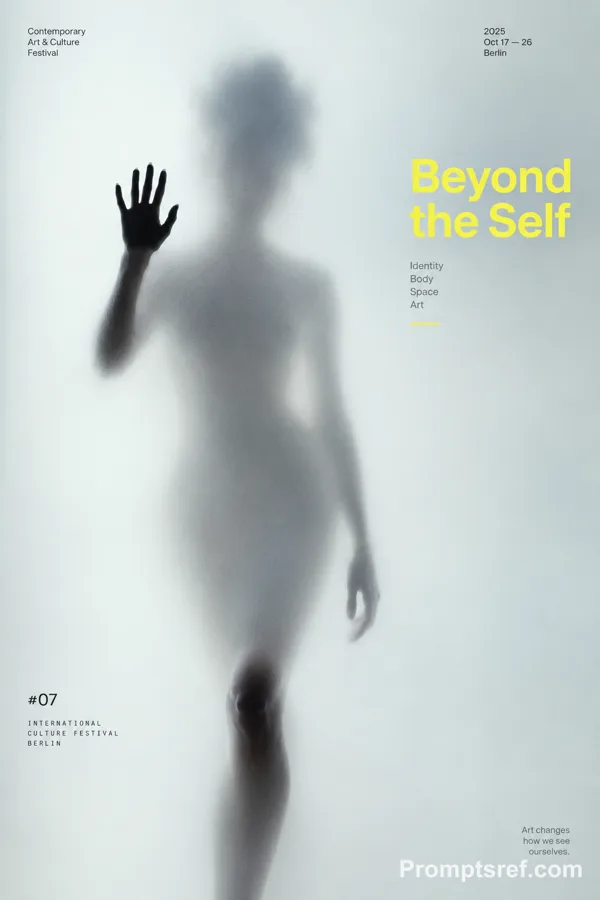
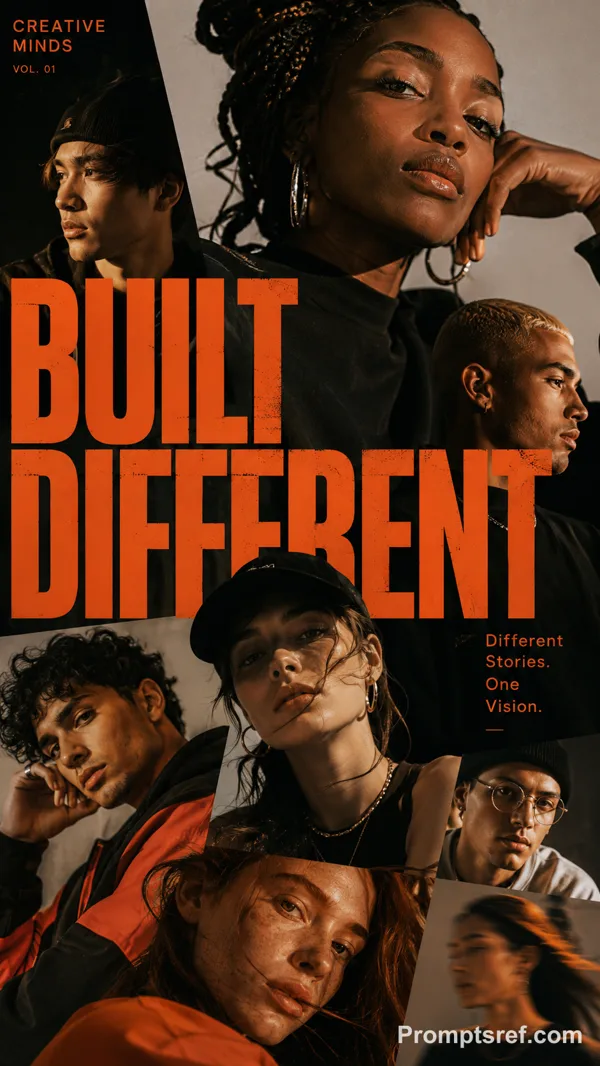
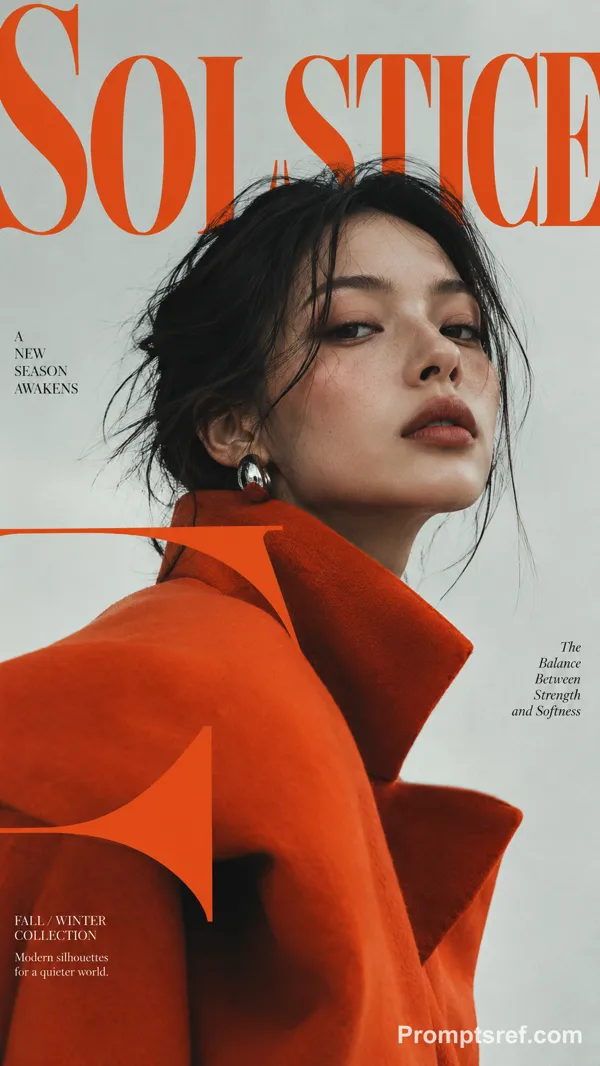
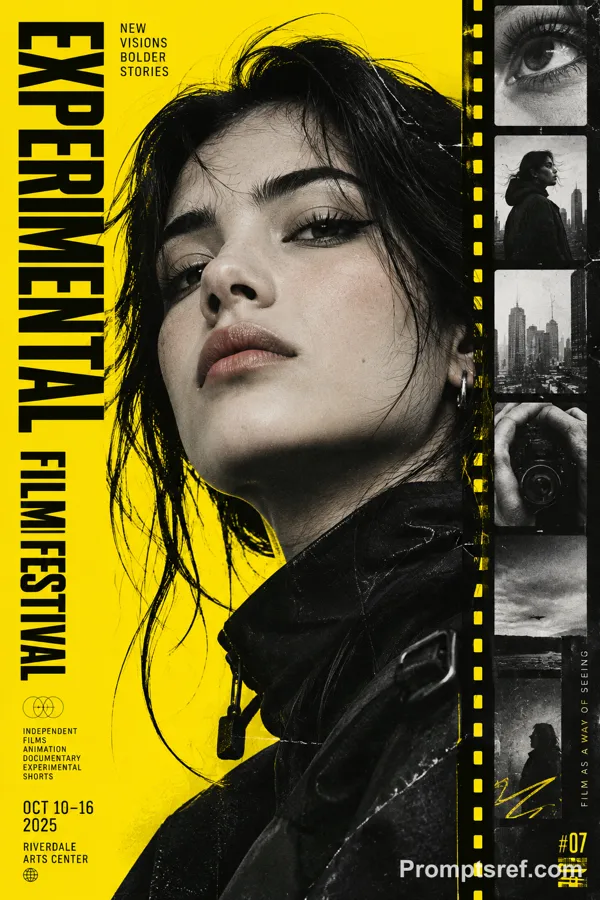
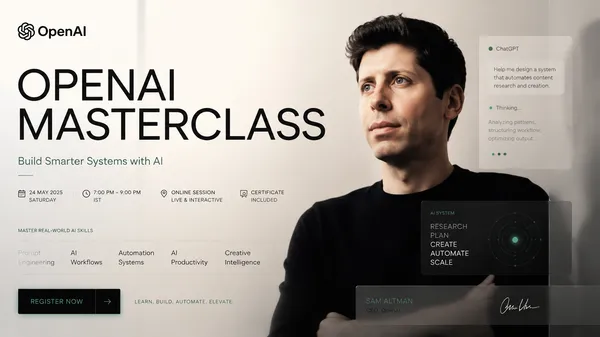
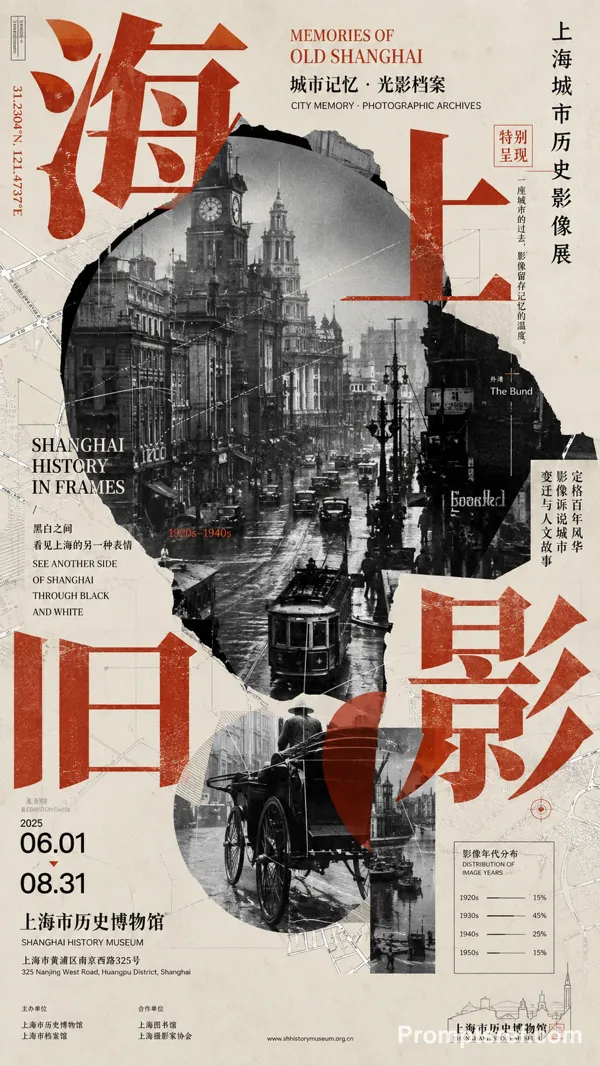
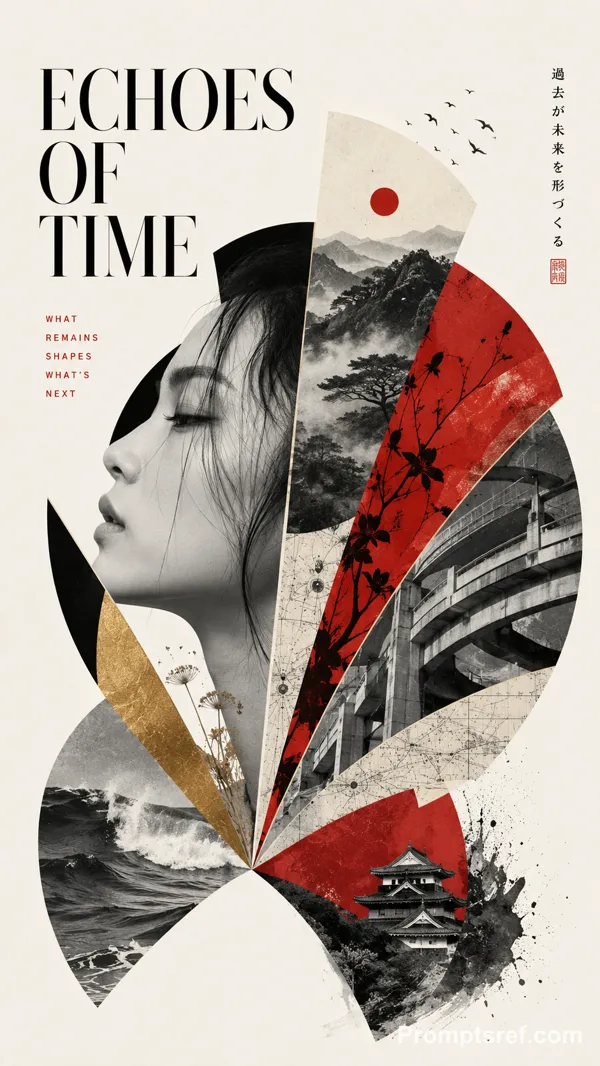
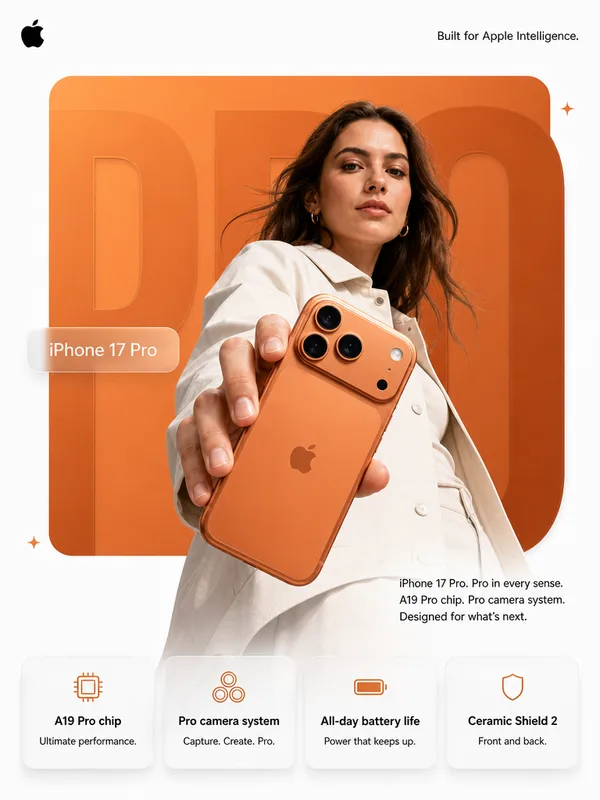
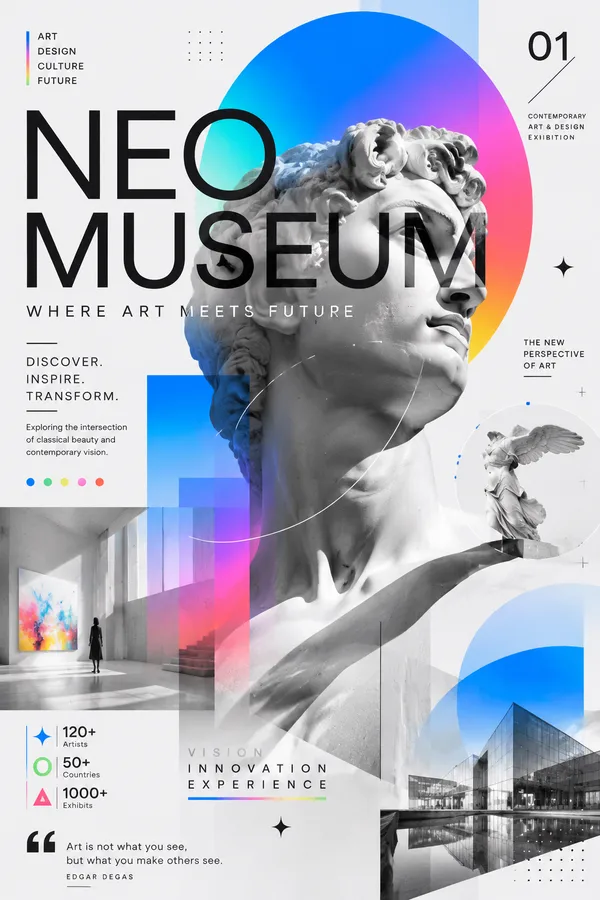
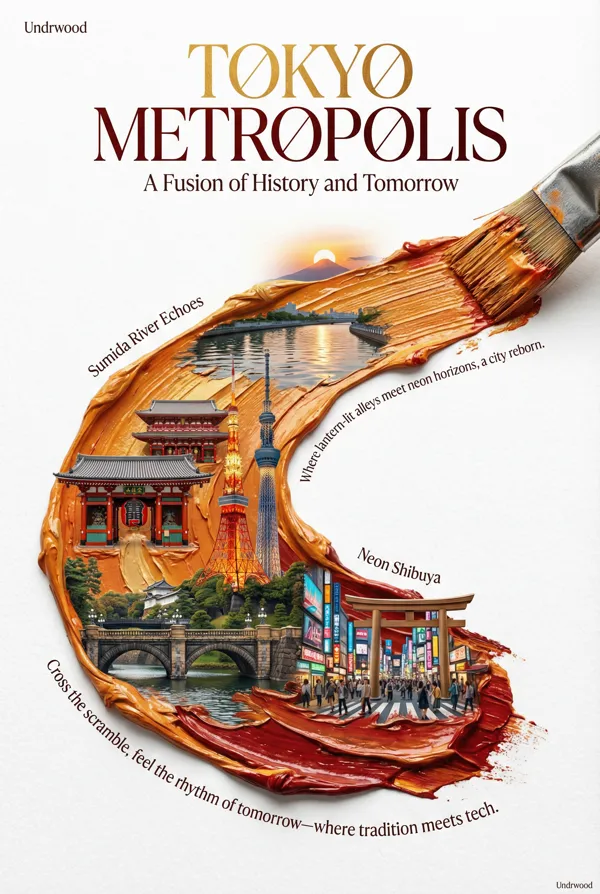
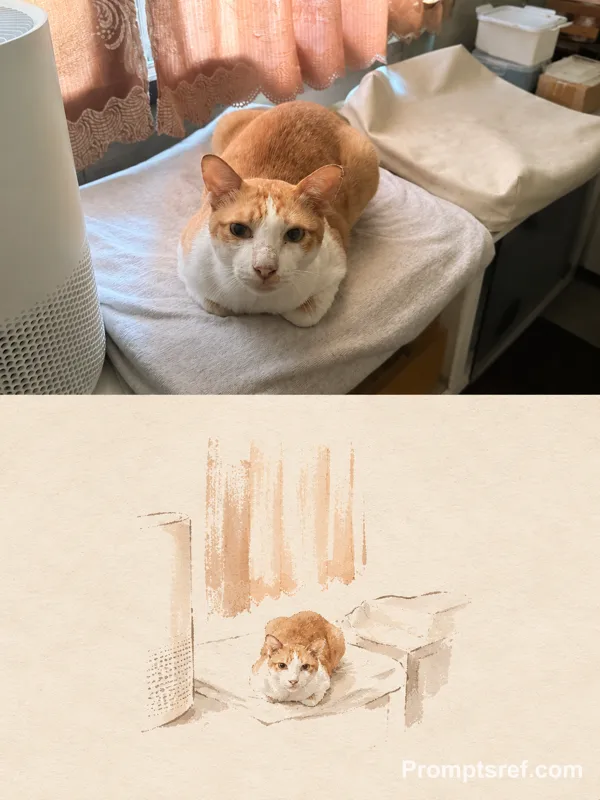
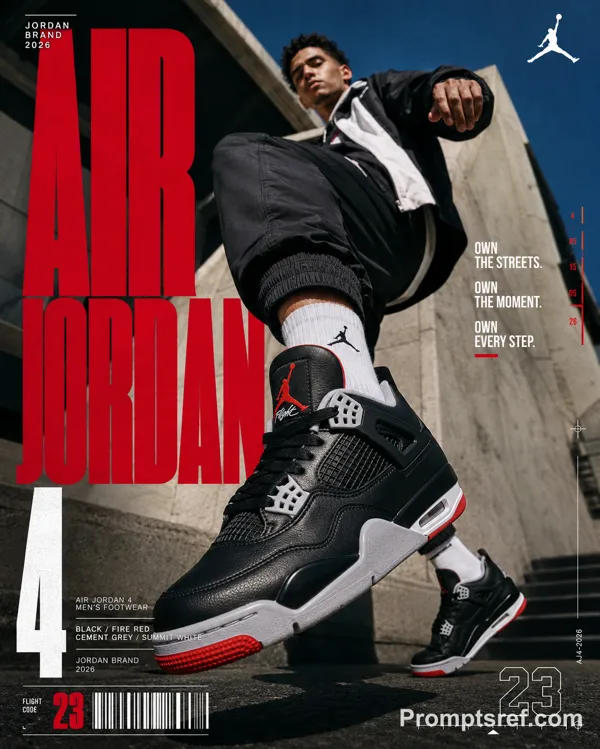
GPT Image 2.0 프롬프트 - 오프화이트 모노크롬 건축과 굵은 타이포

- 화면 비율
- auto
- 화질
- 1K
프롬프트
Theme: [museum / city campaign / design week / hotel / public space]
Main title: [YOUR TITLE]
Architecture: [building type and key geometry]
Accent color: [orange / blue / teal / yellow / other]
Type interaction: [behind / overlapping / wrapping / cropped by architecture]
Aspect ratio: 9:16
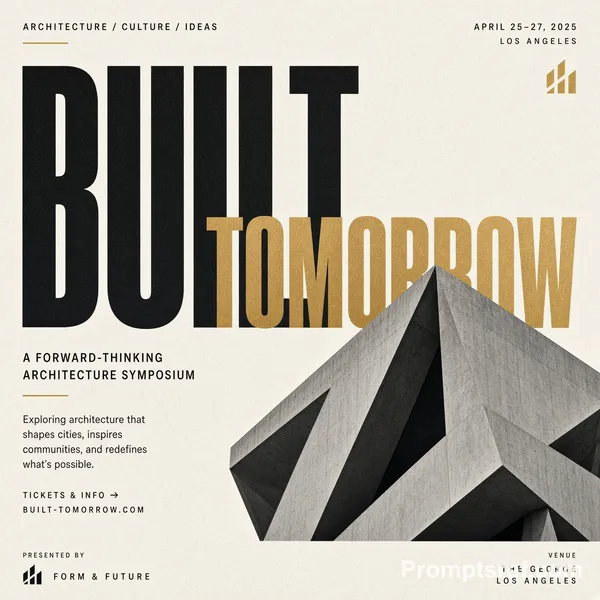
Create a vertical architectural editorial poster combining real architectural photography with bold graphic typography.
Use a warm off-white background and mostly monochrome architecture with strong contrast, realistic concrete, glass, steel and natural shadows. Make the building large in frame with dramatic cropping, clear geometry and a strong silhouette rather than showing the entire structure neatly.
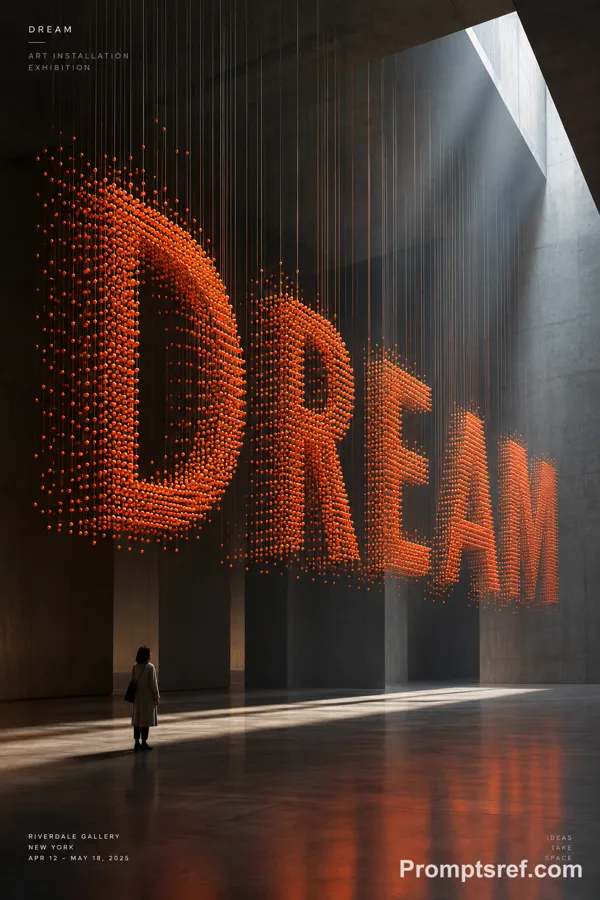
Use only one saturated accent color, applied selectively to oversized type, geometric blocks, outlines or small architectural areas.
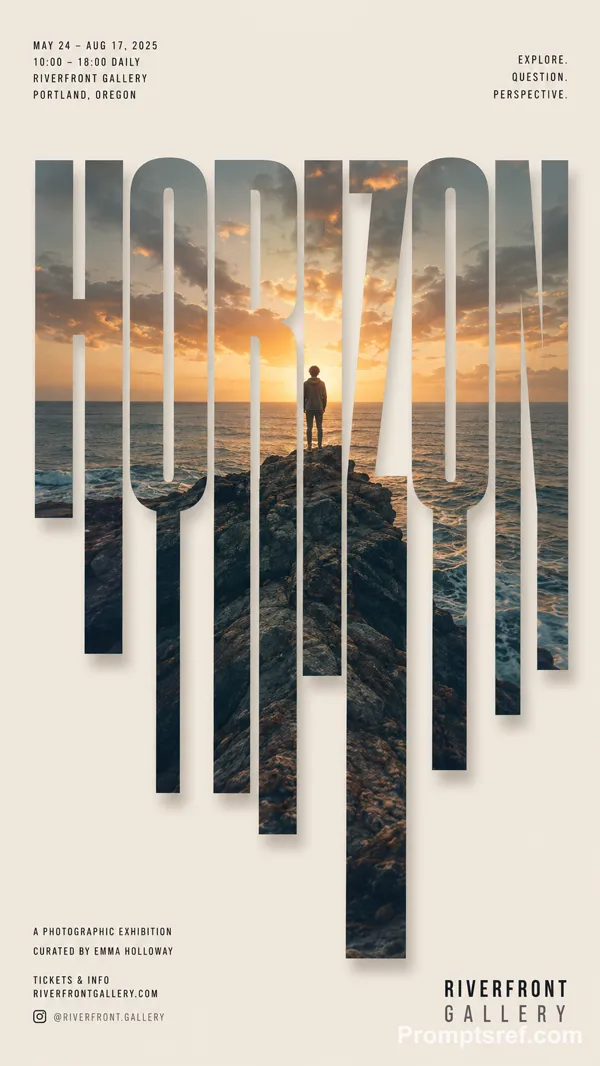
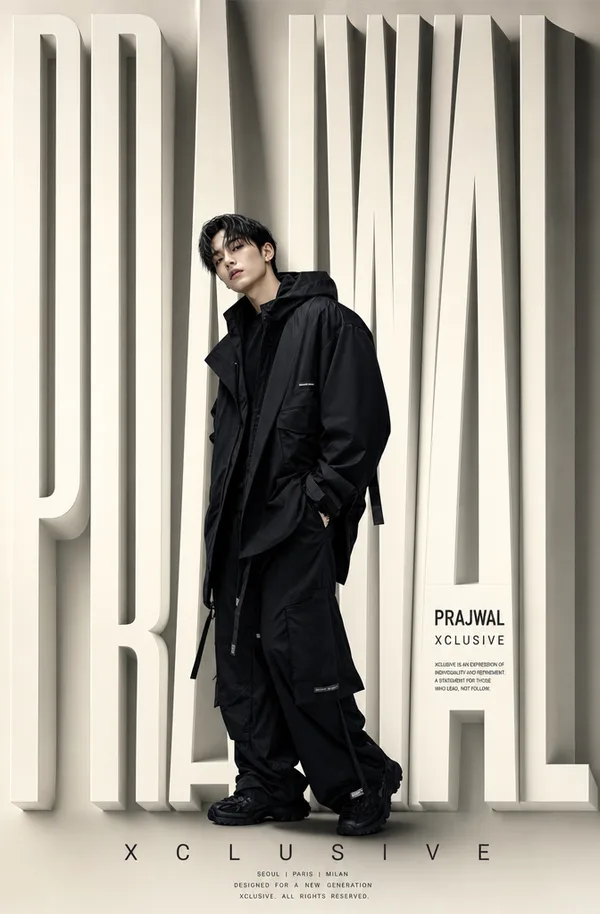
Typography must act as part of the composition, not simply sit on top of the photo. Use oversized bold sans-serif lettering that overlaps, hides behind, cuts across or extends beyond the architecture and poster edges.
Add a small amount of structured editorial information such as event name, date, location, categories or a short statement. Keep the hierarchy clear: architecture and oversized type first, supporting text second.
Aim for a sophisticated architectural magazine / cultural campaign aesthetic with strong negative space, graphic tension and clear thumbnail impact.
Avoid generic real-estate advertising, futuristic CGI buildings, excessive colors, meaningless text, logos, numbering, watermarks and decorative clutter.
리믹스 작품
리믹스아직 리믹스가 없어요. 첫 번째 버전을 만들어 보세요.
이 이미지 프롬프트 사용하기
- 01
프롬프트로 시작하기
프롬프트를 복사하거나 생성 버튼으로 여세요.
- 02
나만의 아이디어 더하기
주제, 배경, 세부 사항을 조정하고 필요하면 참고 자료를 추가하세요.
- 03
생성 전 확인하기
모델과 출력 설정을 확인하세요. 생성 결과는 매번 다를 수 있습니다.