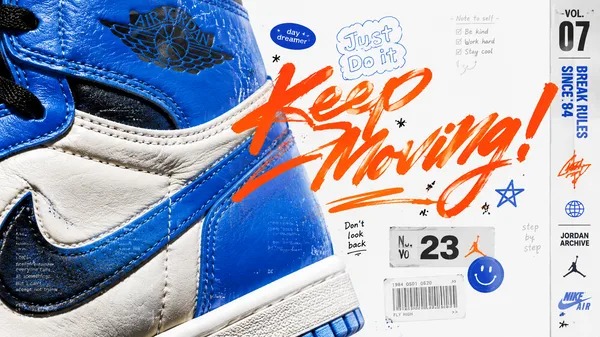
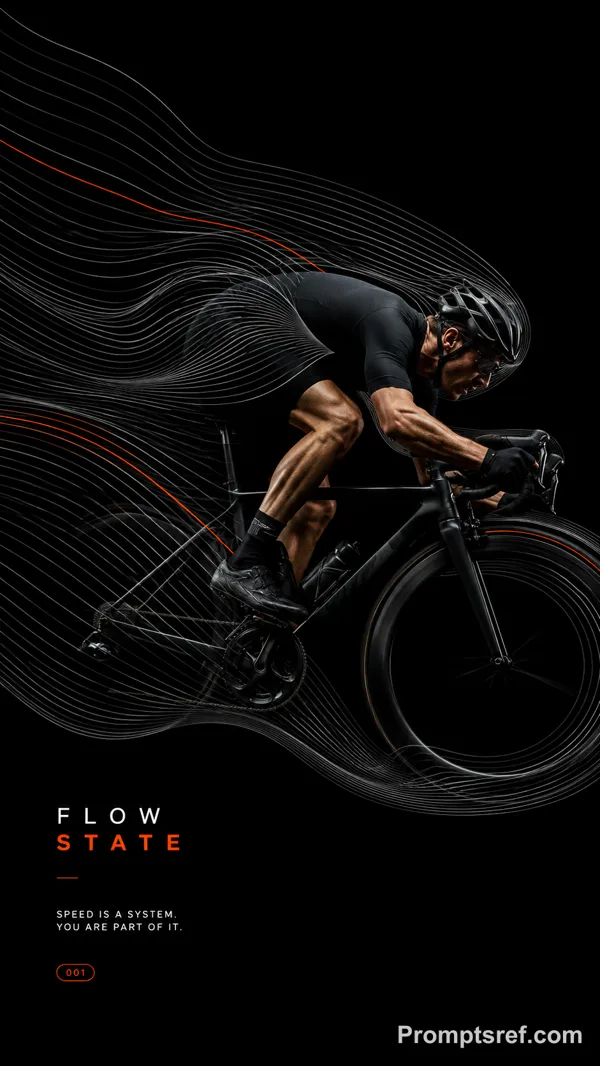
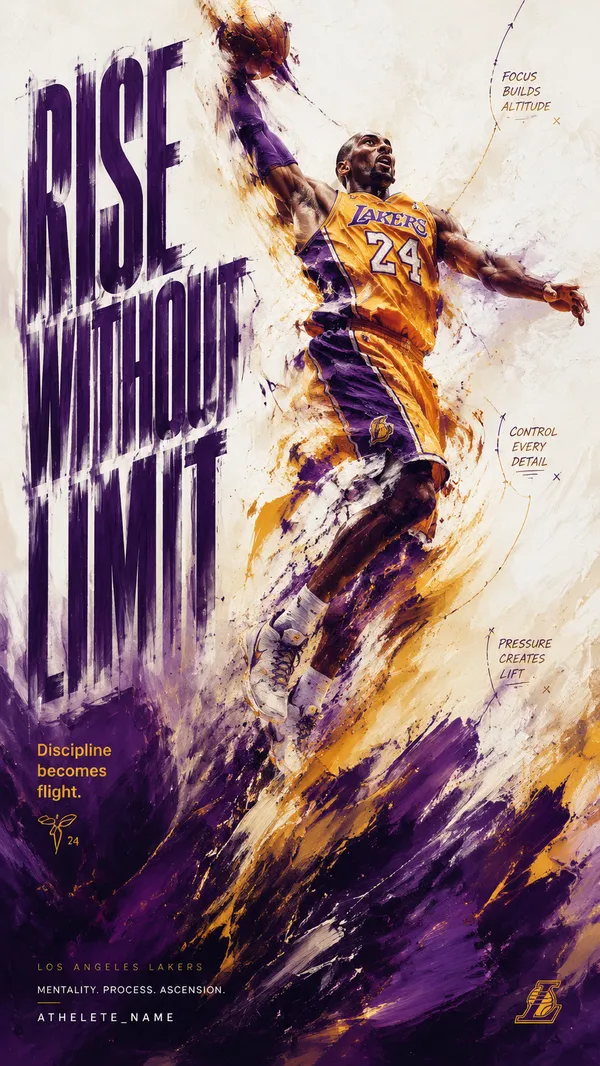
GPT Image 2.0 프롬프트 - 스칼렛 샤드 에디토리얼 포스터

- 화면 비율
- 2:3
- 화질
- 1K
프롬프트
{
"style_name": "Scarlet Shard Photo Type Poster Style",
"style_slug": "scarlet-shard-photo-type-poster-style",
"style_version": "1.0.0",
"style_summary": "A high-energy editorial poster system built from a scarlet grain field, oversized white geometric shards, cropped cyan-tinted photography, and stacked modern sans typography arranged around a central fractured aperture.",
"environment_variables": {
"SUBJECT": "main subject",
"SUBJECT_ACTION": "main action",
"PRODUCT_OR_PROP": "object, product, or prop",
"LOCATION": "environment or setting",
"BACKGROUND_ELEMENTS": "secondary scene details",
"MAIN_TEXT": "main headline or graphic text",
"SECONDARY_TEXT": "small repeated supporting text",
"ACCENT_SYMBOL": "separator or decorative symbol",
"WARDROBE_STYLE": "styling direction",
"STYLE_FIDELITY_ANCHORS": "observable style traits that must remain visible",
"SOURCE_CONTENT_TO_AVOID": "literal source content that generated samples must not recreate",
"ASPECT_RATIO": "9:16 or 16:9"
},
리믹스 작품
리믹스아직 리믹스가 없어요. 첫 번째 버전을 만들어 보세요.
이 이미지 프롬프트 사용하기
- 01
프롬프트로 시작하기
프롬프트를 복사하거나 생성 버튼으로 여세요.
- 02
나만의 아이디어 더하기
주제, 배경, 세부 사항을 조정하고 필요하면 참고 자료를 추가하세요.
- 03
생성 전 확인하기
모델과 출력 설정을 확인하세요. 생성 결과는 매번 다를 수 있습니다.