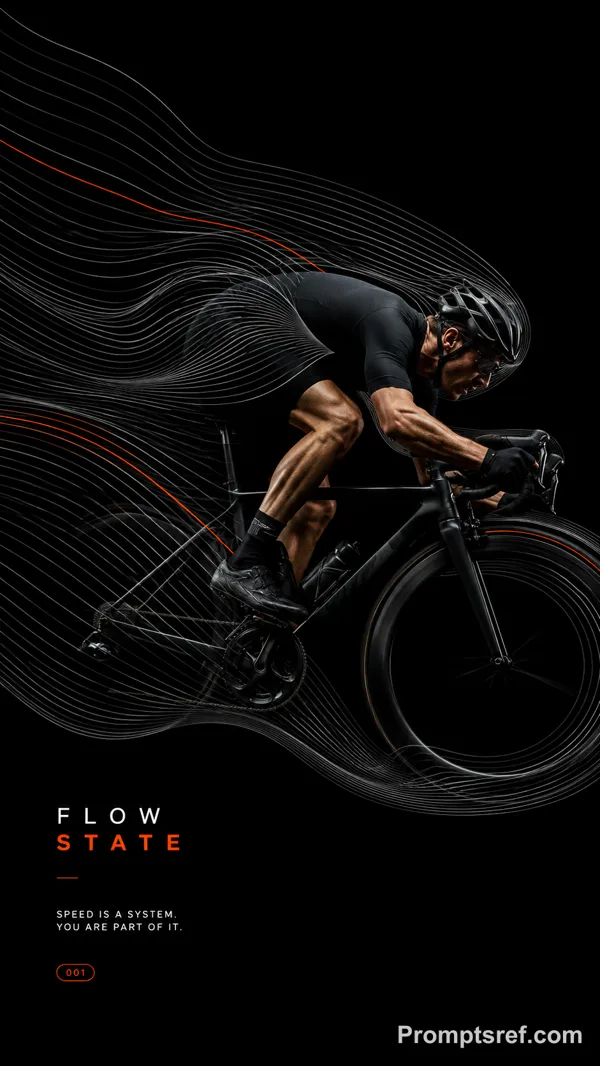
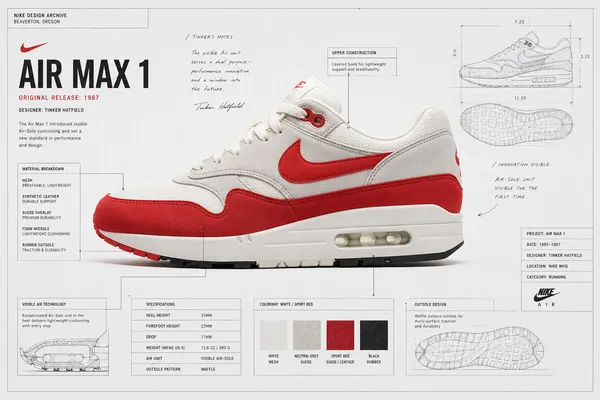
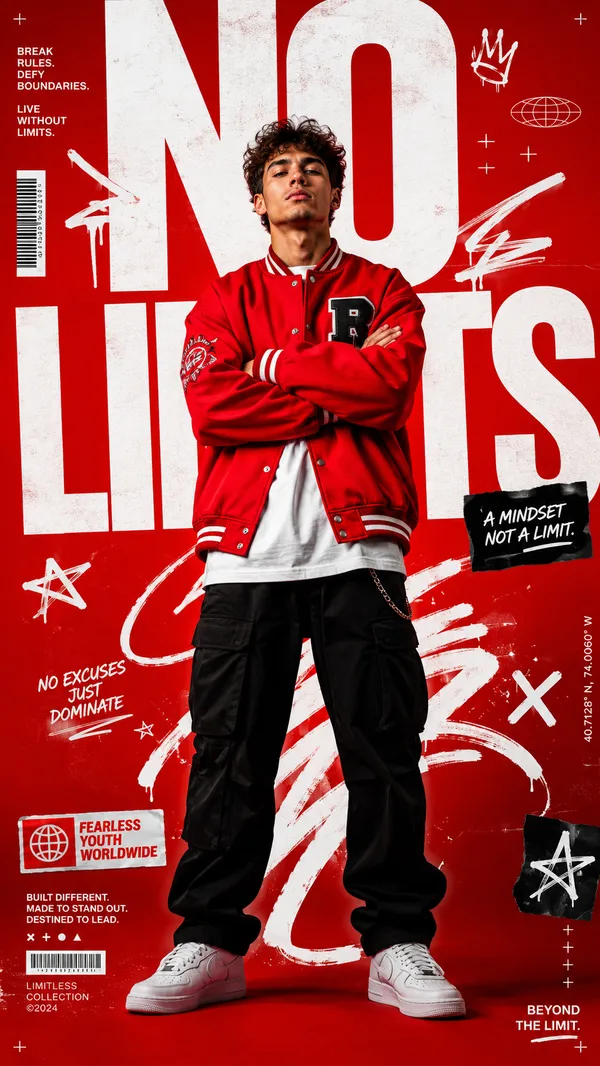
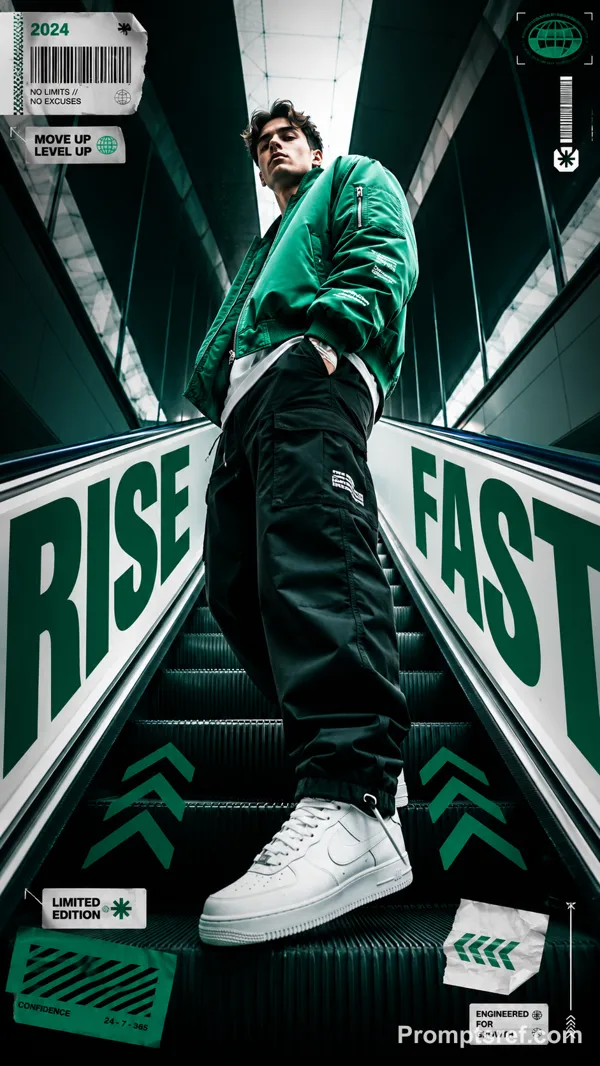
GPT Image 2.0 Prompt - Affiche typographique optique audacieuse

- Modèle
- GPT Image 2.0
- Format
- auto
- Qualité
- 1K
Prompt
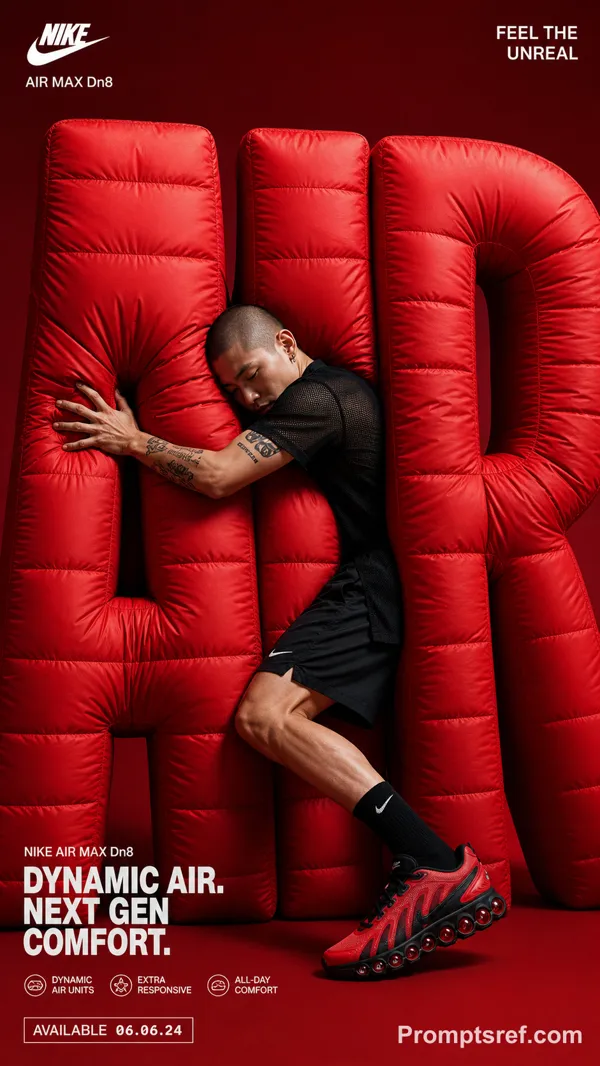
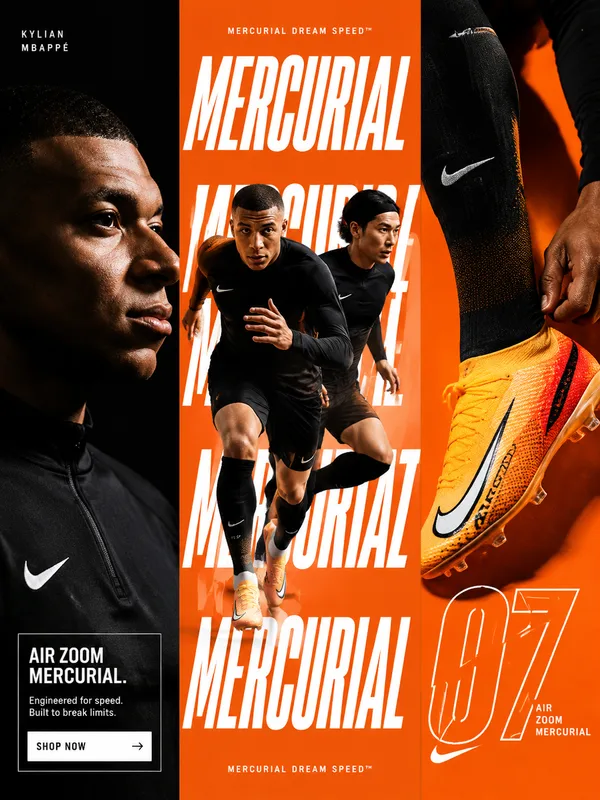
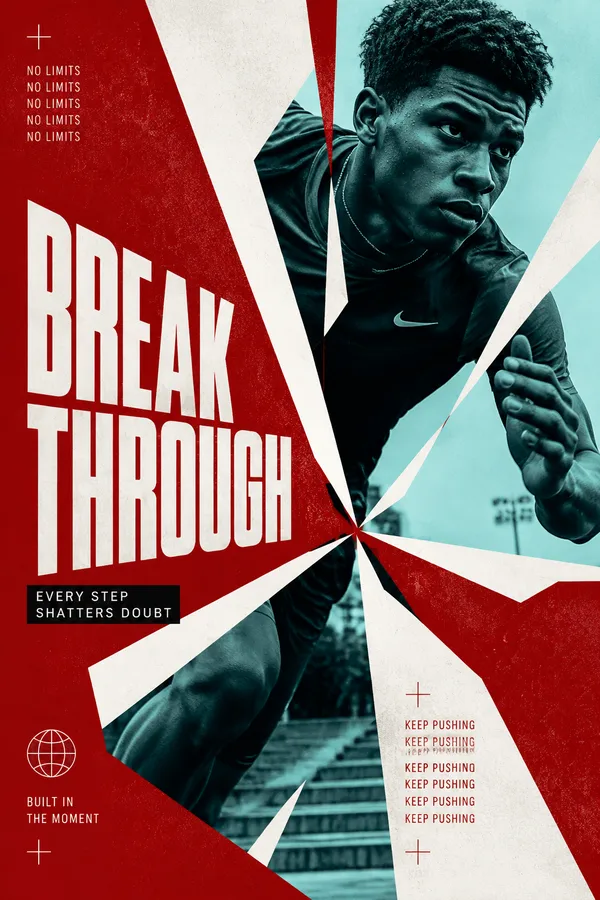
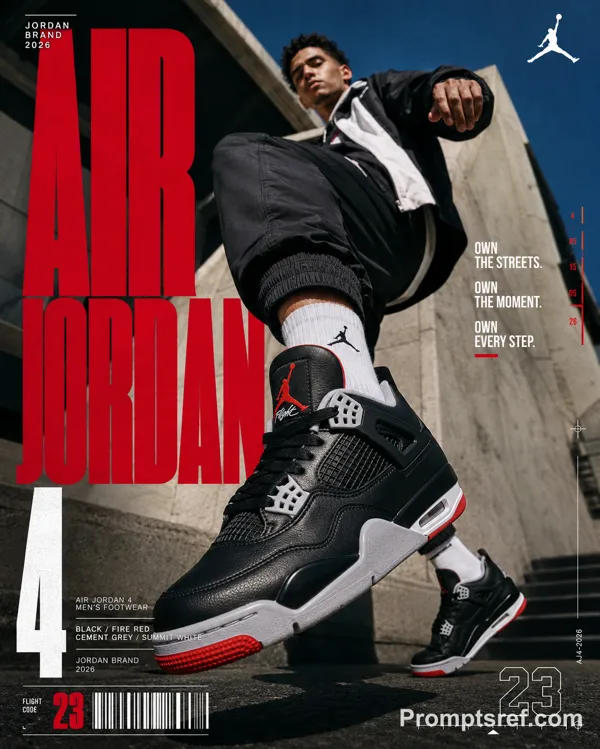
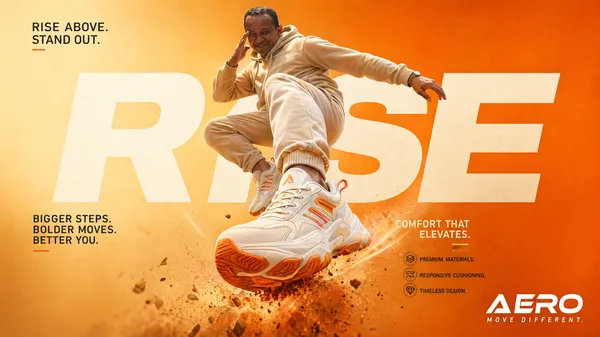
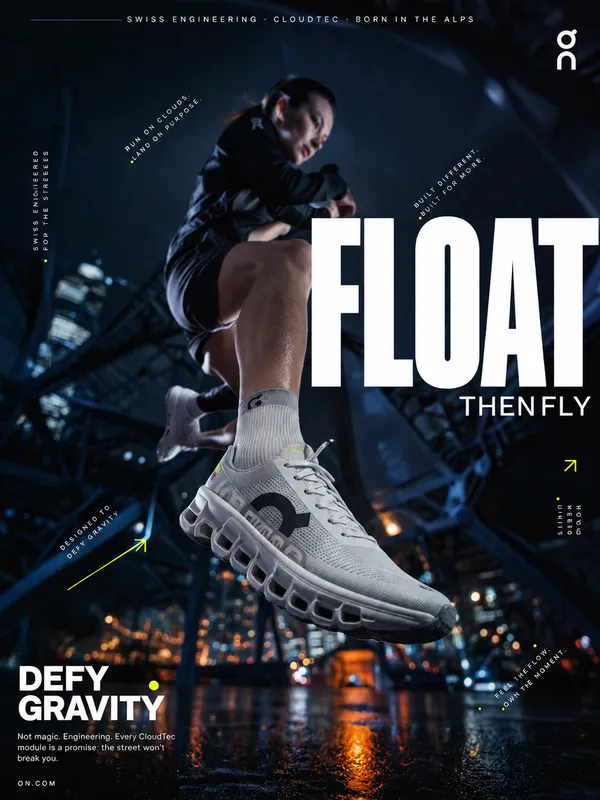
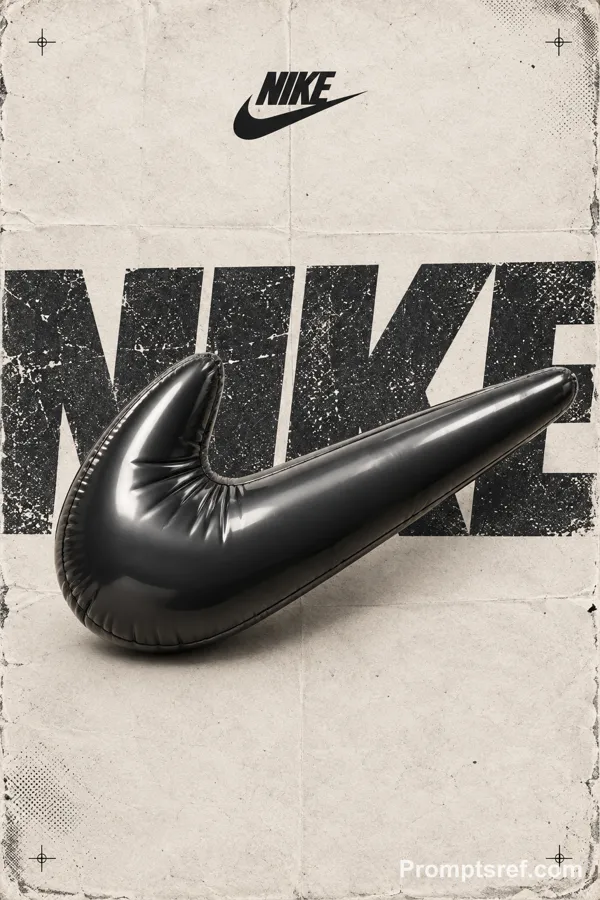
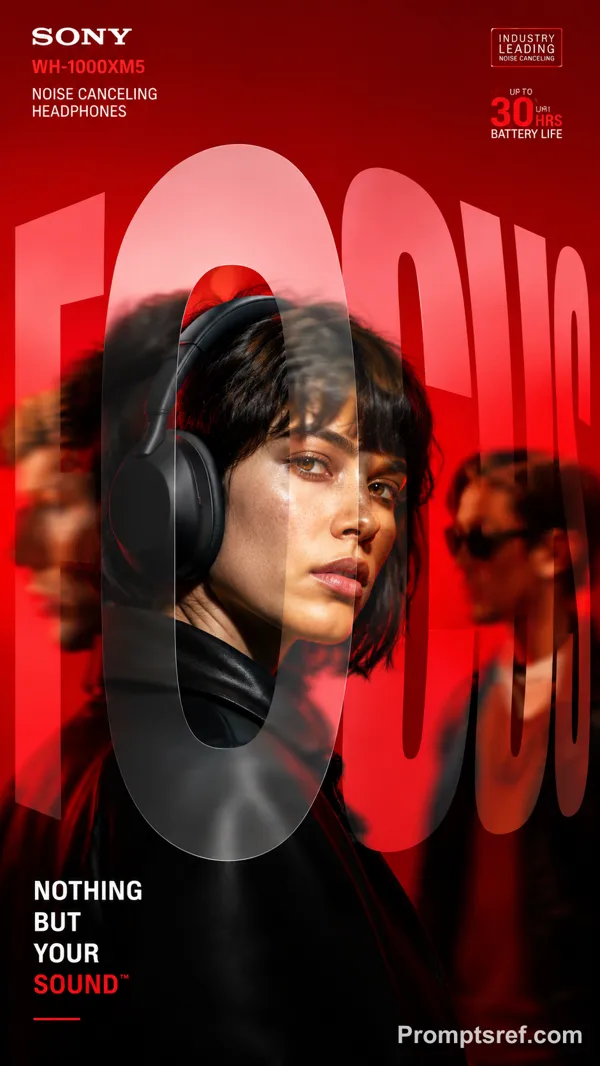
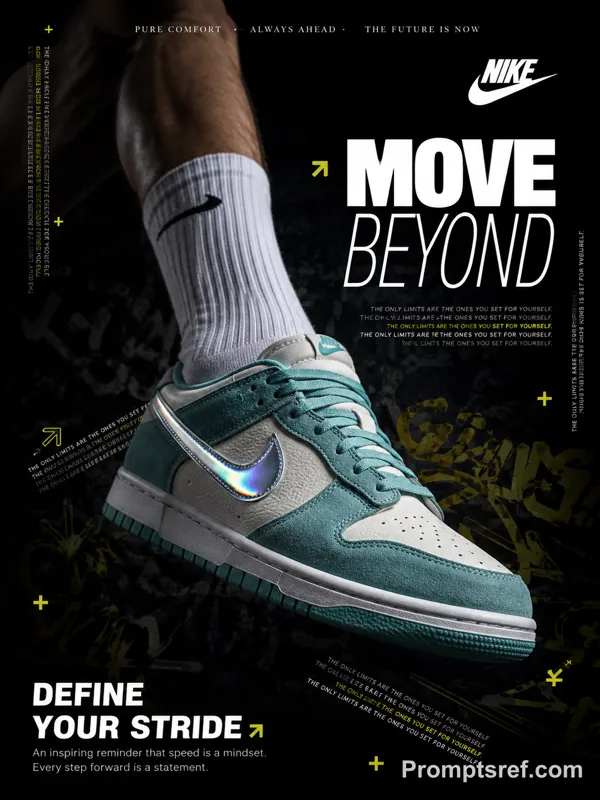
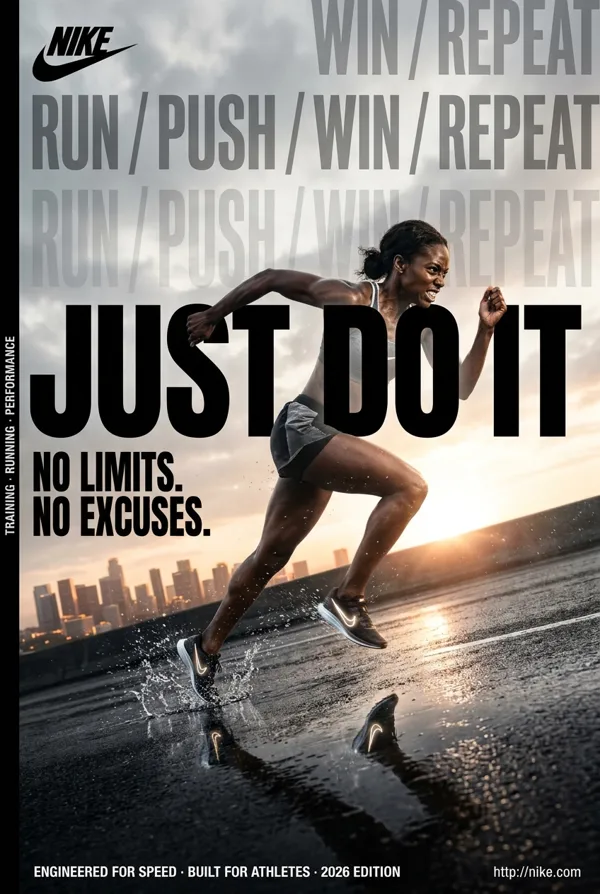
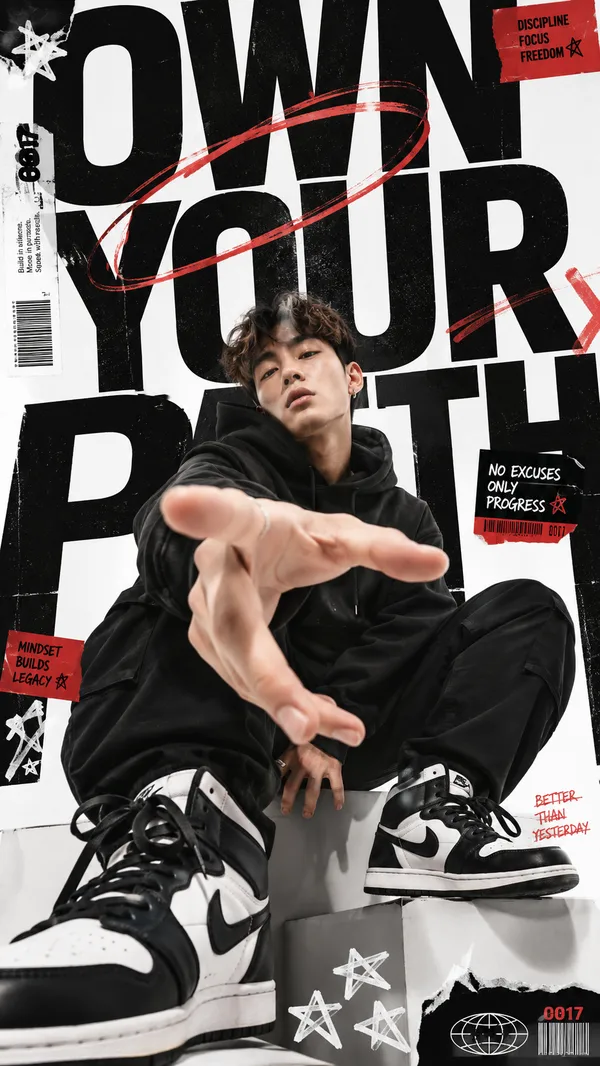
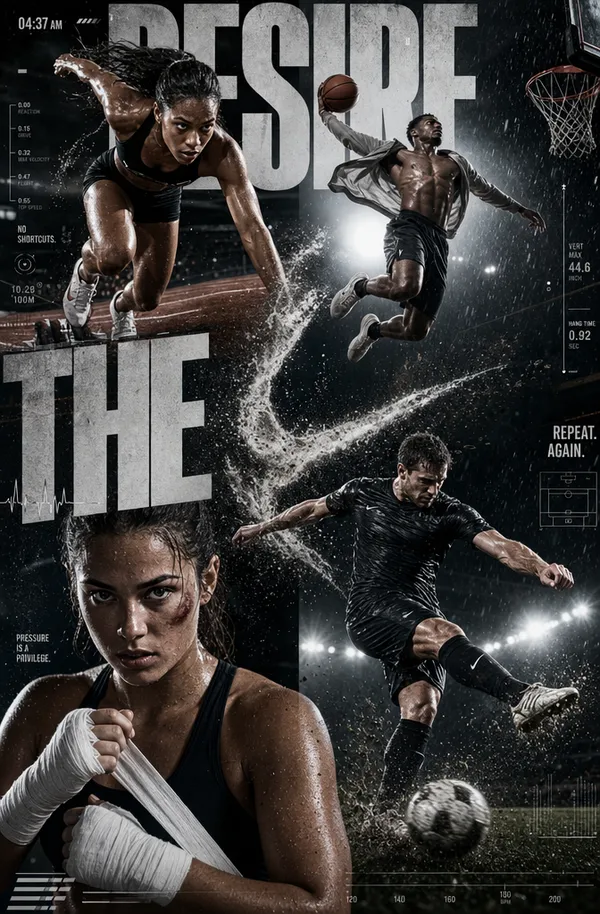
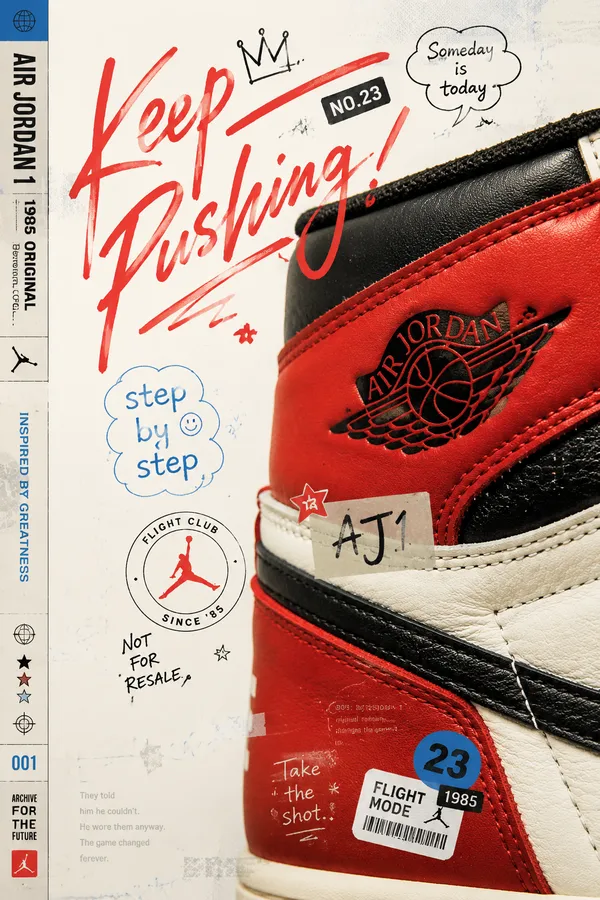
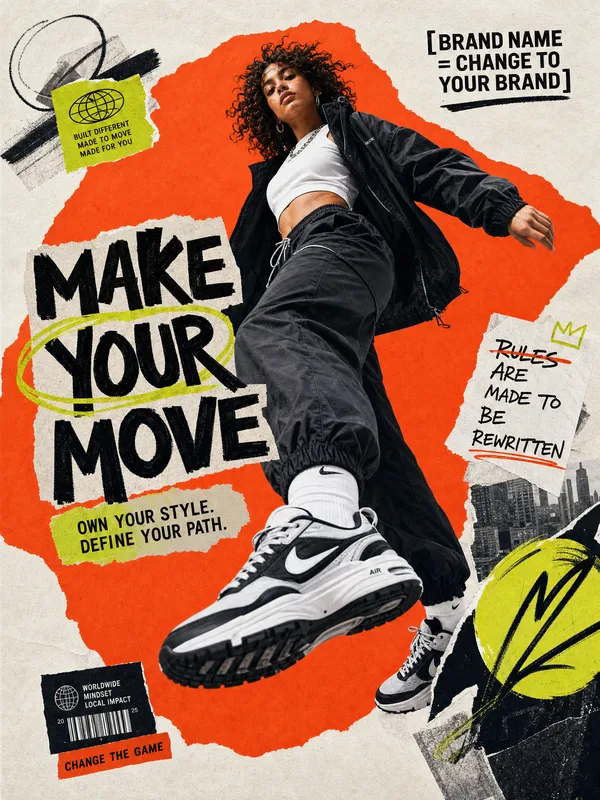
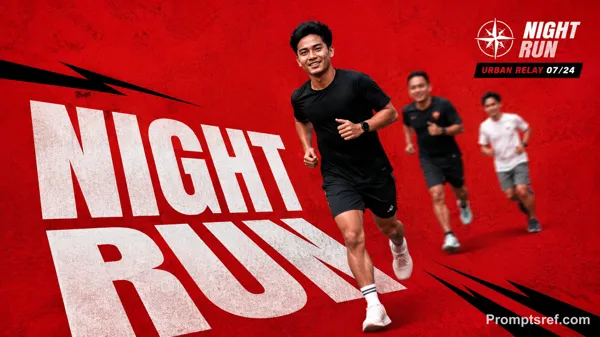
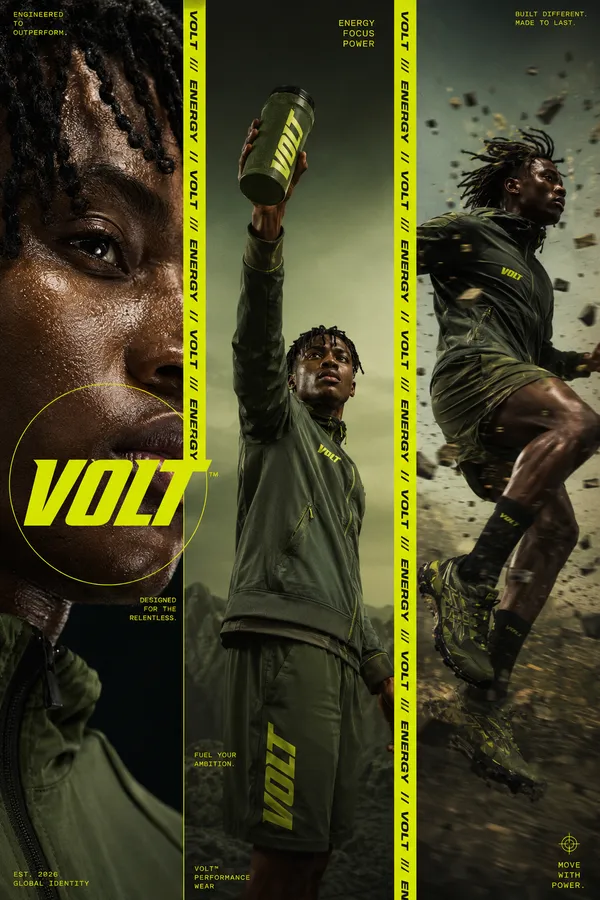
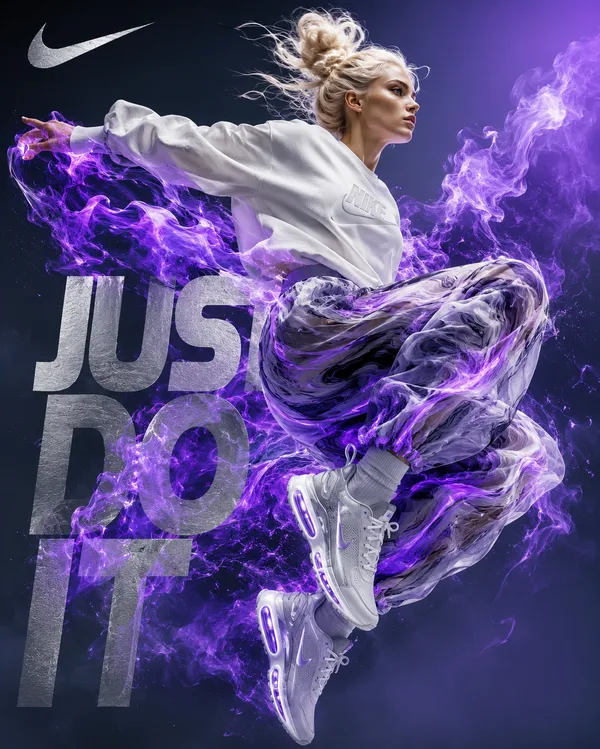
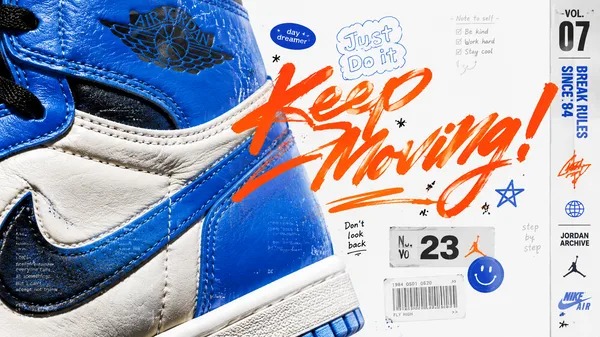
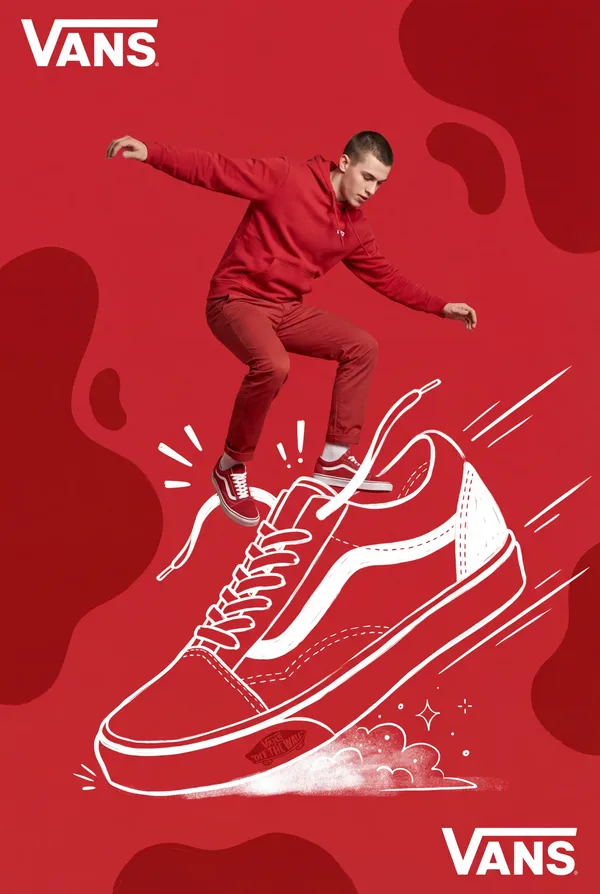
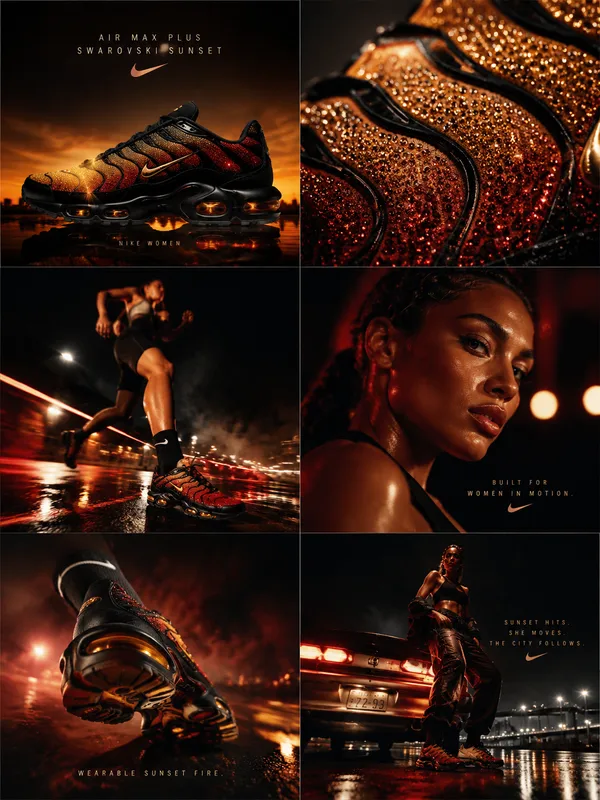
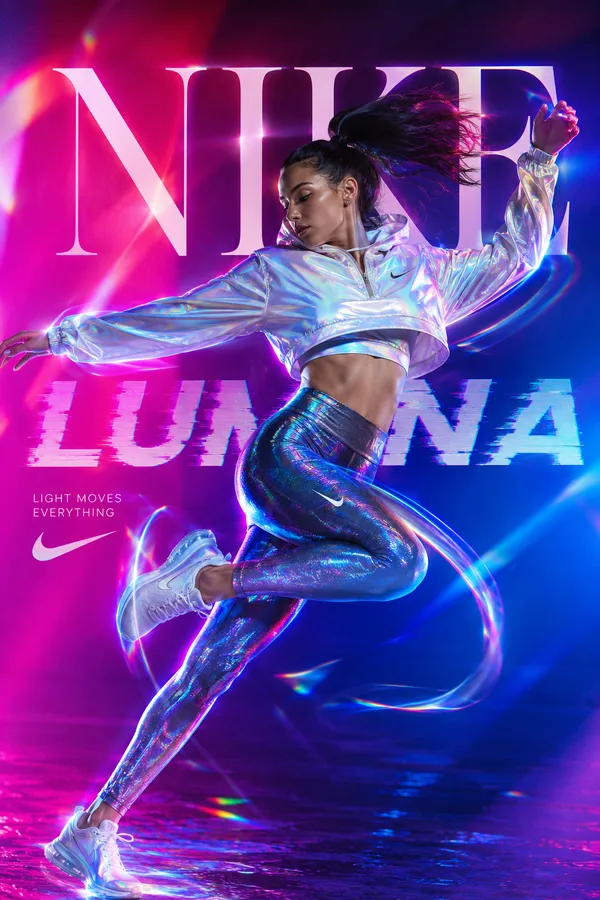
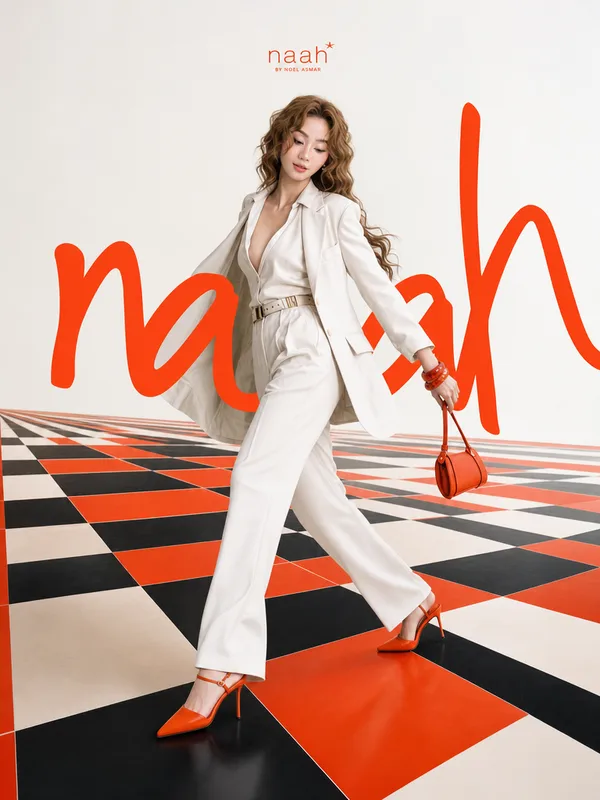
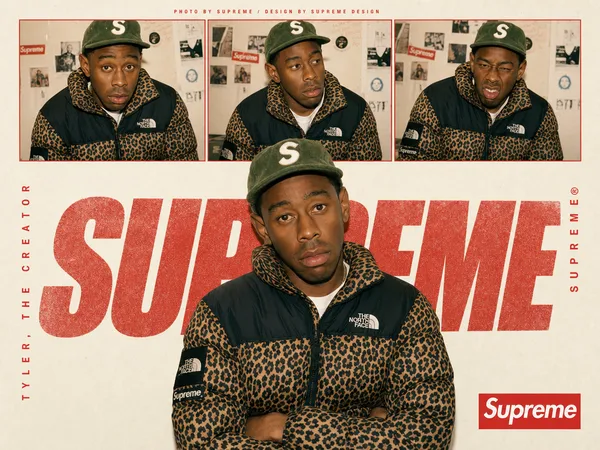
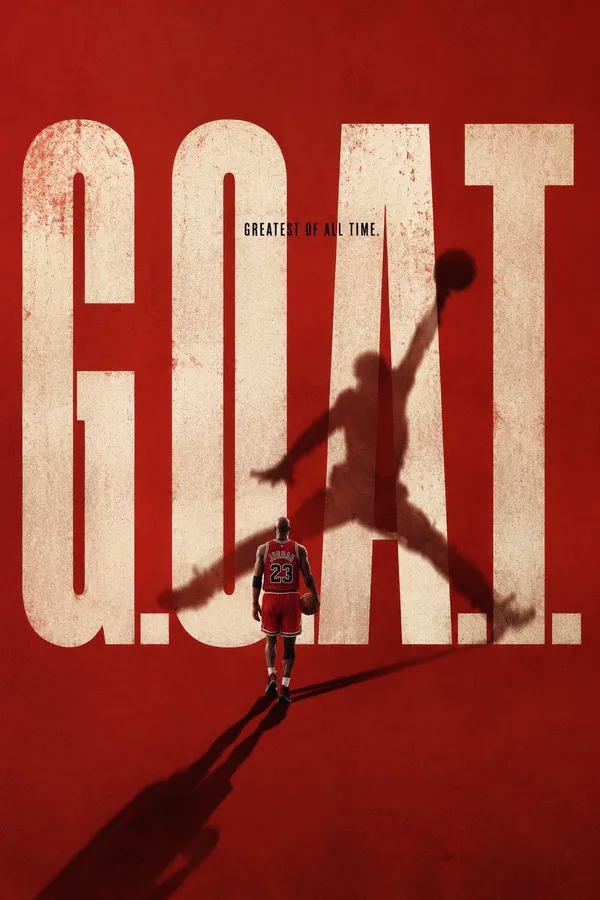
Create a bold editorial campaign poster where oversized typography works like an optical tool and visibly changes the subject or scene.
Brand: [BRAND NAME]
Product / Campaign: [PRODUCT OR CAMPAIGN]
Main Word: [SHORT WORD]
Subject: [PERSON / PRODUCT / BOTH]
Optical Effect: [FOCUS / ZOOM / REFRACT / PRISM / OTHER]
Main Color: [COLOR]
Accent Color: [COLOR]
Aspect Ratio: [9:16]
Use realistic commercial photography, oversized typography, strong high-contrast colors, and contemporary editorial design.
Make the main word extremely large and let it perform a clear optical function:
FOCUS: shift parts of the subject from soft blur into sharp focus.
ZOOM: use a letter or its negative space as a lens that naturally magnifies the subject.
REFRACT: use transparent letterforms to slightly bend, shift, or distort the image behind them.
PRISM: let light pass through the typography and split into a few controlled colors.
The optical effect should physically interact with the person or product while keeping faces, bodies, and product structures realistic and intact.
Create clear foreground, subject, and background layering, with some typography passing behind the subject and other parts entering the foreground.
Use one dominant high-impact color with black, white, and one or two controlled accent colors. Add only a few meaningful campaign details such as the brand name, product name, slogan, specs, or small editorial labels.
Keep lighting, reflections, focus, magnification, and refraction believable. The final image should feel like a finished commercial campaign key visual — bold, colorful, optical, and visually complete.
Remix
RemixPas encore de remix. Créez la première version.
Utiliser ce prompt d’image
- 01
Commencer avec le prompt
Copiez le prompt ou ouvrez-le avec le bouton de génération.
- 02
Apporter vos modifications
Adaptez le sujet, le décor ou les détails. Ajoutez des références si nécessaire.
- 03
Vérifier avant de générer
Vérifiez le modèle et les paramètres de sortie. Les résultats peuvent varier.