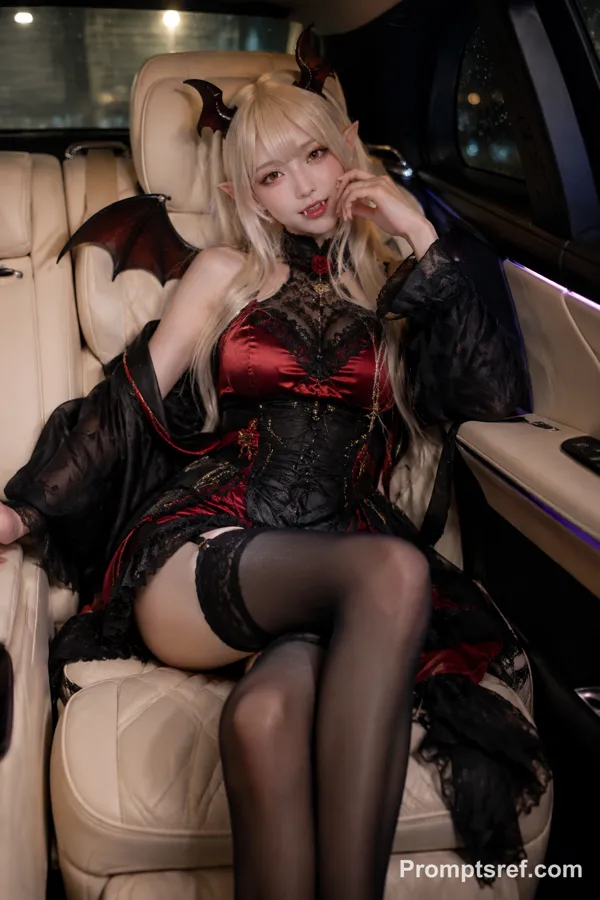
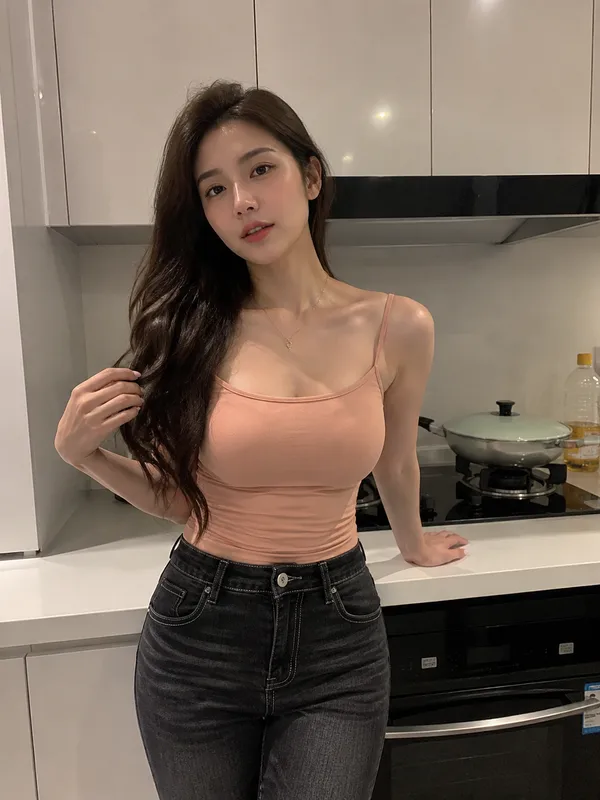
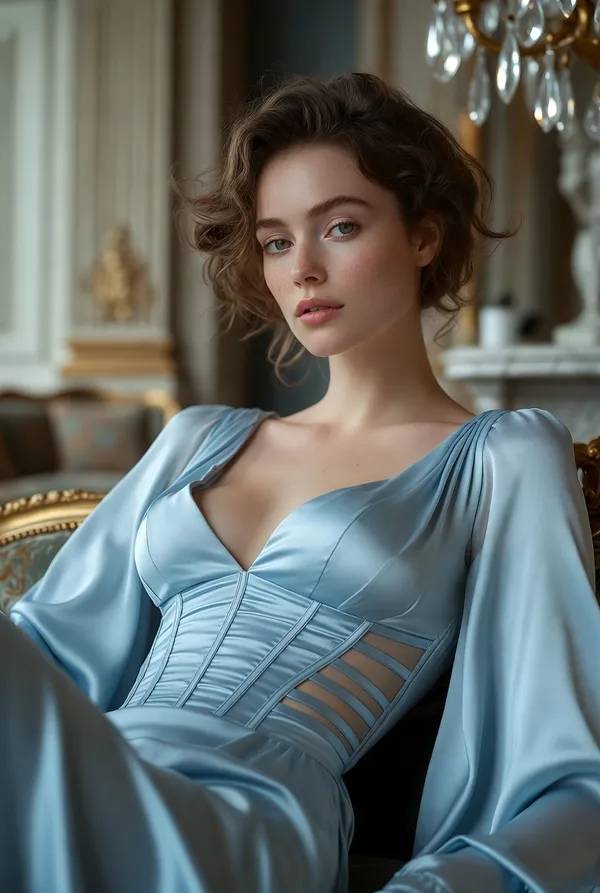
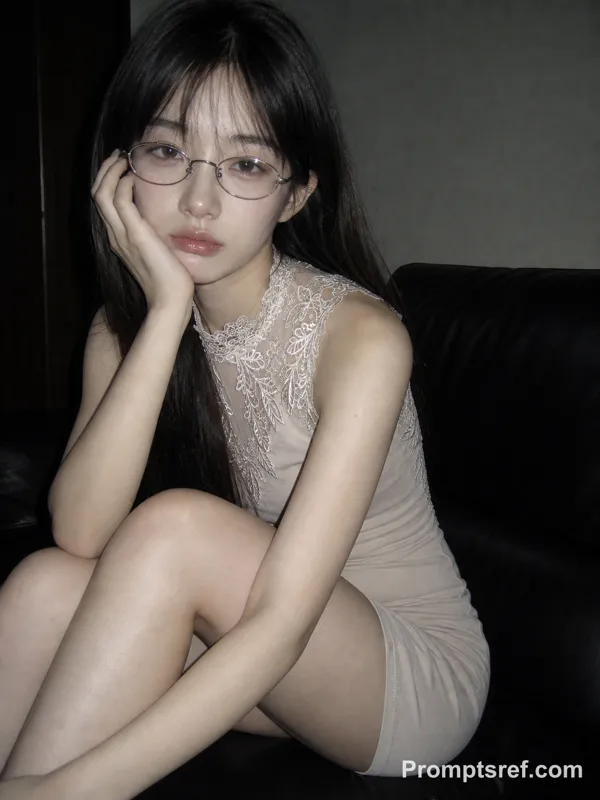
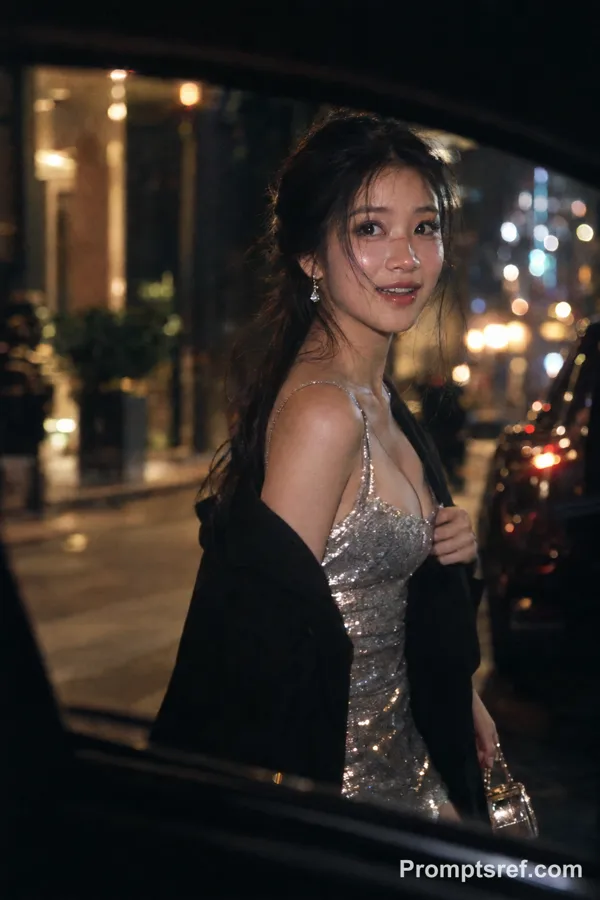
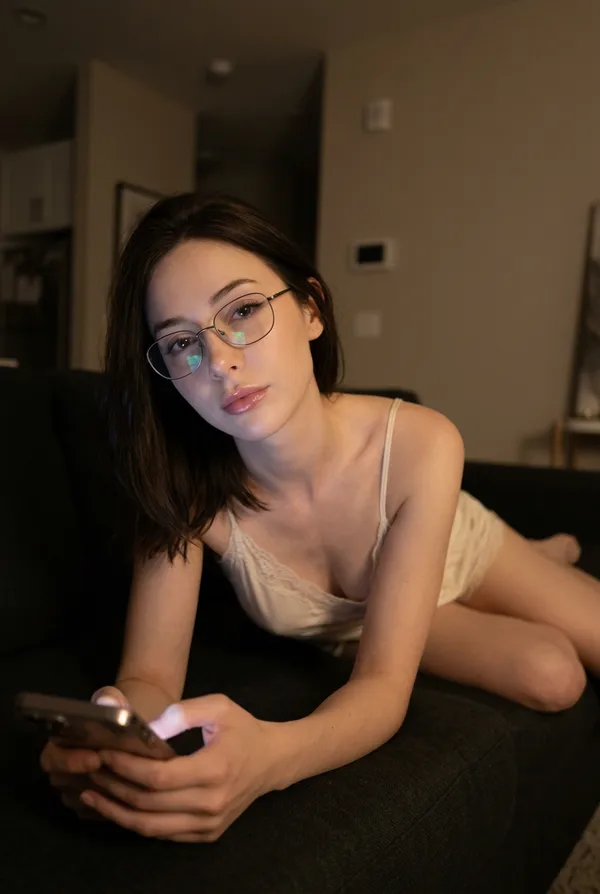
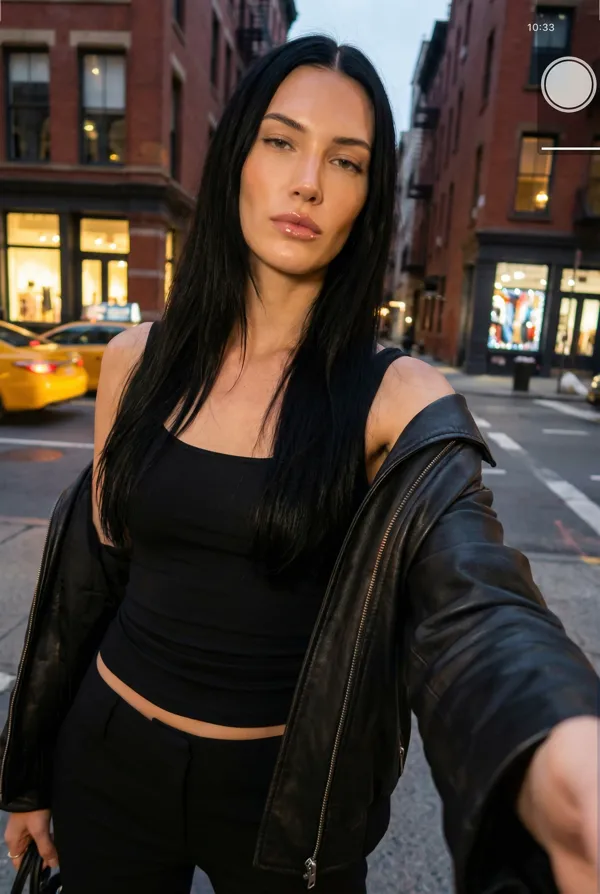
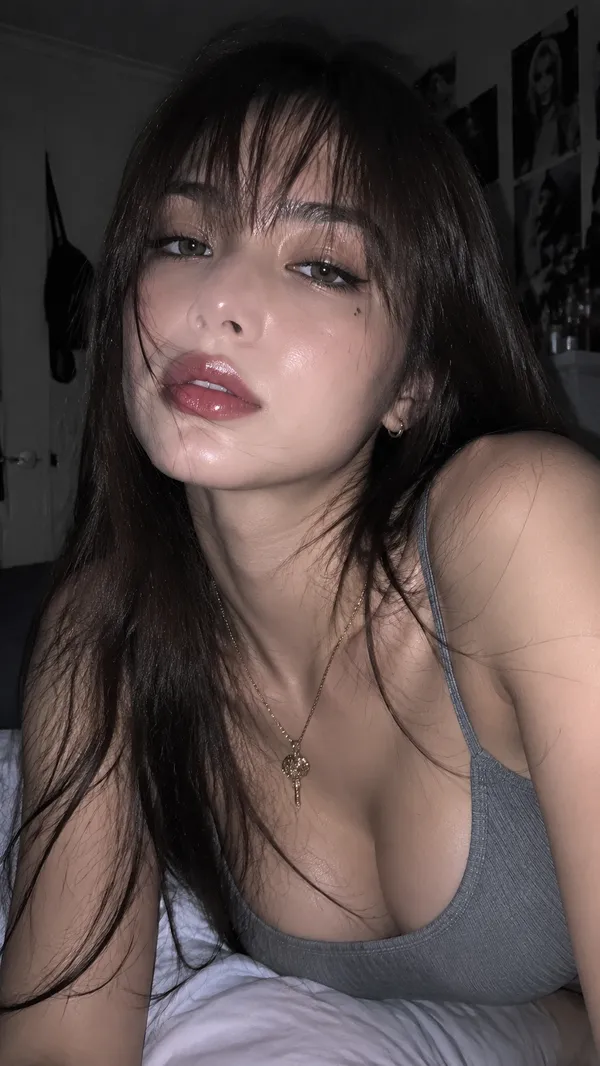
GPT Image 2.0 プロンプト - 夜の車内、フラッシュの豹柄キャミ女性

- アスペクト比
- 9:16
- 画質
- 1K
プロンプト
{
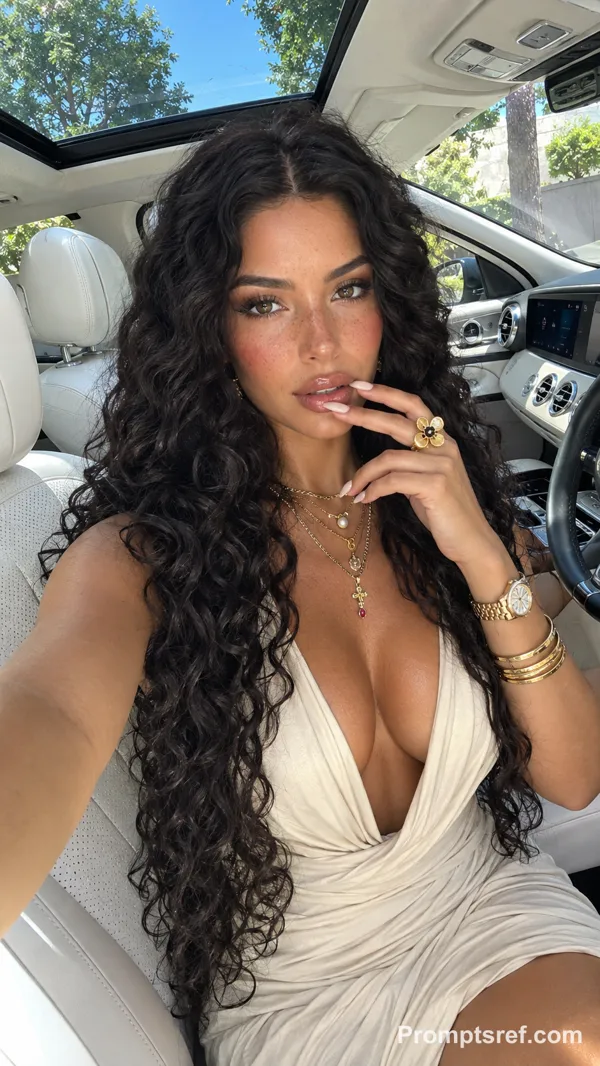
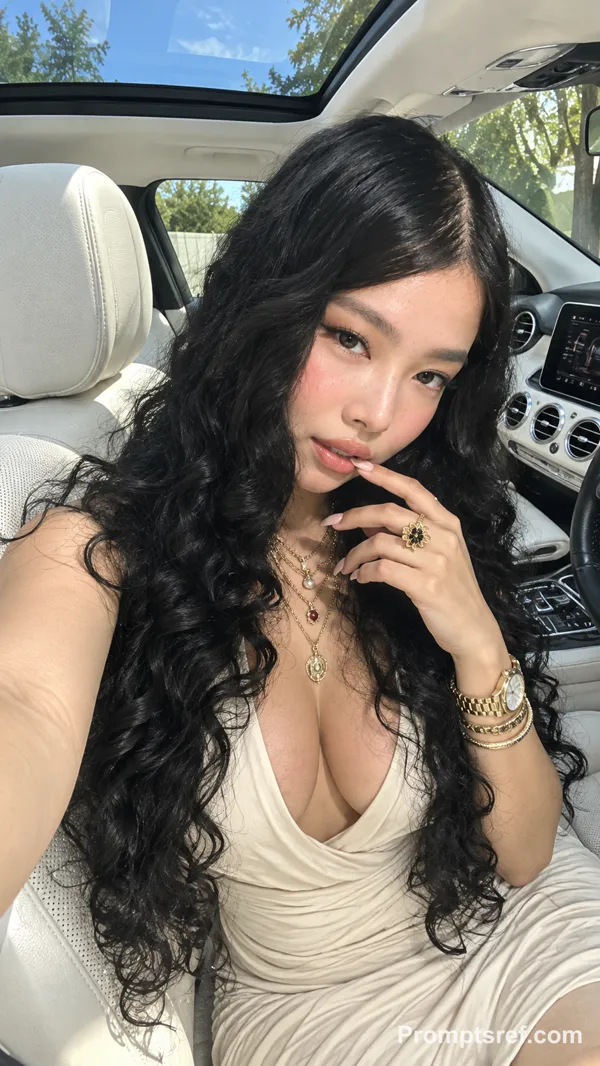
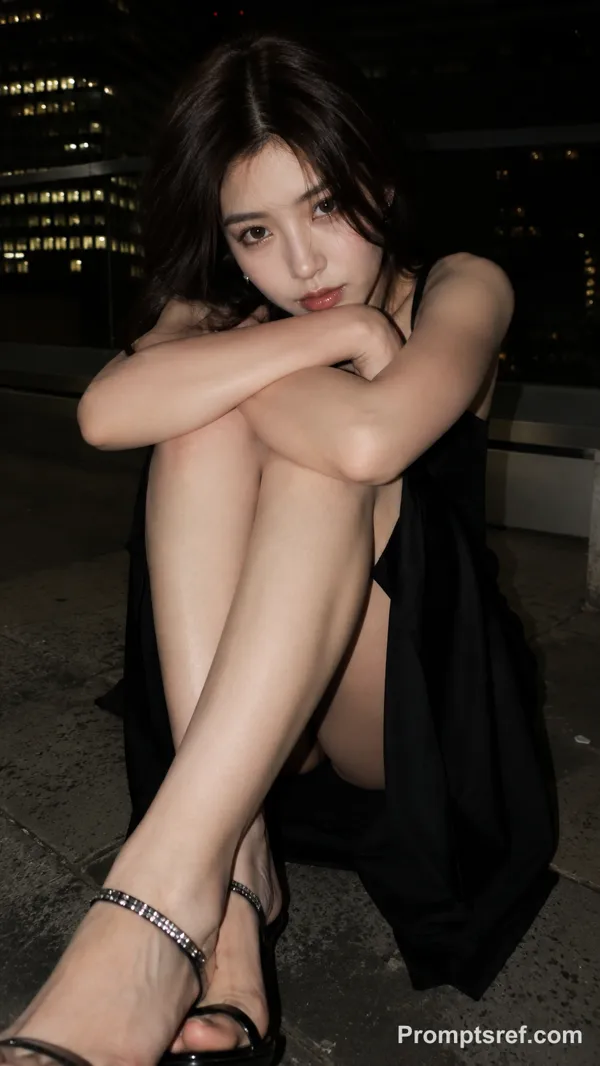
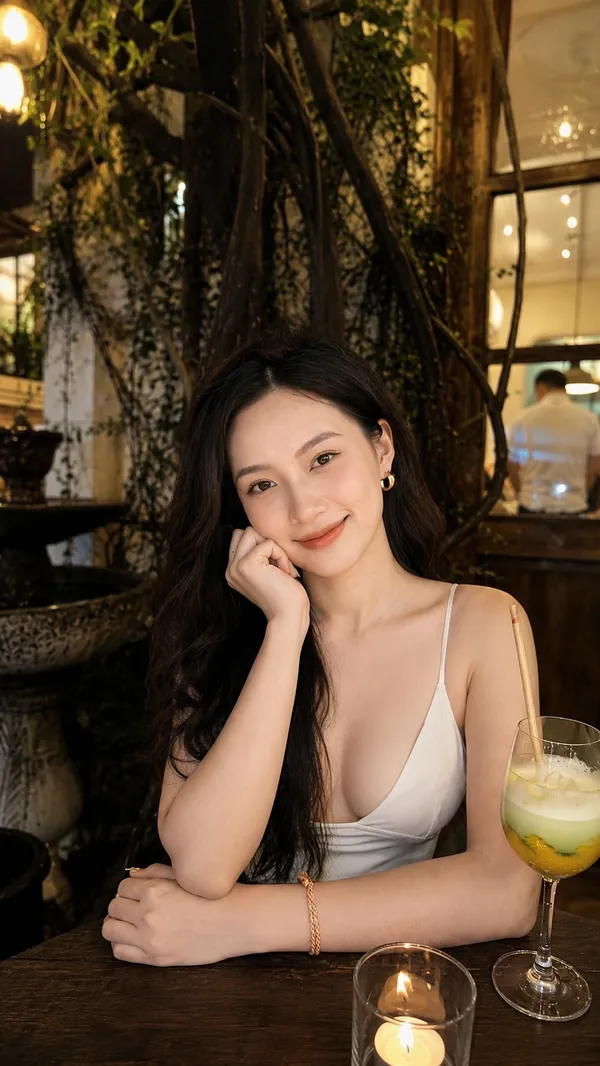
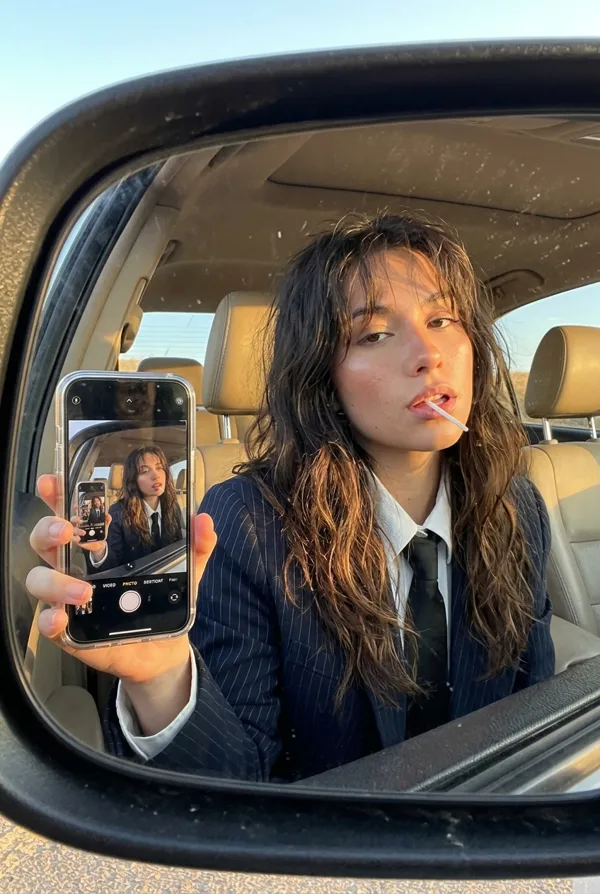
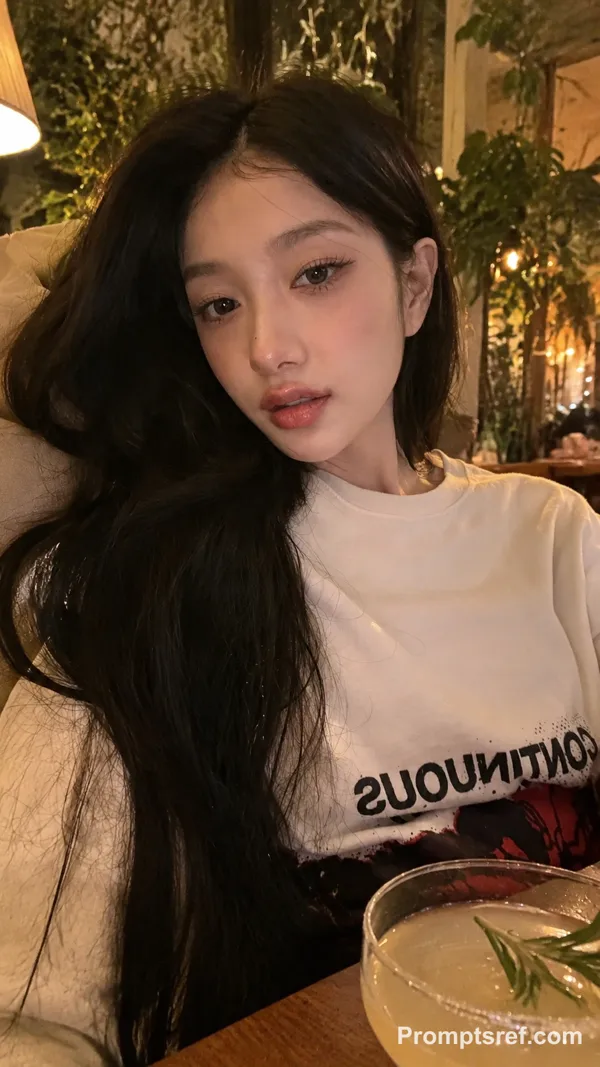
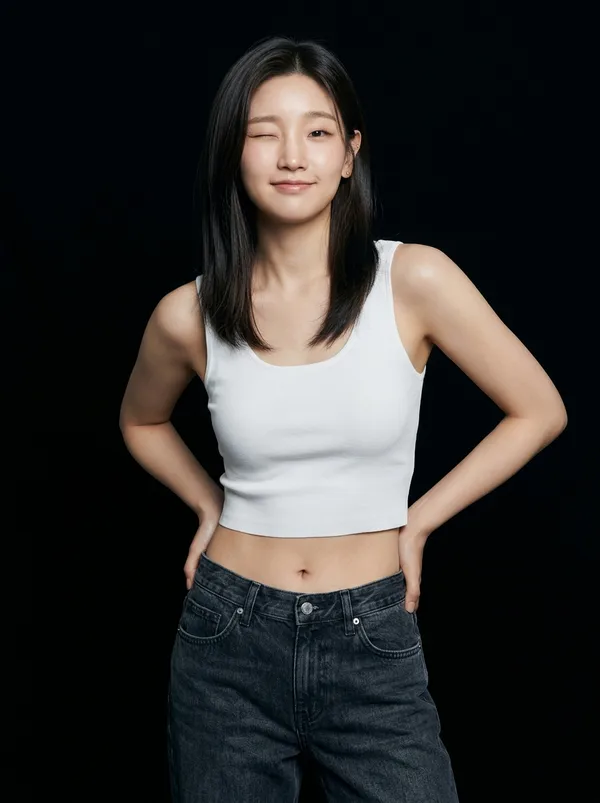
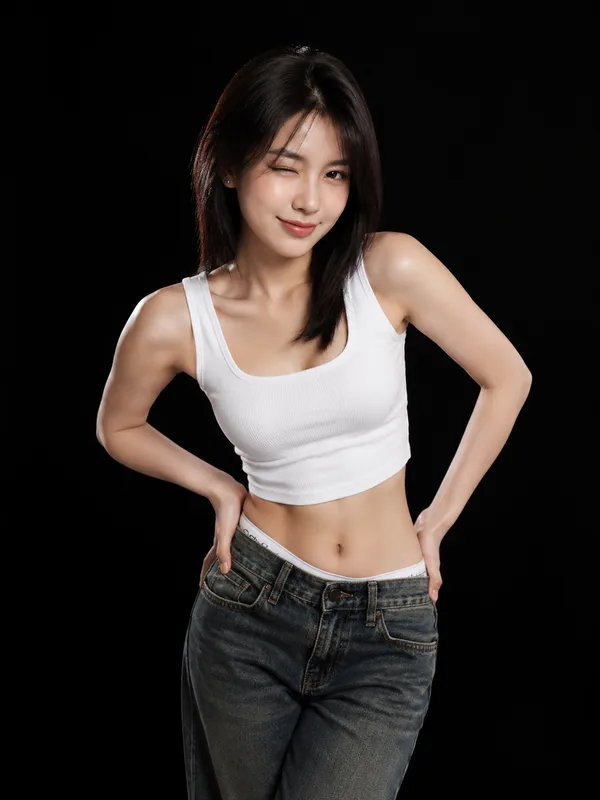
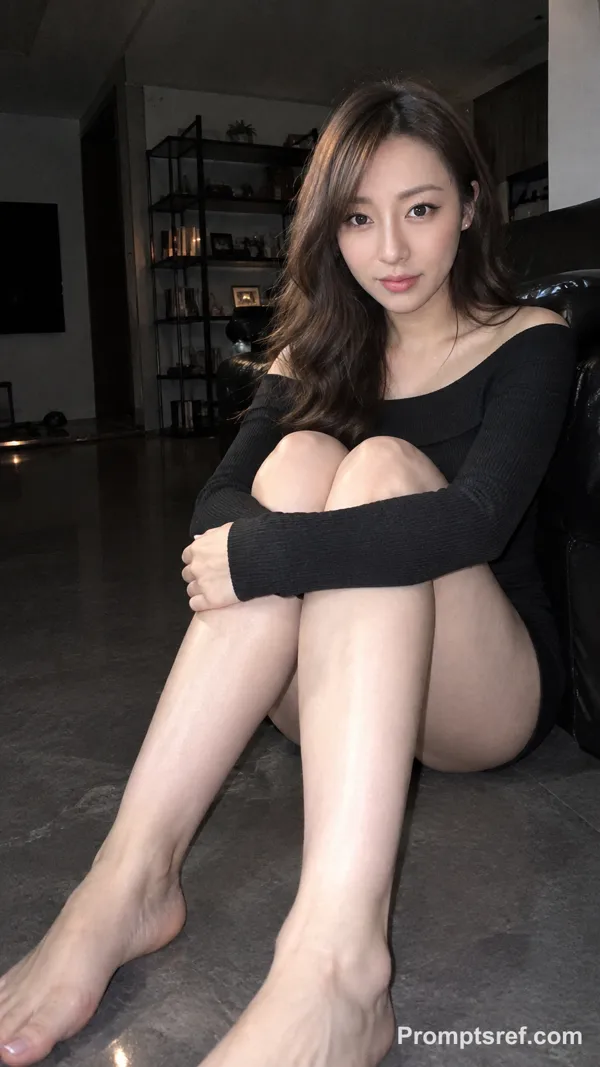
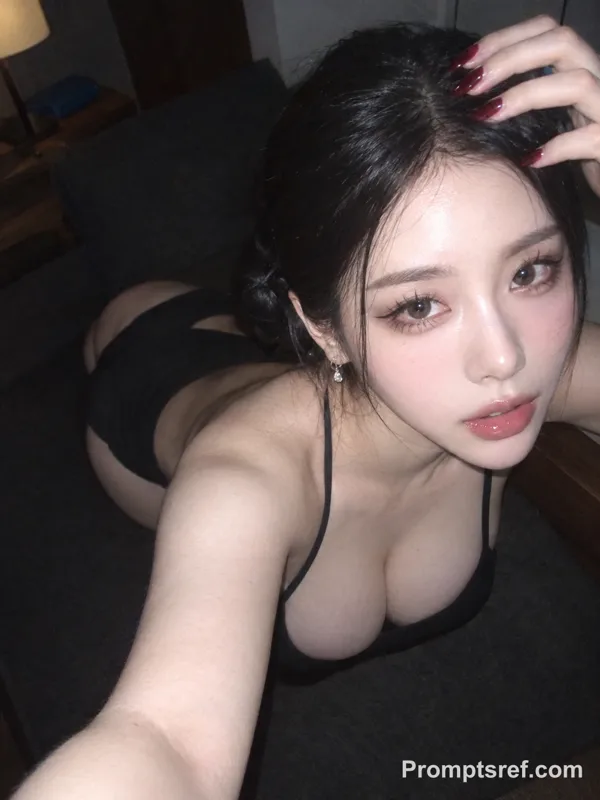
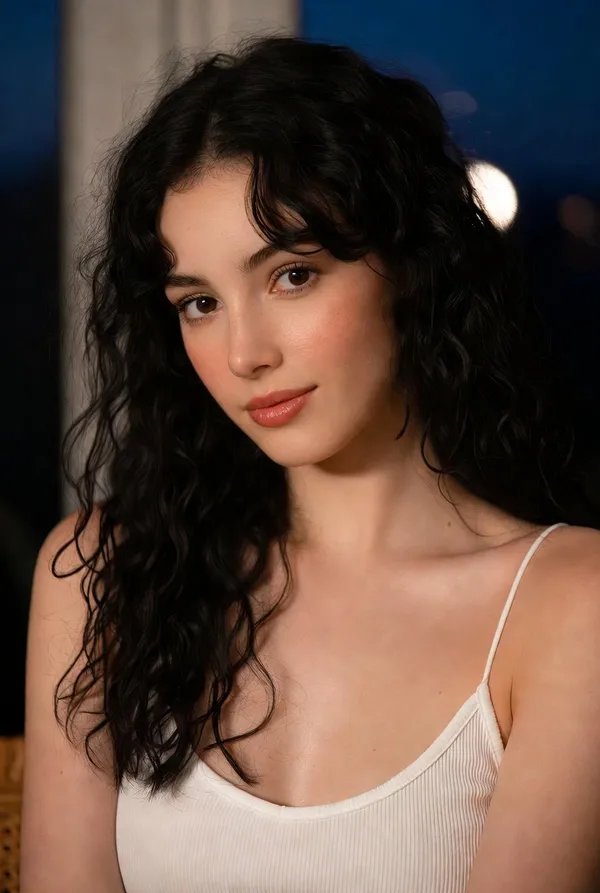
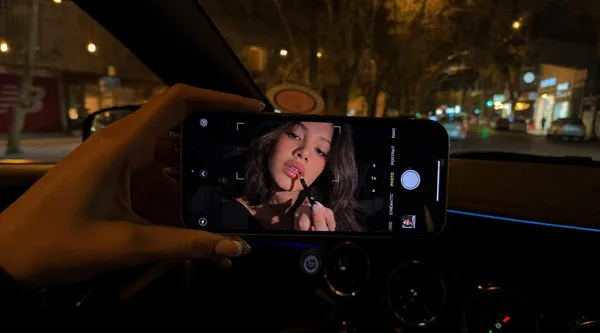
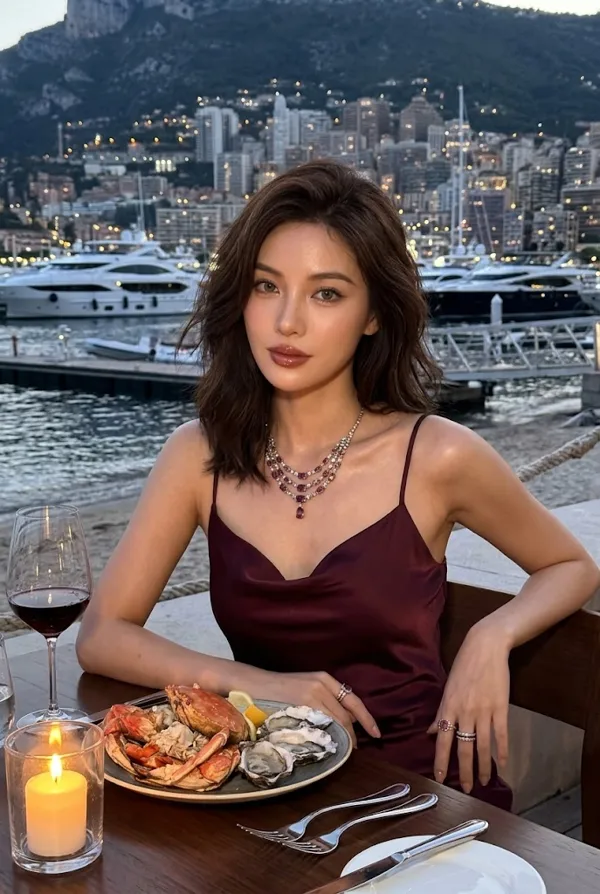
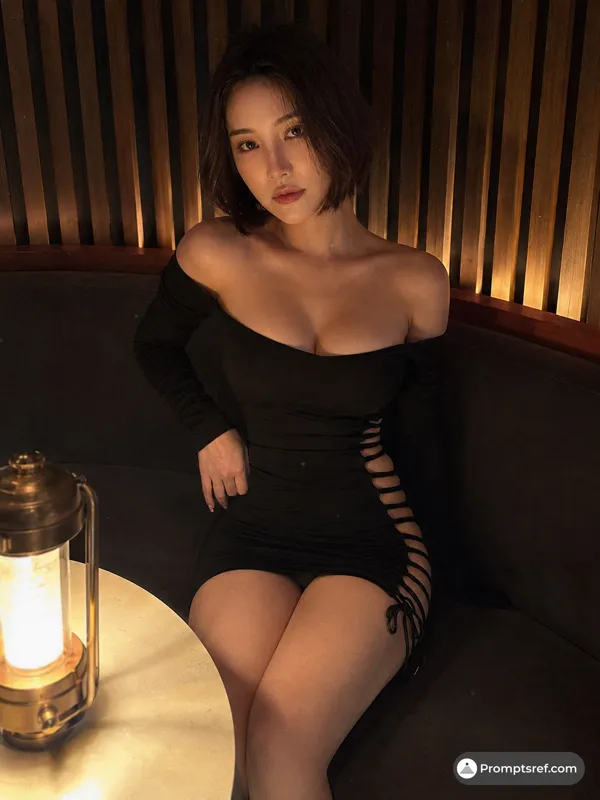
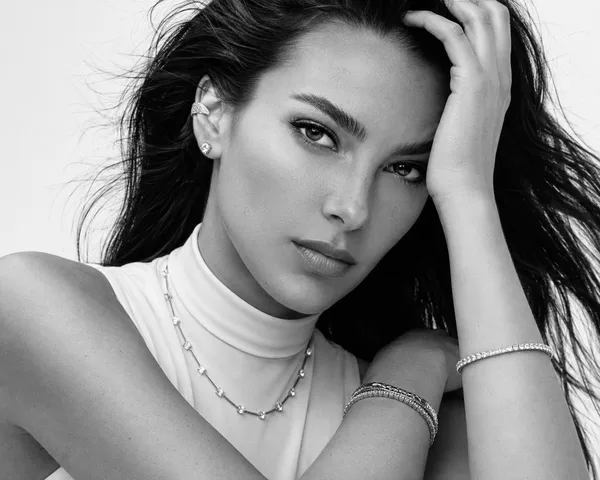
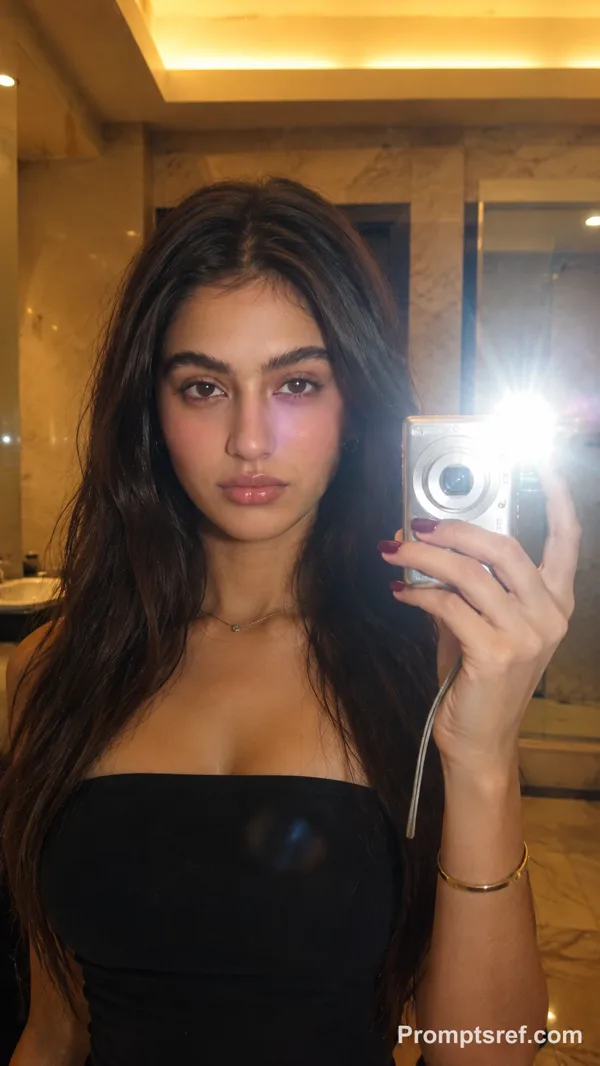
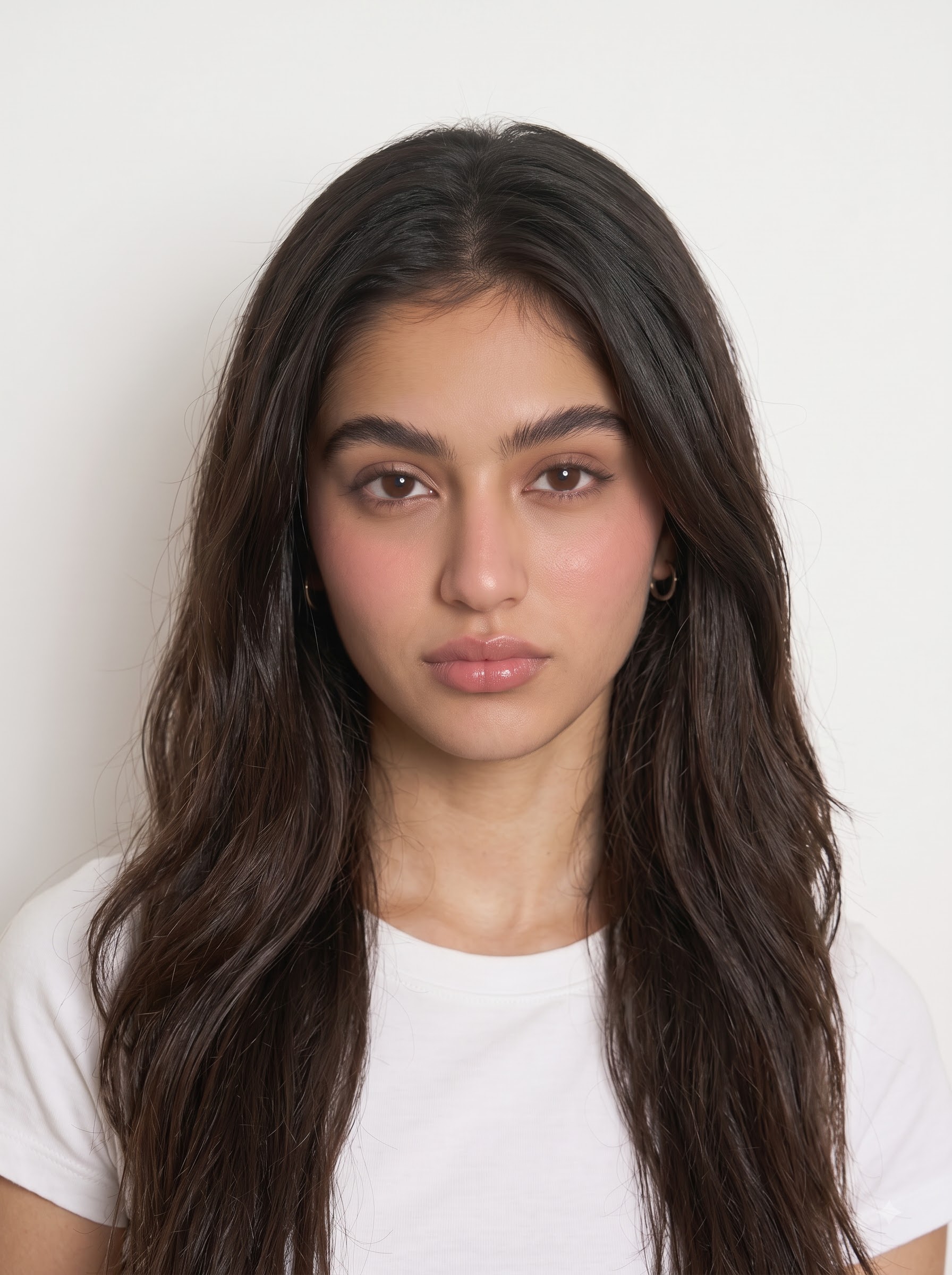
"task": "Create a highly photorealistic nighttime car photograph using Image 1 for facial identity and Image 2 as the visual reference.",
"reference_images": {
"image_1": {
"role": "Facial identity reference",
"usage": "Use Image 1 exclusively for the woman's facial identity.",
"preserve": [
"exact facial structure",
"facial proportions",
"eyes",
"eyebrows",
"nose",
"lips",
"jawline",
"cheekbones",
"natural facial characteristics",
"natural skin tone",
"realistic skin texture"
],
"restriction": "Do not copy the facial identity or facial features of Image 2."
},
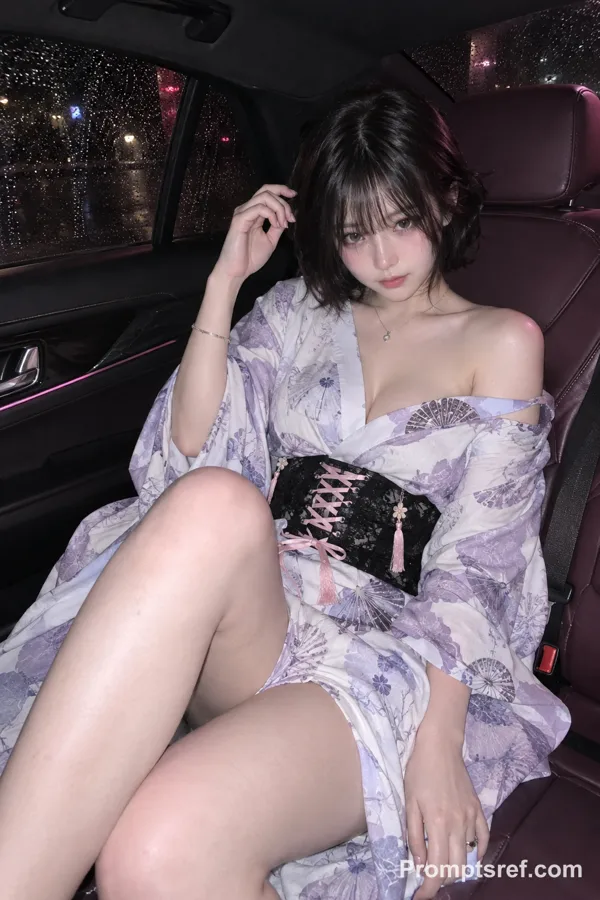
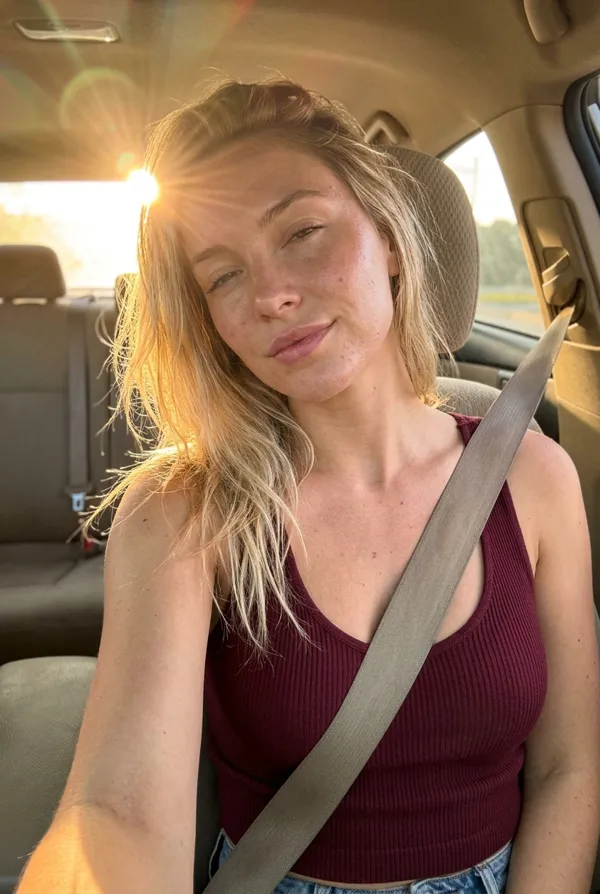
"image_2": {
"role": "Pose, expression, styling and photography reference",
"usage": "Use Image 2 for pose, body positioning, gaze direction, facial expression, hand placement, outfit styling, car interior, framing, camera angle, lighting and overall photographic aesthetic.",
"identity_restriction": "Do not copy the face or identity from Image 2."
}
},
"subject": {
"description": "Adult woman seated naturally inside a modern luxury car at night.",
"body_type": {
"description": "Naturally curvy feminine body with realistic and proportionate anatomy.",
"details": [
"natural waist definition",
"naturally fuller curves",
"proportionate bust",
"proportionate hips",
"balanced waist-to-hip proportions",
"natural arms and shoulders",
"realistic body proportions",
"no exaggerated or artificial shaping"
]
},
"pose": {
"description": "Recreate the seated pose and body positioning from Image 2 as closely as possible.",
"details": [
"seated comfortably in the passenger/rear seating area",
"torso naturally angled toward the camera",
"one arm extended naturally toward the side of the car",
"other arm positioned naturally",
"legs bent and positioned naturally in the seat",
"relaxed confident posture",
"natural shoulder and torso positioning"
]
},
"gaze_and_expression": {
"critical_instruction": "Do NOT make the woman look directly at the camera.",
"gaze": "Reproduce the exact off-camera gaze direction from Image 2, with the eyes looking naturally toward the side rather than toward the camera lens.",
"expression": "Match the expression from Image 2 while maintaining the facial identity from Image 1: composed, confident, slightly playful expression with subtly pursed lips and a natural sideward gaze.",
"eye_direction": "Eyes clearly directed away from the camera, toward the side of the car.",
"avoid": [
"direct eye contact with camera",
"looking into the lens",
"front-facing influencer pose",
"forced expression"
]
},
"hair": "Long, straight dark-brown hair with a center part, naturally falling over the shoulders and body with realistic individual strands.",
"outfit": {
"description": "Use the exact same outfit specified in the previous prompt.",
"top": "Fitted leopard-print camisole/corset-style top with thin shoulder straps, black lace edging and a small center bow.",
"bottom": "Light-wash relaxed-fit blue jeans.",
"fit": "Natural realistic fit following the subject's naturally curvy body without exaggerated shaping."
},
"accessories": [
"delicate chain necklace",
"minimal rings",
"simple bracelets"
]
},
"makeup": {
"style": "Soft glam nighttime makeup matching the aesthetic of Image 2.",
"details": [
"natural-looking complexion",
"realistic skin texture and pores",
"soft warm blush",
"subtle natural contour",
"soft champagne highlight",
"defined natural eyebrows",
"soft neutral-brown eyeshadow",
"thin black eyeliner",
"naturally separated lashes",
"rosy nude lip liner",
"soft rosy-red satin lipstick",
"subtle lip definition",
"natural luminous finish under flash"
],
"restrictions": [
"preserve Image 1 facial identity",
"do not over-contour",
"do not enlarge eyes or lips artificially",
"do not create plastic-looking skin",
"keep makeup photorealistic"
]
},
"environment": {
"location": "Modern black luxury car interior at night.",
"details": [
"dark black interior",
"black leather seats",
"visible dashboard and door panels",
"dark windows",
"seat and interior details",
"subtle red ambient lighting accents",
"realistic automotive materials",
"natural nighttime surroundings"
]
},
"lighting": {
"style": "Direct smartphone flash photography at night.",
"details": [
"strong frontal flash illuminating the subject",
"realistic flash falloff",
"natural shadows",
"bright highlights on hair and skin",
"subtle blue-white lens flare/light streak from the left",
"dark background",
"authentic nighttime smartphone exposure"
]
},
"camera": {
"style": "High-end smartphone photography",
"orientation": "Vertical portrait",
"framing": "Closely reproduce Image 2's framing and composition.",
"perspective": "Natural smartphone perspective from inside the car.",
"composition": "Subject prominently framed while retaining enough of the car interior to establish the setting."
},
"photorealism": {
"requirements": [
"realistic facial texture",
"natural skin pores",
"individual hair strands",
"realistic fabric texture",
"accurate clothing folds",
"natural hands and fingers",
"correct anatomy",
"realistic body proportions",
"physically accurate flash lighting",
"authentic car materials",
"high-resolution photographic detail"
]
},
"negative_prompt": [
"looking directly at camera",
"eye contact with lens",
"camera-looking pose",
"different facial identity",
"face from Image 2",
"altered facial structure",
"changed skin tone",
"excessive makeup",
"plastic skin",
"airbrushed skin",
"exaggerated curves",
"unnatural body proportions",
"distorted hands",
"extra fingers",
"deformed limbs",
"unnatural gaze",
"forced smile",
"cartoon",
"illustration",
"3D render",
"low resolution",
"blurred face",
"AI-generated appearance"
],
"priority_order": [
"1. Preserve facial identity from Image 1.",
"2. Match the off-camera gaze and expression from Image 2.",
"3. Match the pose and body positioning from Image 2.",
"4. Use the same outfit from the previous prompt.",
"5. Preserve naturally curvy, realistic body proportions.",
"6. Match Image 2's car environment, framing, lighting and smartphone-photography aesthetic."
]
}
参照画像
リミックス作品
リミックスまだリミックスはありません。最初のバージョンを作ってみましょう。
この画像プロンプトを使う
- 01
プロンプトから始める
プロンプトをコピーするか、生成ボタンで開きます。
- 02
自分のアイデアを加える
被写体や背景、細部を調整し、必要に応じて参考素材を追加します。
- 03
生成前に確認する
モデルと出力設定を確認してください。生成結果は毎回異なる場合があります。