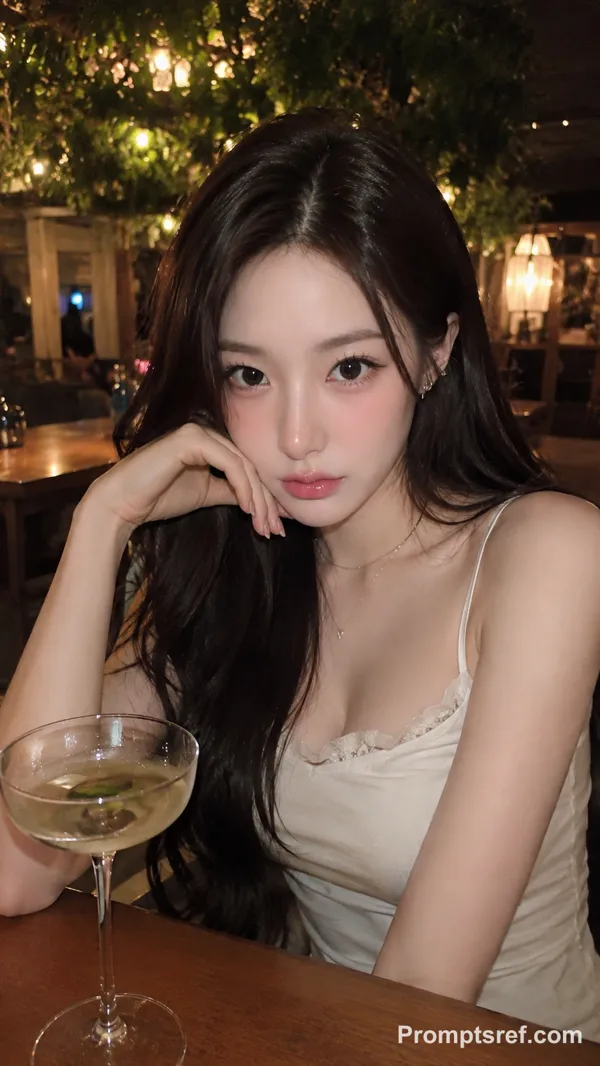
Seedance 2.0 Fast プロンプト - ゴールデンアワーのペントハウスに佇むレア

- アスペクト比
- 9:16
- 画質
- 480p
プロンプト
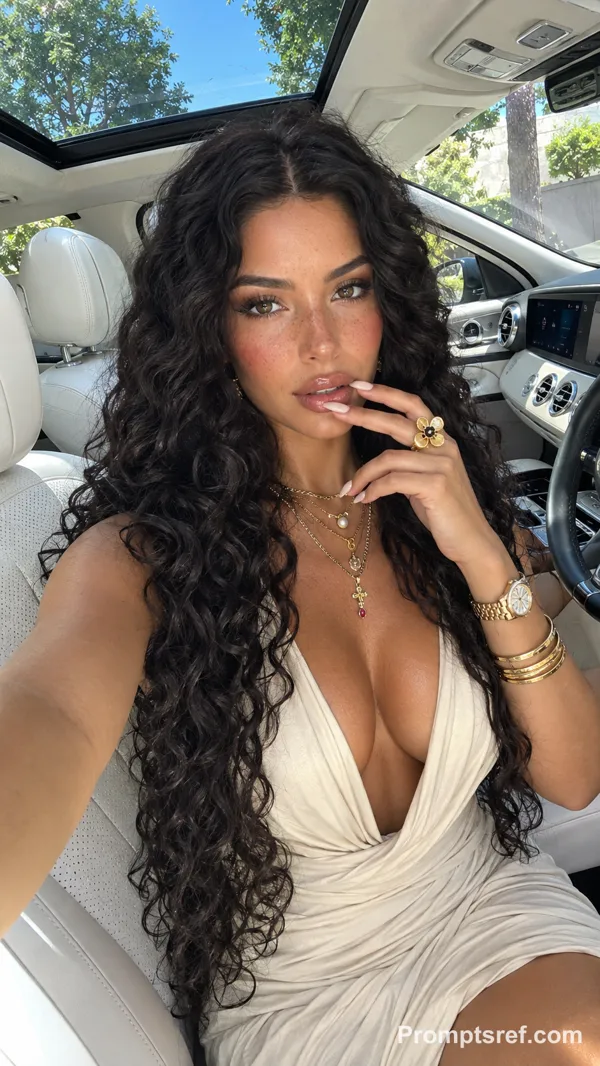
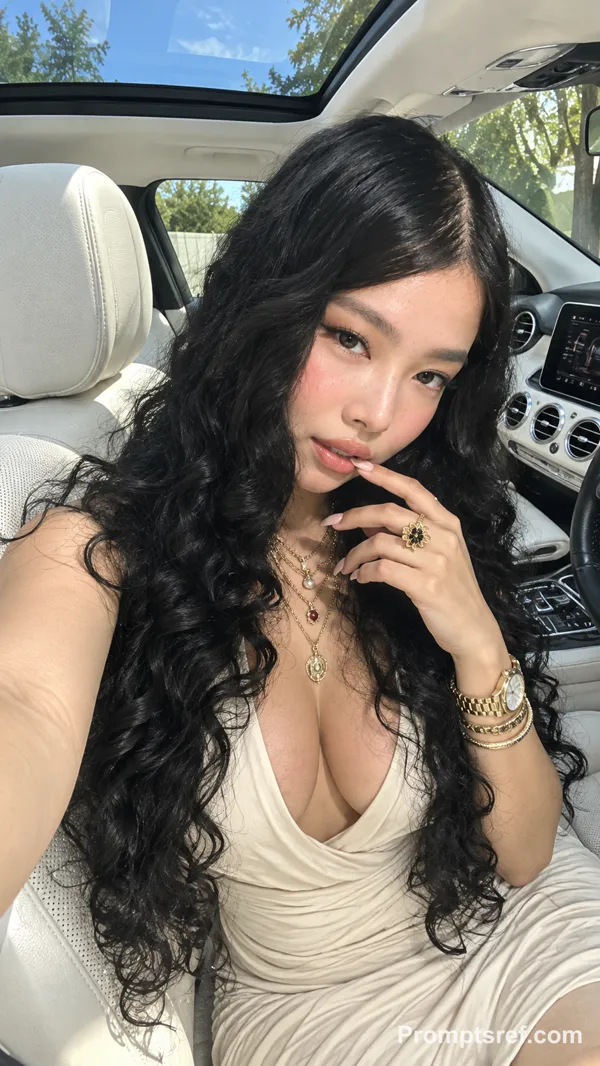
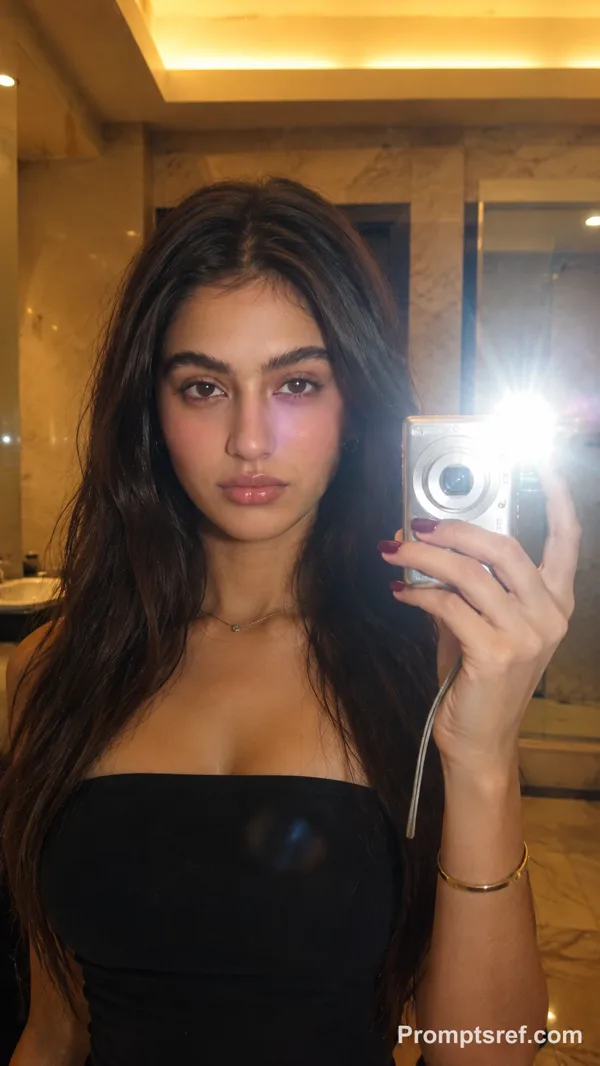
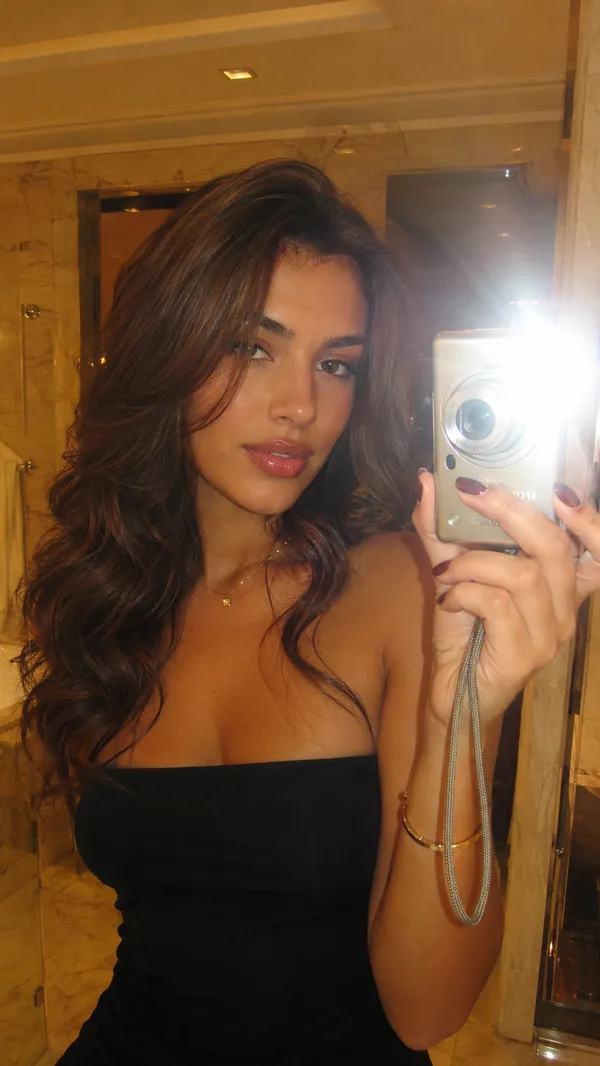
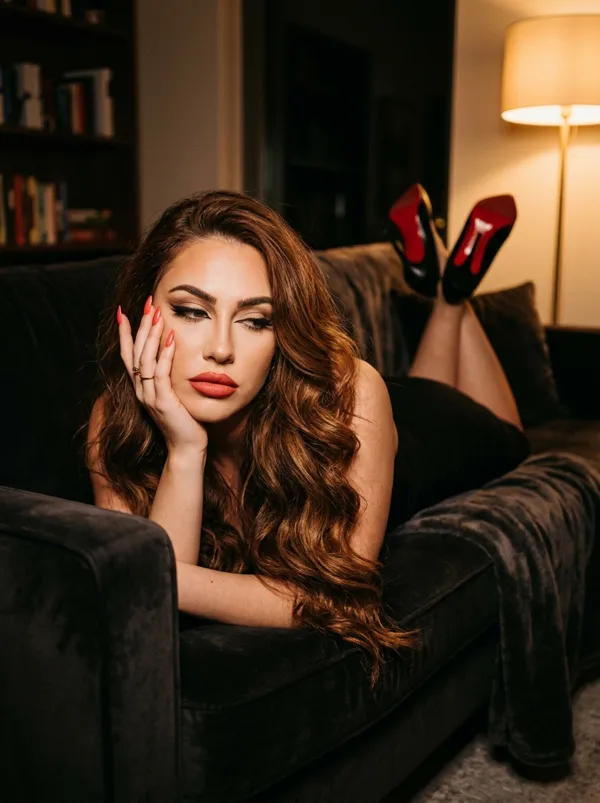
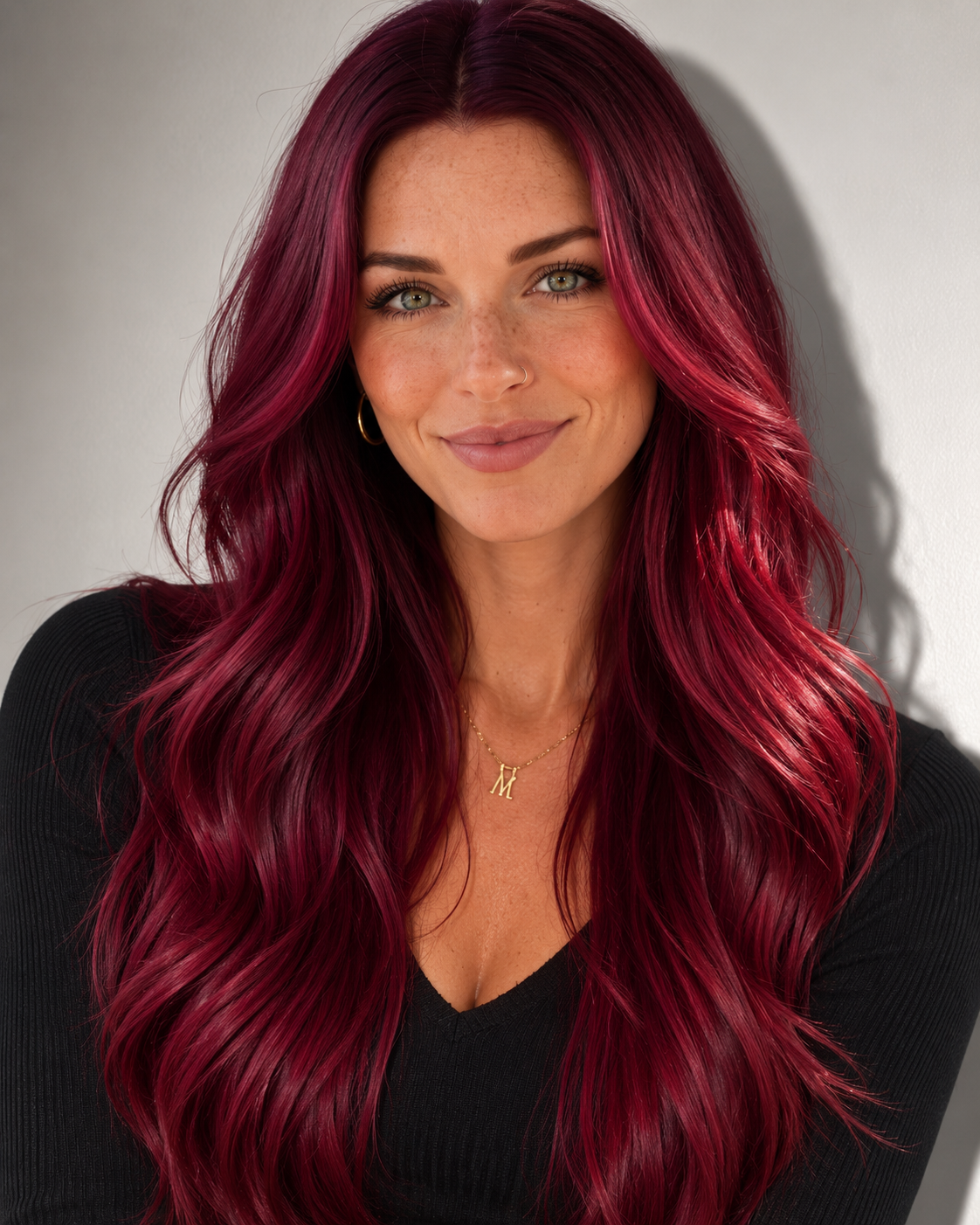
Reference Identity: Use Rhea from Image 1 as the permanent character identity. Preserve her exact facial structure, crimson red hair, freckles, skin tone, nose ring, body proportions, and recognizable features.
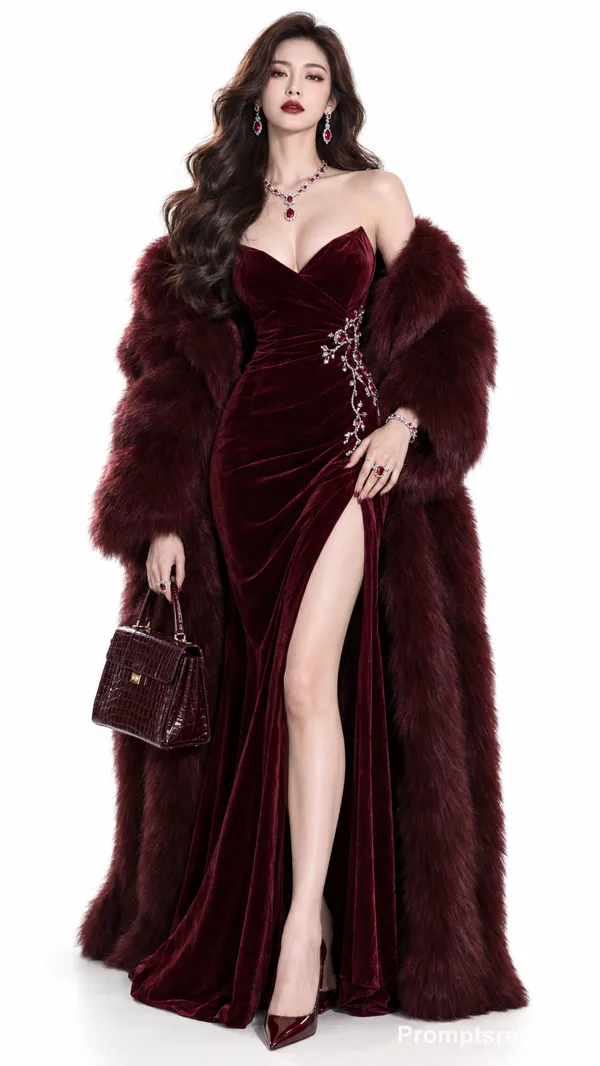
Wardrobe: Use a luxurious faux fur coat, cream knit dress, and nude heels. Do not change Rhea’s identity.
Scene:
A luxury penthouse suite during golden hour overlooking a modern city skyline.
Rhea sits elegantly in a velvet lounge chair beside a floor-to-ceiling window. Warm sunlight streams through sheer curtains, creating soft cinematic shadows across the room.
She slowly reaches into a designer handbag and pulls out a Fenty Beauty Gloss Bomb lip gloss.
She smiles softly toward the camera with quiet confidence.
She twists open the gloss, applies it slowly to her lips while looking into a small gold mirror, then lowers the mirror and looks directly into the camera with a subtle confident smile.
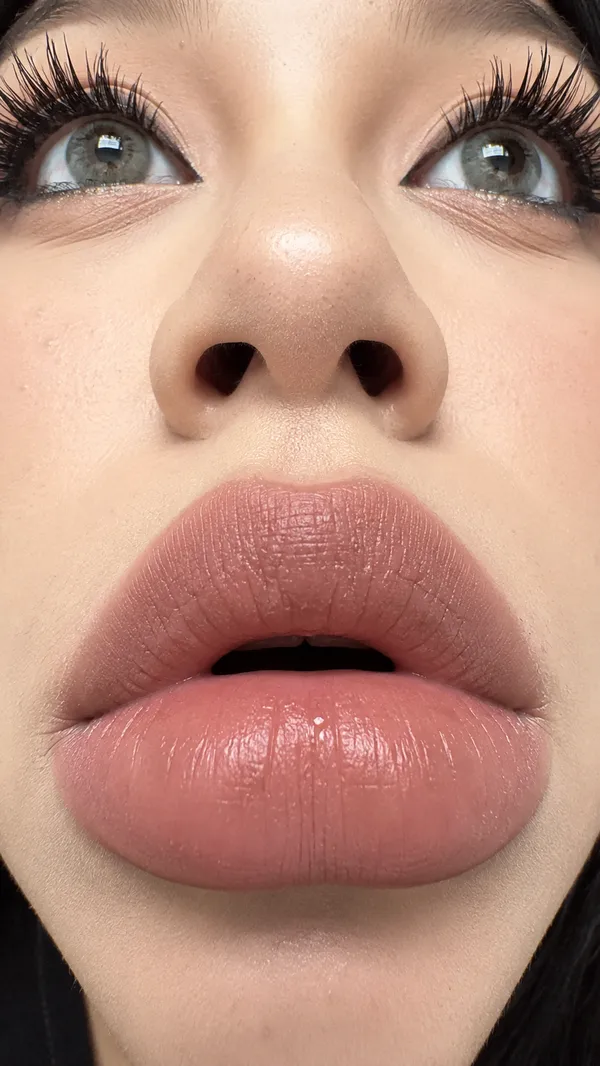
She gently presses her lips together, allowing the gloss to catch the golden light with a beautiful high-shine finish.
The camera slowly pushes in for an intimate beauty close-up before circling around her as she stands, walks toward the window, and gazes over the city.
She turns back toward the camera with effortless elegance, holding the lip gloss naturally in one hand—not like an advertisement, but as part of her everyday luxury routine.
Cinematography:
Ultra-realistic luxury fashion film
Slow cinematic camera movements
85mm portrait lens look
Soft depth of field
Golden hour lighting
Warm luxury color grading
Realistic skin texture
Individual hair strands moving naturally
Natural blinking and breathing
Authentic hand movements
High-end beauty campaign quality
Vogue editorial aesthetic
4K HDR
9:16 vertical for Instagram Reels/TikTok
8–10 seconds
No text
No watermark
No exaggerated AI motion
Voiceover
“Luxury isn’t about what you own. It’s about how confidently you carry yourself.”
参照画像
リミックス作品
リミックスまだリミックスはありません。最初のバージョンを作ってみましょう。
この動画プロンプトを使う
- 01
プロンプトから始める
プロンプトをコピーするか、生成ボタンで開きます。
- 02
自分のアイデアを加える
被写体や背景、細部を調整し、必要に応じて参考素材を追加します。
- 03
生成前に確認する
モデルと出力設定を確認してください。生成結果は毎回異なる場合があります。