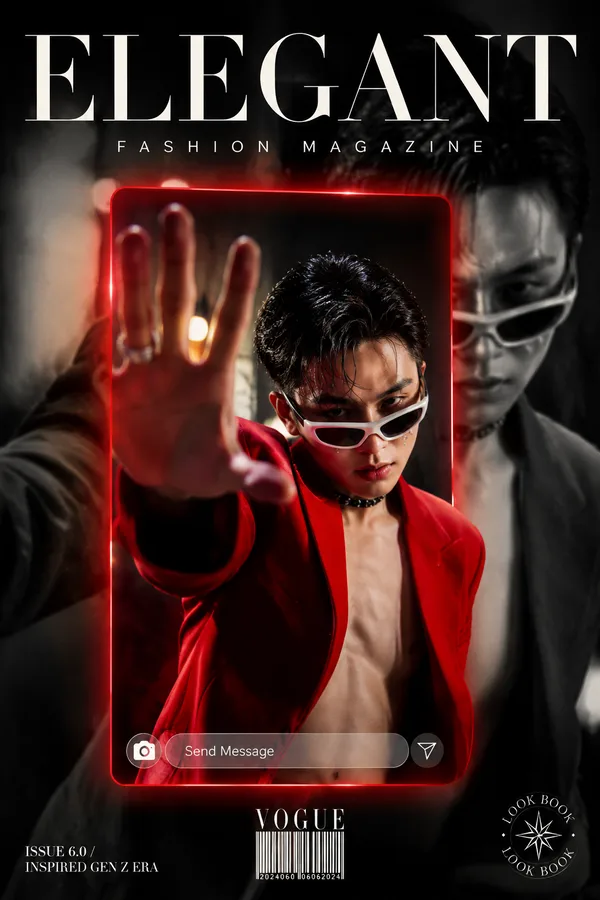
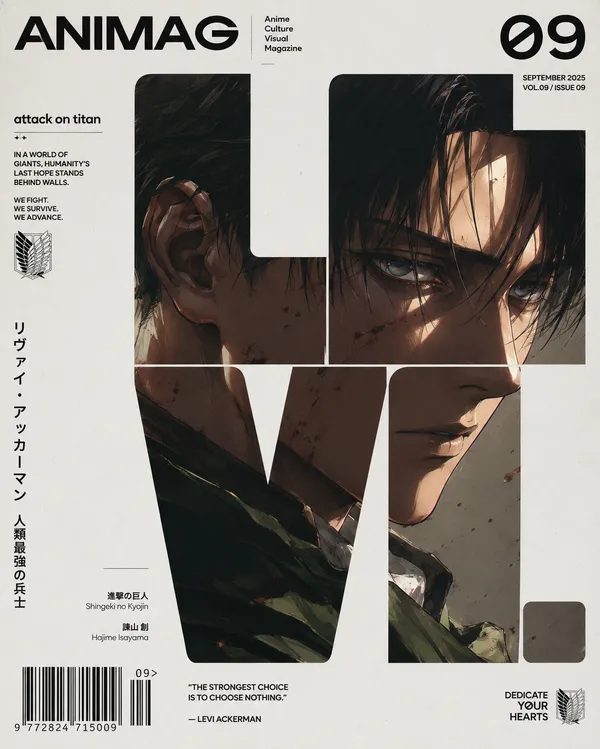
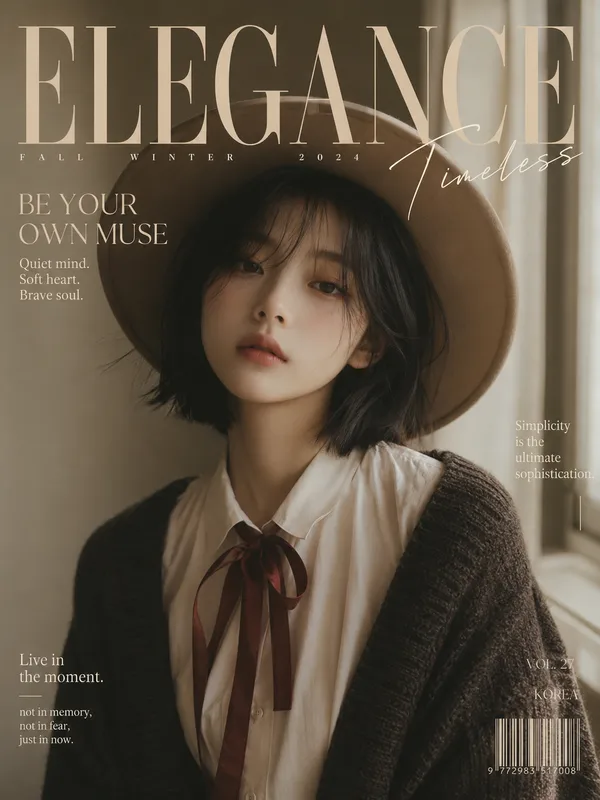
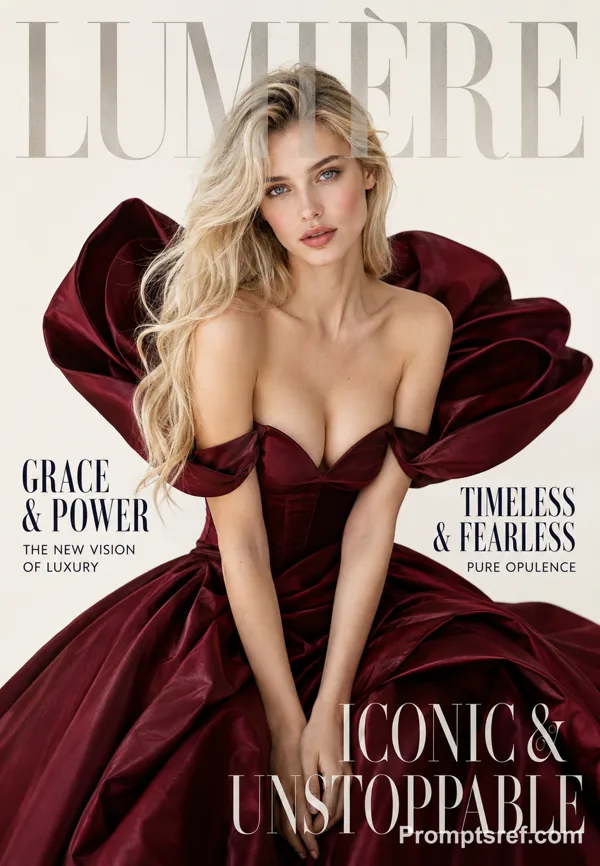
GPT Image 2.0 プロンプト - ONE PIECE オートクチュール雑誌表紙

- アスペクト比
- 9:16
- 画質
- 1K
プロンプト
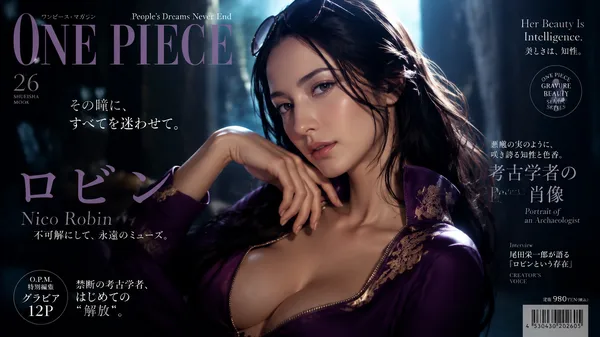
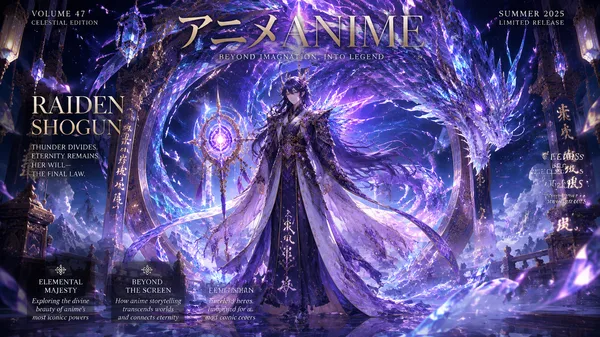
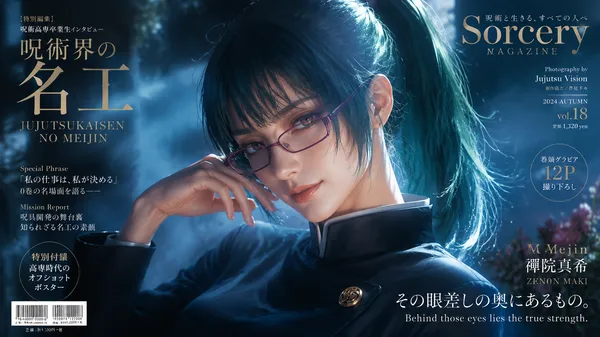
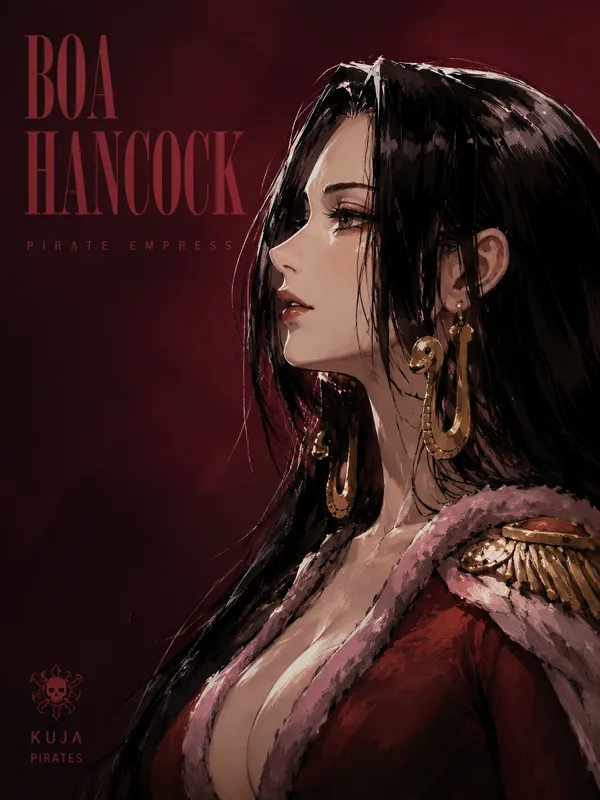
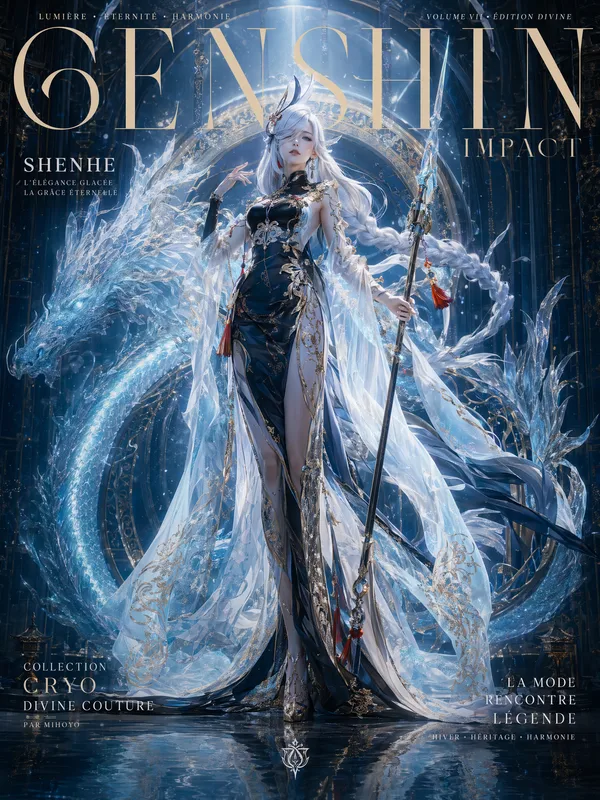
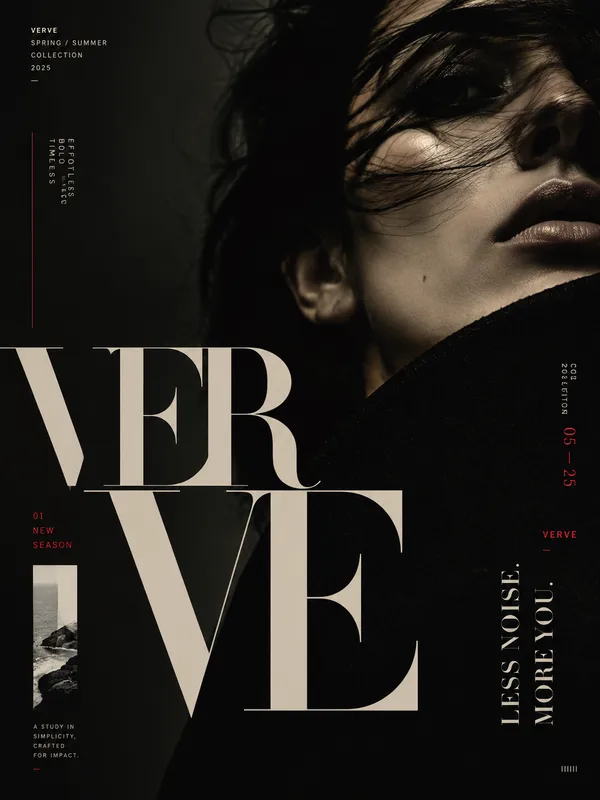
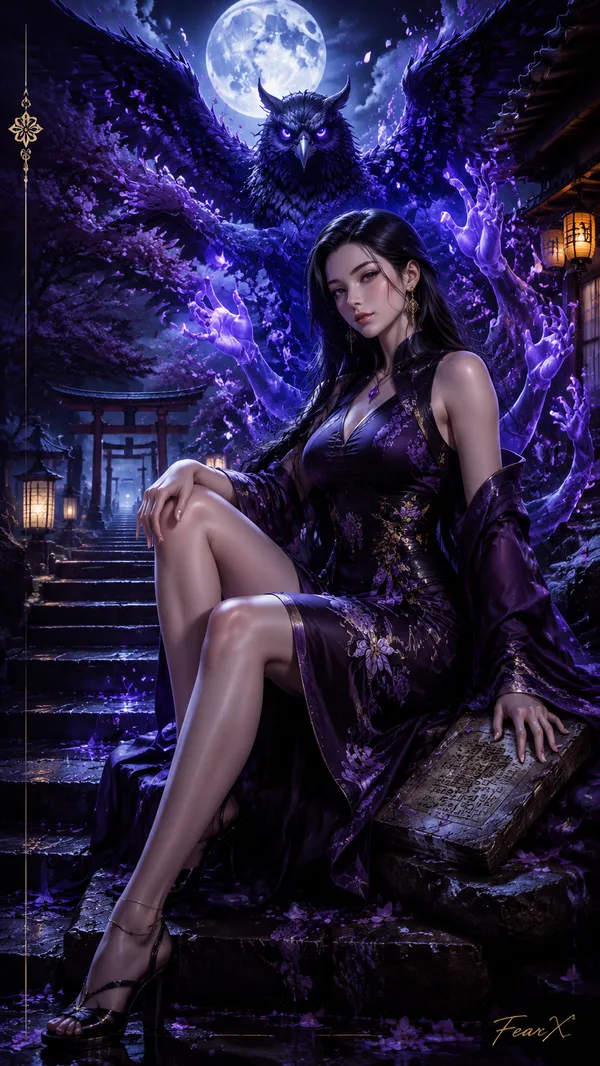
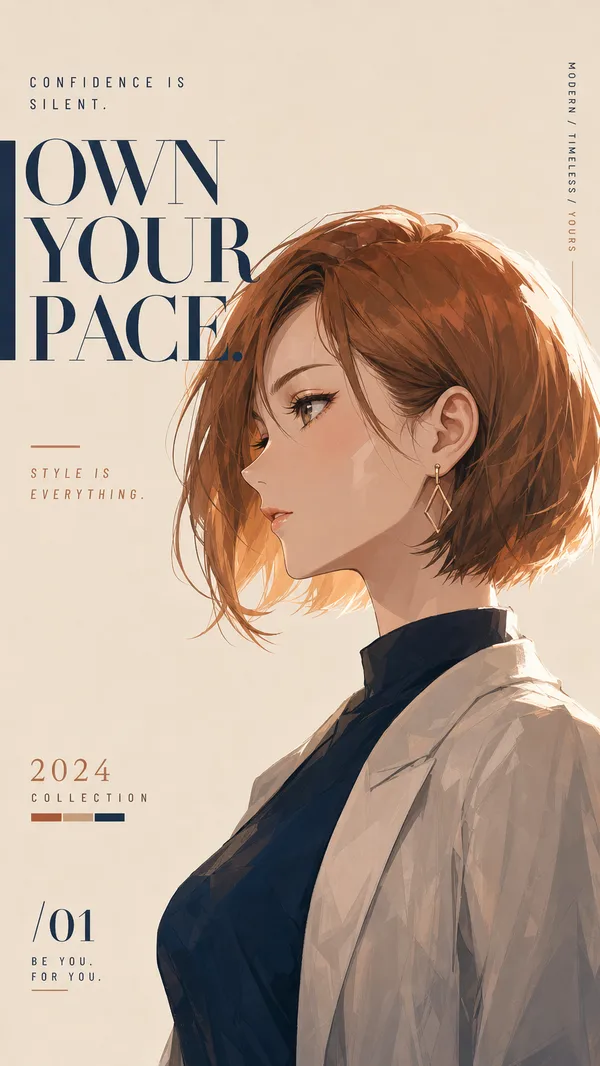
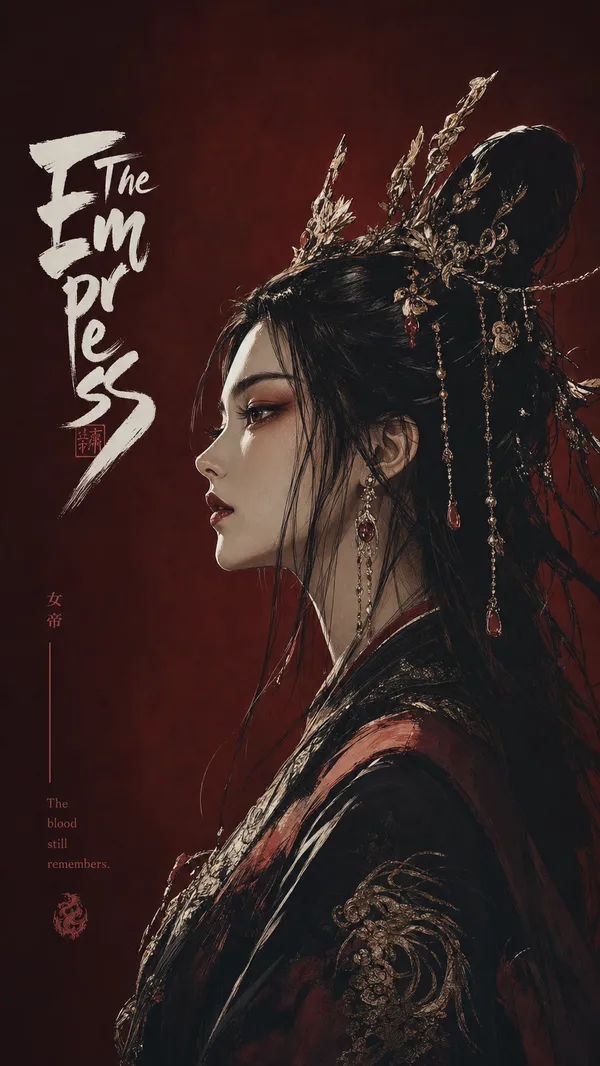
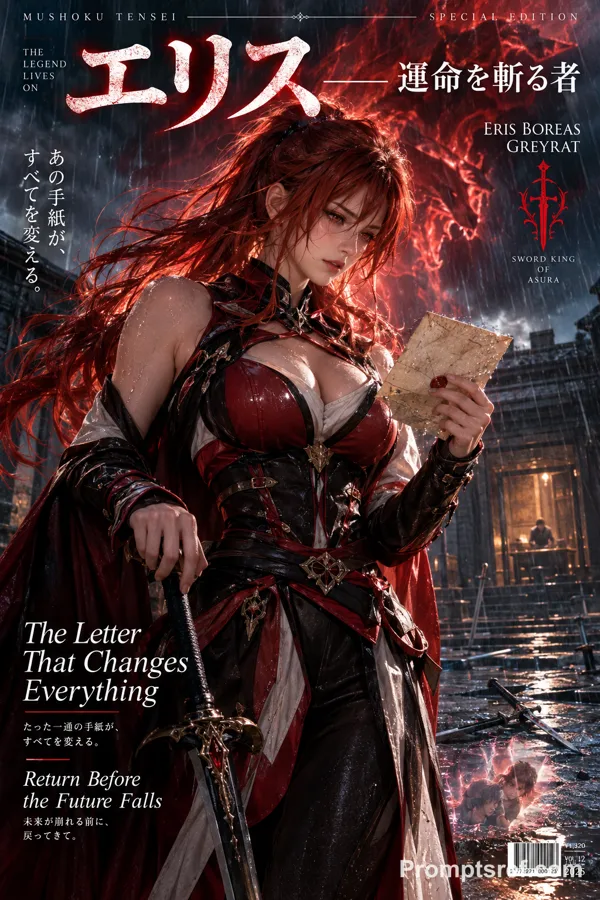
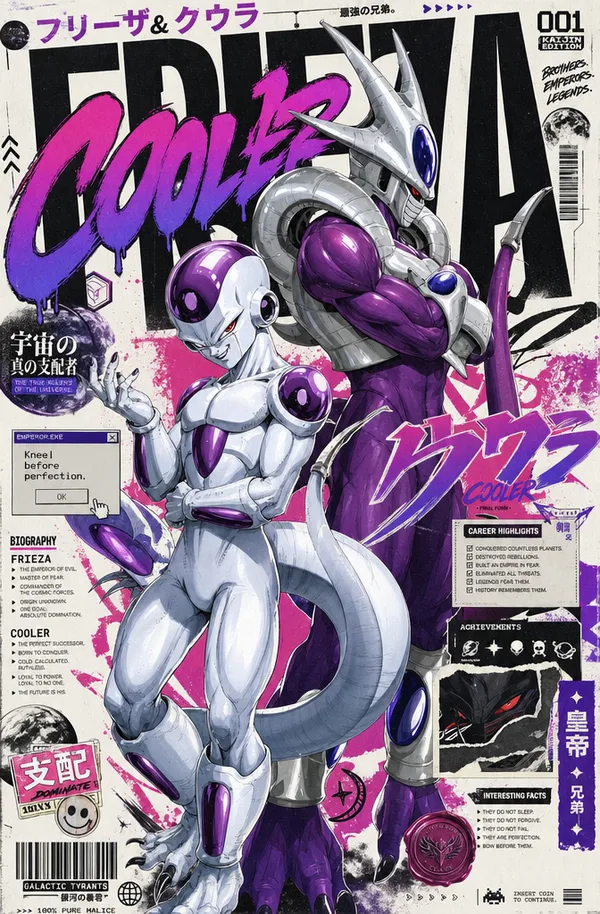
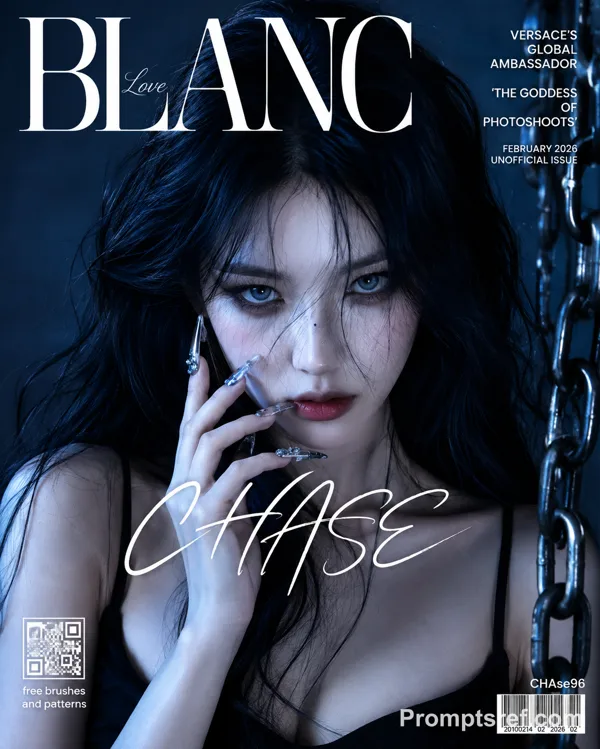
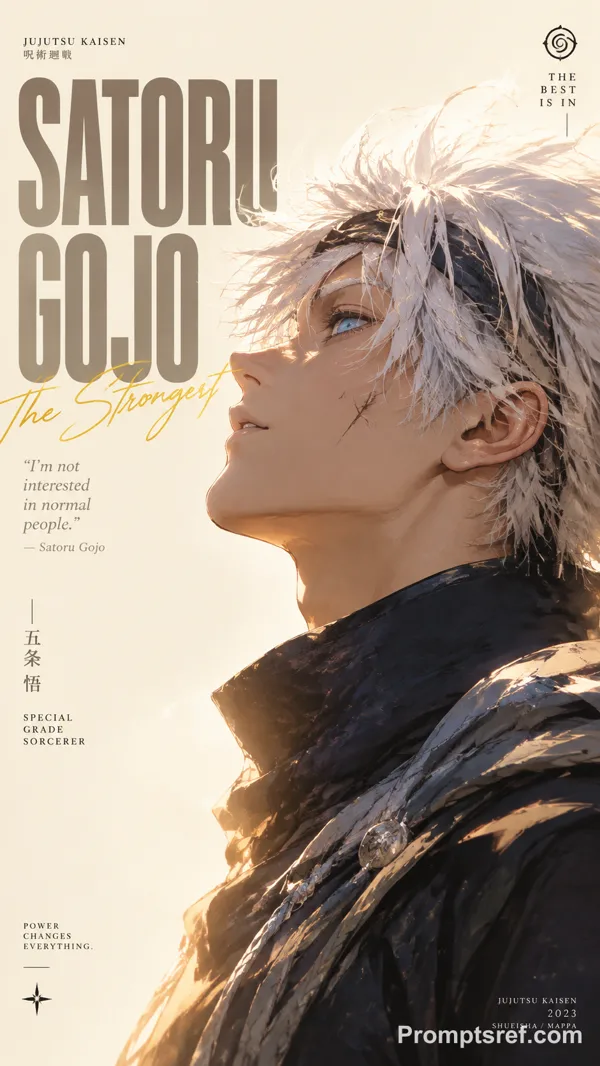
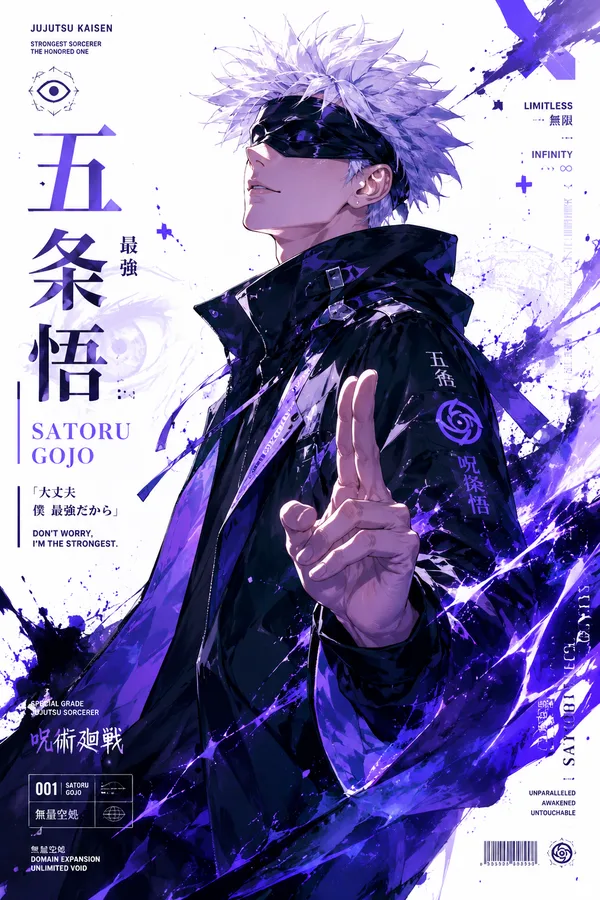
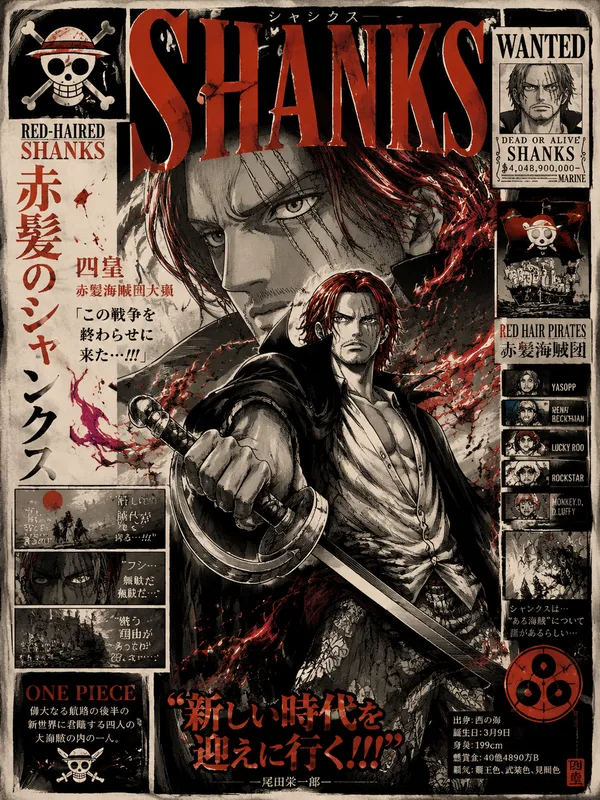
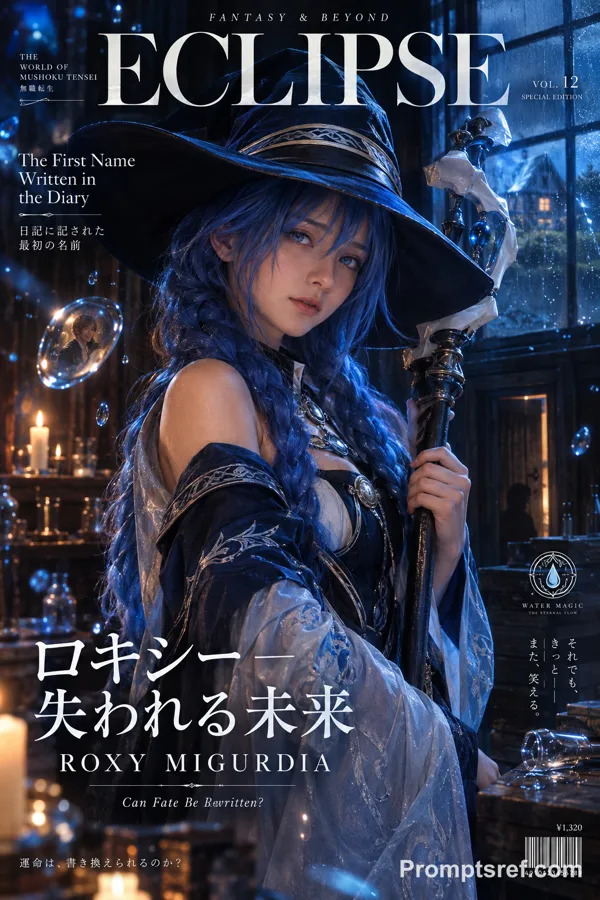
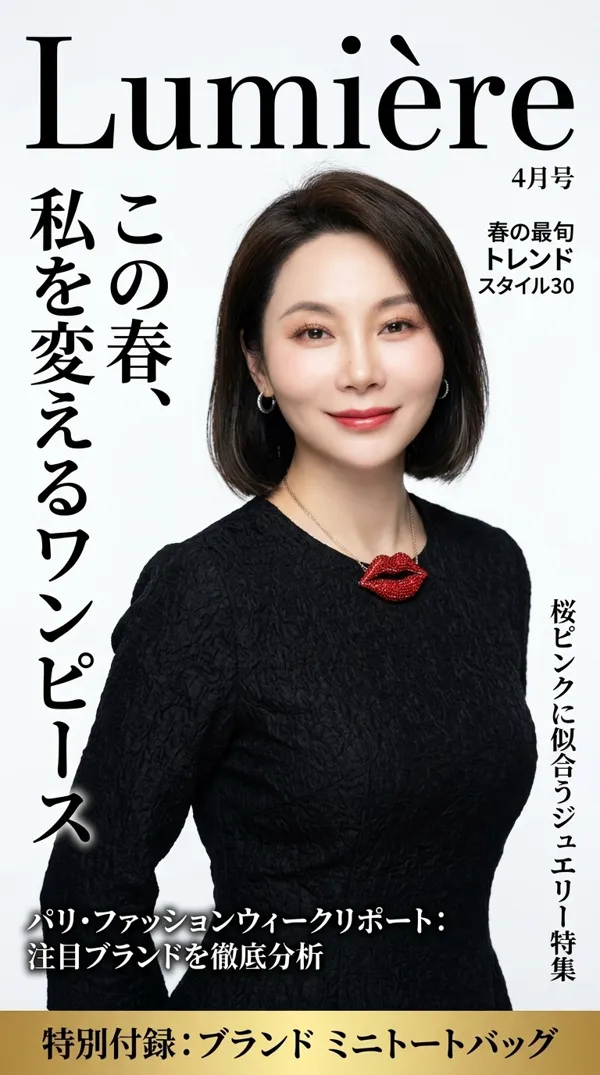
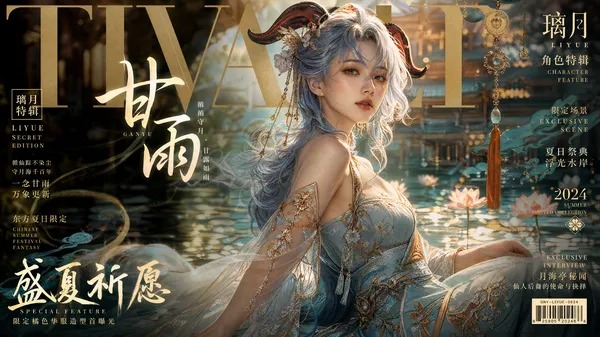
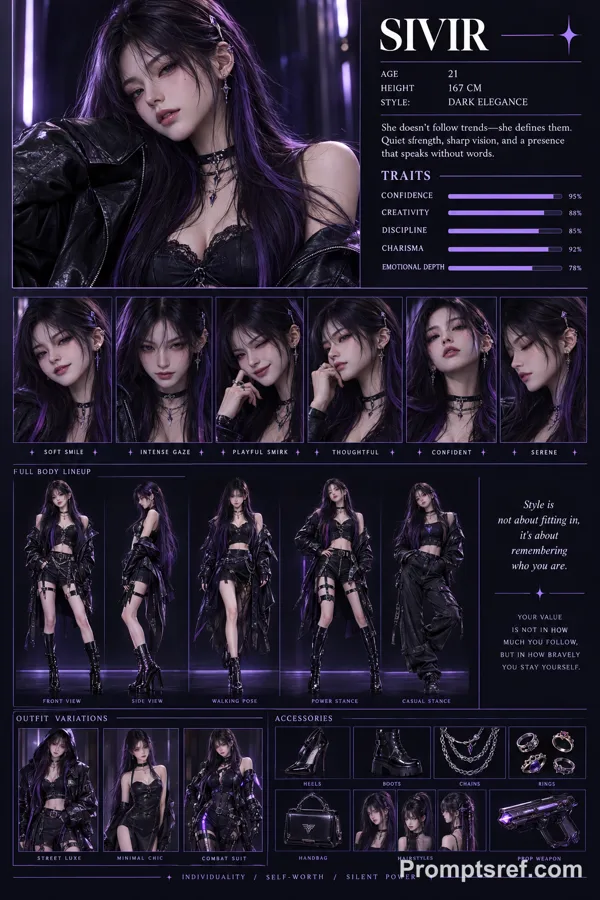
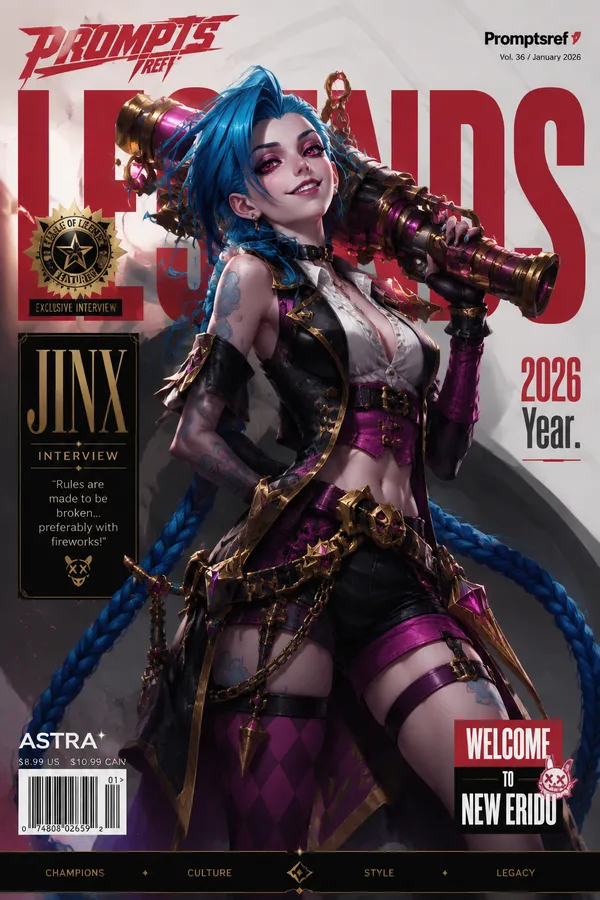
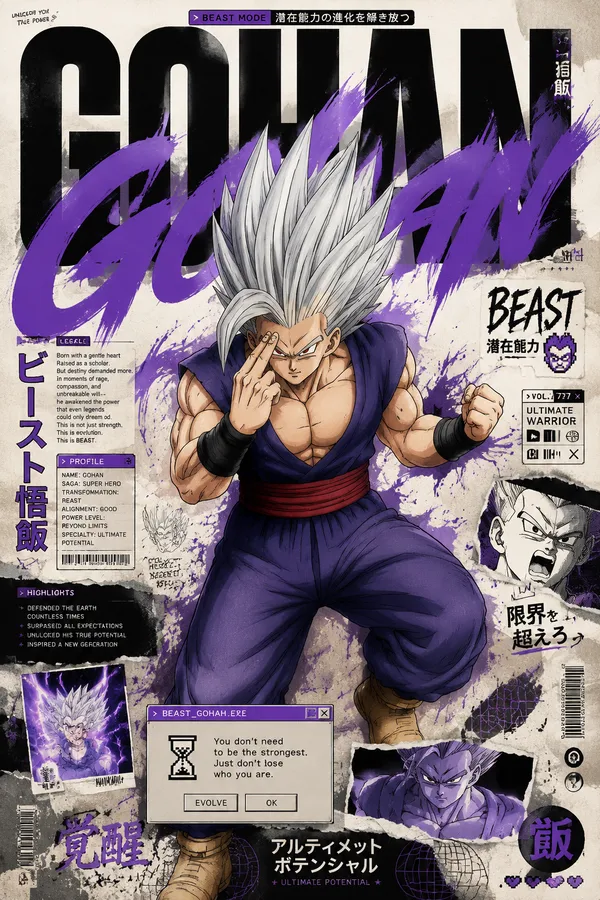
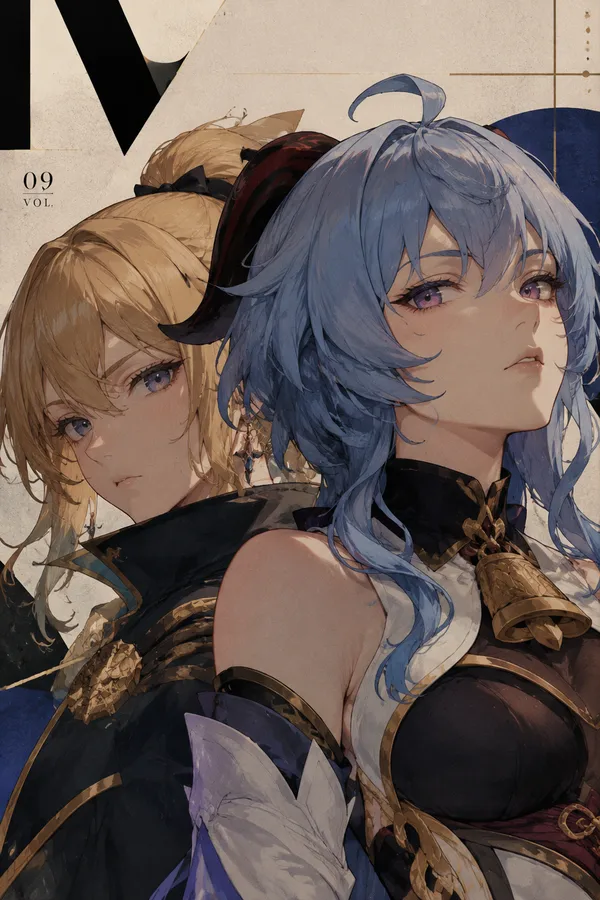
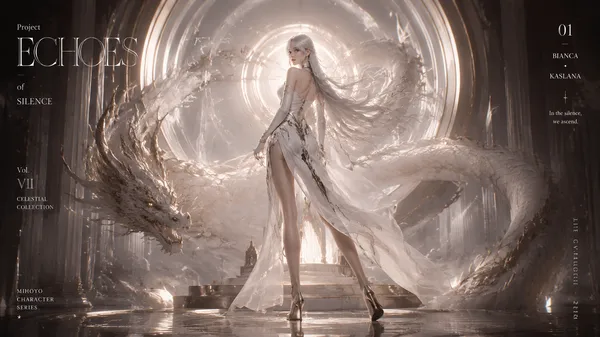
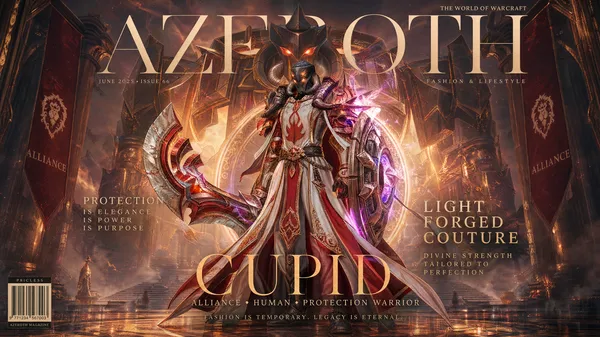
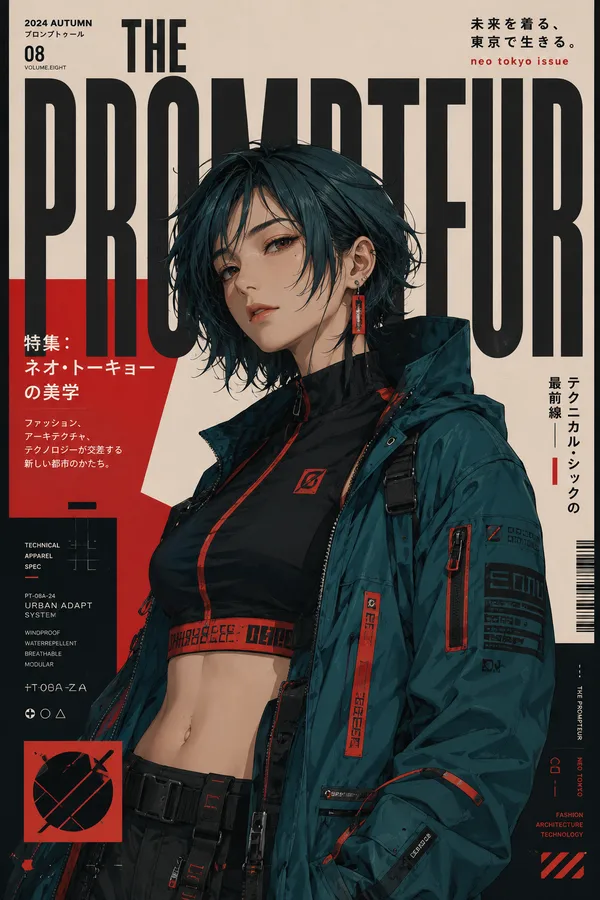
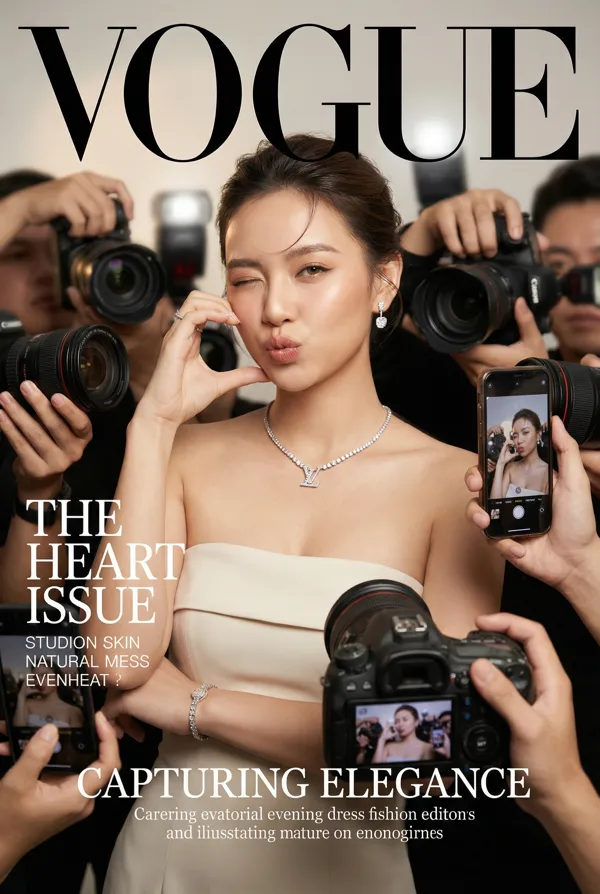
Luxury anime fashion magazine cover inspired by Vogue and haute couture editorials, One Piece character reimagined as an elite fashion icon, dramatic cinematic composition, ultra detailed anime illustration, premium magazine typography, elegant serif fonts, glossy luxury magazine layout, dark moody atmosphere, couture fashion styling, designer outfit with intricate embroidery and jewelry, rich textures, cinematic rim lighting, luxury editorial photography aesthetic, layered composition with giant character portrait in background, dramatic shadows, fashion campaign energy, sophisticated pose, flowing smoke and glowing effects, high contrast lighting, premium black and gold color palette, polished digital painting, highly detailed facial features, anime x luxury fashion fusion, masterpiece quality, trending on ArtStation, 8k
Character themes:
• Jinbe — ocean-inspired royal kimono couture, deep navy and sapphire tones, gold wave embroidery, powerful calm aura, water and mist effects, regal luxury styling
• Brook — gothic haute couture skeleton violinist, black Victorian fashion, silver embroidery, dark roses, smoky atmosphere, elegant gothic fantasy aesthetic
• Franky — futuristic cyberpunk luxury fashion, chrome metallic armor, neon blue accents, robotic couture, industrial sci-fi editorial vibe, high-tech luxury magazine styling
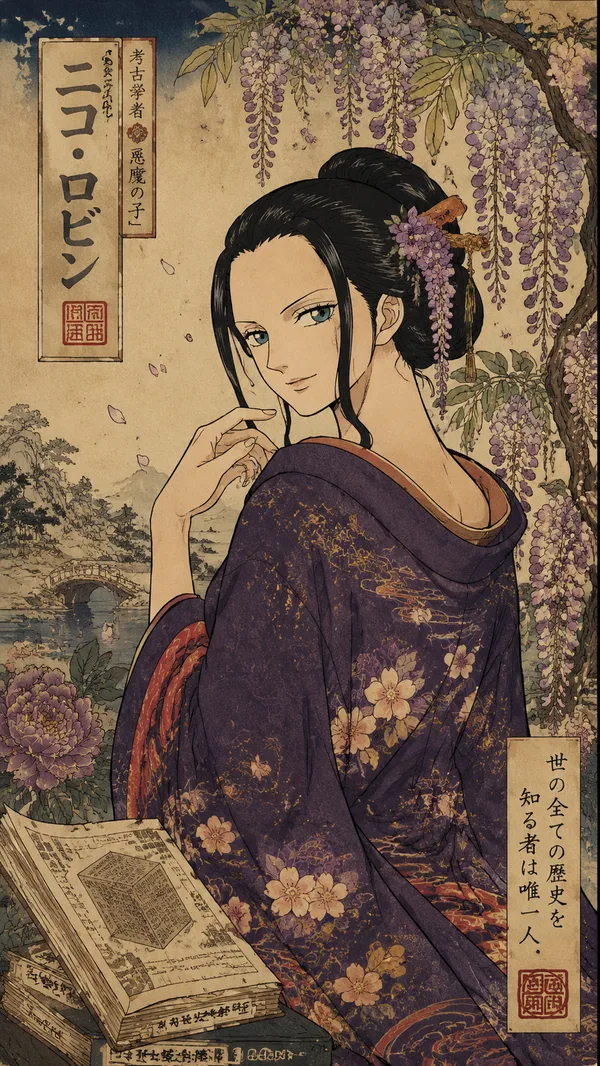
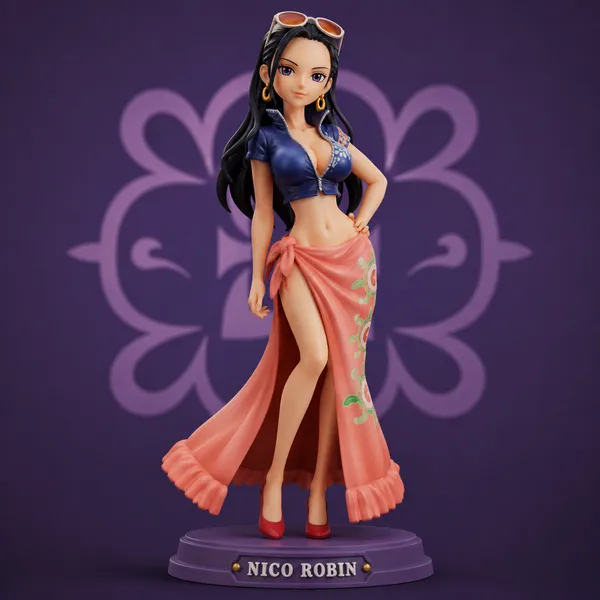
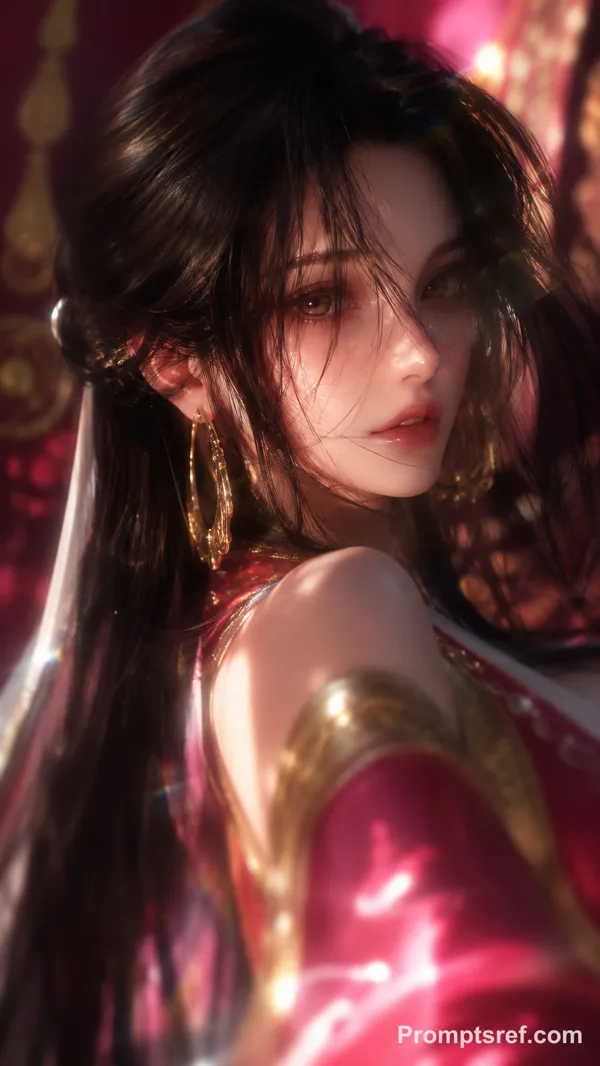
• Nico Robin — elegant dark academia haute couture, black velvet dress with gold floral jewelry, mysterious luxury aura, deep burgundy background, sophisticated feminine fashion
Magazine cover details:
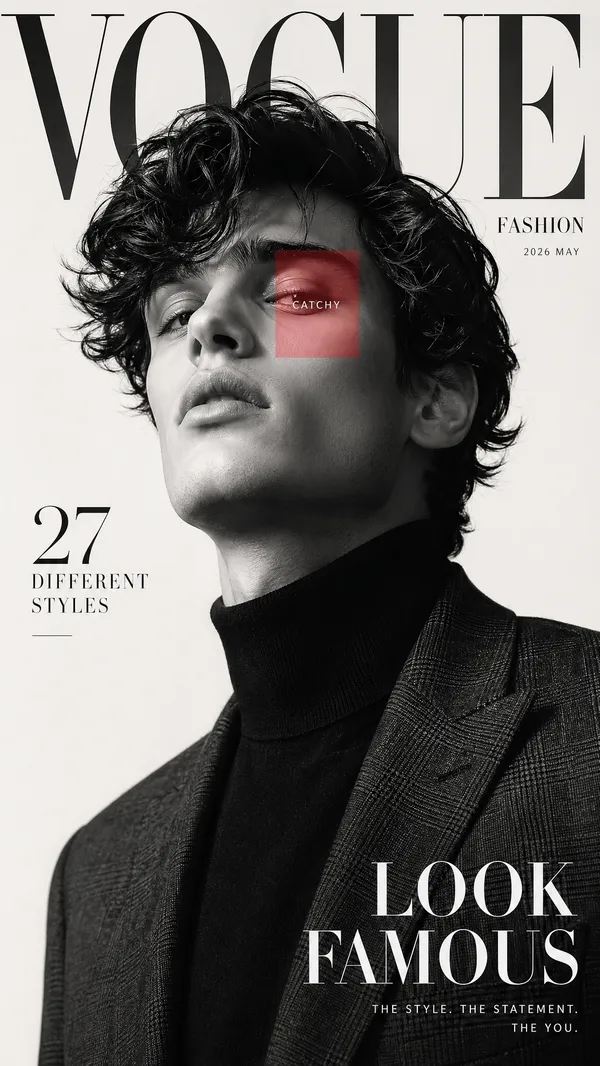
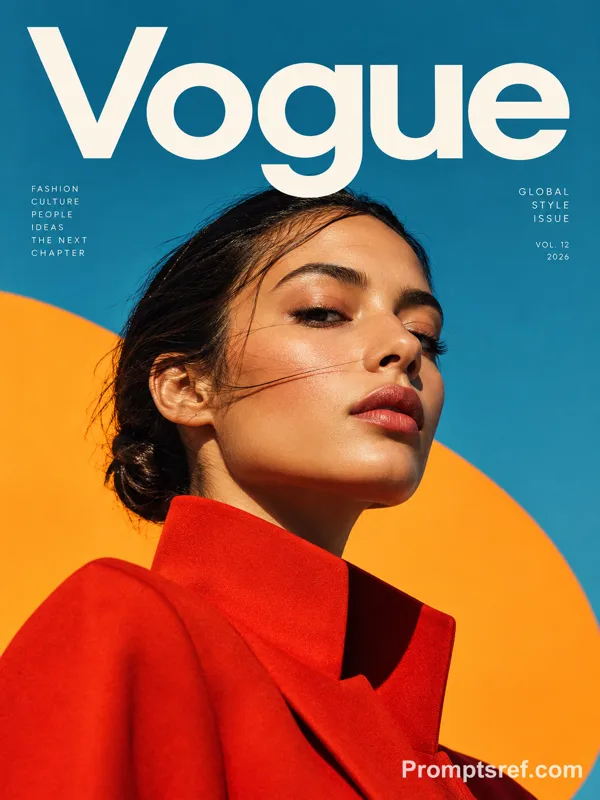
large “VOGUE” masthead at top, luxury fashion brand inspired layout, editorial quotes and taglines, premium typography placement, spring/summer fashion issue aesthetic, cinematic fashion photography composition, collectible limited edition magazine cover design
リミックス作品
リミックスまだリミックスはありません。最初のバージョンを作ってみましょう。
この画像プロンプトを使う
- 01
プロンプトから始める
プロンプトをコピーするか、生成ボタンで開きます。
- 02
自分のアイデアを加える
被写体や背景、細部を調整し、必要に応じて参考素材を追加します。
- 03
生成前に確認する
モデルと出力設定を確認してください。生成結果は毎回異なる場合があります。