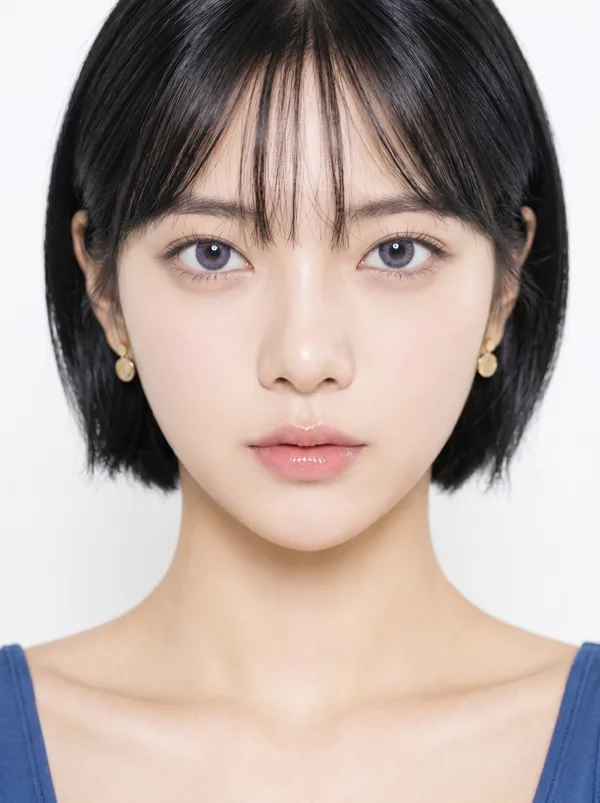
Nano Banana 2 プロンプト - 一筋の暖かな光に浮かぶ眼差し

プロンプト
{
"portrait_prompt": {
"subject": {
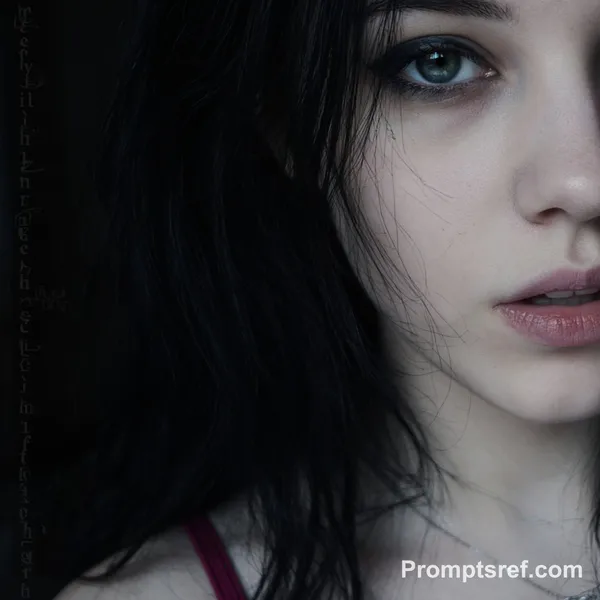
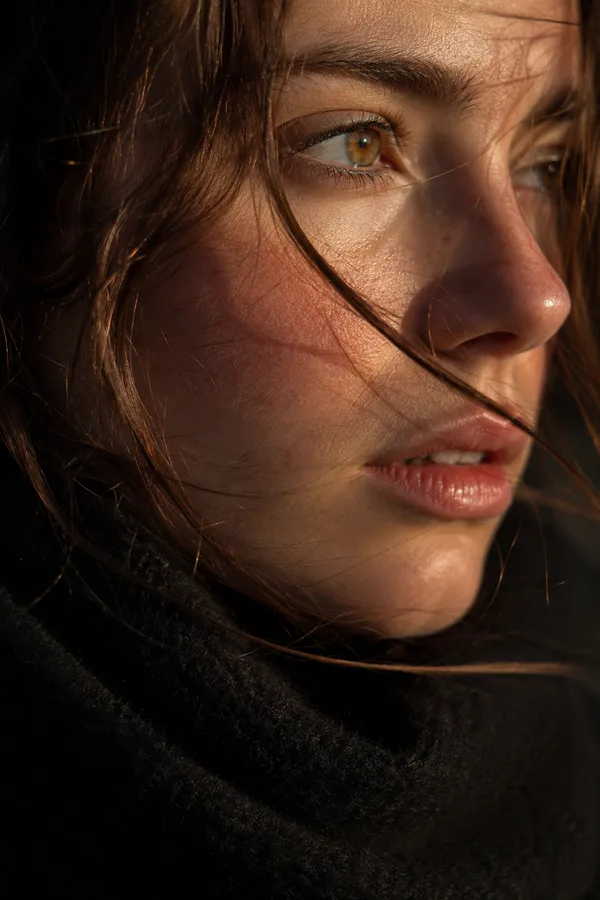
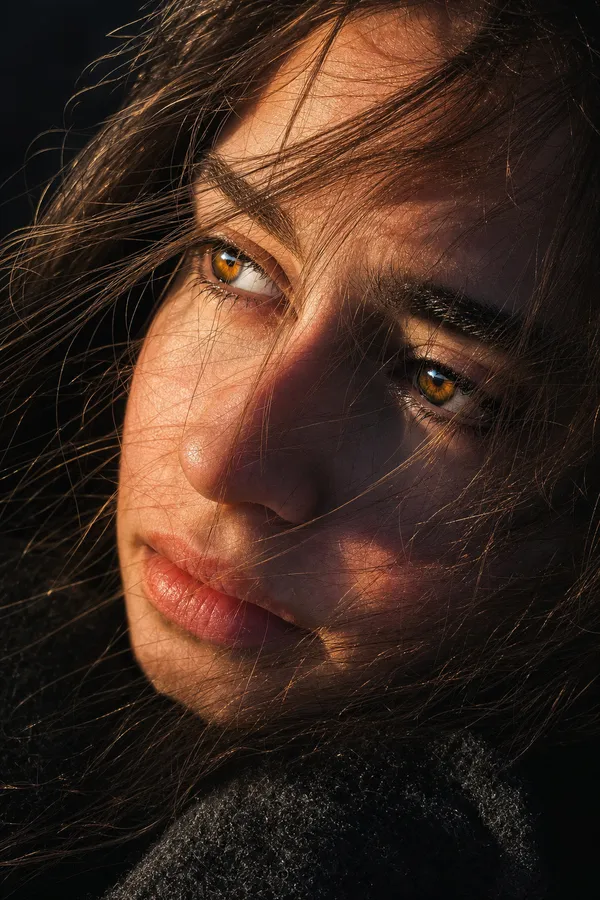
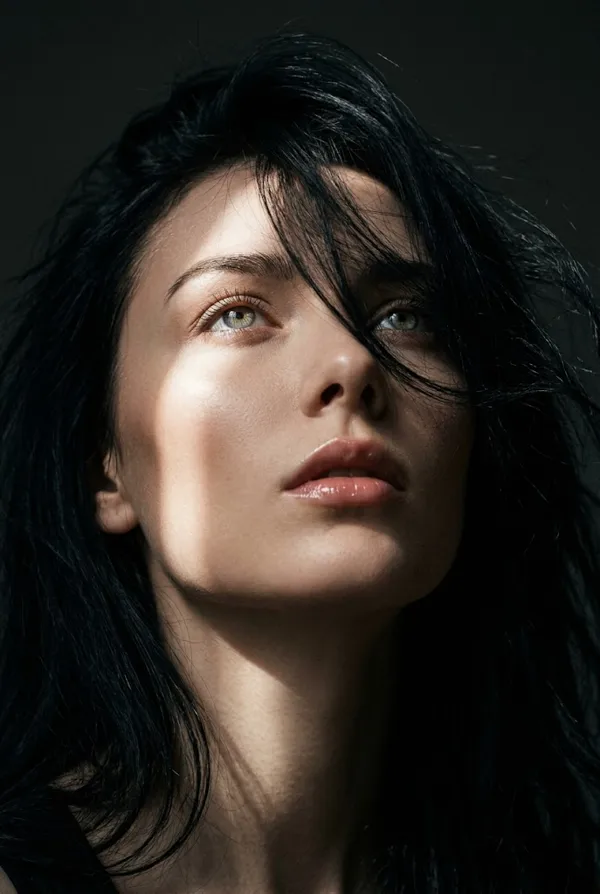
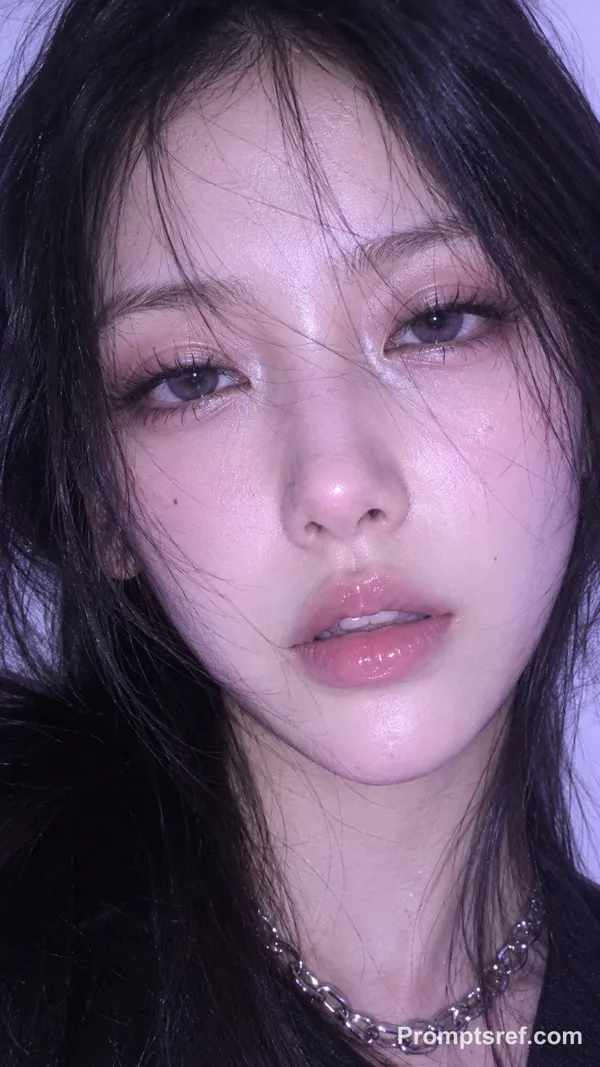
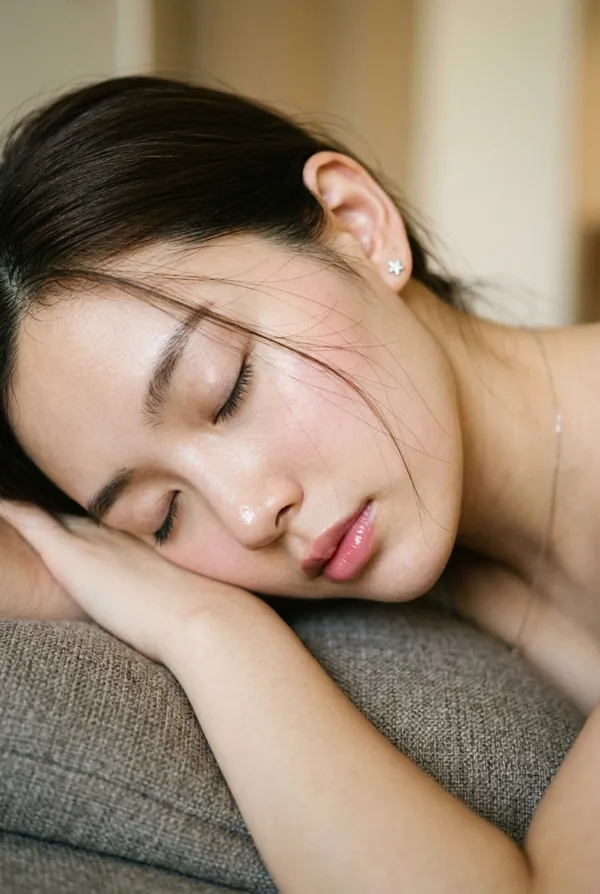
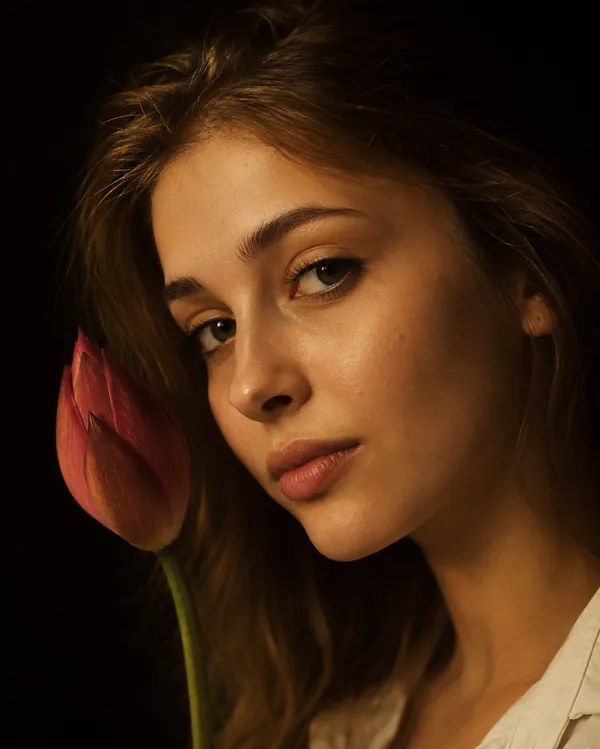
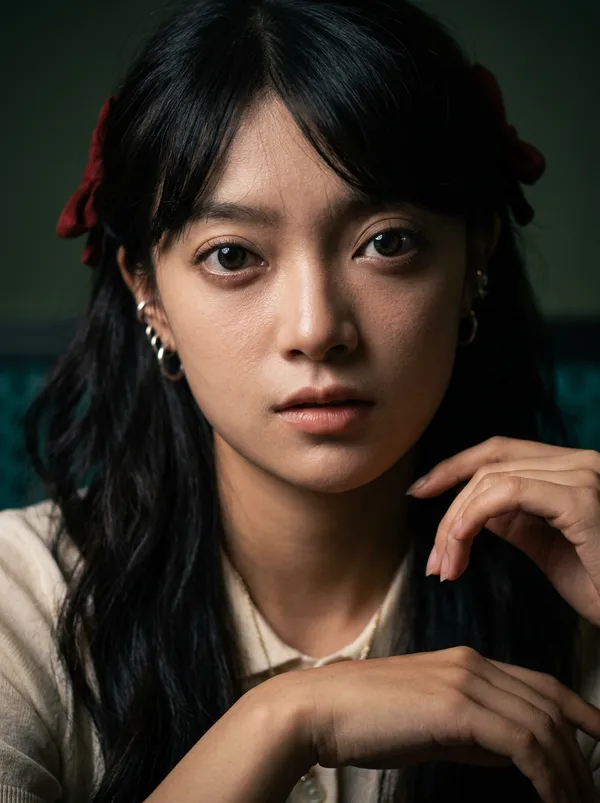
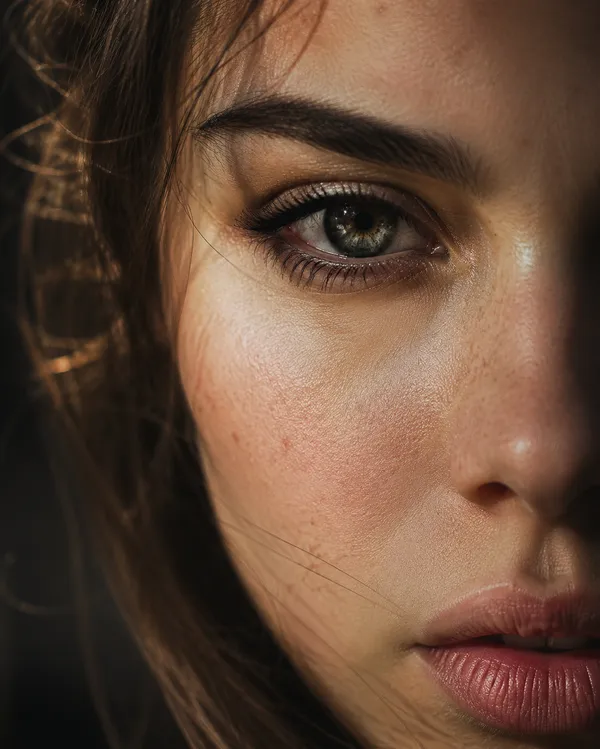
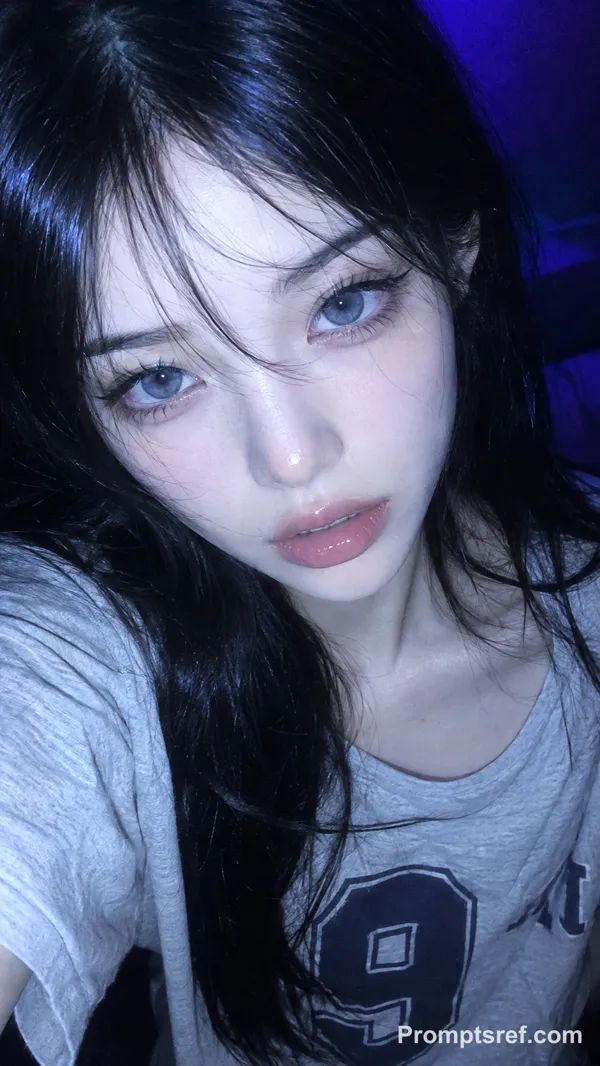
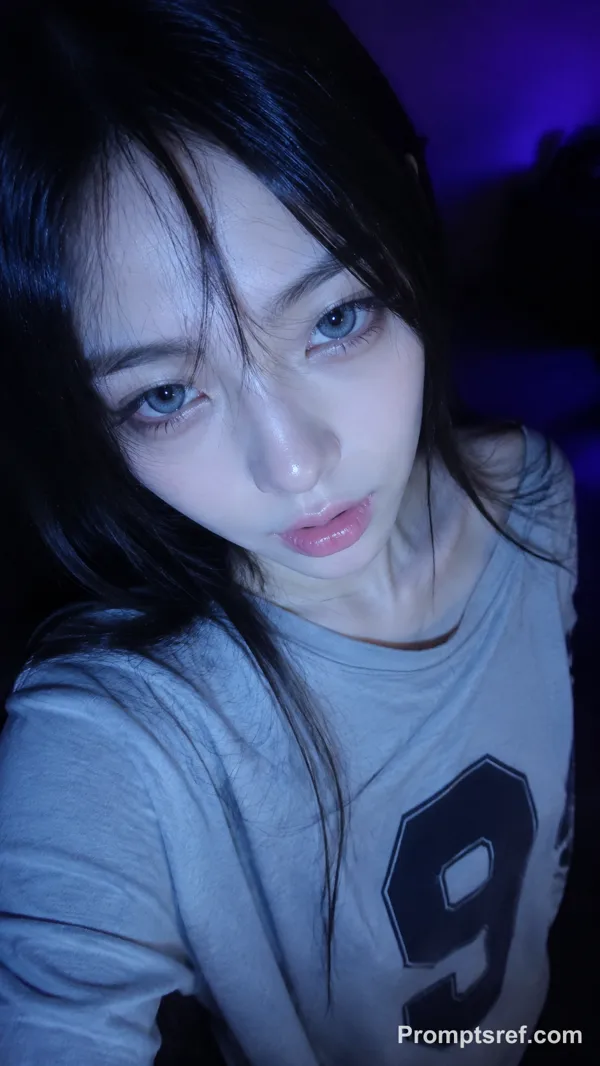
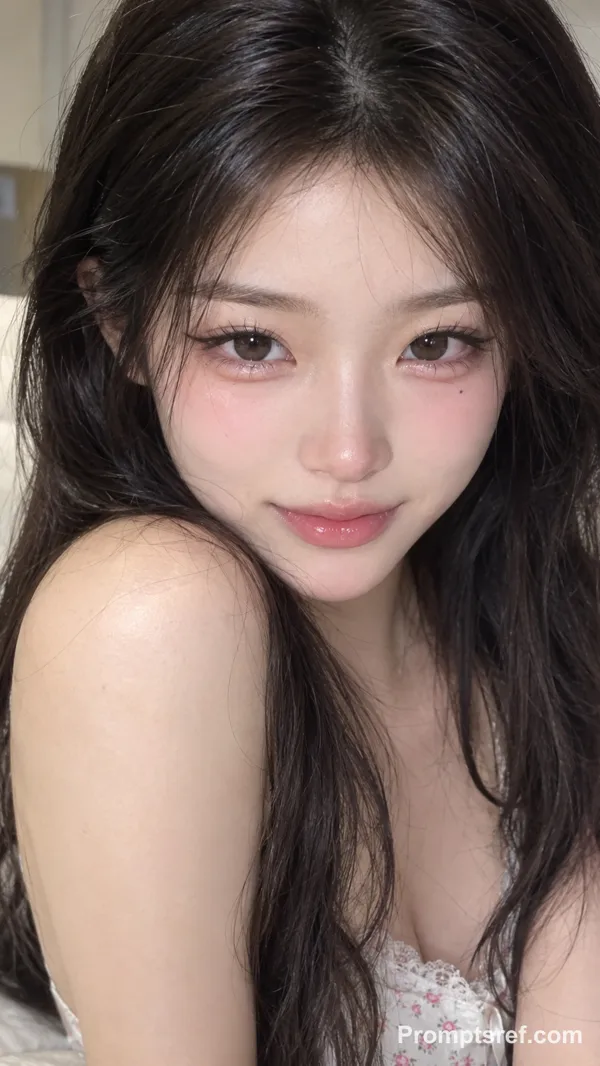
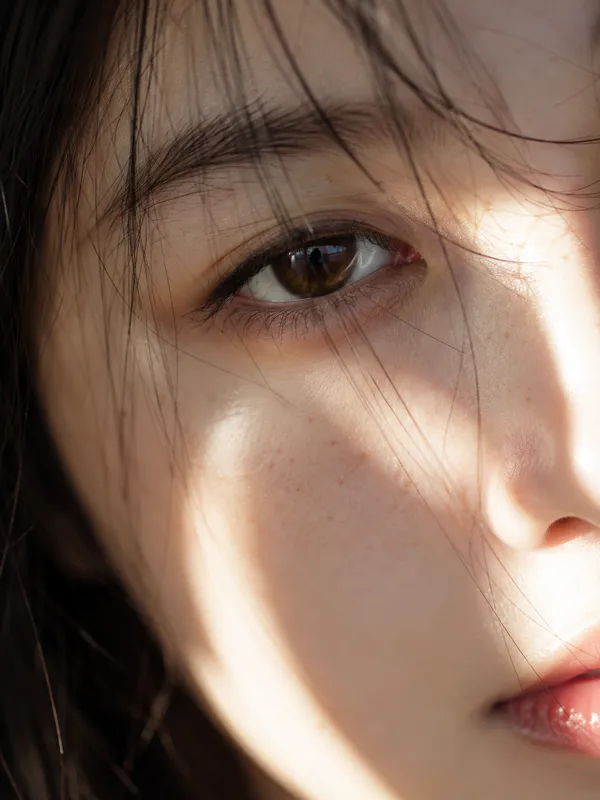
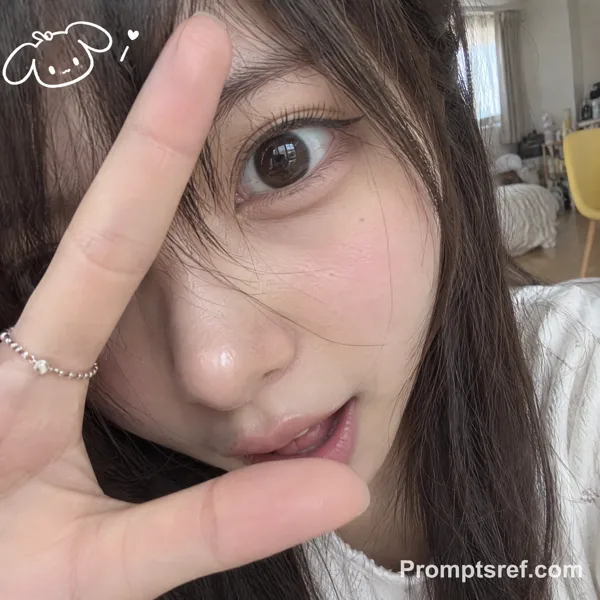
"description": "Based on <User Portrait>, create an intimate extreme close-up portrait with the face pressed near the lens, one eye as the emotional anchor, the chin tucked inward and slightly downward, the head subtly lowered, and a quiet guarded expression.",
"features": {
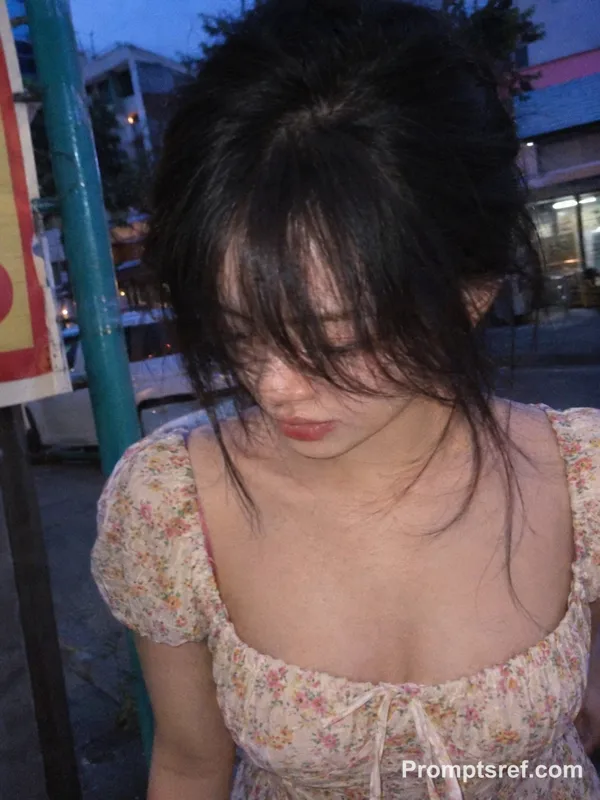
"hair": "dark soft hair with uneven fringe falling over the forehead, loose strands partially veiling the face",
"eyes": "one eye sharply visible and dominant, intense direct gaze from beneath the fringe, the other eye mostly suppressed by crop, shadow, or soft occlusion",
"expression": "unsmiling, restrained, secretive, emotionally dense"
},
"pose": "chin tucked down toward the neck, head slightly bowed and leaning forward into the camera, lower face compressed and visually receding, no lifted chin"
},
"attire": {
"type": "Based on user-uploaded clothing reference",
"details": [
"keep clothing nearly invisible",
"only a minimal shoulder or neckline edge may remain in frame",
"the portrait must read as face-first and light-first"
],
"color": "muted dark neutral tones with low visual priority"
},
"composition": {
"shot_type": "Extreme close-up",
"focal_length": "85mm to 100mm close-focus portrait lens",
"aperture": "f/1.8 to f/2.2",
"camera_angle": "slightly above eye level",
"camera_height": "face level, extremely close distance",
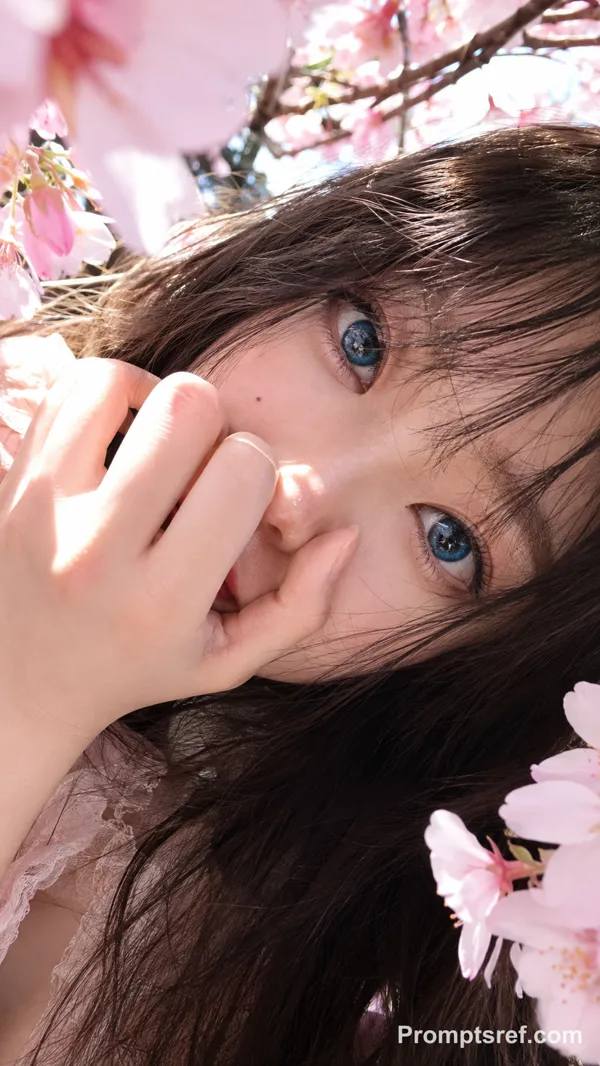
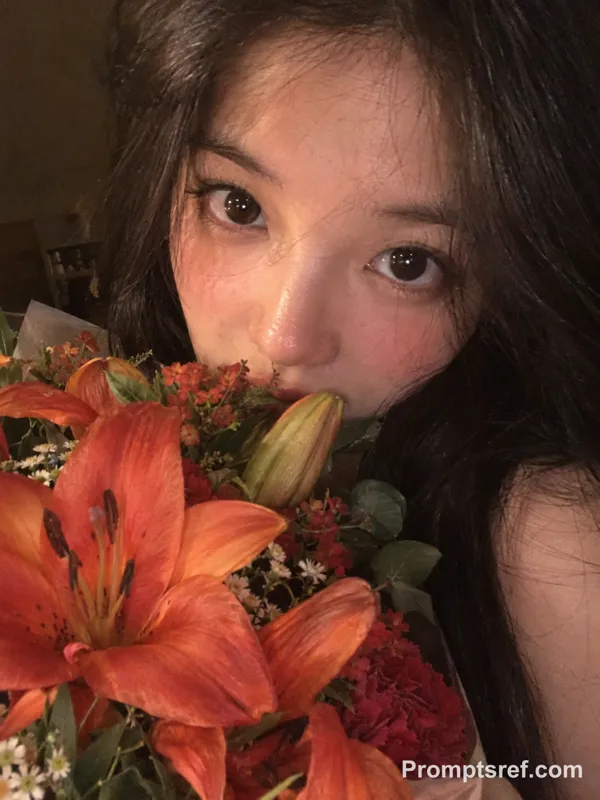
"framing": "very tight asymmetrical face crop, one eye as the sharp focal center, forehead and chin partially cut, floral blur entering from the upper left, lower face sinking into shadow, minimal background presence, no spacious framing",
"aspect_ratio": "4:5"
},
"lighting": {
"type": "a very narrow slit of warm directional sunlight hitting only the eye area",
"direction": "a thin controlled band of light enters from the upper left and lands mainly across the visible eye, upper eyelid, lashes, and a small part of the nose bridge; forehead, cheeks, lips, jaw, and chin remain mostly dim, subdued, or in shadow",
"mood": "high-contrast, secretive, eye-emphasis, sculpted shadow isolation"
},
"color_palette": {
"film_simulation": "Fujifilm Classic Negative inspired color grading",
"style": "muted cinematic editorial portrait, warm highlights, deep shadow separation, restrained saturation, realistic skin texture",
"tones": [
"warm amber eye highlights",
"deep brown-black shadow fields",
"muted skin browns",
"soft natural lip brown"
],
"grade_notes": [
"highlight roll-off: concentrated and localized around the eye area only",
"shadow tint: deep neutral brown with slight coolness, not flat gray",
"contrast curve: strong local contrast around the eyes, compressed darkness over the lower face",
"grain: subtle fine film grain"
]
},
"environment": {
"setting": "minimal indoor portrait near a directional light source",
"background": "mostly dark soft blur made of hair, shadow, and indistinct warm neutral tones",
"atmosphere": "foreground blossom occlusion, private and intimate breathing-distance portrait, almost no environmental storytelling outside the face and light placement"
},
"mood": "intense, private, guarded, cinematic, compressed, face-to-face",
"technical_tags": [
"photorealistic",
"extreme close-up portrait",
"single-eye emphasis",
"narrow eye light only",
"deep facial shadow",
"chin tucked in",
"foreground floral occlusion",
"shallow depth of field",
"editorial beauty realism",
"no text overlay"
],
"character_reference": "Based on <User Portrait>",
"clothing_reference": "Based on user-uploaded clothing reference",
"negative_prompt": "full-face lighting, evenly lit cheeks, bright forehead, illuminated mouth, illuminated chin, lifted chin, raised jawline, head tilted back, both eyes equally exposed, flat studio beauty light, softbox glamour light, symmetrical centered portrait, wide-angle distortion, full outfit visibility, smiling expression, clean bright background, excessive retouching, plastic skin, oversharpening, HDR look, neon color cast, text, watermark, logo"
}
}
リミックス作品
リミックスまだリミックスはありません。最初のバージョンを作ってみましょう。
この画像プロンプトを使う
- 01
プロンプトから始める
プロンプトをコピーするか、生成ボタンで開きます。
- 02
自分のアイデアを加える
被写体や背景、細部を調整し、必要に応じて参考素材を追加します。
- 03
生成前に確認する
モデルと出力設定を確認してください。生成結果は毎回異なる場合があります。