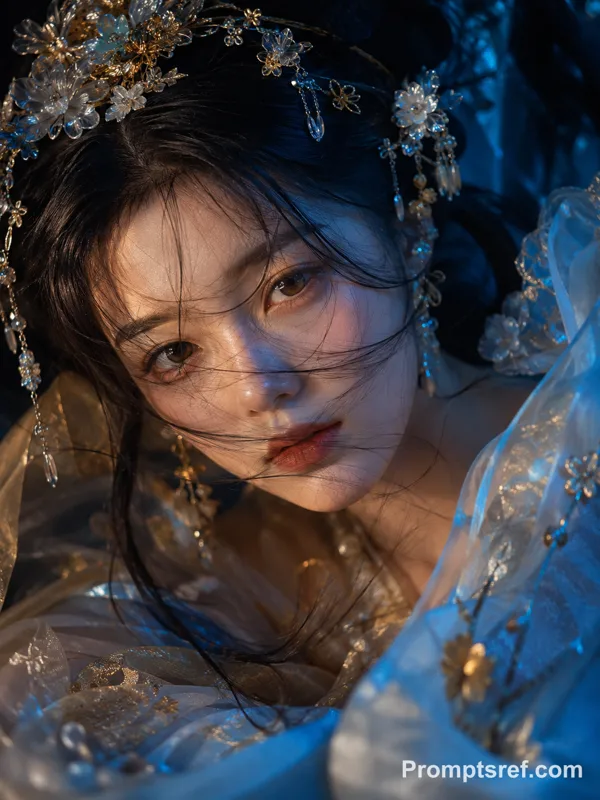
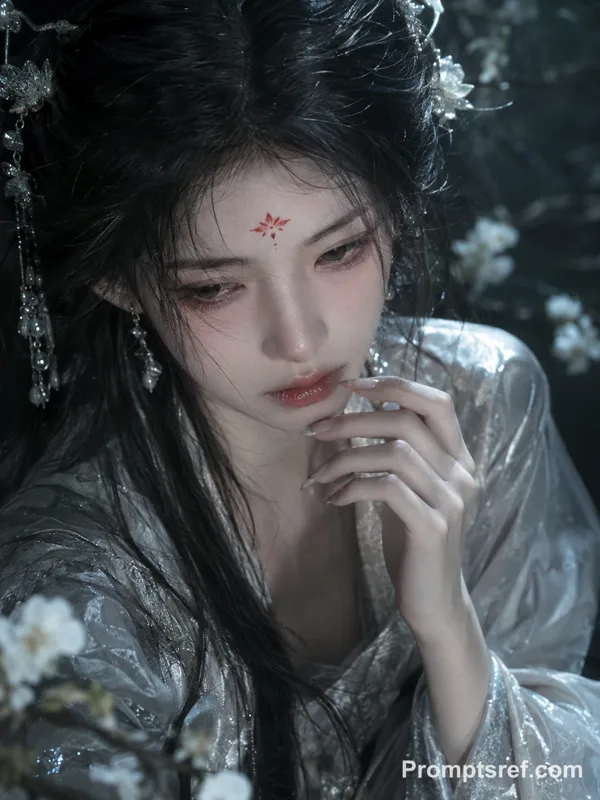
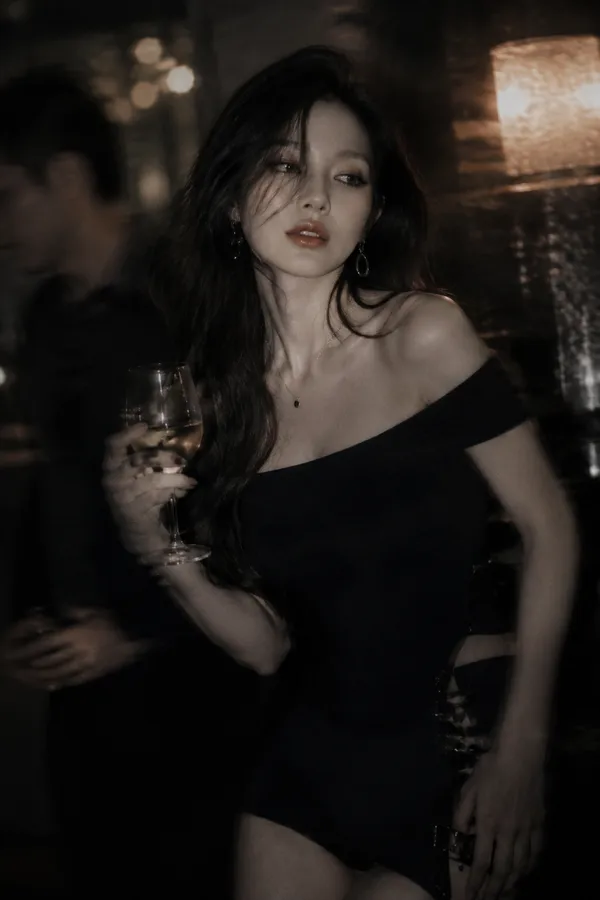
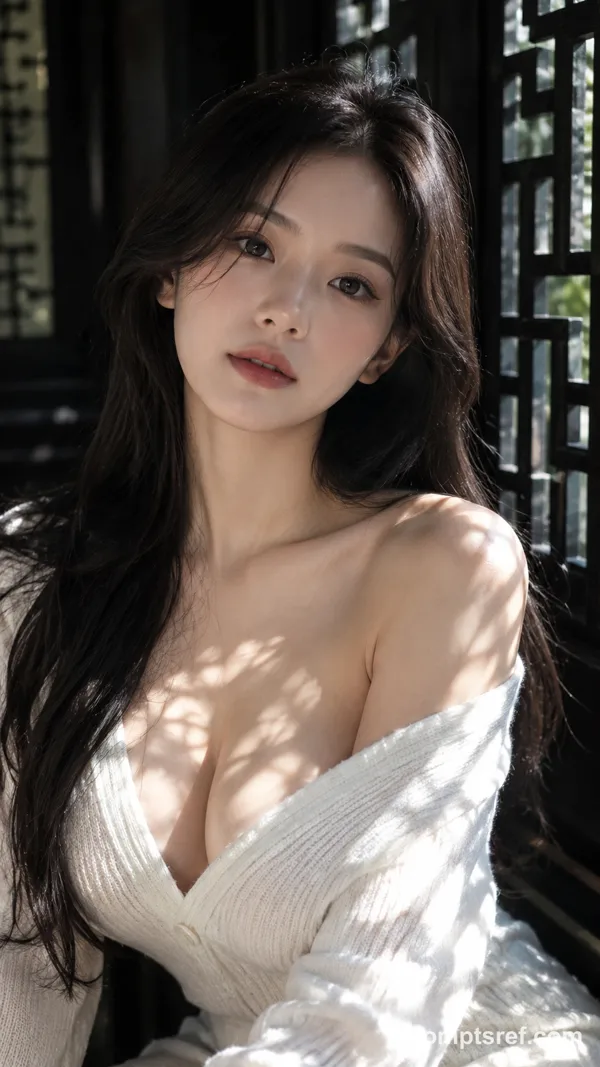
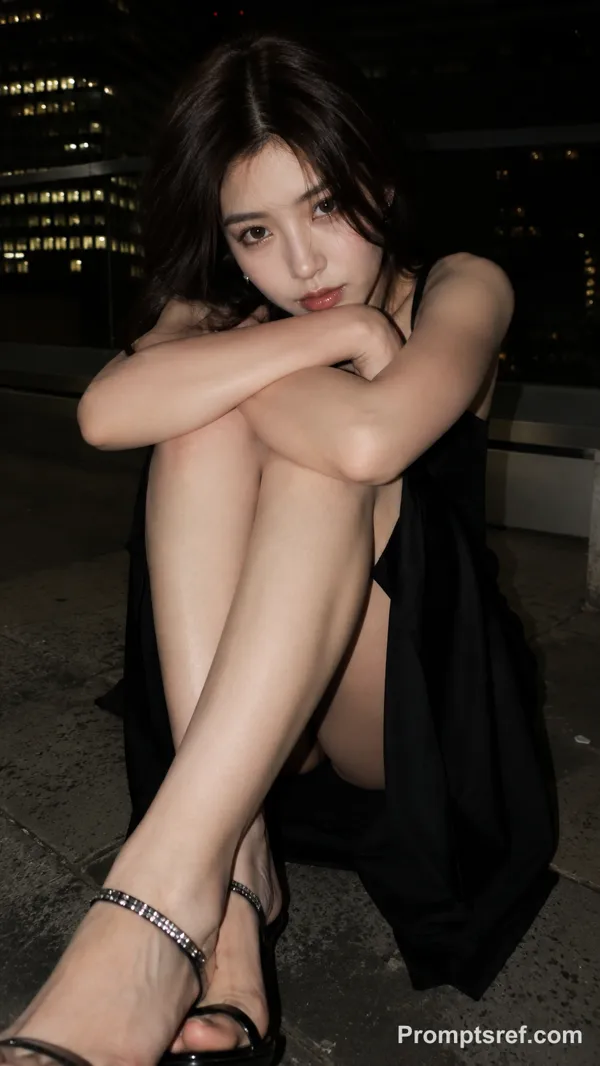
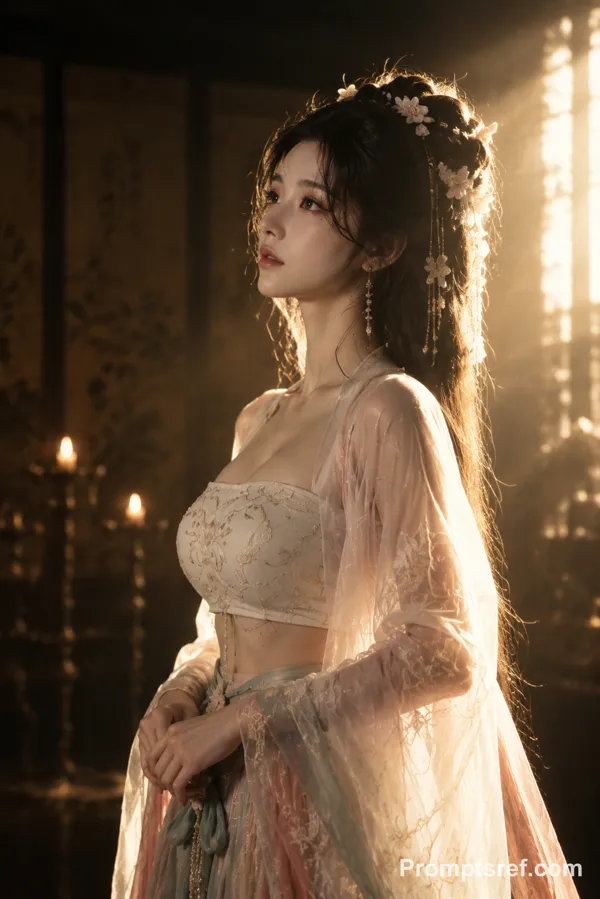
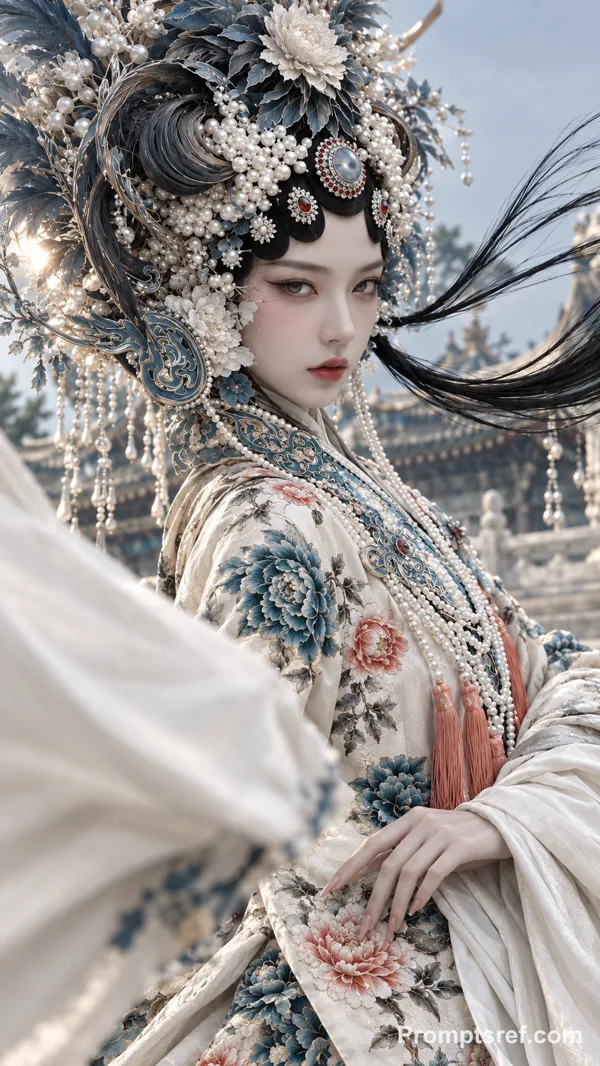
Nano Banana 2 プロンプト - ゴールデンアワーの幻想的な振り向きポートレート

プロンプト
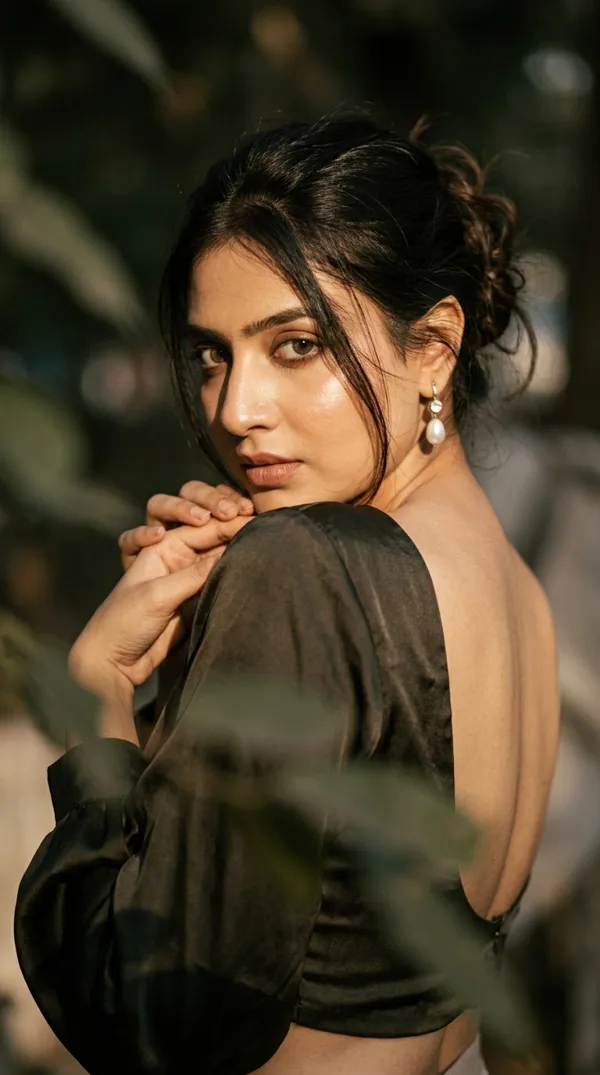
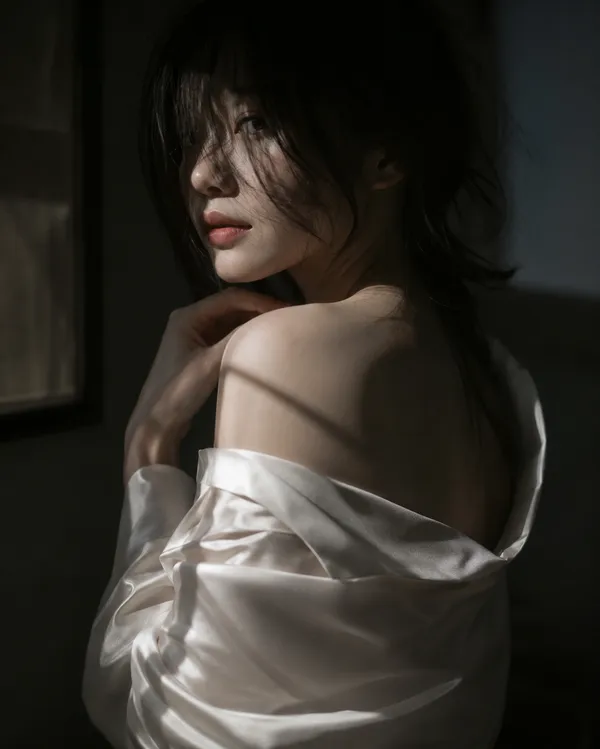
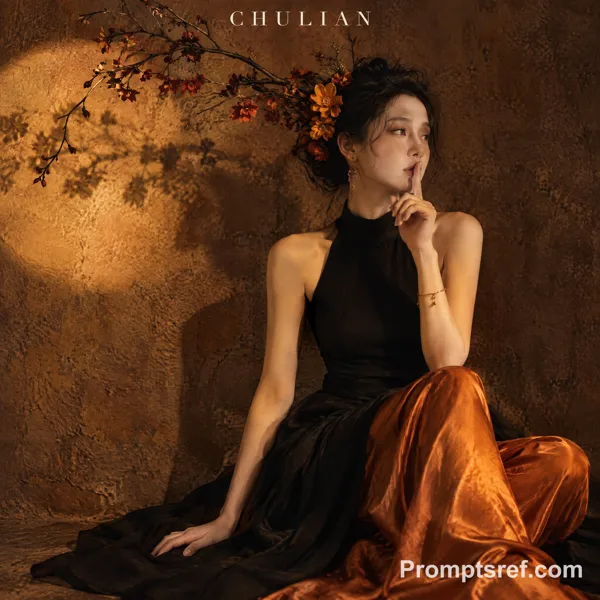
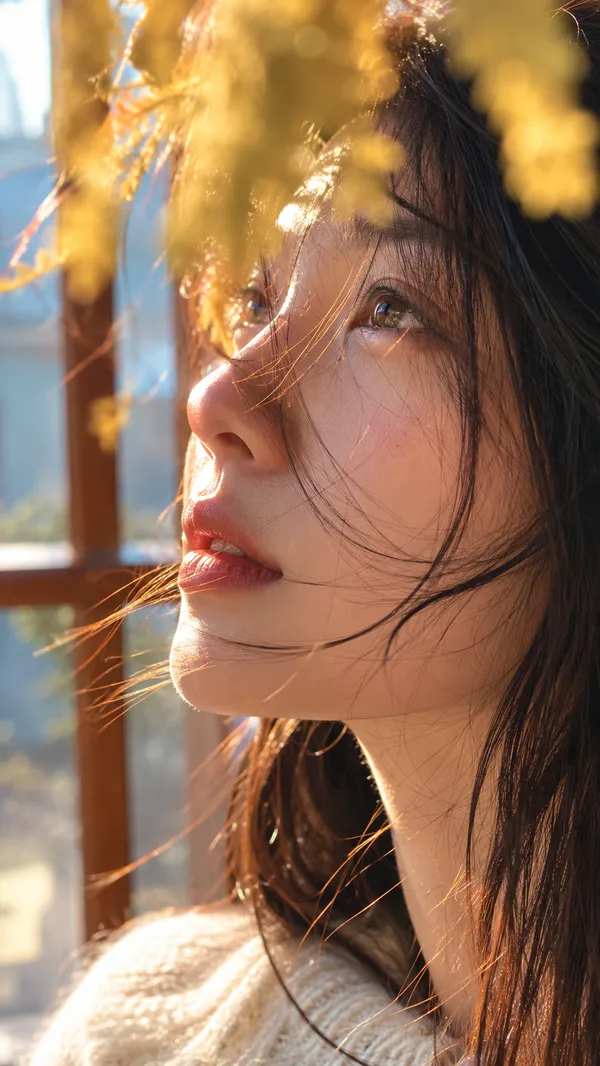
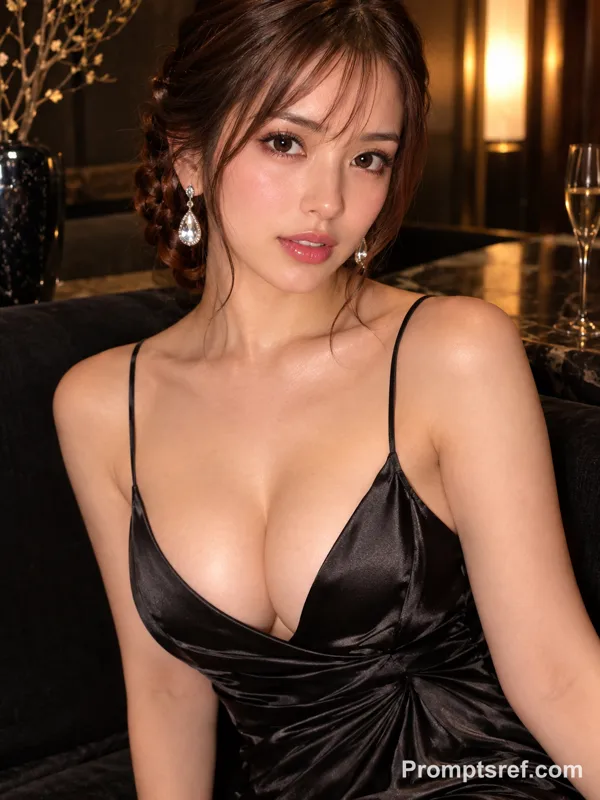
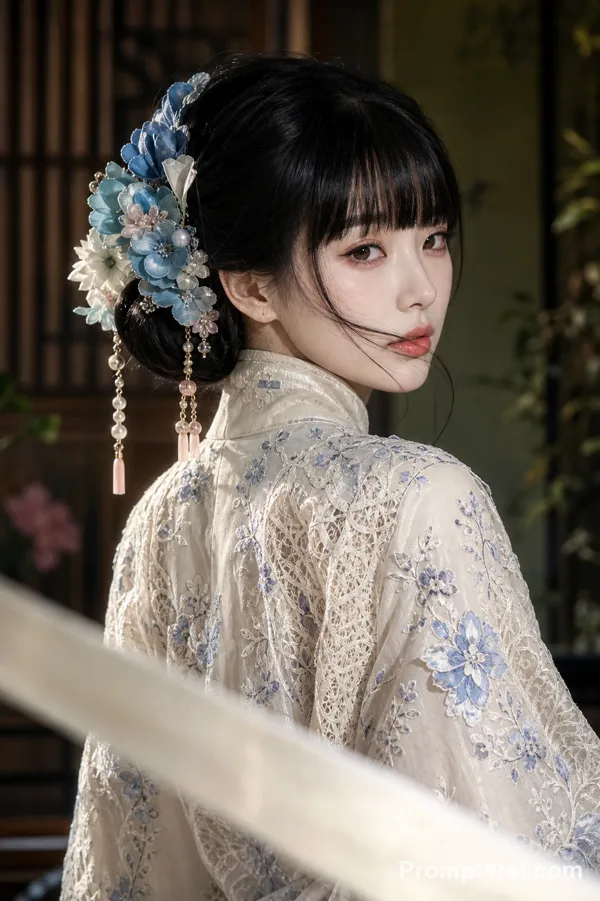
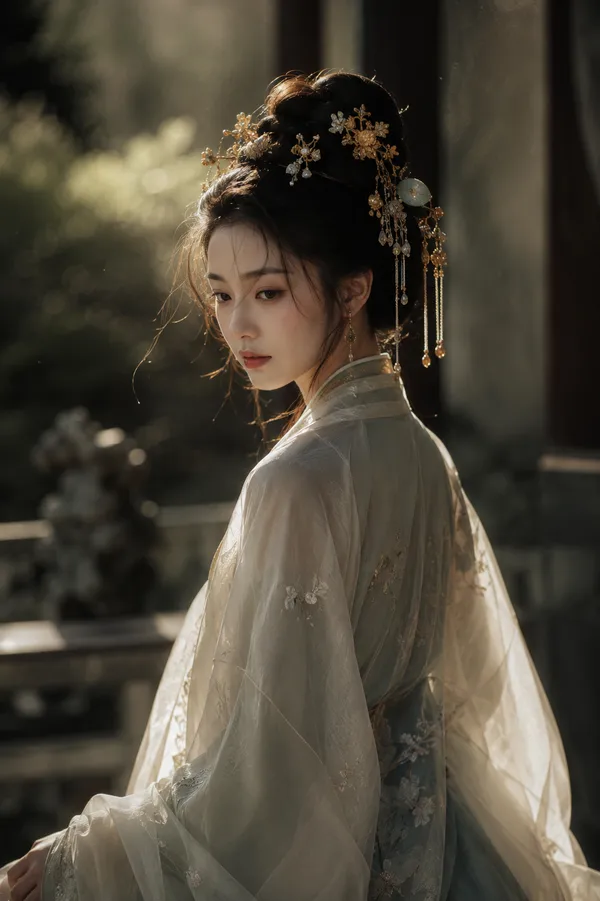
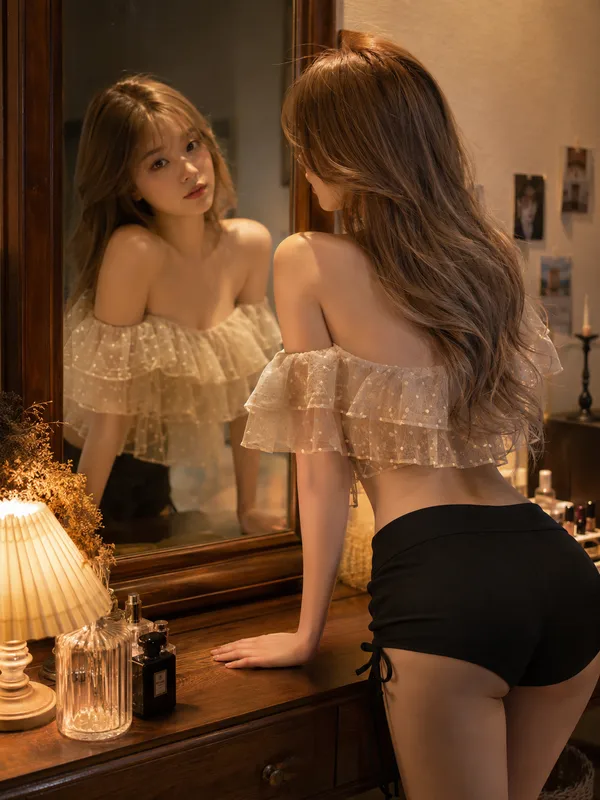
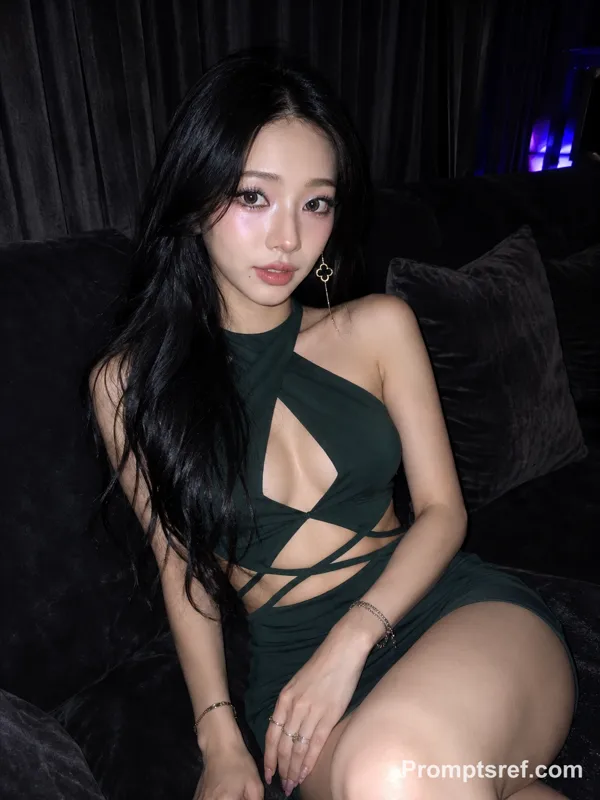
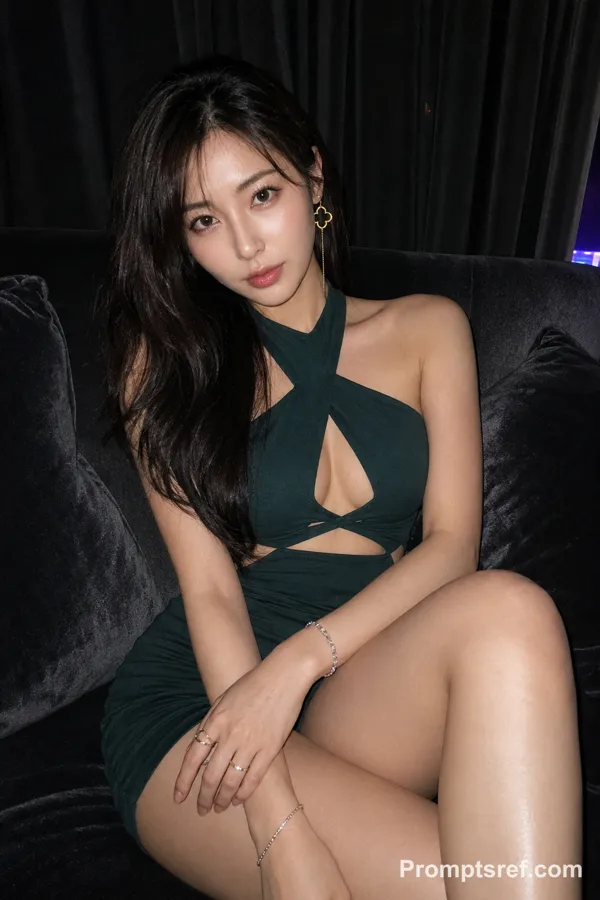
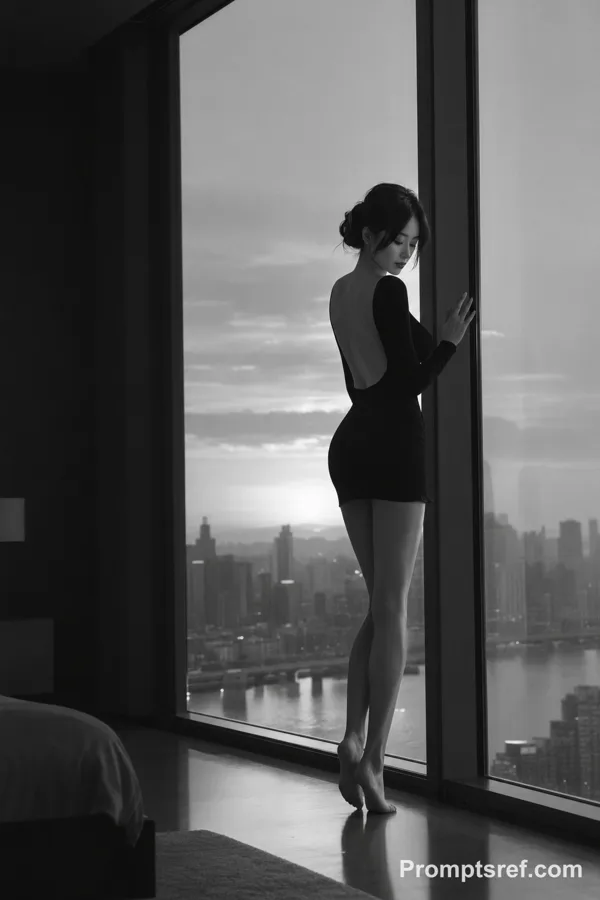
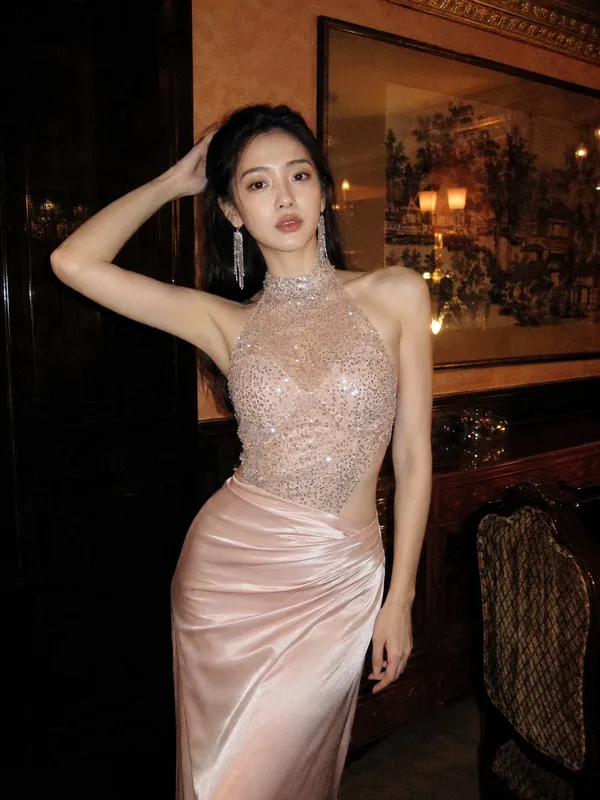
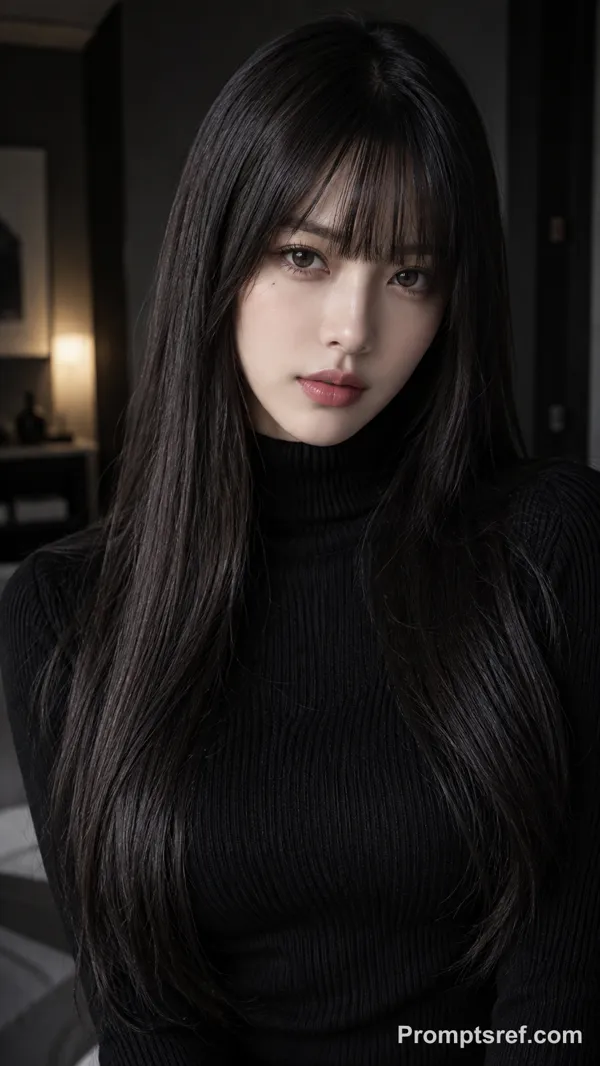
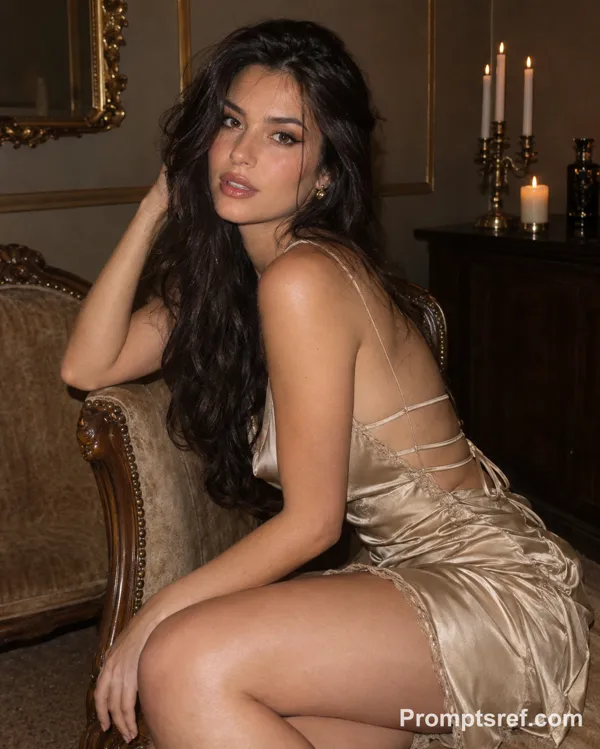
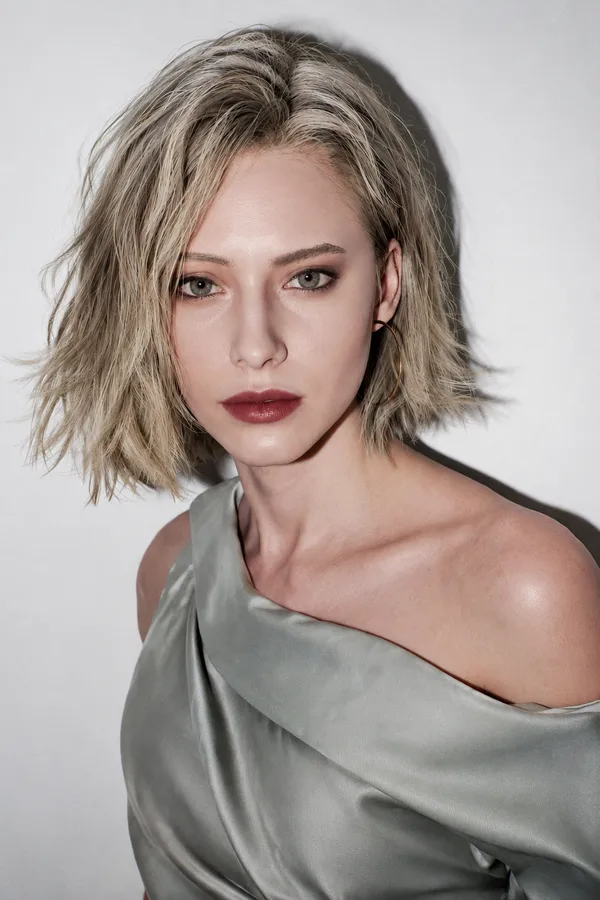
Create a moody, ethereal cinematic portrait of a woman with a dramatic over-the-shoulder pose.
1. Pose and Expression
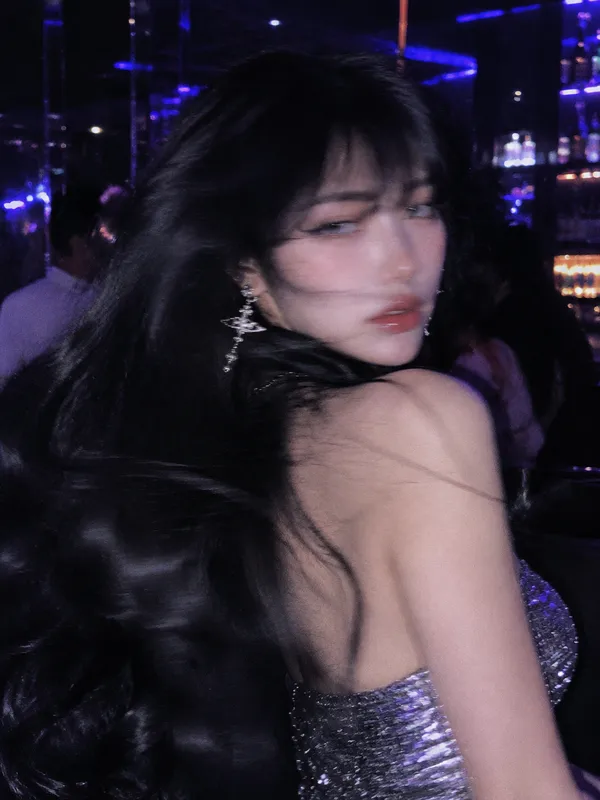
• Perspective: subject positioned with her back facing the camera, torso elegantly twisted, looking back over her shoulder, creating a graceful curve along the spine and highlighting shoulder blades
• Gaze: direct eye contact with the camera, piercing yet soft expression, chin slightly tucked toward shoulder to evoke intimacy and mystery
• Hand Placement: hands gently raised near chest/shoulder, fingers softly interlaced or delicately touching
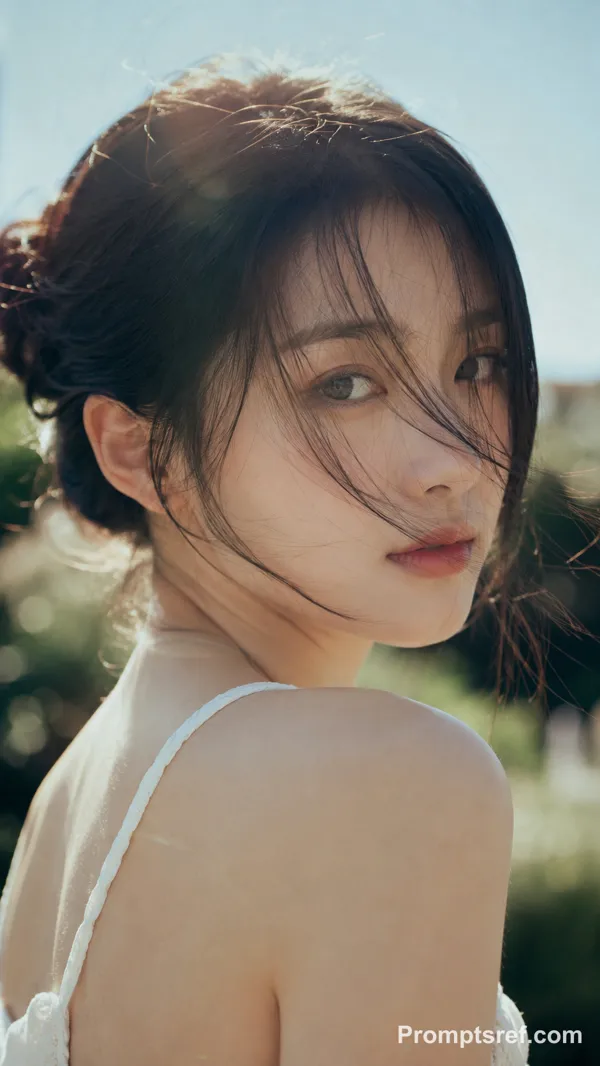
• Hair: loose messy bun with soft wispy strands falling naturally across the face, slightly windswept look
2. Lighting and Color Palette
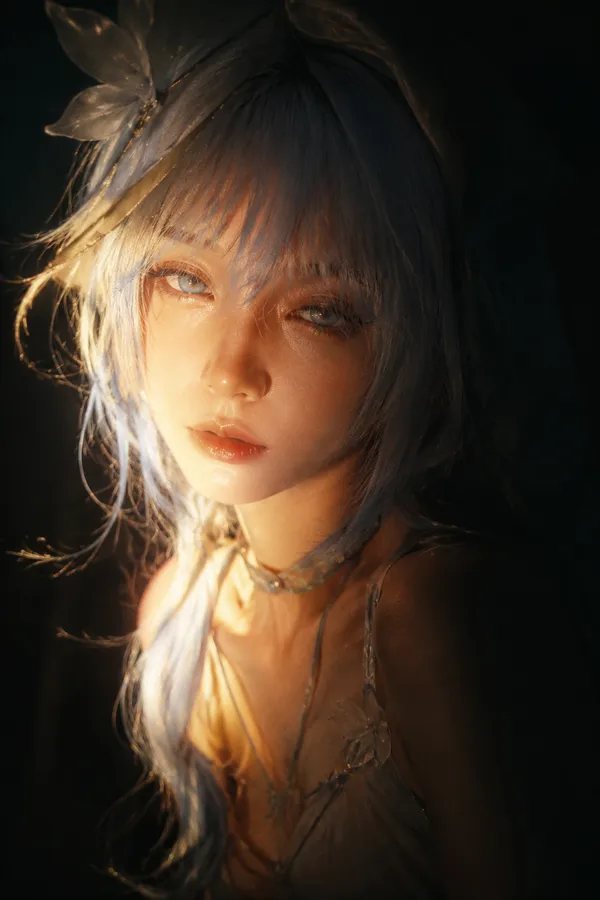
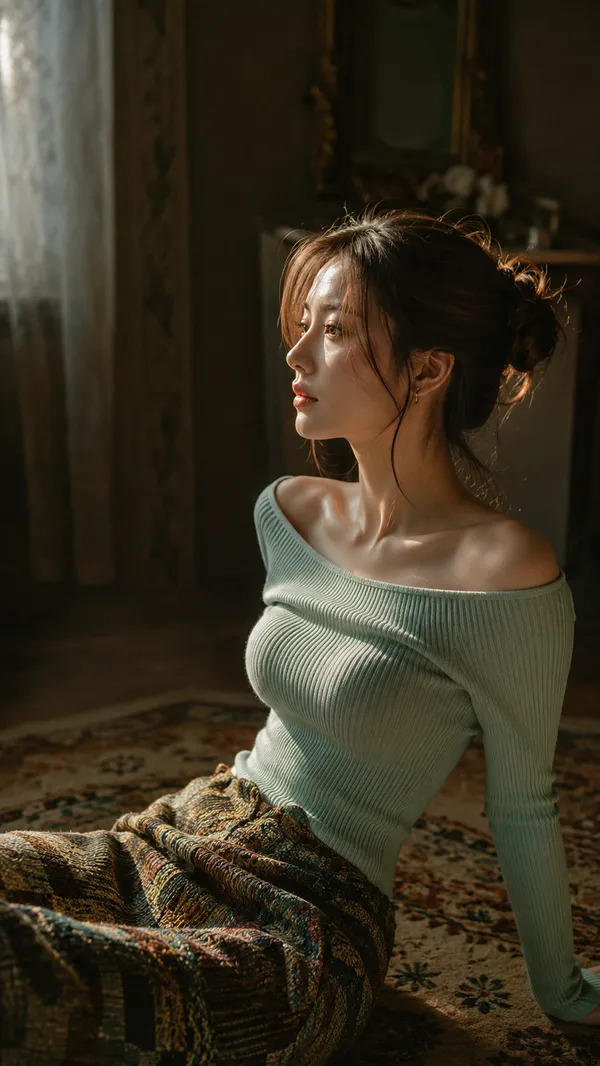
• Lighting: strong side lighting, warm golden-hour sunlight, high contrast chiaroscuro effect, one side illuminated while the other fades into deep shadow
• Skin Tone: luminous, glowing, pearlescent skin texture
• Color Scheme: earthy muted tones, deep greens, dark browns, soft neutral background, warm skin tones as focal point
3. Wardrobe and Accessories
• Outfit: backless silky dress or top, smooth light fabric, paired with dark voluminous sleeves for strong texture contrast
• Accessories: elegant drop pearl earrings reflecting light subtly
4. Composition and Atmosphere
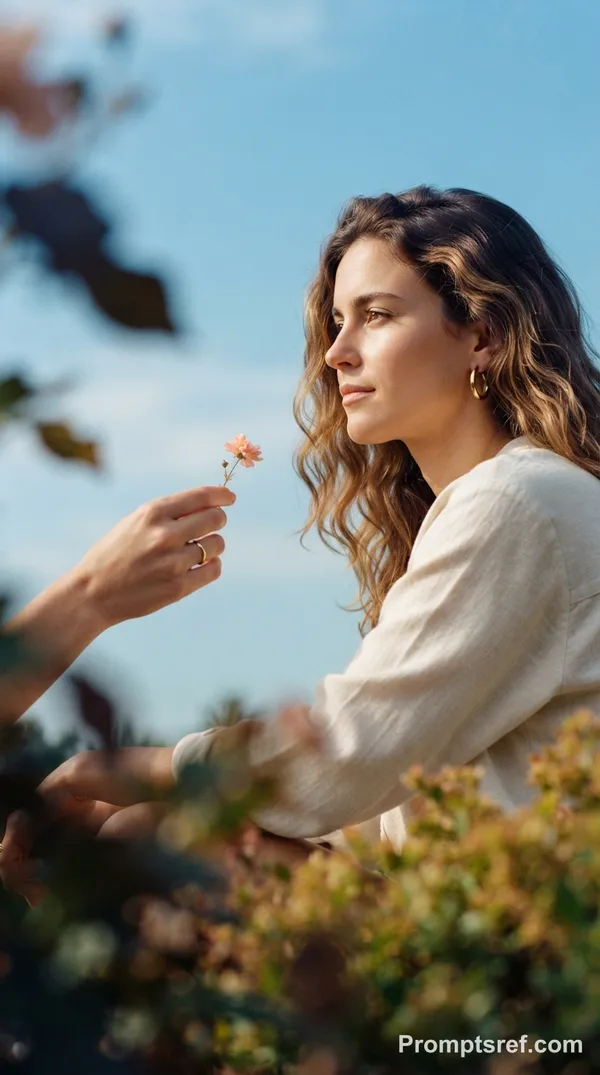
• Framing: medium close-up shot, framed naturally with blurred foreground leaves for a voyeuristic, through-the-foliage effect
• Depth of Field: shallow depth of field, sharp focus on face, soft bokeh in background and foreground
• Mood: cinematic, melancholic, romantic, high-fashion editorial style, soft dreamy atmosphere
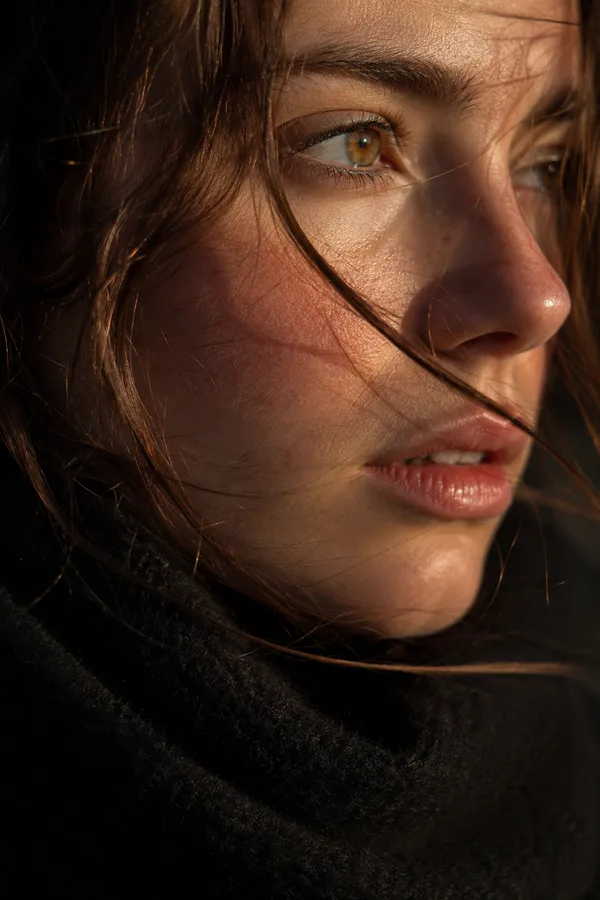
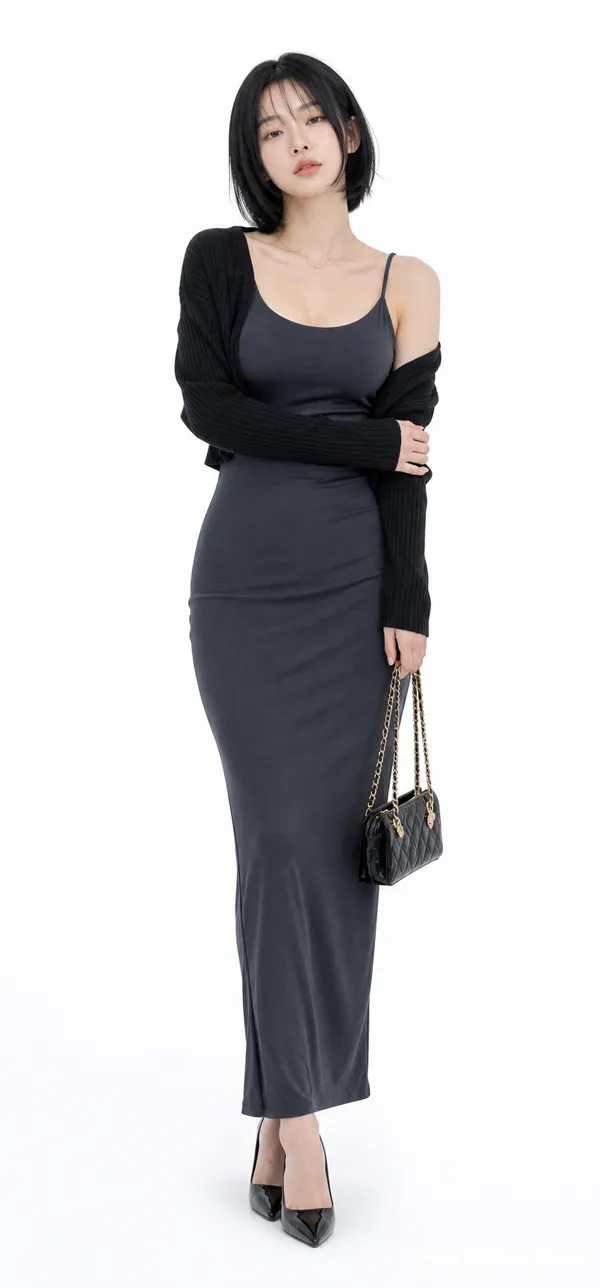
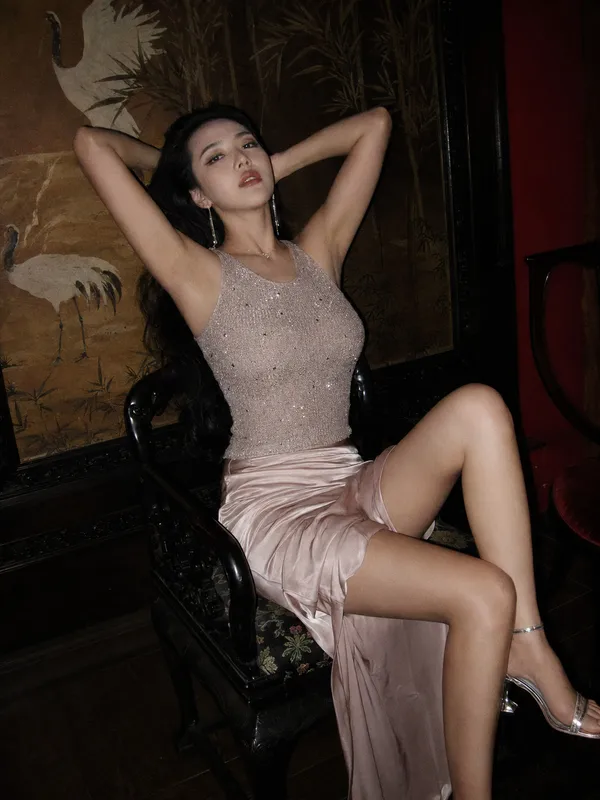
Face reference: soft oval face, smooth glowing skin, symmetrical features, natural makeup, gentle but expressive eyes, slightly parted lips
参照画像

リミックス作品
リミックスまだリミックスはありません。最初のバージョンを作ってみましょう。
この画像プロンプトを使う
- 01
プロンプトから始める
プロンプトをコピーするか、生成ボタンで開きます。
- 02
自分のアイデアを加える
被写体や背景、細部を調整し、必要に応じて参考素材を追加します。
- 03
生成前に確認する
モデルと出力設定を確認してください。生成結果は毎回異なる場合があります。