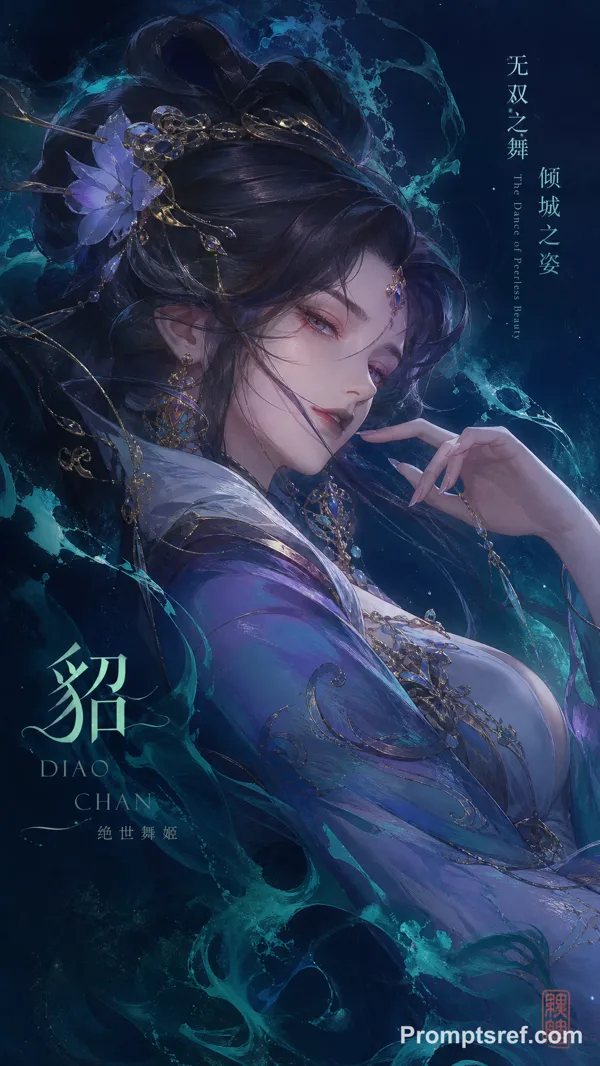
GPT Image 2.0 プロンプト - 優雅なファイターメイジのチャンピオンロード画面

- アスペクト比
- auto
- 画質
- 1K
プロンプト
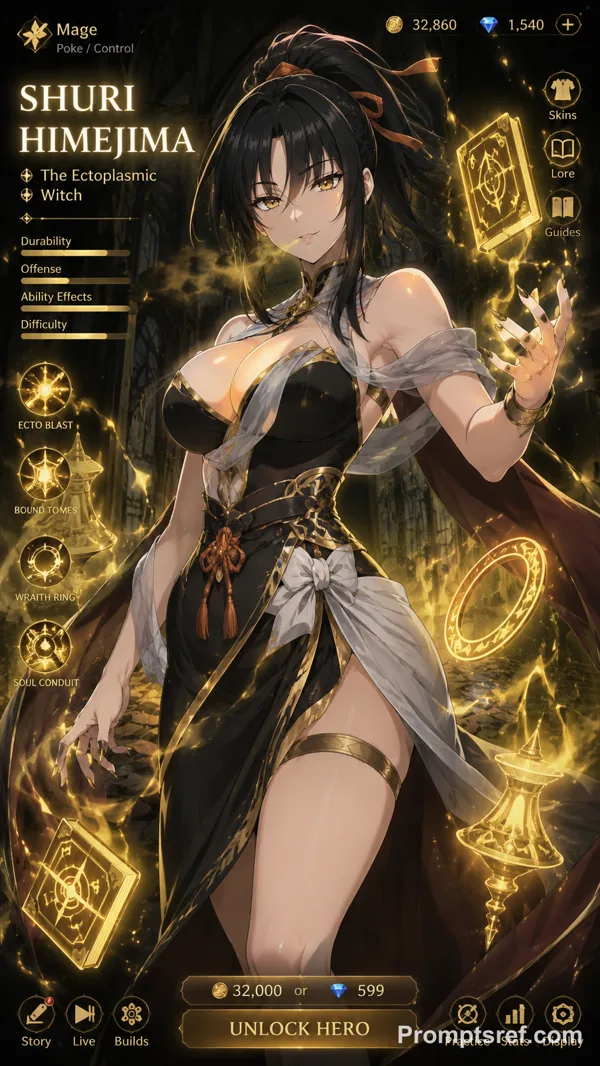
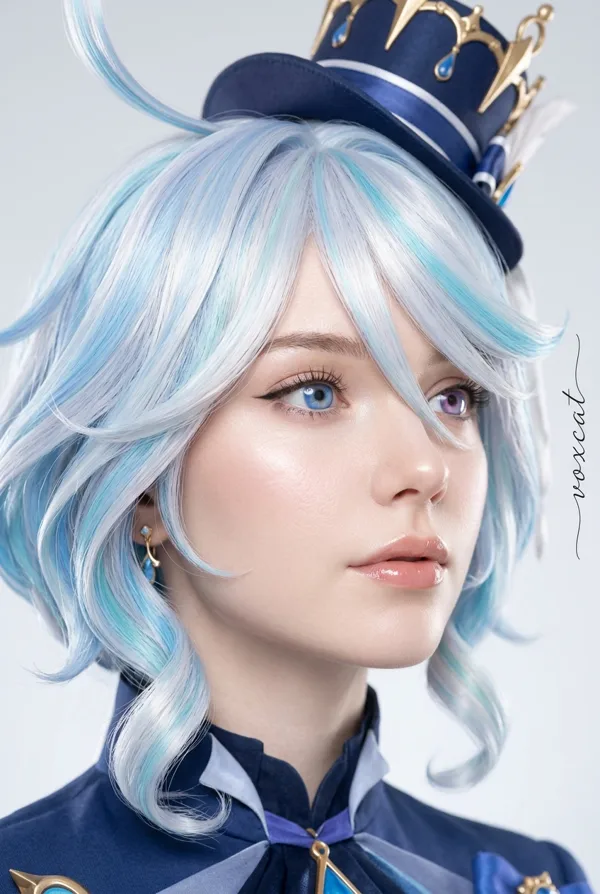
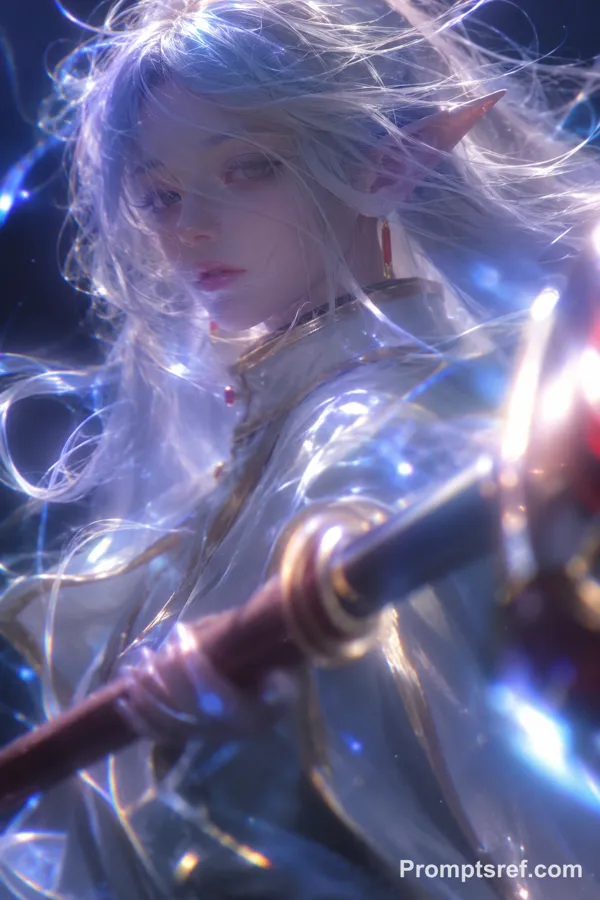
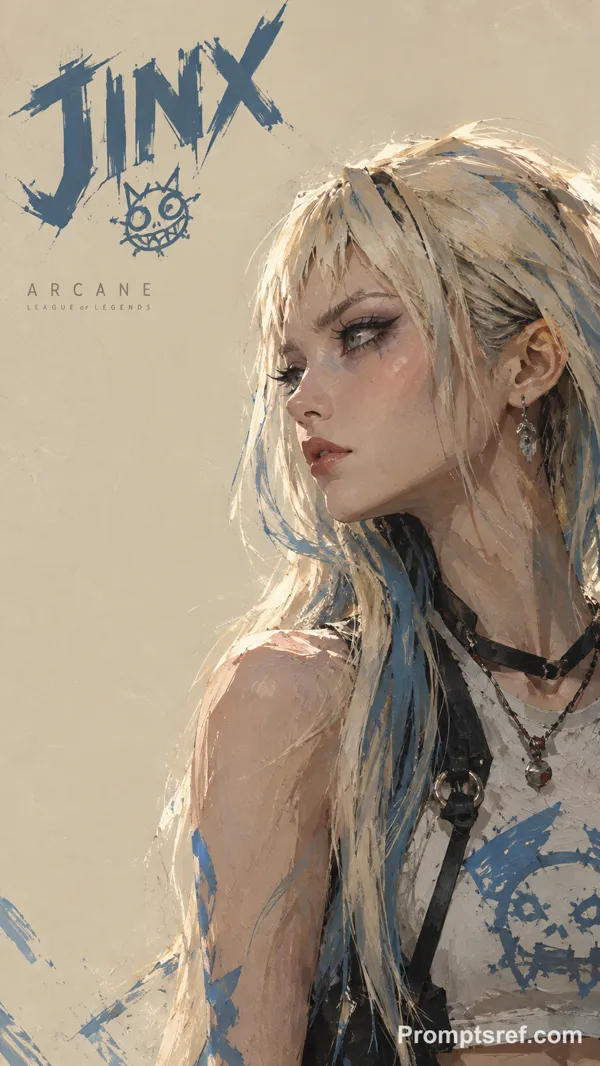
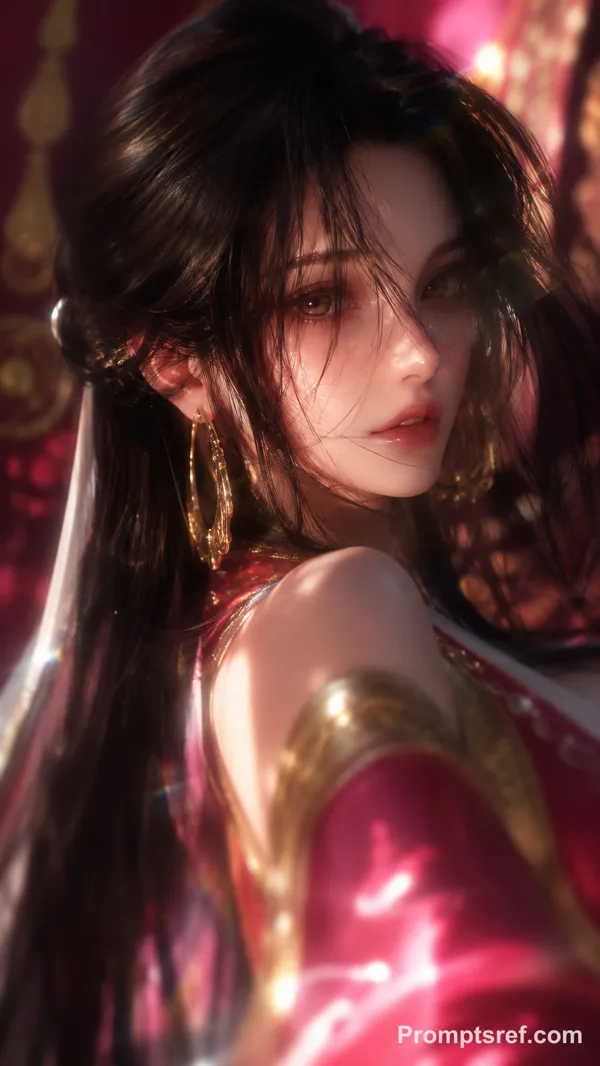
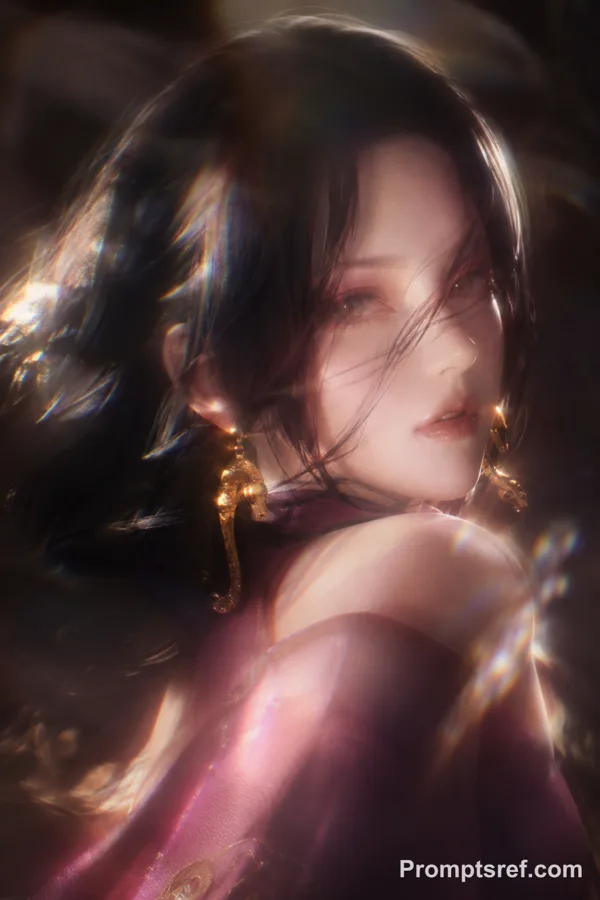
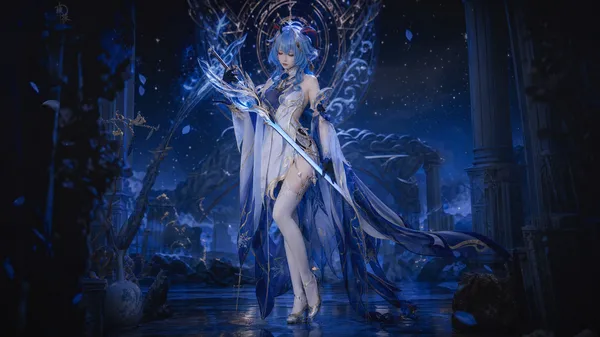
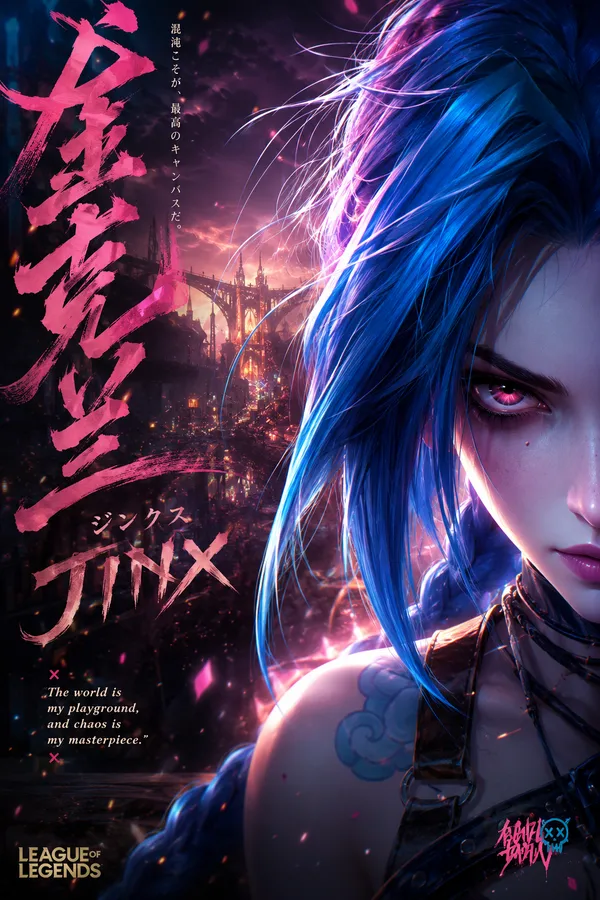
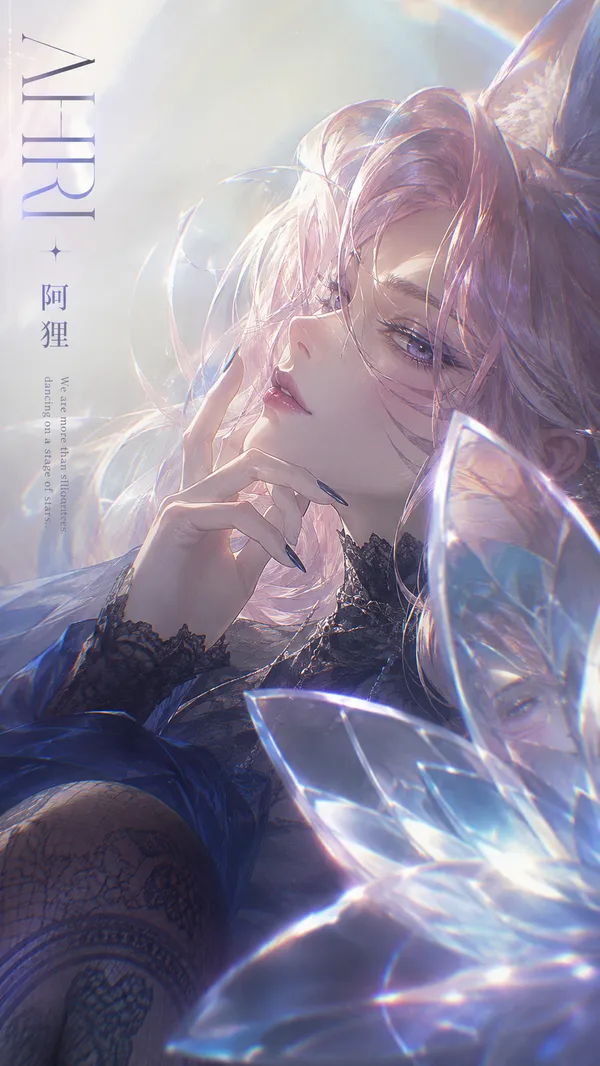
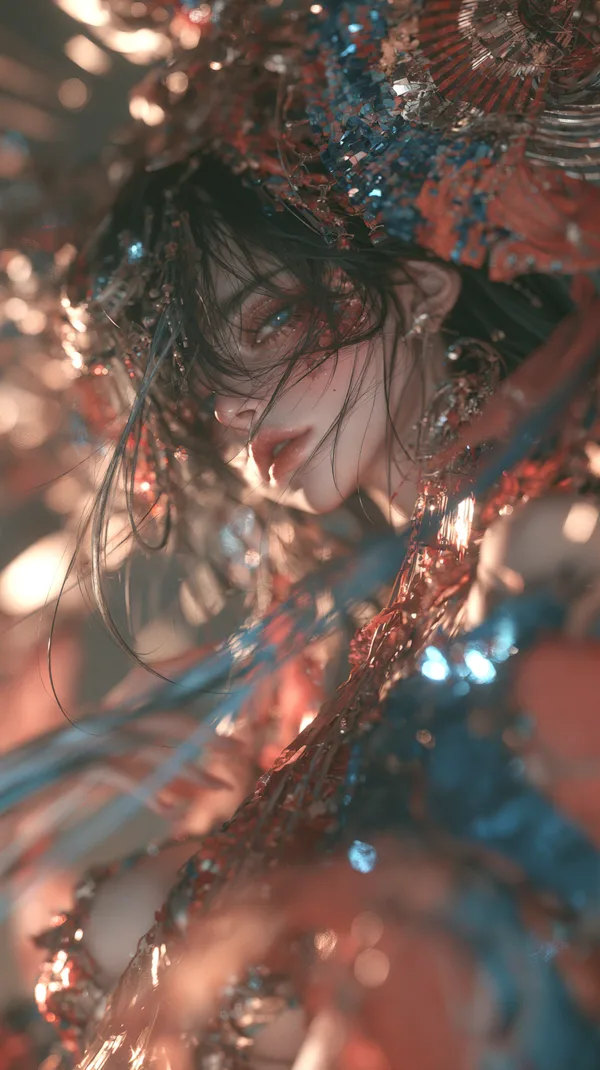
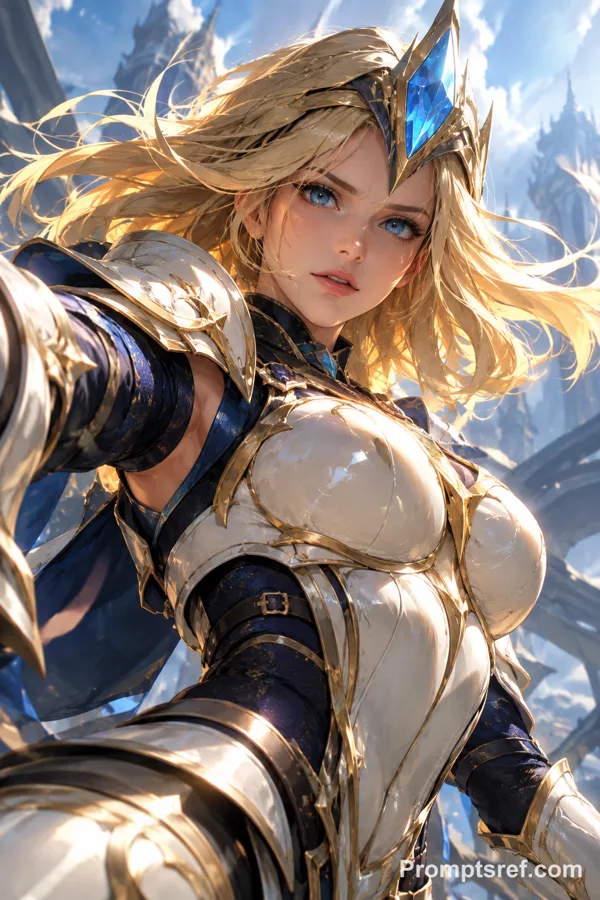
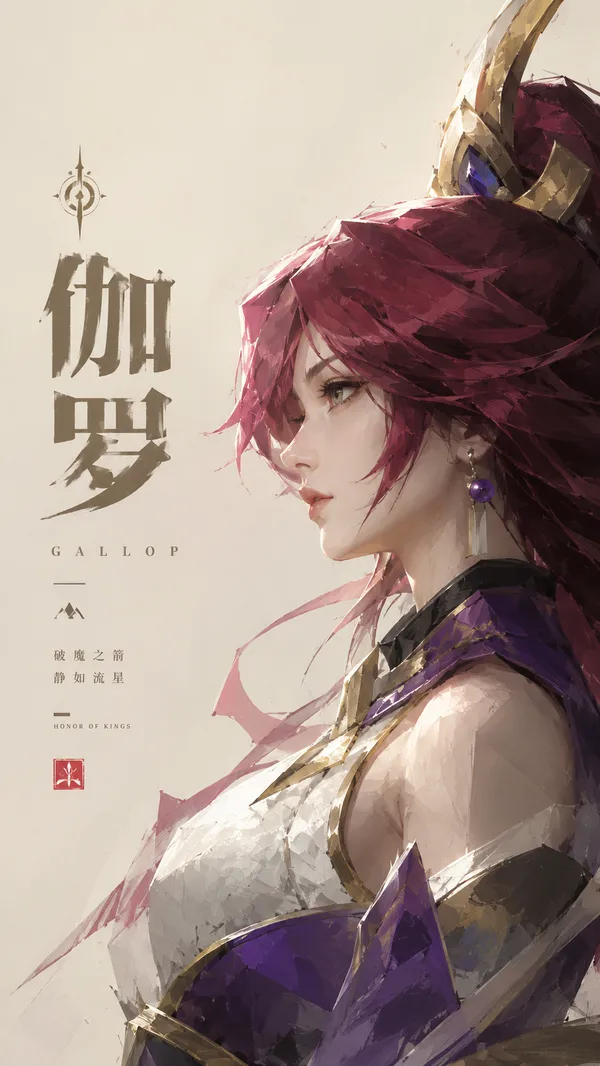
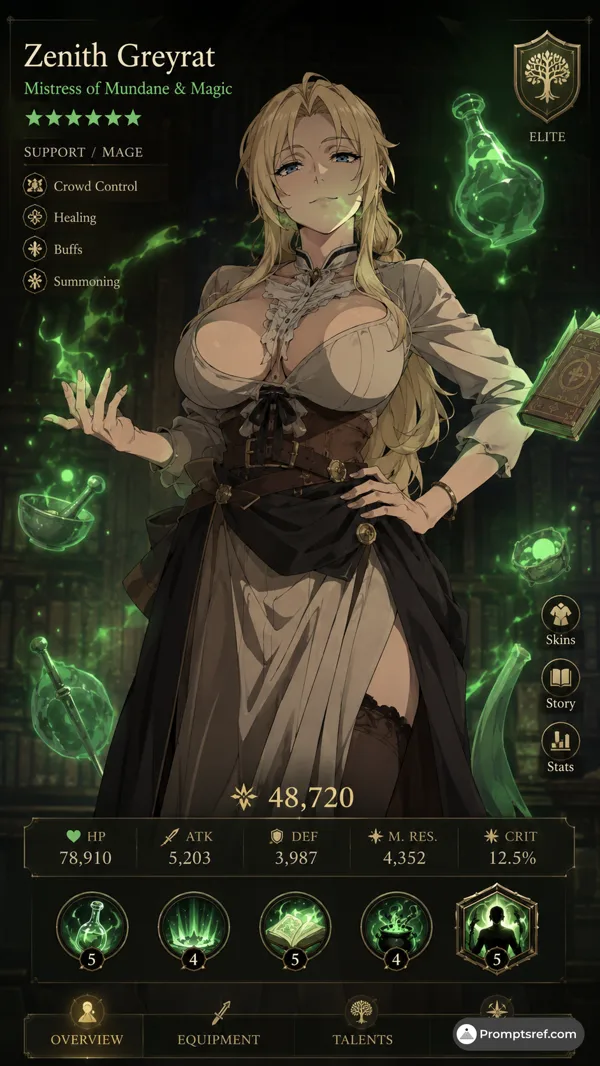
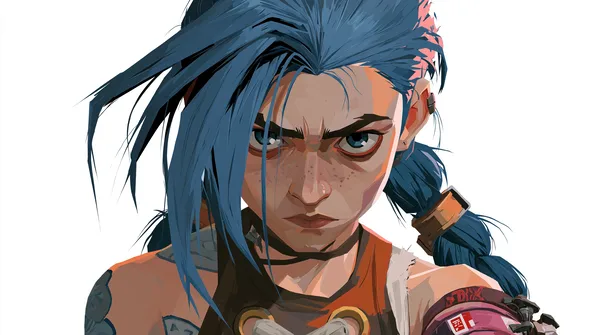
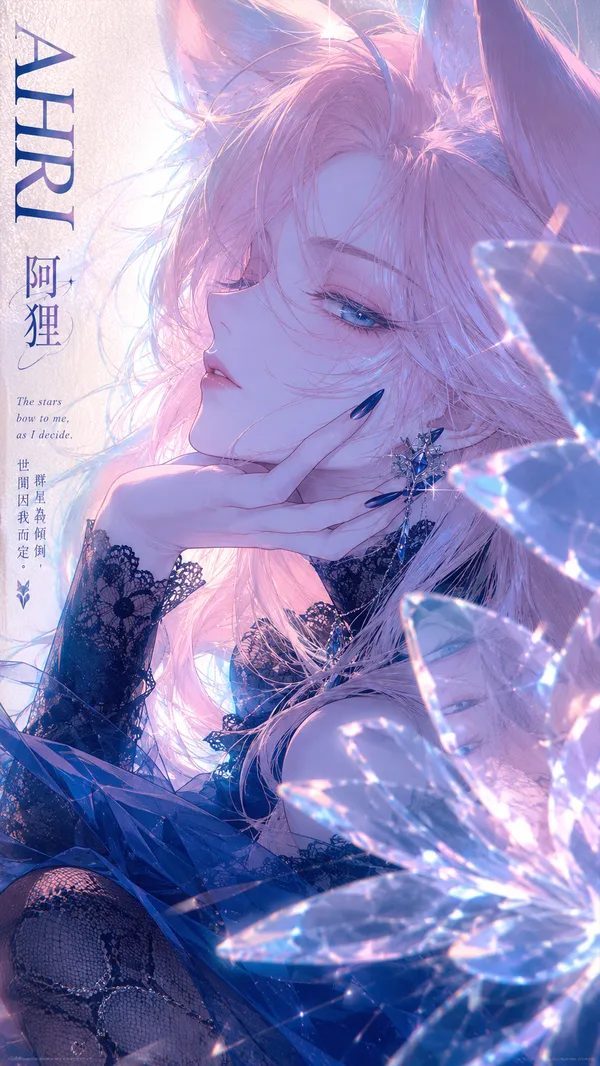
Cinematic League of Legends champion loading screen, ultra-realistic AAA game menu aesthetic matching official LoL client and cinematic champion reveals. Centered young woman in powerful elegant three-quarter view, confident champion pose with slight dynamic angle, looking toward camera with intense captivating expression, elegant fighter-mage vibe.
Subject: Striking Douyin glam makeup with porcelain smooth radiant skin, sharp precise contouring, big sparkling doe eyes with aegyo-sal, extremely long fluffy lashes, glittery shimmery eyeshadow in vibrant rose-gold, purple and cyan, perfect arched brows, glossy plump cherry lips, heavy pink-peach blush, flawless high-end glamorous cosplay look. Exact facial topology, natural eye shape and spacing, nose structure, jawline, mouth proportions, subtle natural asymmetries, realistic skin texture with visible pores and micro-imperfections under the glam.
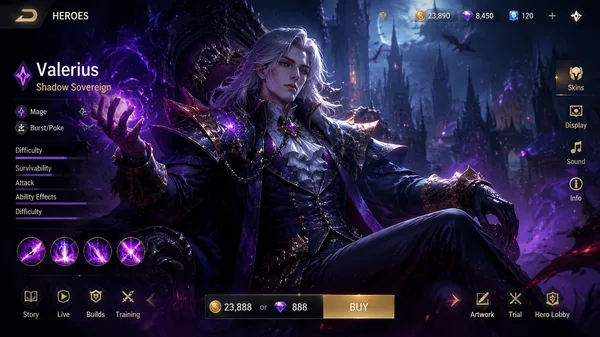
Dramatic Hextech-rune background with glowing blue, purple and gold energy particles flowing dynamically, faint Summoner's Rift architecture and ancient runes floating subtly around her. Authentic LoL loading screen UI: "LOADING..." progress bar at 52% with glowing segmented hextech design at bottom, champion name placeholder at top in official League of Legends font, small ability icons and stats on sides, subtle scanlines, film grain and chromatic aberration.
Dramatic volumetric cinematic lighting from top and side, strong cyan and gold rim light beautifully catching glitter particles, glossy lips and skin, rich cinematic color grading. 50mm lens, razor sharp focus on face and upper body, shallow depth of field, perfect composition and perspective.
Anatomical perfection, material consistency, identity stability, hyper-detailed makeup and textures, masterpiece, ultra realistic, 8k
— AI Gomory Lab
--ar 9:16 --stylize 180 --v 6
リミックス作品
リミックスまだリミックスはありません。最初のバージョンを作ってみましょう。
この画像プロンプトを使う
- 01
プロンプトから始める
プロンプトをコピーするか、生成ボタンで開きます。
- 02
自分のアイデアを加える
被写体や背景、細部を調整し、必要に応じて参考素材を追加します。
- 03
生成前に確認する
モデルと出力設定を確認してください。生成結果は毎回異なる場合があります。