midjourney プロンプト - 夢見るような可愛い水彩絵本

- モデル
- midjourney
プロンプト
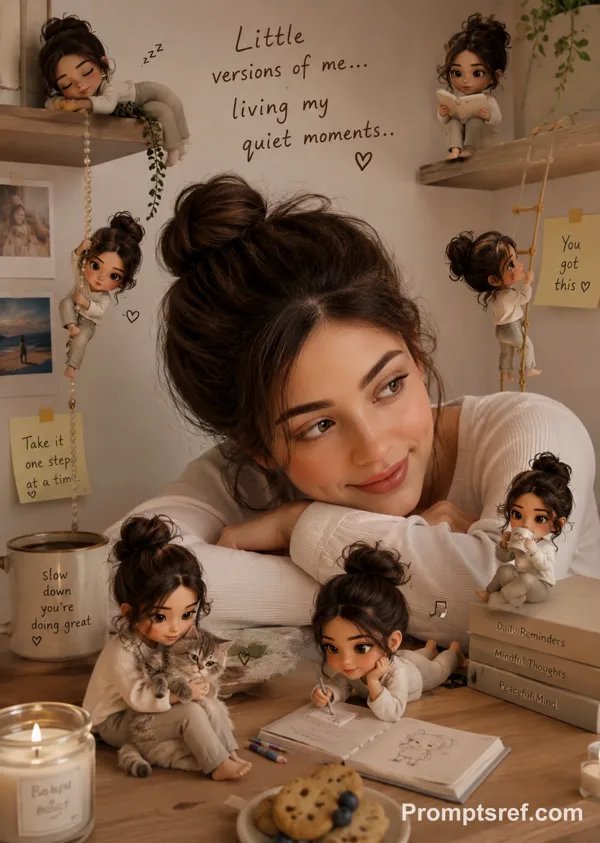
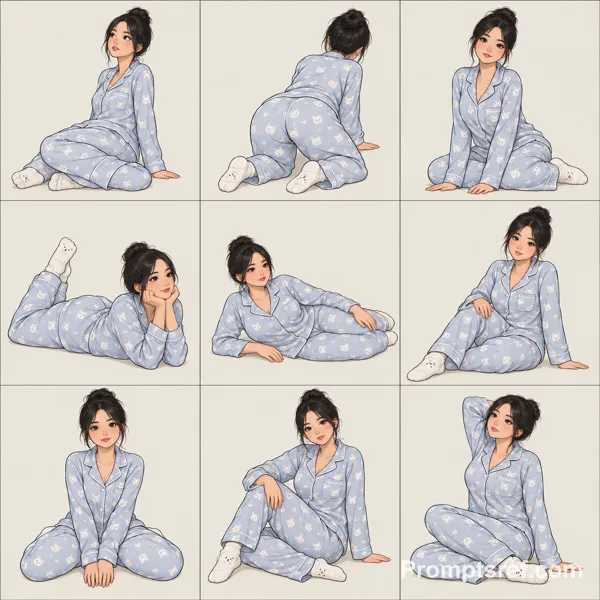
These images showcase a warm and dreamy watercolor-style with a childlike charm, defined by simple lines and soft color tones. What's particularly striking is the hand-drawn quality, with each stroke carrying a slightly trembling imperfection that brings a human touch to the artwork. The color saturation is moderate, utilizing gentle beige, light blue, pink, and other soft hues that create a calm and cozy atmosphere. The compositions are clean, with backgrounds often left blank or treated with a single color to highlight the main subjects.
Art Style Type
This style blends elements of fairy tale illustration, Japanese kawaii aesthetics, and modern minimalism. It belongs to these categories because: the character designs are simplified yet expressive, the line work is soft and irregular, the color palette is warm and comfortable, and the overall mood conveys a light-hearted feeling while maintaining a simple artistic impact. This style excels at communicating complex emotions through simple imagery, which is the essence of modern minimalist illustration.
Style-Enhancing Prompt Keywords
• Watercolor texture: Enhances the natural feel of the paper and the way pigments blend, making the images softer and more vibrant
• Soft lighting: Adds subtle shadow variations that give the figures more dimension while maintaining the overall warm atmosphere
• Hand-drawn lines: Reinforces the irregular, handmade quality that increases the uniqueness and personal touch of the work
Recommended Application Scenarios
This style is particularly suitable for children's book illustrations, healing-themed phone wallpapers, mental health promotional materials, café menu designs, stationery product packaging, heartwarming social media graphics, and any visual design context that needs to convey warmth and tranquility. It's also excellent for expressing themes related to nature and inner peace.--sref 406487128
リミックス作品
リミックスまだリミックスはありません。最初のバージョンを作ってみましょう。
この画像プロンプトを使う
- 01
プロンプトから始める
プロンプトをコピーするか、生成ボタンで開きます。
- 02
自分のアイデアを加える
被写体や背景、細部を調整し、必要に応じて参考素材を追加します。
- 03
生成前に確認する
モデルと出力設定を確認してください。生成結果は毎回異なる場合があります。