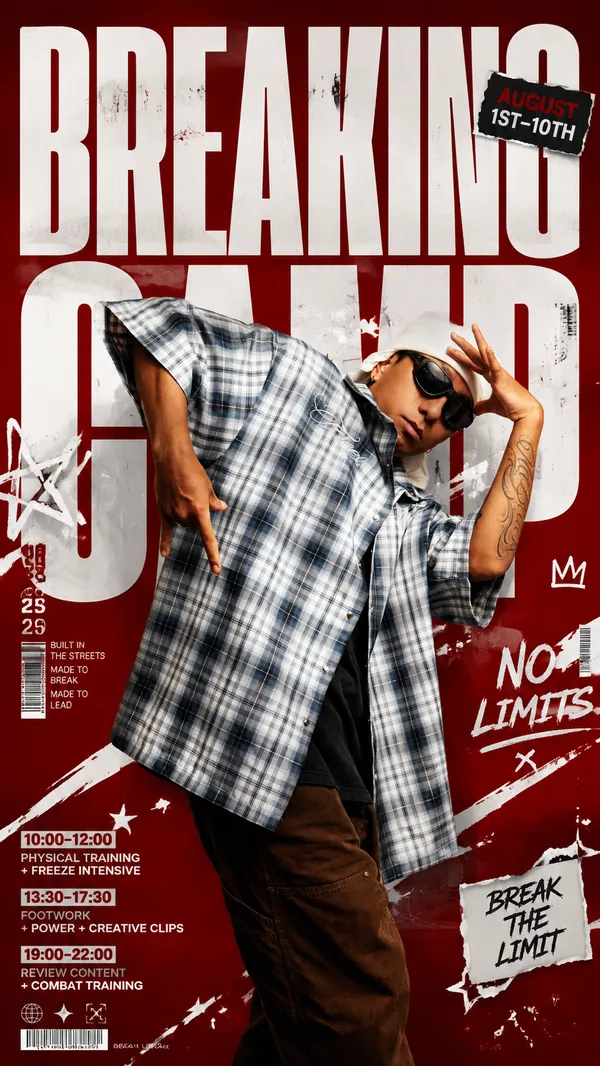
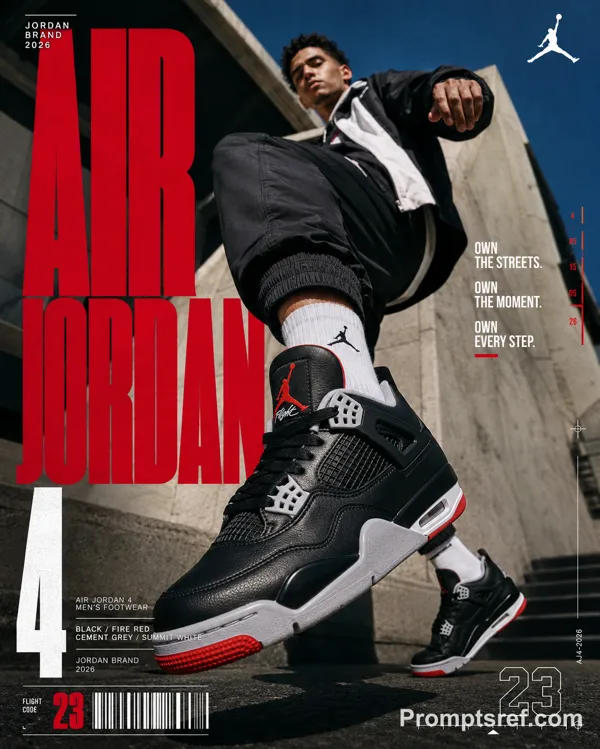
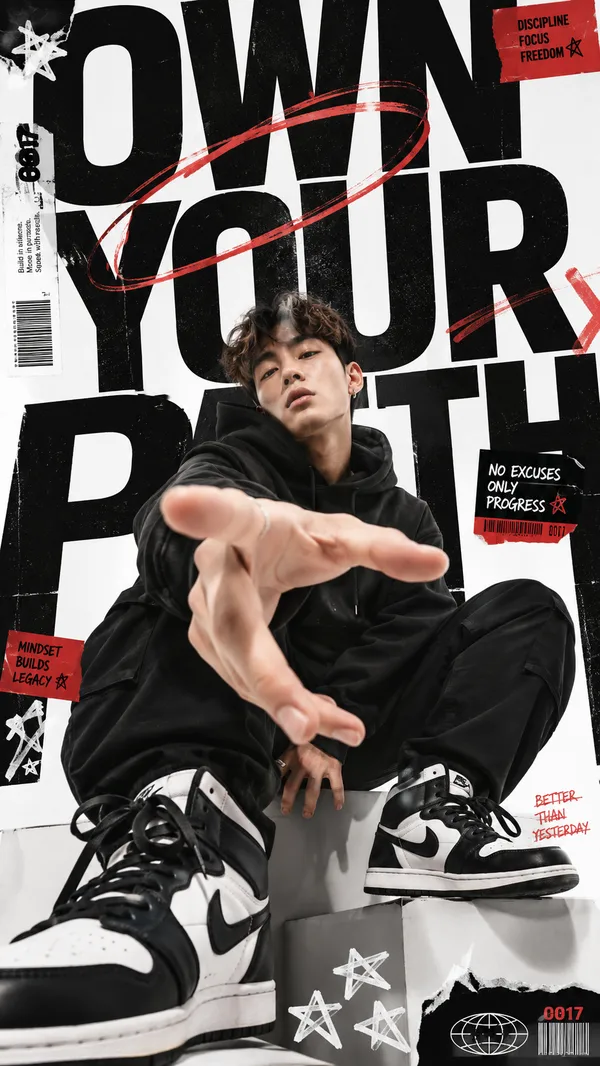
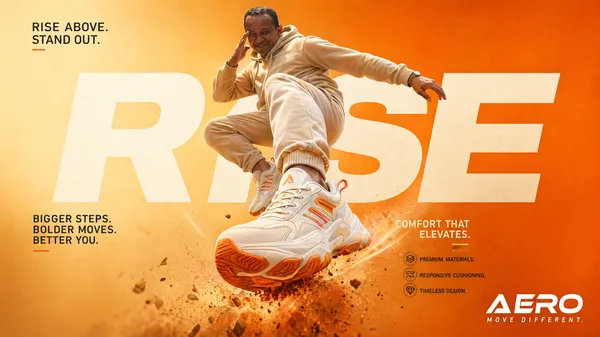
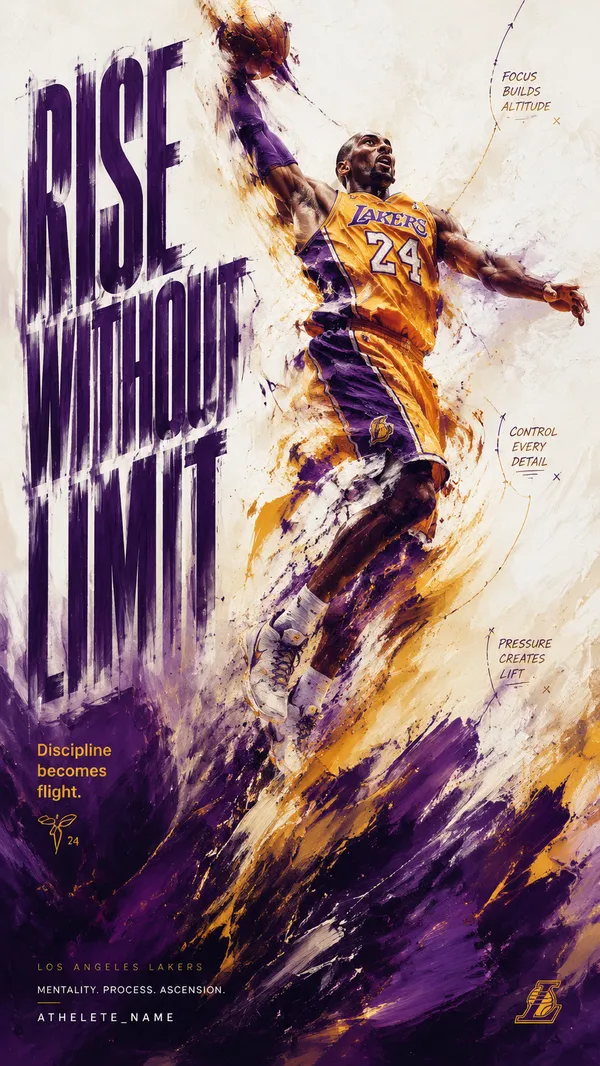
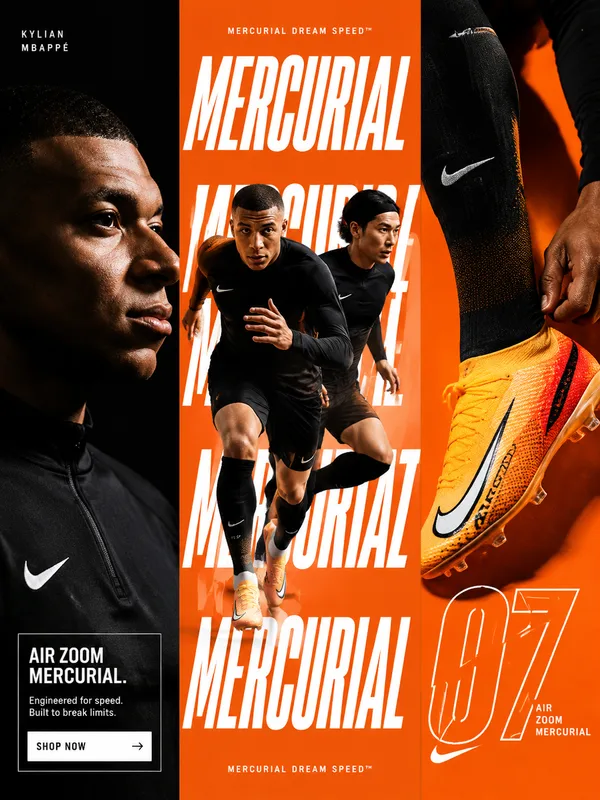
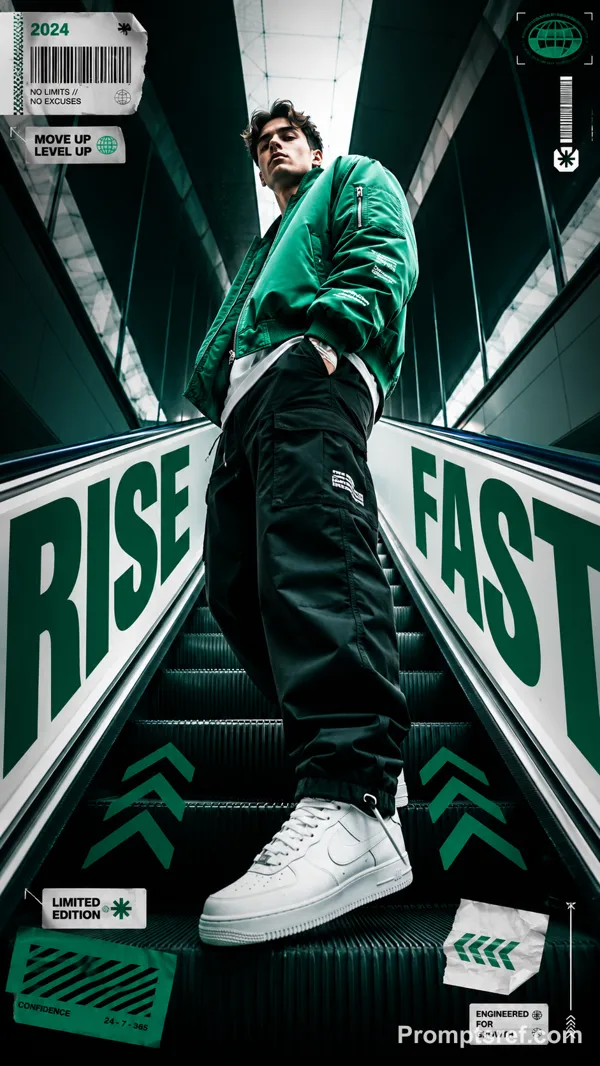
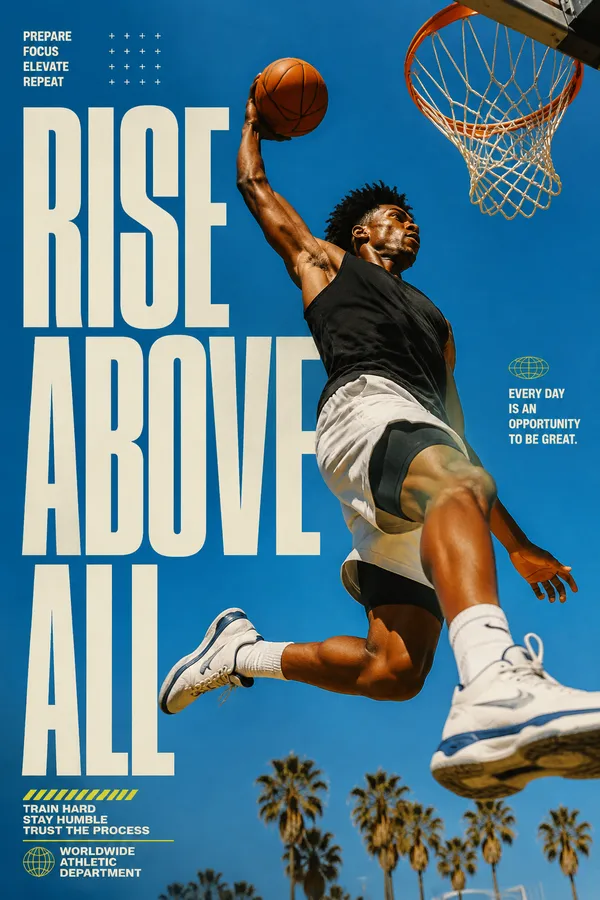
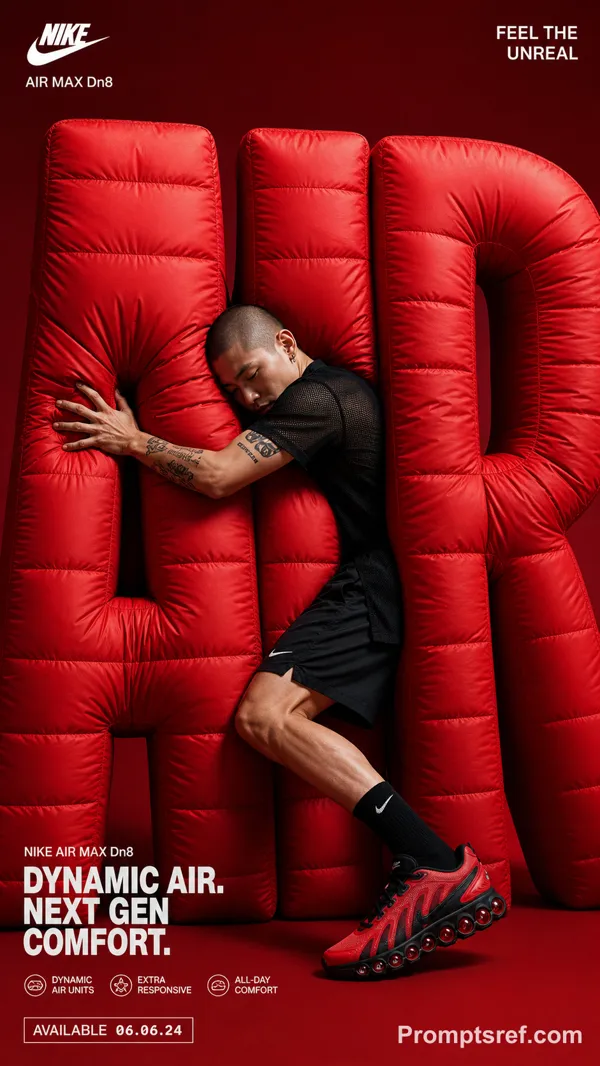
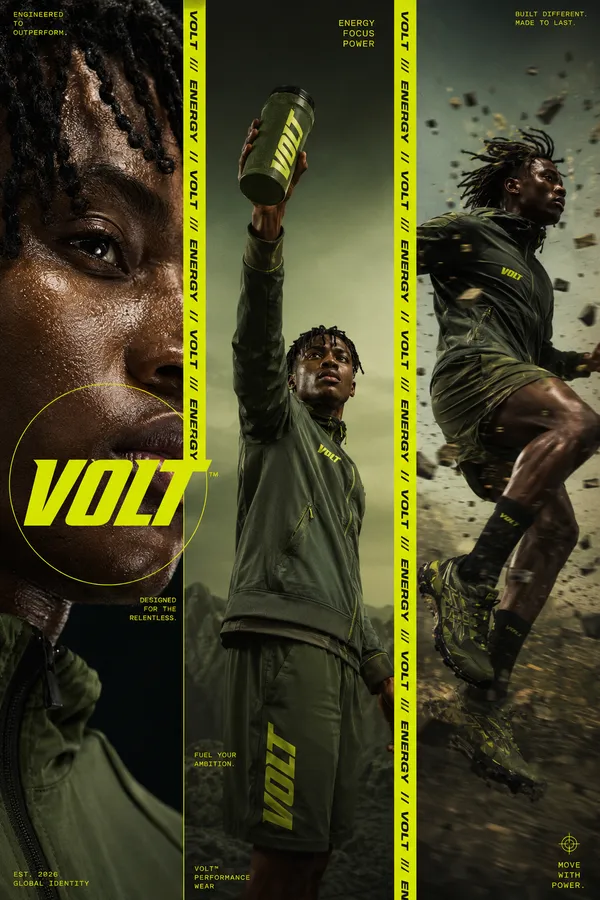
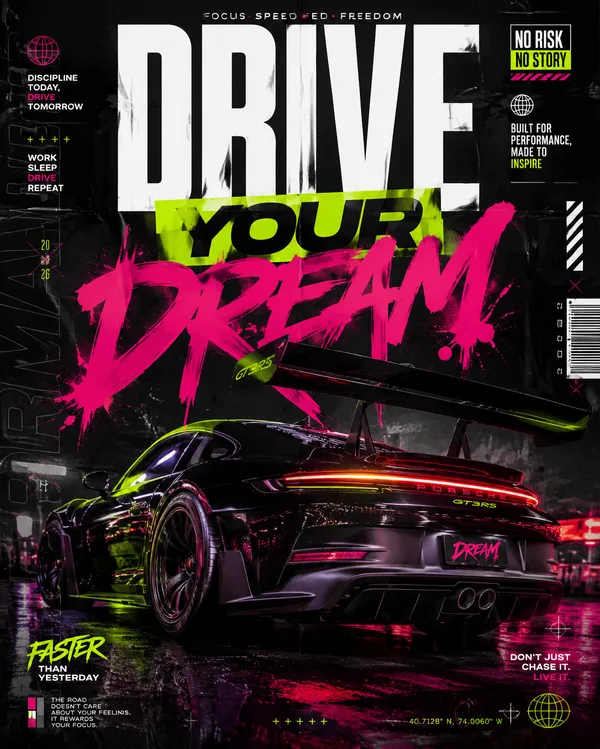
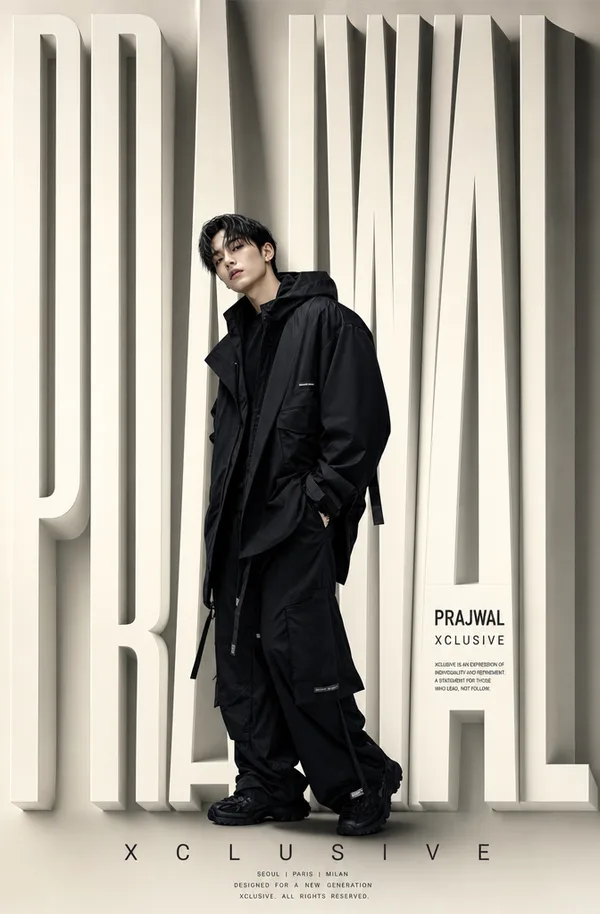
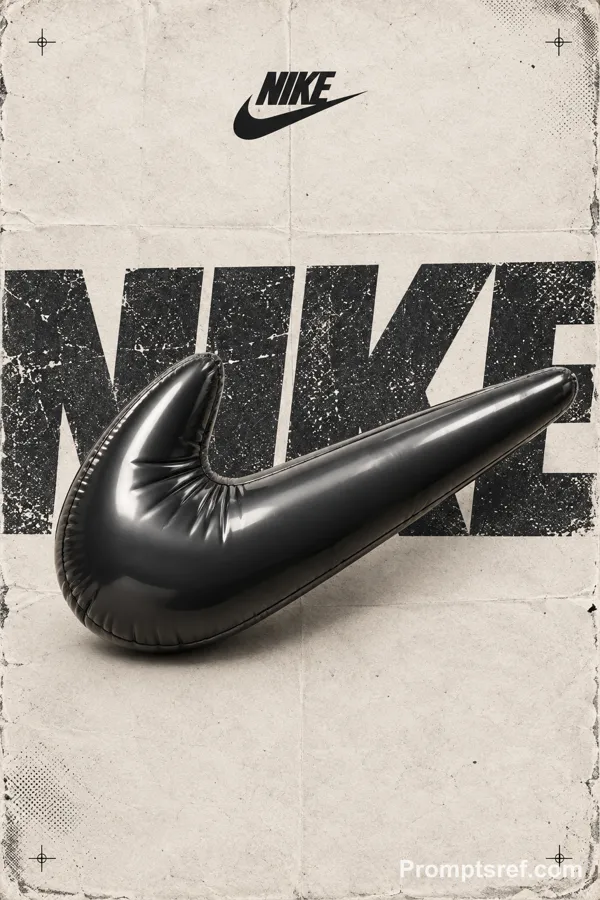
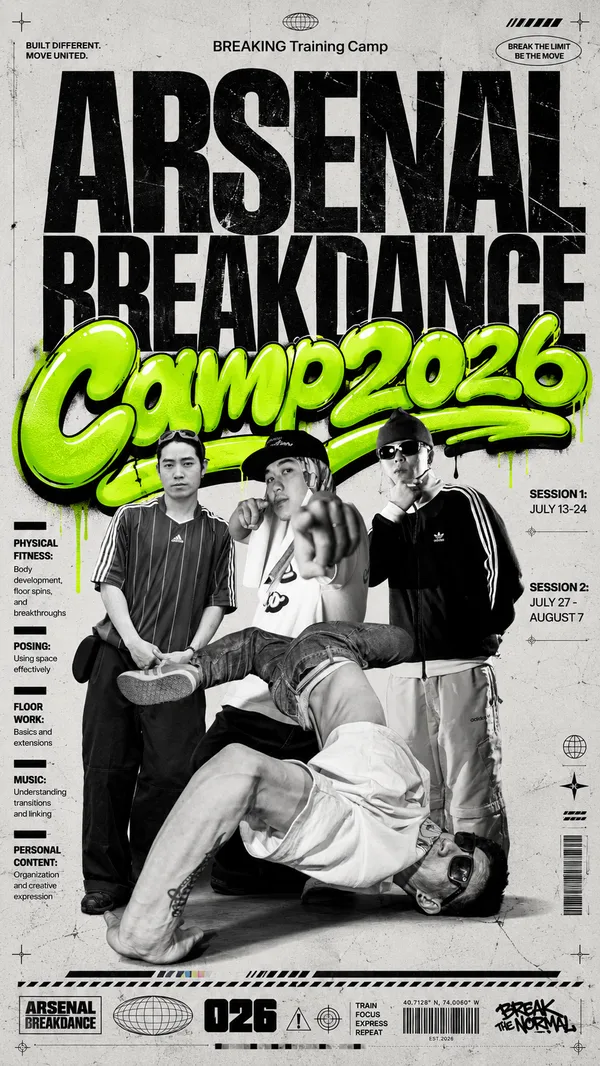
GPT Image 2.0 Prompt - Système contemporain de design d’affiche éditoriale

- Modèle
- GPT Image 2.0
- Format
- auto
- Qualité
- 1K
Prompt
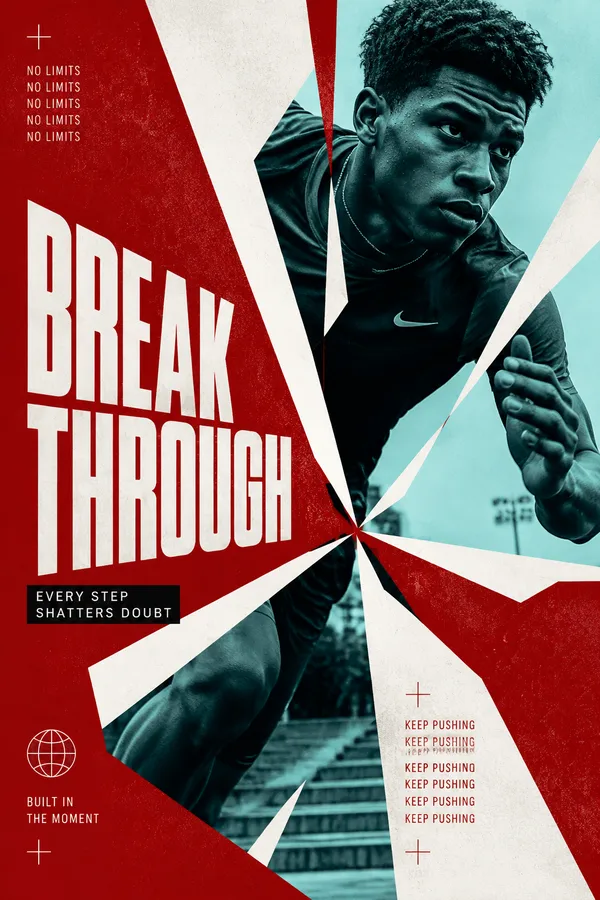
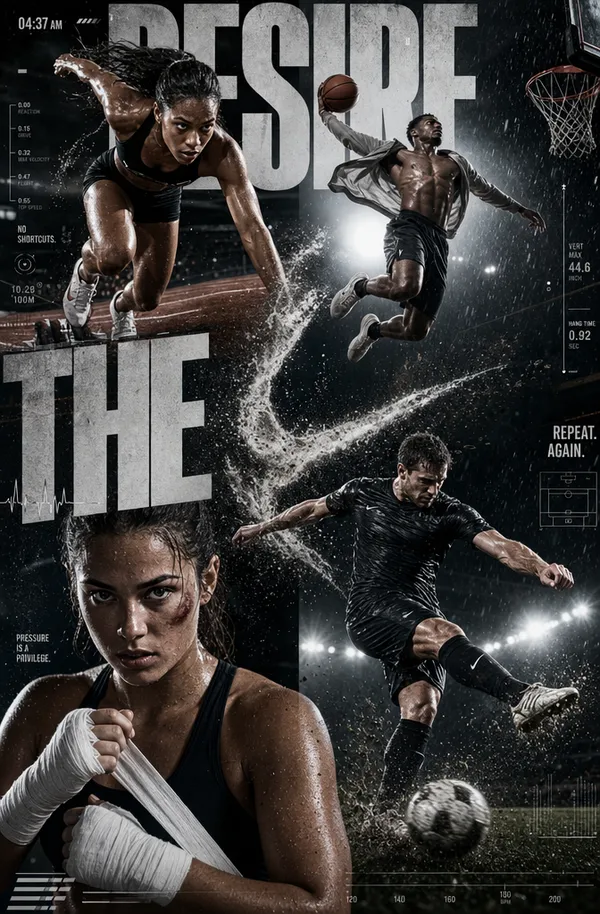
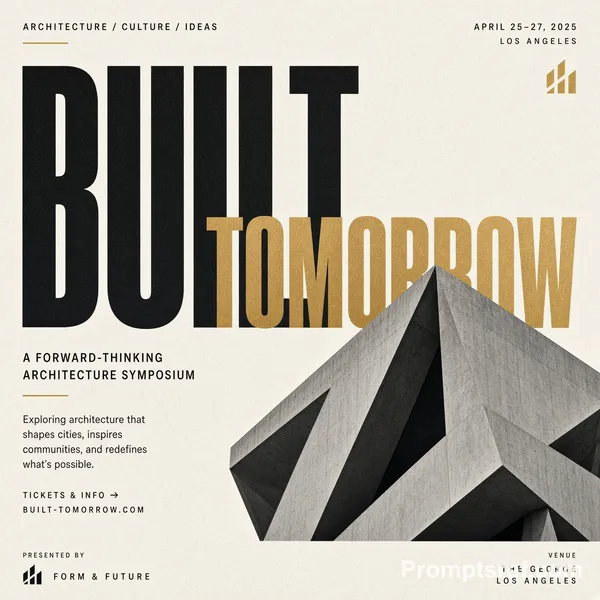
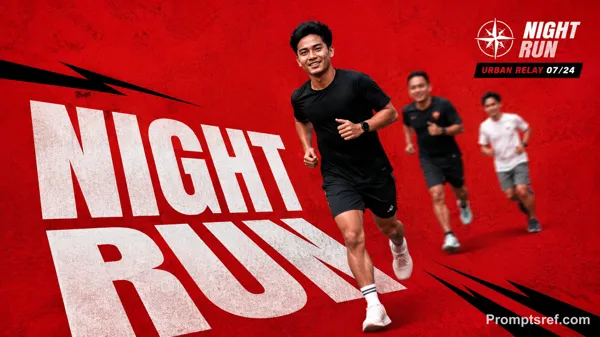
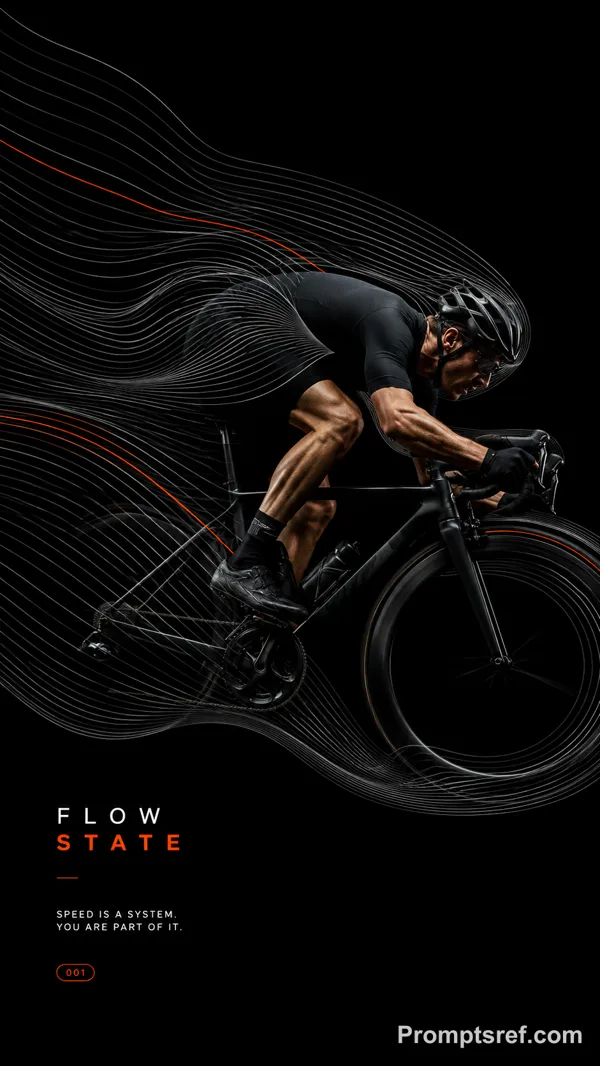
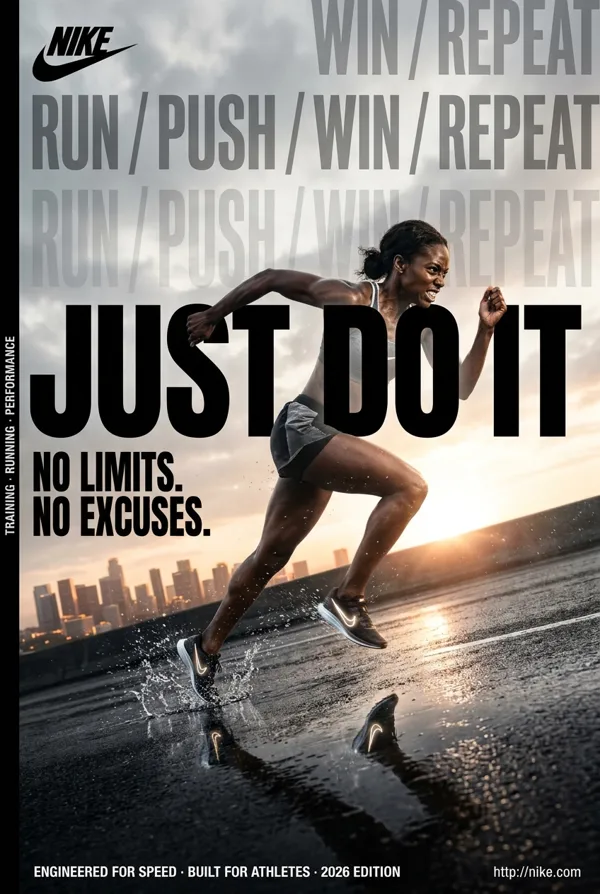
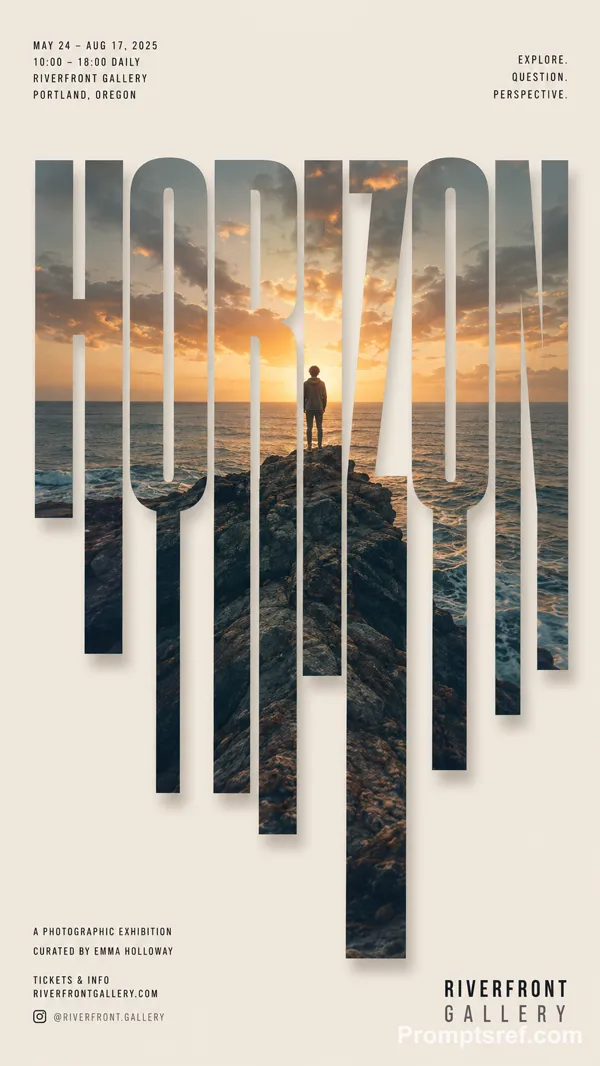
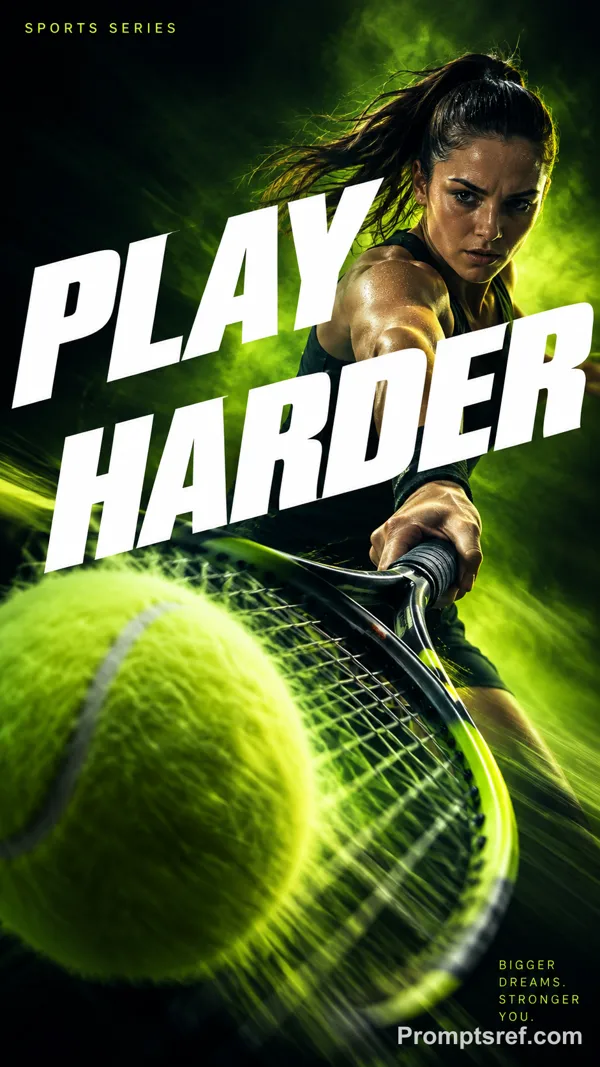
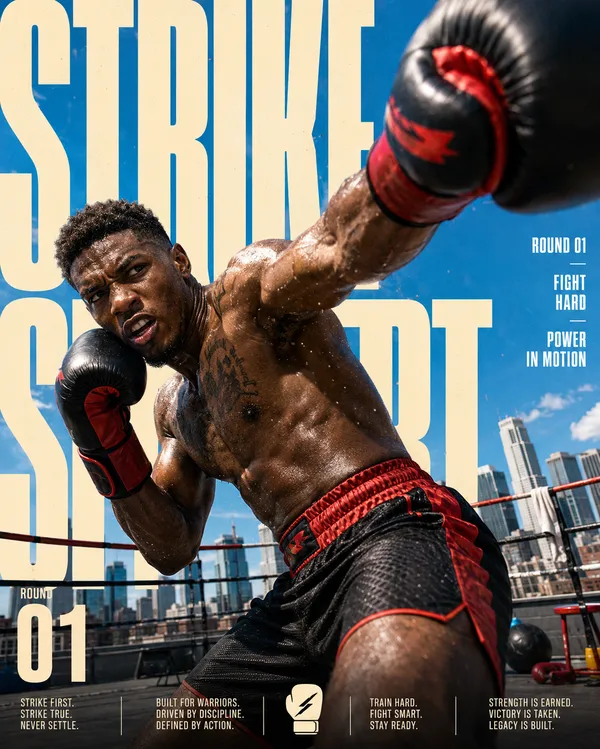
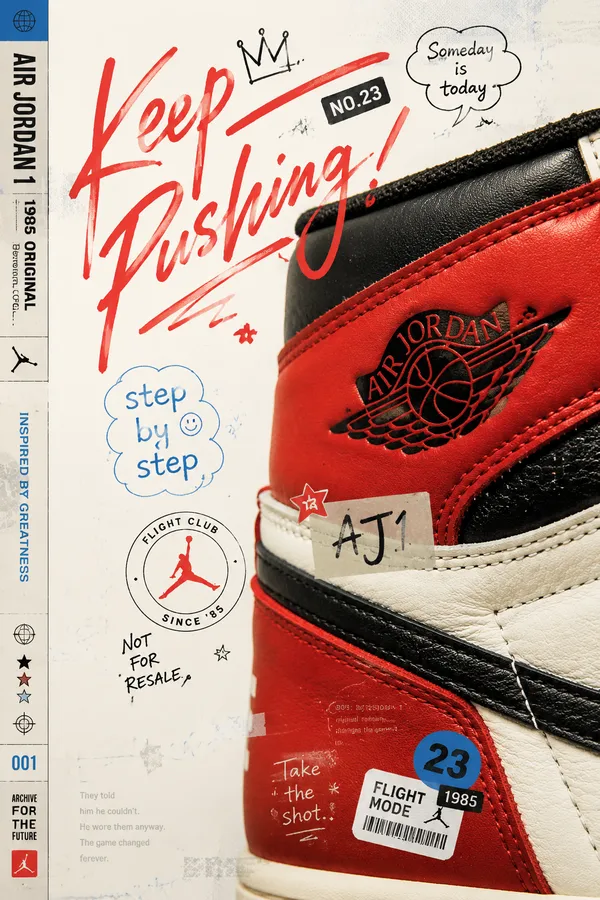
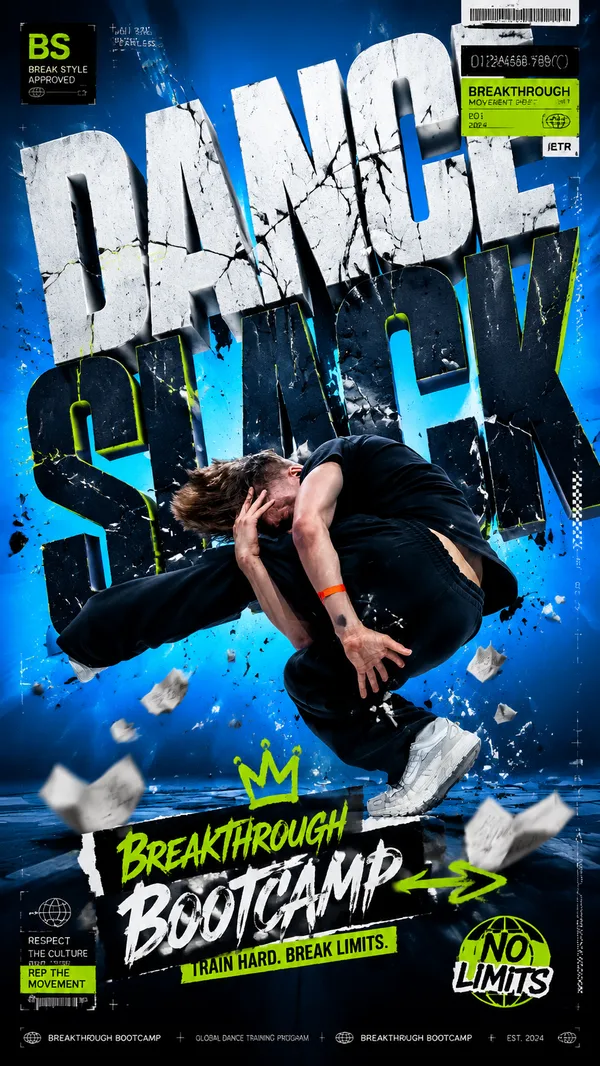
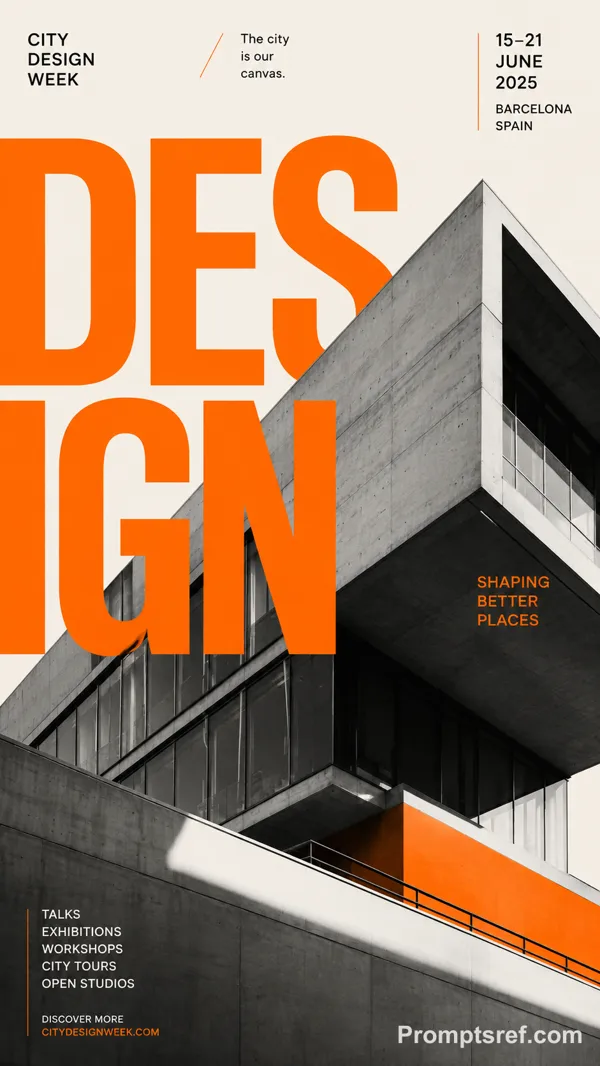
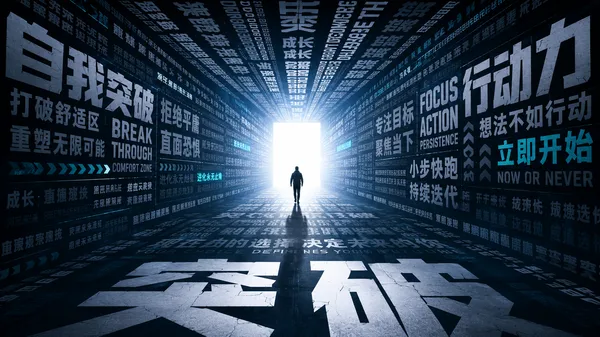
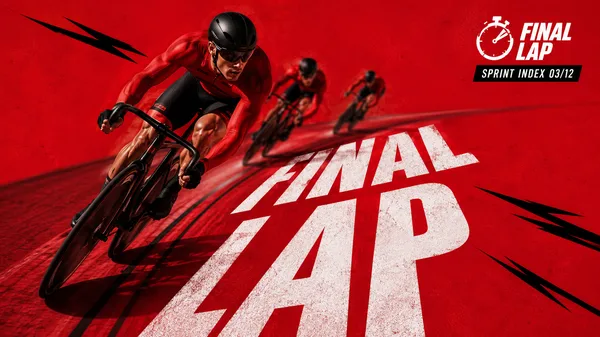
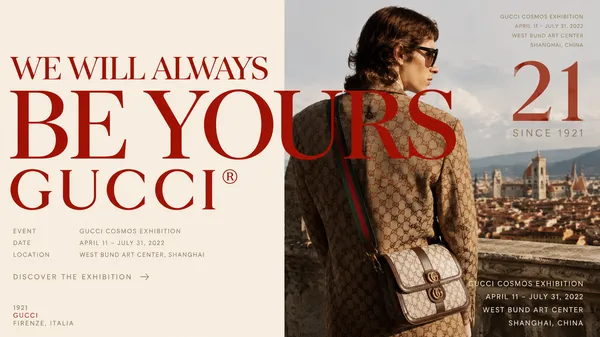
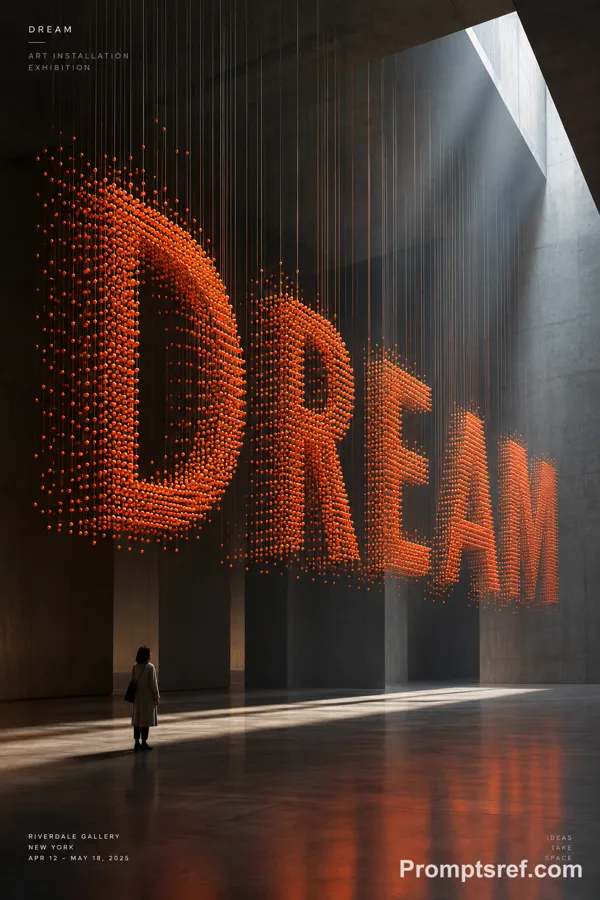
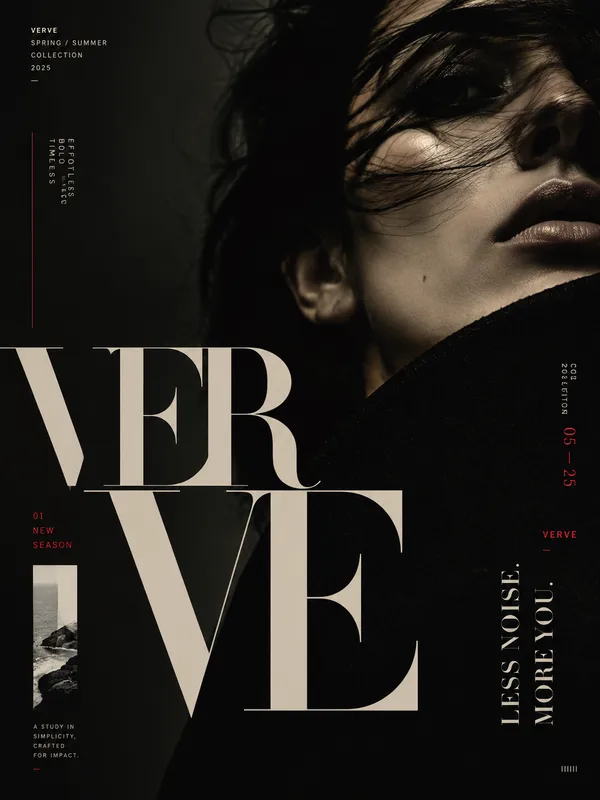
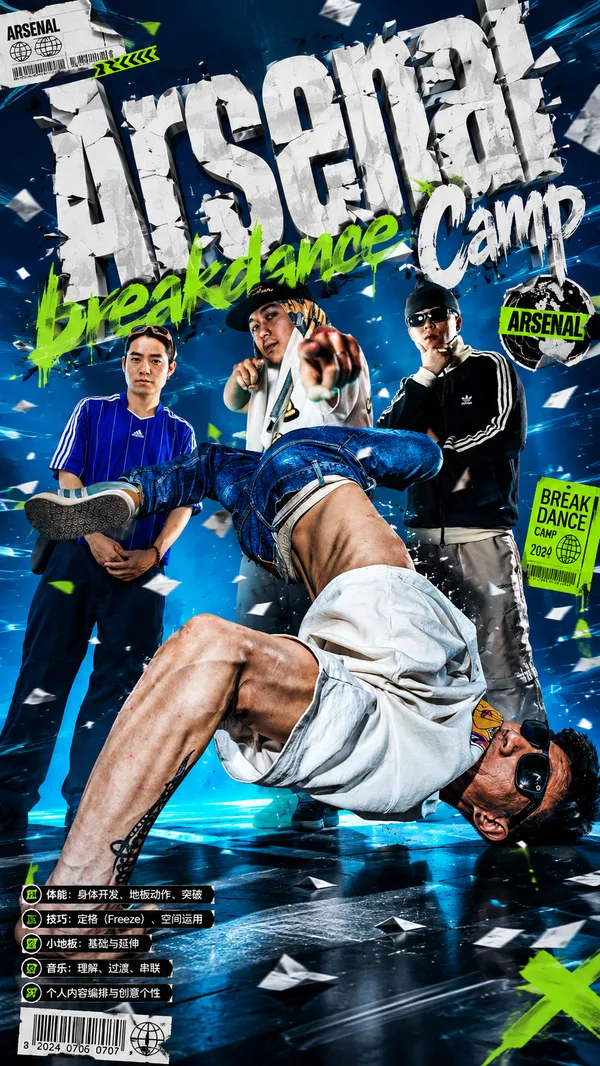
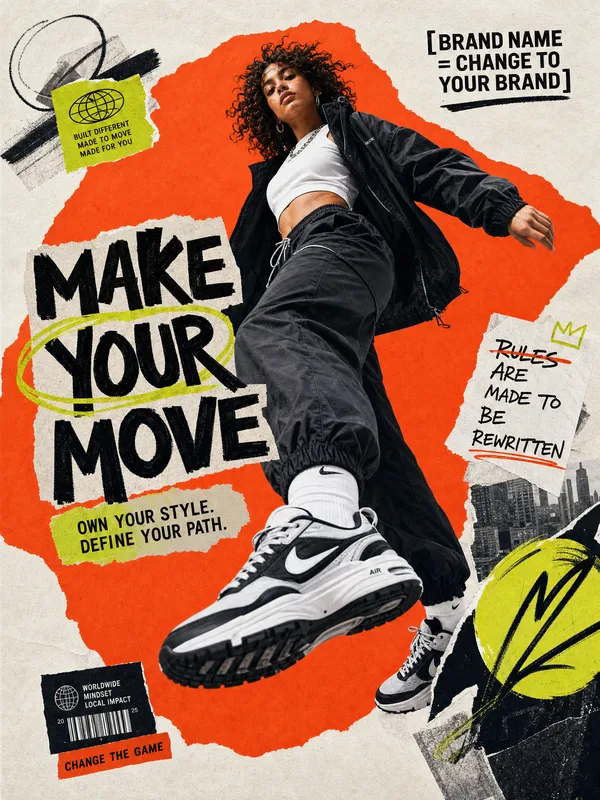
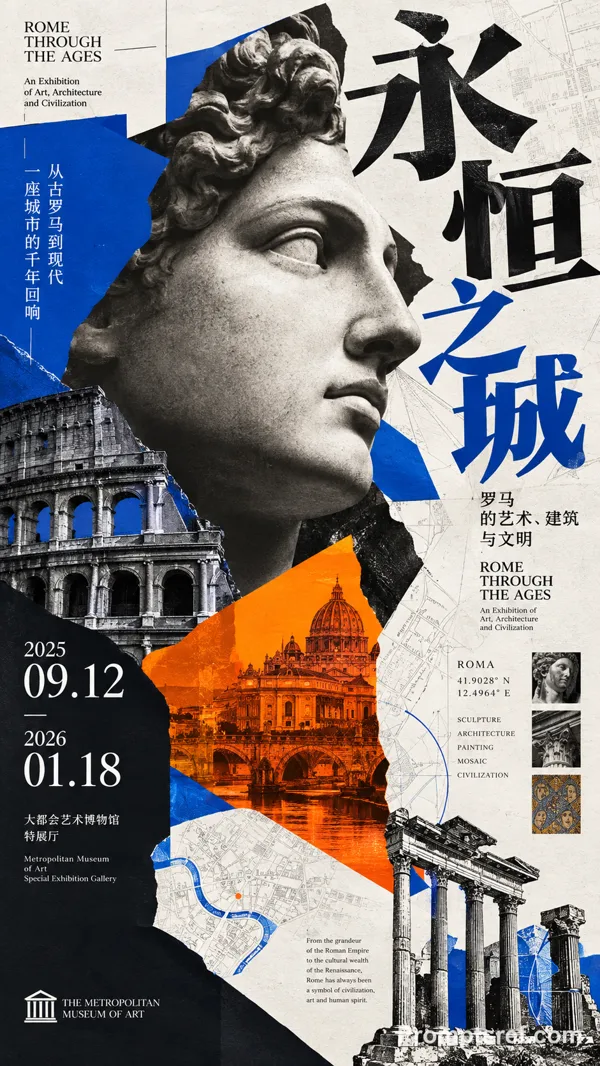
Create a premium, highly engaging editorial poster for [SUBJECT / BRAND / EVENT / PRODUCT], designed around strong visual hierarchy, intentional composition, and immediate 2–3 second readability.
**ART DIRECTION**
Style: [Swiss / Brutalist / Bauhaus / Minimal / Editorial / Futuristic / Architectural / Luxury]
Create a sophisticated contemporary graphic-design aesthetic rather than a generic advertising layout. Every element must have a clear compositional purpose.
**01 — VISUAL HIERARCHY**
Establish a clear viewing sequence:
1. Primary: "[MAIN HEADLINE]"
2. Secondary: "[HERO SUBJECT / IMAGE / OBJECT]"
3. Tertiary: "[SUBHEAD / DATE / DETAILS / CTA]"
The main message must remain recognizable even when viewed as a small thumbnail.
**02 — TYPOGRAPHY**
Use typography as an active visual element rather than simple text placement.
Use:
- Oversized display typography
- Strong differences in scale
- Tight, intentional kerning
- Controlled line spacing
- Strategic cropping
- Stacking and vertical alignment
- Selective text/subject overlaps
- Typographic masking where appropriate
Use maximum 1–2 complementary typefaces.
Primary typography: [BOLD CONDENSED / GROTESK / SERIF / CUSTOM]
Secondary typography: clean neutral sans-serif.
Keep all important text accurately spelled, readable, and professionally typeset.
**03 — COMPOSITION**
Build the poster using a disciplined editorial grid.
Create:
- One dominant focal point
- Strong alignment
- Clear margins
- Asymmetrical balance where appropriate
- Controlled tension
- Intentional negative space
- One or two elements subtly breaking the grid
Avoid placing every element in the center. Balance visual weight across the entire canvas.
**04 — HERO VISUAL**
Feature [SUBJECT] as the primary visual.
Presentation: "[FULL-BLEED / CUTOUT / 3D / PHOTOGRAPHIC / ILLUSTRATED / PAPER-CUT / ABSTRACT]"
Integrate the subject with the typography using layering, masking, foreground/background relationships, or controlled overlap.
The subject and headline should feel like one unified composition, not an image with text placed on top.
**05 — SCALE**
Use dramatic scale contrast:
Huge: main headline or hero element
Medium: secondary information
Small: supporting copy
Micro: technical/editorial details
Avoid using similar sizes for every element.
**06 — COLOR**
Palette:
Background: "[COLOR]"
Primary: "[COLOR]"
Accent: "[COLOR]"
Use a restrained 2–4 color system with one dominant accent.
Prioritize strong tonal contrast and readability.
**07 — DEPTH & LAYERING**
Hierarchy > Typography > Subject > Contrast > Negative Space > Details
**AVOID**
Generic centered layouts, excessive text, random decorative shapes, weak hierarchy, equal-sized elements, excessive fonts, unnecessary gradients, clutter, illegible typography, arbitrary placement, excessive effects, oversaturation, cheap advertising aesthetics, fake logos, watermarks, duplicated objects, malformed typography, and meaningless micro-text.
**OUTPUT**
Aspect ratio: "[4:5 / 2:3 / 3:4 / 9:16 / 16:9]"
Quality: ultra-high-resolution, print-quality finish
Layout: balanced from all edges with deliberate margins and professional spacing.
Remix
RemixPas encore de remix. Créez la première version.
Utiliser ce prompt d’image
- 01
Commencer avec le prompt
Copiez le prompt ou ouvrez-le avec le bouton de génération.
- 02
Apporter vos modifications
Adaptez le sujet, le décor ou les détails. Ajoutez des références si nécessaire.
- 03
Vérifier avant de générer
Vérifiez le modèle et les paramètres de sortie. Les résultats peuvent varier.