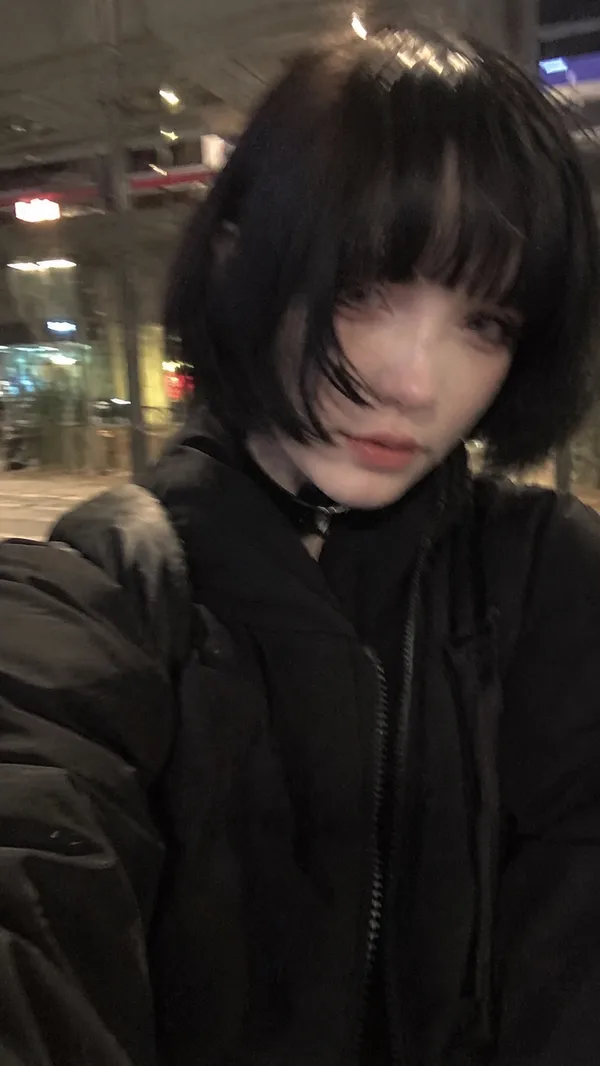
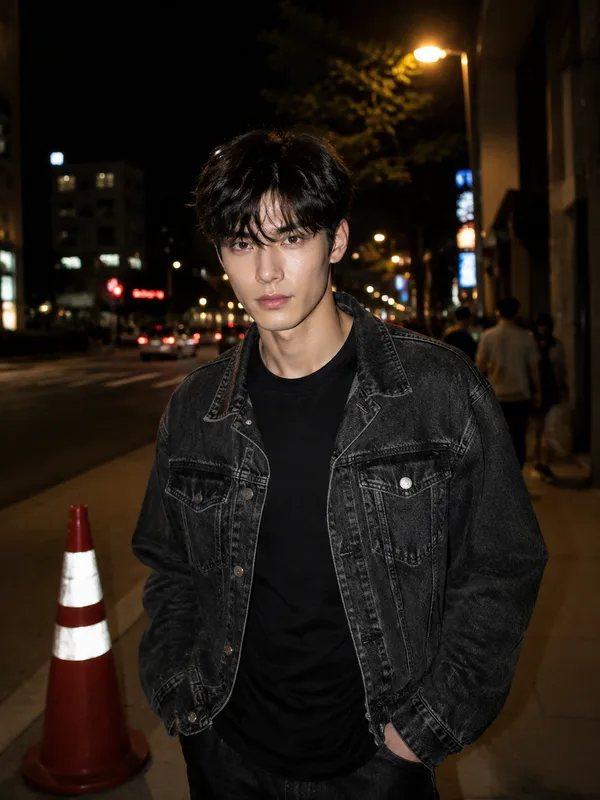
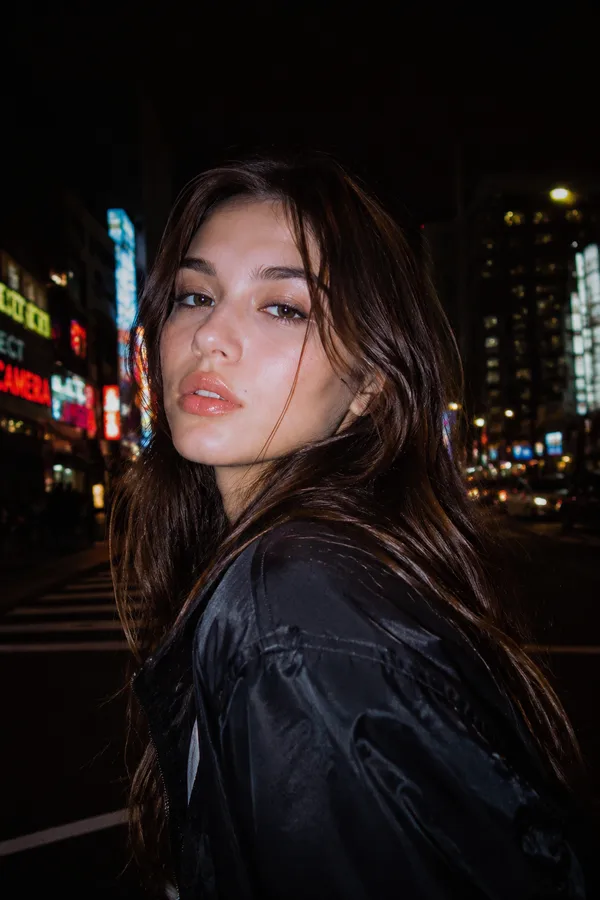
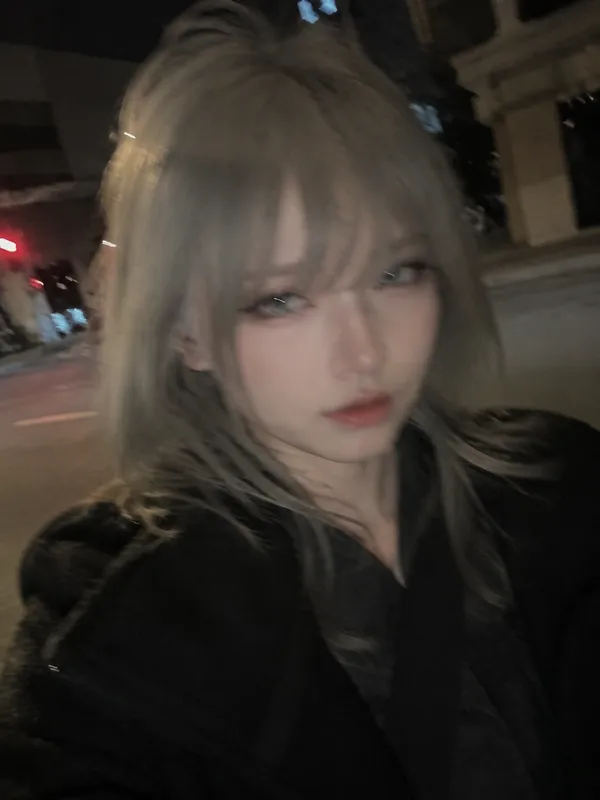
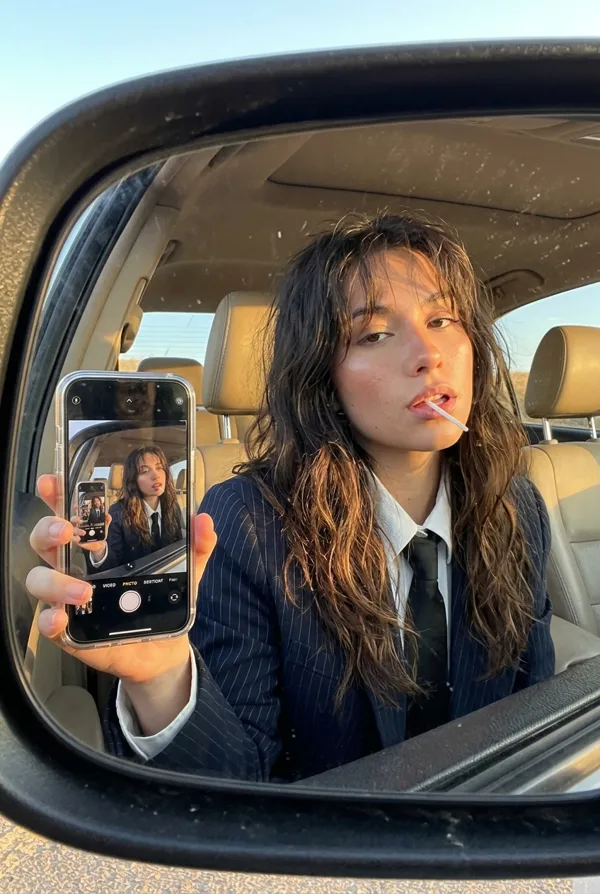
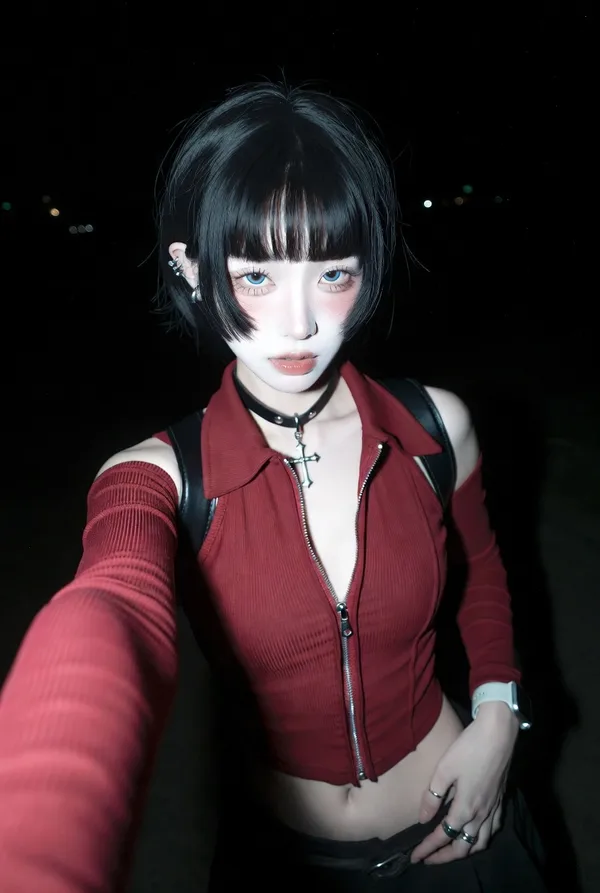
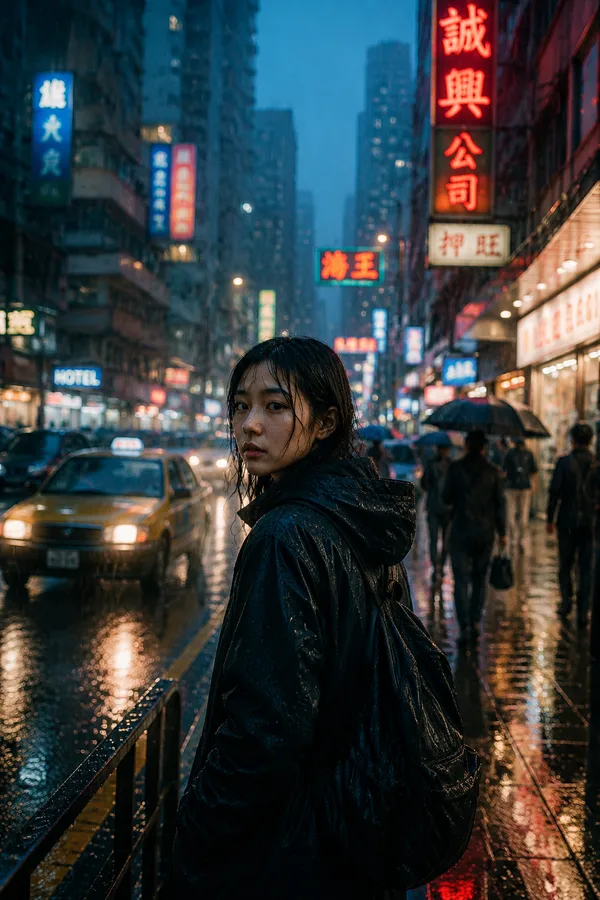
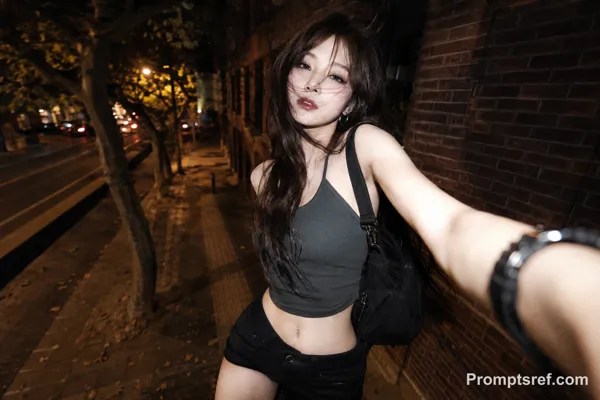
GPT Image 2.0 Prompt - Portrait à l’iPhone dans un miroir convexe sous néon rouge

- Modèle
- GPT Image 2.0
Prompt
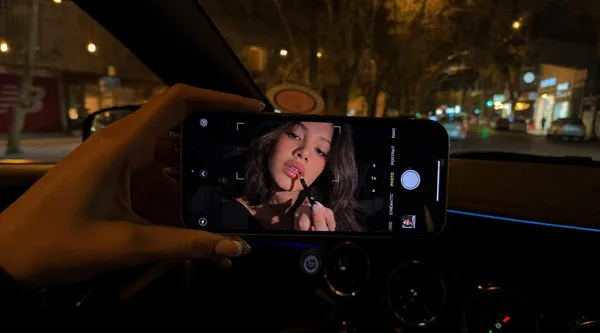
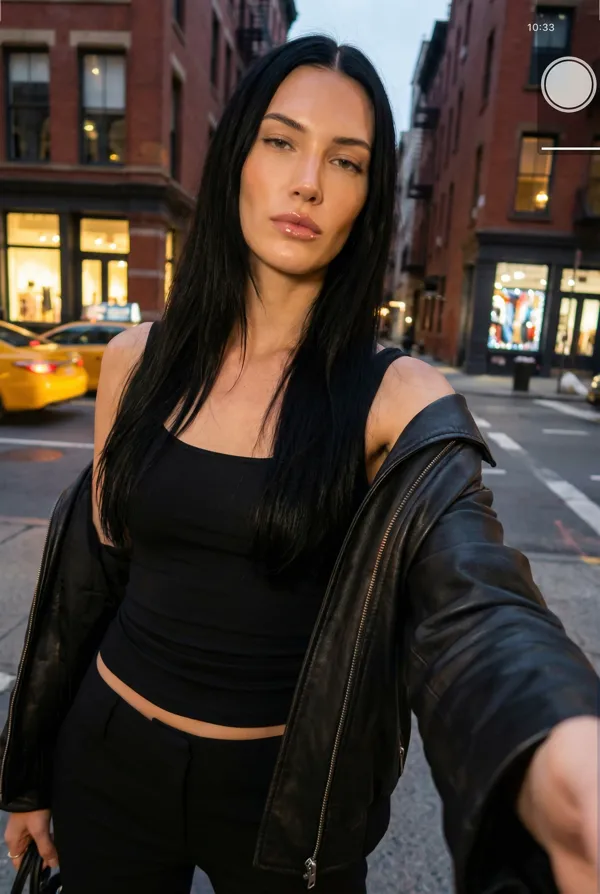
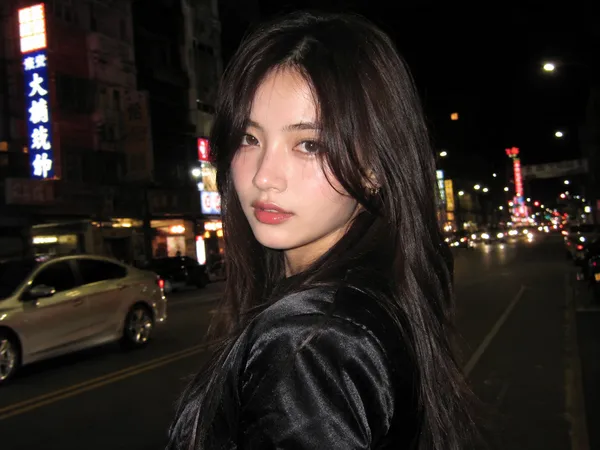
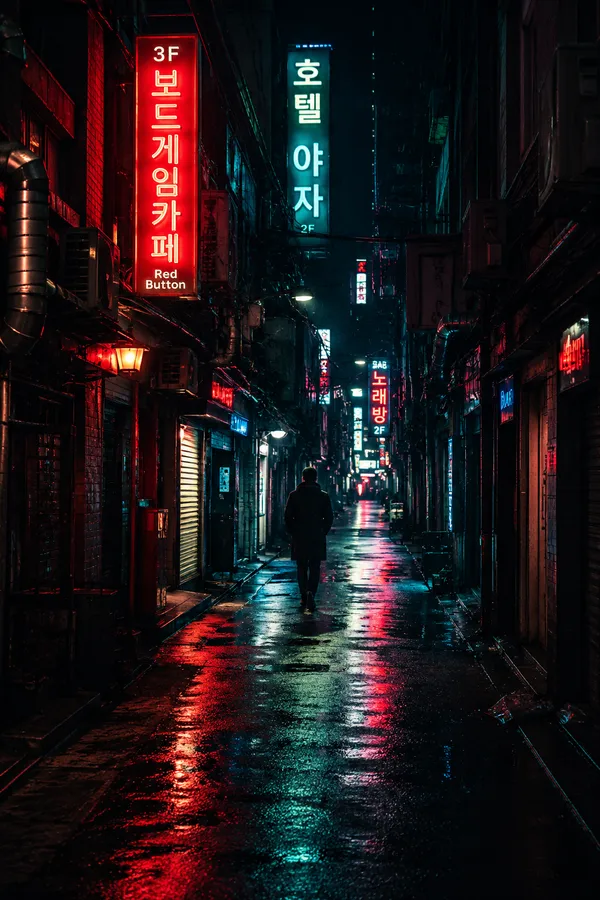
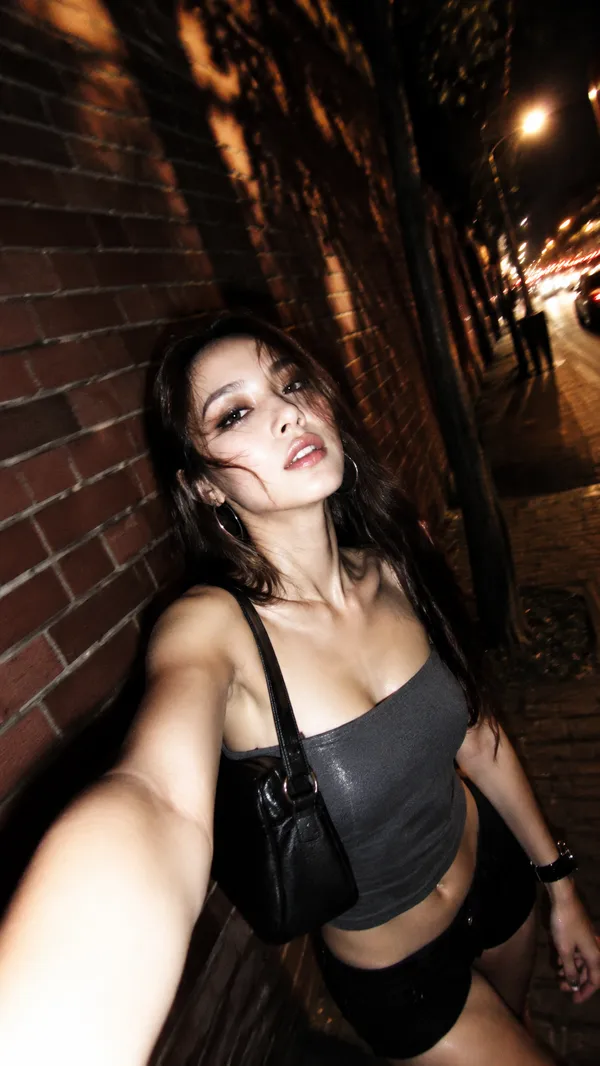
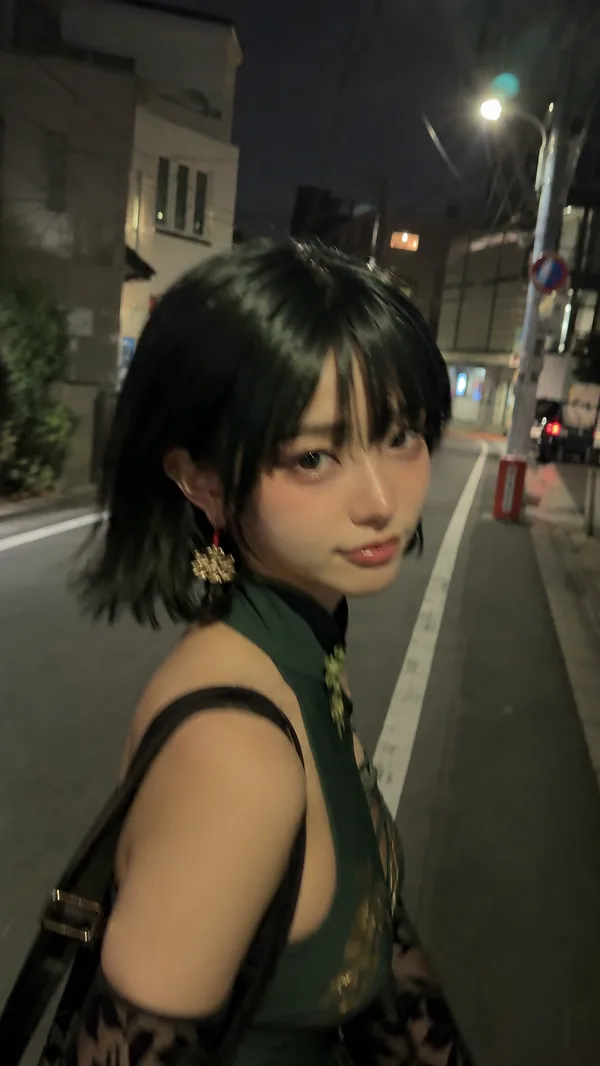
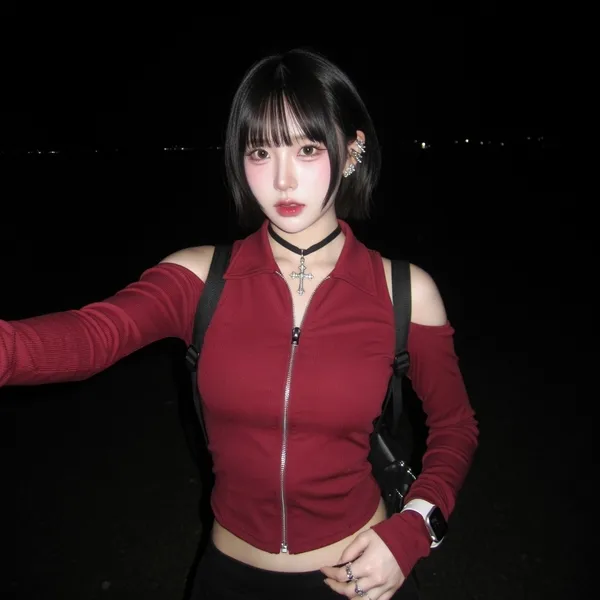
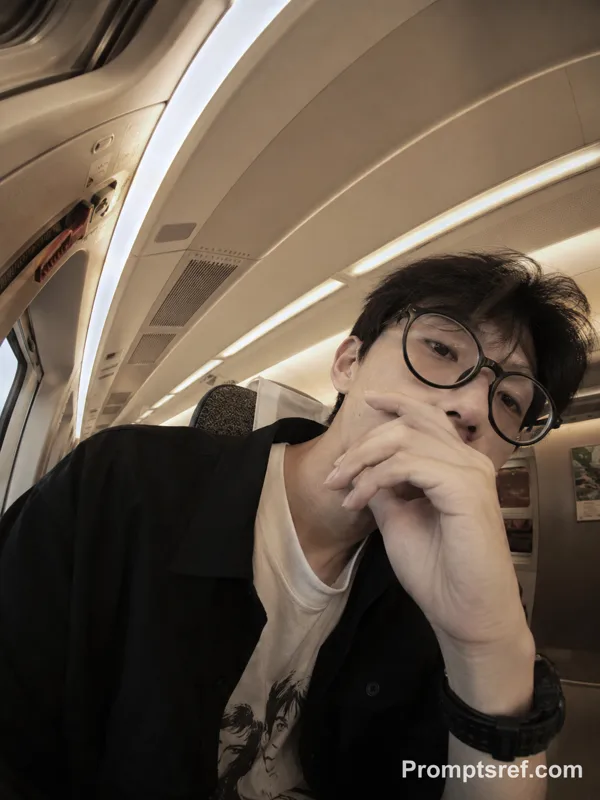
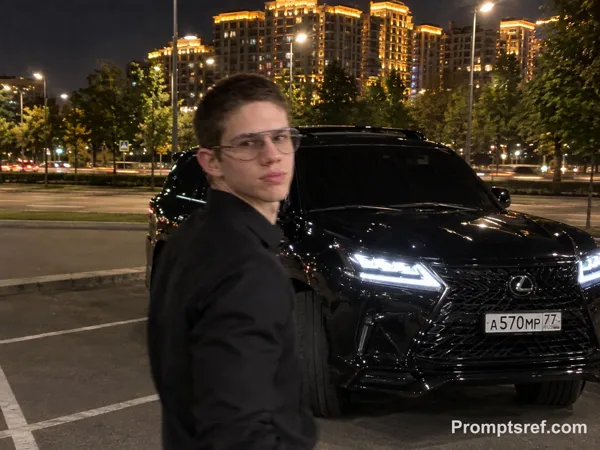
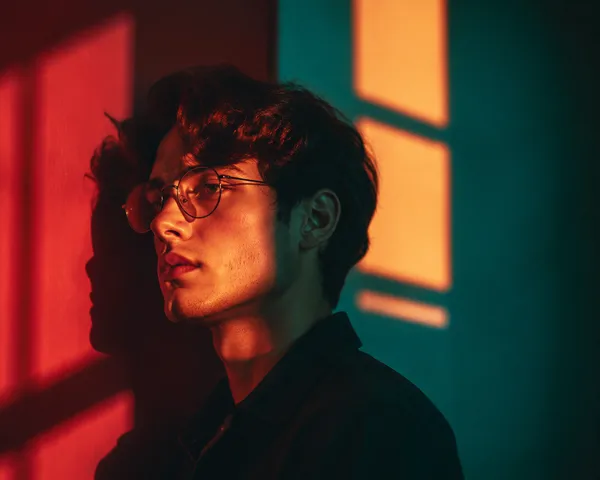
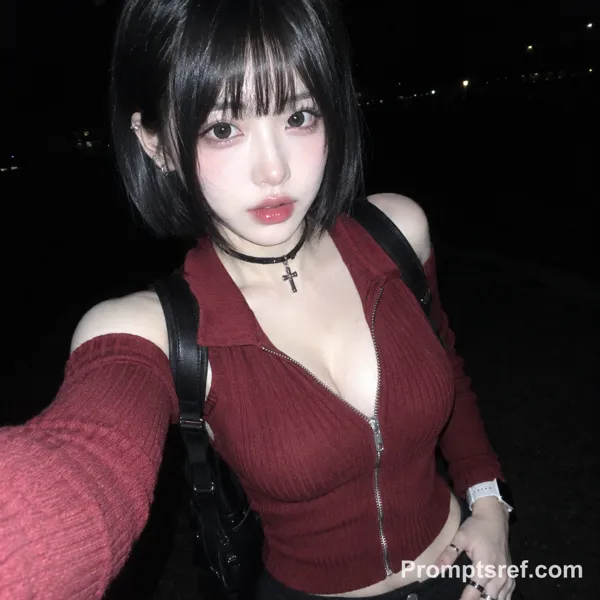
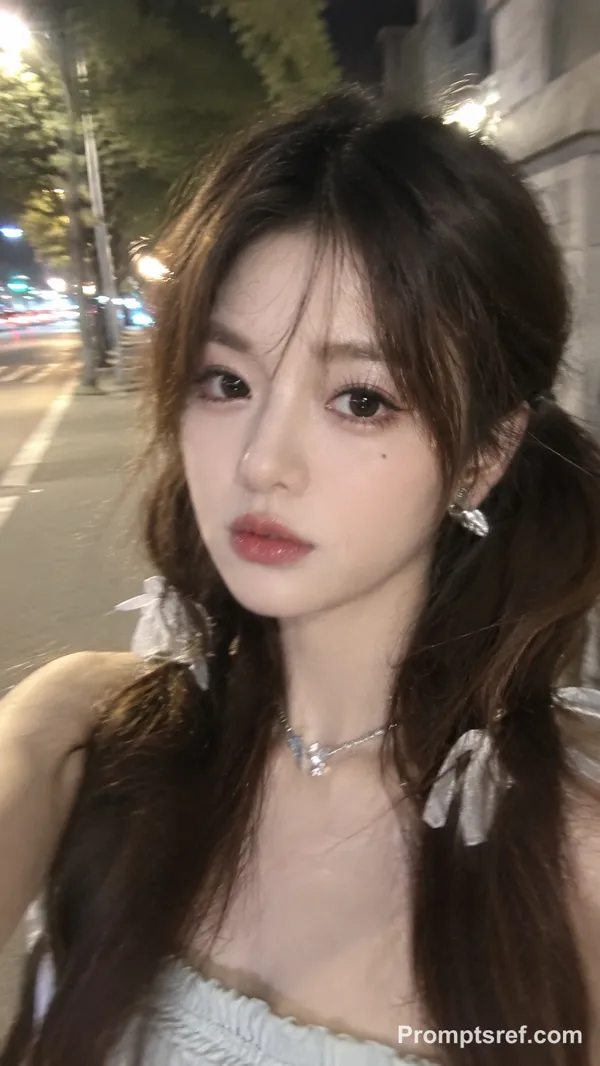
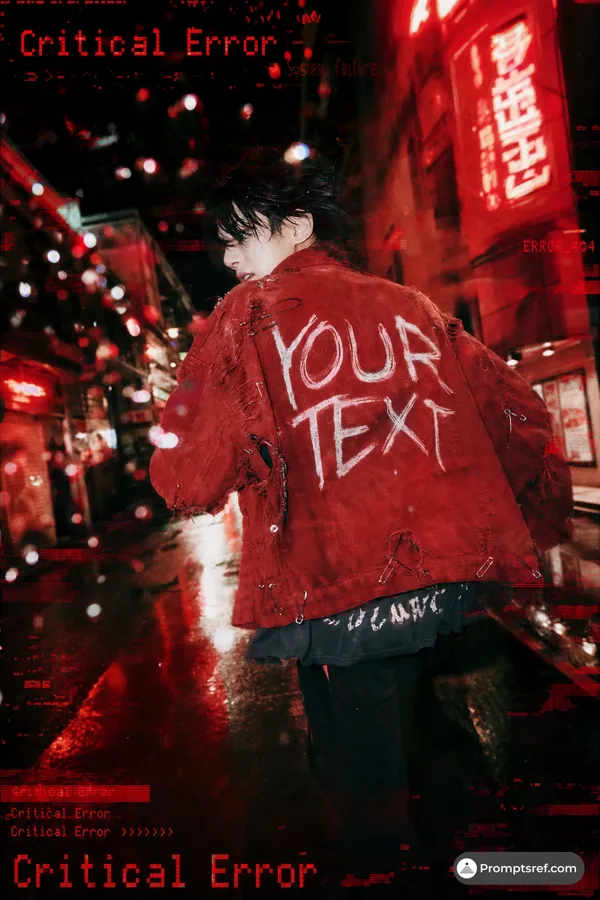
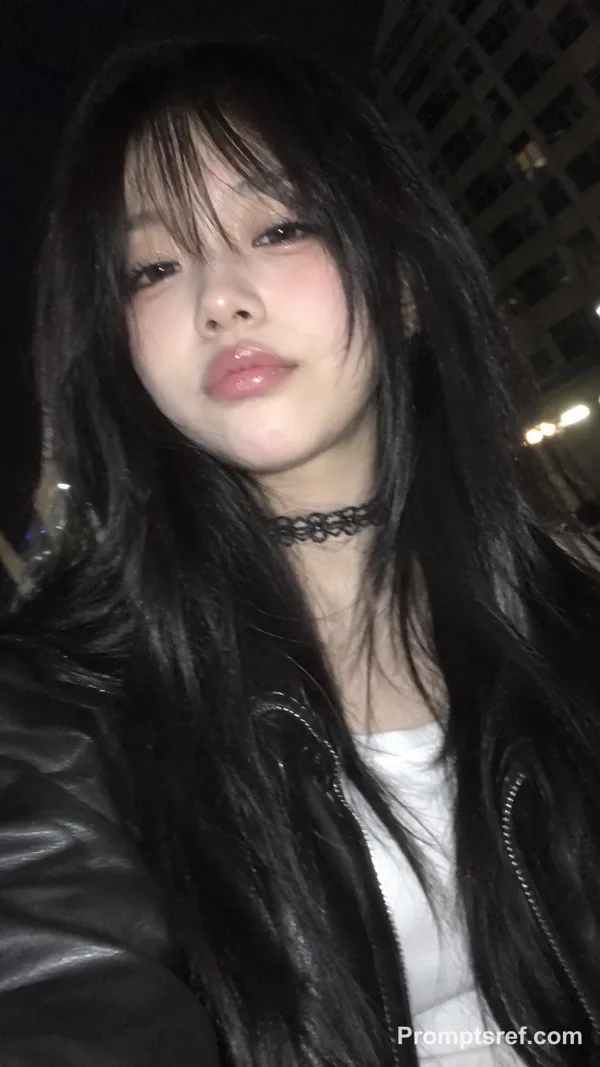
{"aspect_ratio": "3:4", "camera_lens": "fisheye lens", "effect": "slightly stronger convex traffic mirror effect, like a roadside dome mirror sign", "frame": "no black edges; the entire circular frame is fully filled with the surrounding street", "distortion": "more pronounced fisheye distortion with deeper curvature bending the road, buildings, poles, scaffolding, and the passing car toward the edges", "motion": "a car is moving through the road with subtle motion blur, reflecting intense red neon and traffic lights, casting red highlights onto the asphalt", "subject": {"position": "at the center", "pose": "posing from the waist up", "object": "holding a white iPhone 15 Pro Max", "clothing": "black leather jacket", "accessories": "silver rings"}, "lighting": "red neon signs and street lamps dominate the scene", "background": "construction scaffolding and a red-and-yellow striped road barrier clearly visible along the curved edges", "atmosphere": "cinematic, realistic, candid night street atmosphere"}
Remix
RemixPas encore de remix. Créez la première version.
Utiliser ce prompt d’image
- 01
Commencer avec le prompt
Copiez le prompt ou ouvrez-le avec le bouton de génération.
- 02
Apporter vos modifications
Adaptez le sujet, le décor ou les détails. Ajoutez des références si nécessaire.
- 03
Vérifier avant de générer
Vérifiez le modèle et les paramètres de sortie. Les résultats peuvent varier.