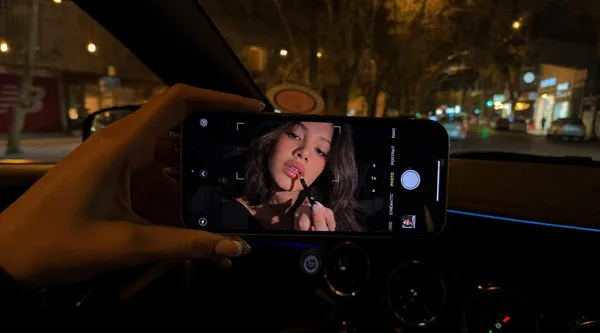
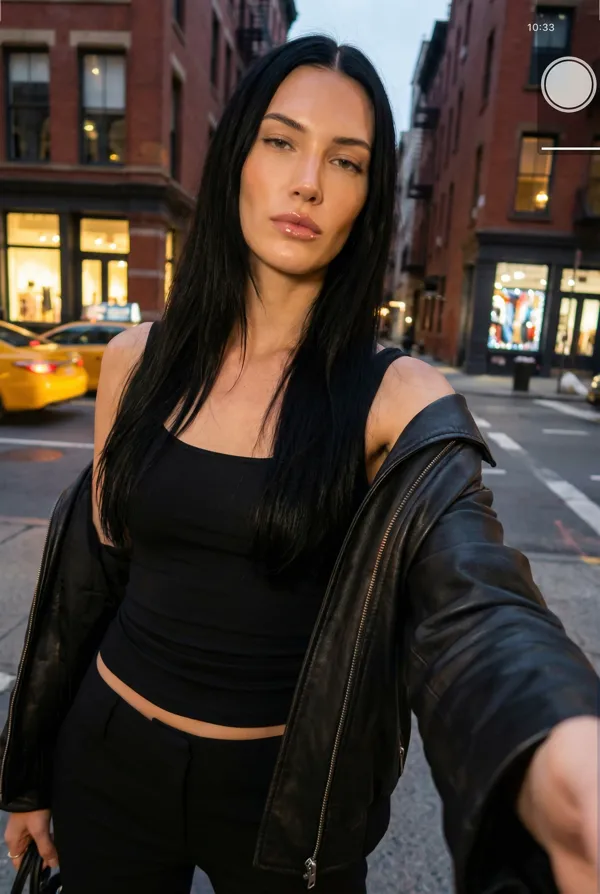
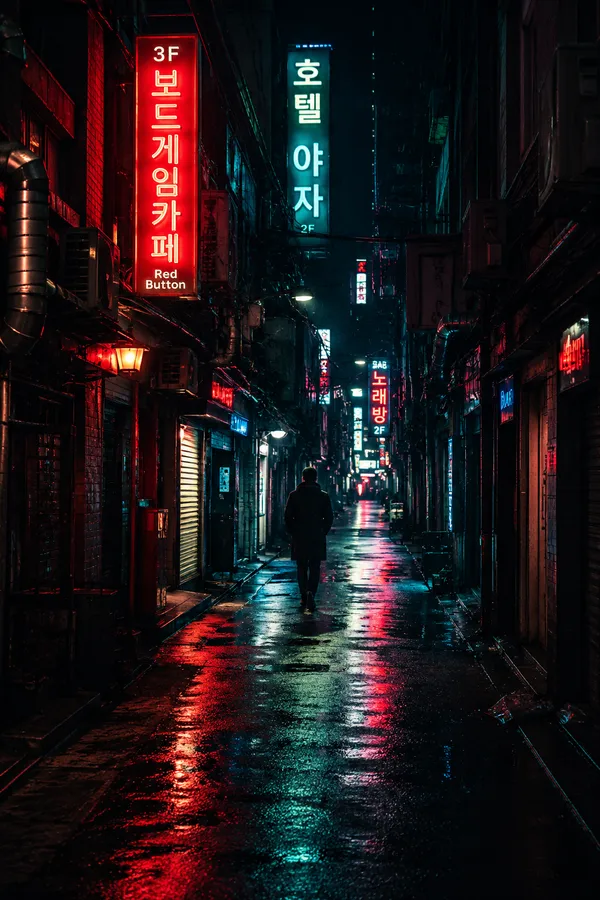
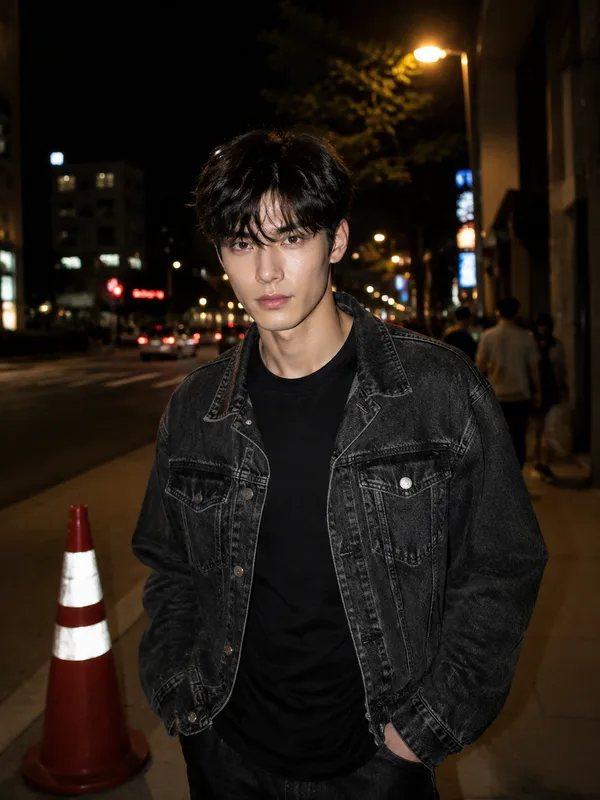
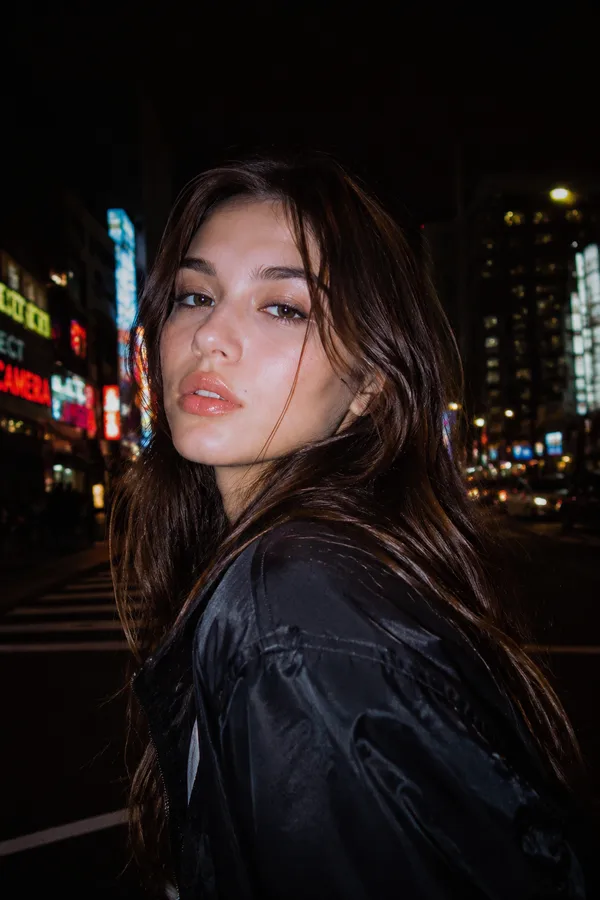
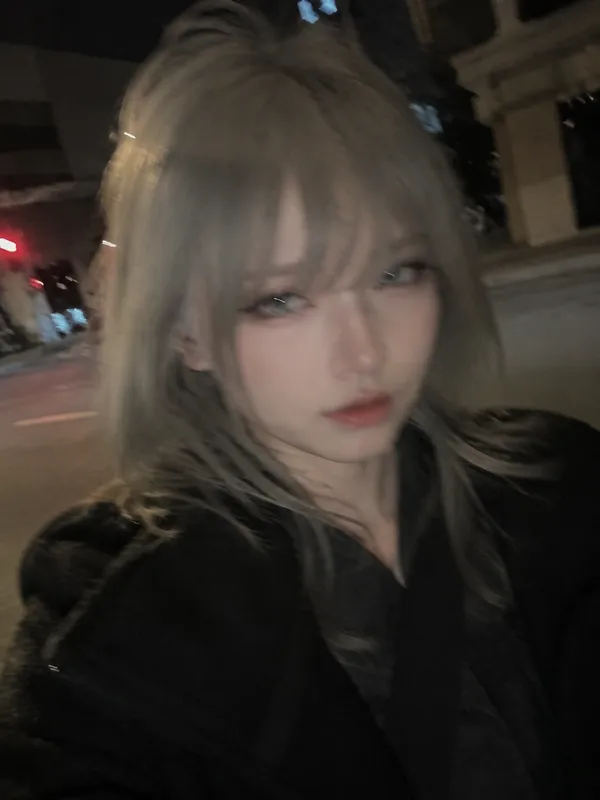
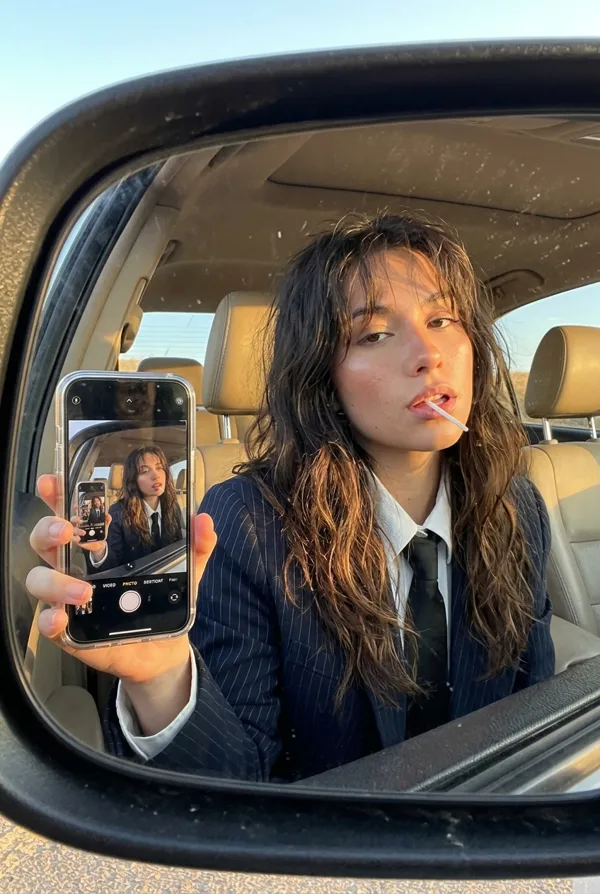
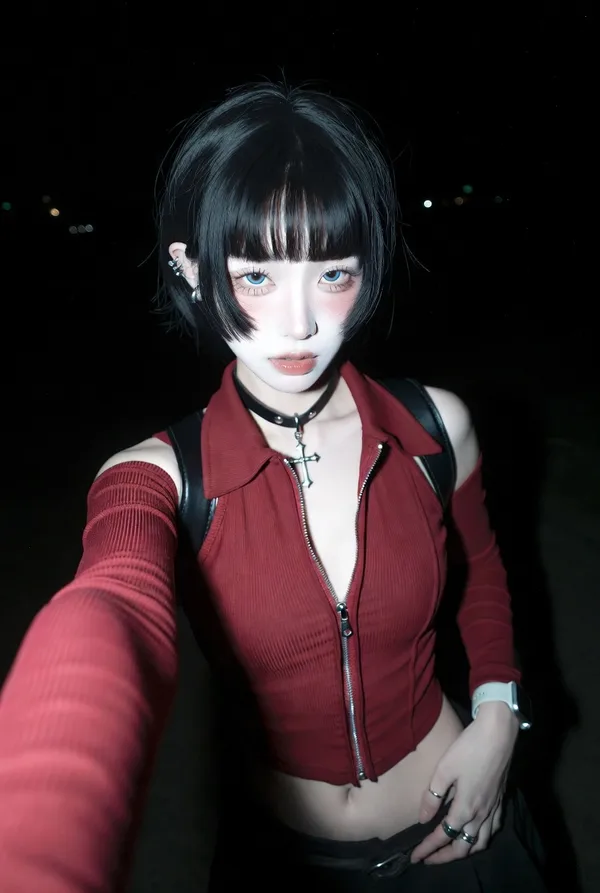
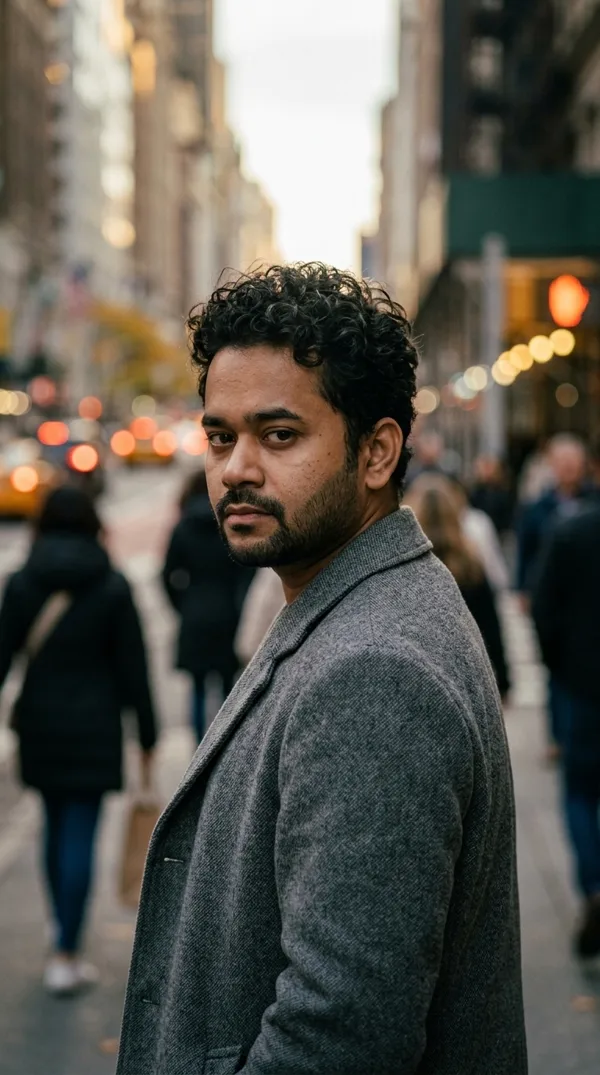
GPT Image 2.0 프롬프트 - 붉은 네온 볼록 도로 거울 속 아이폰 인물 사진

프롬프트
{"aspect_ratio": "3:4", "camera_lens": "fisheye lens", "effect": "slightly stronger convex traffic mirror effect, like a roadside dome mirror sign", "frame": "no black edges; the entire circular frame is fully filled with the surrounding street", "distortion": "more pronounced fisheye distortion with deeper curvature bending the road, buildings, poles, scaffolding, and the passing car toward the edges", "motion": "a car is moving through the road with subtle motion blur, reflecting intense red neon and traffic lights, casting red highlights onto the asphalt", "subject": {"position": "at the center", "pose": "posing from the waist up", "object": "holding a white iPhone 15 Pro Max", "clothing": "black leather jacket", "accessories": "silver rings"}, "lighting": "red neon signs and street lamps dominate the scene", "background": "construction scaffolding and a red-and-yellow striped road barrier clearly visible along the curved edges", "atmosphere": "cinematic, realistic, candid night street atmosphere"}
리믹스 작품
리믹스아직 리믹스가 없어요. 첫 번째 버전을 만들어 보세요.
이 이미지 프롬프트 사용하기
- 01
프롬프트로 시작하기
프롬프트를 복사하거나 생성 버튼으로 여세요.
- 02
나만의 아이디어 더하기
주제, 배경, 세부 사항을 조정하고 필요하면 참고 자료를 추가하세요.
- 03
생성 전 확인하기
모델과 출력 설정을 확인하세요. 생성 결과는 매번 다를 수 있습니다.