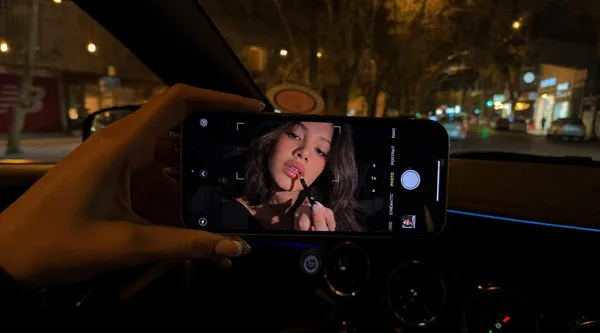
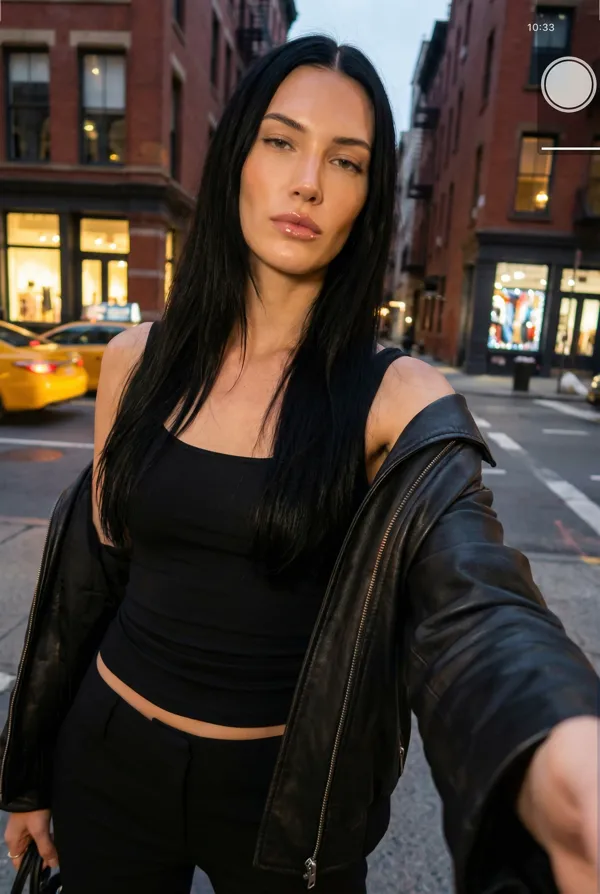
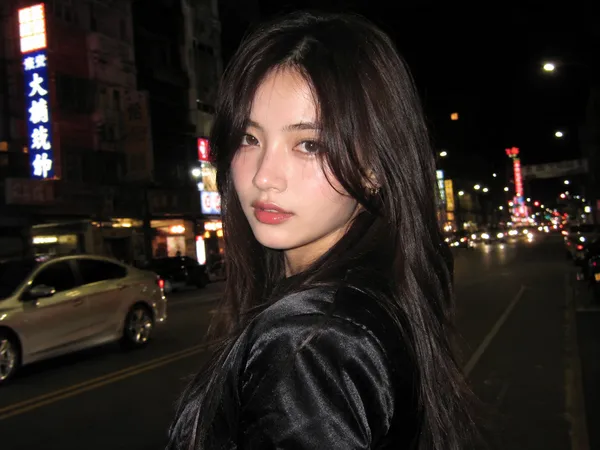
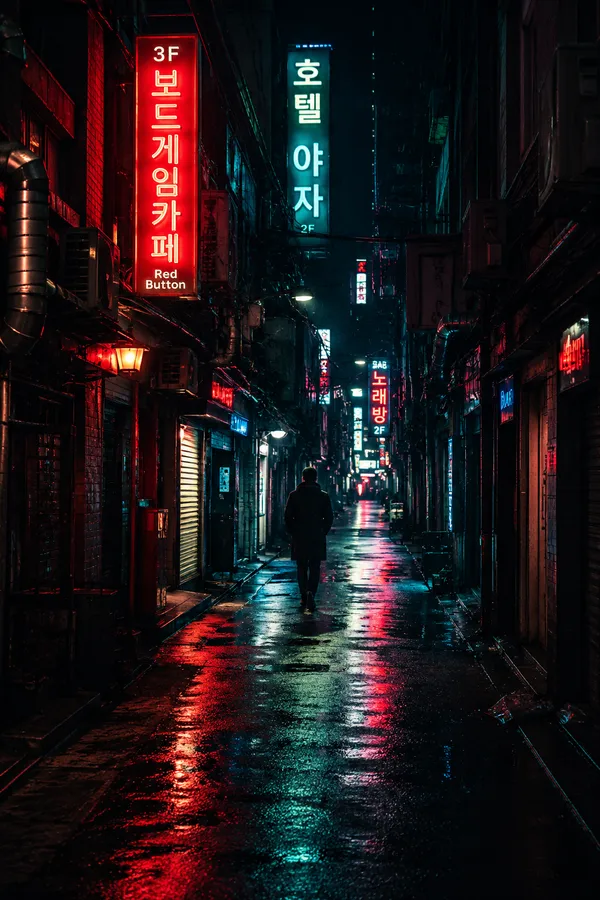
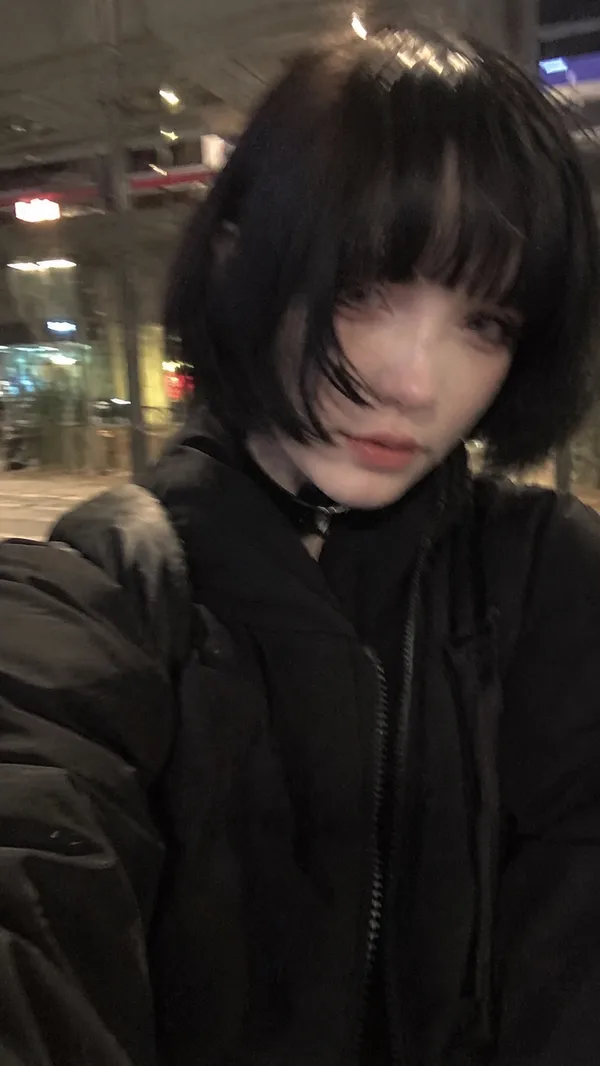
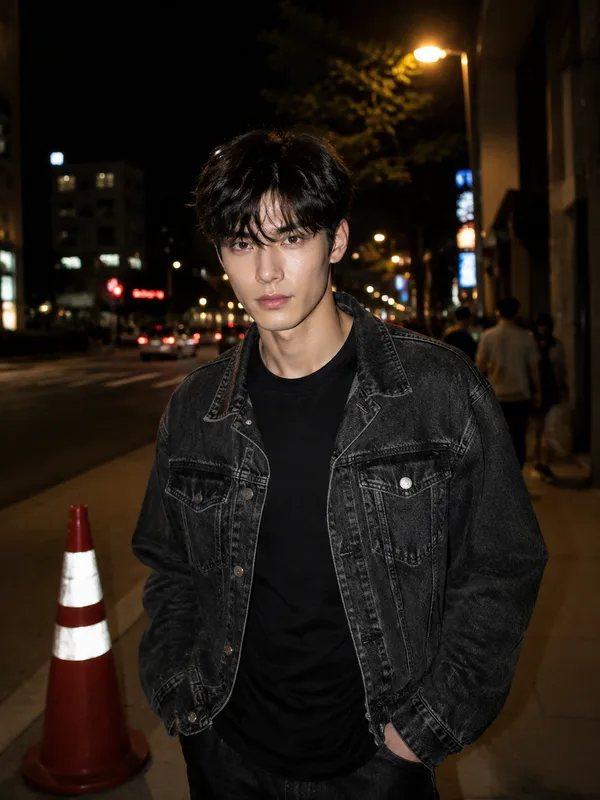
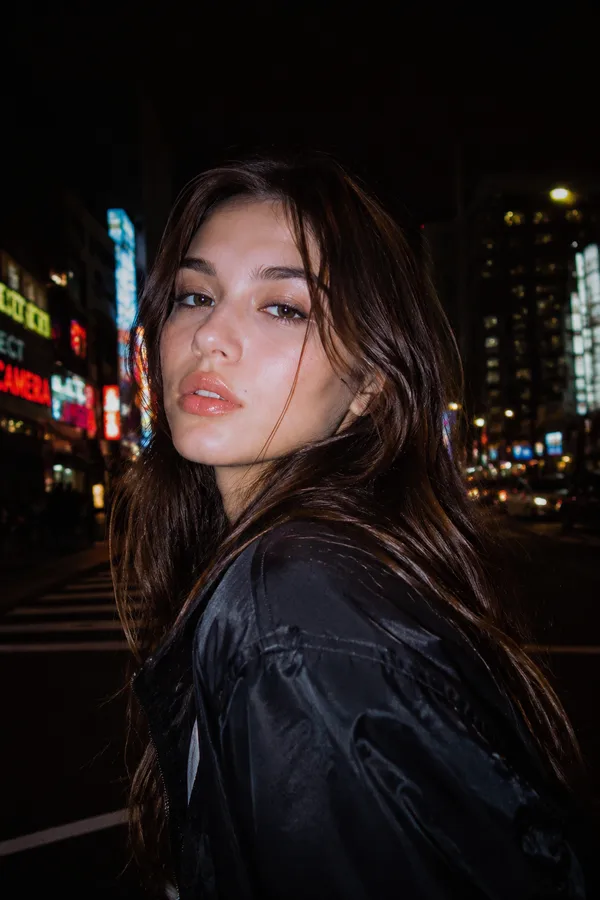
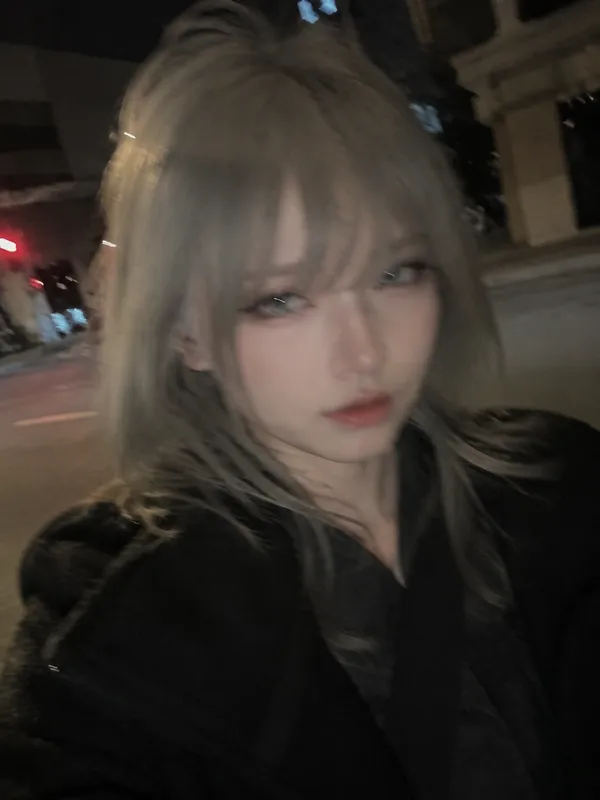
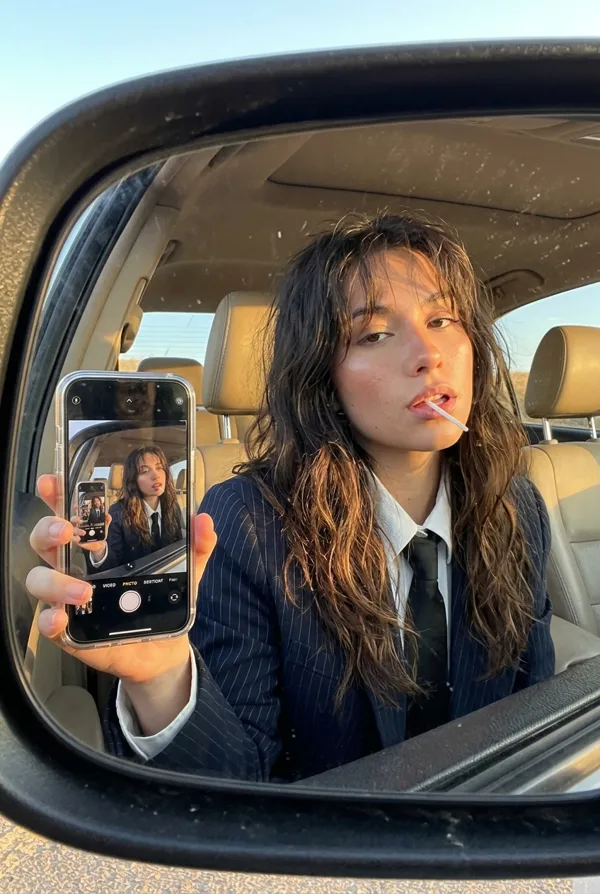
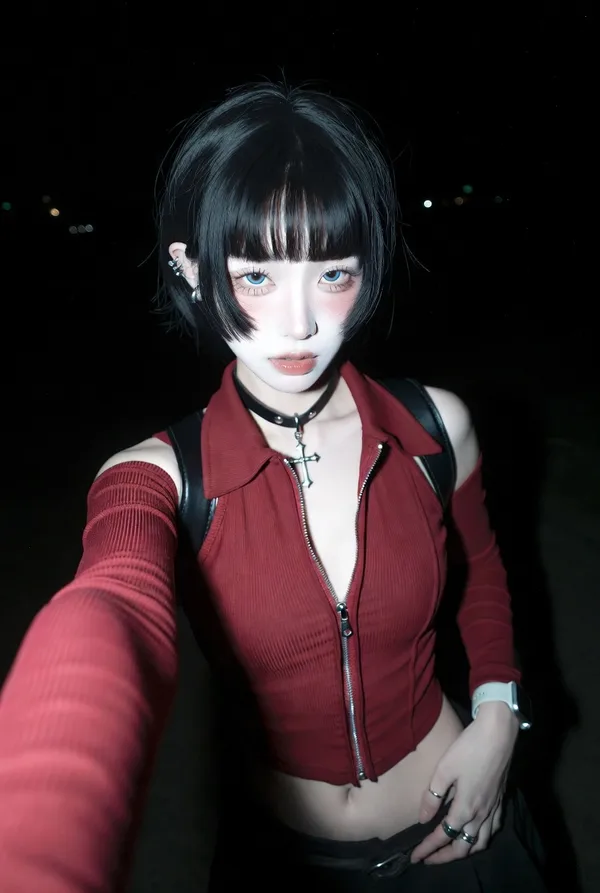
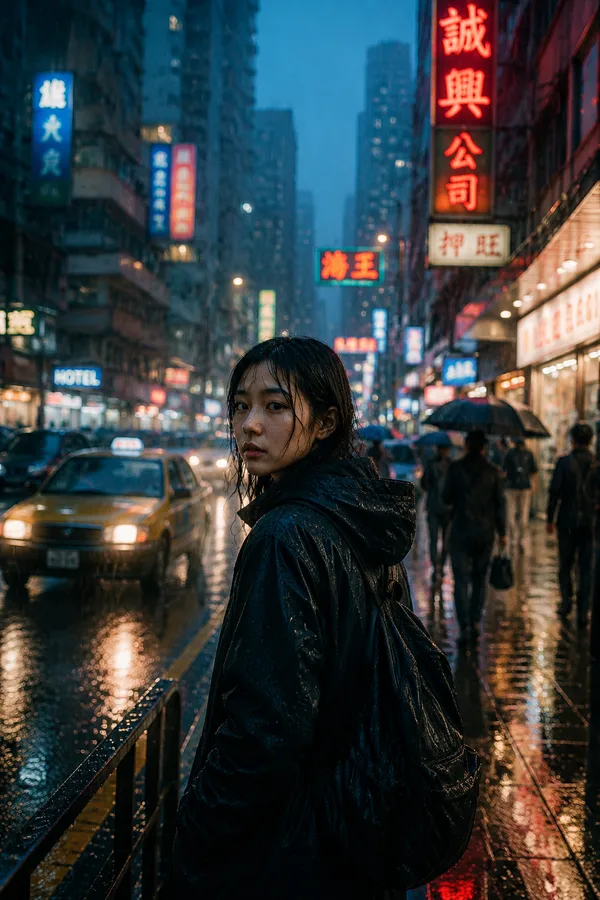
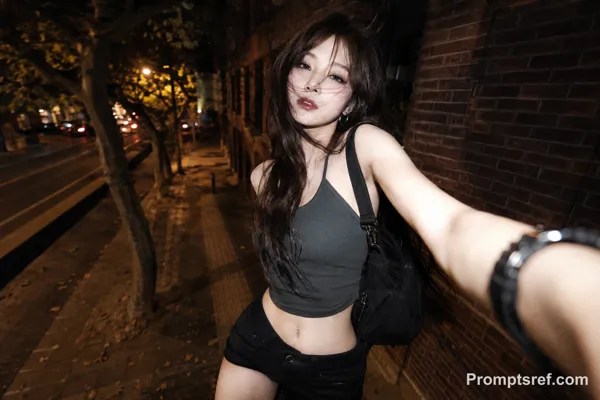
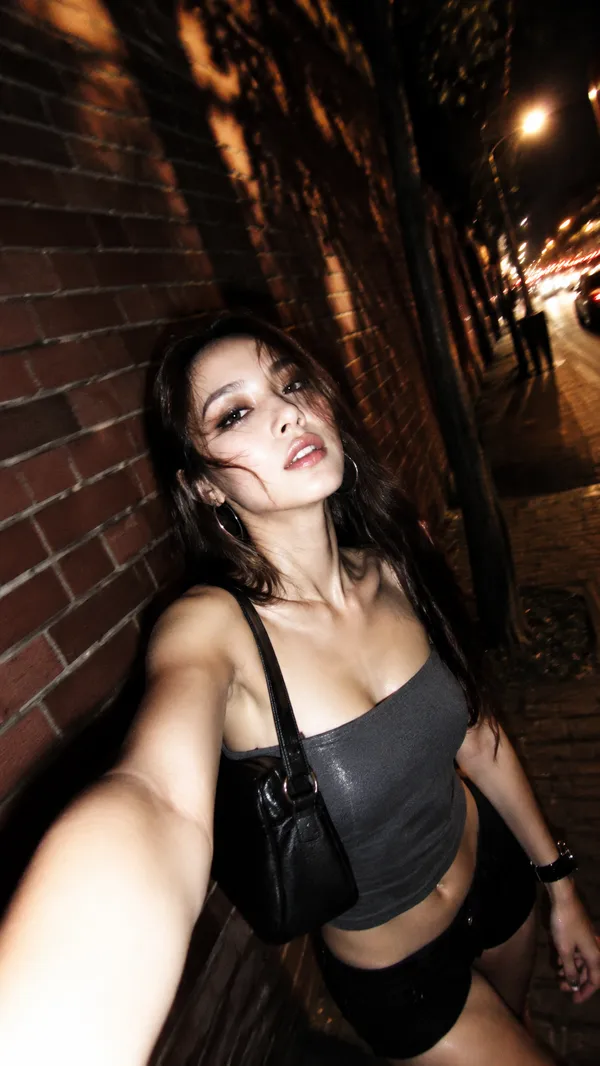
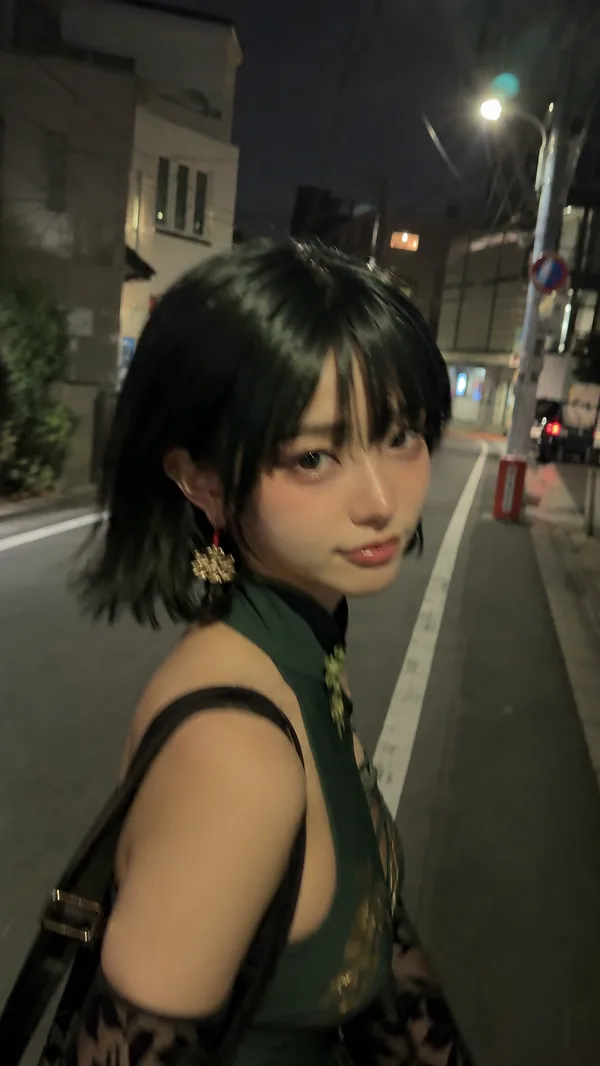
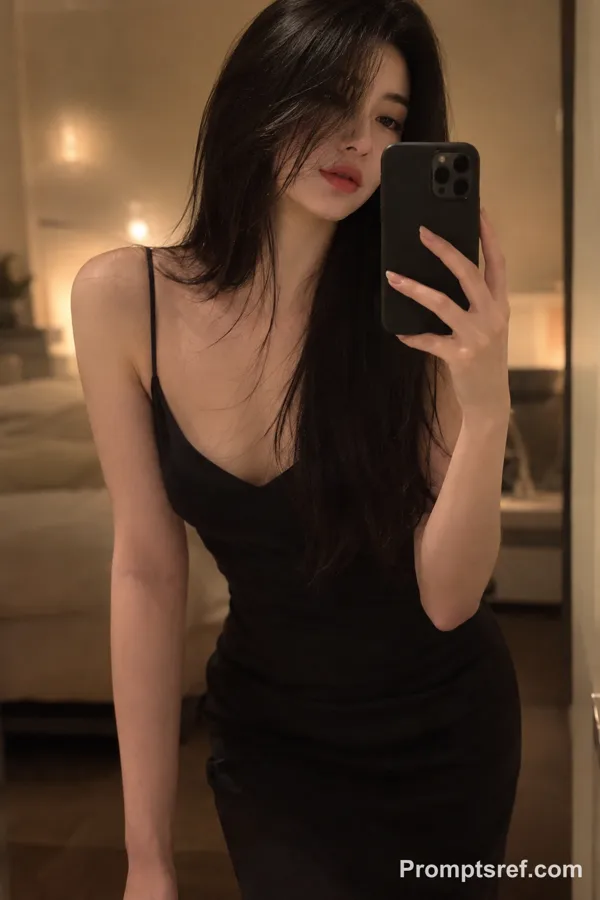
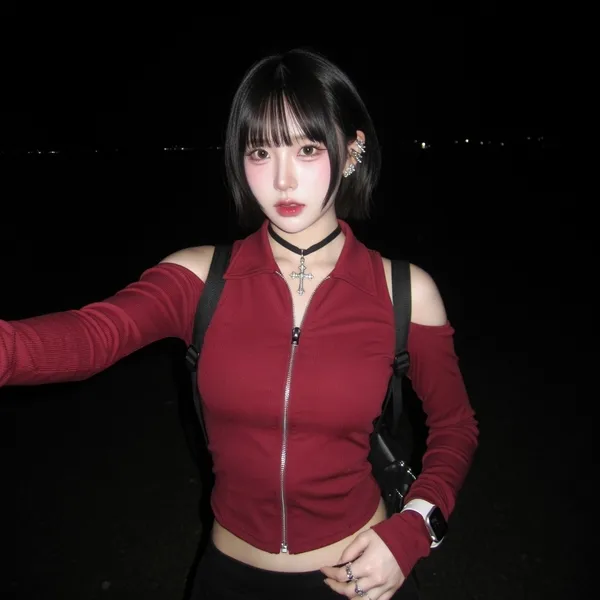
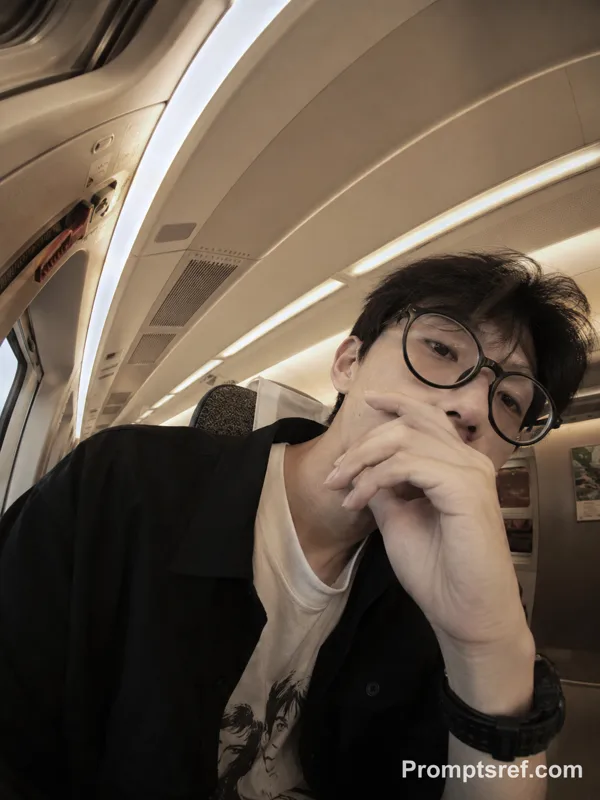
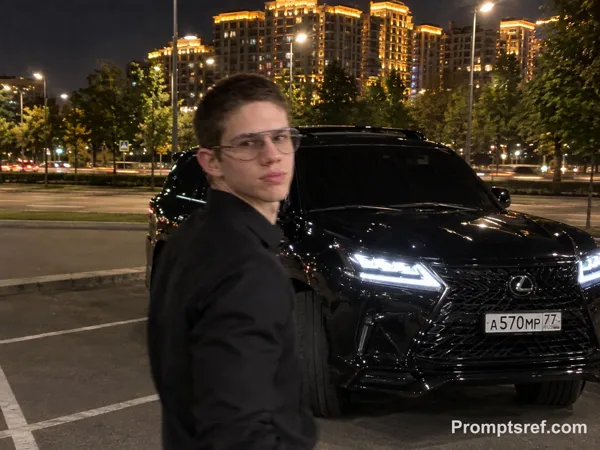
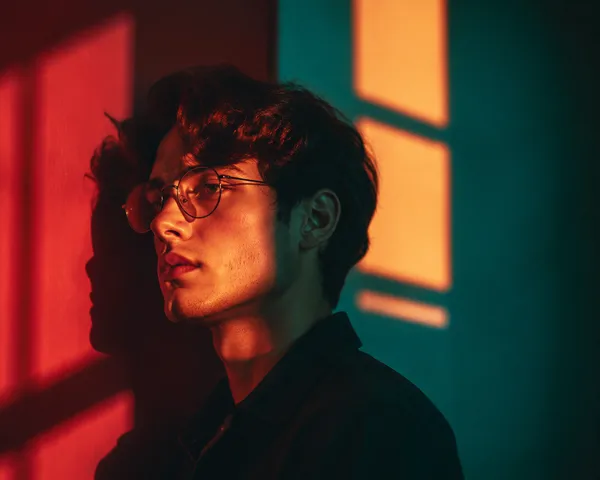
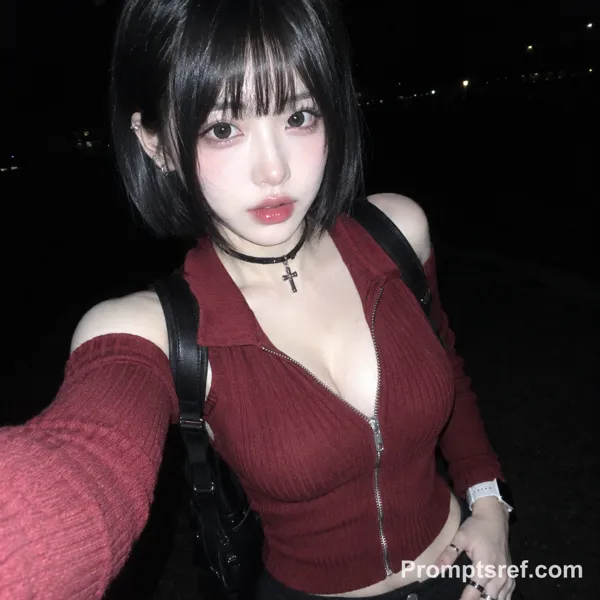
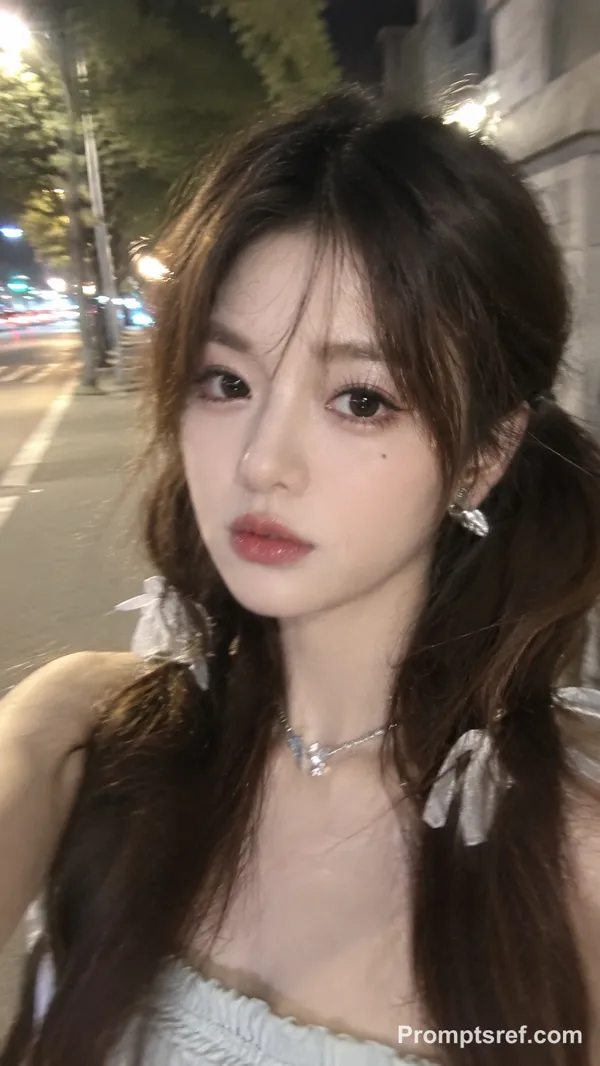
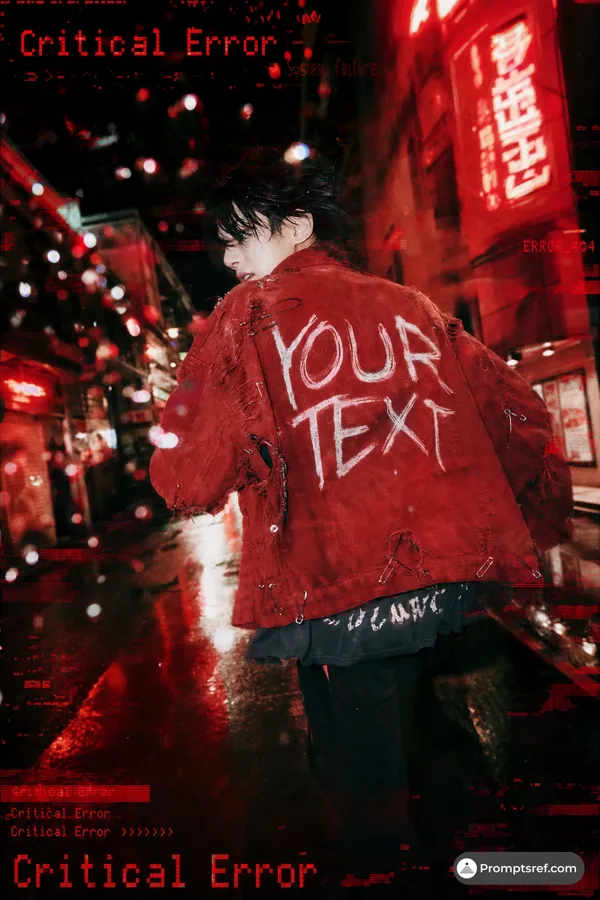
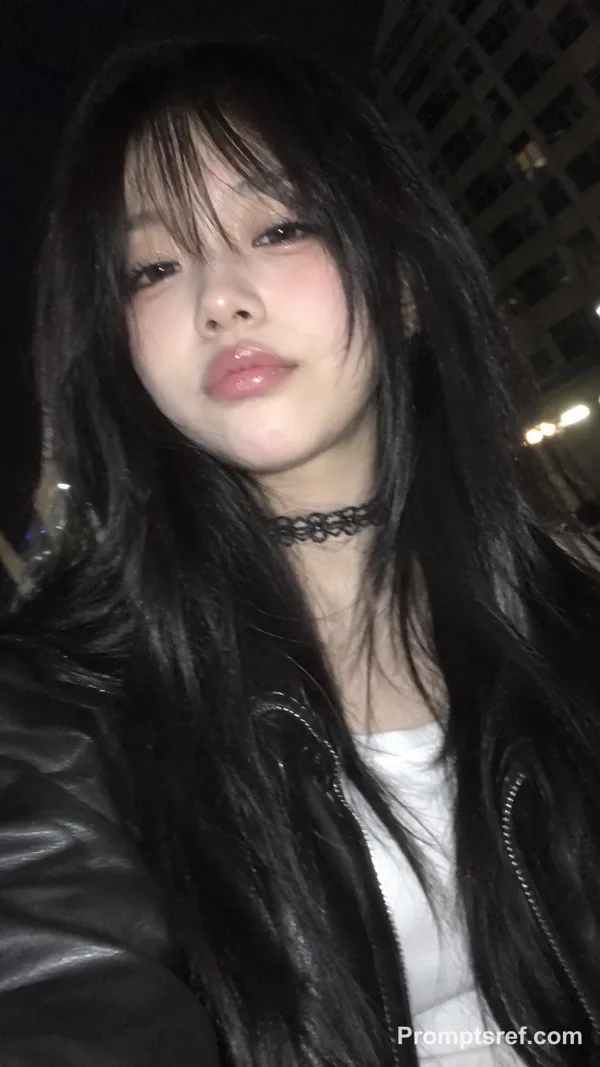
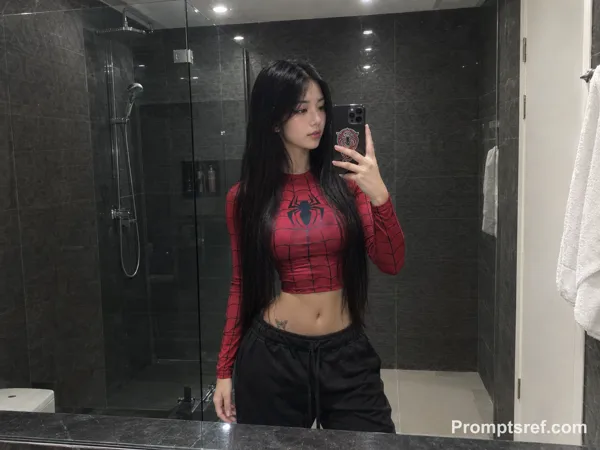
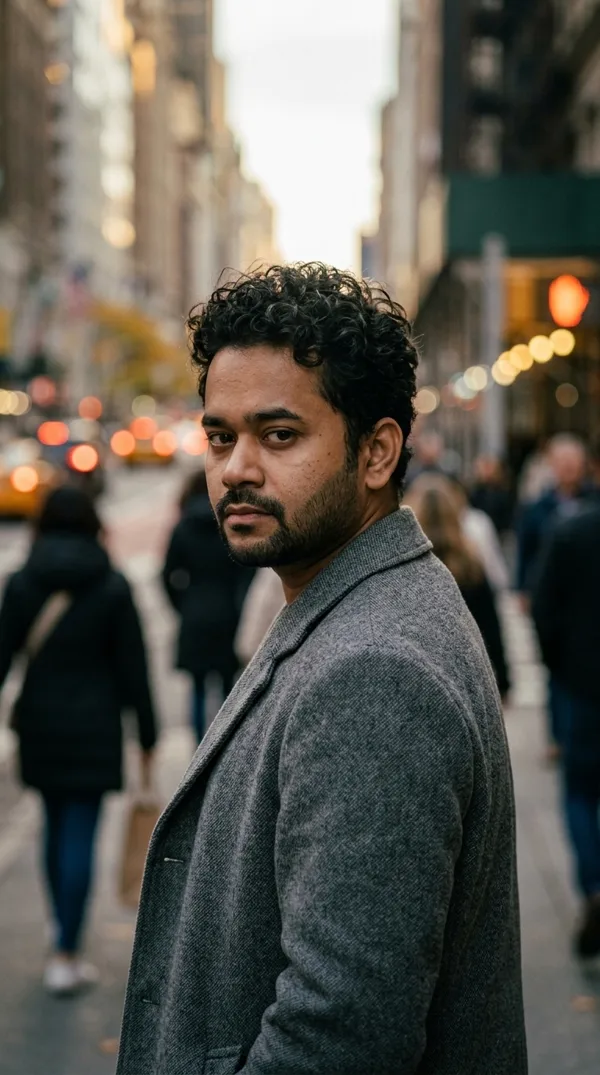
GPT Image 2.0 Prompt - Retrato con iPhone en un espejo convexo bajo neón rojo

- Modelo
- GPT Image 2.0
Prompt
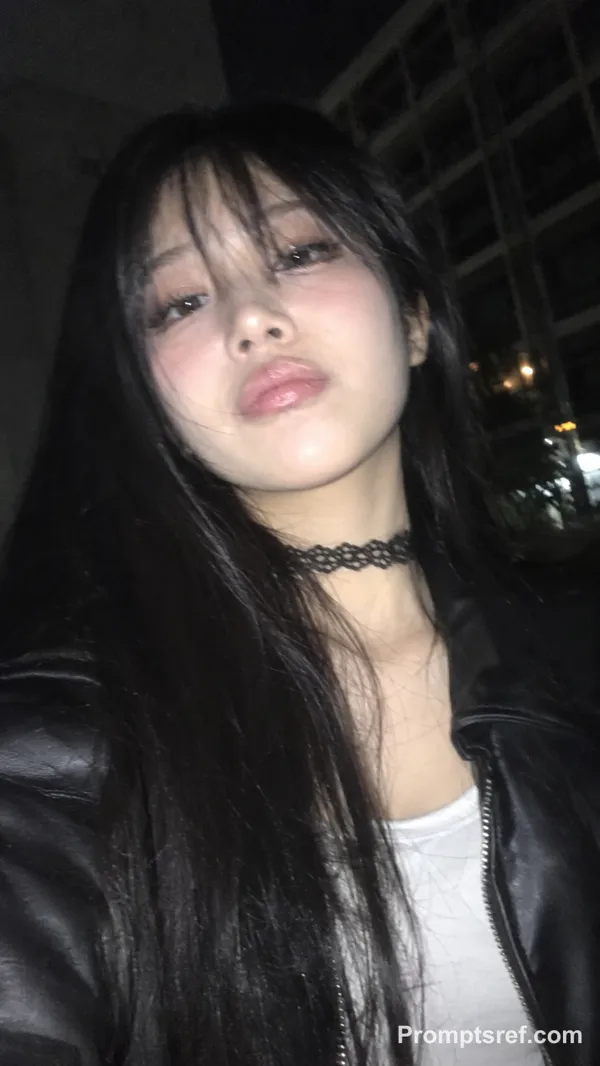
{"aspect_ratio": "3:4", "camera_lens": "fisheye lens", "effect": "slightly stronger convex traffic mirror effect, like a roadside dome mirror sign", "frame": "no black edges; the entire circular frame is fully filled with the surrounding street", "distortion": "more pronounced fisheye distortion with deeper curvature bending the road, buildings, poles, scaffolding, and the passing car toward the edges", "motion": "a car is moving through the road with subtle motion blur, reflecting intense red neon and traffic lights, casting red highlights onto the asphalt", "subject": {"position": "at the center", "pose": "posing from the waist up", "object": "holding a white iPhone 15 Pro Max", "clothing": "black leather jacket", "accessories": "silver rings"}, "lighting": "red neon signs and street lamps dominate the scene", "background": "construction scaffolding and a red-and-yellow striped road barrier clearly visible along the curved edges", "atmosphere": "cinematic, realistic, candid night street atmosphere"}
Remixes
RemixAún no hay remixes. Crea la primera versión.
Usa este prompt de imagen
- 01
Empieza con el prompt
Copia el prompt o ábrelo con el botón de generar.
- 02
Haz tus cambios
Ajusta el sujeto, el entorno o los detalles. Añade referencias si las necesitas.
- 03
Revisa antes de generar
Comprueba el modelo y los ajustes de salida. Los resultados pueden variar.