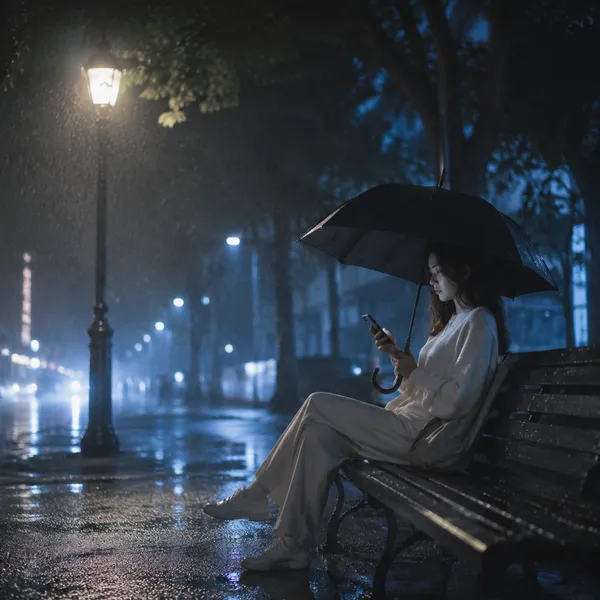
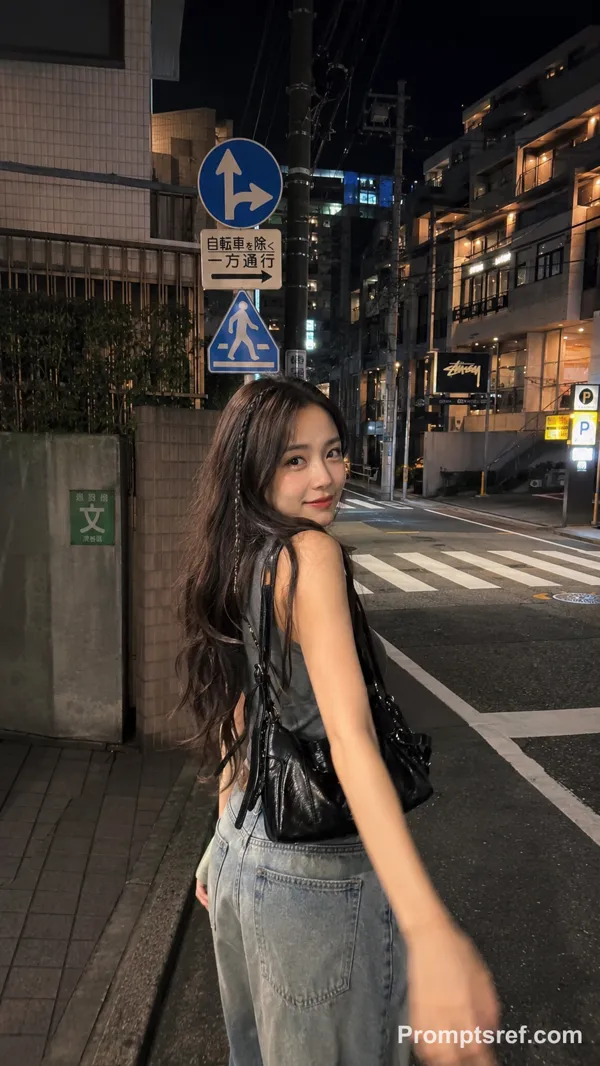
GPT Image 2.0 Prompt - La pluie n'arrête pas la ville

- Modèle
- GPT Image 2.0
- Format
- 2:3
- Qualité
- 1K
Prompt
{
"project_type": "cinematic_image",
"title": "Rain Doesn’t Pause the City",
"creative_direction": {
"genre": "cinematic urban realism",
"influences": [
"modern street photography",
"neo-noir cinema",
"documentary realism",
"architectural urban mood"
],
"emotion": [
"quiet loneliness",
"introspection",
"urban solitude",
"calm under pressure"
]
},
"scene": {
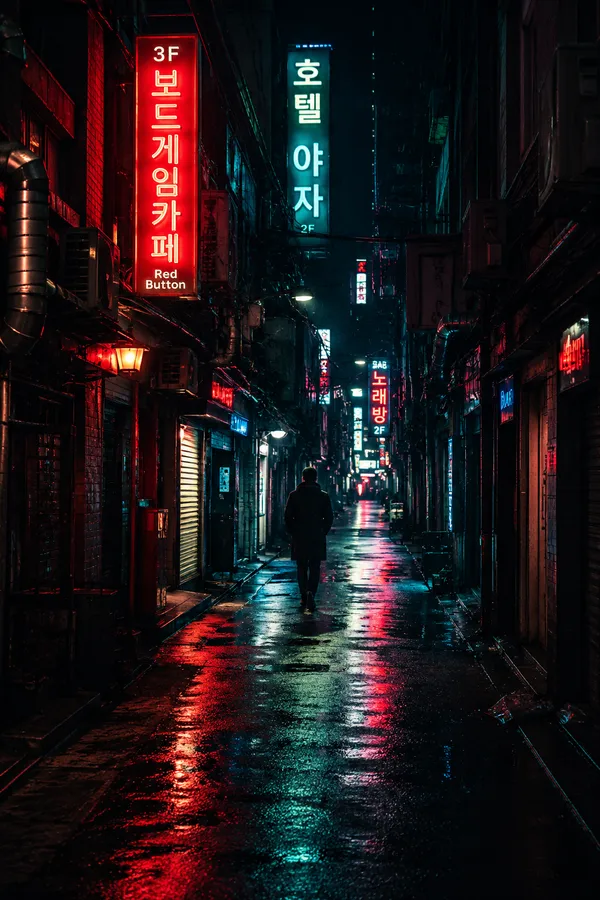
"environment": "dense city street",
"architecture": "mid-rise commercial buildings with neon signage",
"time_of_day": "early evening, blue hour",
"weather": {
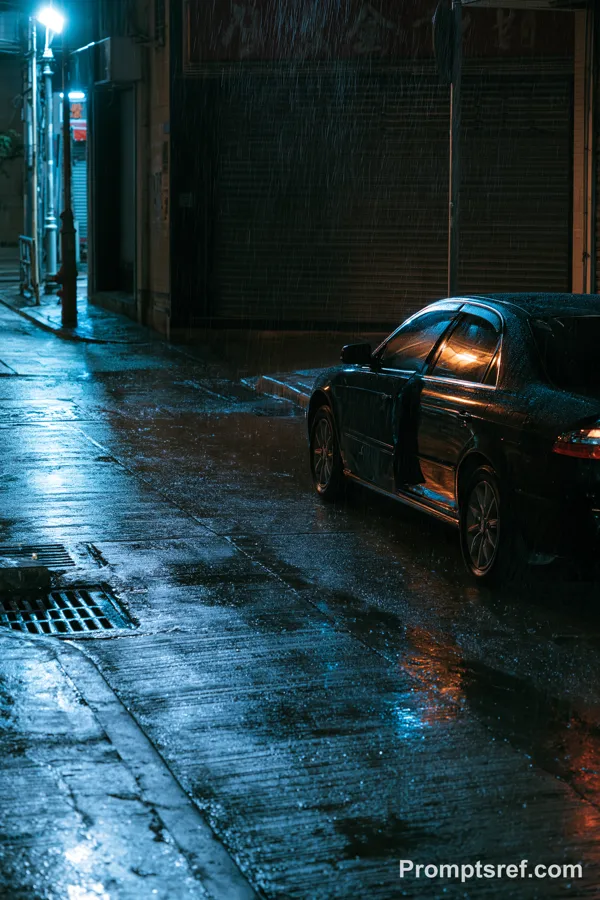
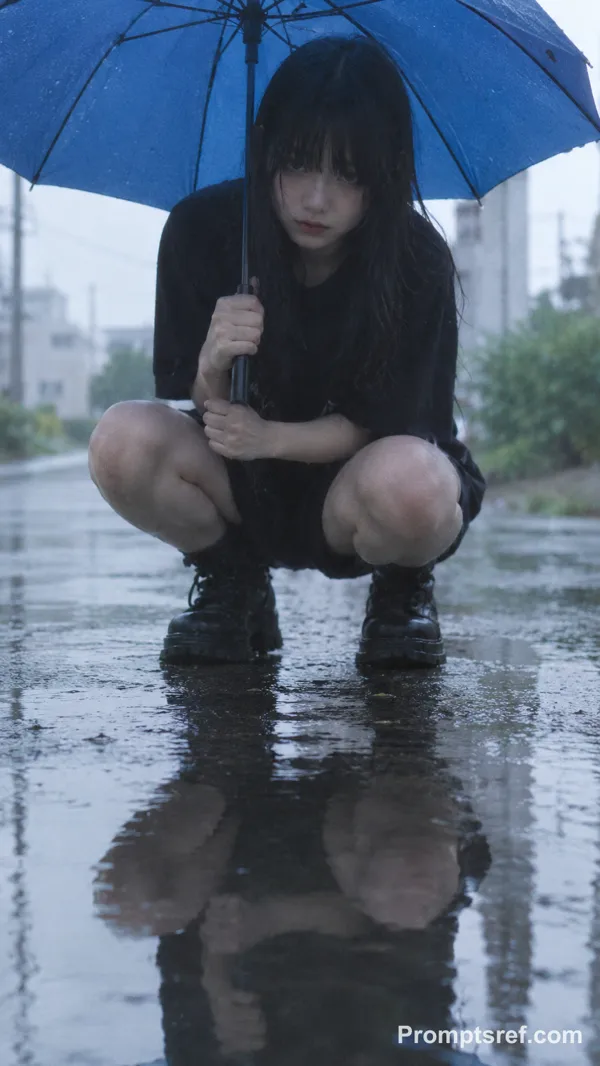
"type": "heavy rain",
"details": "visible raindrops, wet surfaces, rain streaks in the air"
},
"ground": "wet asphalt with reflective puddles"
},
"subject": {
"type": "single human subject",
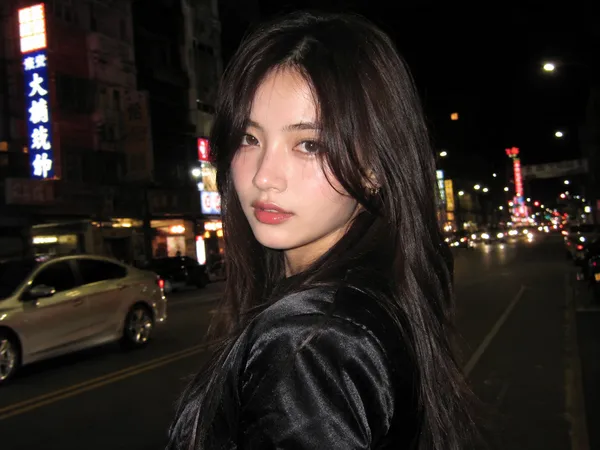
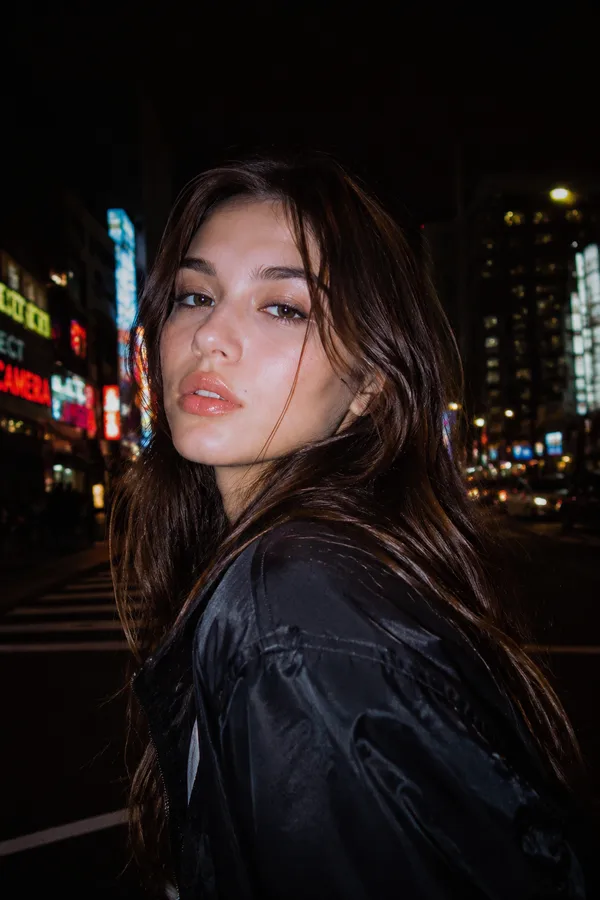
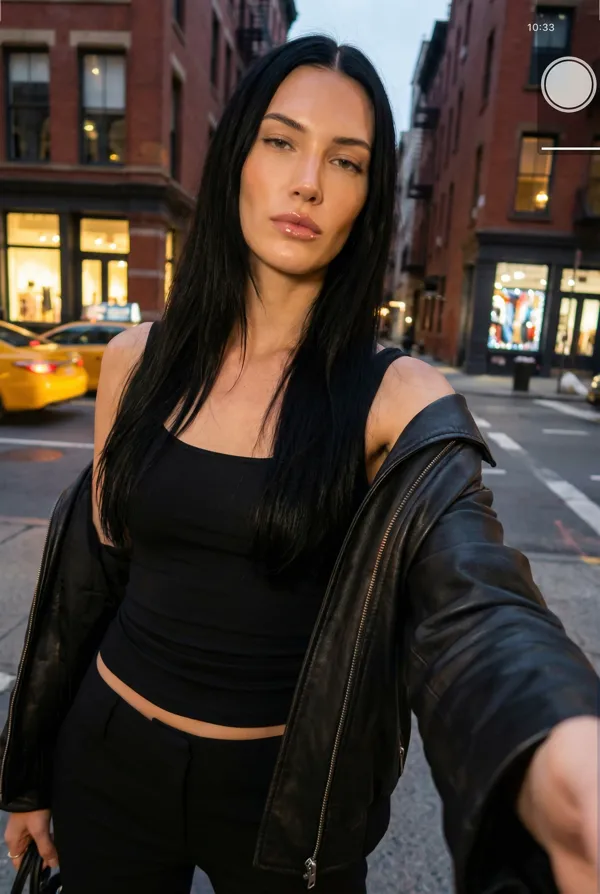
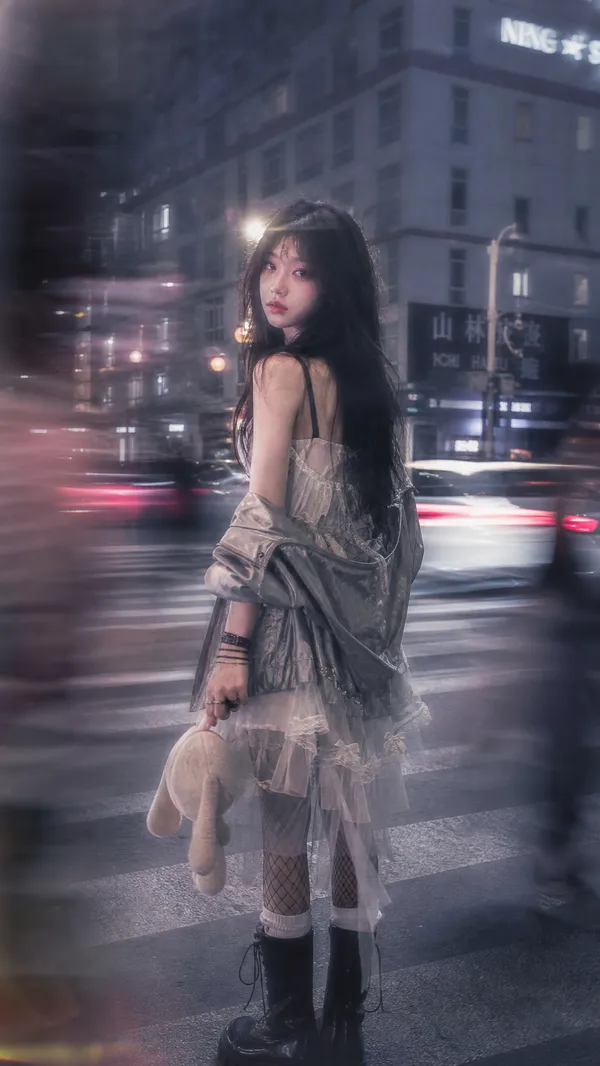
"description": "young woman standing alone on the sidewalk",
"pose": "stationary, body angled slightly away from the camera, head turned toward lens",
"expression": "neutral, distant, introspective",
"wardrobe": {
"outerwear": "dark hooded rain jacket",
"accessories": ["backpack"],
"condition": "rain-soaked fabric, visible droplets"
},
"physical_details": {
"hair": "wet, slightly messy, framing the face",
"skin": "natural texture, no heavy retouching"
}
},
"background": {
"elements": [
"yellow taxi with headlights on",
"blurred moving traffic",
"pedestrians holding umbrellas",
"neon shop signs in multiple languages"
],
"depth": "deep urban perspective with layered visual elements",
"motion_effect": "subtle motion blur on vehicles and pedestrians"
},
"cinematography": {
"camera_type": "full-frame digital cinema camera",
"lens": "35mm prime",
"aperture": "wide open for shallow depth of field",
"focus": "sharp focus on subject, background softly defocused",
"camera_position": "eye-level, street perspective",
"movement": "static frame, background motion creates contrast"
},
"lighting": {
"primary_source": "ambient city lighting",
"secondary_sources": [
"vehicle headlights",
"neon signs",
"storefront lights"
],
"lighting_style": "soft, diffused, natural",
"contrast": "moderate, cinematic"
},
"color_grading": {
"palette": ["cool blues", "teal shadows", "warm amber highlights"],
"saturation": "controlled, muted",
"black_levels": "slightly lifted for filmic look",
"highlights": "soft roll-off"
},
"post_processing": {
"film_grain": "subtle, cinematic",
"sharpness": "subject emphasized, background softened",
"noise": "minimal, natural",
"vignette": "very subtle"
},
"visual_style": {
"realism": "high",
"aesthetic": "moody, atmospheric, modern",
"inspiration_keywords": [
"cinematic rain",
"urban isolation",
"street realism",
"architectural mood"
]
},
"output_quality": {
"resolution": "high",
"dynamic_range": "high",
"detail_priority": "subject and environment textures preserved"
},
"usage": {
"platform": "social media / X",
"intent": "artistic storytelling, cinematic visual identity",
"reusability": "modular prompt structure"
}
}
Remix
RemixPas encore de remix. Créez la première version.
Utiliser ce prompt d’image
- 01
Commencer avec le prompt
Copiez le prompt ou ouvrez-le avec le bouton de génération.
- 02
Apporter vos modifications
Adaptez le sujet, le décor ou les détails. Ajoutez des références si nécessaire.
- 03
Vérifier avant de générer
Vérifiez le modèle et les paramètres de sortie. Les résultats peuvent varier.