GPT Image 2.0 提示词 - 大胆材质字体现代海报

- 画面比例
- auto
- 画质
- 1K
提示词
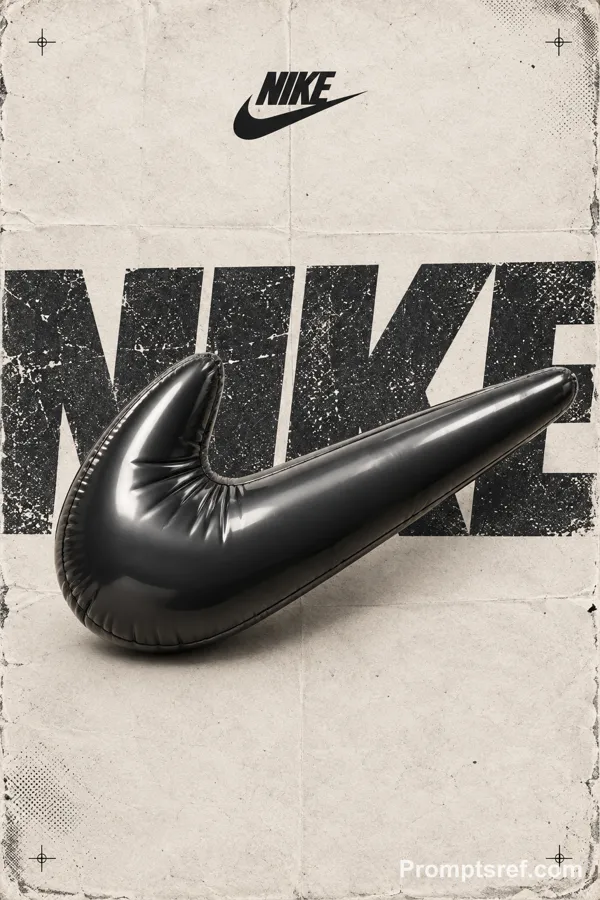
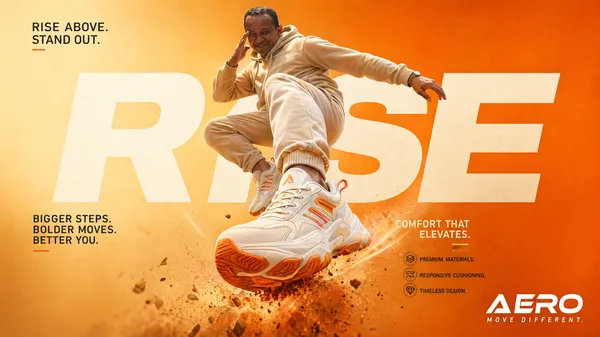
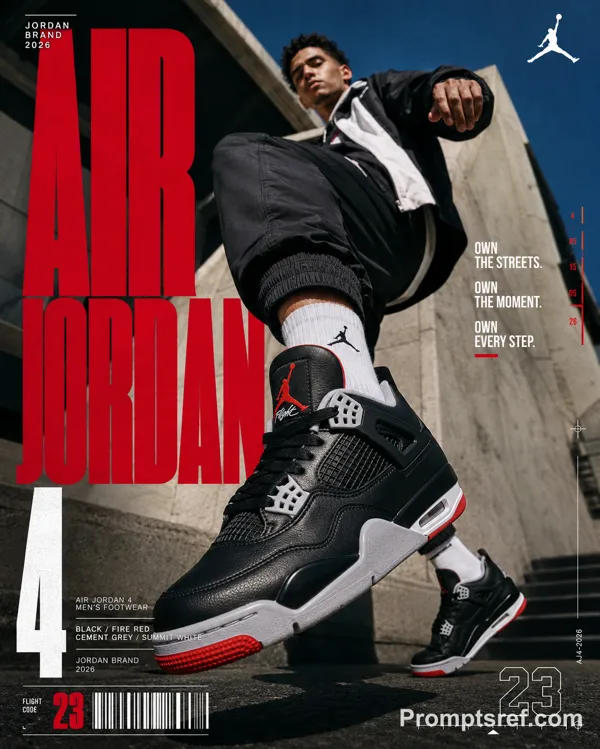
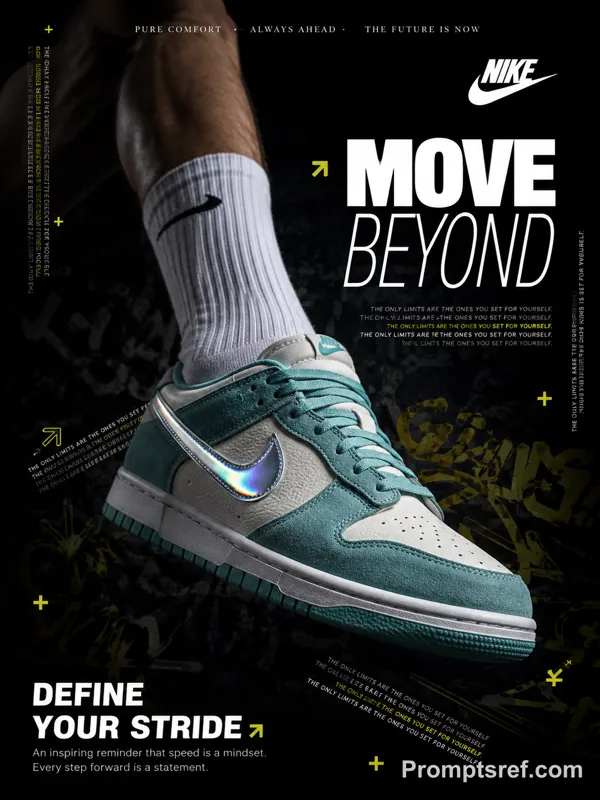
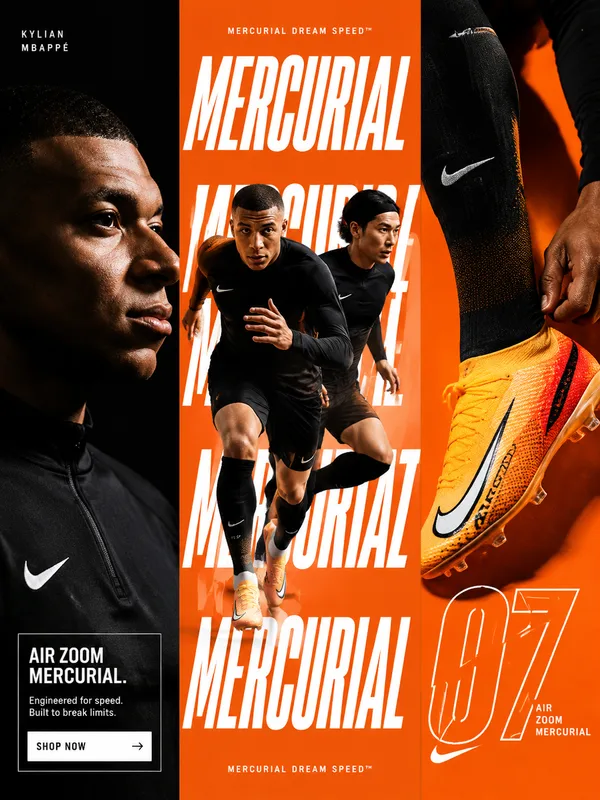
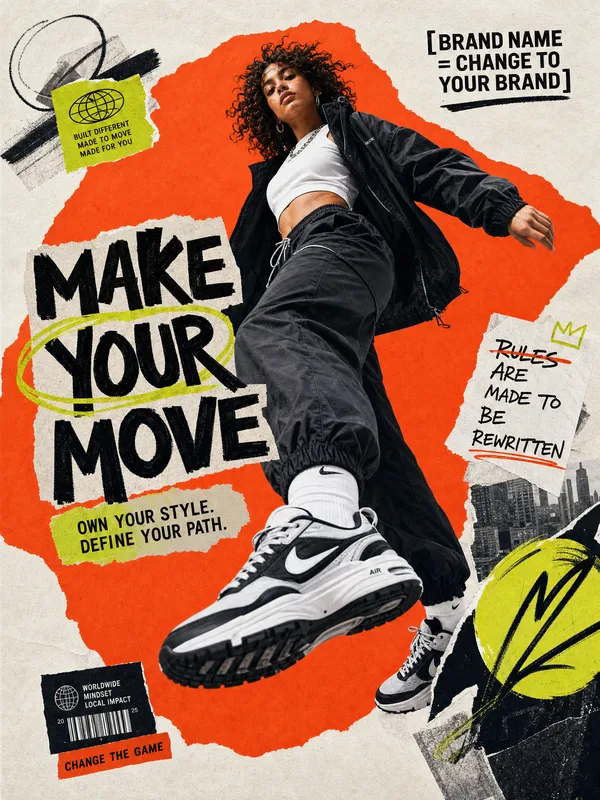
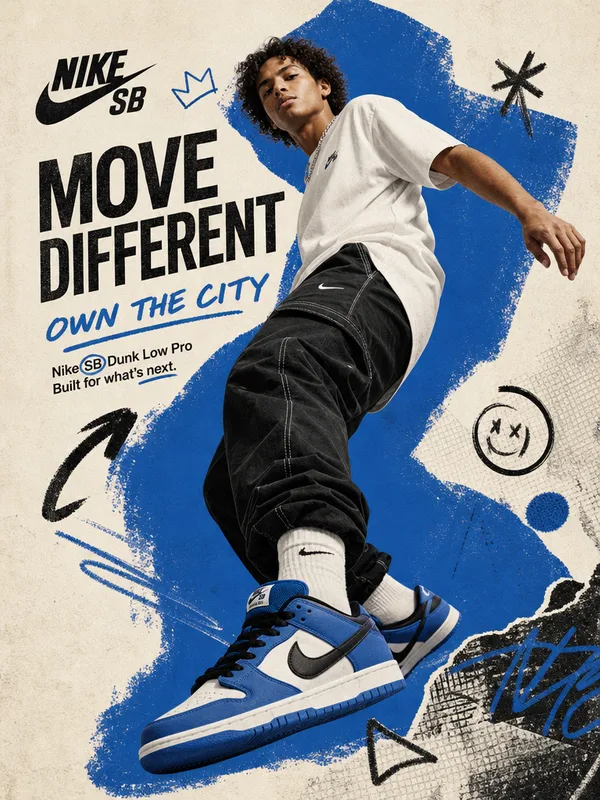
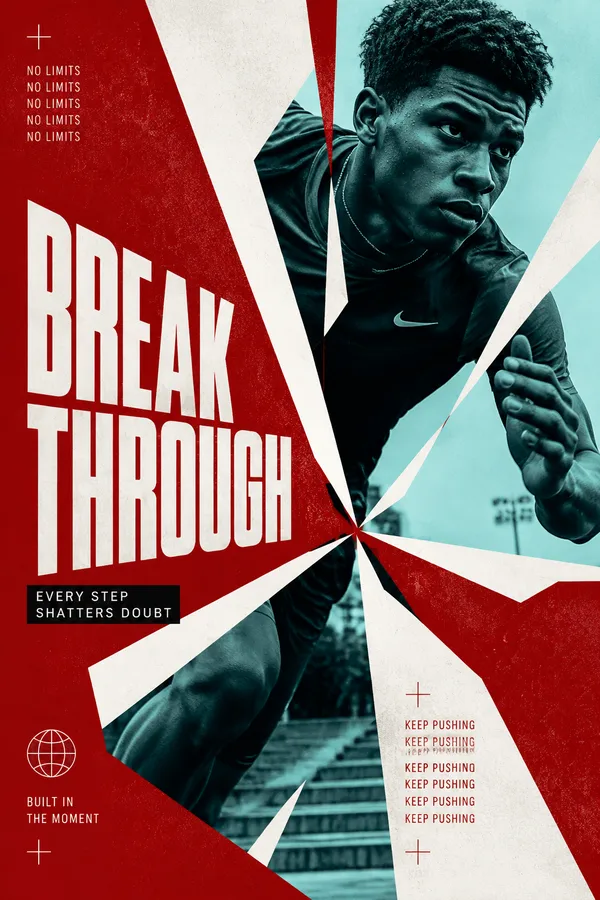
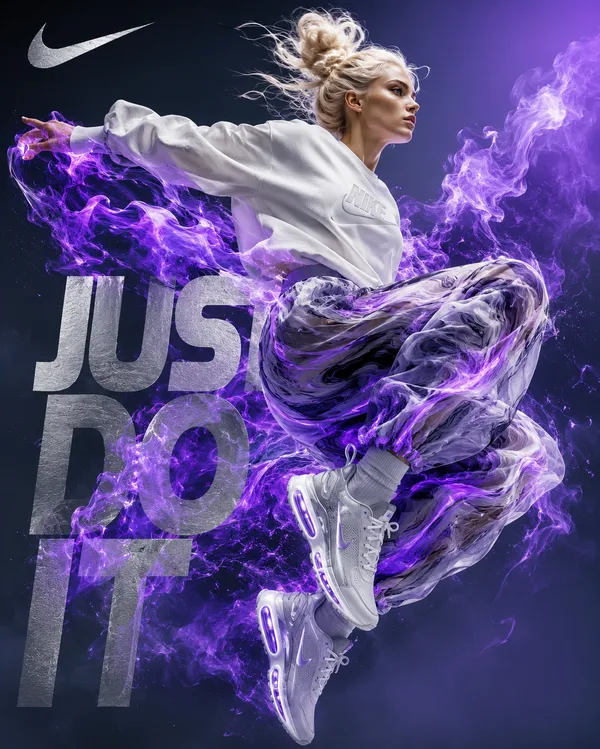
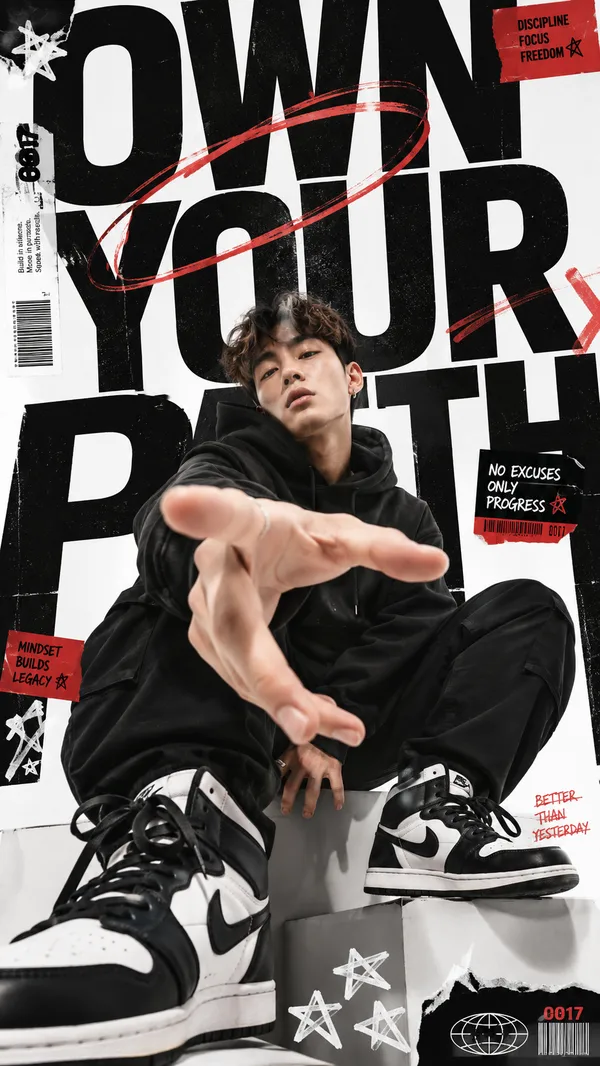
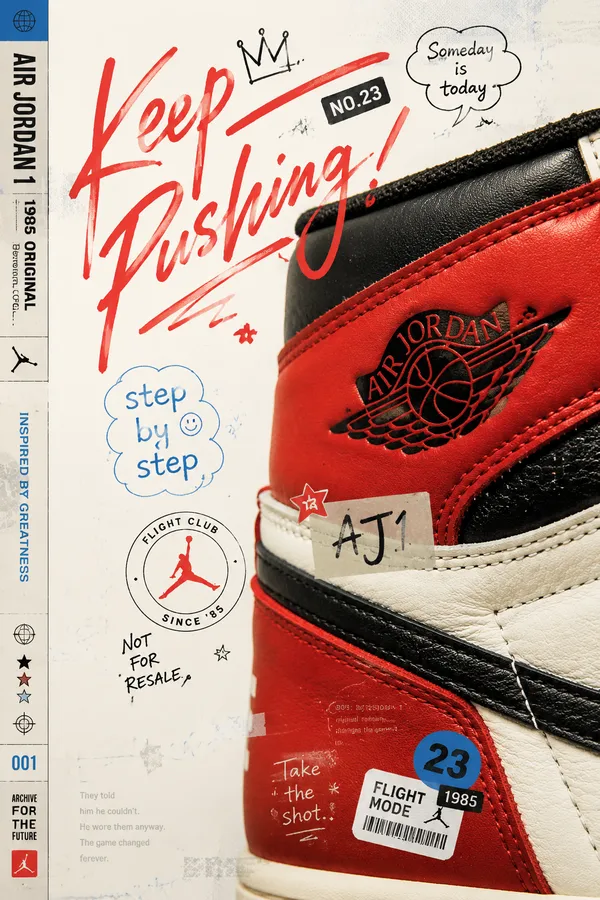
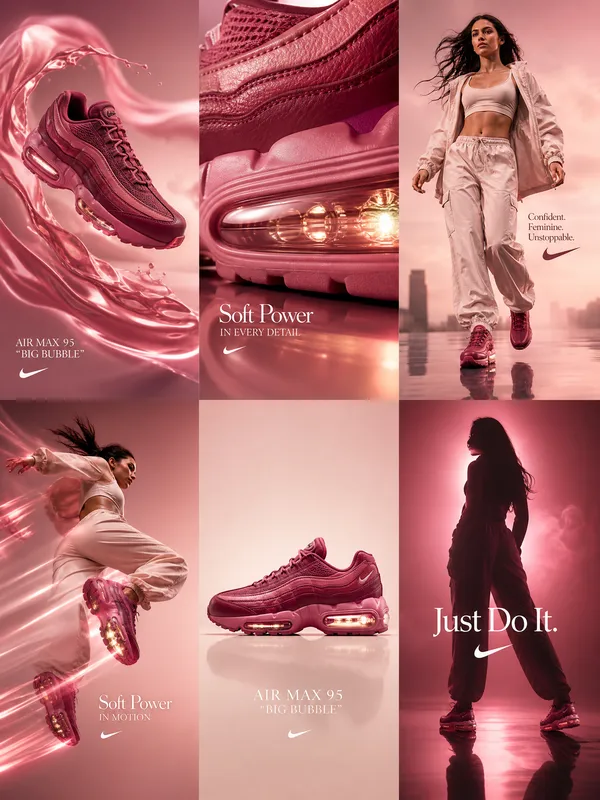
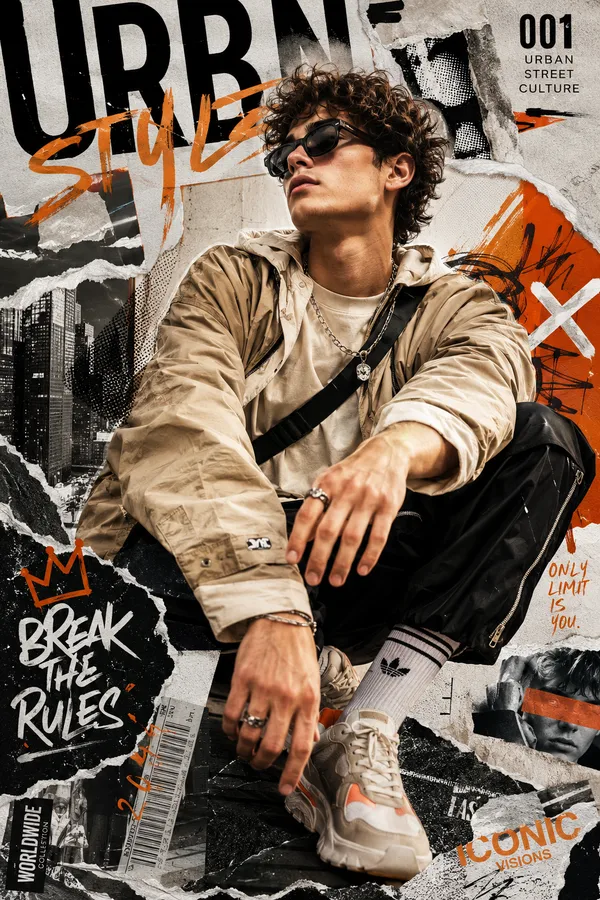
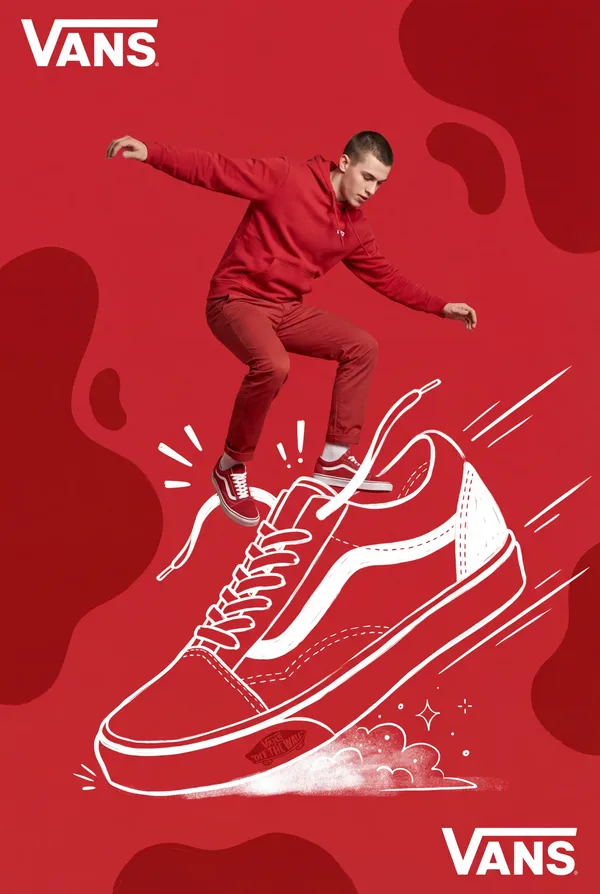
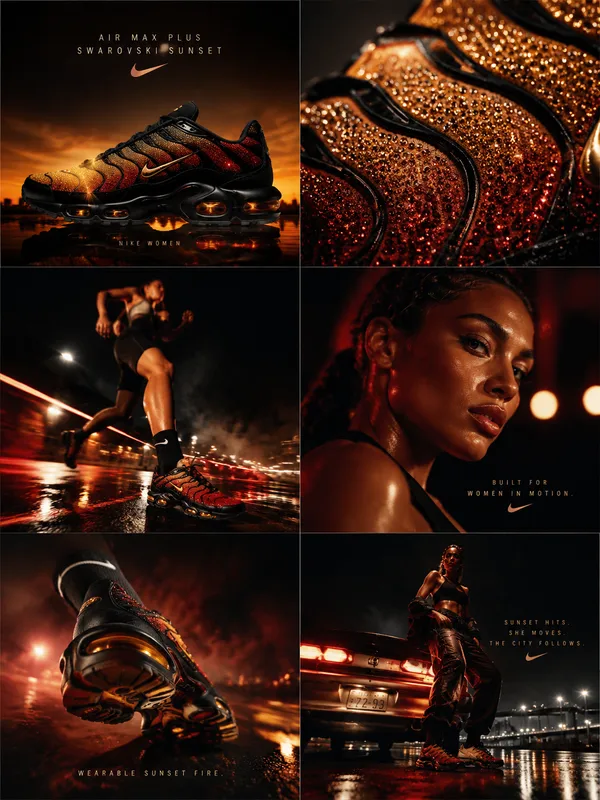
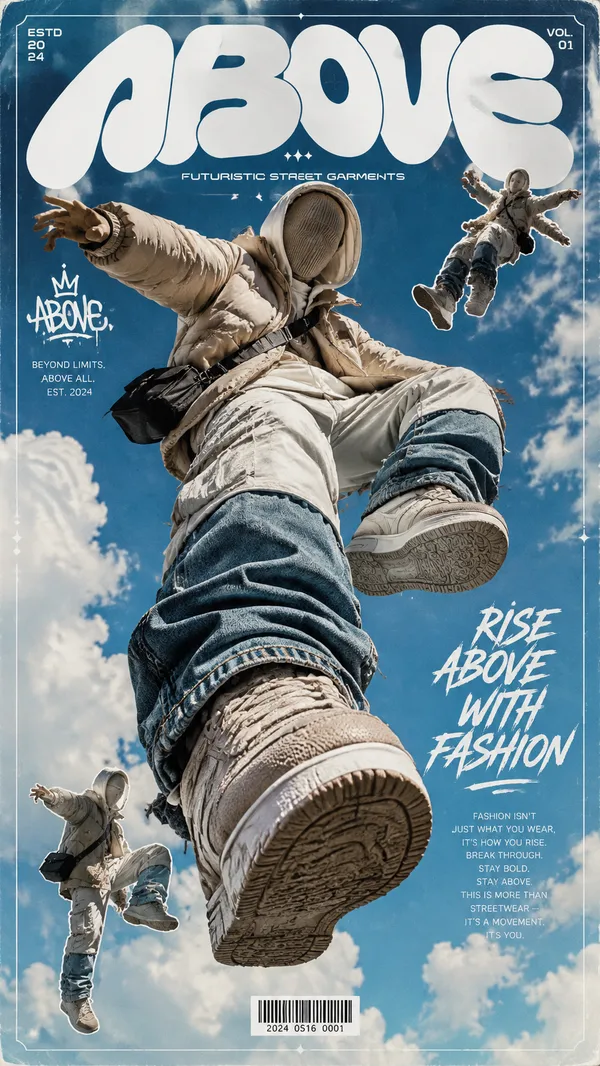
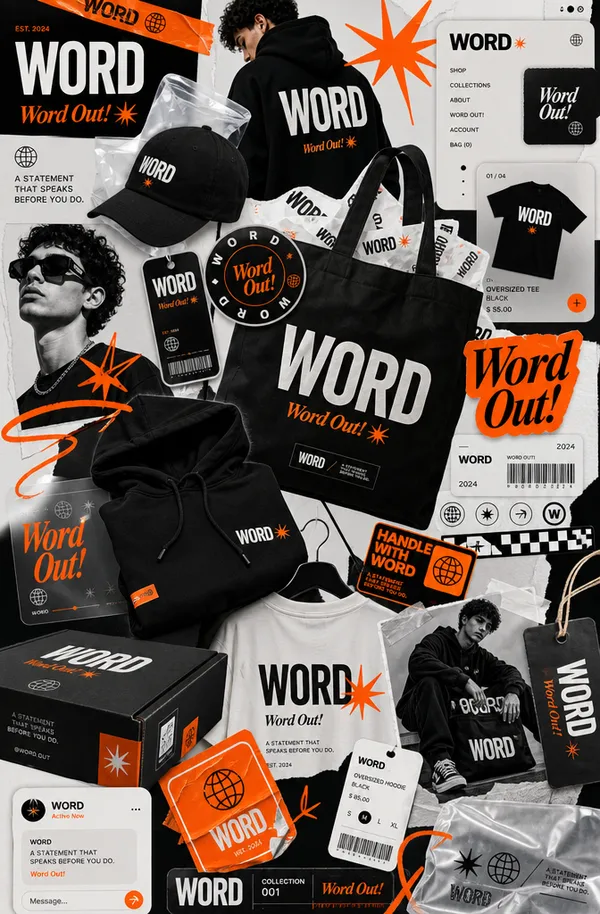
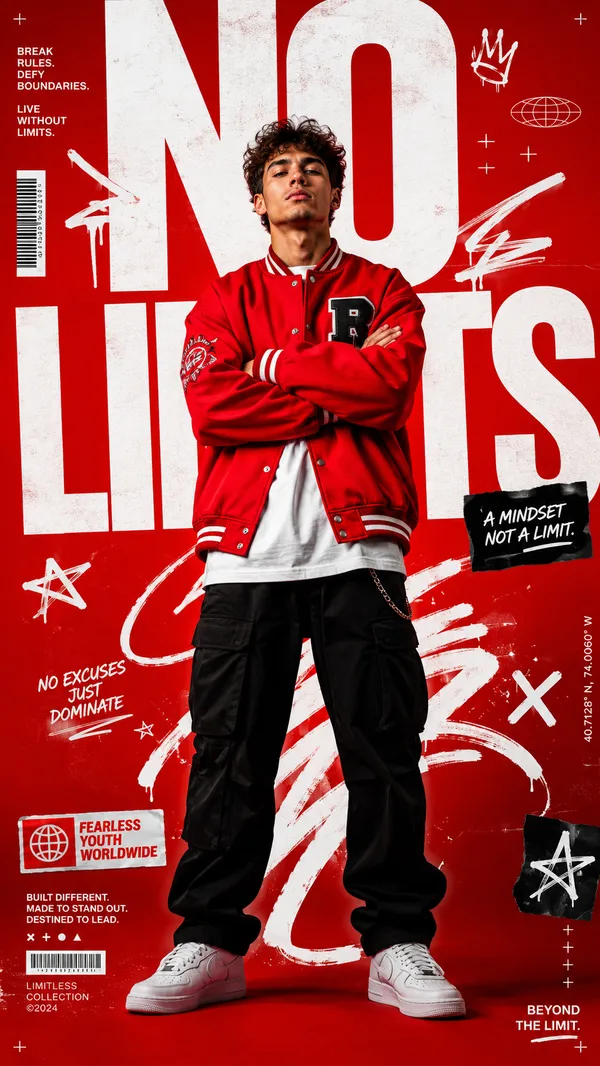
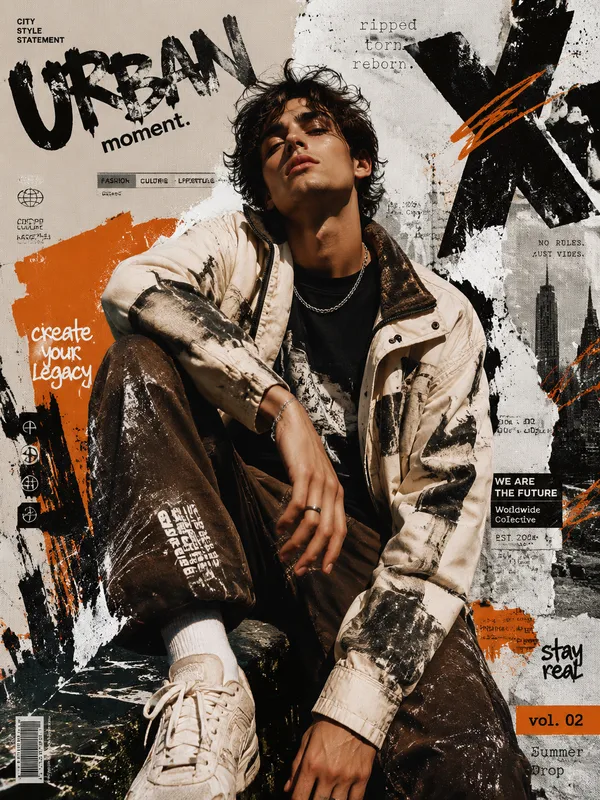
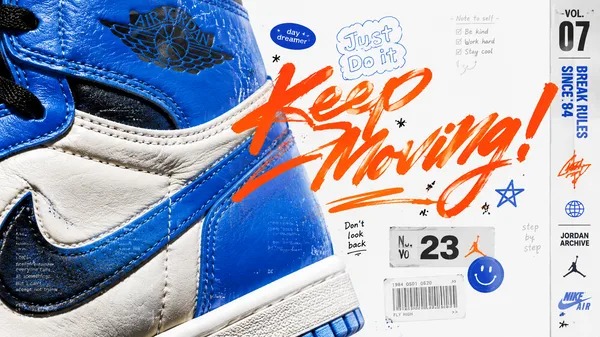
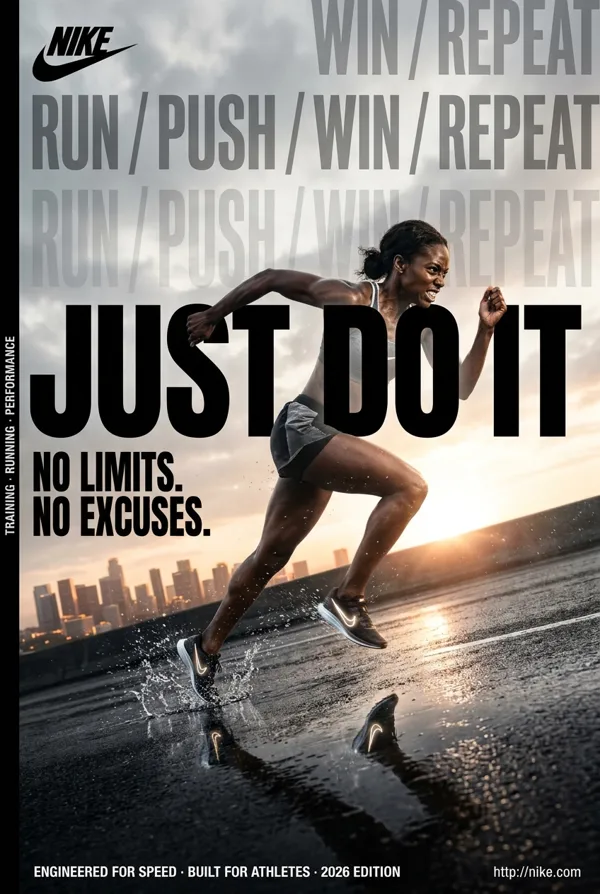
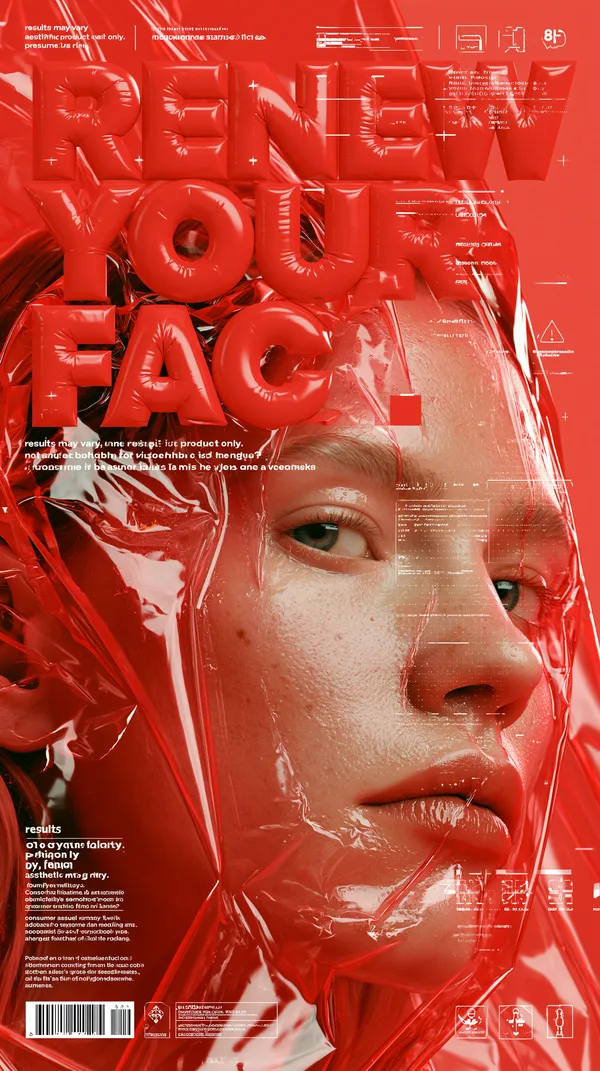
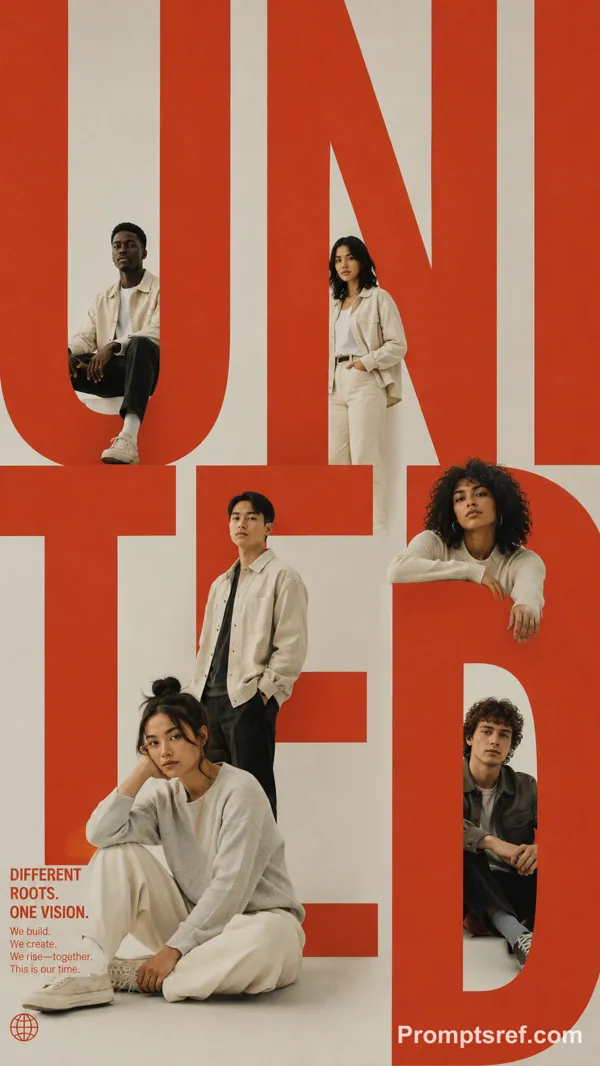
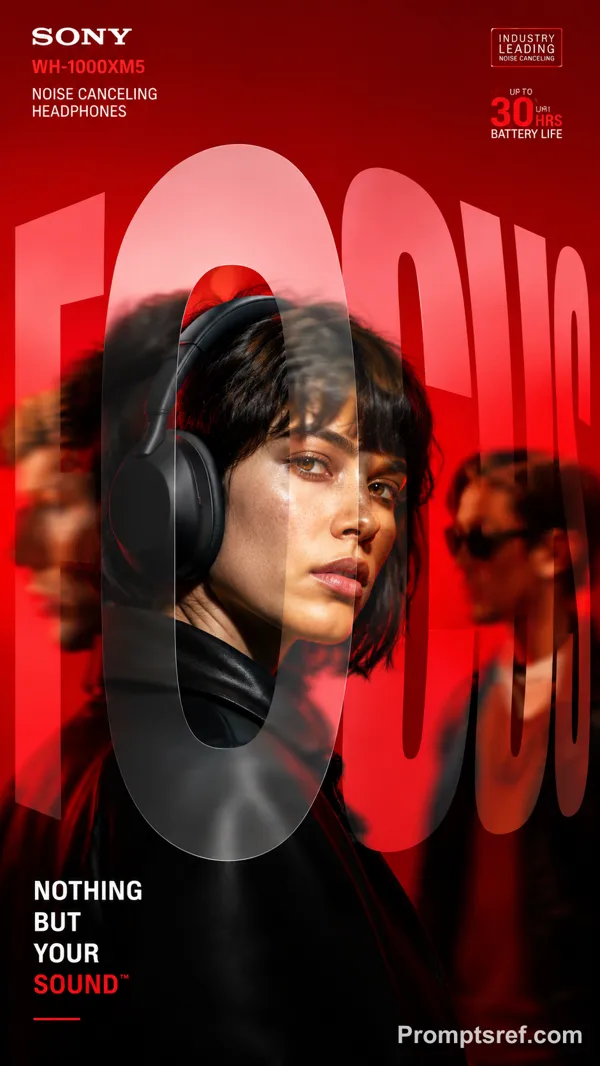
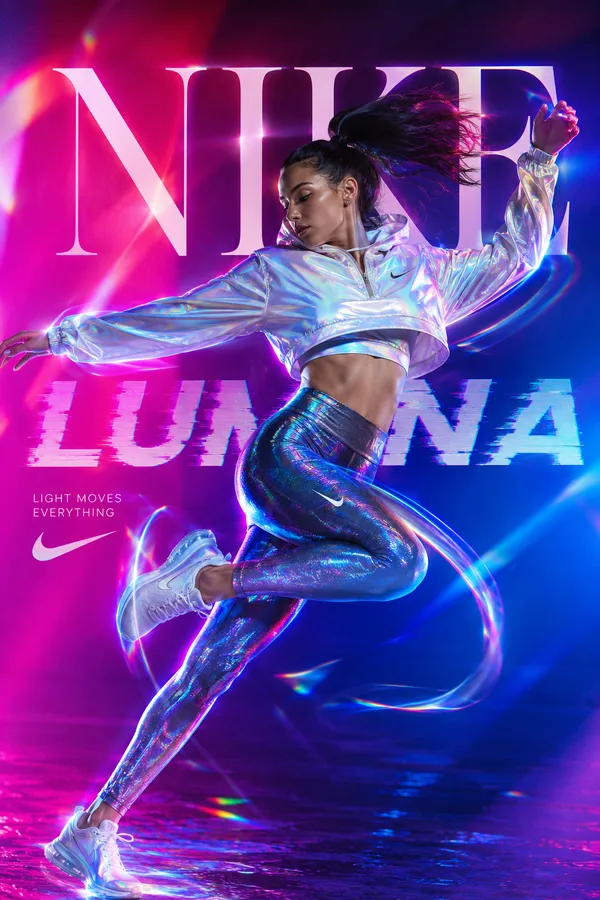
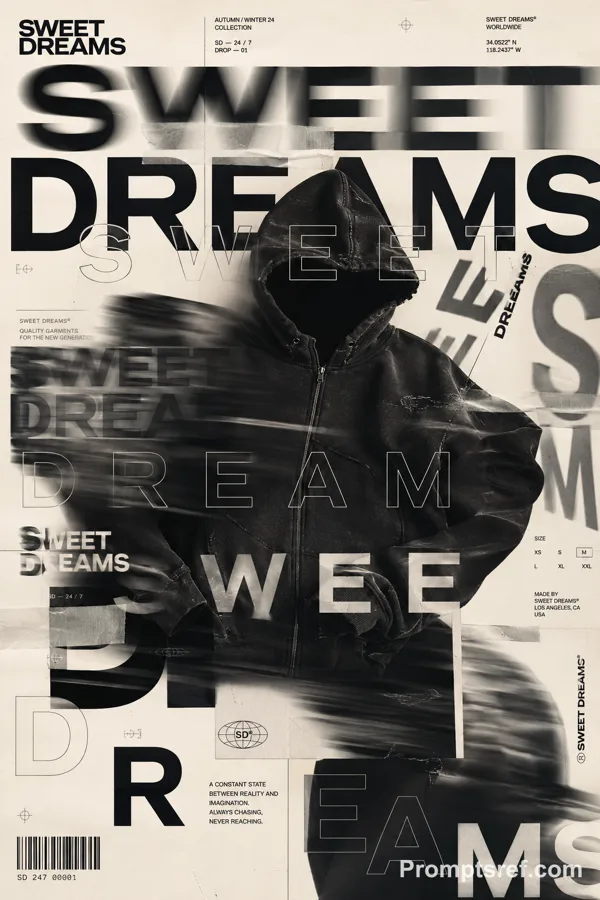
Create a bold editorial campaign poster where oversized typography is made from a real physical material and behaves like that material.
Brand: [BRAND NAME]
Product / Campaign: [PRODUCT OR CAMPAIGN]
Main Word: [SHORT WORD]
Material: [PUFFER FABRIC / DENIM / MESH / CREAM / OTHER]
Material Behavior: [COMPRESS / TEAR / WEAVE / MELT / OTHER]
Subject / Product: [PERSON / PRODUCT / BOTH]
Main Color: [COLOR]
Accent Color: [COLOR]
Campaign Details: [SLOGAN / SPECS / DATE]
Aspect Ratio: [9:16]
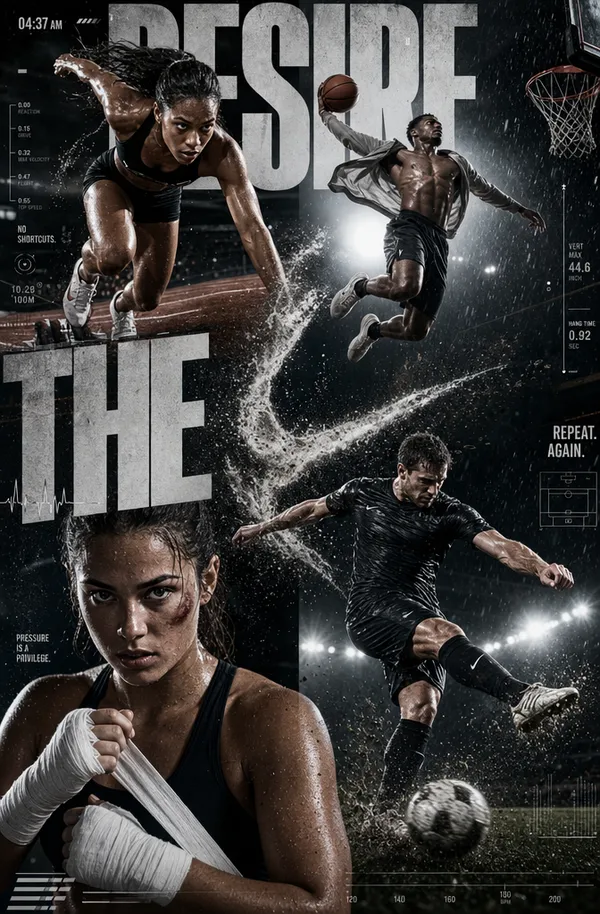
Use realistic commercial photography, oversized typography, bold high-contrast colors, and contemporary editorial design.
Make the main word extremely large, filling roughly 50–75% of the frame. Construct the letters from the chosen material with believable texture, thickness, seams, fibers, surface details, and lighting.
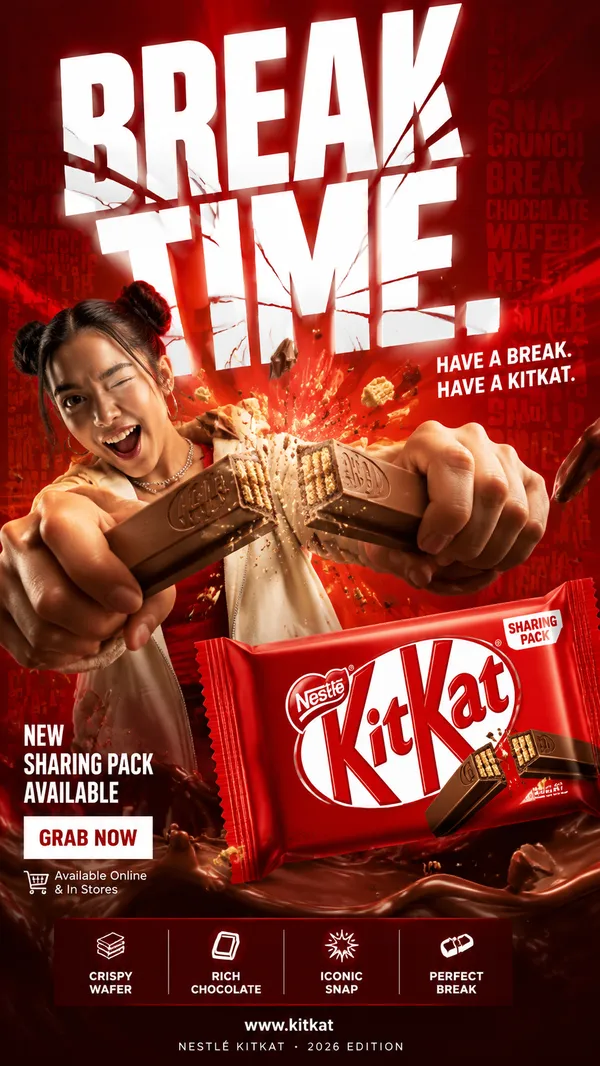
Most importantly, make the typography behave physically like the material. Fabric can compress and wrinkle, denim can tear and expose fibers, mesh can be threaded through eyelets, and frozen cream can soften and melt.
Let the subject or product interact directly with the material typography. Use realistic contact, pressure, tension, shadows, folds, tearing, or other material reactions so the effect feels physically connected rather than decorative.
Keep the main word readable even after the material transformation. Distort only the areas affected by the chosen behavior.
Use one dominant color system with a few contrasting accents. Add a small amount of meaningful campaign information such as the brand name, product name, slogan, specifications, labels, or callouts.
The final image should feel like a finished commercial campaign key visual — bold, tactile, colorful, concept-driven, and visually complete.
Avoid generic “subject + big text” layouts, plastic-looking materials, random distortion, meaningless filler text, excessive UI graphics, heavy CGI styling, clutter, and effects that do not match the chosen material.
Remix 作品
Remix还没有人 Remix,来做第一个属于你的版本。
使用这条图片提示词
- 01
从提示词开始
复制提示词,或点击生成按钮在生成器中打开。
- 02
加入你的想法
调整主体、场景或细节,按需添加参考素材。
- 03
生成前确认
检查模型与输出设置,每次生成的结果可能有所不同。