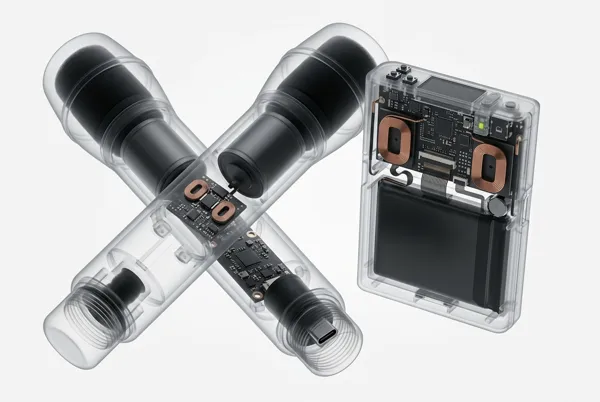
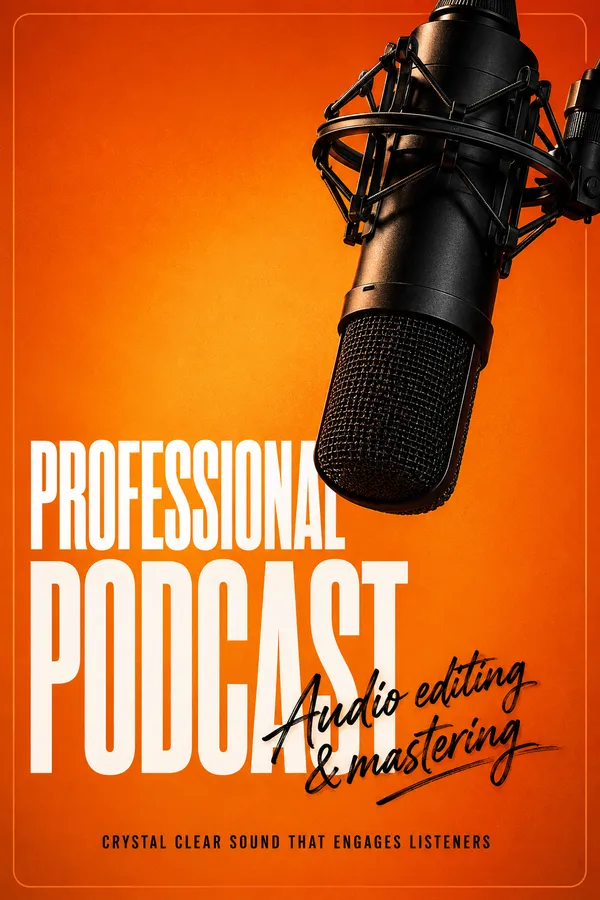
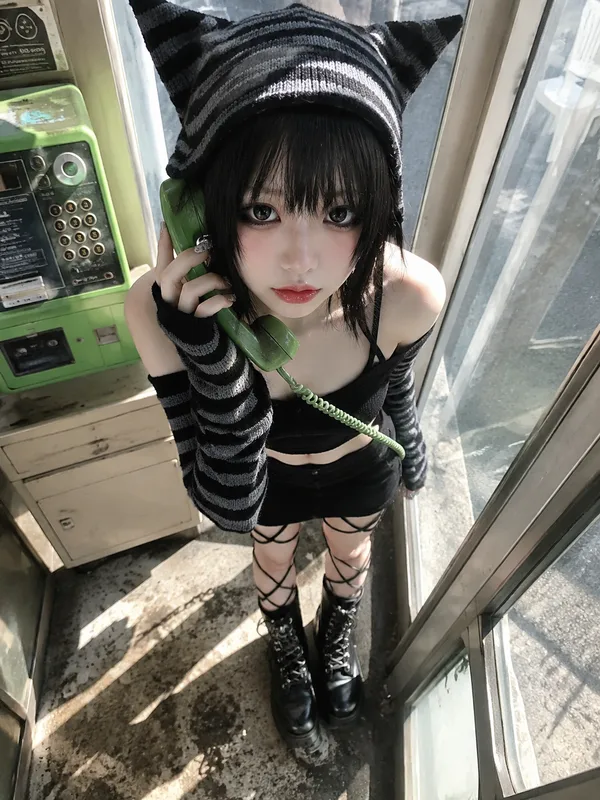
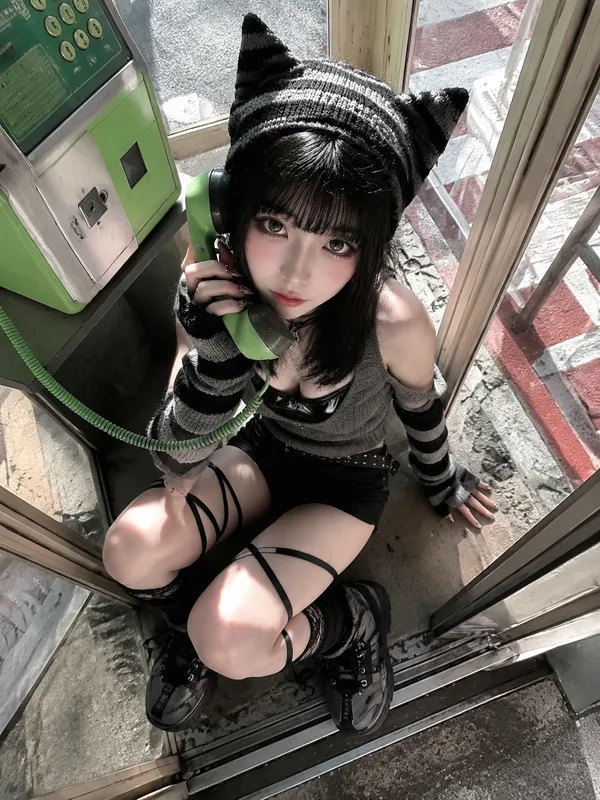
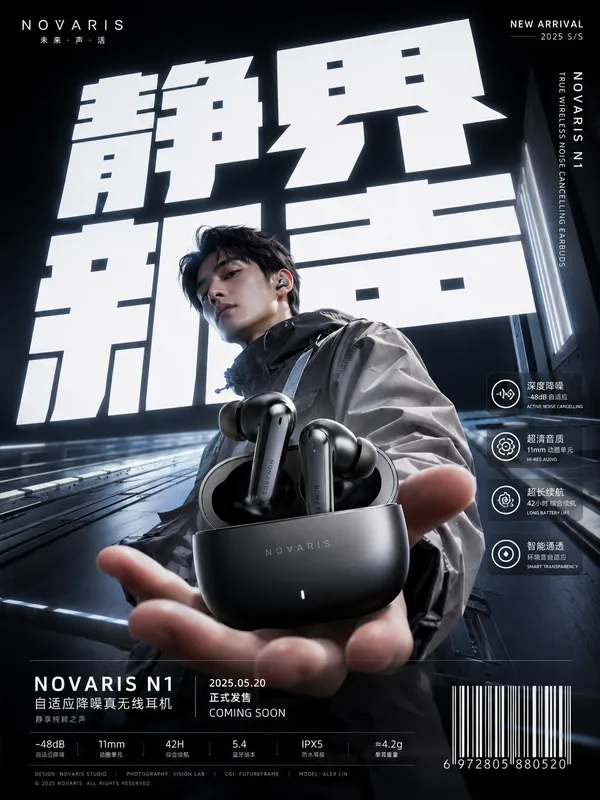
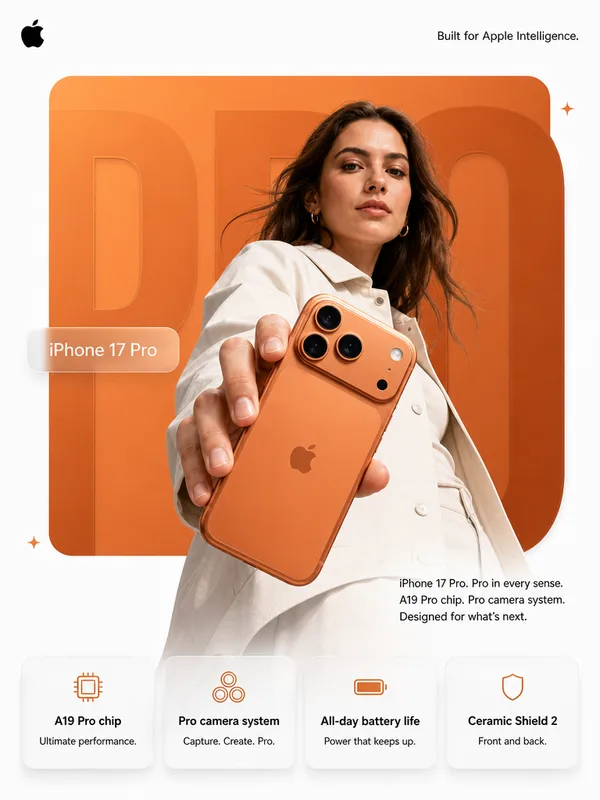
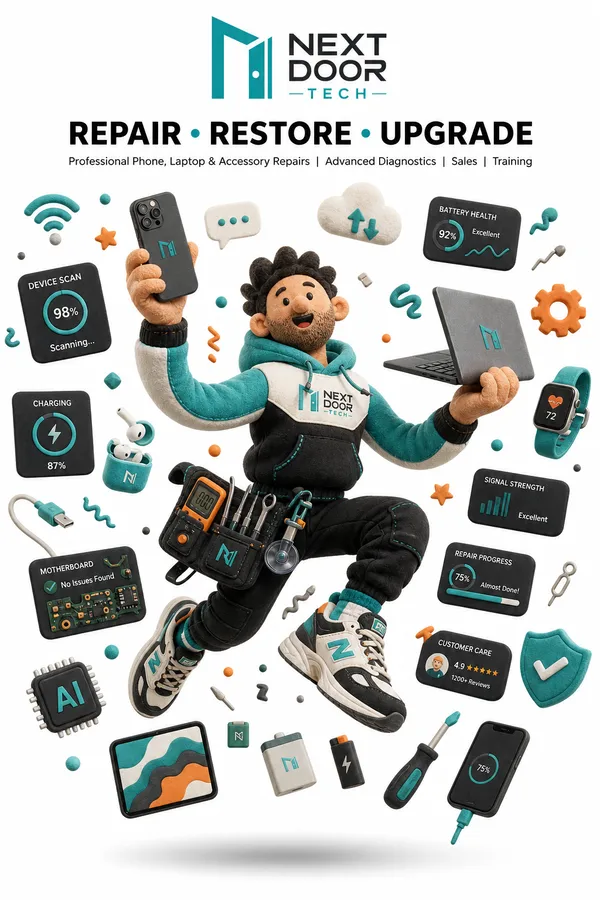
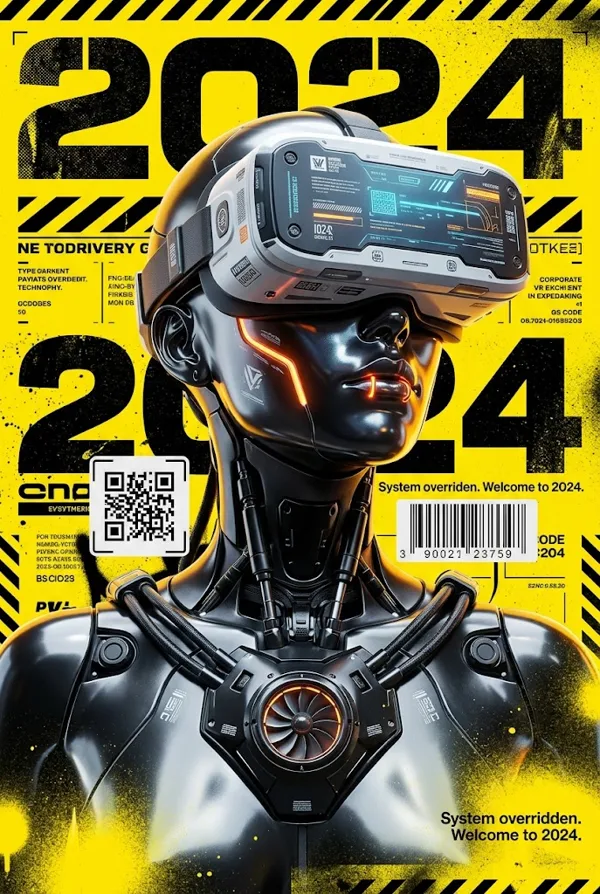
GPT Image 2.5 Sunburst Prompt - Affiche éditoriale d’un appareil de communication rétro

- Modèle
- GPT Image 2.5 Sunburst
- Format
- auto
- Qualité
- 1K
Prompt
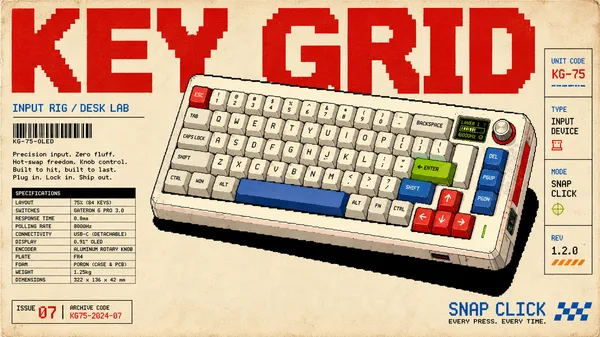
Create a 9:16 retro-tech editorial poster about communication and physical digital interfaces.
Device: [DEVICE]
Headline: [MAIN TITLE]
Concept: [SIGNAL / CALL / INPUT / CONNECTION]
Accent color: [ONE COLOR]
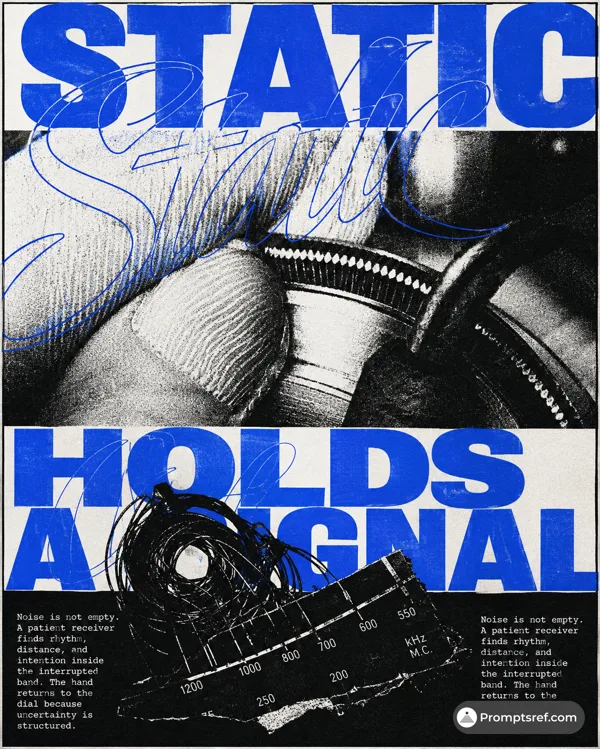
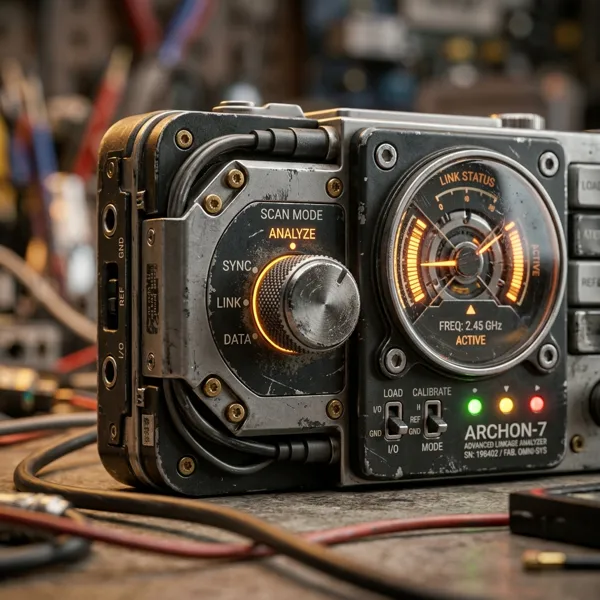
Use a warm off-white editorial background with a realistic retro communication or input device as the hero object. Reference 1990s–2000s technology magazines, telecom manuals, industrial catalogs, Y2K editorial design, and Neo-Swiss typography without copying any existing poster.
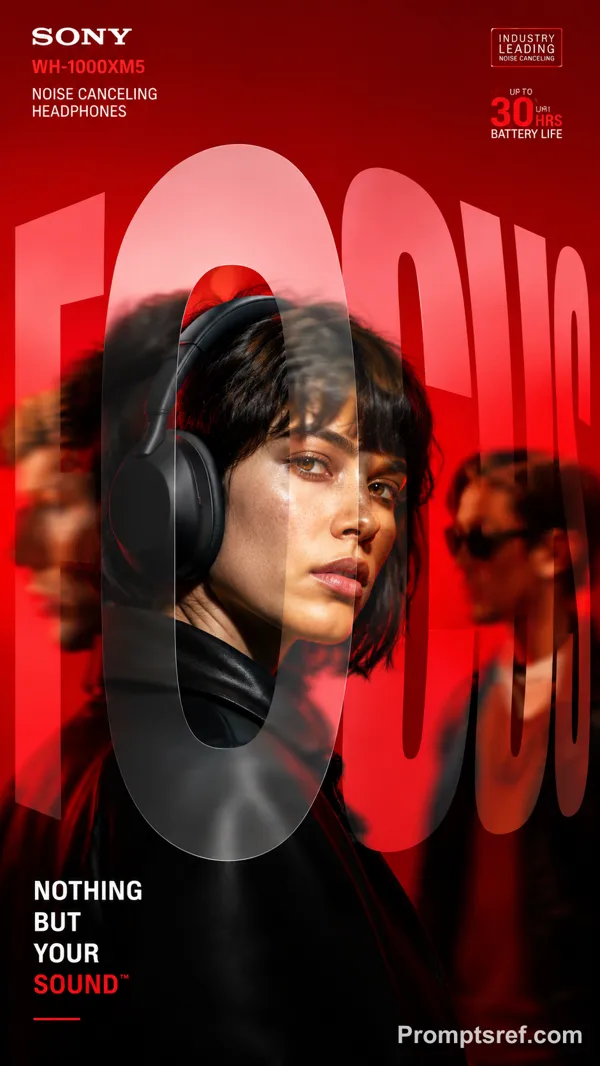
Use oversized black typography as part of the composition. Let cables, antennas, signal paths, transparent housings, buttons, screens, or device edges cross through, hide behind, or interrupt the letters so the typography and object feel physically connected.
Visualize the device’s function through meaningful graphics: call timelines, signal paths, cursor movement, dial-up handshakes, connection states, coordinates, waveforms, technical diagrams, status LEDs, interface labels, or hardware specifications. Keep these details small and precise rather than turning the poster into a futuristic UI.
Limit the palette to black, warm white, neutral hardware tones, and one accent color. Keep the product photography realistic with believable transparent plastic, circuitry, metal, cables, screens, and minor material imperfections.
Maintain a strong editorial hierarchy with one dominant object, one dominant headline, a few functional graphic elements, and dense but controlled micro typography. Use clean grids, deliberate cropping, and a small amount of negative space to keep the layout sharp.
Avoid real logos, random text, excessive grunge, heavy distressed printing, cyberpunk neon, multiple accent colors, generic sci-fi HUDs, sparkle symbols, and ordinary centered product-ad layouts.
Remix
RemixPas encore de remix. Créez la première version.
Utiliser ce prompt d’image
- 01
Commencer avec le prompt
Copiez le prompt ou ouvrez-le avec le bouton de génération.
- 02
Apporter vos modifications
Adaptez le sujet, le décor ou les détails. Ajoutez des références si nécessaire.
- 03
Vérifier avant de générer
Vérifiez le modèle et les paramètres de sortie. Les résultats peuvent varier.