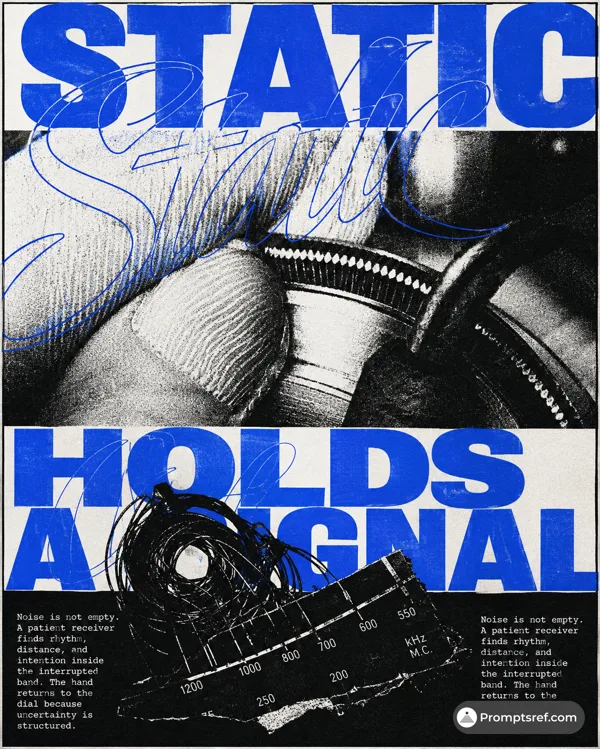
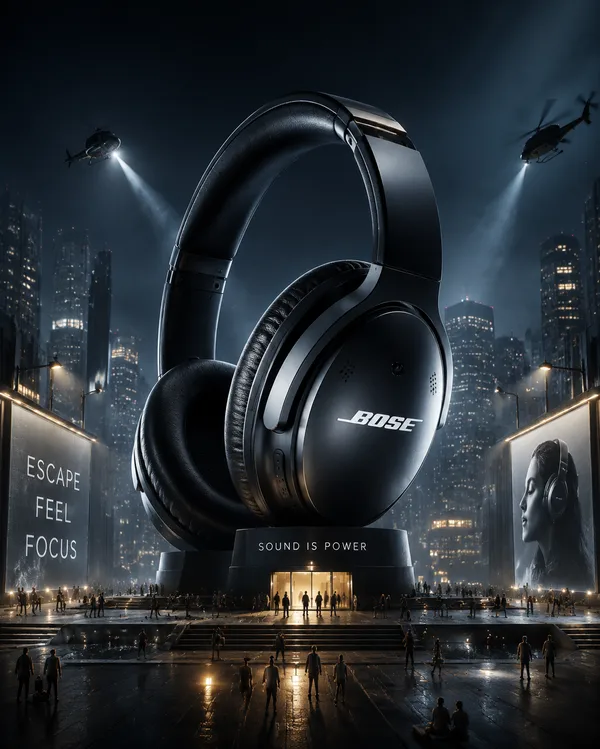
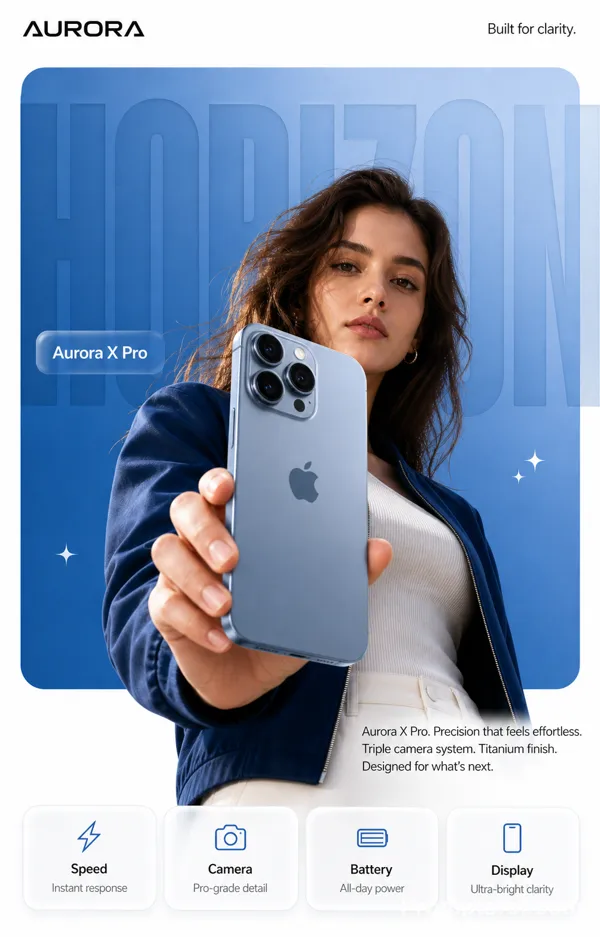
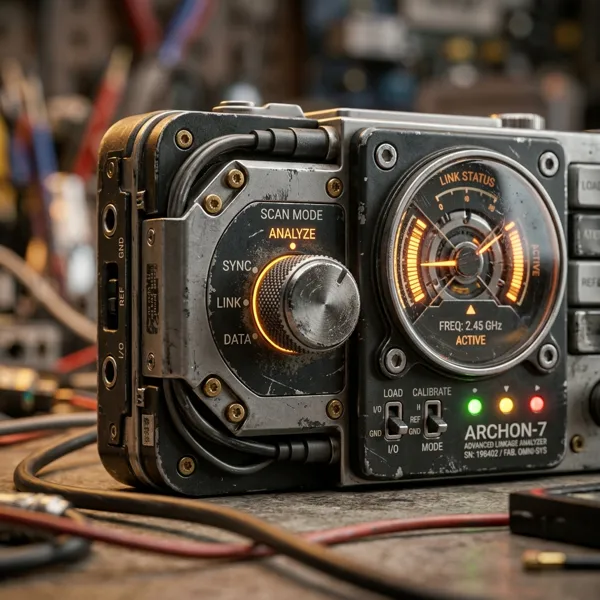
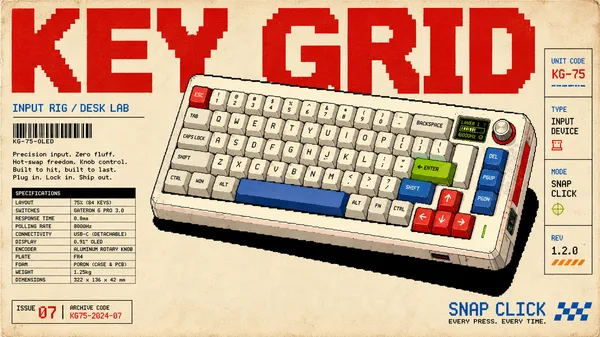
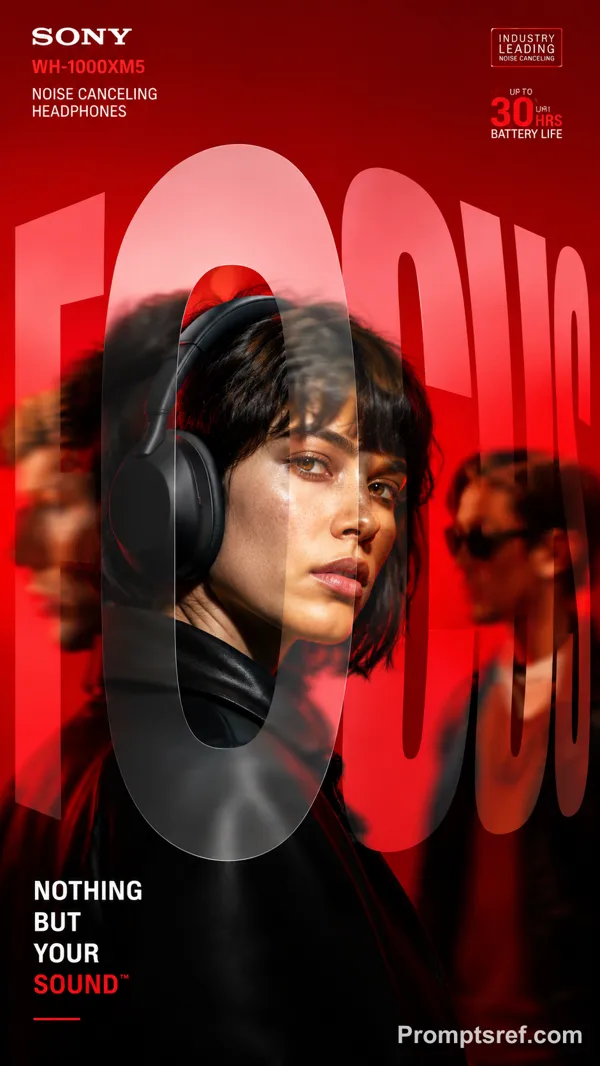
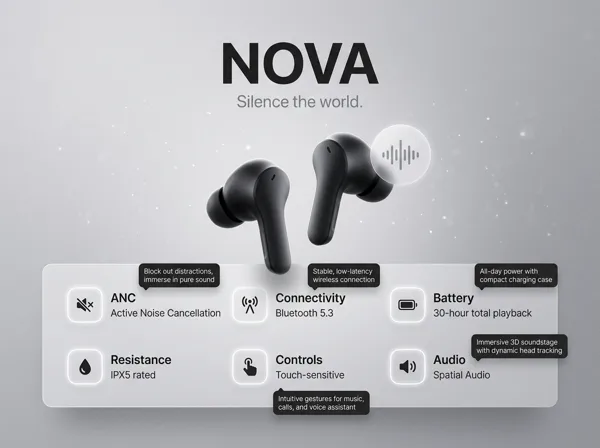
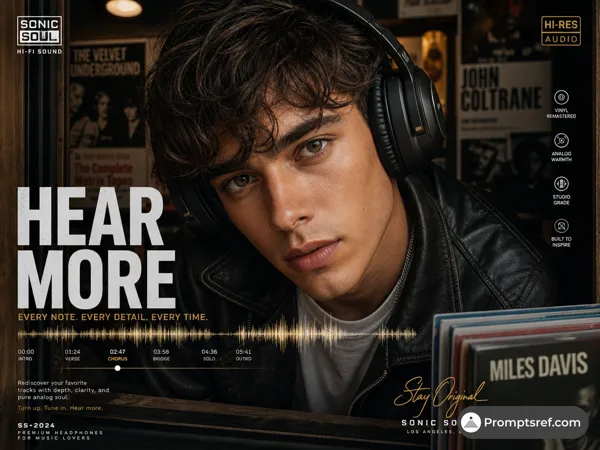
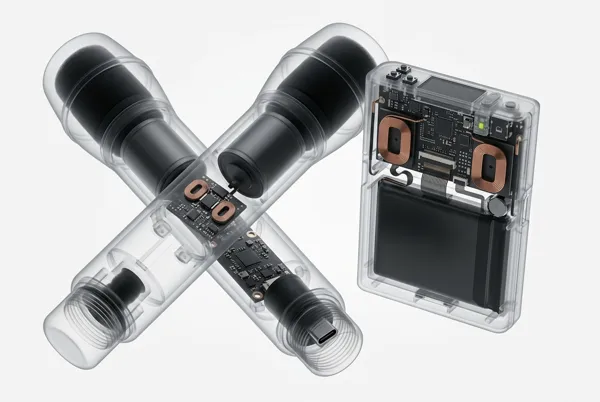
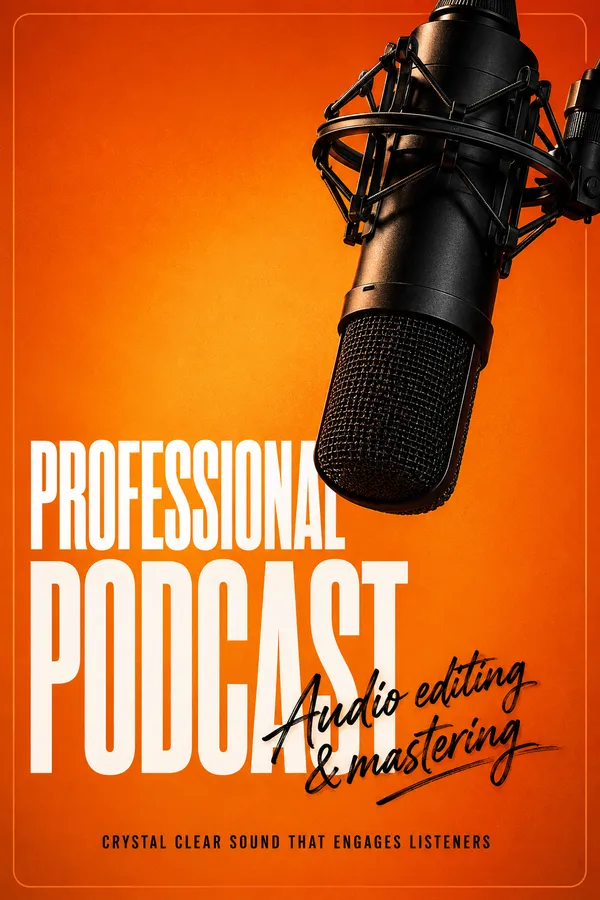
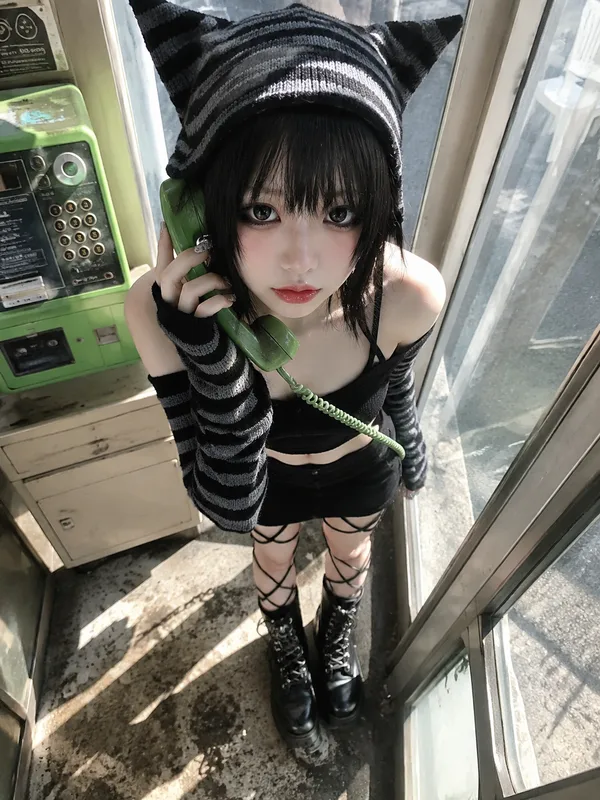
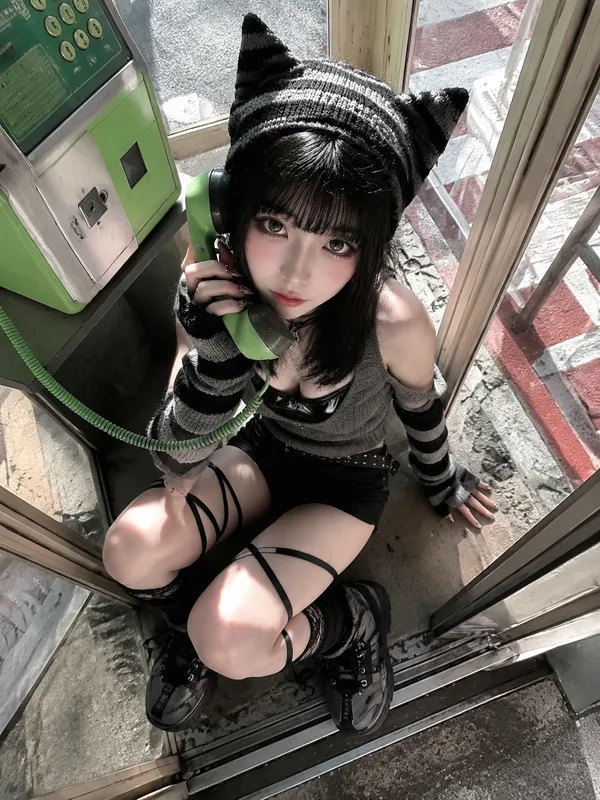
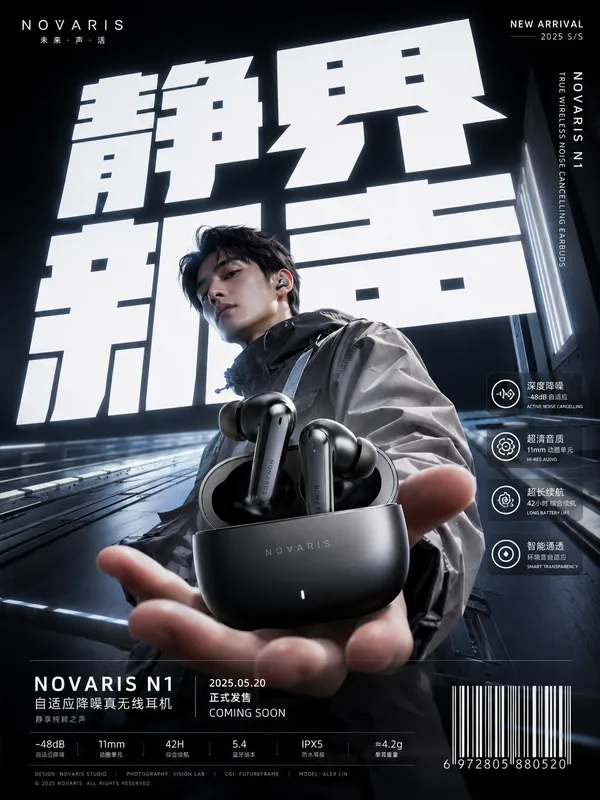
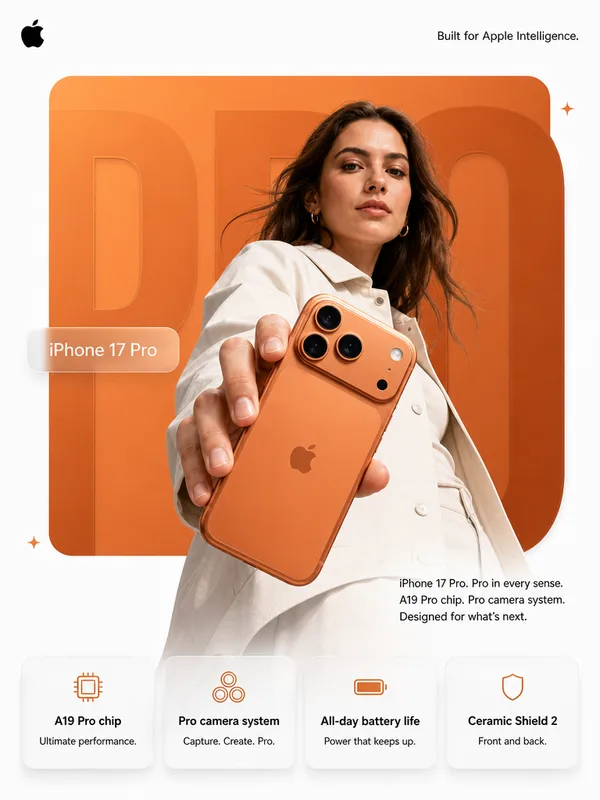
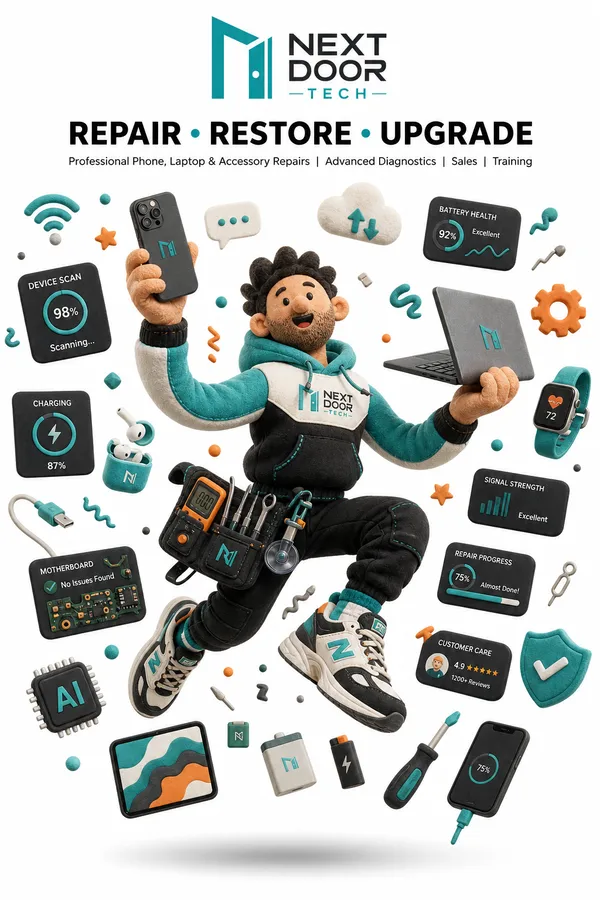
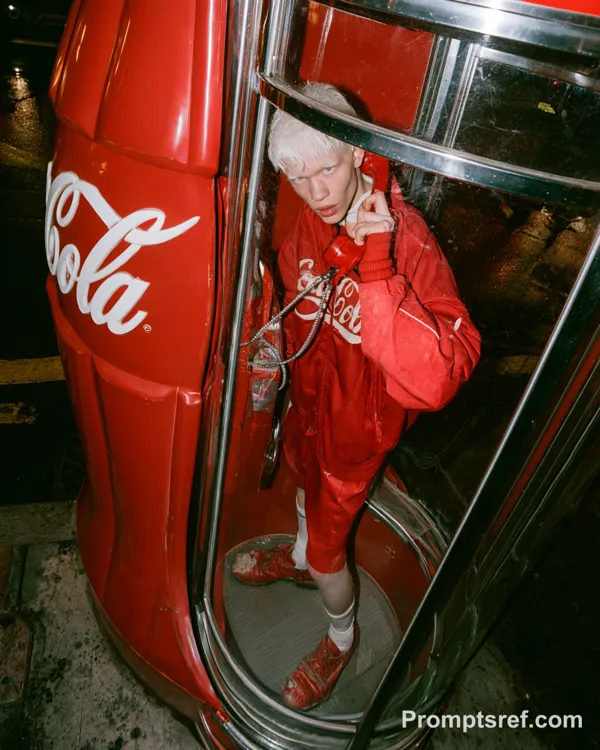
GPT Image 2.5 Sunburst 프롬프트 - 레트로 통신 기기 편집 포스터

- 화면 비율
- auto
- 화질
- 1K
프롬프트
Create a 9:16 retro-tech editorial poster about communication and physical digital interfaces.
Device: [DEVICE]
Headline: [MAIN TITLE]
Concept: [SIGNAL / CALL / INPUT / CONNECTION]
Accent color: [ONE COLOR]
Use a warm off-white editorial background with a realistic retro communication or input device as the hero object. Reference 1990s–2000s technology magazines, telecom manuals, industrial catalogs, Y2K editorial design, and Neo-Swiss typography without copying any existing poster.
Use oversized black typography as part of the composition. Let cables, antennas, signal paths, transparent housings, buttons, screens, or device edges cross through, hide behind, or interrupt the letters so the typography and object feel physically connected.
Visualize the device’s function through meaningful graphics: call timelines, signal paths, cursor movement, dial-up handshakes, connection states, coordinates, waveforms, technical diagrams, status LEDs, interface labels, or hardware specifications. Keep these details small and precise rather than turning the poster into a futuristic UI.
Limit the palette to black, warm white, neutral hardware tones, and one accent color. Keep the product photography realistic with believable transparent plastic, circuitry, metal, cables, screens, and minor material imperfections.
Maintain a strong editorial hierarchy with one dominant object, one dominant headline, a few functional graphic elements, and dense but controlled micro typography. Use clean grids, deliberate cropping, and a small amount of negative space to keep the layout sharp.
Avoid real logos, random text, excessive grunge, heavy distressed printing, cyberpunk neon, multiple accent colors, generic sci-fi HUDs, sparkle symbols, and ordinary centered product-ad layouts.
리믹스 작품
리믹스아직 리믹스가 없어요. 첫 번째 버전을 만들어 보세요.
이 이미지 프롬프트 사용하기
- 01
프롬프트로 시작하기
프롬프트를 복사하거나 생성 버튼으로 여세요.
- 02
나만의 아이디어 더하기
주제, 배경, 세부 사항을 조정하고 필요하면 참고 자료를 추가하세요.
- 03
생성 전 확인하기
모델과 출력 설정을 확인하세요. 생성 결과는 매번 다를 수 있습니다.