GPT Image 2.0 Prompt - Modèle éditorial script Xerox cobalt

- Modèle
- GPT Image 2.0
- Format
- auto
- Qualité
- 1K
Prompt
{
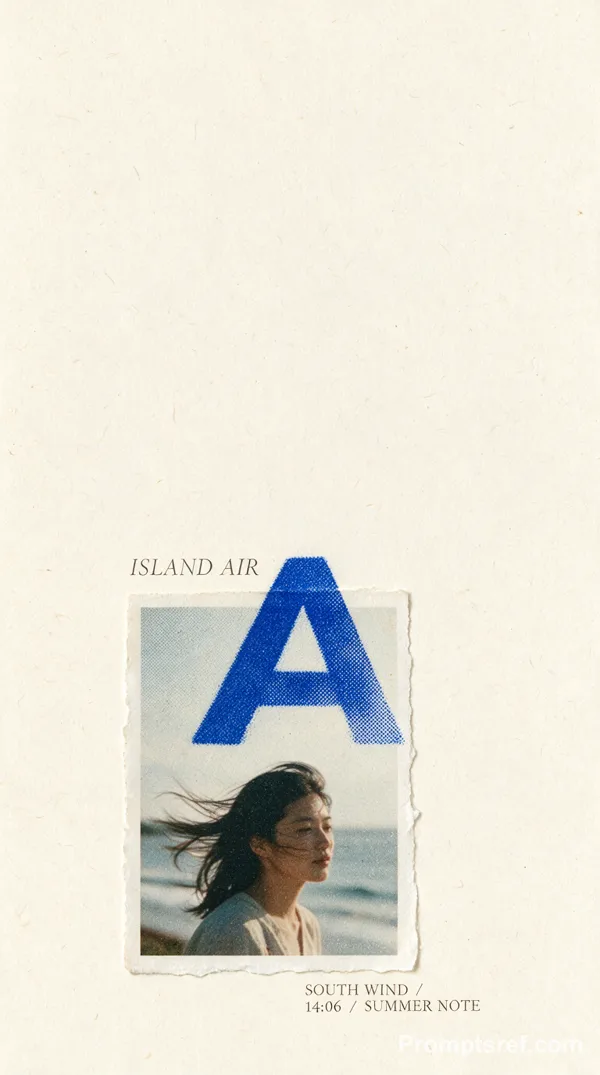
"style": "cobalt-xerox-script-editorial-poster",
"aspect_ratio": "4:5",
"style_rules": [
"artwork fills the page nearly edge to edge with only a thin black keyline — no mat, no mockup, no calm margins; density ~90%",
"palette locked to electric cobalt #1F57F2, paper white #F4F4EE, carbon black #0A0A0A — flat spot inks with toner grain, no hue variation",
"the all-caps headline is forcibly split into two monumental grotesk blocks: opening words crowd the top band, the rest reappears below the photo — never one tidy title",
"one headline word is rewritten twice as an enormous hairline cursive outline, wider than the page, cropped, crossing behind and in front of headline and photo",
"one wide b&w photo panel: extreme ambiguous macro crop, aggressive xerox + coarse newspaper halftone, crushed blacks, chalk-white highlights",
"one irregular mostly-black cutout object intrudes across the lower headline and the gap between microcopy columns — flat, shadowless",
"two dense narrow columns of tiny white mono editorial text sit hard against the bottom, 8-12 short lines each",
"all layers stay flat and print-based: deliberate collisions, cropped letters, no depth, no bevel, no drop shadow",
"mood: unresolved, cerebral, abrasive, poetic — experimental photocopied poster, not clean infographic"
],
"MAIN_TEXT": "STATIC HOLDS A SIGNAL",
"SCRIPT_WORD": "STATIC",
"SUBJECT": "an extreme macro crop of a thumb pad, the serrated edge of a radio tuning wheel, and a black headphone cable — no face, no full device visible",
"CUTOUT_OBJECT": "a tangled radio coil and torn frequency-scale fragment rendered as one mostly black xerox silhouette",
"MICROCOPY": "Noise is not empty. A patient receiver finds rhythm, distance, and intention inside the interrupted band. The hand returns to the dial because uncertainty is structured."
}
Remix
RemixPas encore de remix. Créez la première version.
Utiliser ce prompt d’image
- 01
Commencer avec le prompt
Copiez le prompt ou ouvrez-le avec le bouton de génération.
- 02
Apporter vos modifications
Adaptez le sujet, le décor ou les détails. Ajoutez des références si nécessaire.
- 03
Vérifier avant de générer
Vérifiez le modèle et les paramètres de sortie. Les résultats peuvent varier.