

GPT Image 2.5 Sunburst Prompt - Affiche de personnage en élégance sombre violette

- Modèle
- GPT Image 2.5 Sunburst
- Format
- auto
- Qualité
- 1K
Prompt
Create a high-resolution vertical character concept poster with a luxury purple and white aesthetic, blending elegance with edgy, modern fashion. The layout should feel like a premium magazine profile with clean sections and perfect grid alignment.
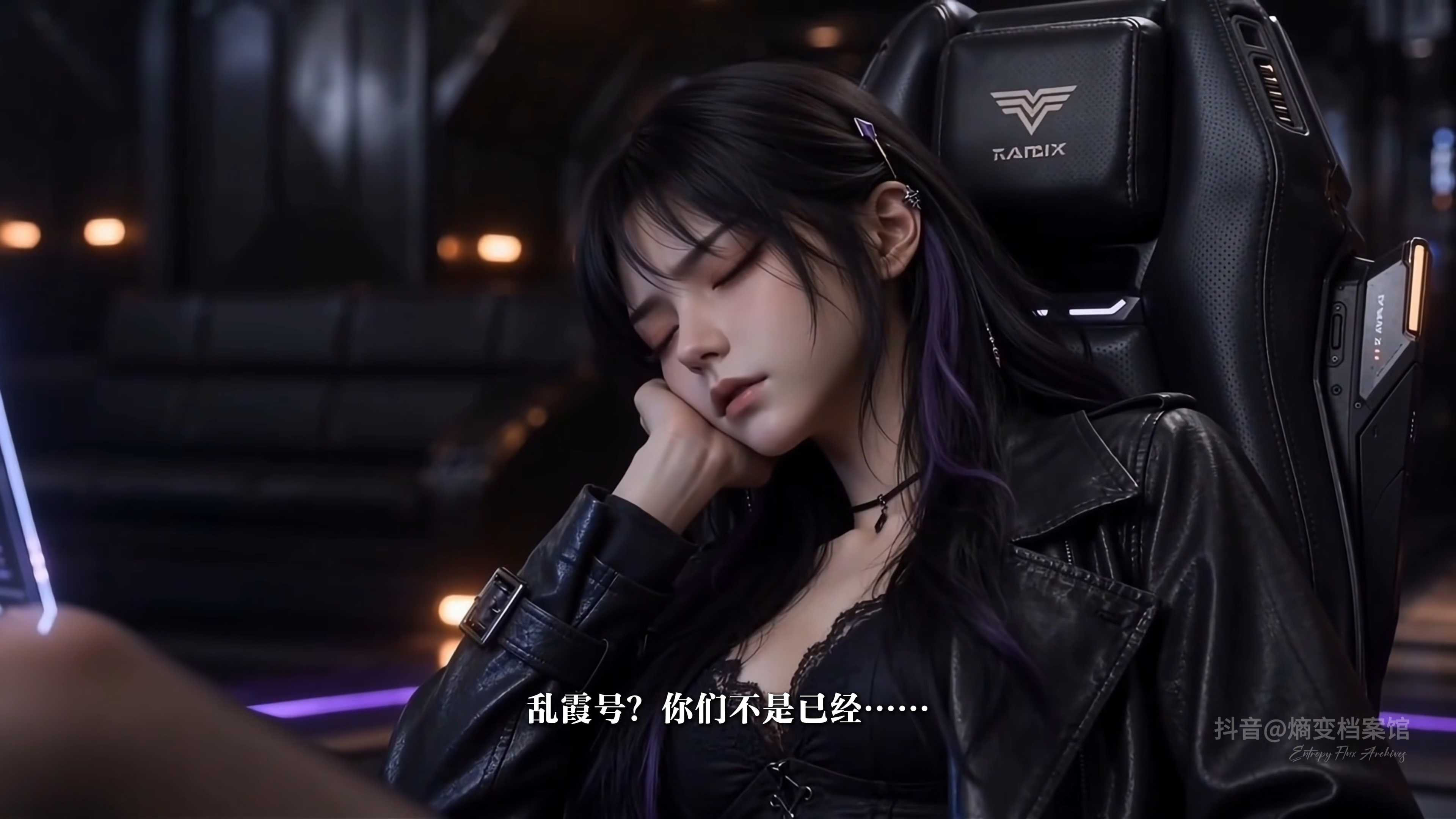
Main subject: A unique young woman (not resembling any real person), with long silky dark hair featuring subtle purple highlights. She has a confident, calm expression with a slightly mysterious aura. She wears a black and purple fusion outfit (mix of streetwear and idol fashion) with glossy textures, lace, and metallic accents. Lighting is soft but dramatic, with neon purple glow against dark tones.
Top section:
Large hero portrait on one side. On the other side, include a sleek profile panel with elegant English text:
Name: {argument name="character name" default="Sivir"}
Age: {argument name="age" default="21"}
Height: {argument name="height" default="167 cm"}
Style: Dark Elegance
Short description:
“She doesn’t follow trends—she defines them. Quiet strength, sharp vision, and a presence that speaks without words.”
Add a Traits section with stylish progress bars:
Confidence
Creativity
Discipline
Charisma
Emotional Depth
Middle section:
Grid of 5–6 small portraits showing different expressions (soft smile, intense gaze, playful smirk, thoughtful, confident).
Lower sections:
Full-body poses (front, side, walking pose, power stance, casual stance).
Outfit variations (street luxe, minimal chic, Combat suit).
Accessories panel (heels, boots, chains, rings, handbags, hairstyles, weapons).
Text tone:
Strong, meaningful, and confident—focused on individuality, self-worth, and silent power. Avoid filler text.
Style:
Ultra-detailed, 4K quality, glossy magazine finish, cinematic lighting, sharp focus, balanced contrast, modern editorial layout, perfectly aligned grid.
Image de référence
Utiliser ce prompt d’image
- 01
Commencer avec le prompt
Copiez le prompt ou ouvrez-le avec le bouton de génération.
- 02
Apporter vos modifications
Adaptez le sujet, le décor ou les détails. Ajoutez des références si nécessaire.
- 03
Vérifier avant de générer
Vérifiez le modèle et les paramètres de sortie. Les résultats peuvent varier.


