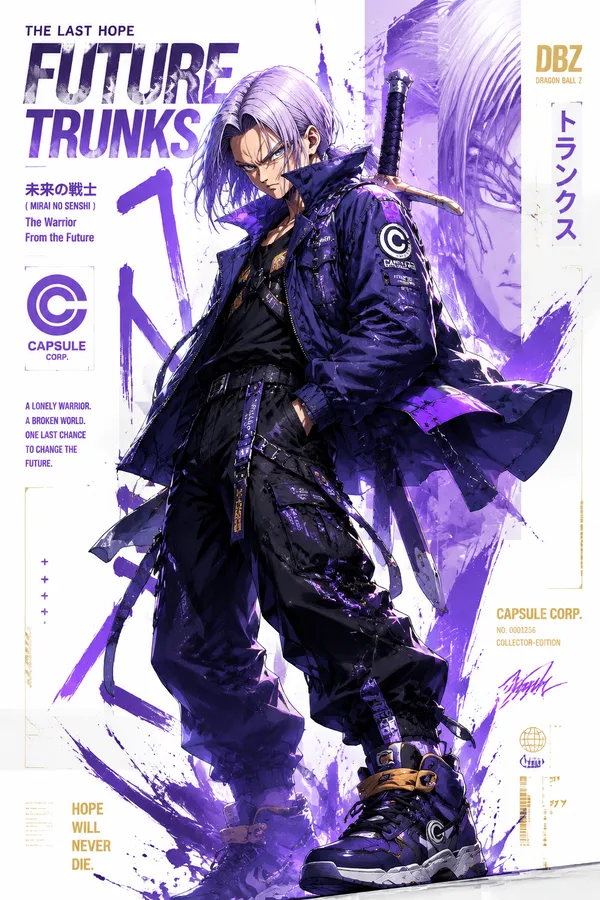
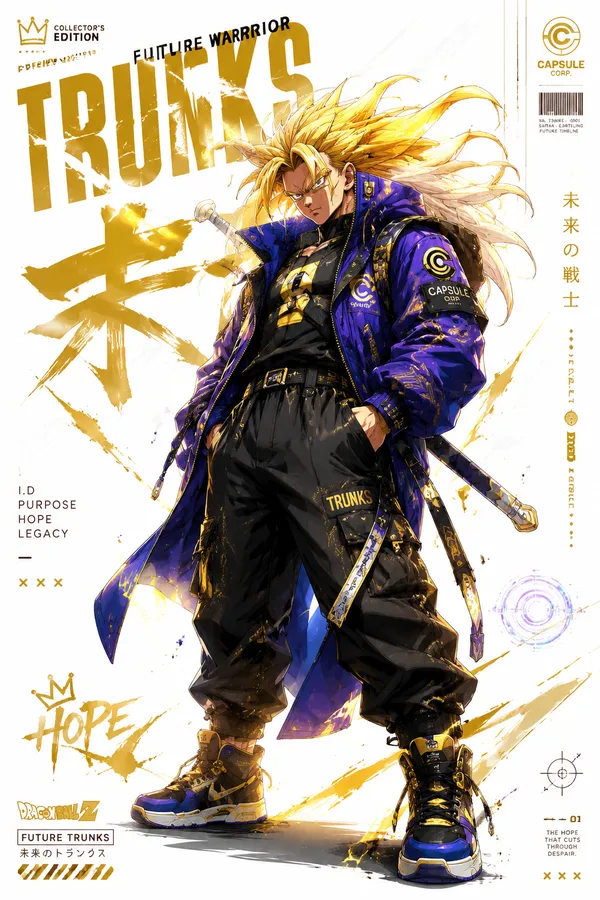
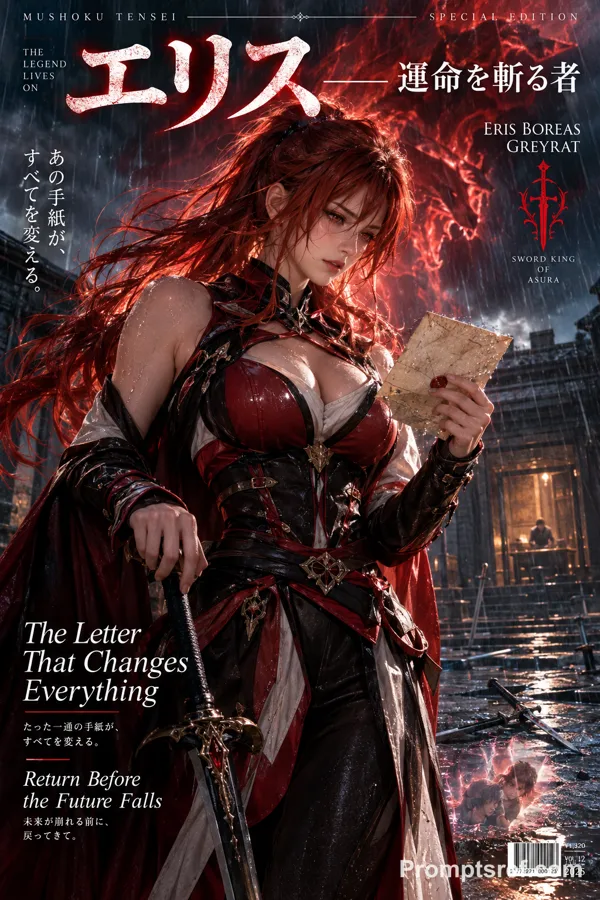
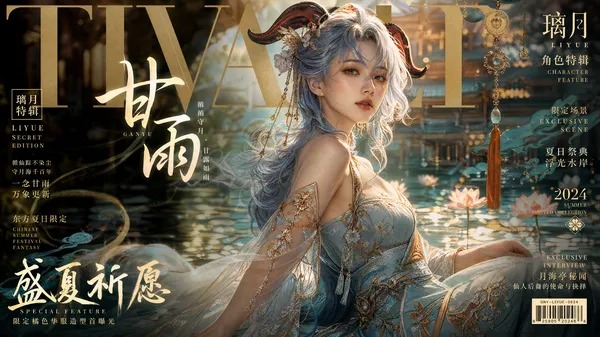
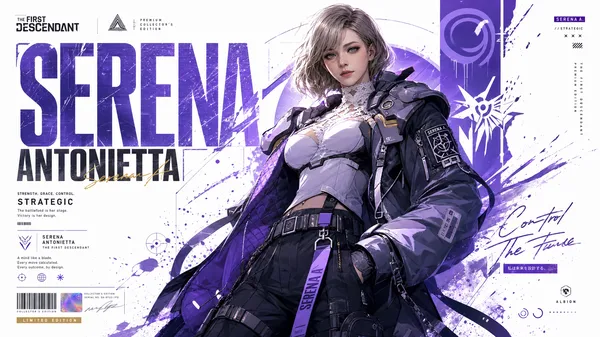
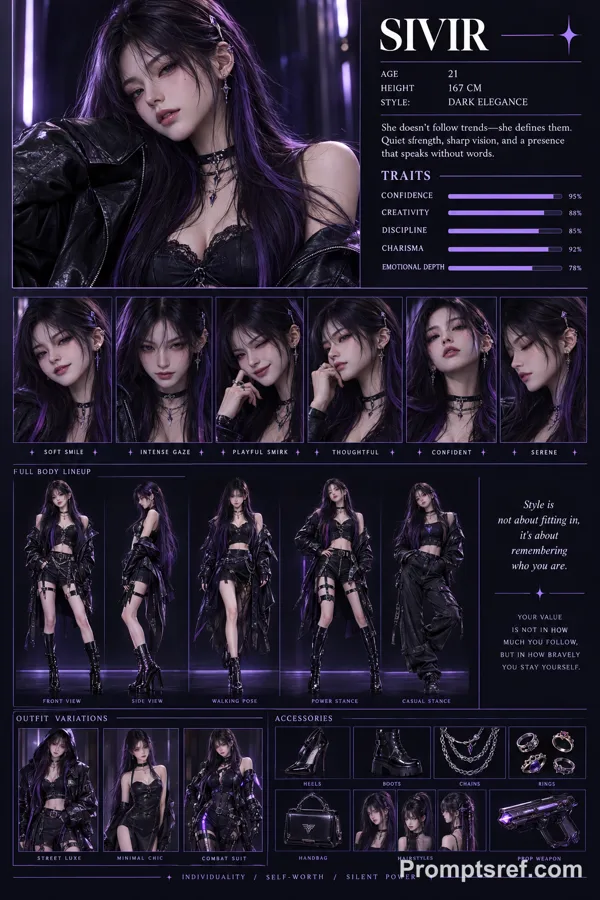
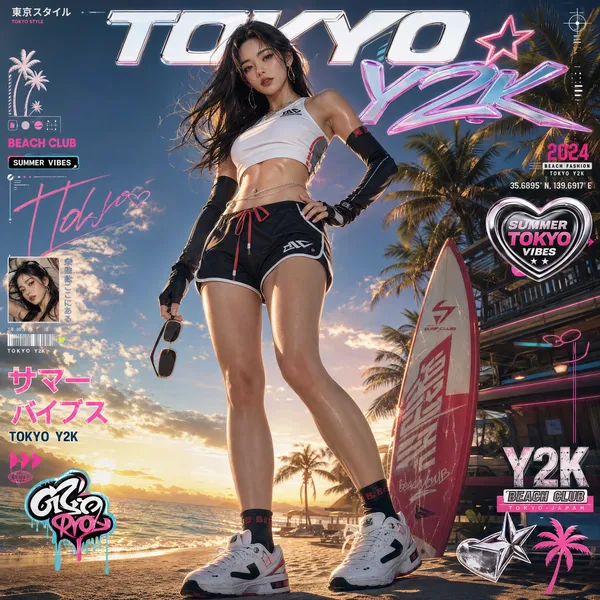
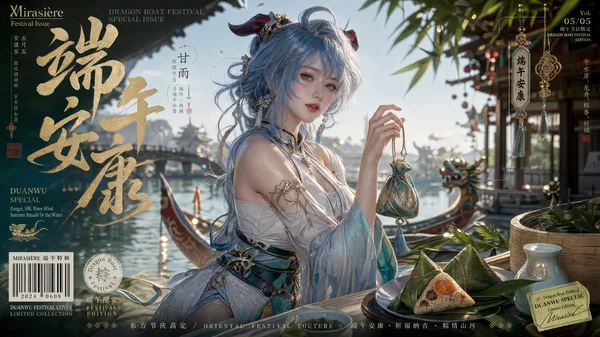
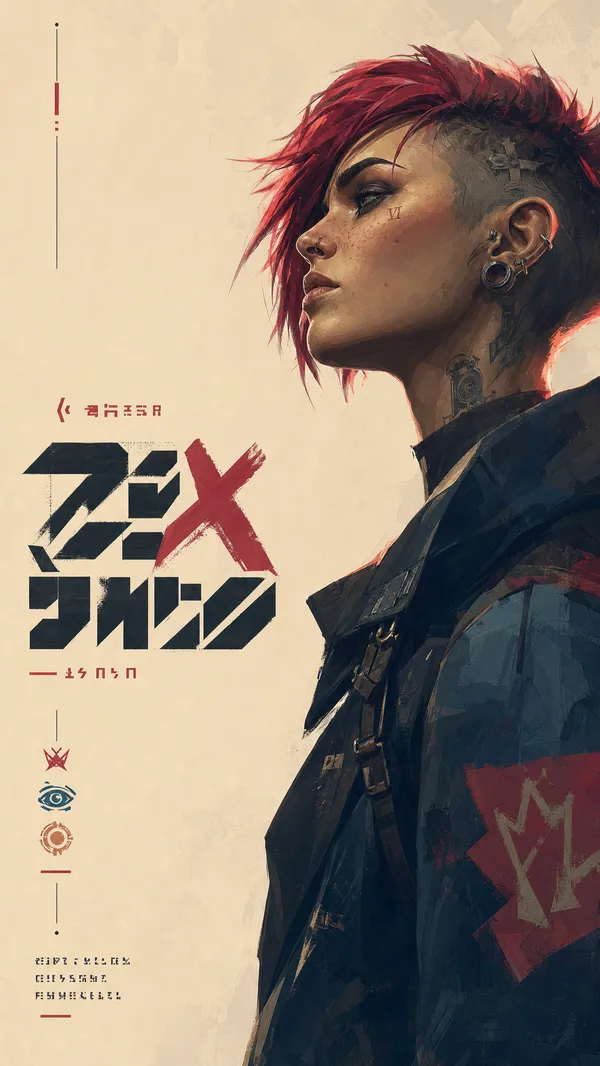
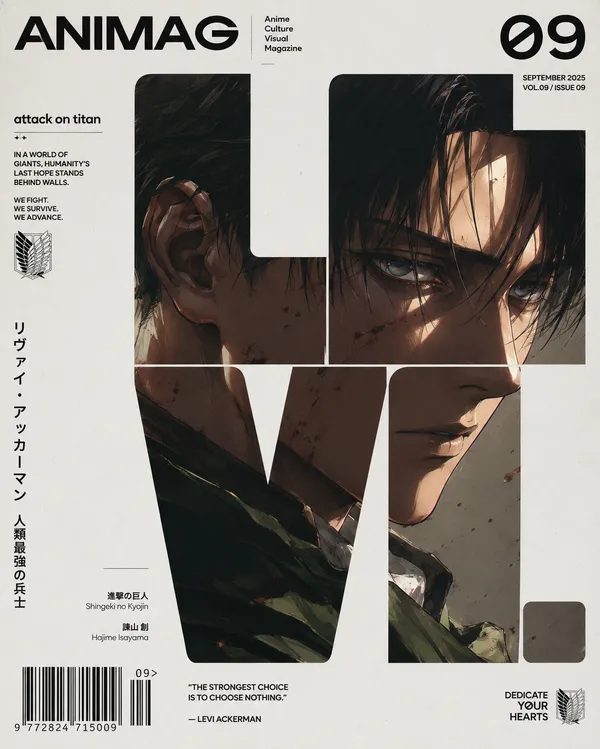
GPT Image 2.0 Prompt - Modèle de couverture de personnage Zenless Zone Zero

- Modèle
- GPT Image 2.0
- Format
- 2:3
- Qualité
- 1K
Prompt
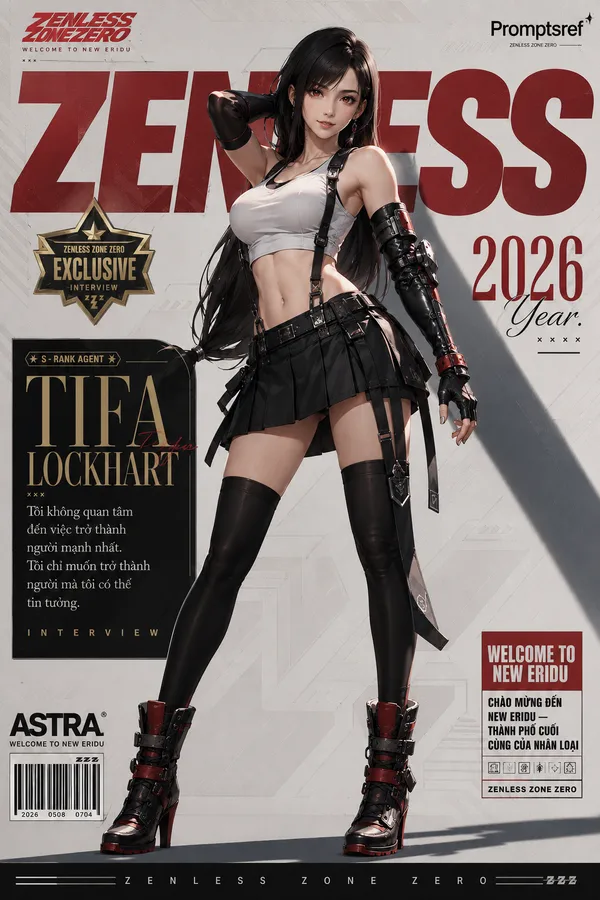
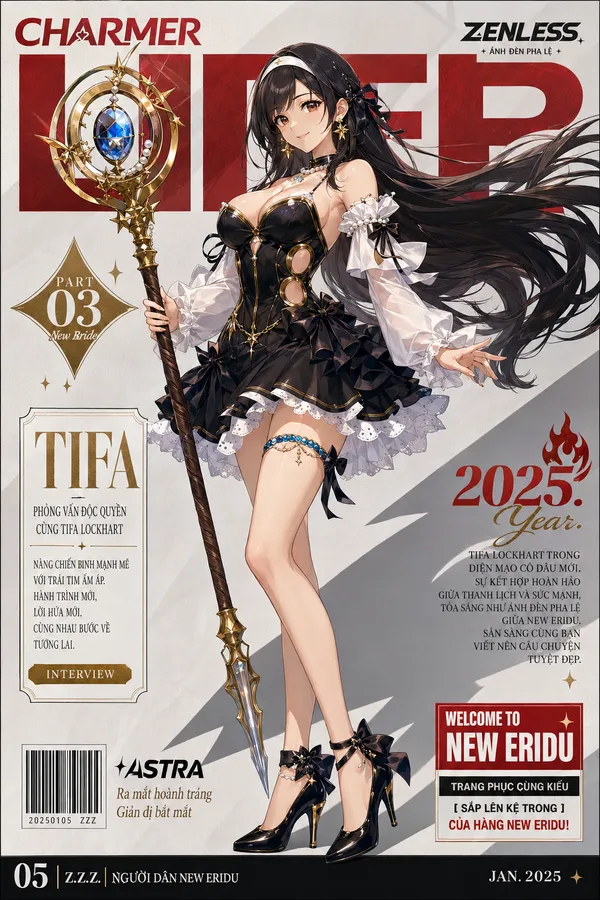
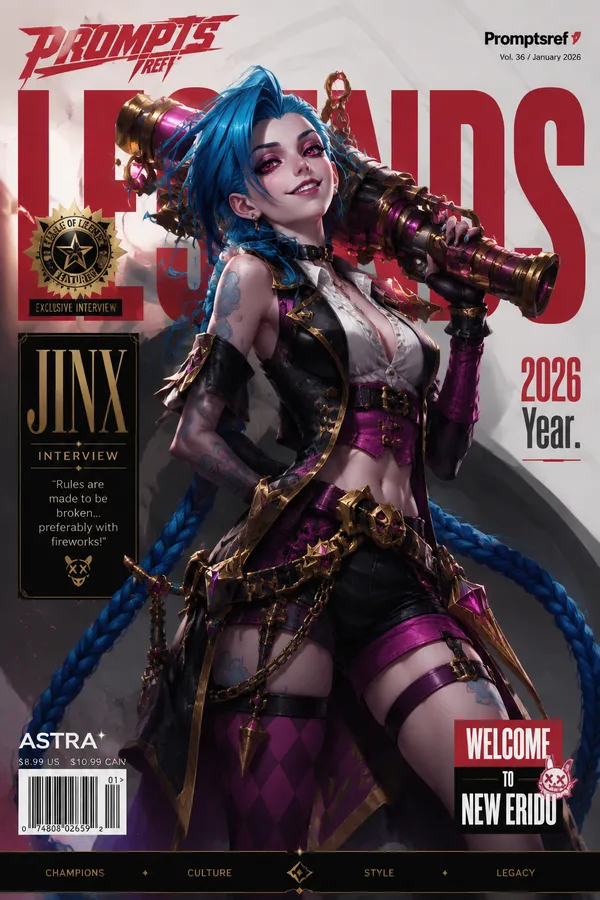
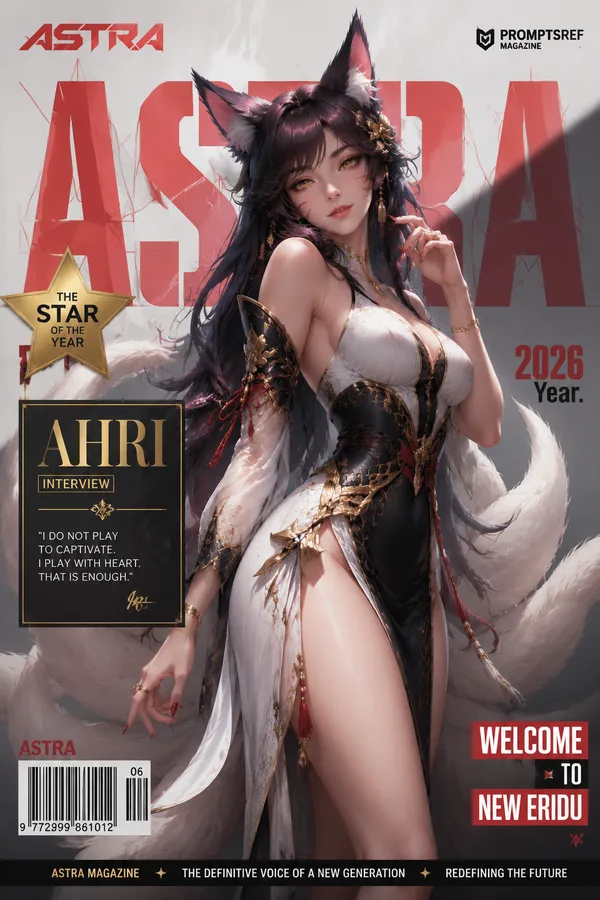
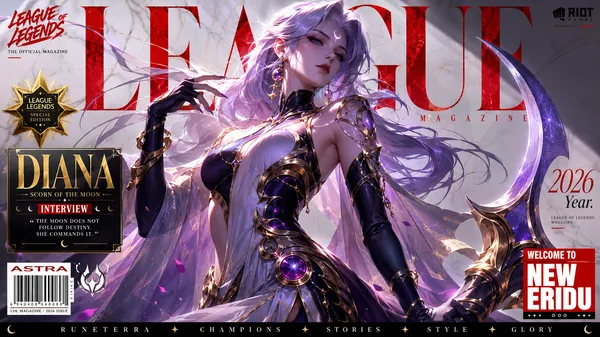
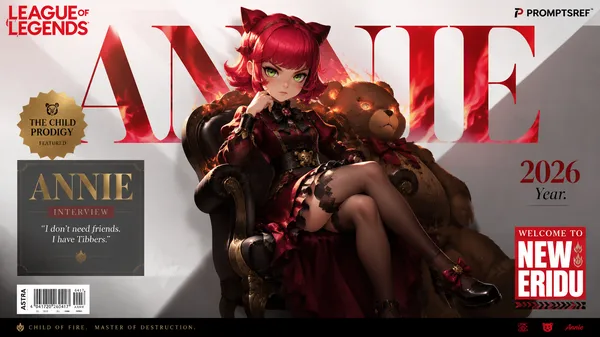
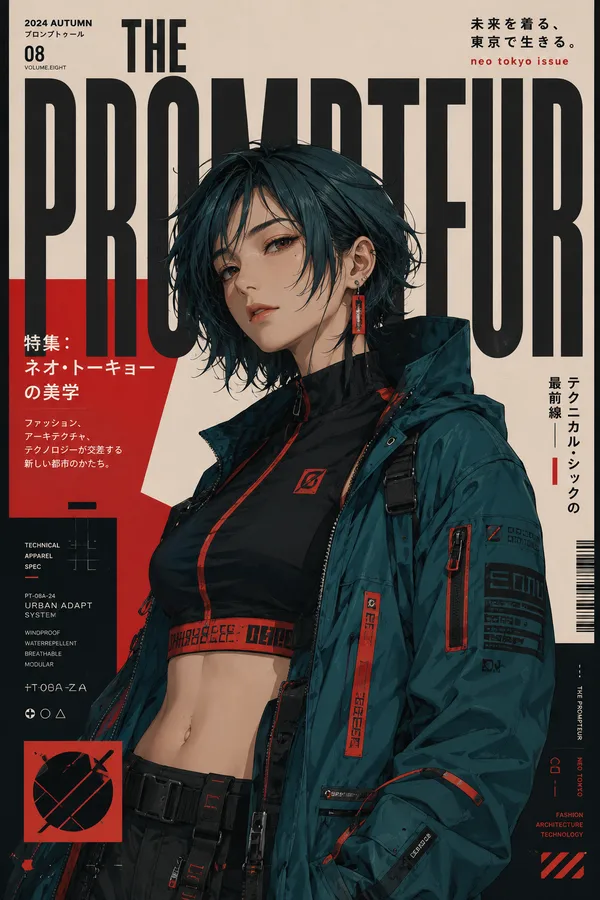
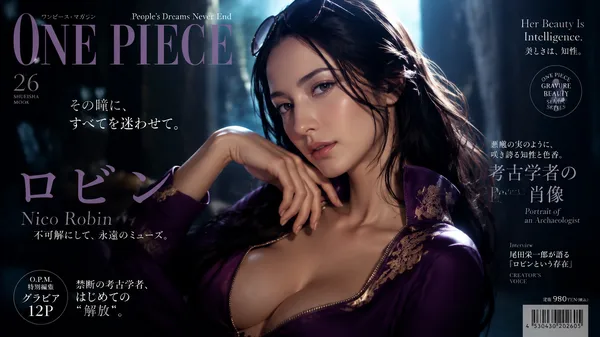
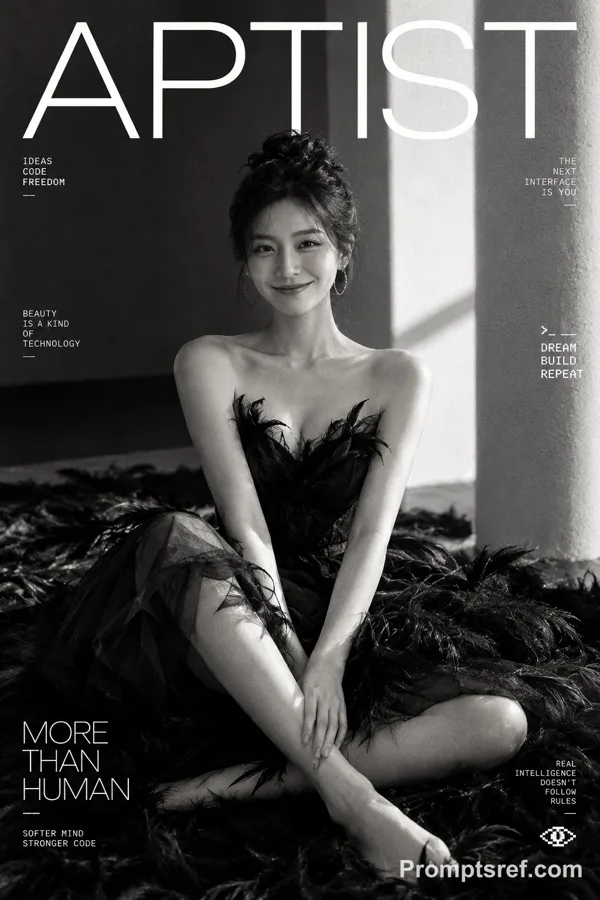
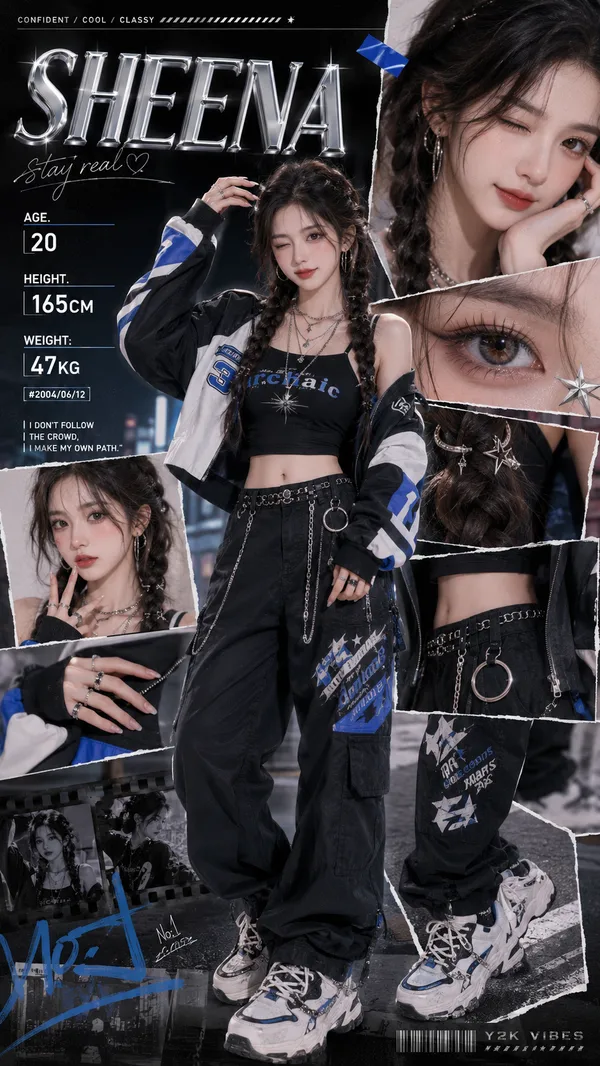
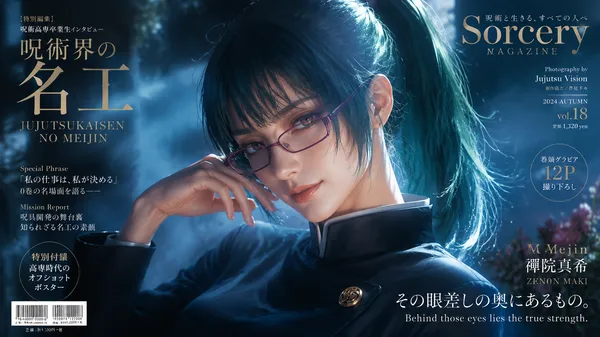
Vertical magazine cover in exact Zenless Zone Zero official art style, highly detailed anime illustration, vibrant colors, glossy rendering, professional character design, dynamic composition, masterpiece, best quality, ultra detailed.
Central character is [CHARACTER_NAME]: [Detailed visual description of the character, including age, overall appearance, hair, eyes, expression, body type, and aura]. She stands in a confident full-body dynamic pose that fits her personality, weight shifted to one leg, body slightly angled toward the viewer, head gently tilted, striking a dynamic and charismatic pose. Strong, elegant, and charismatic presence.
Outfit: [Stylized high-fashion magazine version of her signature outfit, for example: tight white sleeveless crop top with black suspenders, black short pleated mini skirt, black gloves, black heeled boots. Maintain strong character recognition while elevating the fashion sense].
Background: clean light gray with subtle geometric patterns, strong diagonal shadow cast to the lower right.
Magazine cover layout with precise text placement (keep exactly as is):
- Top left red stylized logo
- Large semi-transparent bold red title behind the character
- Top right Promptsref branding
- Left gold star badge
- Left elegant text box with large gold [CHARACTER_NAME] in serif font + Vietnamese interview text below + “INTERVIEW” label
- Right side “2026 Year.”
- Bottom right red/white welcome box “WELCOME TO NEW ERIDU” + Vietnamese text
- Bottom left barcode + “ASTRA” text
- Bottom black bar
Exact same composition, lighting, shadow, and typography style as a professional Zenless Zone Zero magazine cover. Sharp focus, cinematic lighting, 8k.
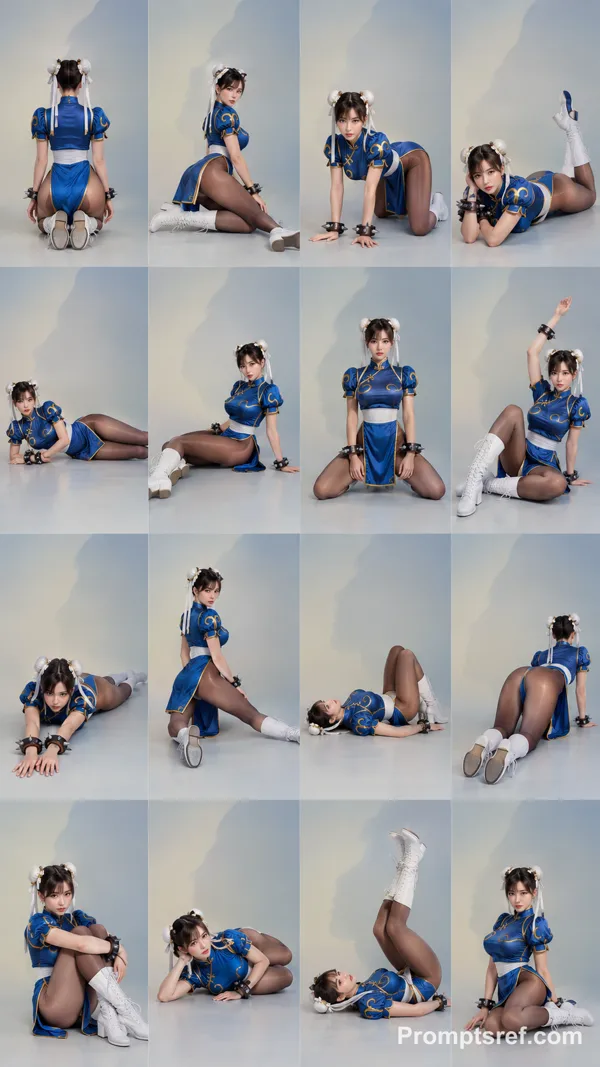
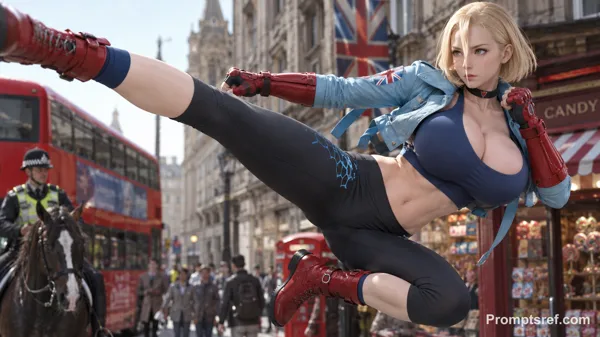
The character is chunli
Remix
RemixPas encore de remix. Créez la première version.
Utiliser ce prompt d’image
- 01
Commencer avec le prompt
Copiez le prompt ou ouvrez-le avec le bouton de génération.
- 02
Apporter vos modifications
Adaptez le sujet, le décor ou les détails. Ajoutez des références si nécessaire.
- 03
Vérifier avant de générer
Vérifiez le modèle et les paramètres de sortie. Les résultats peuvent varier.