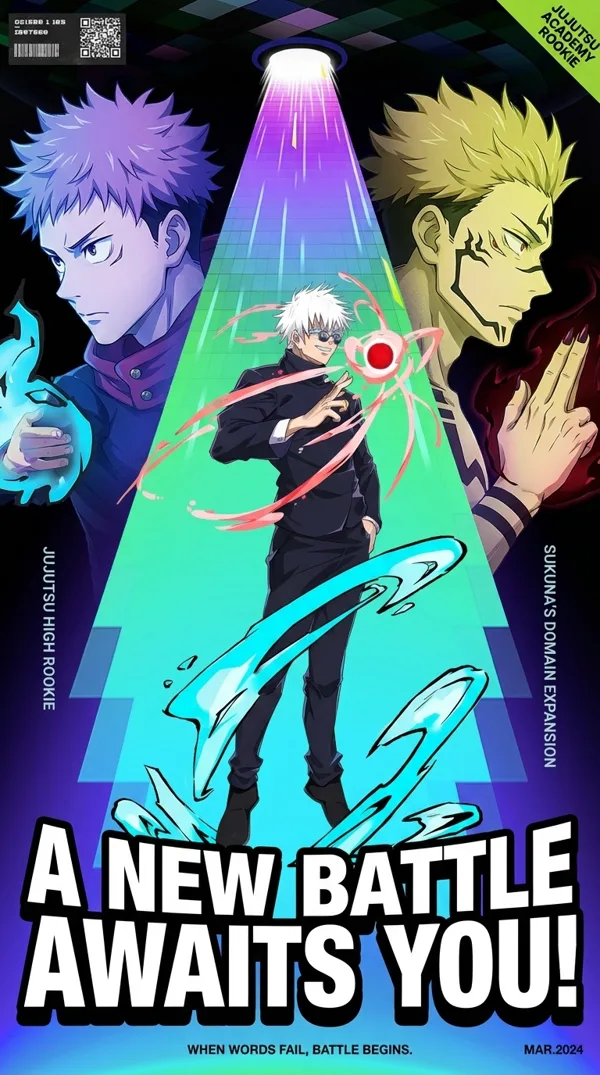
GPT Image 2.0 Prompt - Profil anime ivoire en touches peintes

- Modèle
- GPT Image 2.0
- Format
- auto
- Qualité
- 1K
Prompt
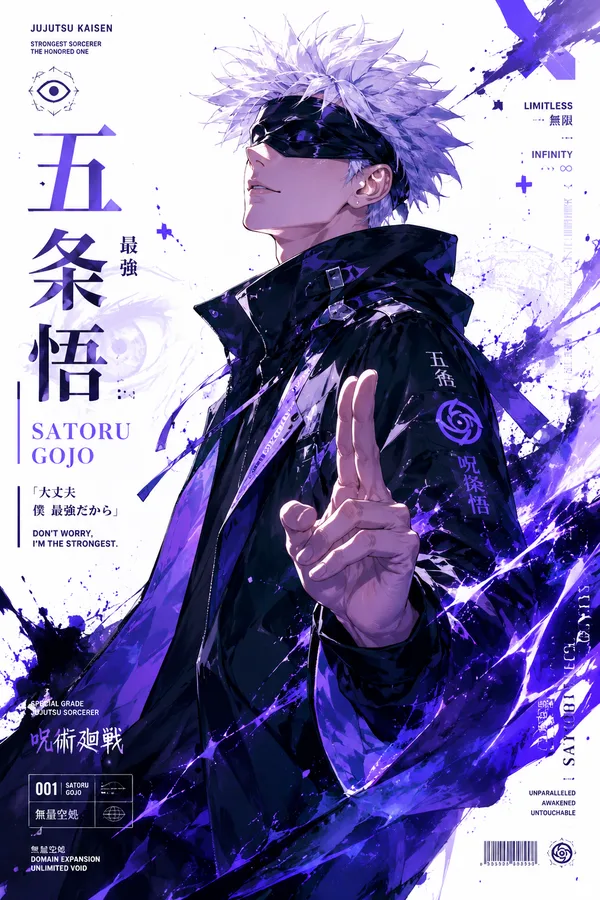
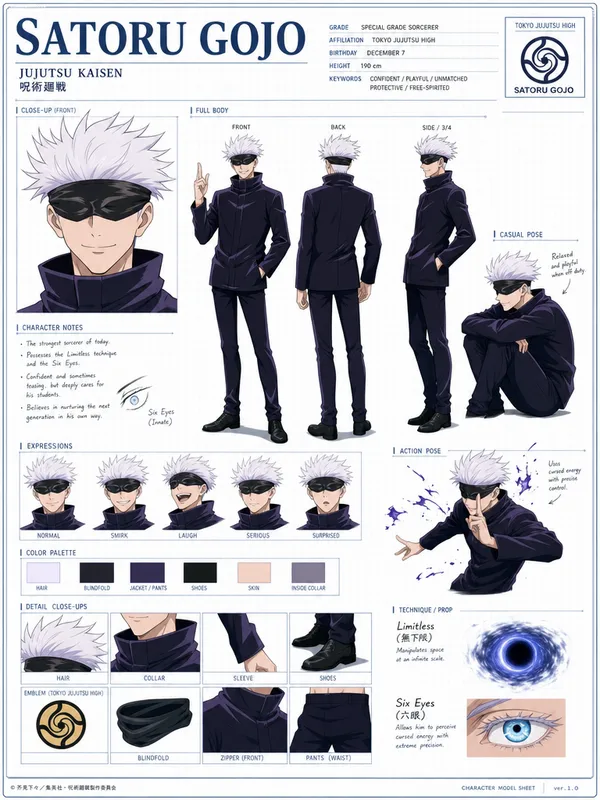
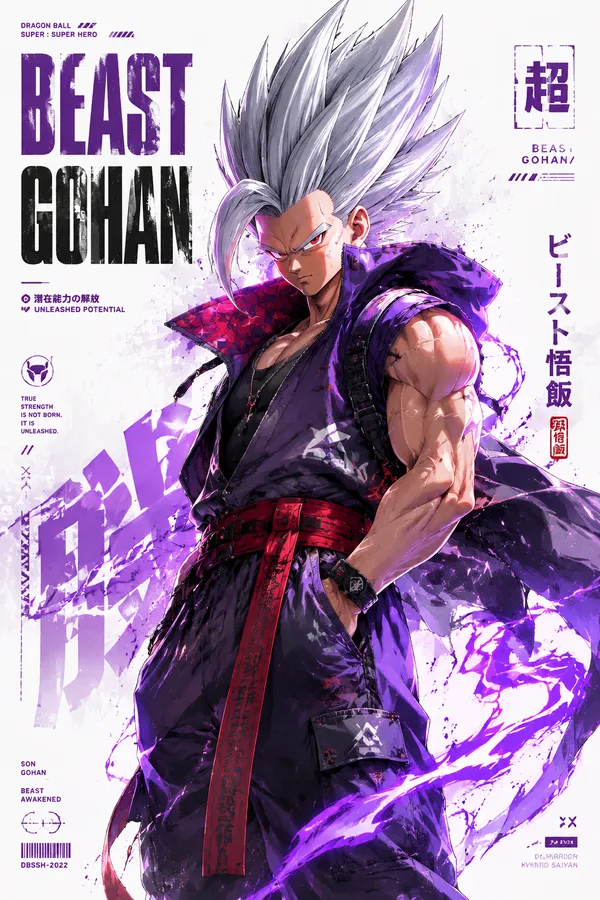
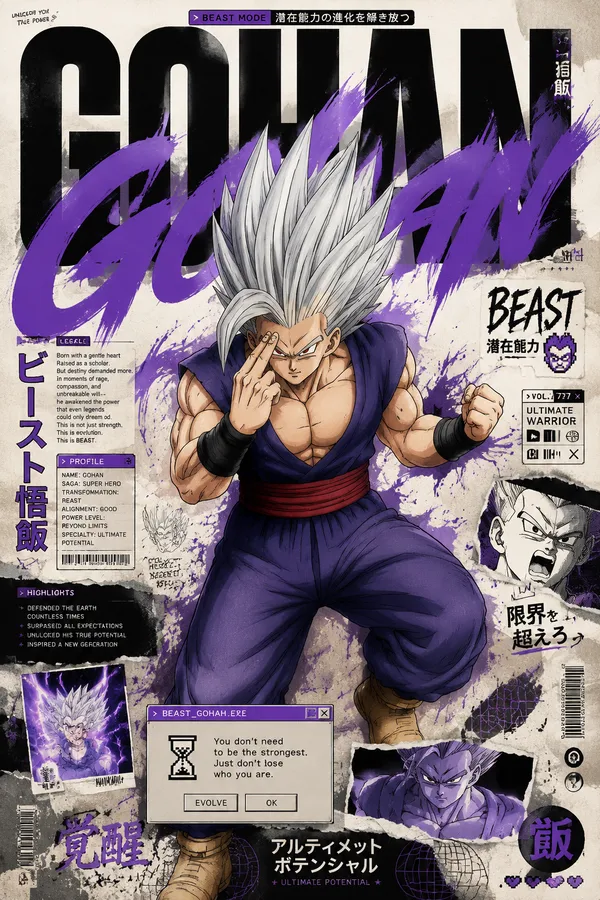
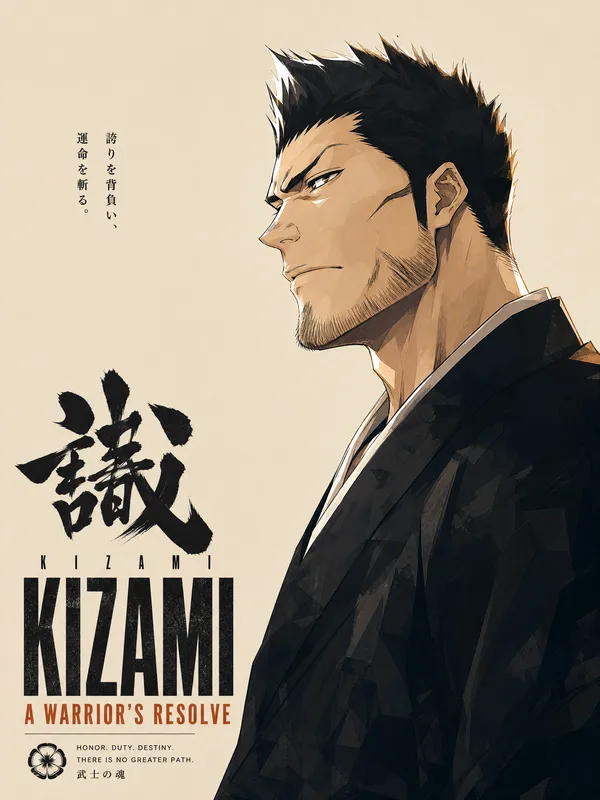
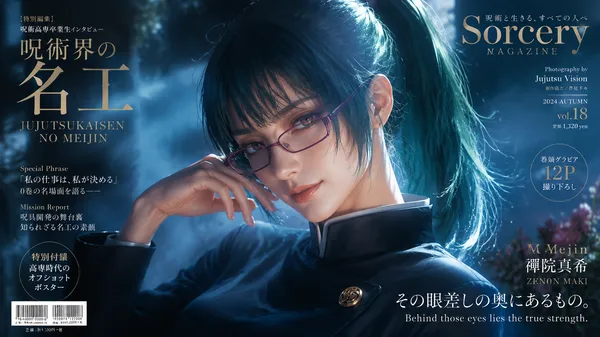
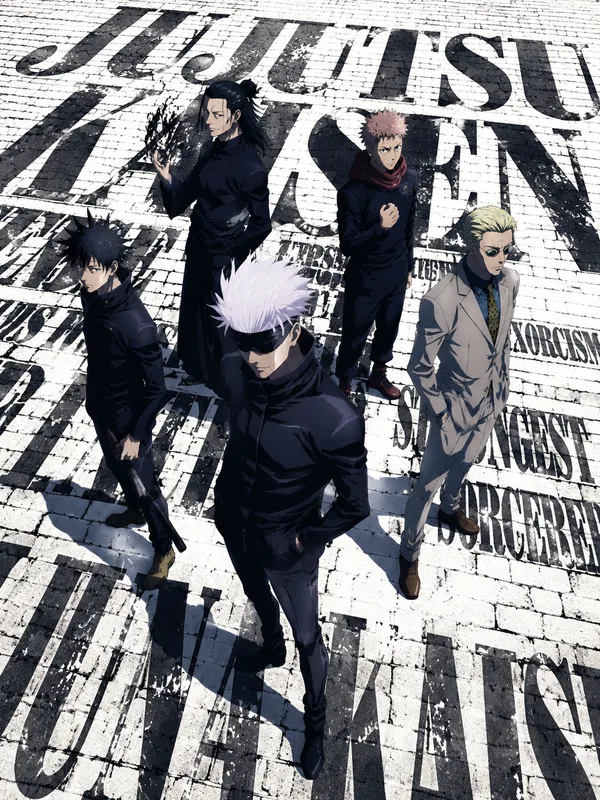
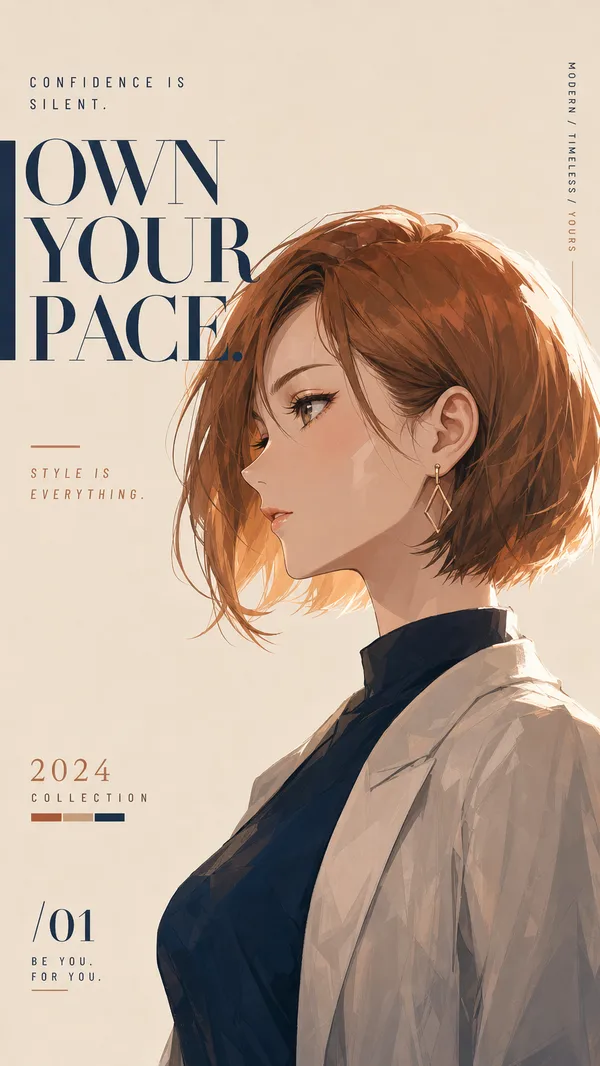
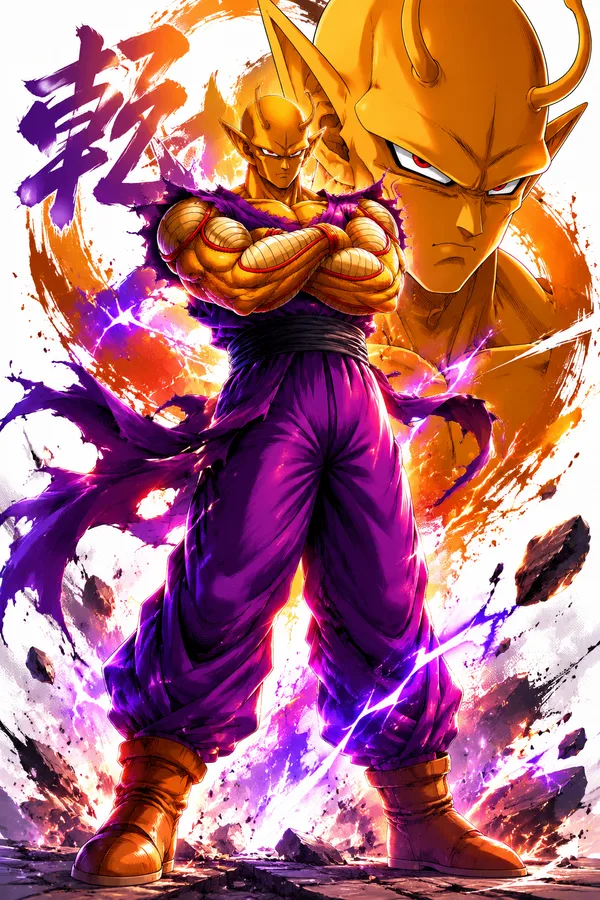
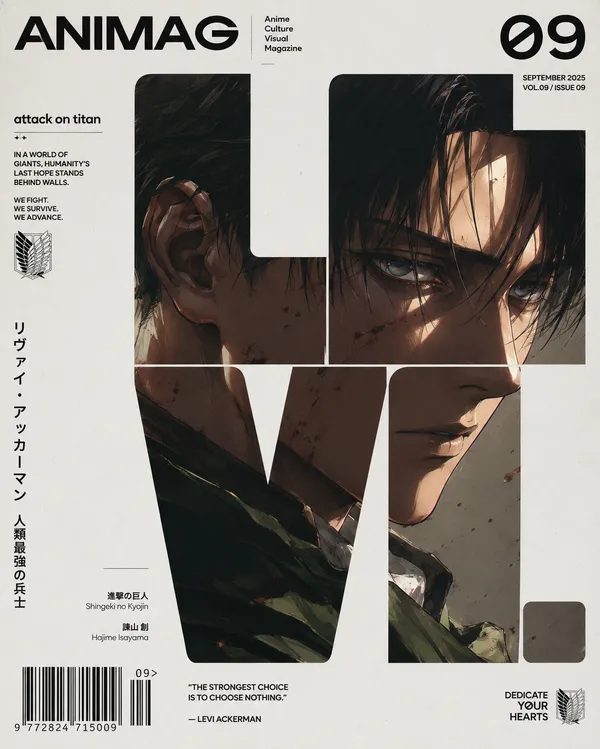
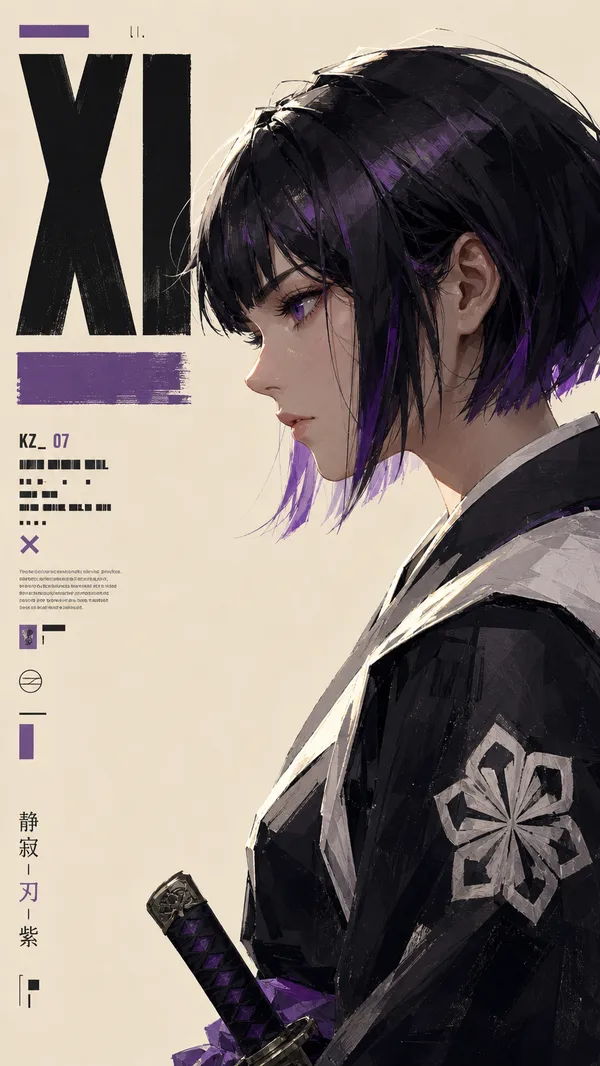
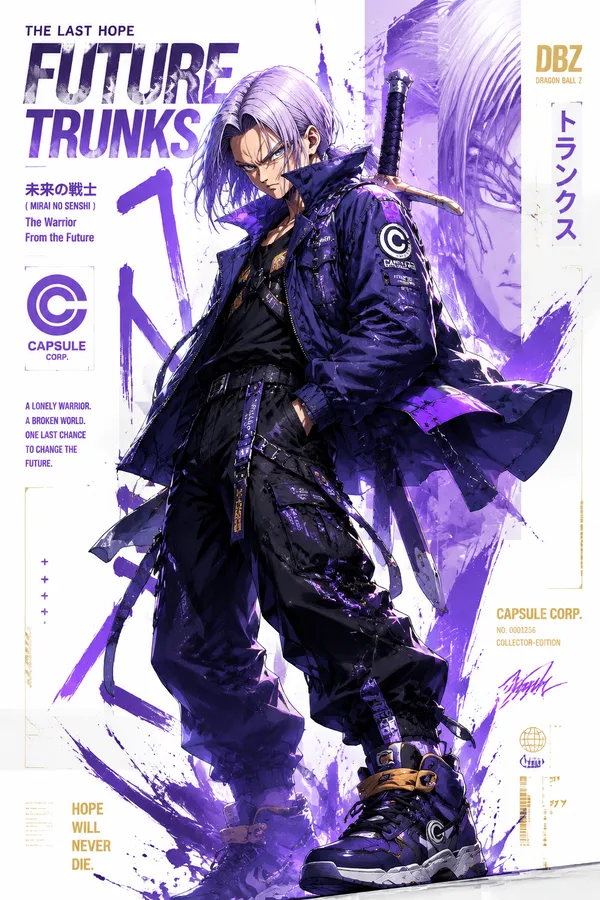
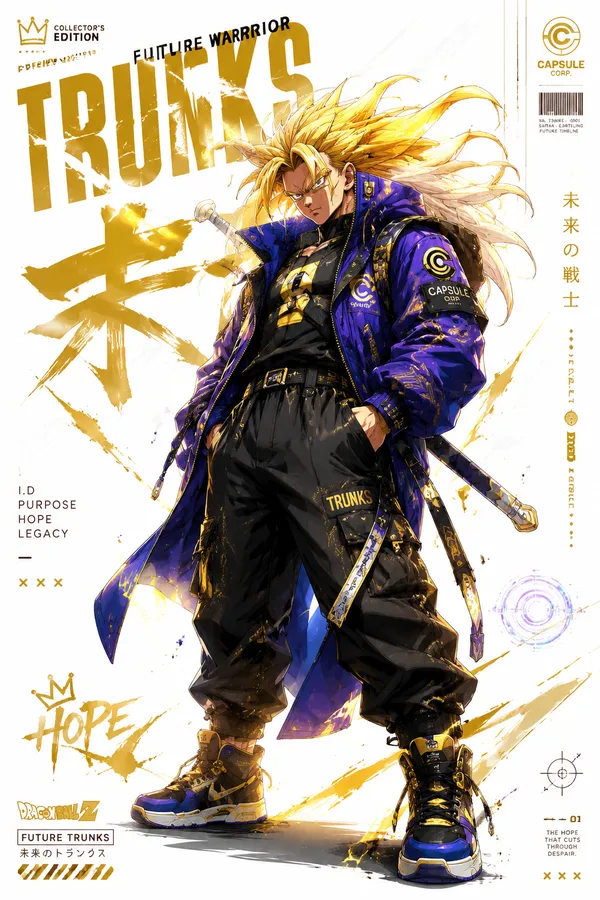
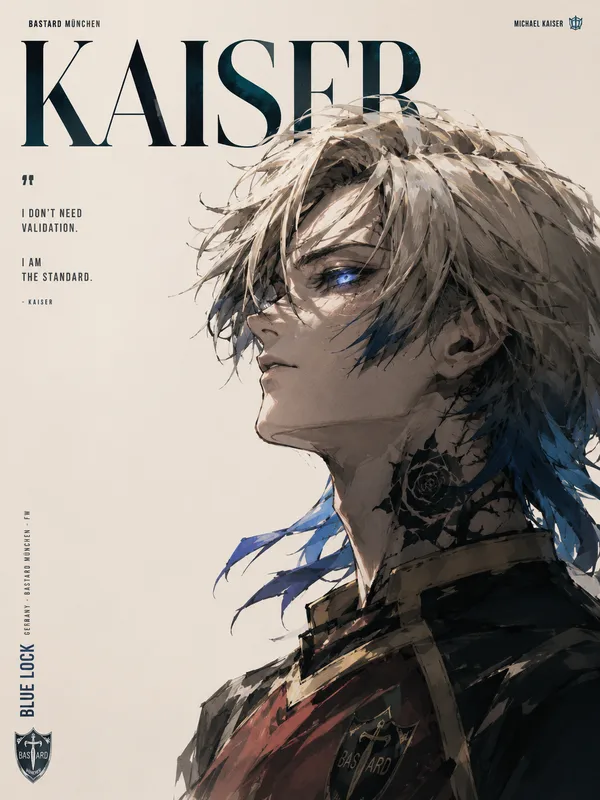
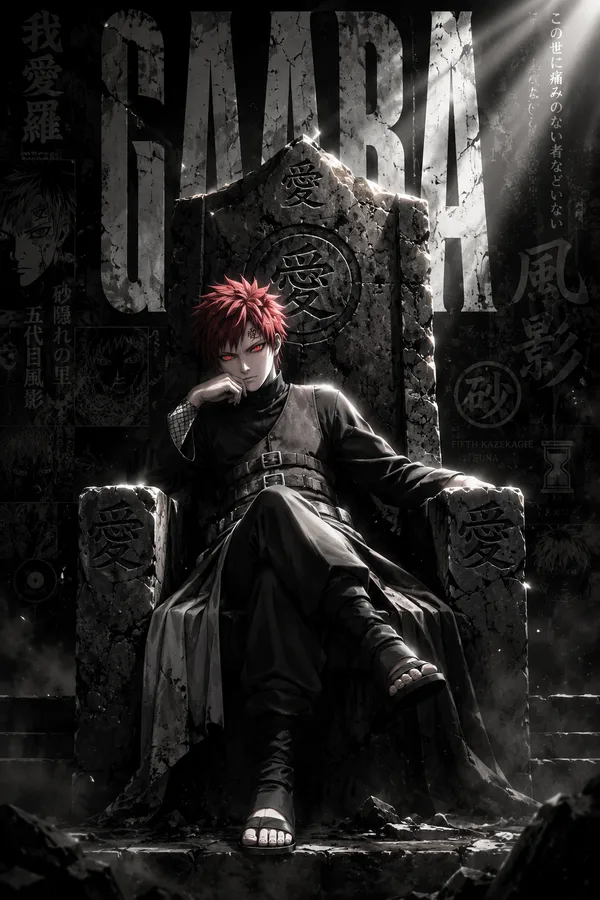
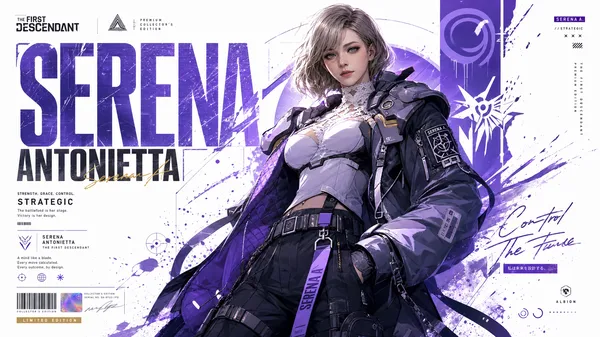
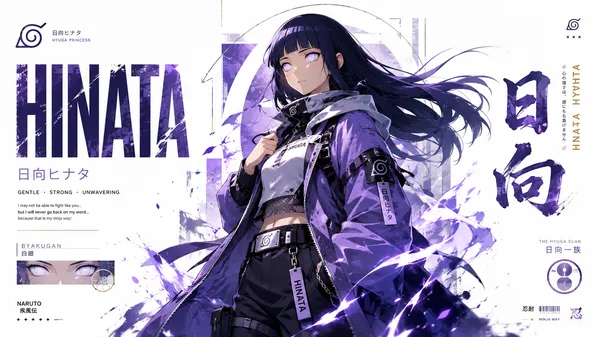
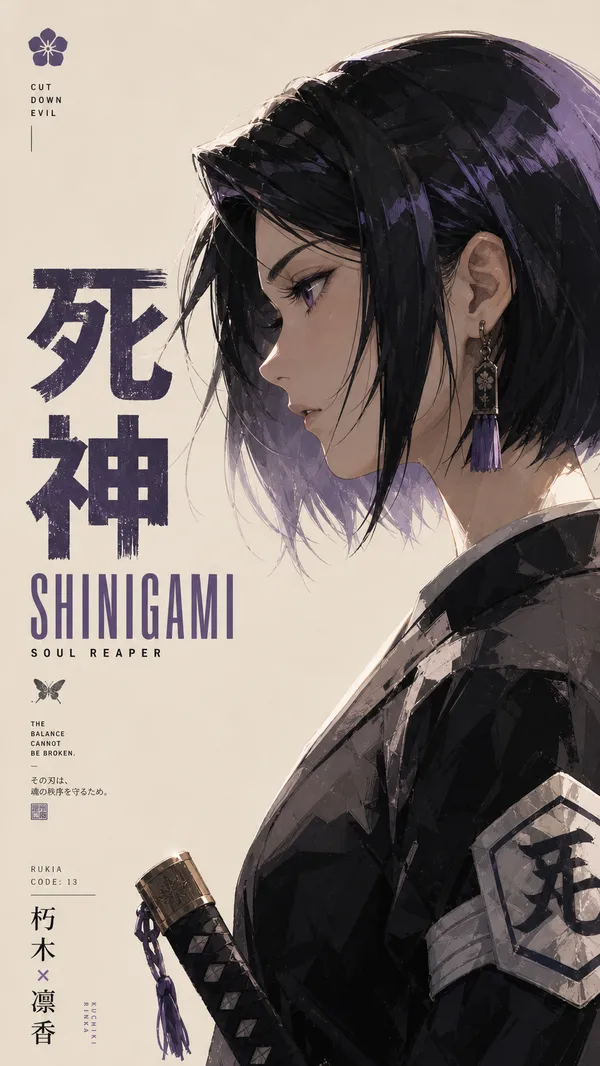
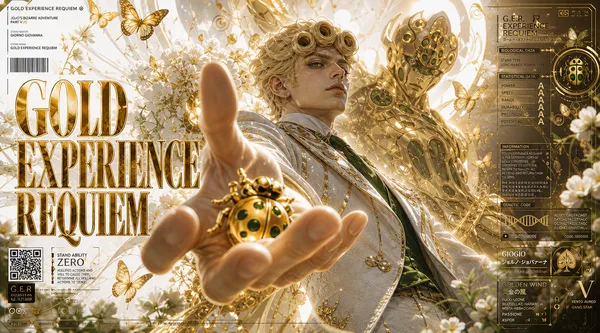
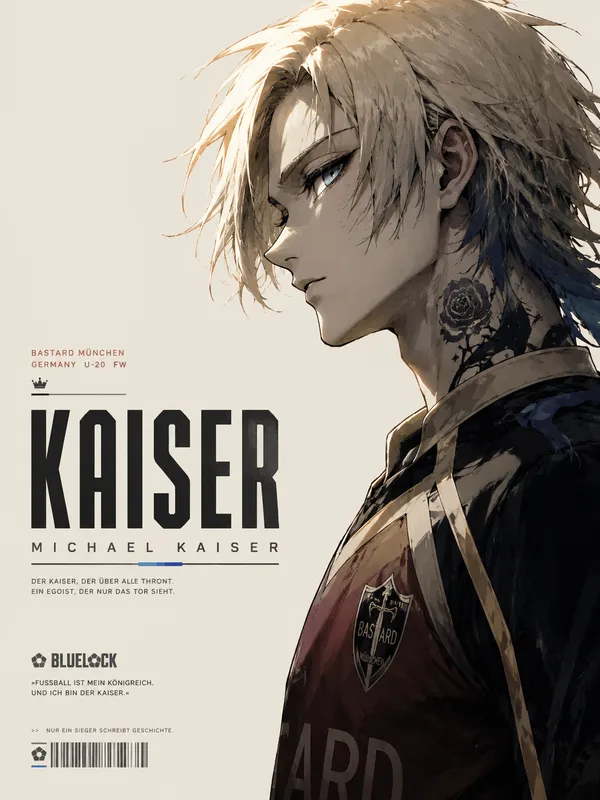
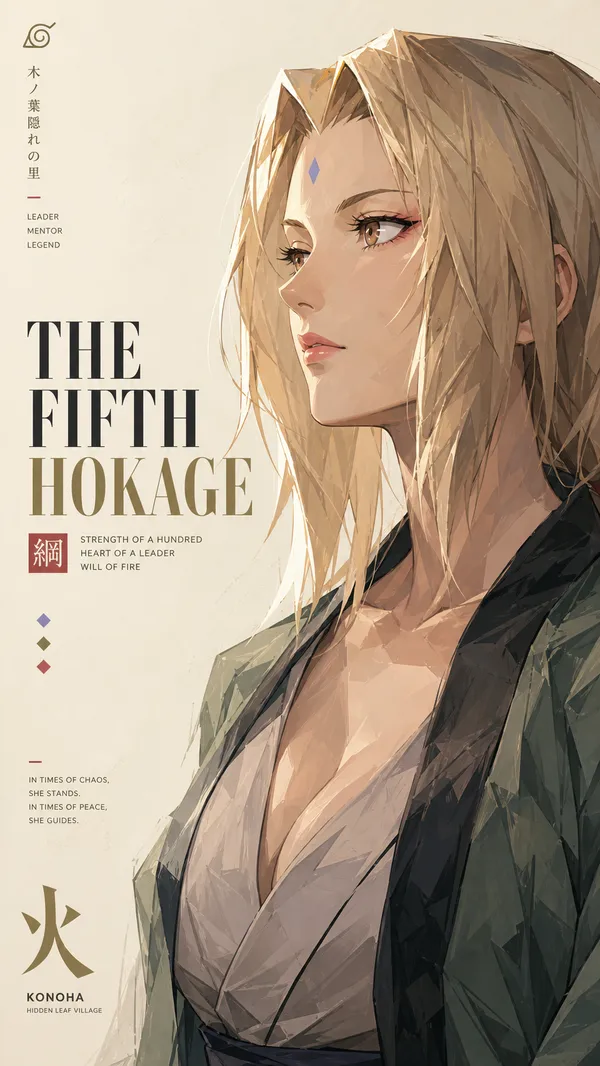
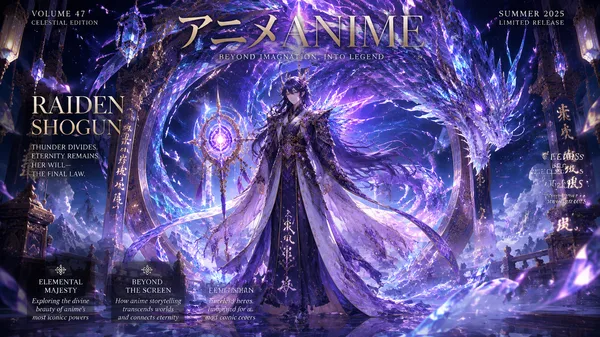
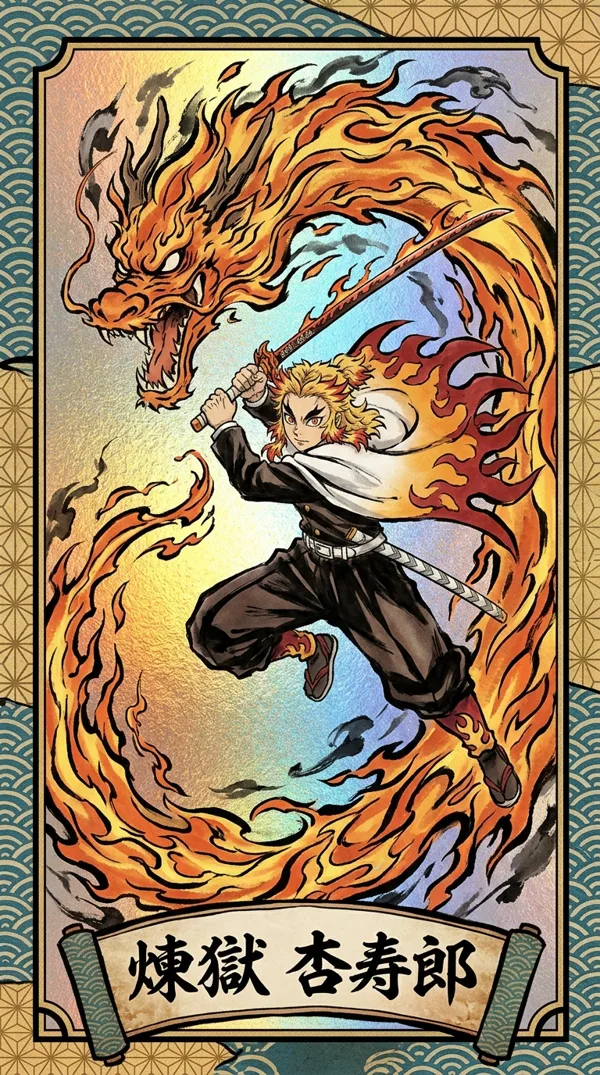
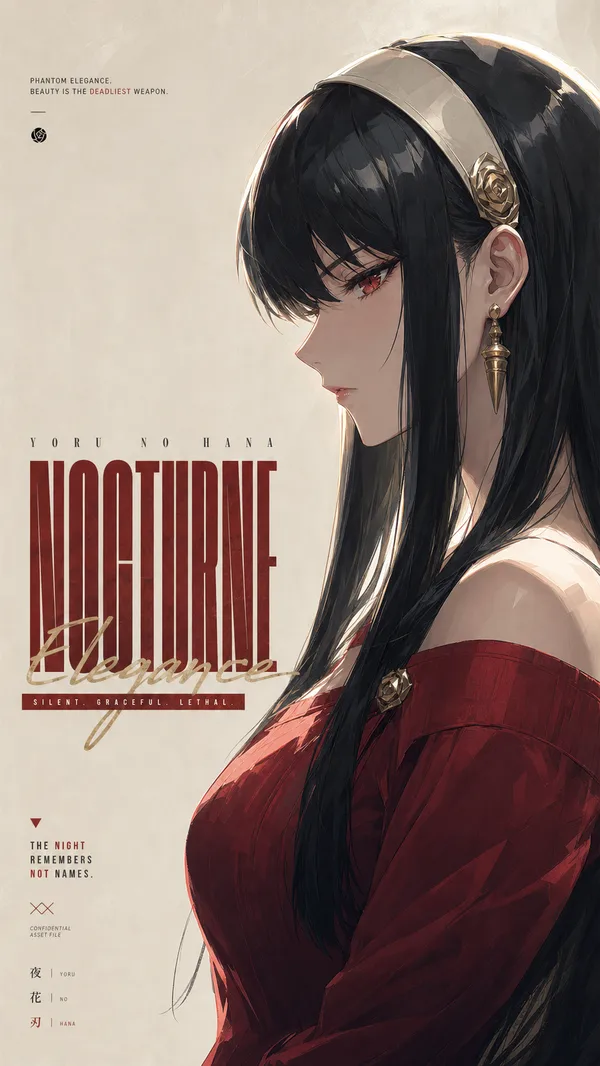
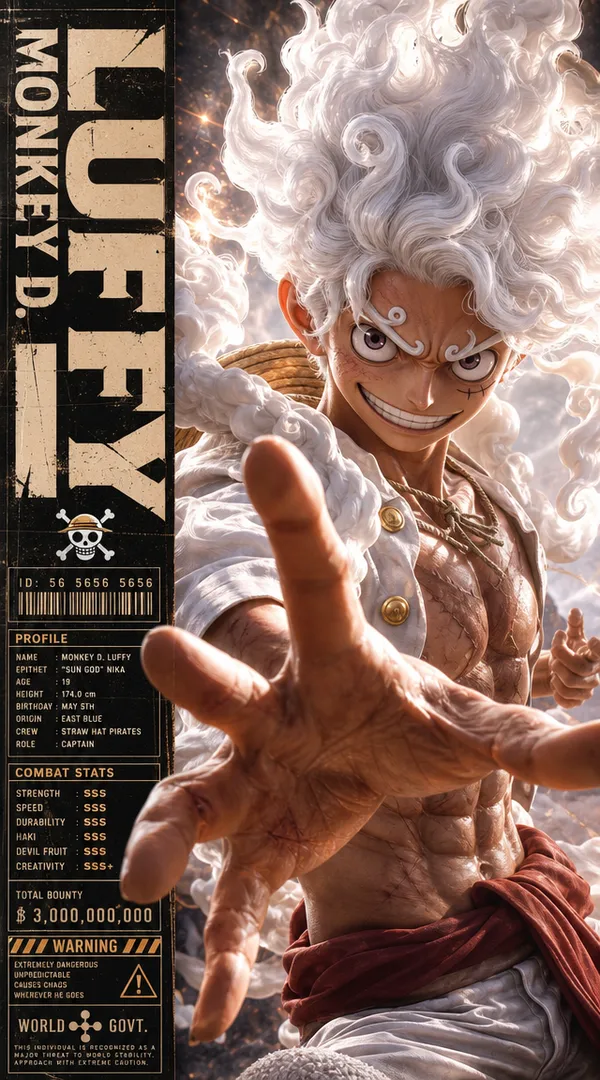
A minimalist high-fashion anime poster in vertical 9:16 format, featuring a side-profile portrait of an iconic anime male character rendered in ultra-detailed painterly anime style. The composition uses a soft warm ivory background with huge negative space, premium editorial layout, and elegant typography placement.
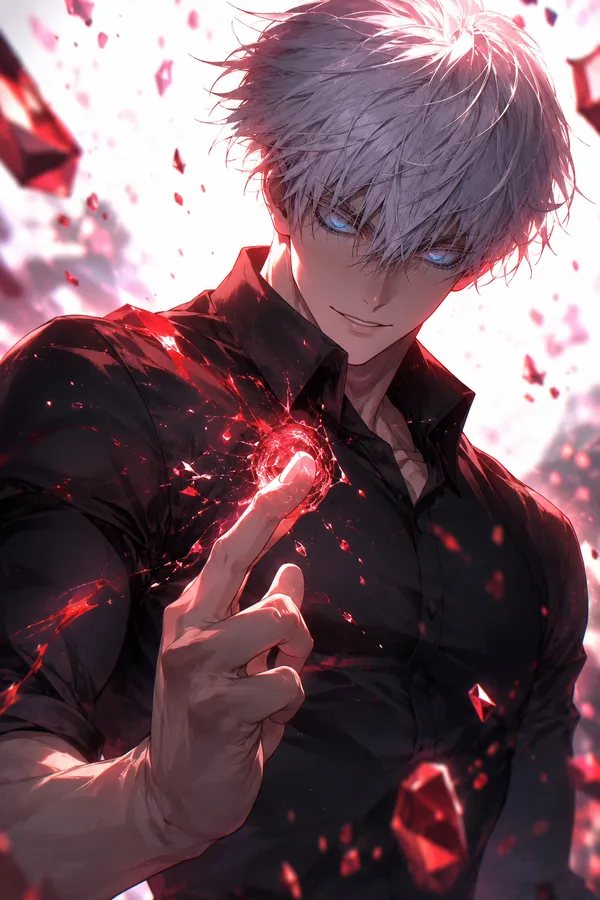
Character design: sharp side profile, expressive eyes, highly textured fluffy white hair with dynamic flowing strands, soft glowing rim light, detailed skin shading, subtle facial marks/scars, dramatic shadows, and cinematic golden-hour lighting. Outfit features layered fantasy-inspired clothing with intricate folds, textured fabric, metallic buttons, ropes, or futuristic accessories depending on the character theme.
Art style: ultra refined anime illustration mixed with luxury fashion magazine aesthetics, watercolor brush textures, painterly strokes, delicate highlights, soft film grain, realistic depth, clean silhouette, highly aesthetic composition.
Typography layout: oversized bold condensed sans-serif typography stacked vertically on the left side with the character’s name in large beige-gray letters. Add a handwritten script subtitle crossing the typography in gold or red ink style. Include tiny cinematic quotes, fictional branding text, logo marks, Japanese-inspired editorial microtext, “The BEST IS IN”, small production details, and minimal graphic symbols.
Lighting & mood: warm cinematic sunlight, soft ambient glow, luxury poster aesthetic, calm yet powerful energy, highly detailed shadows and highlights, subtle texture layering, premium anime key visual quality.
Overall feel: luxury anime editorial poster, minimalist manga exhibition artwork, cinematic character key art, modern Japanese fashion poster design, clean high-end composition, studio-quality anime masterpiece.
Remix
RemixPas encore de remix. Créez la première version.
Utiliser ce prompt d’image
- 01
Commencer avec le prompt
Copiez le prompt ou ouvrez-le avec le bouton de génération.
- 02
Apporter vos modifications
Adaptez le sujet, le décor ou les détails. Ajoutez des références si nécessaire.
- 03
Vérifier avant de générer
Vérifiez le modèle et les paramètres de sortie. Les résultats peuvent varier.