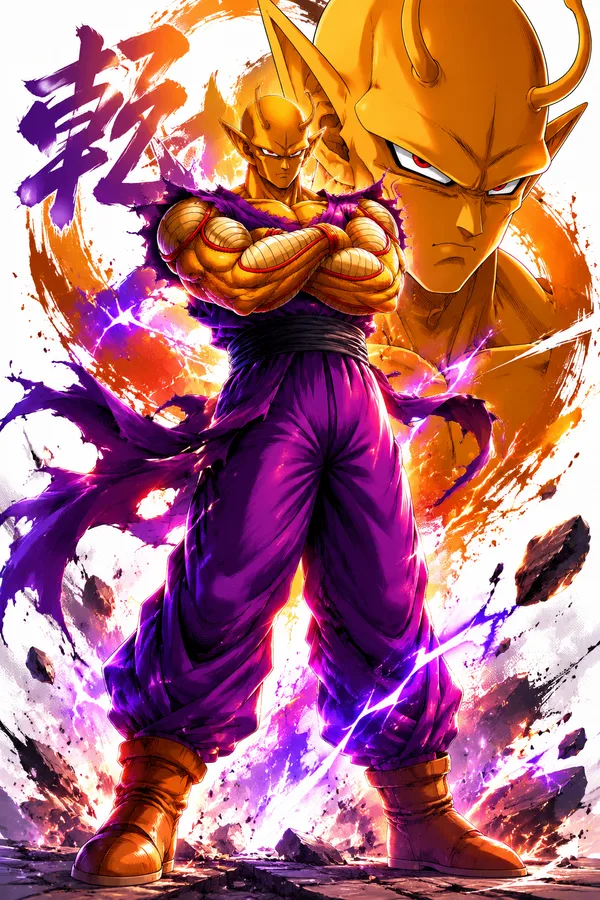
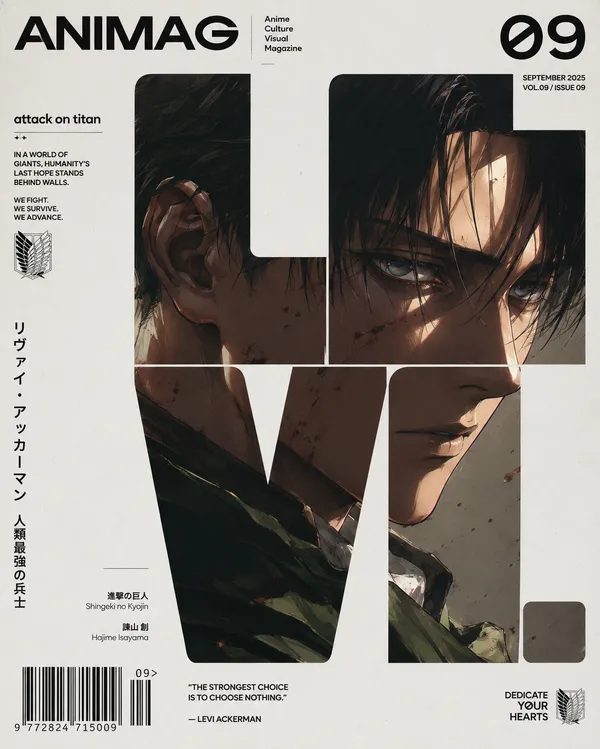
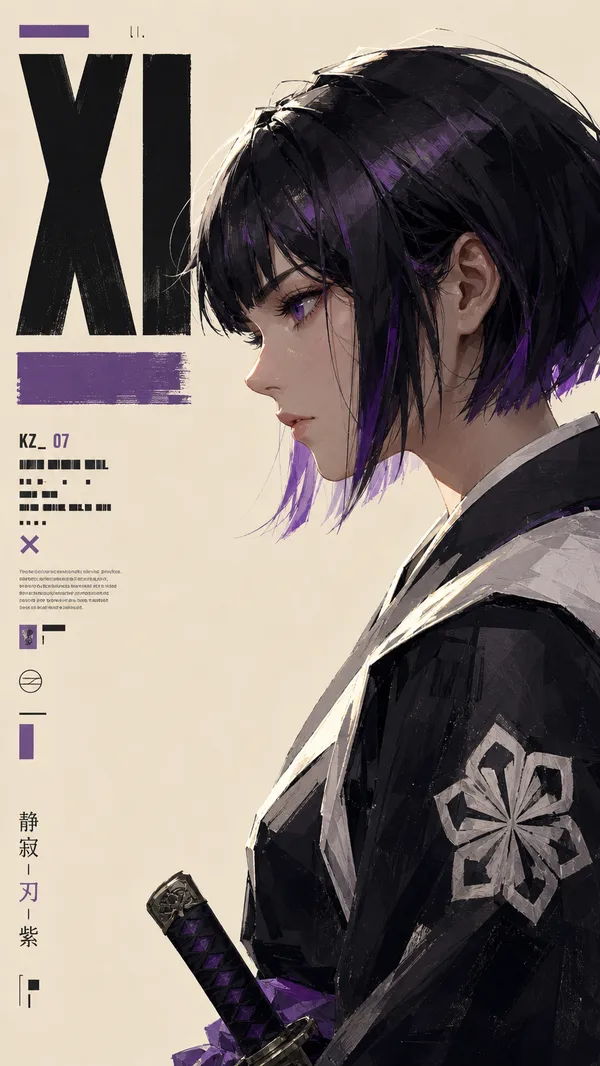
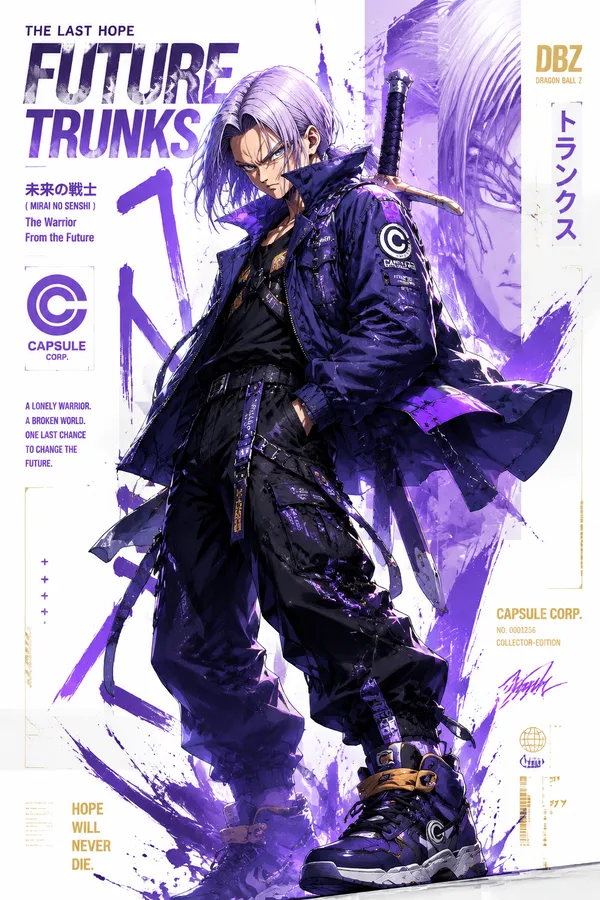
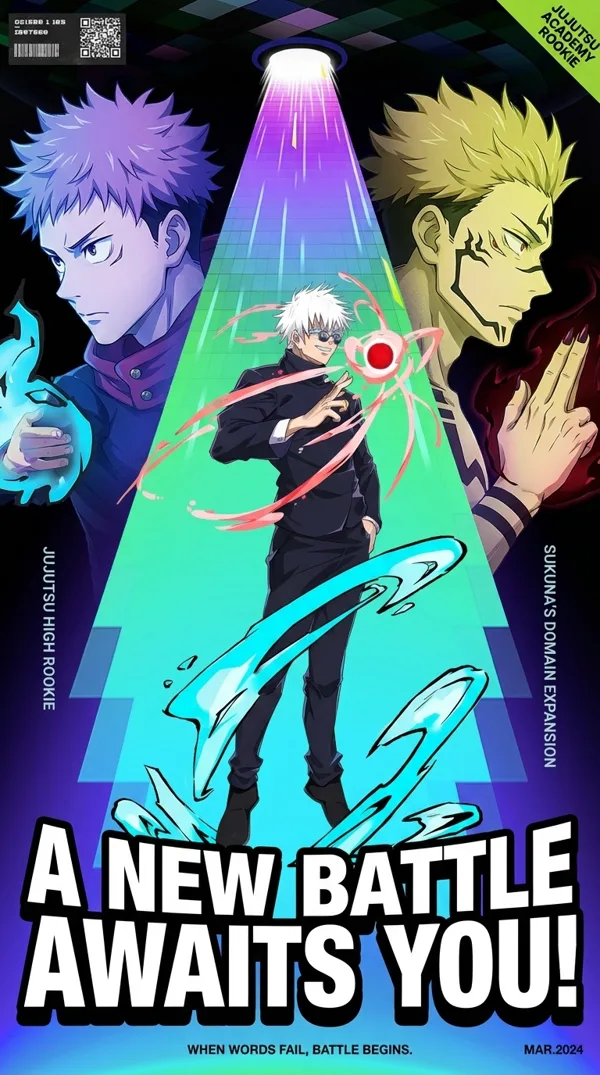
GPT Image 2.0 프롬프트 - 아이보리 톤 페인터리 애니 측면

- 화면 비율
- auto
- 화질
- 1K
프롬프트
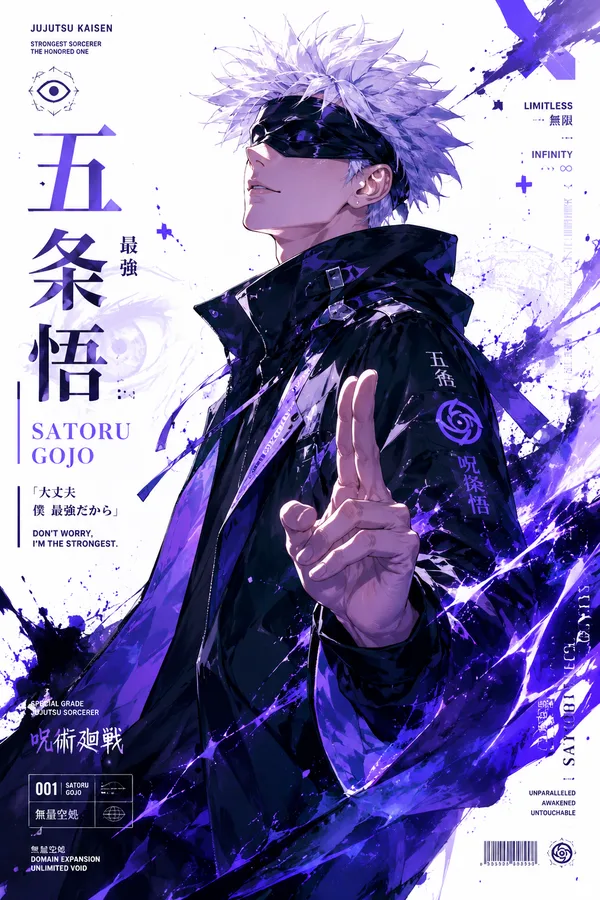
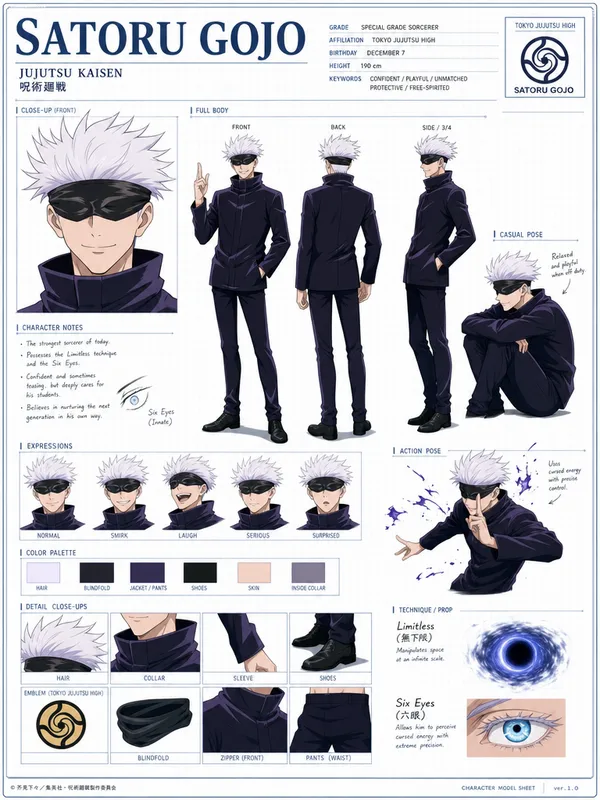
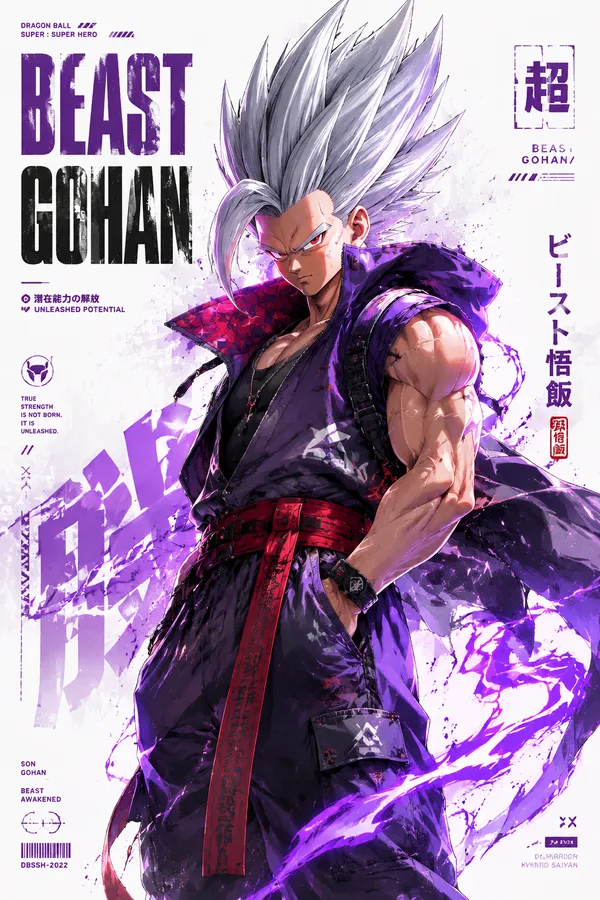
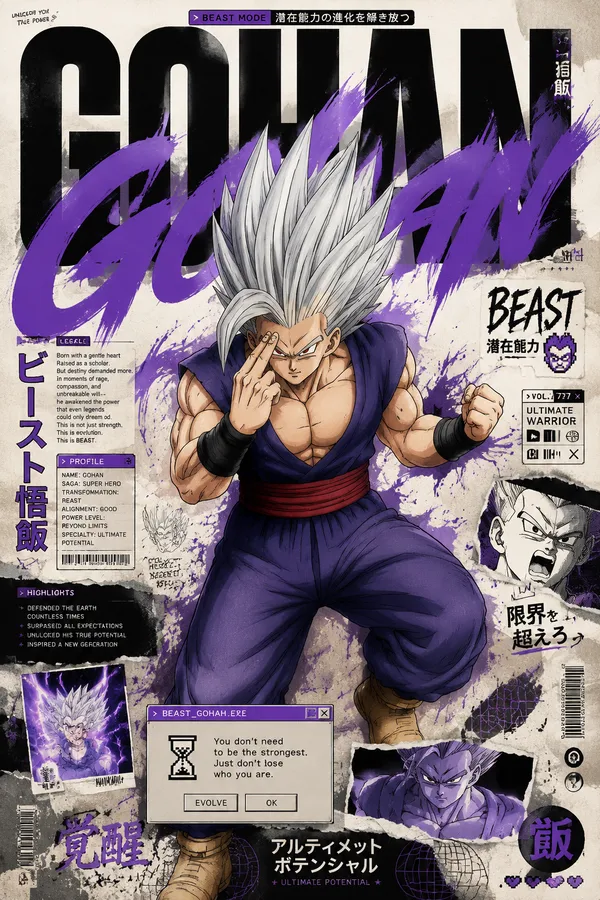
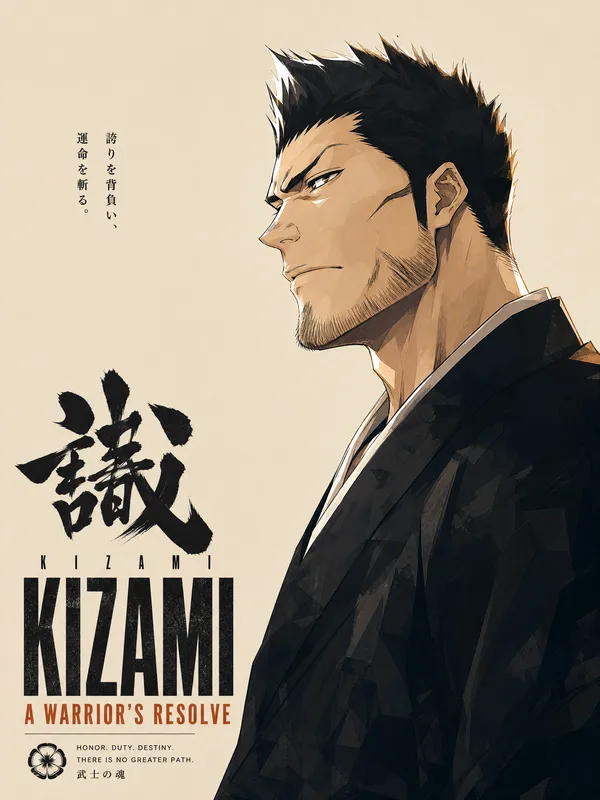
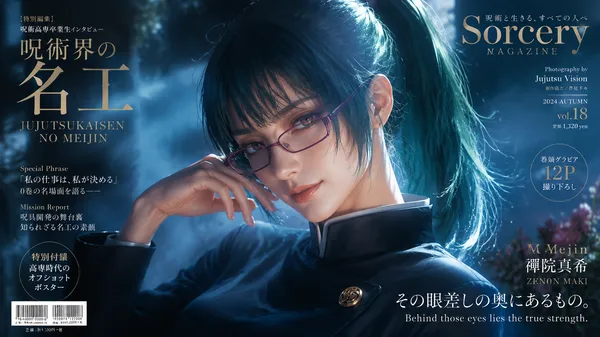
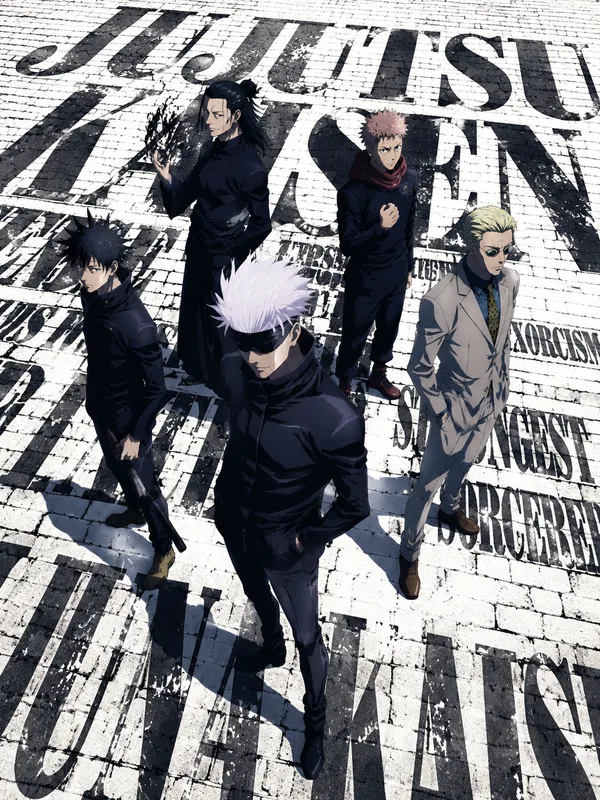
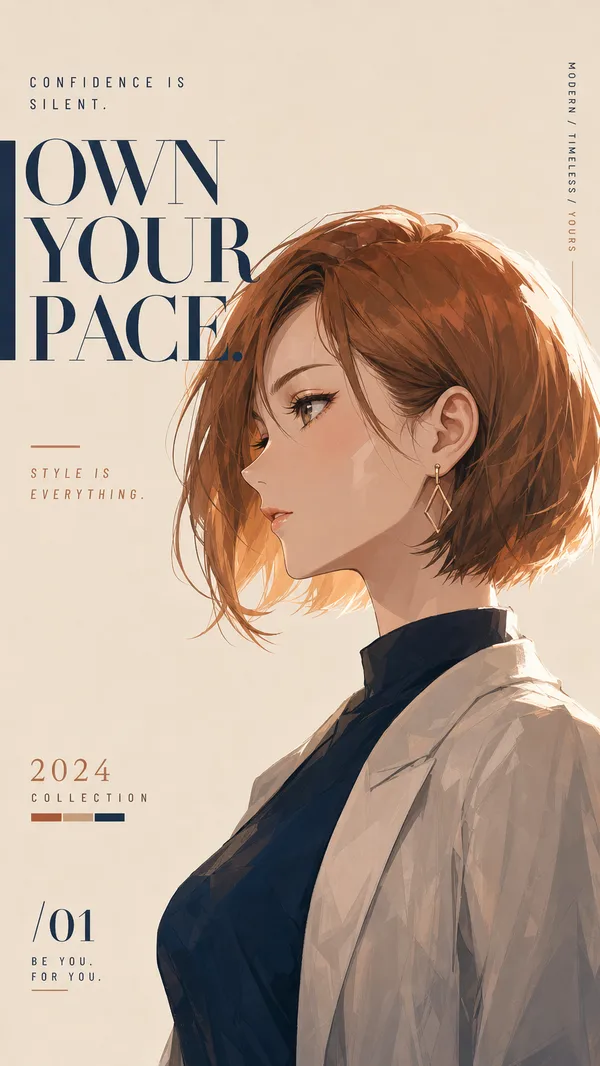
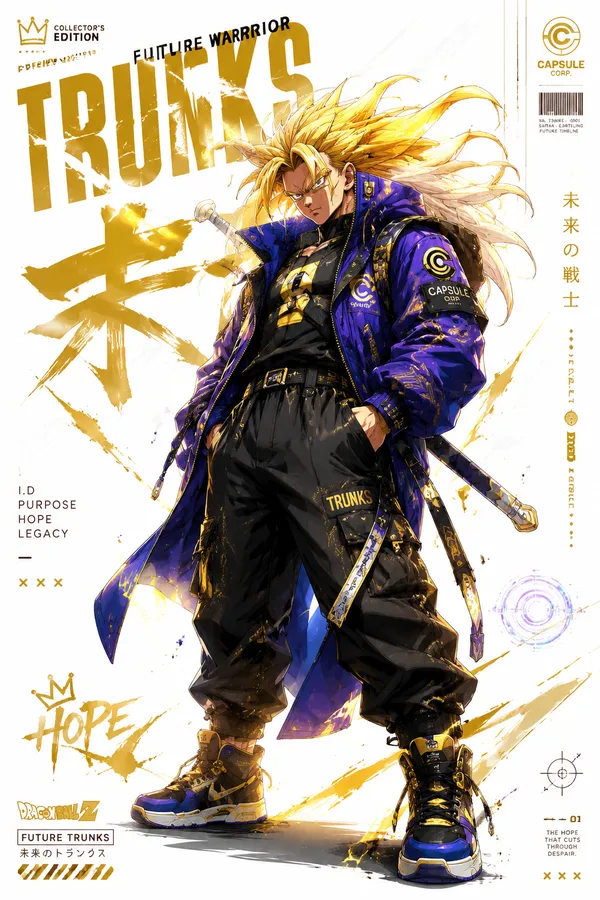
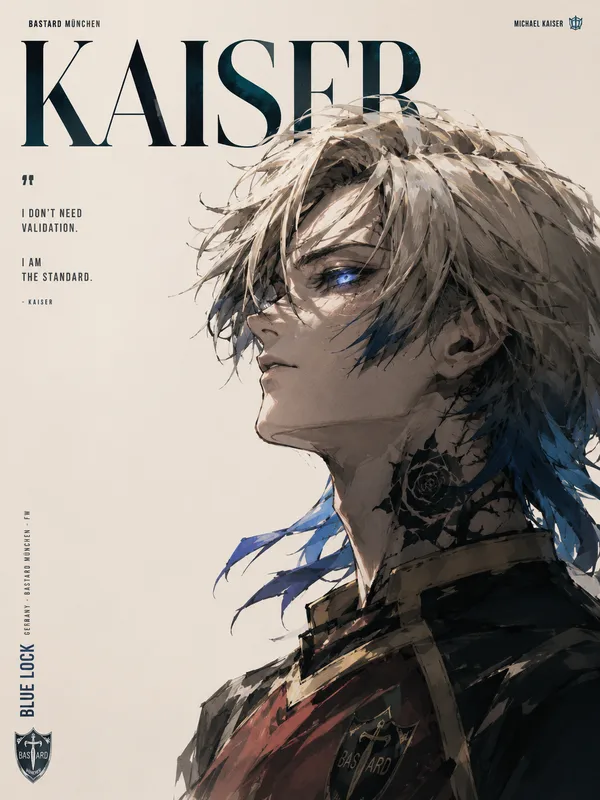
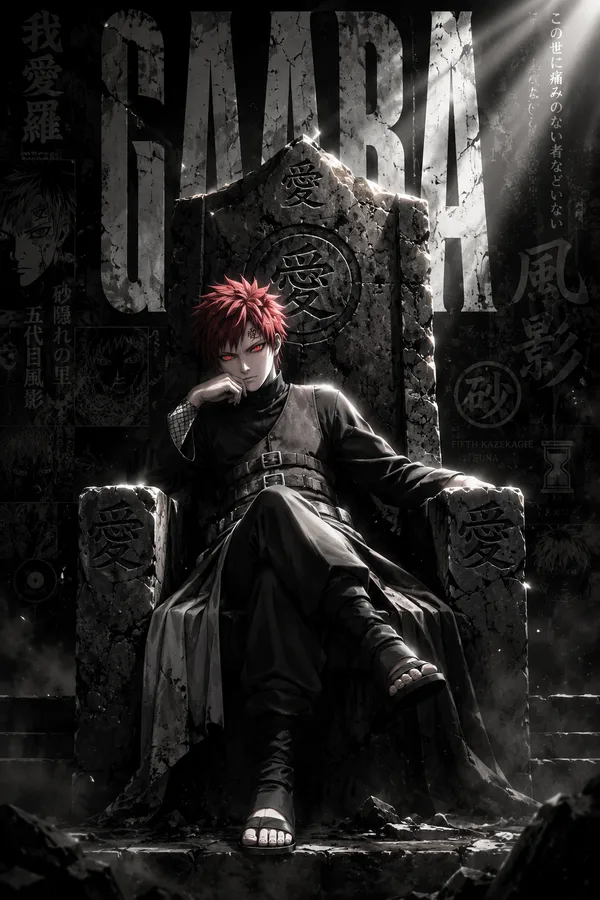
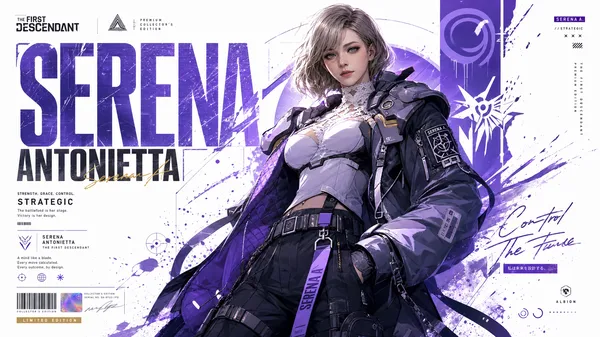
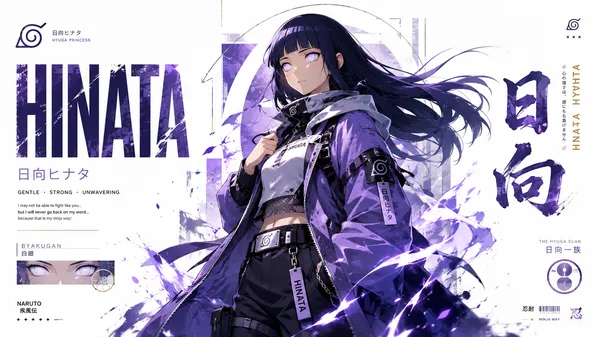
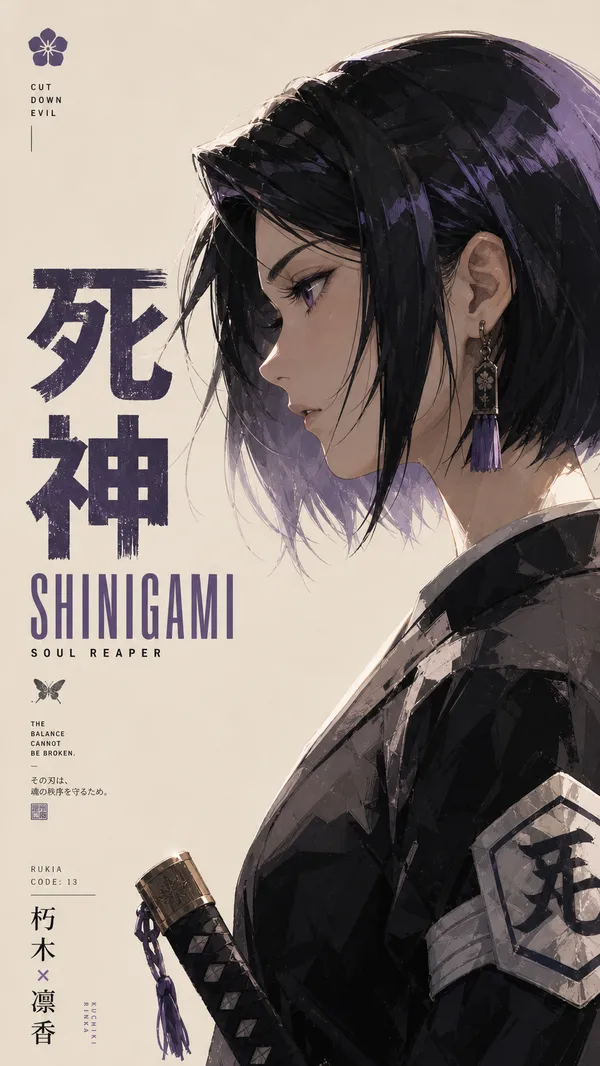
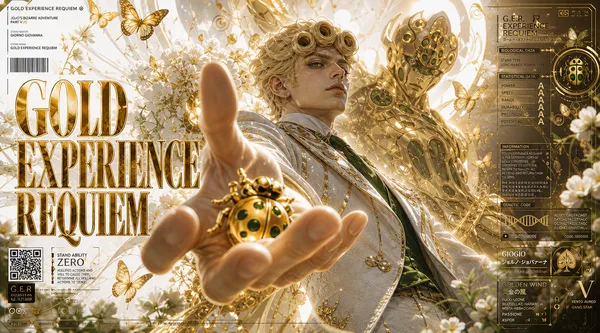
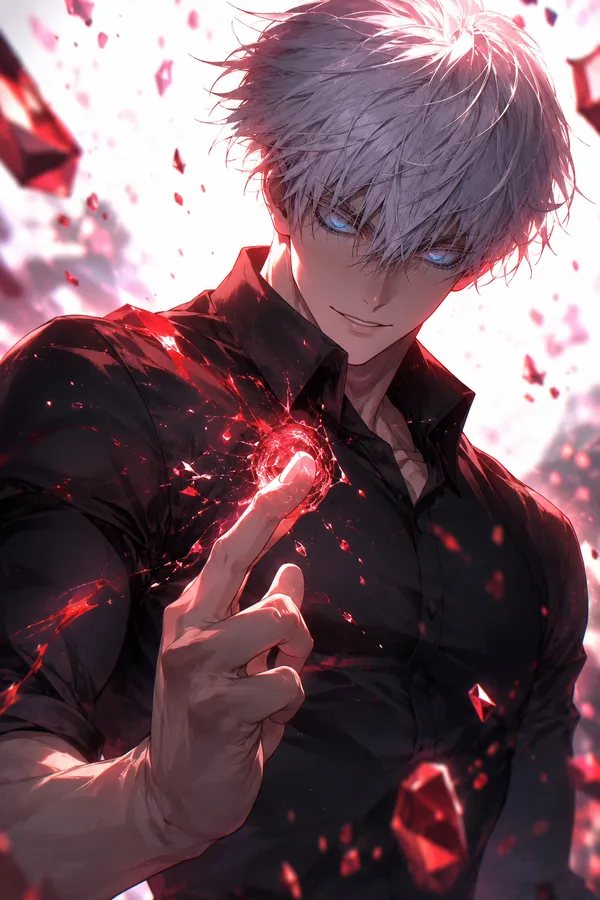
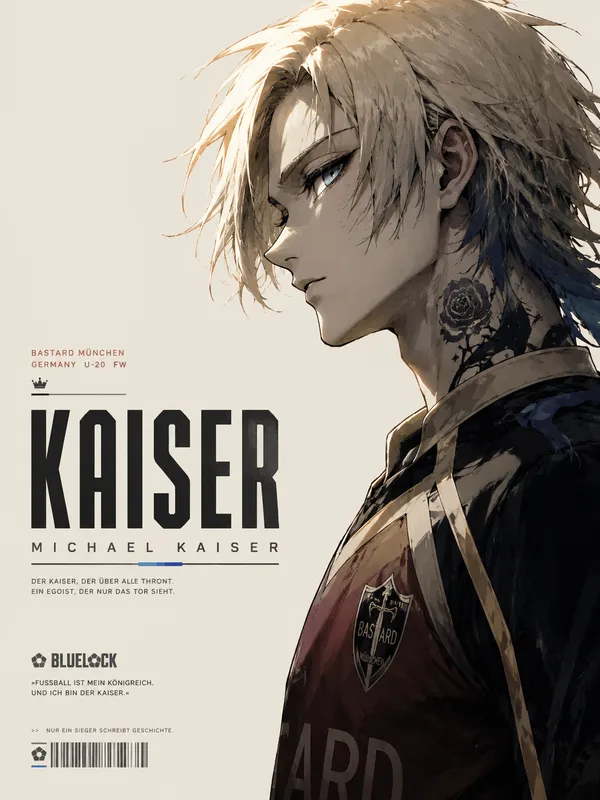
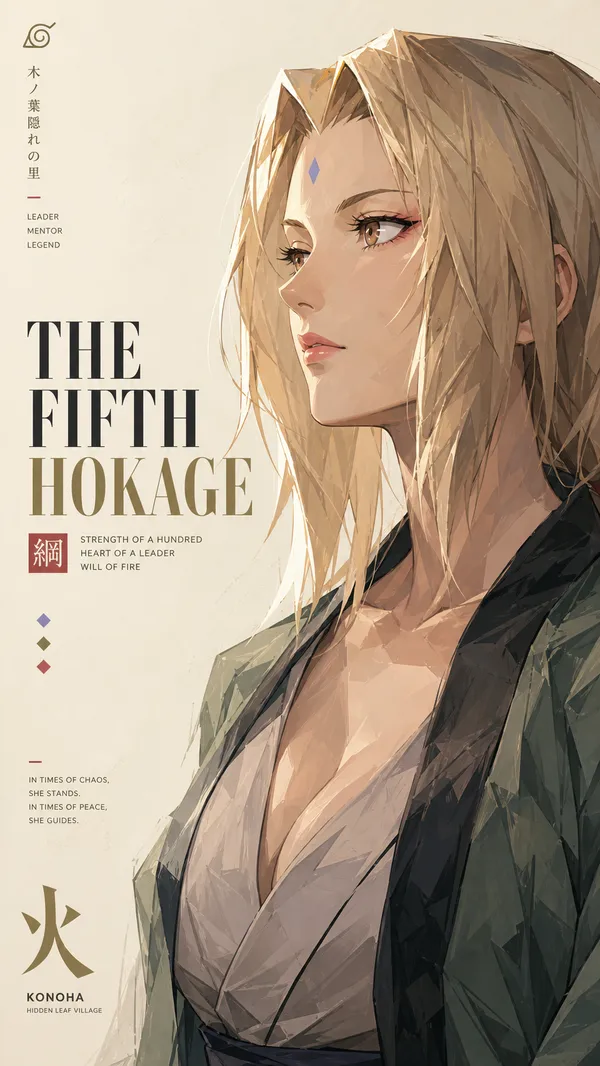
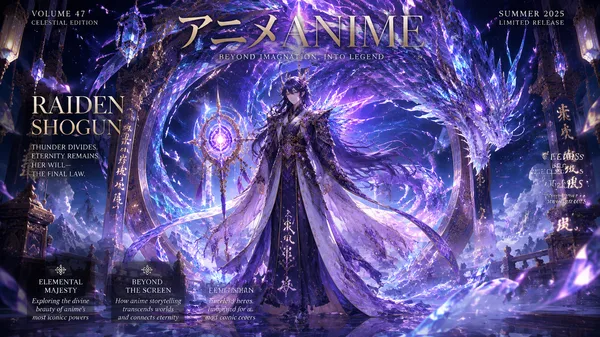
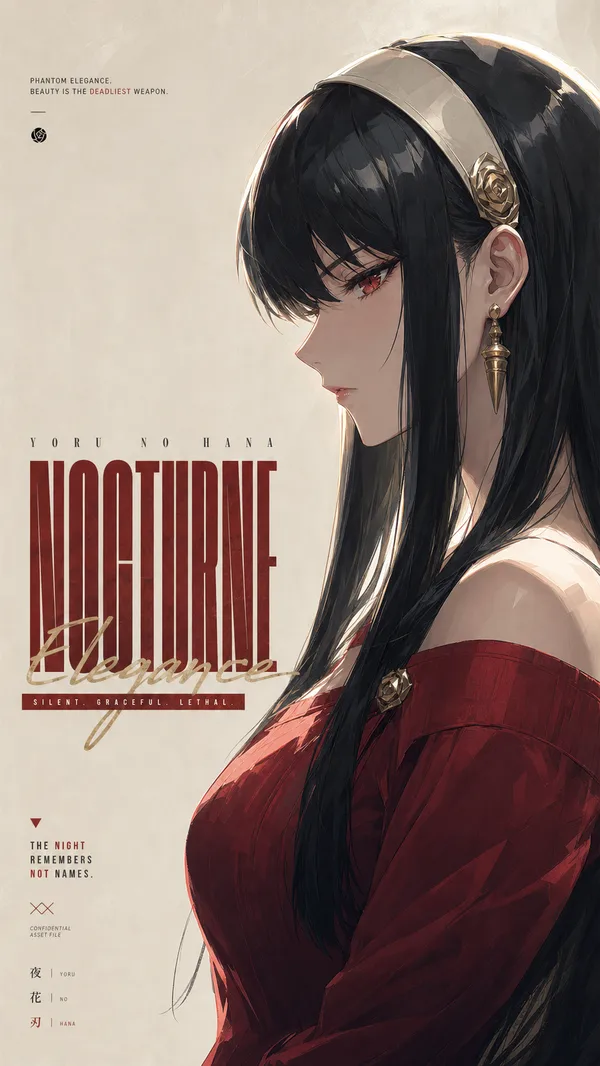
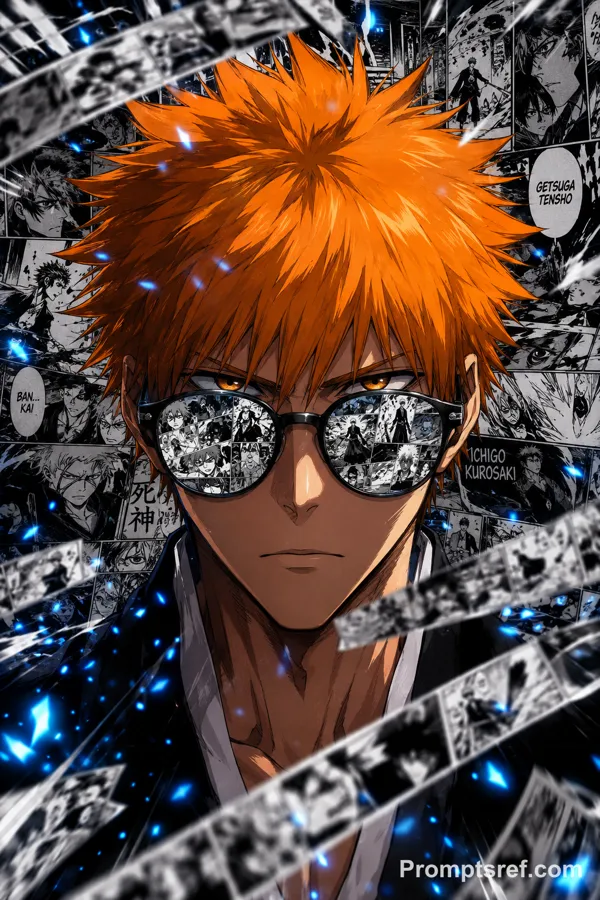
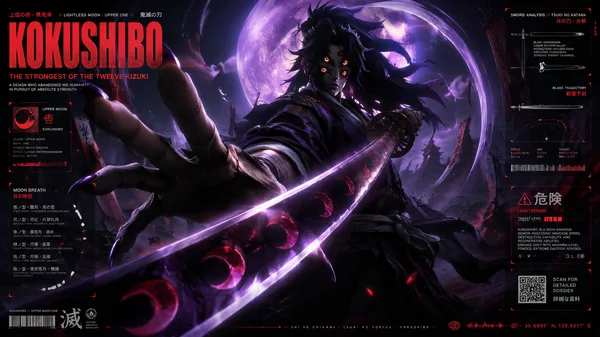
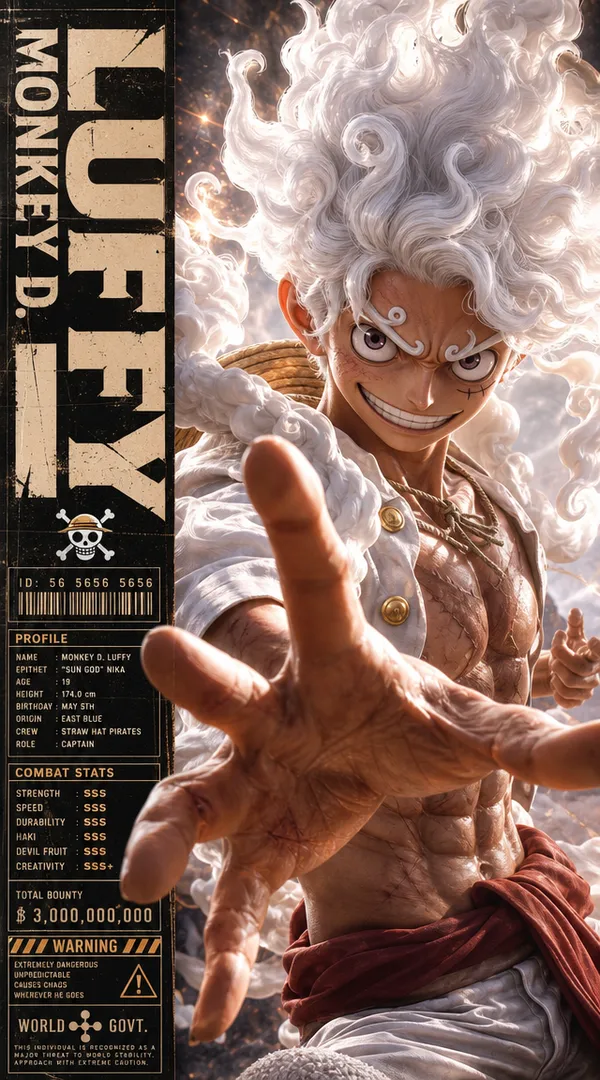
A minimalist high-fashion anime poster in vertical 9:16 format, featuring a side-profile portrait of an iconic anime male character rendered in ultra-detailed painterly anime style. The composition uses a soft warm ivory background with huge negative space, premium editorial layout, and elegant typography placement.
Character design: sharp side profile, expressive eyes, highly textured fluffy white hair with dynamic flowing strands, soft glowing rim light, detailed skin shading, subtle facial marks/scars, dramatic shadows, and cinematic golden-hour lighting. Outfit features layered fantasy-inspired clothing with intricate folds, textured fabric, metallic buttons, ropes, or futuristic accessories depending on the character theme.
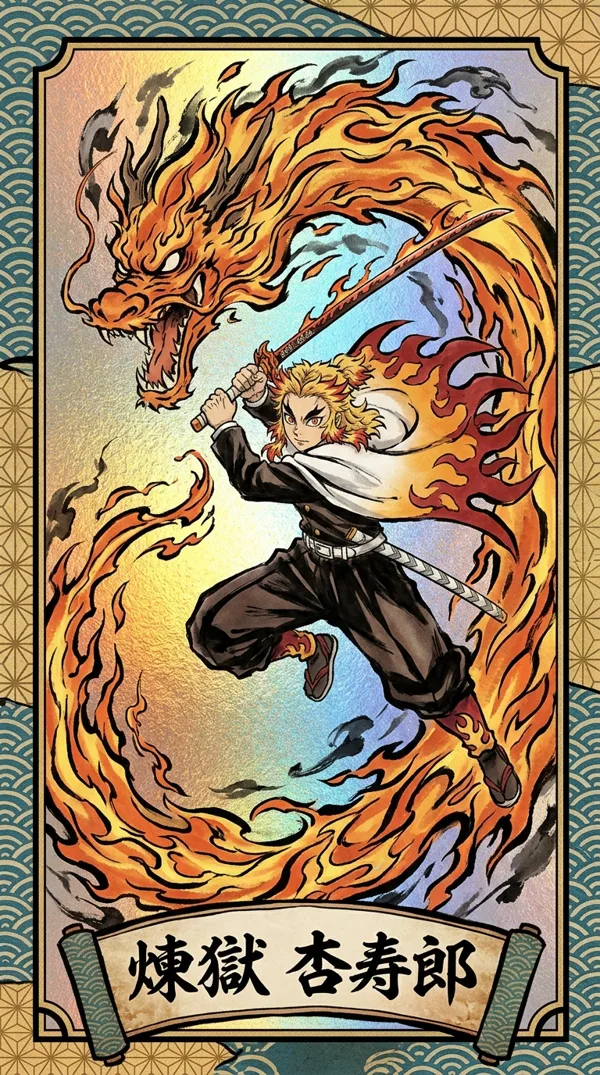
Art style: ultra refined anime illustration mixed with luxury fashion magazine aesthetics, watercolor brush textures, painterly strokes, delicate highlights, soft film grain, realistic depth, clean silhouette, highly aesthetic composition.
Typography layout: oversized bold condensed sans-serif typography stacked vertically on the left side with the character’s name in large beige-gray letters. Add a handwritten script subtitle crossing the typography in gold or red ink style. Include tiny cinematic quotes, fictional branding text, logo marks, Japanese-inspired editorial microtext, “The BEST IS IN”, small production details, and minimal graphic symbols.
Lighting & mood: warm cinematic sunlight, soft ambient glow, luxury poster aesthetic, calm yet powerful energy, highly detailed shadows and highlights, subtle texture layering, premium anime key visual quality.
Overall feel: luxury anime editorial poster, minimalist manga exhibition artwork, cinematic character key art, modern Japanese fashion poster design, clean high-end composition, studio-quality anime masterpiece.
리믹스 작품
리믹스아직 리믹스가 없어요. 첫 번째 버전을 만들어 보세요.
이 이미지 프롬프트 사용하기
- 01
프롬프트로 시작하기
프롬프트를 복사하거나 생성 버튼으로 여세요.
- 02
나만의 아이디어 더하기
주제, 배경, 세부 사항을 조정하고 필요하면 참고 자료를 추가하세요.
- 03
생성 전 확인하기
모델과 출력 설정을 확인하세요. 생성 결과는 매번 다를 수 있습니다.