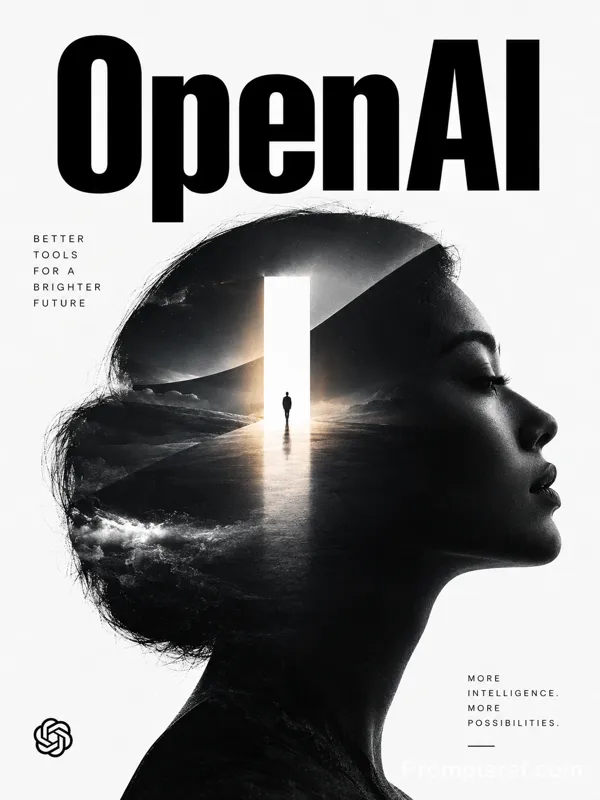
GPT Image 2.0 Prompt - Affiche éditoriale de la masterclass OpenAI

- Modèle
- GPT Image 2.0
- Format
- 16:9
- Qualité
- 1K
Prompt
You are a senior Art Director specializing in luxury editorial technology branding and minimalist AI campaign design.
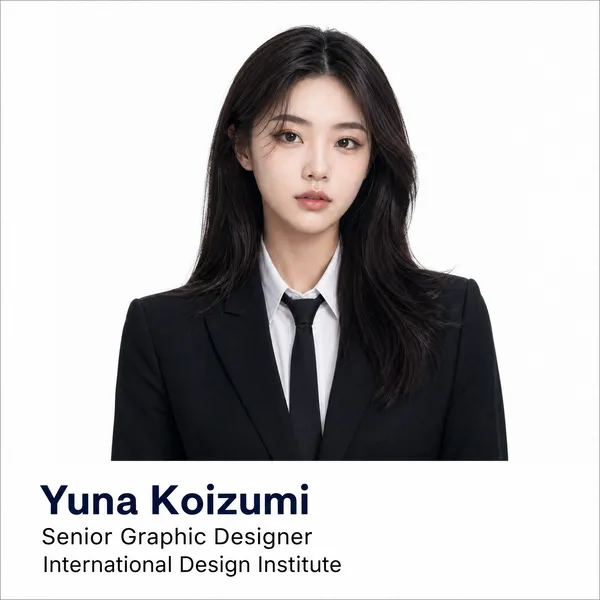
Create a premium promotional poster for an OpenAI workshop using the uploaded logo (@logo) and trainer image (@trainer).
IMPORTANT:
The final result must feel like an official OpenAI creative campaign —
NOT a generic workshop flyer.
The design must resemble:
OpenAI product launches,
Sam Altman keynote aesthetics,
modern AI operating systems,
editorial technology magazines,
minimal premium interface design.
OPENAI BRAND DNA
OpenAI is NOT:
• playful
• colorful
• startup-heavy
• corporate marketing
OpenAI IS:
• intelligent
• quiet
• editorial
• minimal
• futuristic
• system-oriented
• research-driven
The atmosphere should feel:
calm,
premium,
intentional,
highly intelligent.
CORE VISUAL DIRECTION
Minimal editorial composition.
Use:
• asymmetrical layout
• large negative space
• restrained design system
• subtle interface layering
• premium typography hierarchy
• calm futuristic atmosphere
• clean modular structure
Avoid:
• colorful gradients everywhere
• workshop-card overload
• corporate icon grids
• excessive holograms
• startup-style compositions
• Google-style playful layouts
COLOR SYSTEM
Primary colors:
• warm white
• off-white
• soft ivory
• graphite black
• muted charcoal
Accent colors:
• subtle emerald green
• soft sage glow
• muted monochrome gradients
Use color sparingly.
The poster should feel:
refined,
quiet,
editorial.
BACKGROUND
Minimal OpenAI-inspired environment.
Use:
• soft matte gradients
• architectural whitespace
• subtle interface blur
• premium depth layering
• gentle ambient shadows
• restrained futuristic atmosphere
Background should feel:
clean,
silent,
intelligent.
TRAINER TREATMENT
The trainer should feel:
• thoughtful
• visionary
• intelligent
• modern
• editorial
Portrait style:
• luxury magazine photography
• soft cinematic grading
• natural premium skin tones
• calm facial expression
• sophisticated styling
Integration:
• partially intersected by subtle interface panels
• softly blended into composition
• integrated with restrained glass structures
NOT:
• dramatic sci-fi integration
• floating in holographic chaos
• exaggerated VFX
WARDROBE
Minimal luxury styling:
• monochrome clothing
• black / off-white palette
• subtle textures
• modern founder aesthetic
• quiet luxury fashion
Think:
OpenAI researcher × Apple keynote speaker × modern creative director.
INTERFACE DESIGN
Use subtle conversational AI elements:
• minimal chat windows
• soft modular cards
• blurred interface systems
• clean AI prompts
• understated UI layers
UI should feel:
real,
minimal,
product-focused.
Avoid:
• neon dashboard overload
• colorful AI graphics
• excessive floating panels
TYPOGRAPHY
Typography is the main design language.
Massive restrained headline:
“OPENAI
MASTERCLASS”
Style:
• oversized typography
• editorial spacing
• clean sans-serif
• minimalist hierarchy
• quiet confidence
Subheadline:
“Build Smarter Systems with AI”
Typography should dominate composition elegantly.
WORKSHOP DETAILS
Keep details minimal and refined.
Include:
📅 Date
🕒 Time
📍 Online Session
🎓 Certificate Included
Topics:
• Prompt Engineering
• AI Workflows
• Automation Systems
• AI Productivity
• Creative Intelligence
CTA SECTION
Minimal premium button:
“REGISTER NOW”
Style:
• understated
• monochrome
• subtle emerald accent
• premium material finish
LIGHTING
Soft editorial lighting.
Use:
• subtle directional light
• calm shadows
• soft highlights
• restrained reflections
• cinematic realism
Avoid:
• aggressive glow
• heavy neon
• dramatic cyberpunk lighting
STYLE REFERENCES
OpenAI
Linear
Notion
Arc Browser
Apple WWDC
modern editorial technology magazines
premium AI operating system branding
Remix
RemixPas encore de remix. Créez la première version.
Utiliser ce prompt d’image
- 01
Commencer avec le prompt
Copiez le prompt ou ouvrez-le avec le bouton de génération.
- 02
Apporter vos modifications
Adaptez le sujet, le décor ou les détails. Ajoutez des références si nécessaire.
- 03
Vérifier avant de générer
Vérifiez le modèle et les paramètres de sortie. Les résultats peuvent varier.