GPT Image 2.0 Prompt - Modèle de campagne sociale pour produit alimentaire

- Modèle
- GPT Image 2.0
- Format
- 3:4
- Qualité
- 1k
Prompt
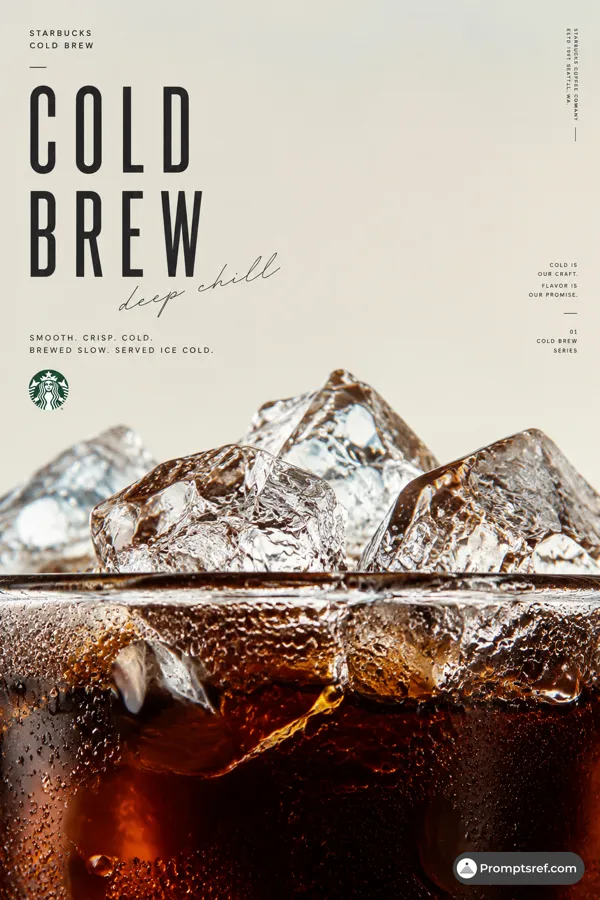
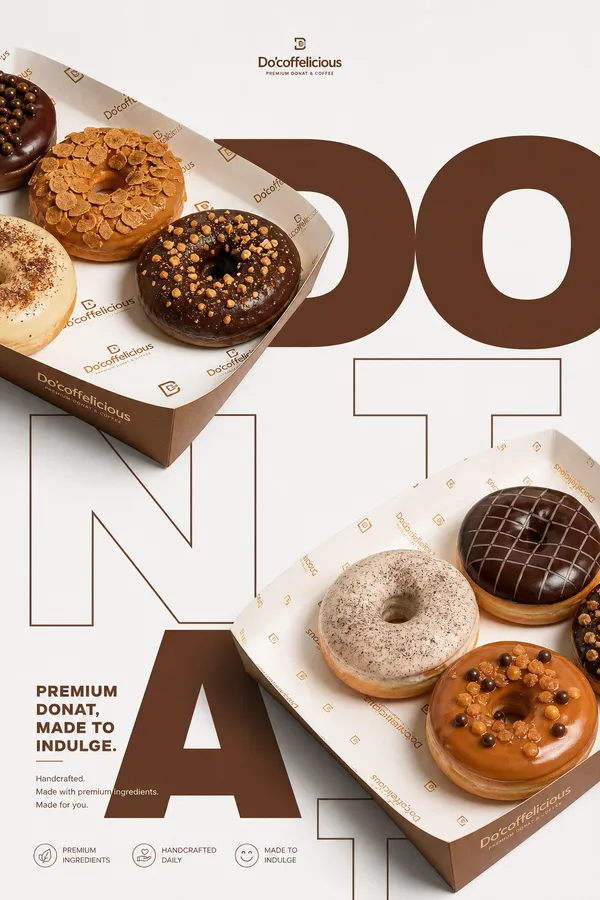
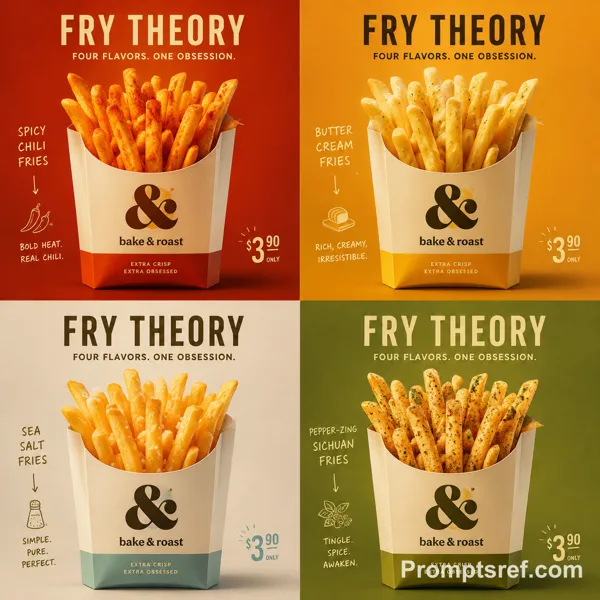
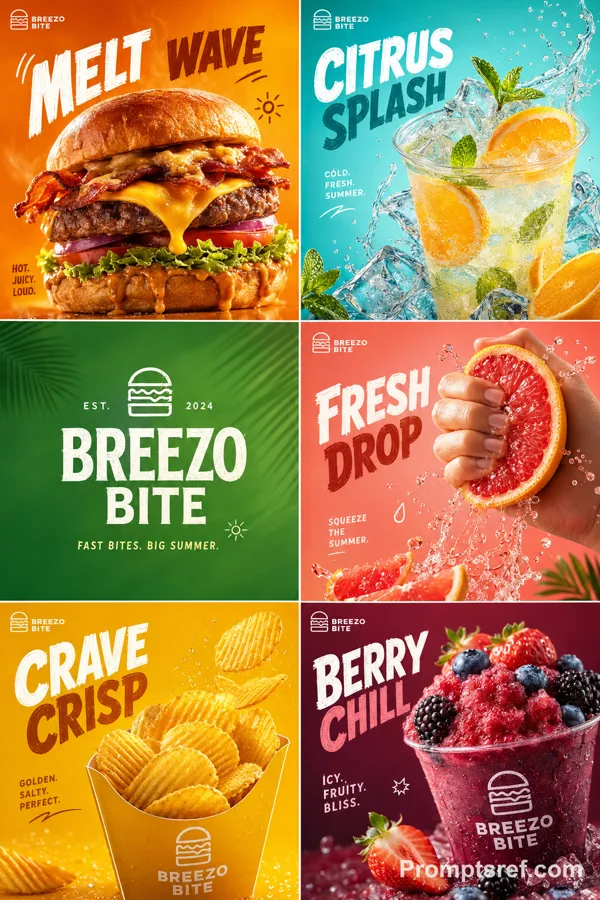
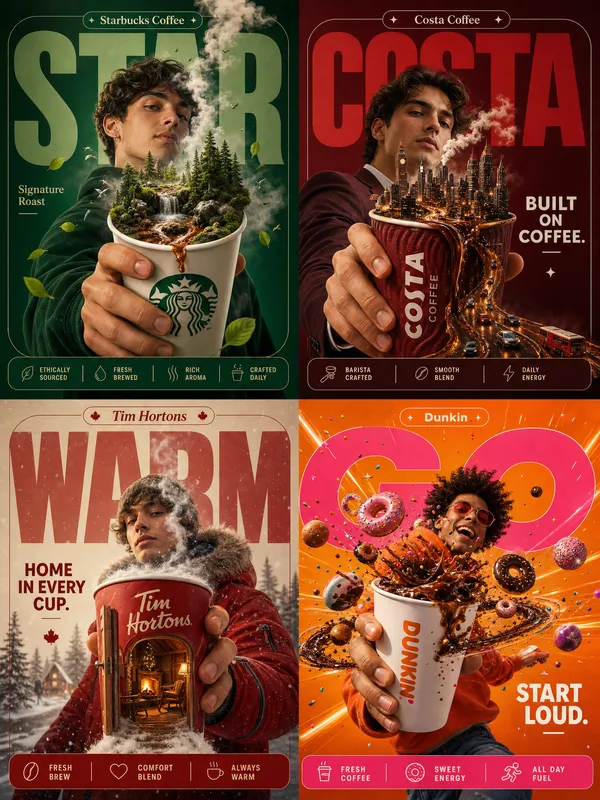
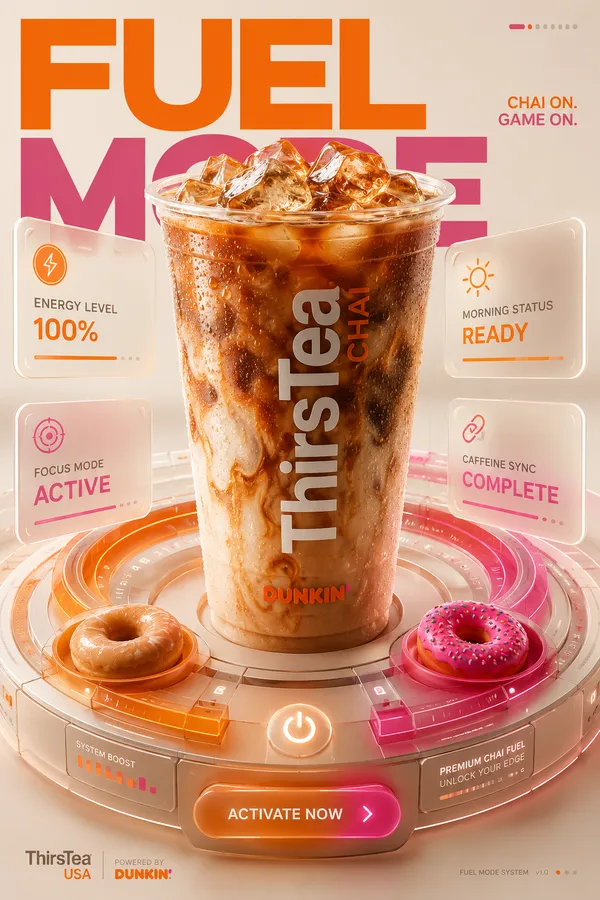
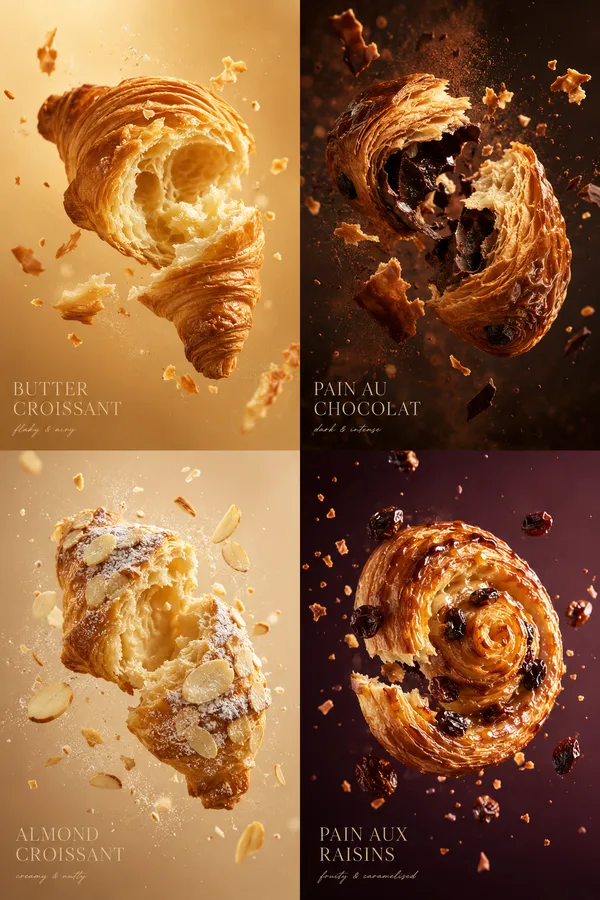
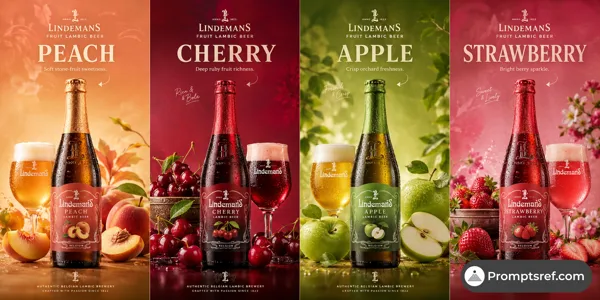
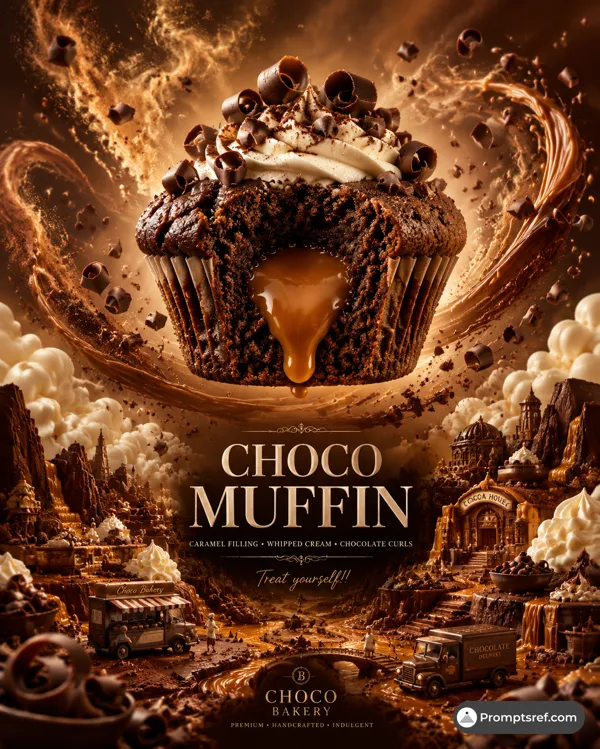
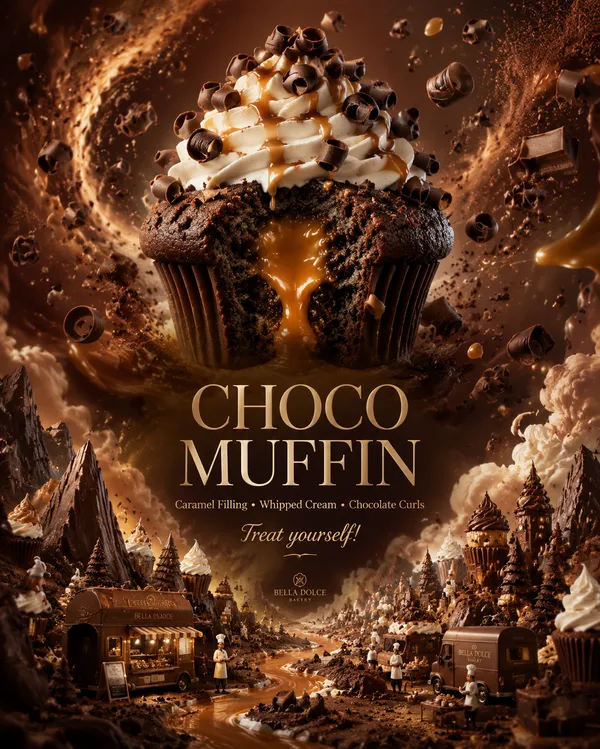
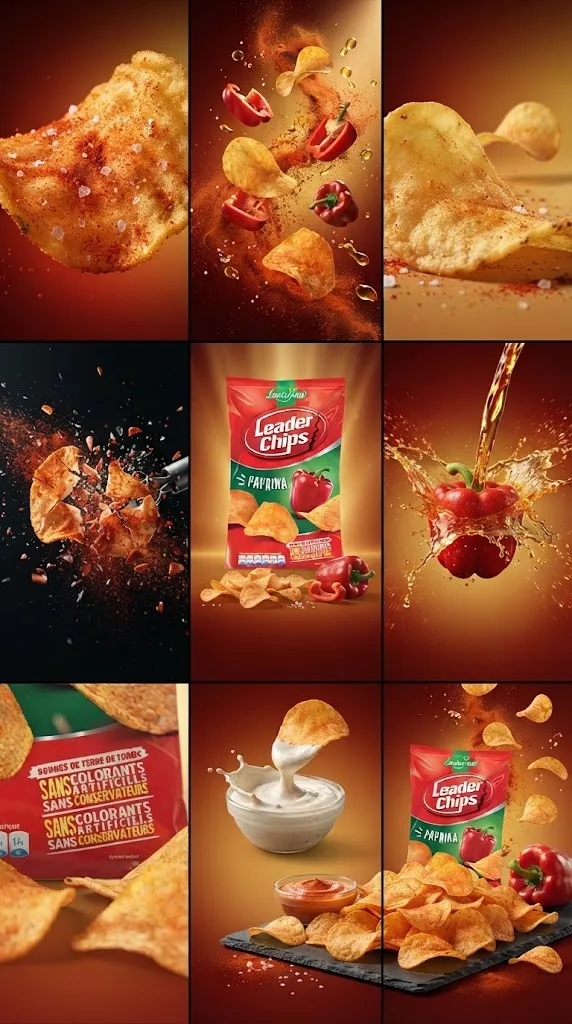
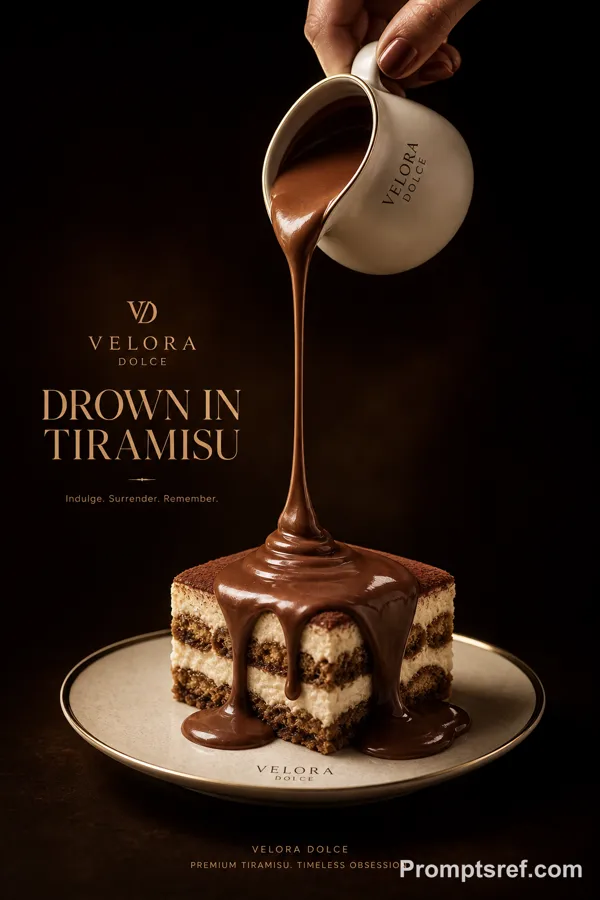
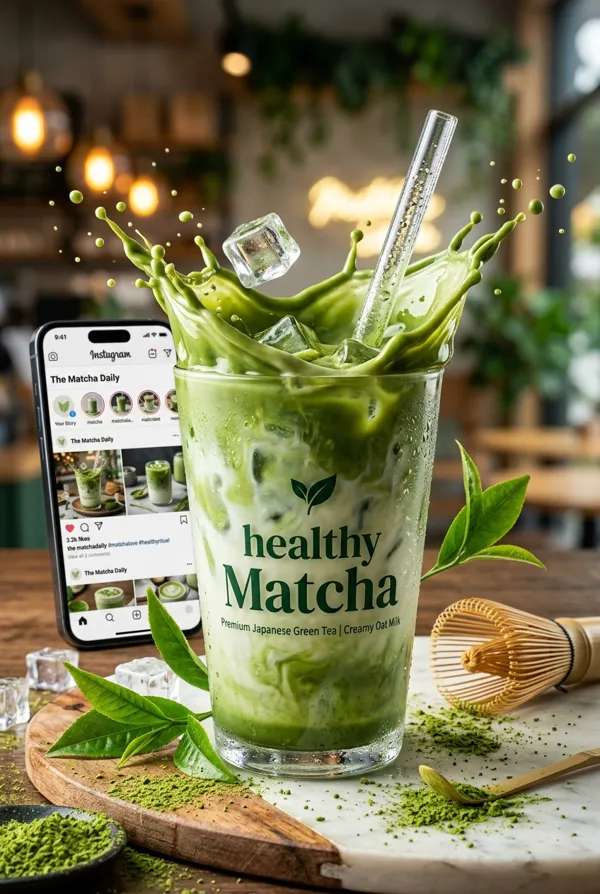
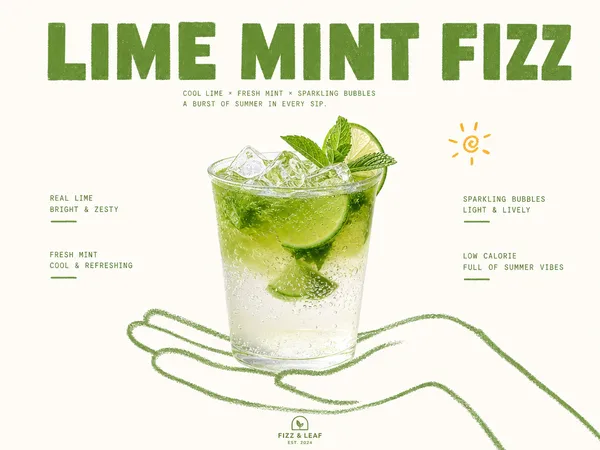
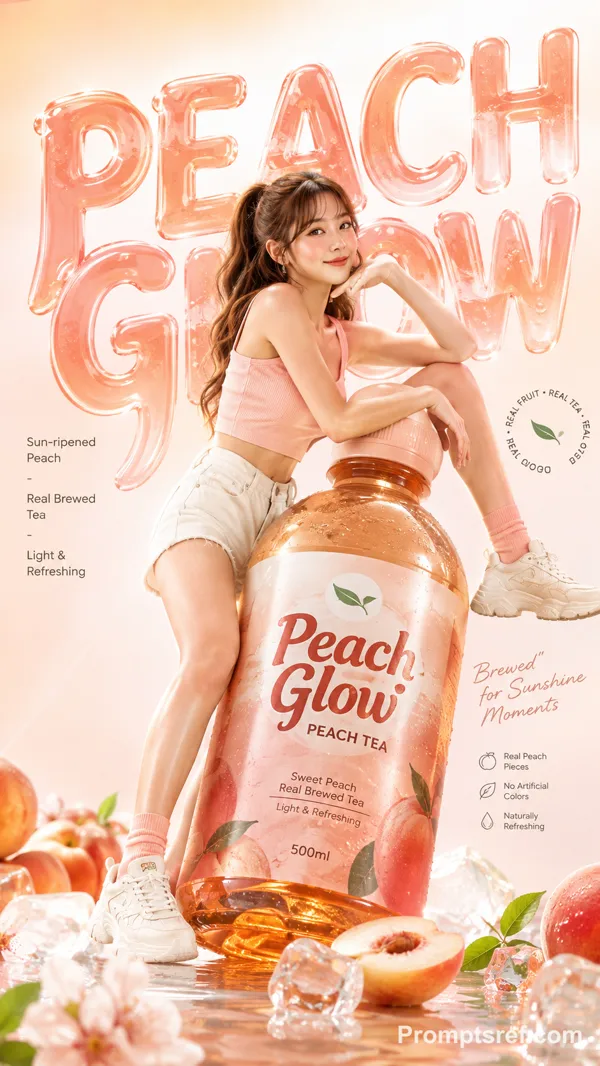
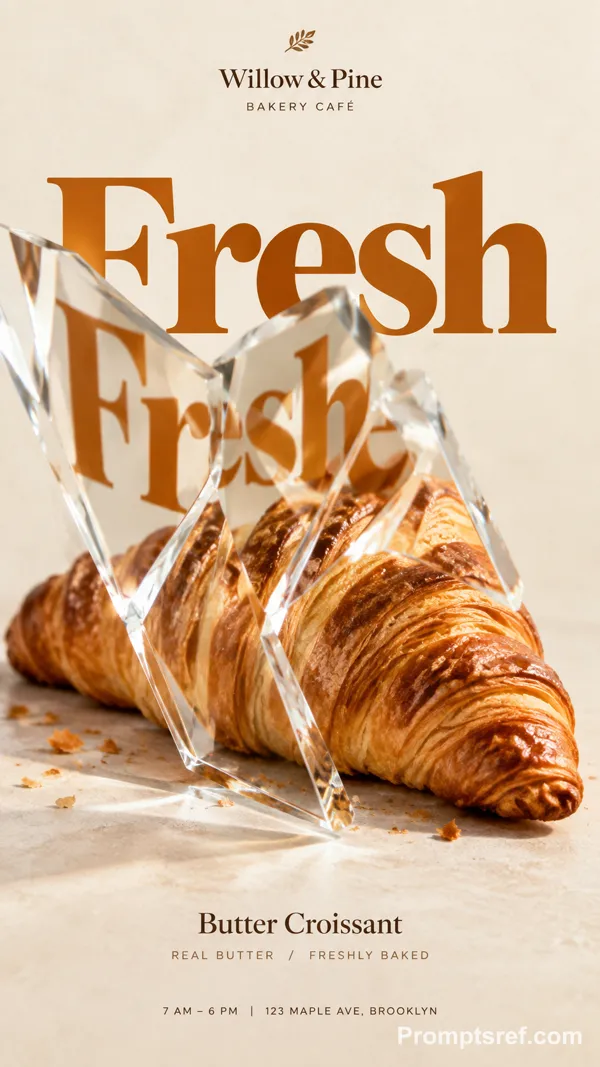
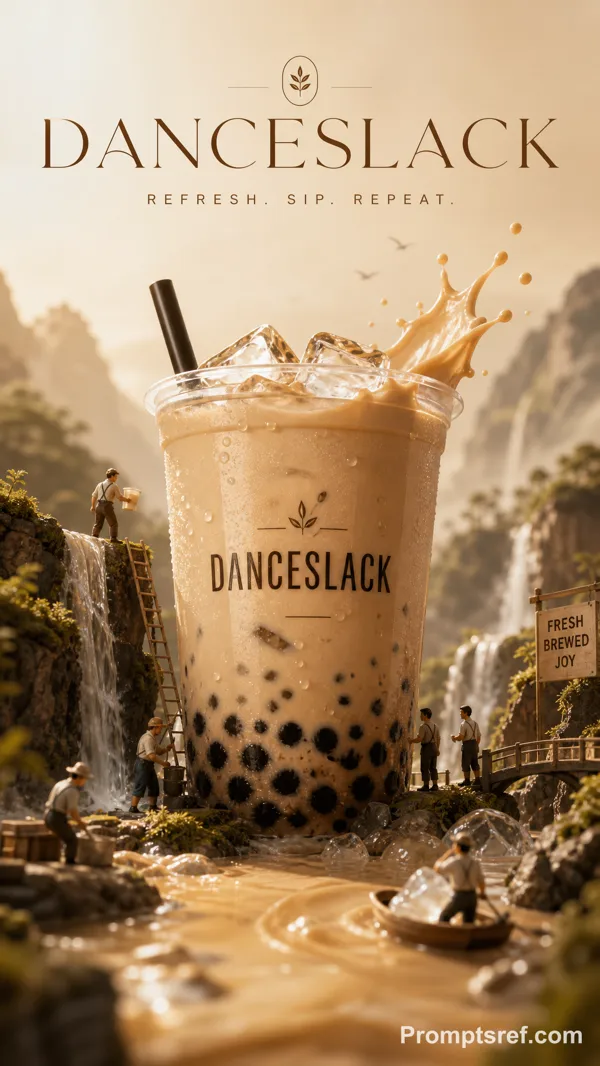
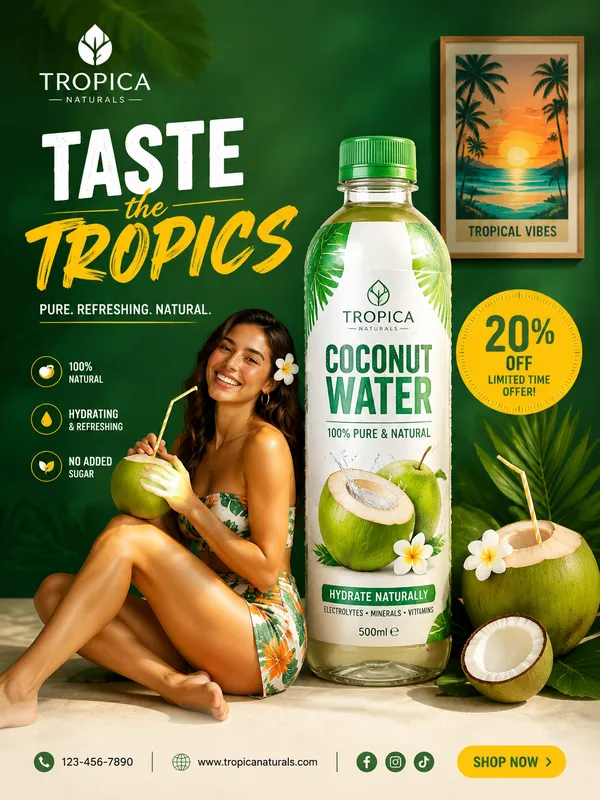
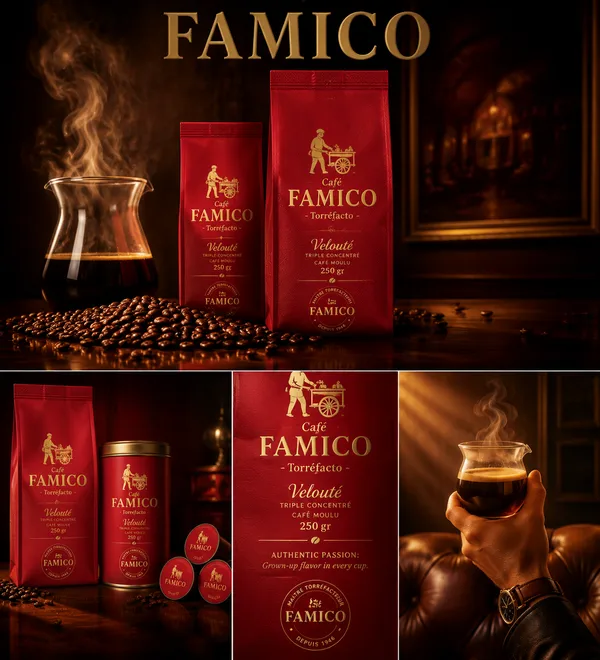
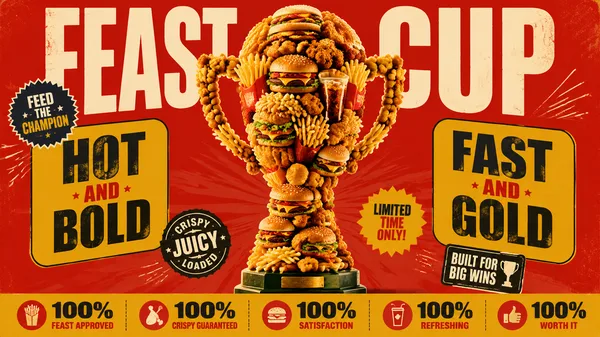
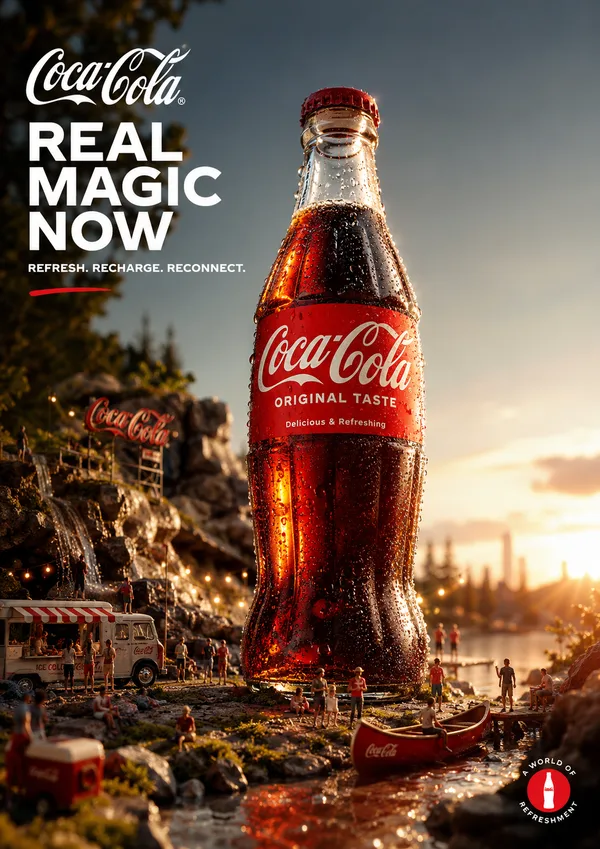
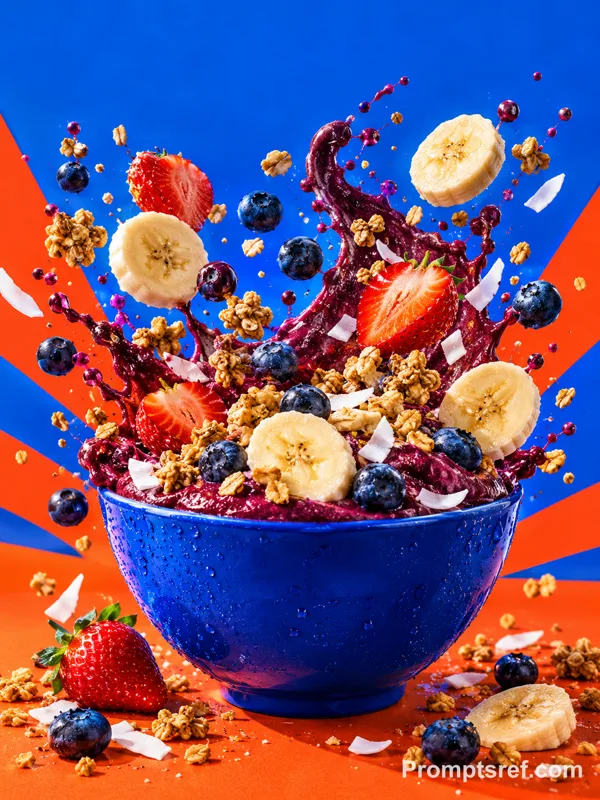
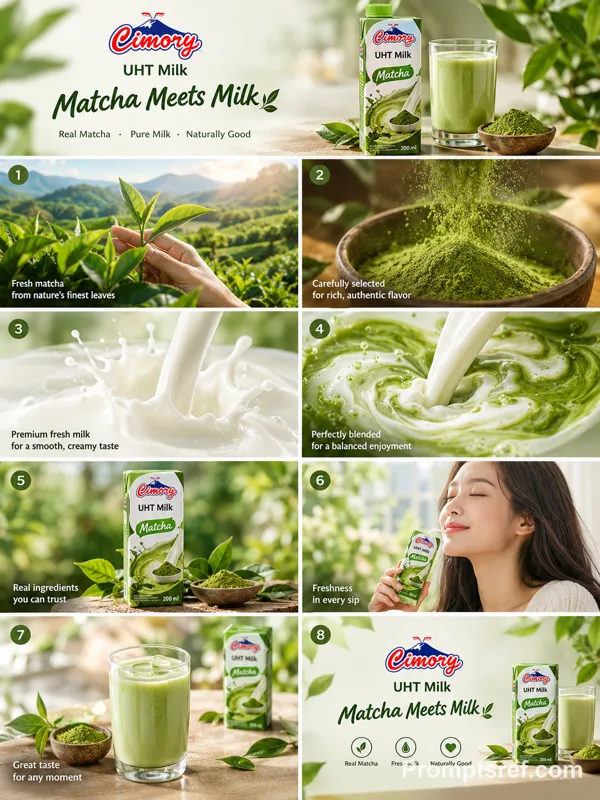
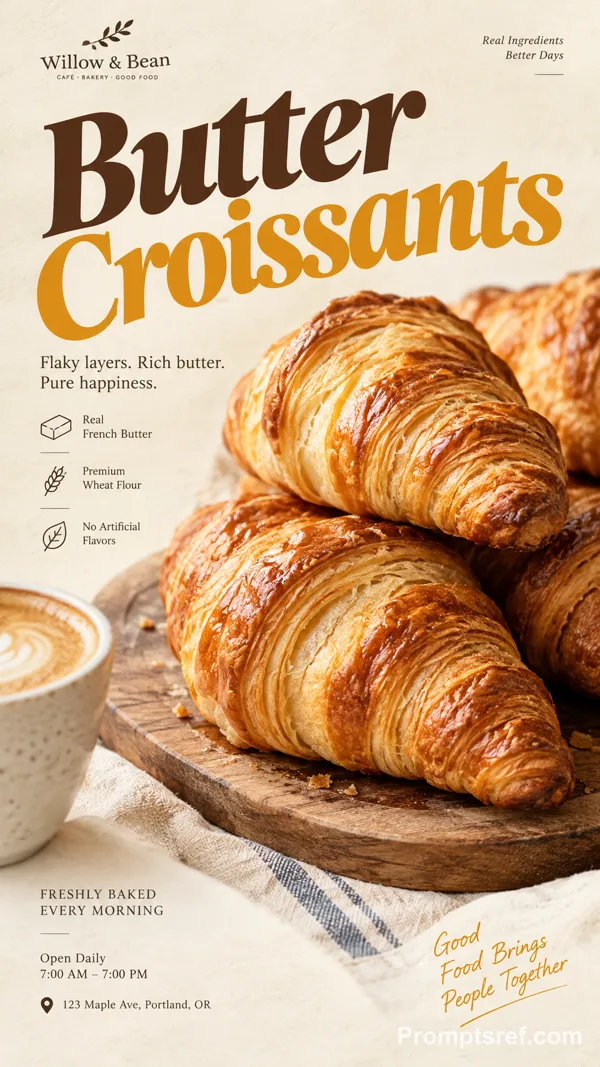
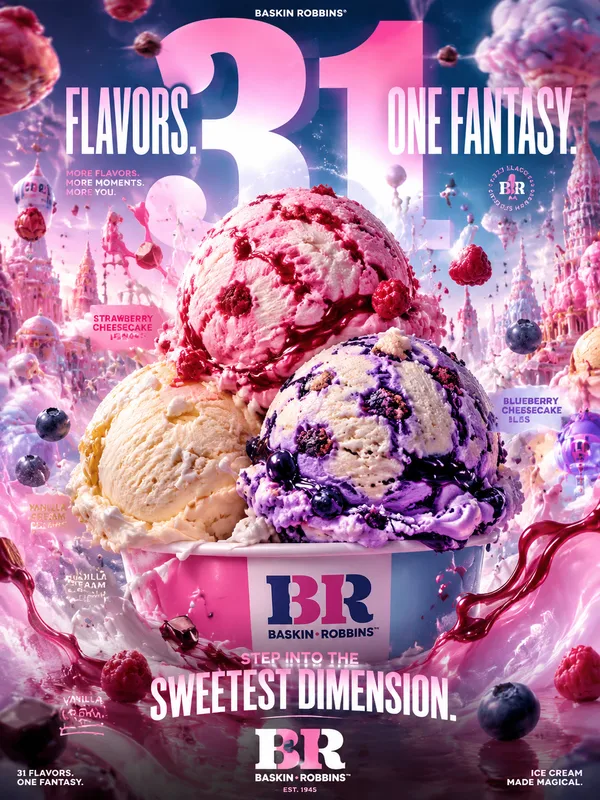
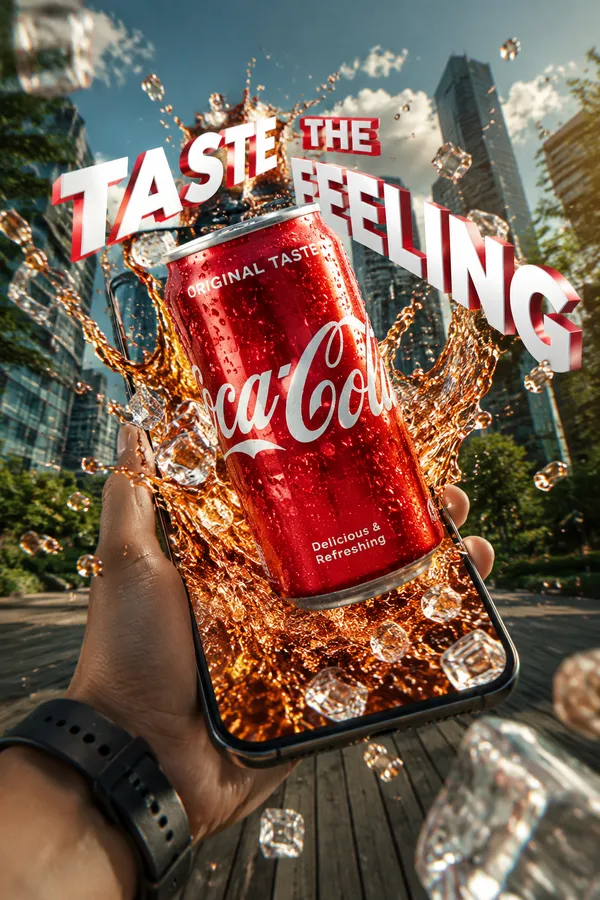
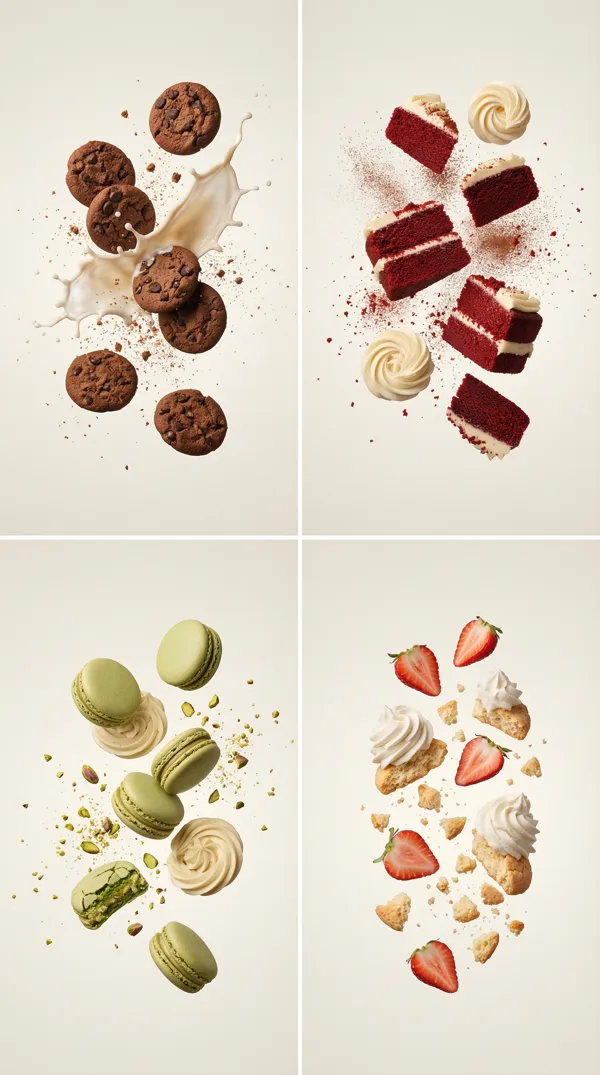
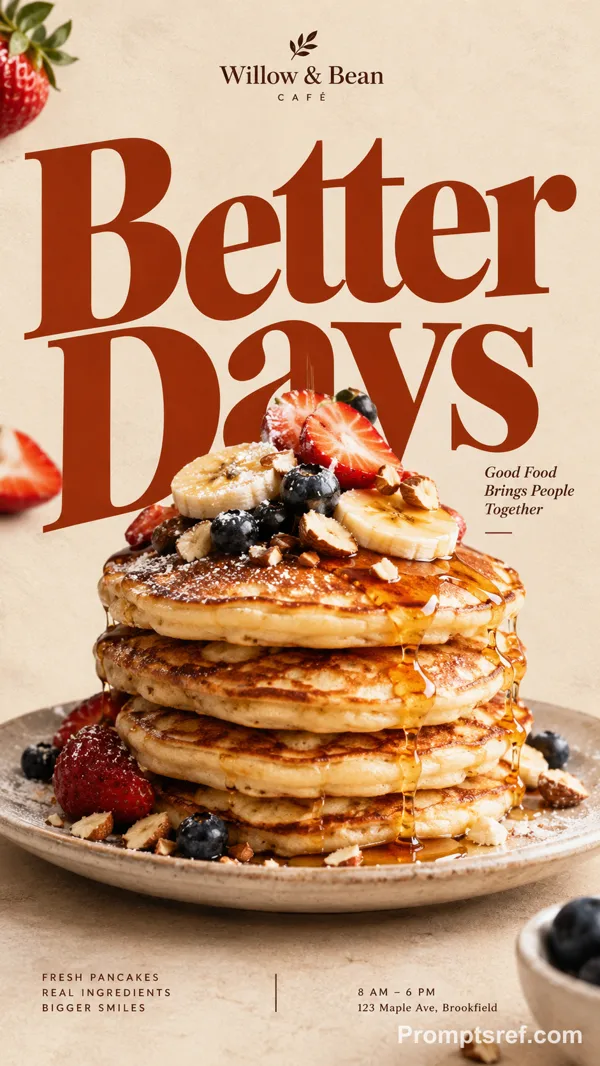
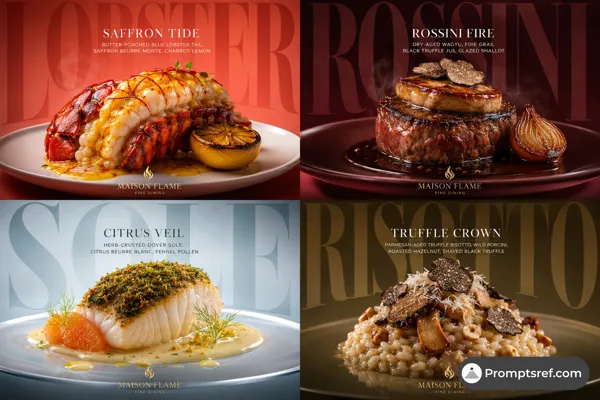
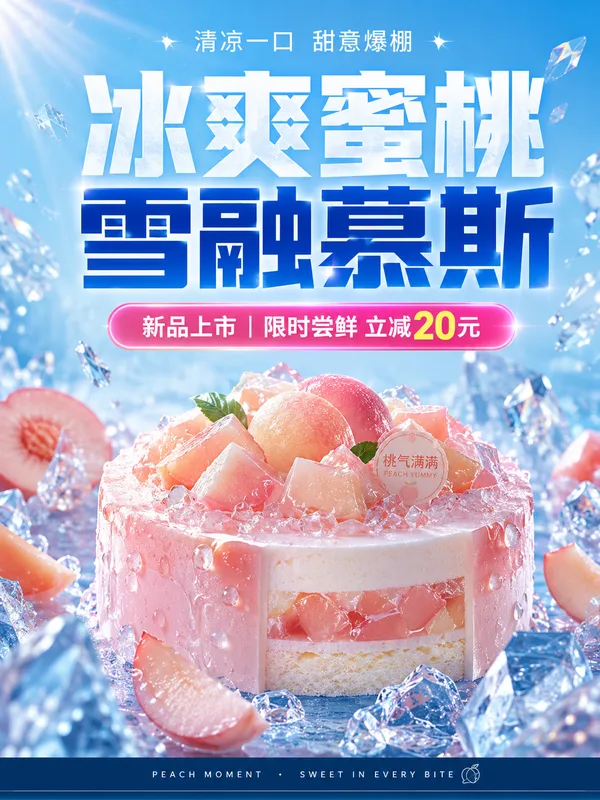
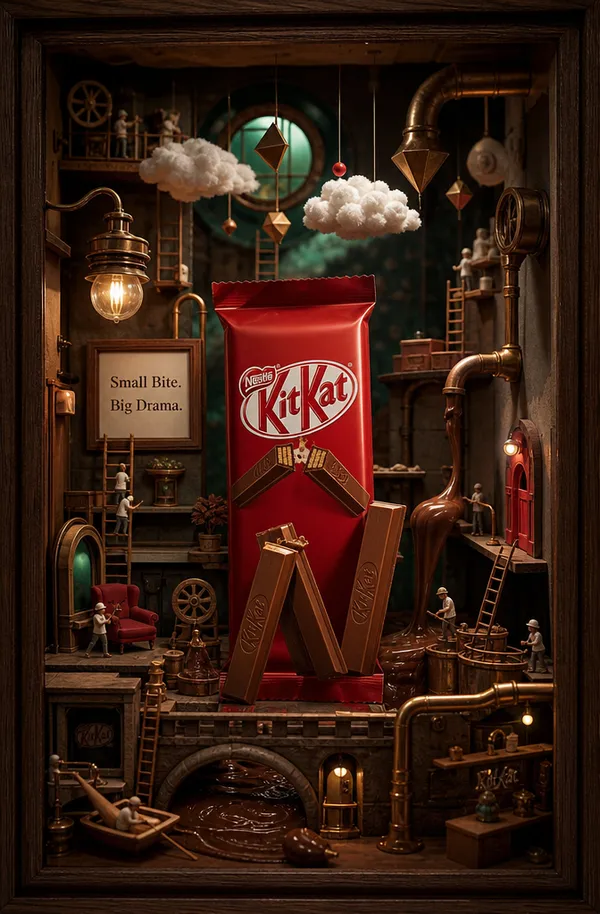
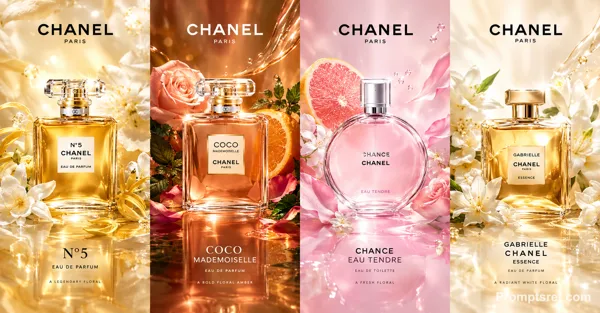
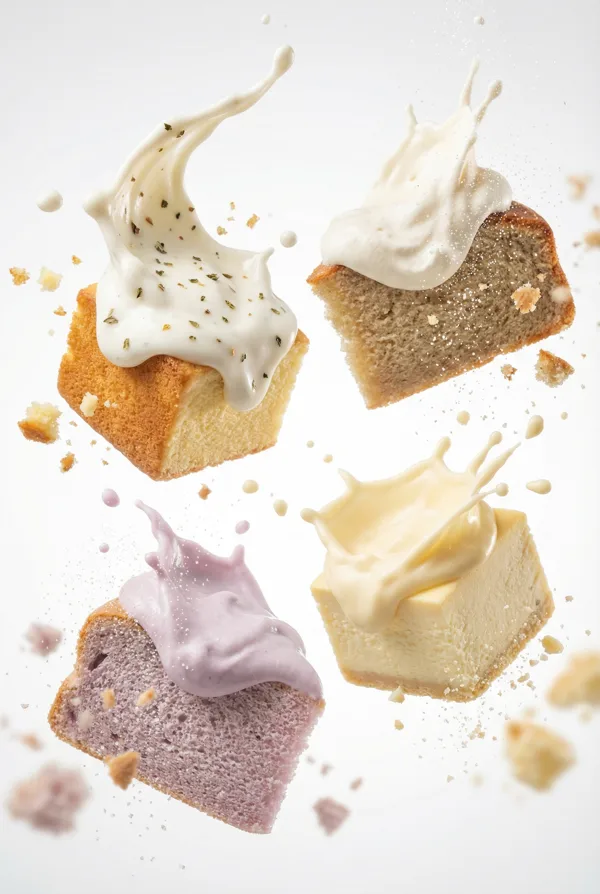
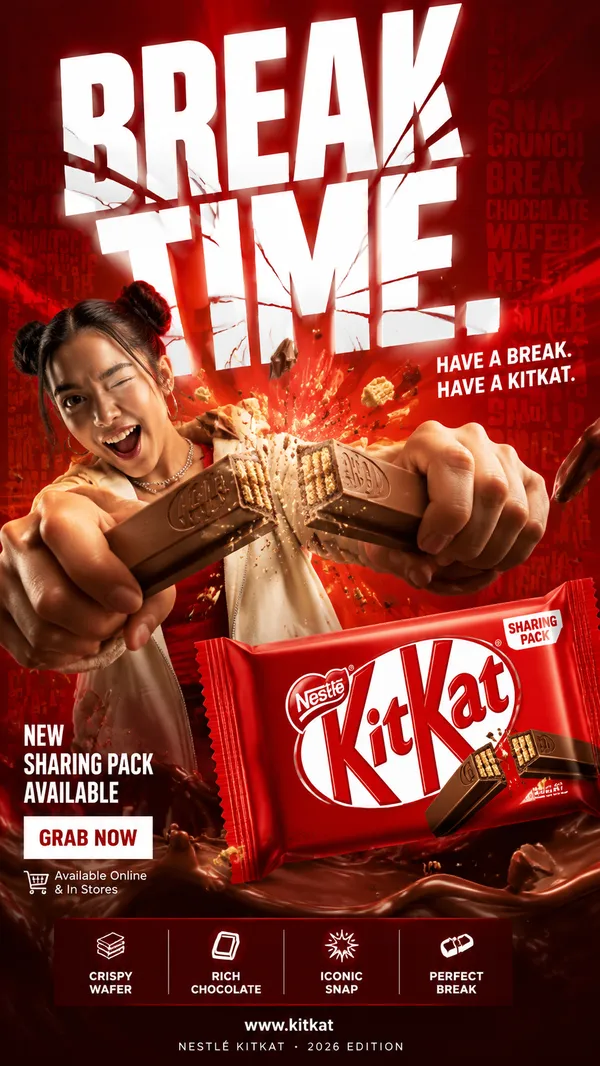
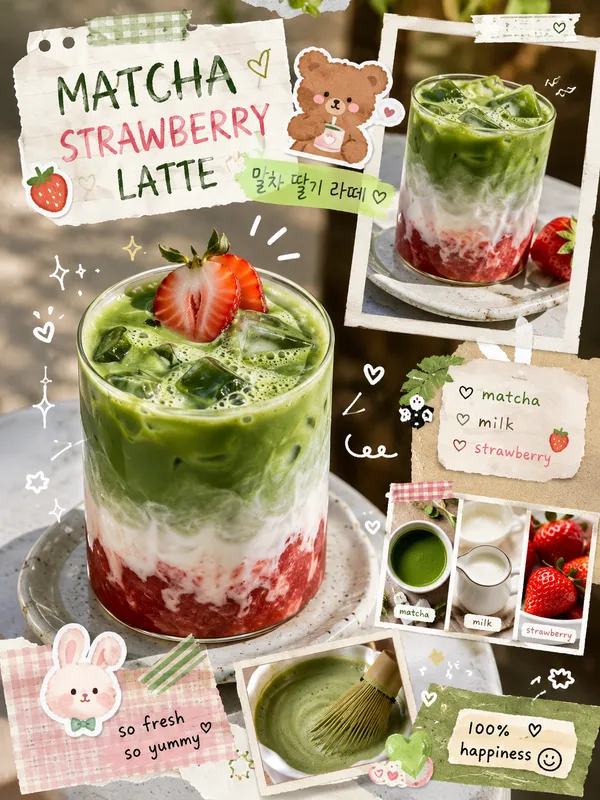
Create a stylish “[PRODUCT NAME]” social media post collection featuring the uploaded product image or a realistic high-quality render of [PRODUCT NAME]. Automatically adapt all product details, ingredients, colors, toppings, textures, props, and visual mood based on the product name or the uploaded reference image. Design multiple dynamic promotional layouts suitable for café, restaurant, dessert, beverage, or food advertising.
Setting & Background:
Use a visually rich background that matches [PRODUCT NAME], with colors inspired by the product itself. Add abstract shapes, smooth gradients, flowing wave patterns, circular highlights behind the product, floating ingredient elements, decorative arrows, playful graphic accents, and a clean modern poster-style arrangement. Keep the composition energetic, premium, and social-media-ready.
Lighting:
Soft commercial studio lighting with vibrant highlights, realistic reflections, appetizing texture enhancement, glossy product details, fresh ingredient shine, and a bright promotional mood that makes the product look delicious and desirable.
Style:
Instagram food campaign aesthetic, modern café branding, minimal luxury advertisement design, premium promotional graphics, bold rounded headline typography, elegant handwritten subtitle text, clean spacing, trendy Gen Z marketing style, ultra-realistic product rendering, polished social media post pack.
Camera:
Close-up hero product composition with centered focus, slightly tilted product angles for dynamic energy, macro detail emphasis, shallow depth of field, cinematic food advertisement framing, high-resolution 4K commercial quality.
Text Elements:
Include attractive promotional text such as:
“Fresh & Delicious”
“Limited Time Offer”
“Order Now”
“Free Home Delivery”
“Only $4.00”
Size:
4x5
Important:
Automatically change the colors, fruits, toppings, ingredients, background details, and decorative elements to match [PRODUCT NAME] or the uploaded product image. Do not keep strawberry elements unless the product is strawberry-based.
Remix
RemixPas encore de remix. Créez la première version.
Utiliser ce prompt d’image
- 01
Commencer avec le prompt
Copiez le prompt ou ouvrez-le avec le bouton de génération.
- 02
Apporter vos modifications
Adaptez le sujet, le décor ou les détails. Ajoutez des références si nécessaire.
- 03
Vérifier avant de générer
Vérifiez le modèle et les paramètres de sortie. Les résultats peuvent varier.