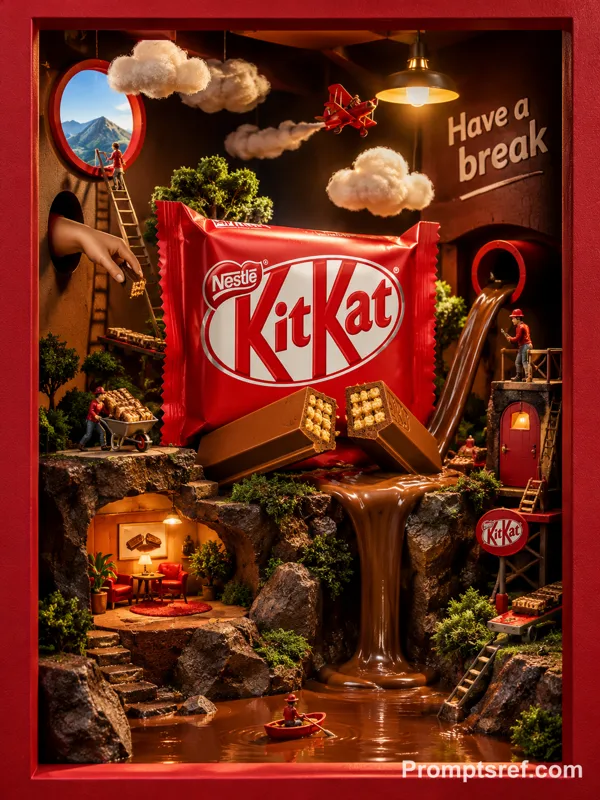
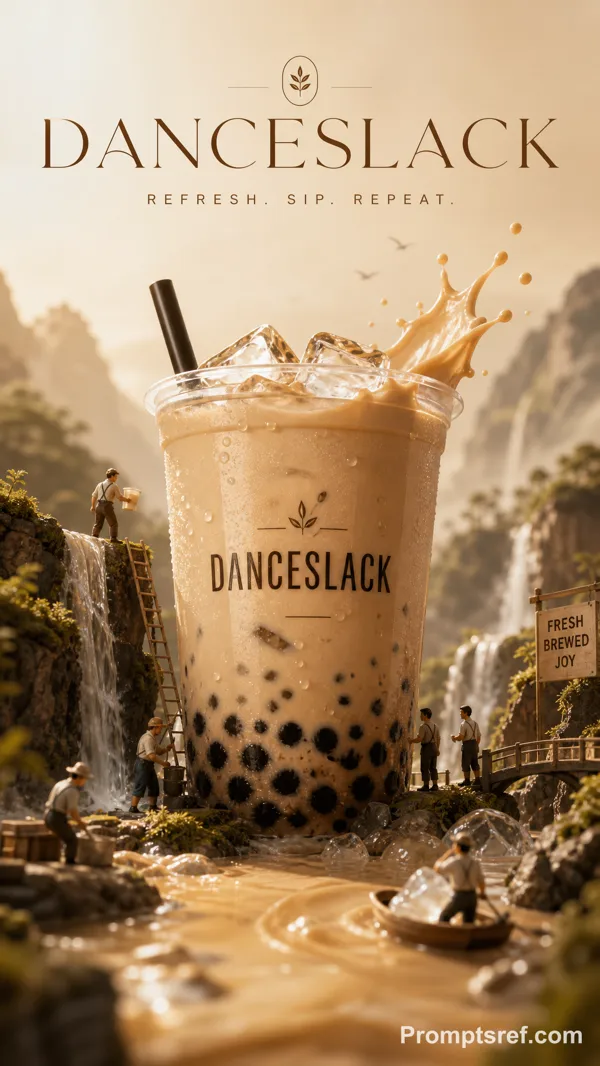
GPT Image 2.0 Prompt - Campagne de fantaisie glacée Baskin-Robbins

- Modèle
- GPT Image 2.0
- Format
- 3:4
- Qualité
- 1K
Prompt
BASKIN ROBBINS — “31 FLAVORS. ONE FANTASY.”
ULTRA-PREMIUM GLOBAL FMCG CAMPAIGN
[BRAND = BASKIN ROBBINS]
[STYLE = PLAYFUL LUXURY × CINEMATIC FMCG]
[FORMAT = 4:5 PREMIUM BILLBOARD POSTER]
[CAMPAIGN TYPE = GLOBAL PRODUCT HERO VISUAL]
ACT AS:
A world-class FMCG creative director, luxury dessert advertising specialist, and editorial campaign designer creating a premium Baskin Robbins commercial poster that feels like a fusion of Nike-level campaign execution, luxury beauty advertising, and surreal dessert fantasy branding.
The final visual must feel globally award-winning, emotionally immersive, hyper-premium, internet-culturally relevant, and instantly recognizable as Baskin Robbins while elevating the brand into a modern cinematic luxury universe.
PHASE 1 — CREATIVE CONCEPT
Create a surreal frozen fantasy world built entirely around Baskin Robbins’ iconic identity of flavor abundance, playful happiness, creamy indulgence, and colorful escapism.
The visual should communicate:
“Entering a dream universe made of ice cream.”
NOT a simple product placement poster.
The poster must feel:
• cinematic
• fashionable
• edible
• glossy
• immersive
• youthful
• luxurious
• dreamlike
• emotionally addictive
Core emotional tone:
joy + fantasy + premium craving.
PHASE 2 — HERO PRODUCT DIRECTION
Feature an ultra-detailed Baskin Robbins ice cream scoop composition as the central hero object.
Use:
• strawberry swirl scoop
• blueberry cheesecake scoop
• vanilla cream scoop
• raspberry ribbons
• glossy syrup textures
• realistic creamy depth
• frozen condensation
• melting edges
• hyper-real scoop texture
• visible flavor chunks
• reflective creamy highlights
The scoops should feel:
• cold
• luxurious
• freshly served
• physically craveable
• macro-photographed
Add floating:
• candy particles
• cream splashes
• frozen sugar dust
• syrup arcs
• ice crystals
• glossy droplets
PHASE 3 — ENVIRONMENT DESIGN
Create a massive surreal Baskin Robbins fantasy environment.
Background world:
• pastel dreamscape
• floating creamy clouds
• glossy pink-blue atmospheric haze
• frozen dessert skyline
• surreal candy architecture
• soft reflective marble surfaces
• dreamy cinematic fog
• floating flavor particles
• glowing ice cream nebula atmosphere
Environment must feel:
half luxury fashion campaign,
half fantasy dessert universe.
NO generic AI backgrounds.
Everything should feel art-directed and brand-specific.
PHASE 4 — COLOR SYSTEM
Primary palette:
• Baskin Robbins pink
• aqua blue
• creamy white
• soft lavender
• strawberry tones
• pastel cyan
Accent palette:
• cherry red
• caramel gold
• glossy chocolate brown
Lighting palette:
• soft neon glow
• cinematic pastel bloom
• glossy highlight reflections
• luxury cosmetic-ad lighting
Avoid:
• muddy colors
• oversaturation
• childish rainbow chaos
• flat gradients
PHASE 5 — TYPOGRAPHY SYSTEM
Typography should feel like a luxury fashion billboard fused with modern FMCG advertising.
Include:
• giant condensed typography
• layered transparent text
• oversized “31”
• editorial microtype
• flavor labels
• curved typography integration
• luxury spacing hierarchy
• floating typography perspective
Main slogan:
“31 FLAVORS. ONE FANTASY.”
Secondary typography:
“STEP INTO THE SWEETEST DIMENSION.”
Typography must become part of the composition itself — not pasted afterward.
PHASE 6 — COMPOSITION ENGINEERING
Build composition in cinematic depth layers:
FOREGROUND:
• syrup splashes
• floating toppings
• glossy reflections
• ice cream particles
MIDGROUND:
• giant hero scoops
• Baskin Robbins cup
• floating creamy textures
BACKGROUND:
• fantasy dessert skyline
• giant soft typography
• cinematic haze
• atmospheric glow
The poster should feel:
dense, immersive, premium, and highly detailed.
Visual hierarchy must instantly direct eyes toward:
1. hero product
2. campaign slogan
3. Baskin Robbins logo
Remix
RemixPas encore de remix. Créez la première version.
Utiliser ce prompt d’image
- 01
Commencer avec le prompt
Copiez le prompt ou ouvrez-le avec le bouton de génération.
- 02
Apporter vos modifications
Adaptez le sujet, le décor ou les détails. Ajoutez des références si nécessaire.
- 03
Vérifier avant de générer
Vérifiez le modèle et les paramètres de sortie. Les résultats peuvent varier.