Seedance 2.0 Fast Prompt - La transformación de Pera en el baile

- Modelo
- Seedance 2.0 Fast
- Relación de aspecto
- 4:3
- Calidad
- 720p
Prompt
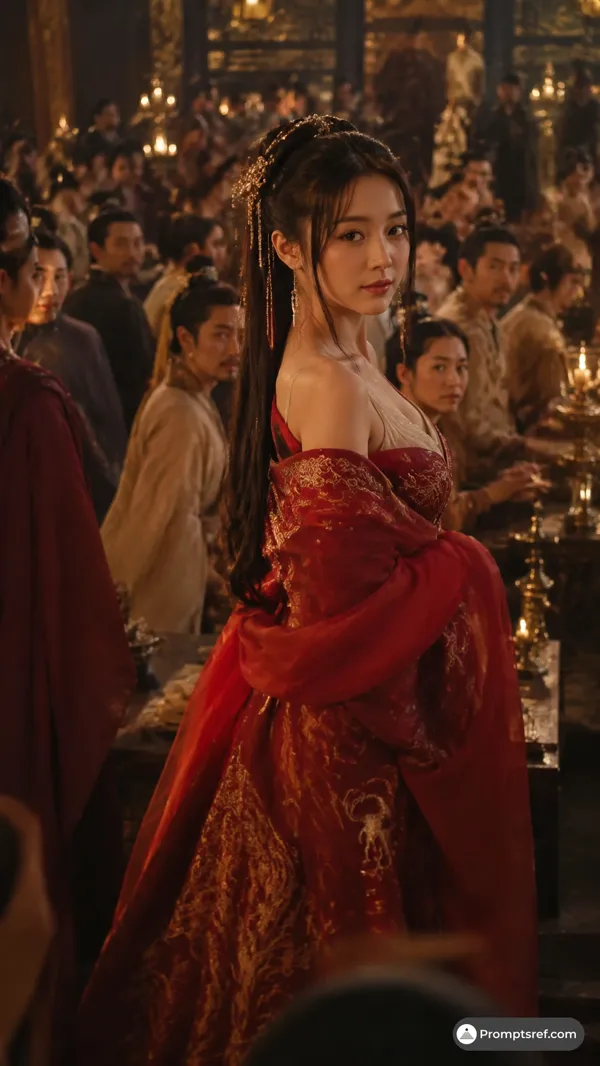
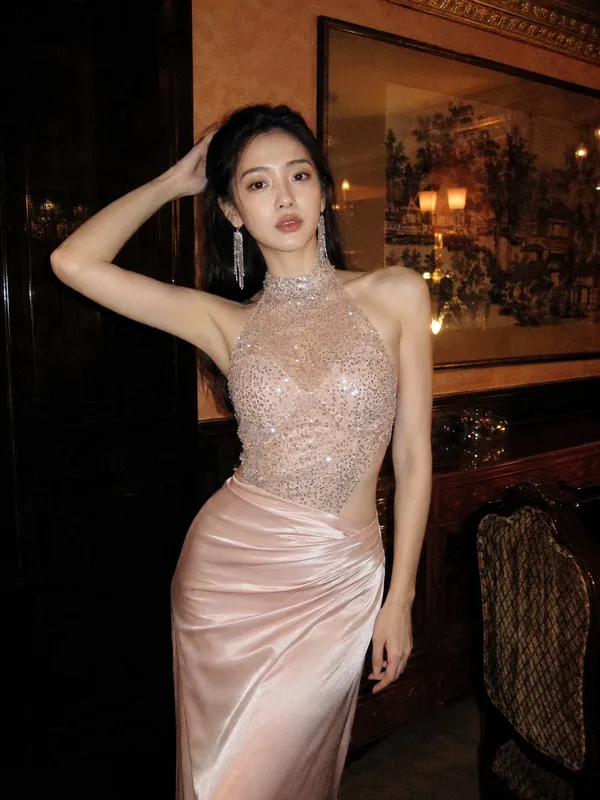
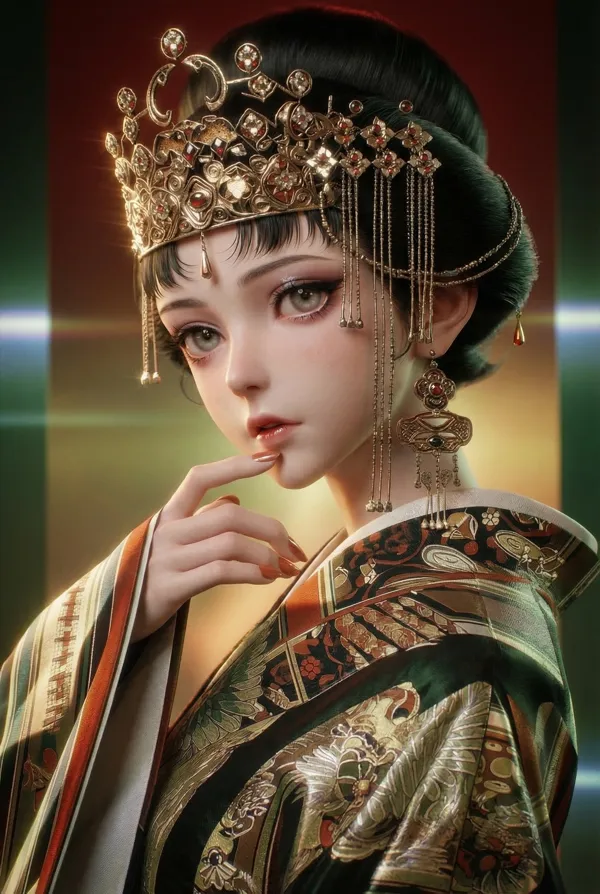
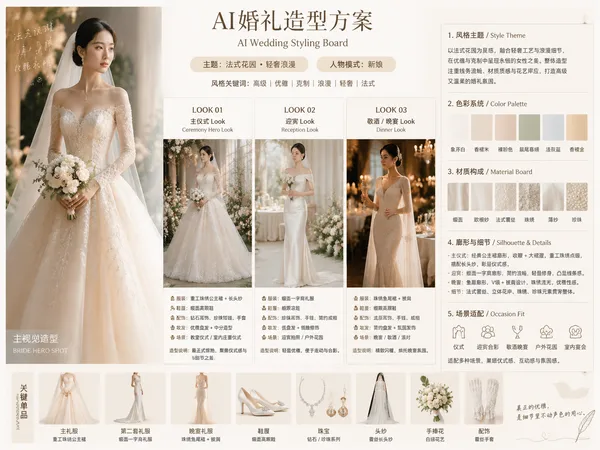
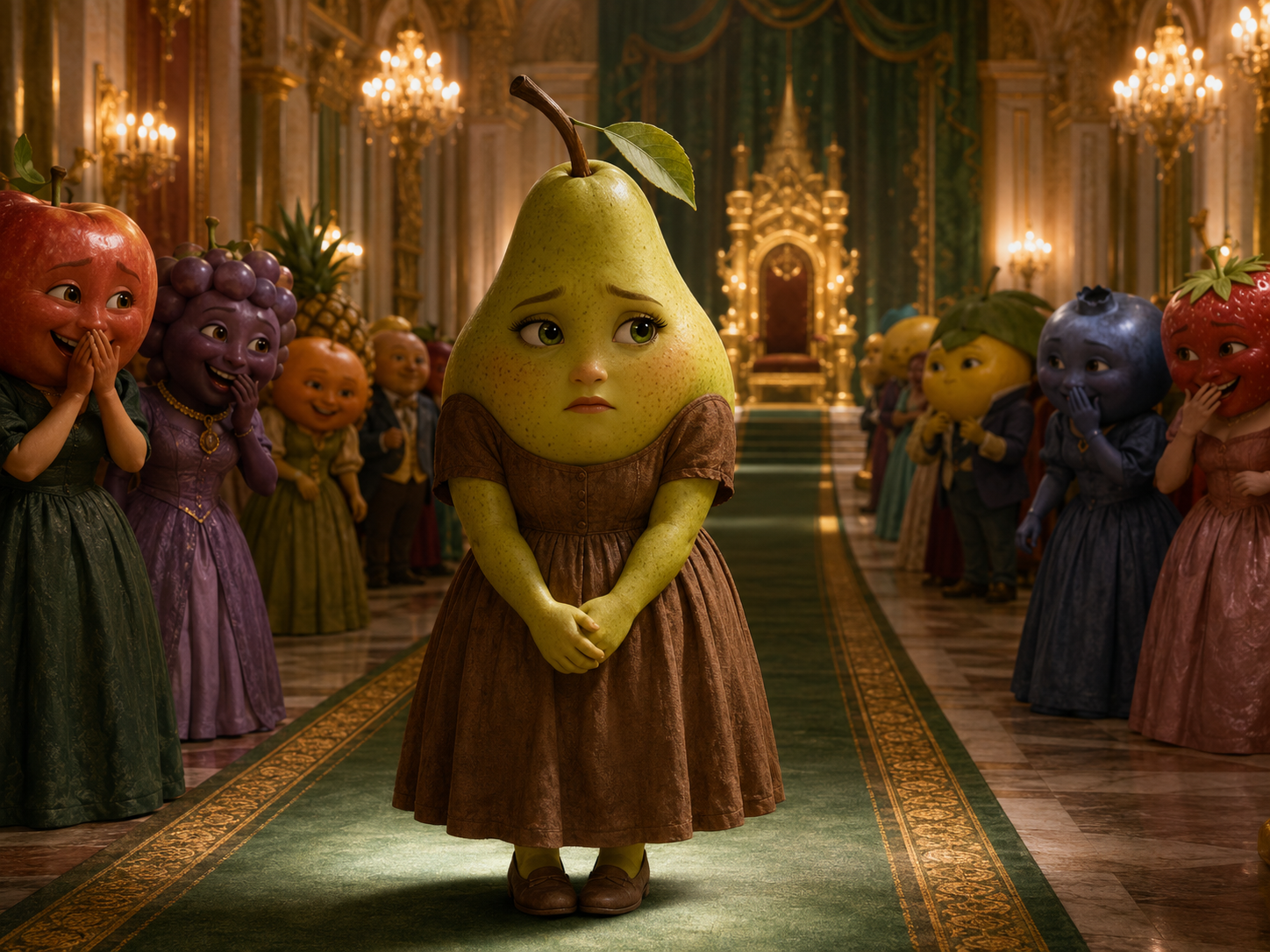
Use <<<image_1>>> as the opening frame and reference for the pear’s original outfit. Use <<<image_2>>> as the appearance and final-frame reference for the transformed pear. Both appearances must clearly belong to the exact same character. Cinematic 3D anthropomorphic fruit short drama, 4:3, 12–15 seconds.
Shot 1: Begin with a wide view from the ballroom entrance and slowly push toward the pear in the worn brown dress. She carefully takes two steps forward with her hands clasped together as the surrounding guests turn toward her. One guest covers their mouth, laughs softly, and says: {Who invited her?} Other guests respond with restrained laughter and whispering.
Shot 2: Move closer to the pear’s face. She initially lowers her eyes, then stops walking and slowly looks up. Her expression changes from hurt to calm determination. A strong golden flash from the crystal chandelier fills the frame and creates a seamless transformation transition. Her old brown dress transforms into the emerald gown from <<<image_2>>>, while the crown and jewelry appear naturally. Do not change her body, face, or identity.
Shot 3: Switch to a low-angle tracking shot as the pear confidently walks toward the throne. The guests stop laughing and step aside in shock. Attendants open the entrance to the throne platform. The pear turns in front of the throne, raises her chin slightly, and calmly says: {The owner doesn’t need an invitation.} End with a slow push toward her restrained victorious smile as the guests exchange stunned looks behind her.
Precisely match dialogue and lip movements. Keep the transformation continuous and smooth, with no face swap, body distortion, or identity drift. <quiet crowd whispering> <magical light shimmer> <large doors opening>. No music, no subtitles, no on-screen text, no narration, and no extra limbs.
Imagen de referencia

Remixes
RemixAún no hay remixes. Crea la primera versión.
Usa este prompt de vídeo
- 01
Empieza con el prompt
Copia el prompt o ábrelo con el botón de generar.
- 02
Haz tus cambios
Ajusta el sujeto, el entorno o los detalles. Añade referencias si las necesitas.
- 03
Revisa antes de generar
Comprueba el modelo y los ajustes de salida. Los resultados pueden variar.