Seedance 2.0 Fast 프롬프트 - 배의 무도회 변신

- 화면 비율
- 4:3
- 화질
- 720p
프롬프트
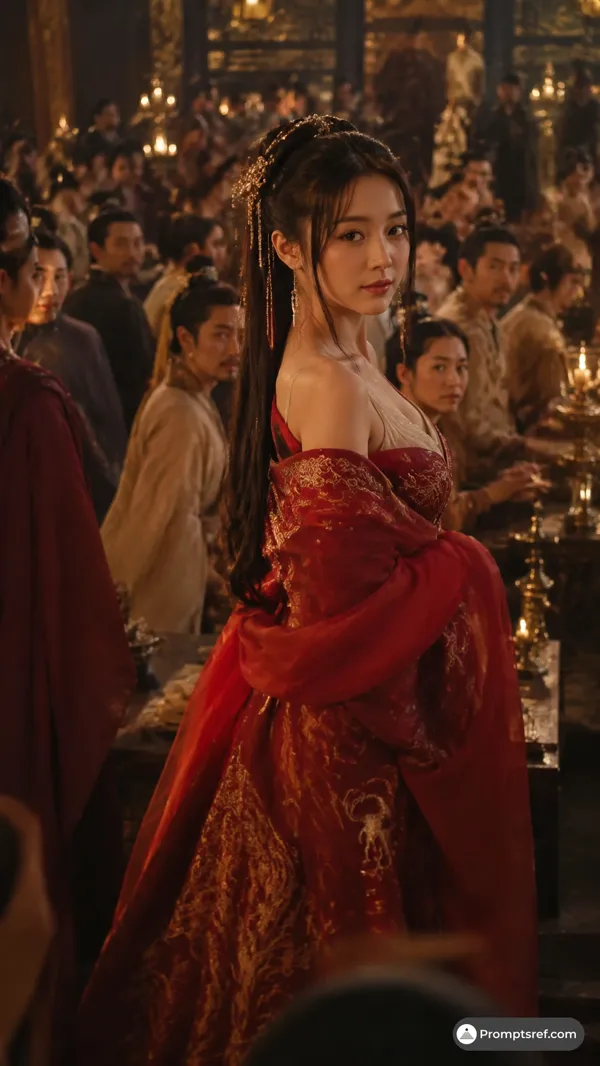
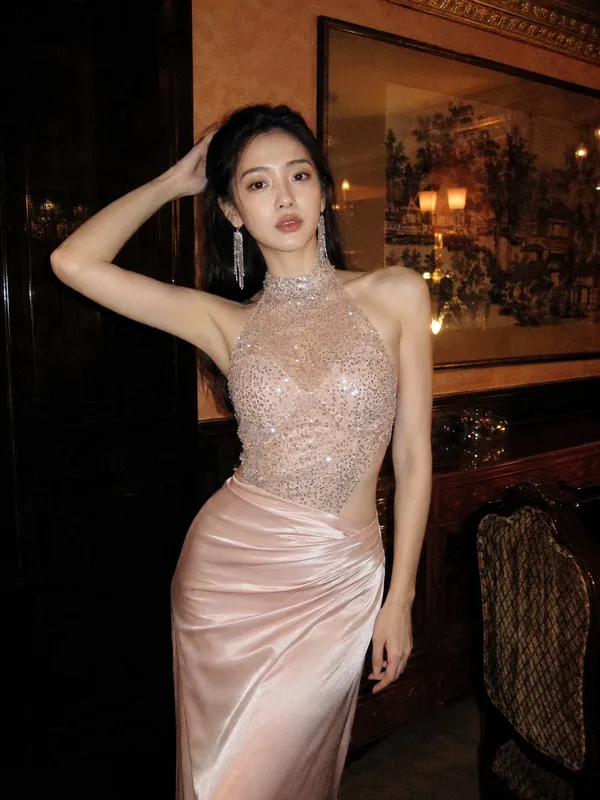
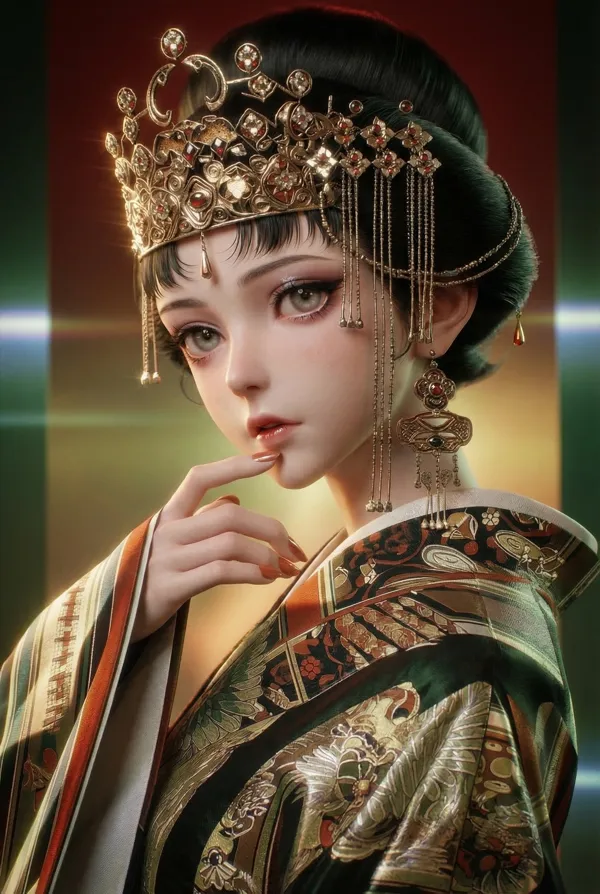
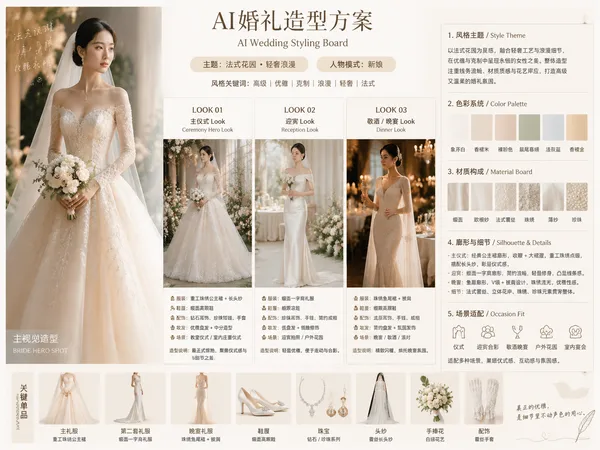
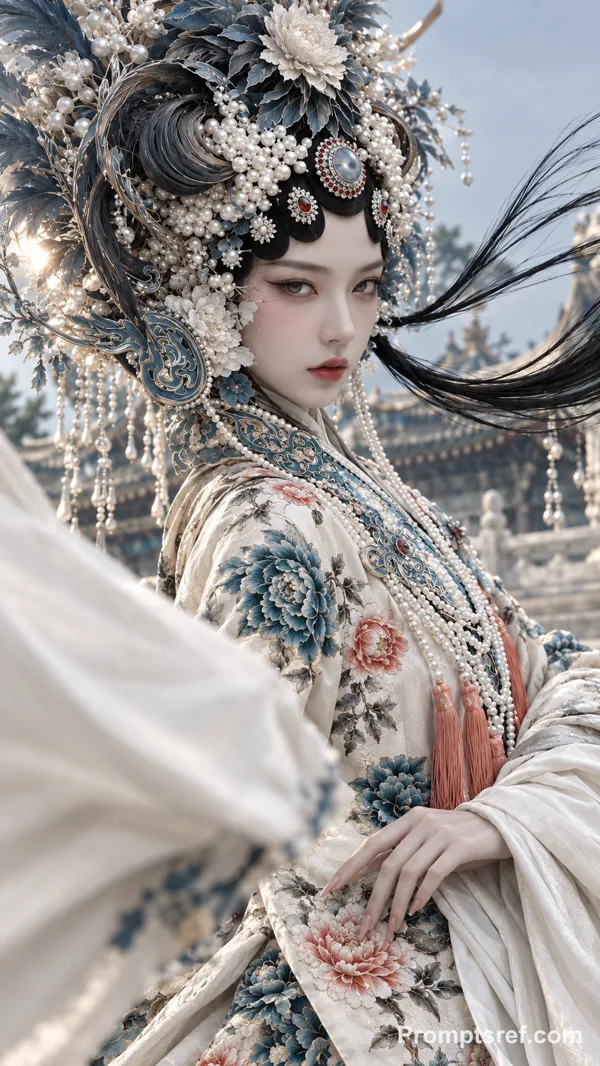
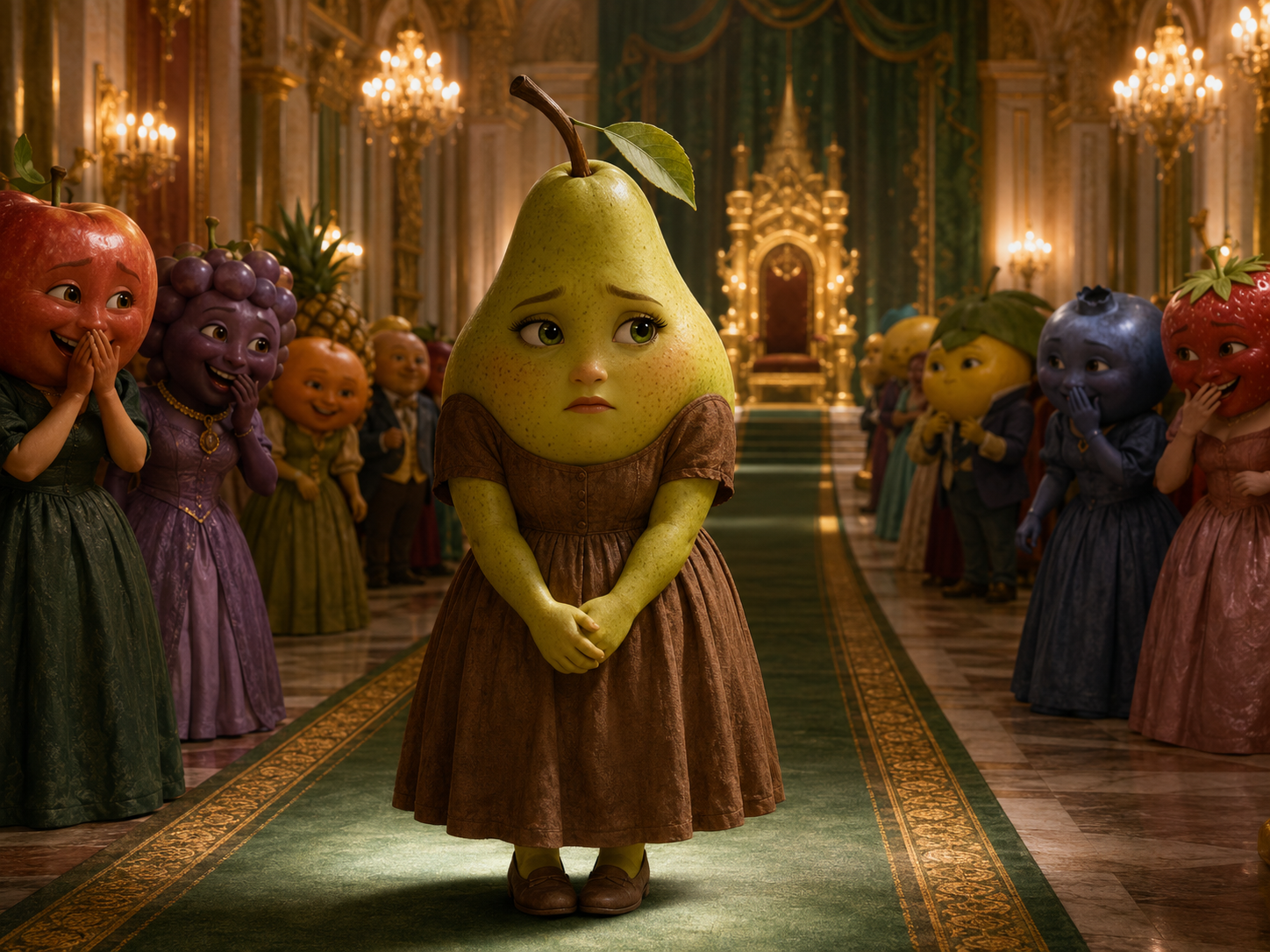
Use <<<image_1>>> as the opening frame and reference for the pear’s original outfit. Use <<<image_2>>> as the appearance and final-frame reference for the transformed pear. Both appearances must clearly belong to the exact same character. Cinematic 3D anthropomorphic fruit short drama, 4:3, 12–15 seconds.
Shot 1: Begin with a wide view from the ballroom entrance and slowly push toward the pear in the worn brown dress. She carefully takes two steps forward with her hands clasped together as the surrounding guests turn toward her. One guest covers their mouth, laughs softly, and says: {Who invited her?} Other guests respond with restrained laughter and whispering.
Shot 2: Move closer to the pear’s face. She initially lowers her eyes, then stops walking and slowly looks up. Her expression changes from hurt to calm determination. A strong golden flash from the crystal chandelier fills the frame and creates a seamless transformation transition. Her old brown dress transforms into the emerald gown from <<<image_2>>>, while the crown and jewelry appear naturally. Do not change her body, face, or identity.
Shot 3: Switch to a low-angle tracking shot as the pear confidently walks toward the throne. The guests stop laughing and step aside in shock. Attendants open the entrance to the throne platform. The pear turns in front of the throne, raises her chin slightly, and calmly says: {The owner doesn’t need an invitation.} End with a slow push toward her restrained victorious smile as the guests exchange stunned looks behind her.
Precisely match dialogue and lip movements. Keep the transformation continuous and smooth, with no face swap, body distortion, or identity drift. <quiet crowd whispering> <magical light shimmer> <large doors opening>. No music, no subtitles, no on-screen text, no narration, and no extra limbs.
참조 이미지

리믹스 작품
리믹스아직 리믹스가 없어요. 첫 번째 버전을 만들어 보세요.
이 동영상 프롬프트 사용하기
- 01
프롬프트로 시작하기
프롬프트를 복사하거나 생성 버튼으로 여세요.
- 02
나만의 아이디어 더하기
주제, 배경, 세부 사항을 조정하고 필요하면 참고 자료를 추가하세요.
- 03
생성 전 확인하기
모델과 출력 설정을 확인하세요. 생성 결과는 매번 다를 수 있습니다.