Nano Banana Pro 提示词 - 特朗普手持美元的 USA 渐变海报

提示词
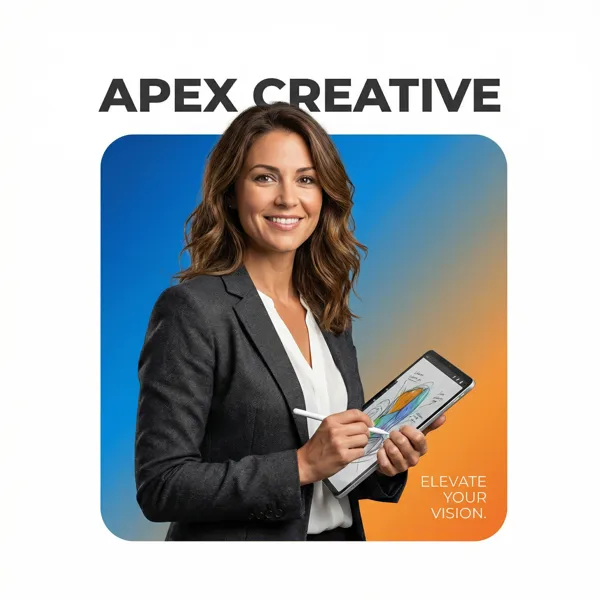
A professional high-end graphic design advertisement composition on a pure solid white canvas. Centered is a perfectly symmetrical, large solid rounded square (not a hollow frame). The entire interior of this square is filled with a smooth, vibrant color gradient fading from #0A1F44 (top-left) to #C1121F (bottom-right).
Donald Trump (older male, recognizable facial features, realistic proportions) is positioned such that the bottom of his torso is perfectly flush and aligned with the very bottom edge of the square, leaving no thick colored border visible beneath him. Crucially, the person and clothing maintain natural, realistic colors and textures, illuminated by professional studio lighting independent of the background gradient (no color cast on skin or clothes).
He is firmly and realistically gripping a thick stack of U.S. dollar bills (crisp paper texture, visible bill edges, natural folds). Crucially, the top of his head and hair break the top boundary of the square, partially overlapping the white background. His hands and the U.S. dollar bills also break the side boundaries for a strong 3D breakout effect, extending onto the white canvas.
Typography Layout: At the top, in the white space distinctly above the square with a clear gap, is the [Font Style] brand text "USA" in #0A1F44. In the bottom-right corner, layered directly on top of the gradient inside the square, is a block of small, thin, clean #F8FAFC descriptive text: "[Slogan/Tagline]".
The lighting is [Lighting Type: Sharp/Soft], crisp, and commercial, emphasizing the textures of both the subject and the dollar bills.
Legibility & separation controls: add a subtle 5% drop shadow (or 1px soft outline) to the small text for readability; add a clean rim light on the subject to separate him from the navy-to-crimson gradient.
No political messaging, no extra symbols or flags; keep it purely premium commercial poster design.
Remix 作品
Remix还没有人 Remix,来做第一个属于你的版本。
使用这条图片提示词
- 01
从提示词开始
复制提示词,或点击生成按钮在生成器中打开。
- 02
加入你的想法
调整主体、场景或细节,按需添加参考素材。
- 03
生成前确认
检查模型与输出设置,每次生成的结果可能有所不同。