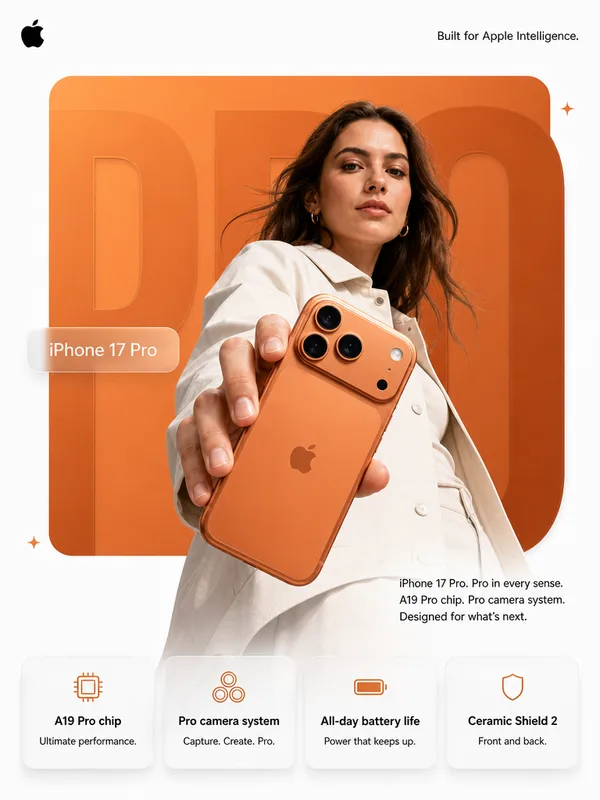
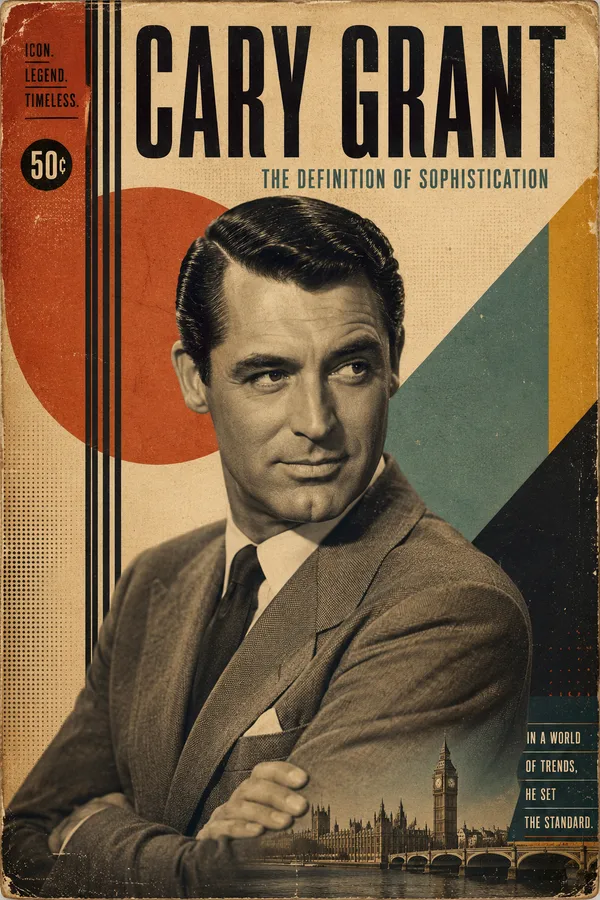
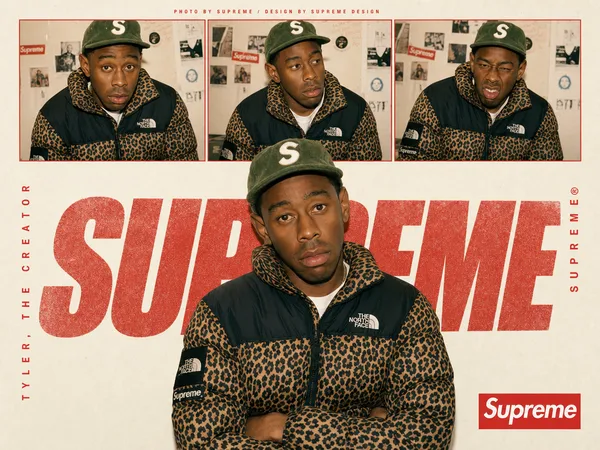
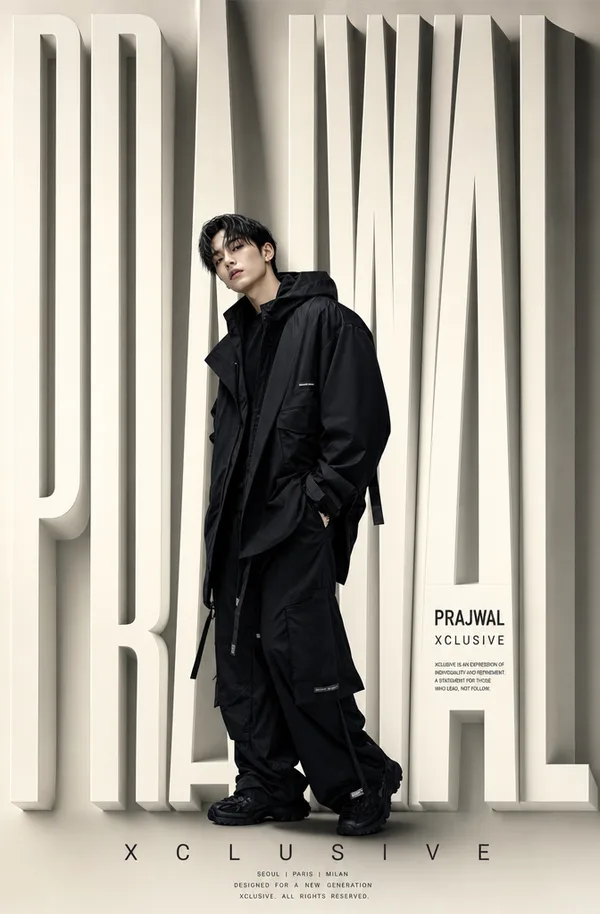
Nano Banana Pro 프롬프트 - 달러를 든 트럼프의 USA 그라데이션 포스터

프롬프트
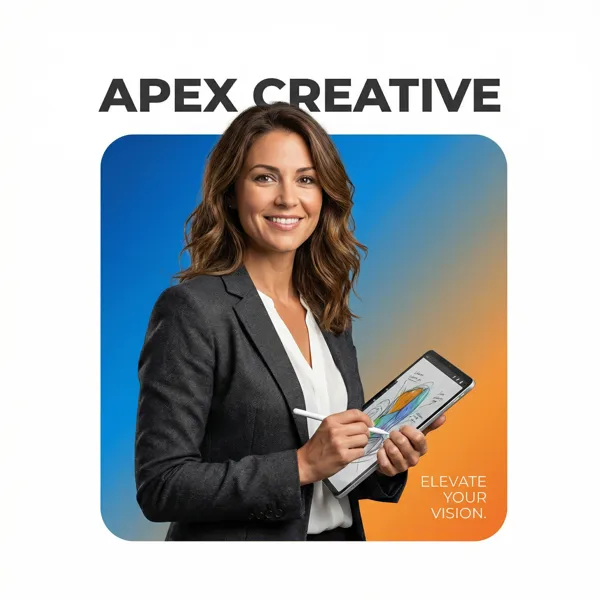
A professional high-end graphic design advertisement composition on a pure solid white canvas. Centered is a perfectly symmetrical, large solid rounded square (not a hollow frame). The entire interior of this square is filled with a smooth, vibrant color gradient fading from #0A1F44 (top-left) to #C1121F (bottom-right).
Donald Trump (older male, recognizable facial features, realistic proportions) is positioned such that the bottom of his torso is perfectly flush and aligned with the very bottom edge of the square, leaving no thick colored border visible beneath him. Crucially, the person and clothing maintain natural, realistic colors and textures, illuminated by professional studio lighting independent of the background gradient (no color cast on skin or clothes).
He is firmly and realistically gripping a thick stack of U.S. dollar bills (crisp paper texture, visible bill edges, natural folds). Crucially, the top of his head and hair break the top boundary of the square, partially overlapping the white background. His hands and the U.S. dollar bills also break the side boundaries for a strong 3D breakout effect, extending onto the white canvas.
Typography Layout: At the top, in the white space distinctly above the square with a clear gap, is the [Font Style] brand text "USA" in #0A1F44. In the bottom-right corner, layered directly on top of the gradient inside the square, is a block of small, thin, clean #F8FAFC descriptive text: "[Slogan/Tagline]".
The lighting is [Lighting Type: Sharp/Soft], crisp, and commercial, emphasizing the textures of both the subject and the dollar bills.
Legibility & separation controls: add a subtle 5% drop shadow (or 1px soft outline) to the small text for readability; add a clean rim light on the subject to separate him from the navy-to-crimson gradient.
No political messaging, no extra symbols or flags; keep it purely premium commercial poster design.
리믹스 작품
리믹스아직 리믹스가 없어요. 첫 번째 버전을 만들어 보세요.
이 이미지 프롬프트 사용하기
- 01
프롬프트로 시작하기
프롬프트를 복사하거나 생성 버튼으로 여세요.
- 02
나만의 아이디어 더하기
주제, 배경, 세부 사항을 조정하고 필요하면 참고 자료를 추가하세요.
- 03
생성 전 확인하기
모델과 출력 설정을 확인하세요. 생성 결과는 매번 다를 수 있습니다.