GPT Image 2.0 提示词 - Toyota 教父主题编辑广告

- 画面比例
- auto
- 画质
- 1K
提示词
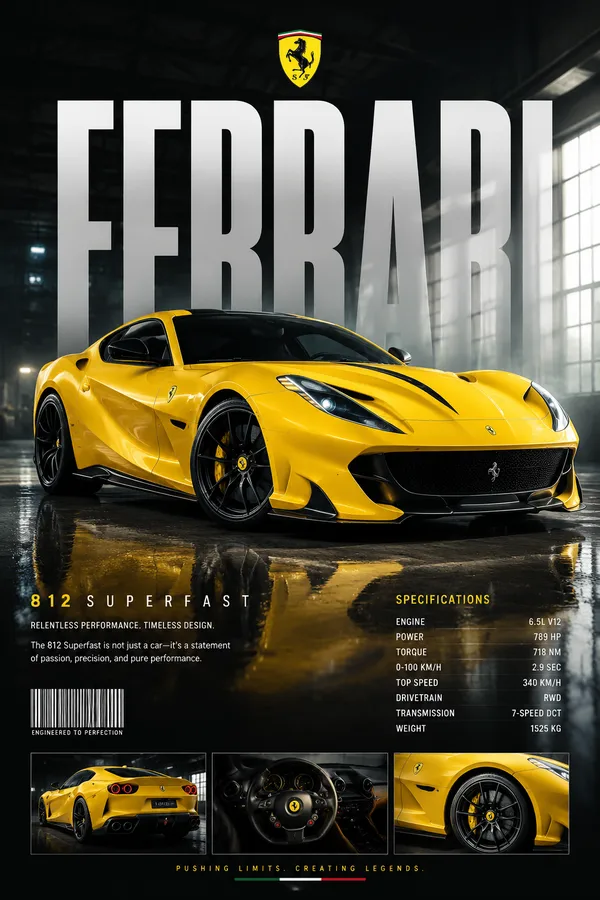
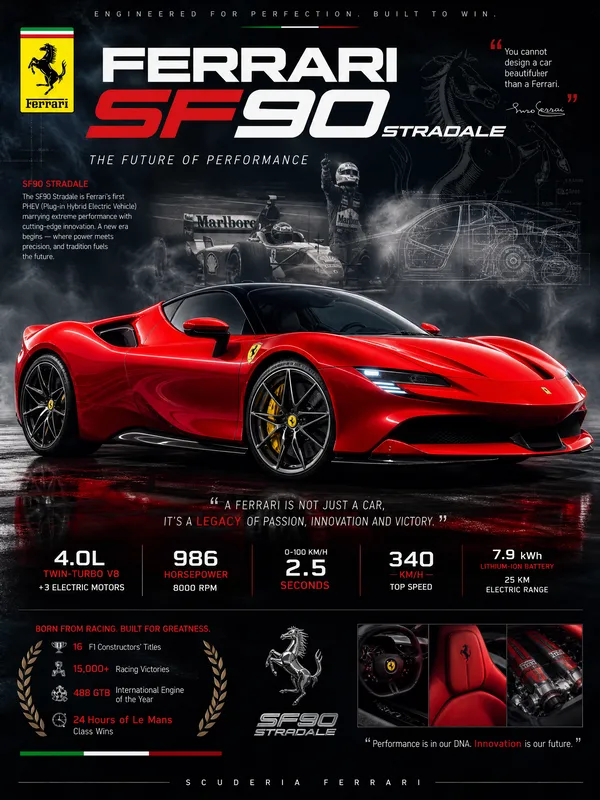
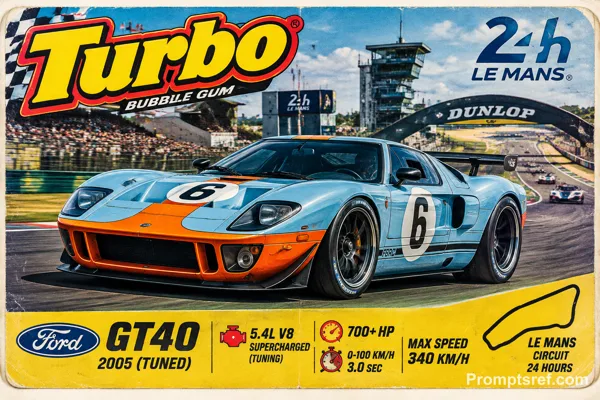
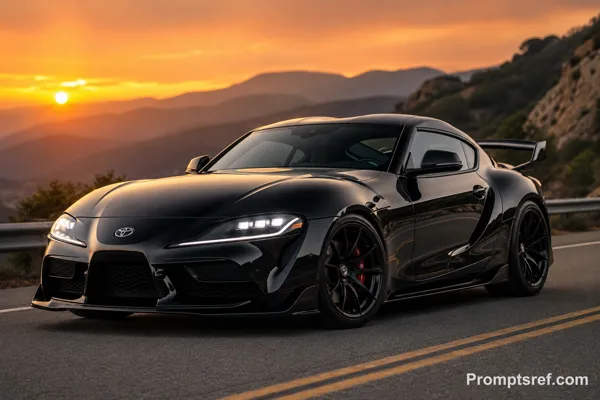
[TOYOTA] | [THE GOD'FATHER]. Act as a Professional Editorial Art Director.
PHASE 1: PHYSICS & GROUNDING (THE "STABILITY" RULE).
- Analyze [TOYOTA] category:
CATEGORY A (Active/Sports/Fashion): The subject (person) is in a high-intensity leap, detached from the ground, silhouette against the sky.
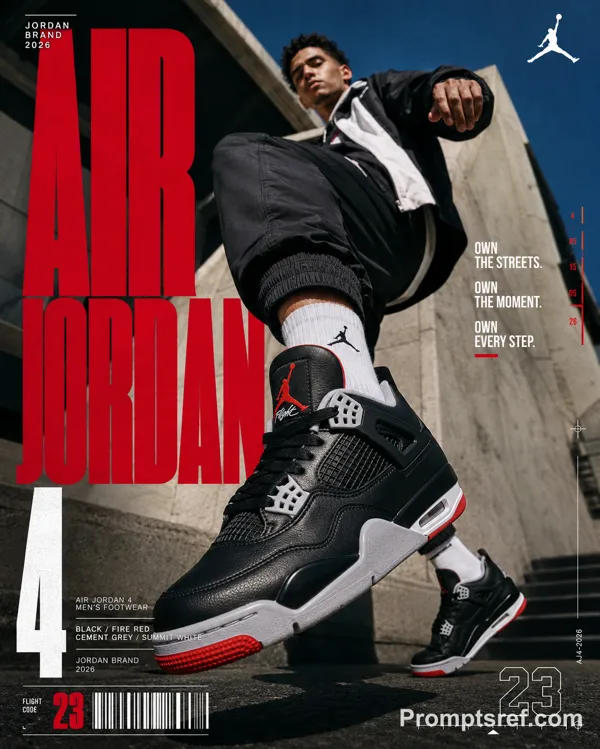
CATEGORY B (Automotive/Heavy Goods): The subject (vehicle) must be HEROICALLY GROUNDED. Place the car firmly on a solid surface (asphalt, concrete, or rock).
* Perspective: Use an extreme low-angle (worm's-eye view). The car must look massive and dominant, anchored to the bottom of the frame, towering over the viewer. NO floating or flying for vehicles.
PHASE 2: DYNAMIC PHOTOGRAPHY & LIGHTING.
- Environment: A vast, clear blue sky with minimal soft clouds.
- Lighting: Natural, direct sunlight. High-contrast shadows on the subject to emphasize form and texture.
- Style: High-end 8k commercial photography. Sharp focus.
PHASE 3: TYPOGRAPHY & LAYOUT (MATTE FINISH).
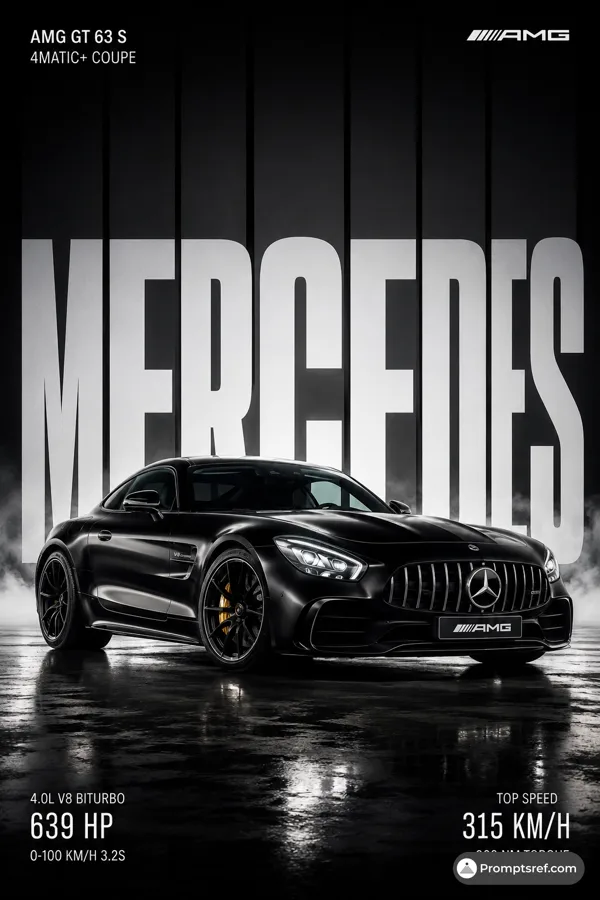
- Layout: Use the text from "[THE COLD ONE]" as massive, ultra-condensed bold sans-serif characters.
- Execution: Split "THE PRIDE" into two parts: one on the far left, one on the far right.
- Depth: A part of the subject (e.g., a bumper, a mirror, or a person's limb) must overlap the letters to create a 3D effect.
PHASE 4: COLOR STRATEGY (MATTE & REALISTIC).
- Graphic Color: NO NEON. Use a solid, matte brand color for the text (e.g., flat Navy for BMW, flat Red for Red Bull). The color must be opaque and non-glowing, resembling high-quality print ink.
- Photo Color: Maintain authentic, rich photographic colors for the subject and the sky. The contrast comes from "Flat Graphic vs. Realistic Photo".
PHASE 5: FINAL BRANDING.
- Logo: Small minimalist [TOYOTA] logo in the upper corner.
- Metadata: Tiny secondary text in a clean sans-serif font at the bottom for a technical/editorial look.
Remix 作品
Remix还没有人 Remix,来做第一个属于你的版本。
使用这条图片提示词
- 01
从提示词开始
复制提示词,或点击生成按钮在生成器中打开。
- 02
加入你的想法
调整主体、场景或细节,按需添加参考素材。
- 03
生成前确认
检查模型与输出设置,每次生成的结果可能有所不同。