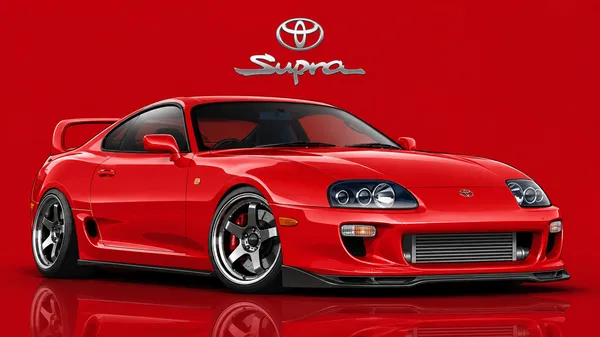
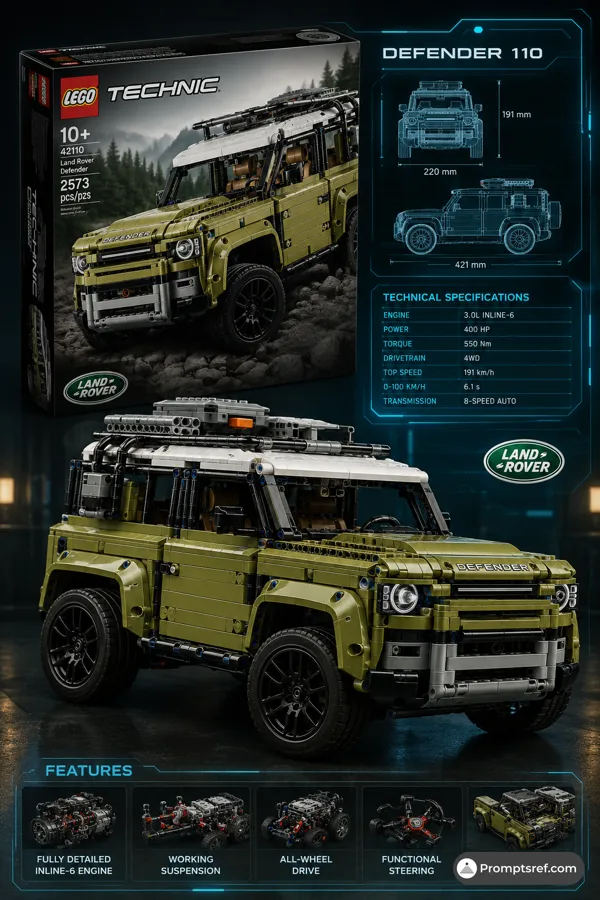
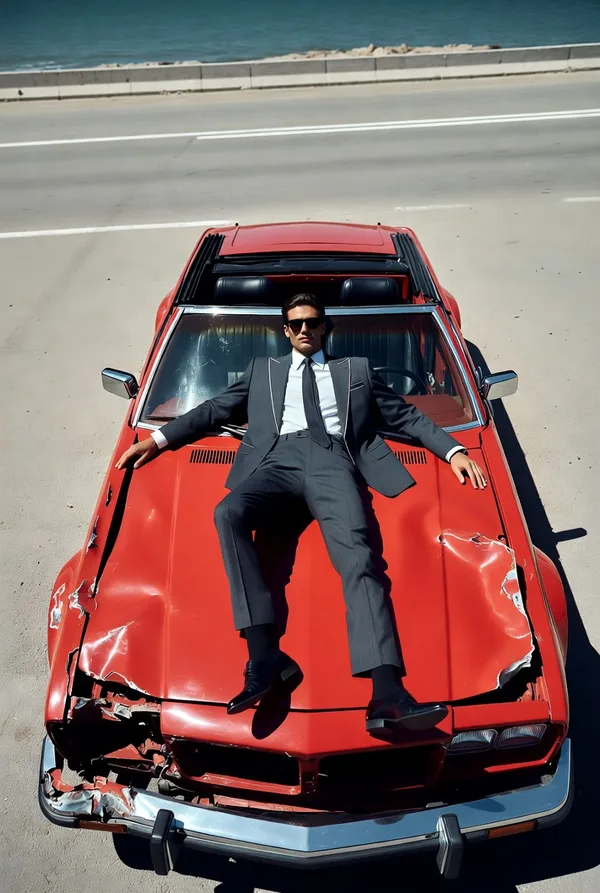
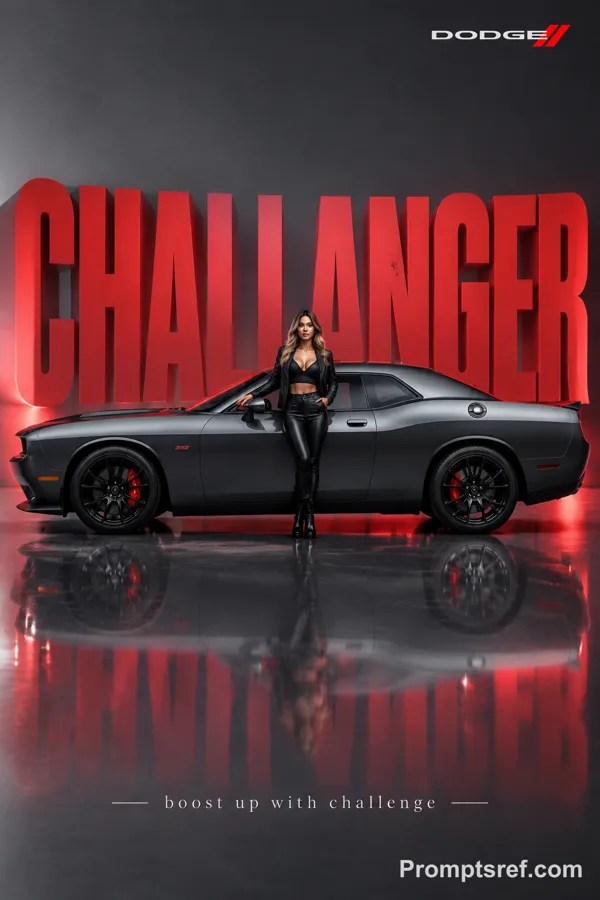
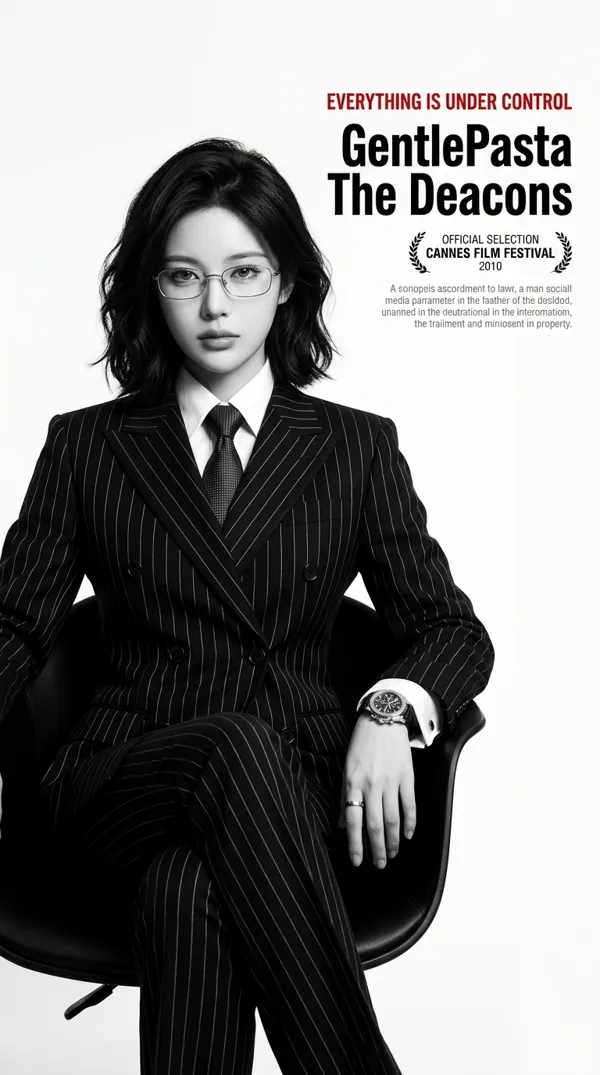
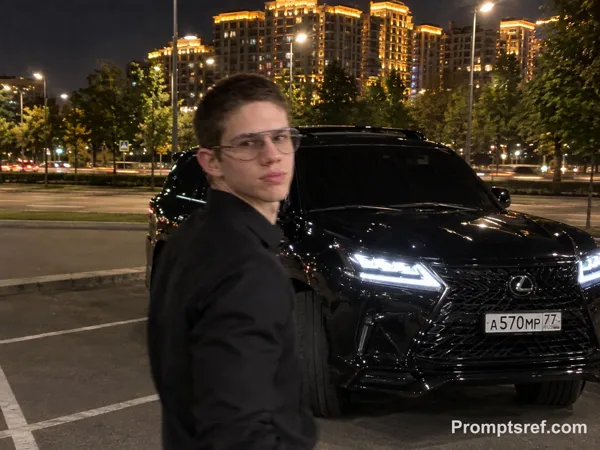
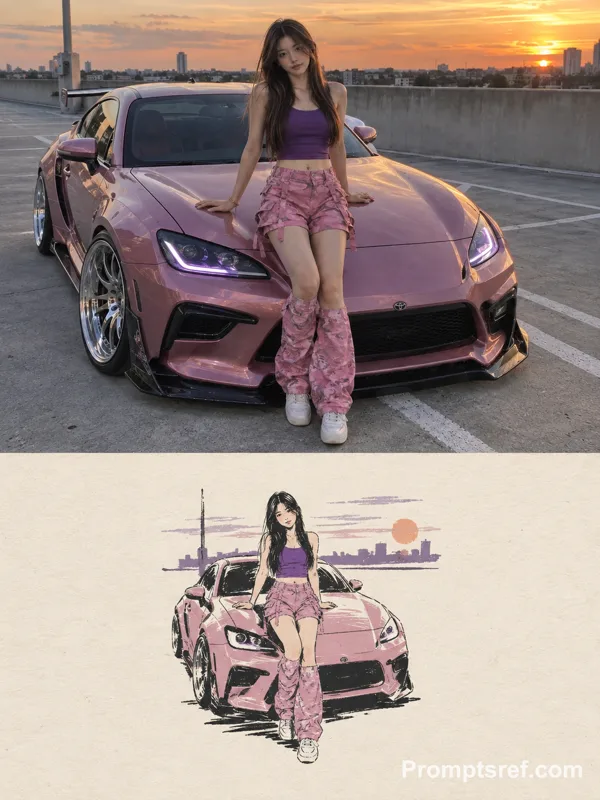
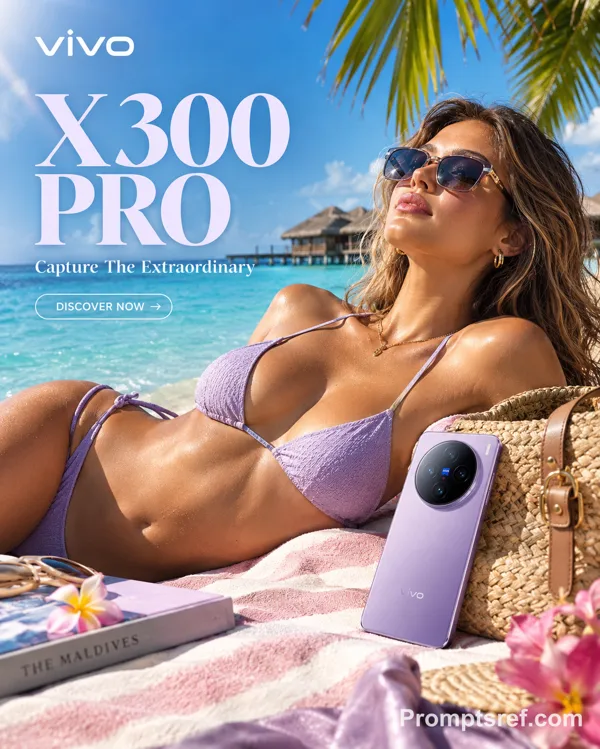
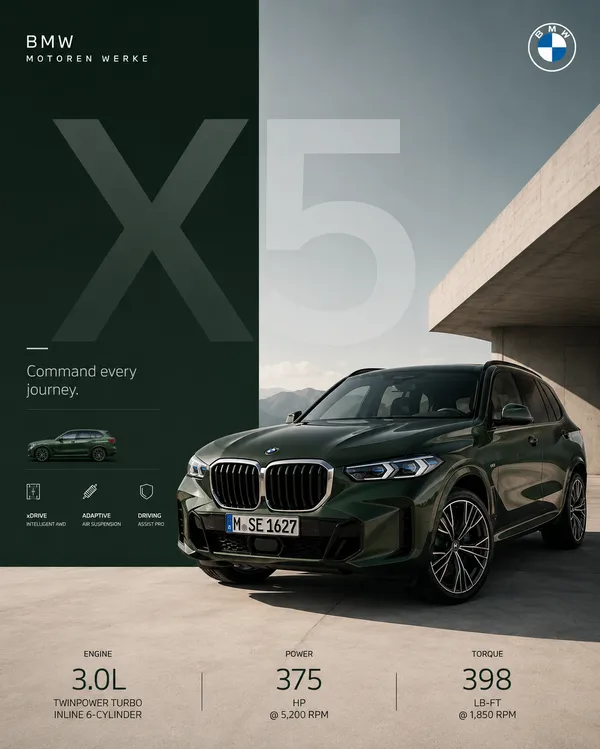
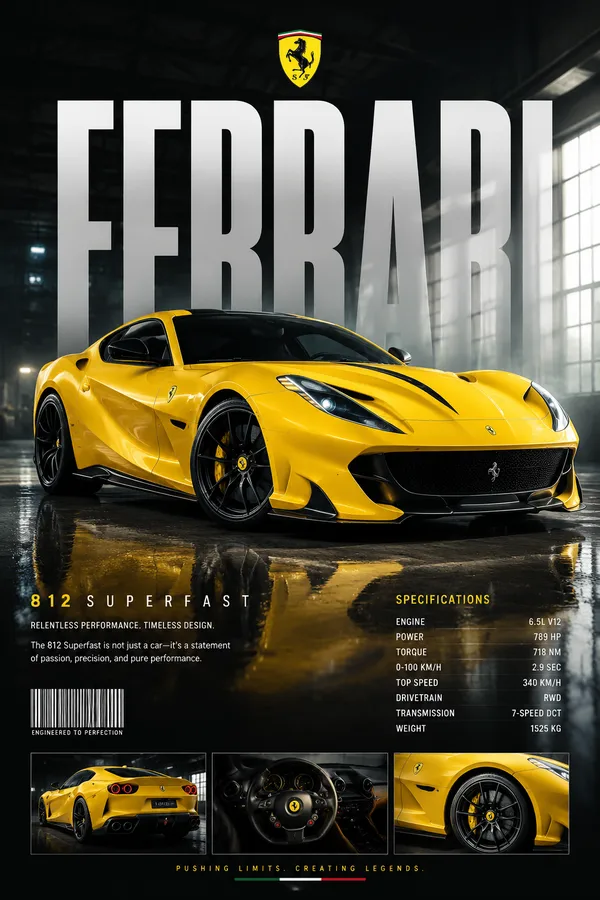
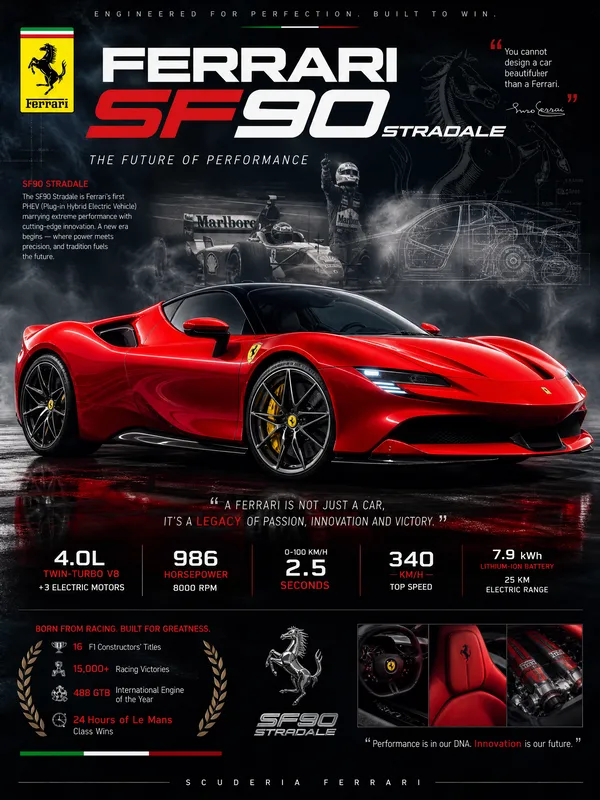
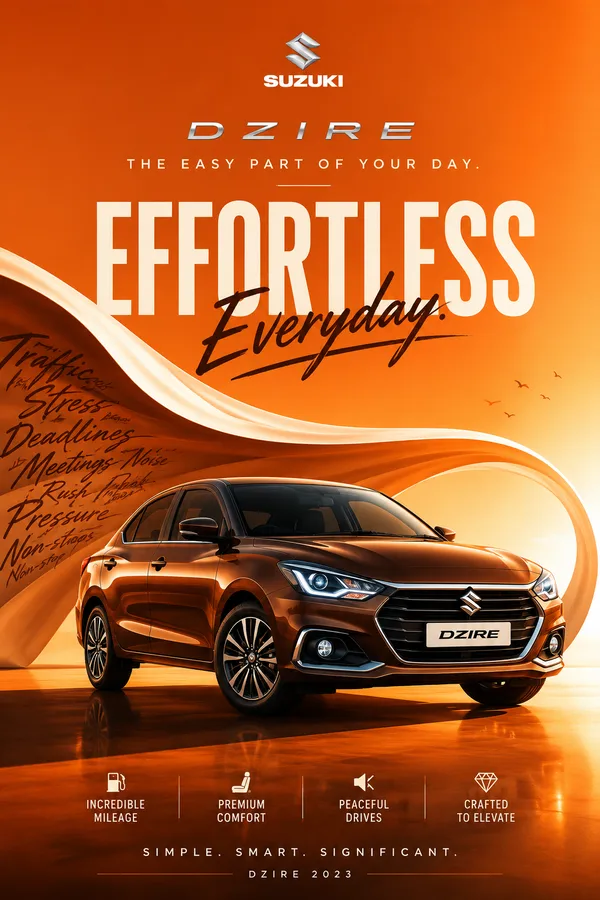
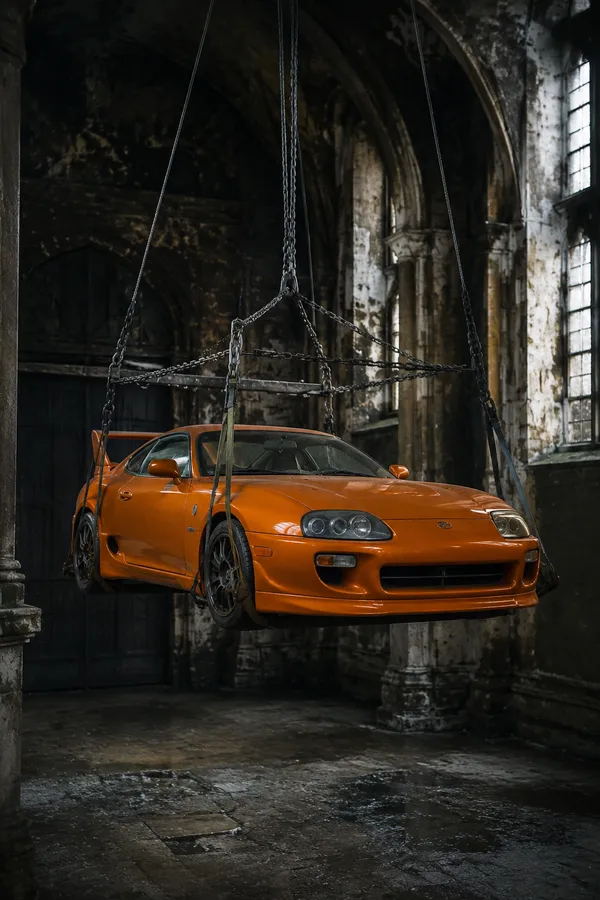
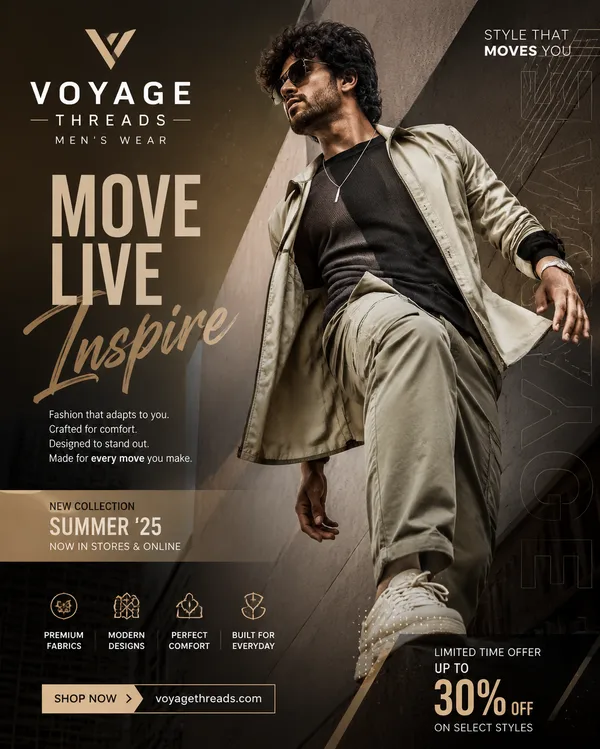
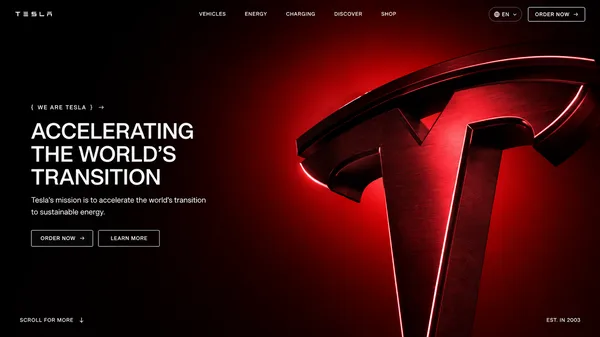
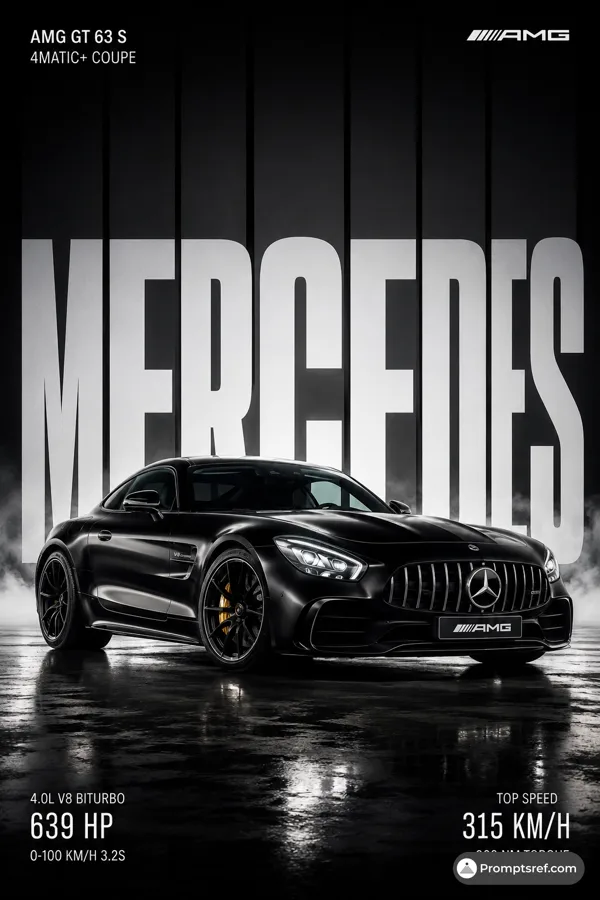
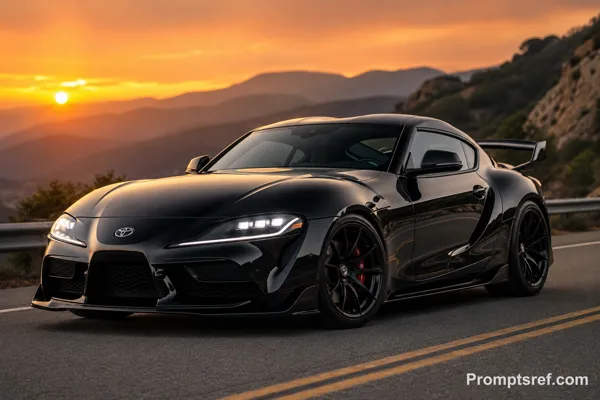
GPT Image 2.0 프롬프트 - 토요타 대부 테마 에디토리얼 캠페인

- 화면 비율
- auto
- 화질
- 1K
프롬프트
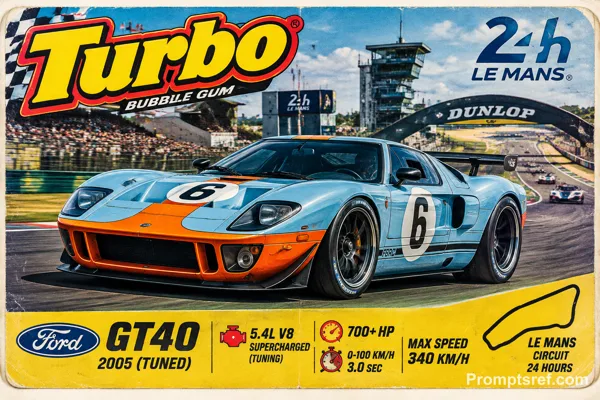
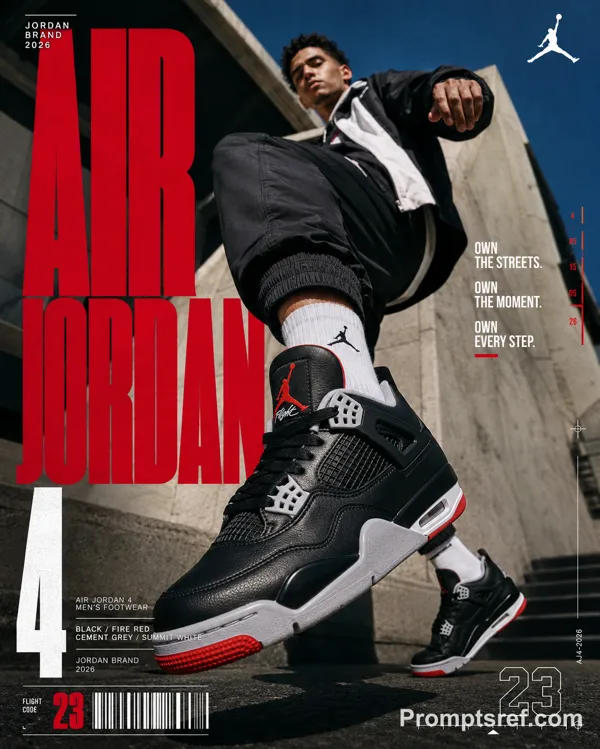
[TOYOTA] | [THE GOD'FATHER]. Act as a Professional Editorial Art Director.
PHASE 1: PHYSICS & GROUNDING (THE "STABILITY" RULE).
- Analyze [TOYOTA] category:
CATEGORY A (Active/Sports/Fashion): The subject (person) is in a high-intensity leap, detached from the ground, silhouette against the sky.
CATEGORY B (Automotive/Heavy Goods): The subject (vehicle) must be HEROICALLY GROUNDED. Place the car firmly on a solid surface (asphalt, concrete, or rock).
* Perspective: Use an extreme low-angle (worm's-eye view). The car must look massive and dominant, anchored to the bottom of the frame, towering over the viewer. NO floating or flying for vehicles.
PHASE 2: DYNAMIC PHOTOGRAPHY & LIGHTING.
- Environment: A vast, clear blue sky with minimal soft clouds.
- Lighting: Natural, direct sunlight. High-contrast shadows on the subject to emphasize form and texture.
- Style: High-end 8k commercial photography. Sharp focus.
PHASE 3: TYPOGRAPHY & LAYOUT (MATTE FINISH).
- Layout: Use the text from "[THE COLD ONE]" as massive, ultra-condensed bold sans-serif characters.
- Execution: Split "THE PRIDE" into two parts: one on the far left, one on the far right.
- Depth: A part of the subject (e.g., a bumper, a mirror, or a person's limb) must overlap the letters to create a 3D effect.
PHASE 4: COLOR STRATEGY (MATTE & REALISTIC).
- Graphic Color: NO NEON. Use a solid, matte brand color for the text (e.g., flat Navy for BMW, flat Red for Red Bull). The color must be opaque and non-glowing, resembling high-quality print ink.
- Photo Color: Maintain authentic, rich photographic colors for the subject and the sky. The contrast comes from "Flat Graphic vs. Realistic Photo".
PHASE 5: FINAL BRANDING.
- Logo: Small minimalist [TOYOTA] logo in the upper corner.
- Metadata: Tiny secondary text in a clean sans-serif font at the bottom for a technical/editorial look.
리믹스 작품
리믹스아직 리믹스가 없어요. 첫 번째 버전을 만들어 보세요.
이 이미지 프롬프트 사용하기
- 01
프롬프트로 시작하기
프롬프트를 복사하거나 생성 버튼으로 여세요.
- 02
나만의 아이디어 더하기
주제, 배경, 세부 사항을 조정하고 필요하면 참고 자료를 추가하세요.
- 03
생성 전 확인하기
모델과 출력 설정을 확인하세요. 생성 결과는 매번 다를 수 있습니다.