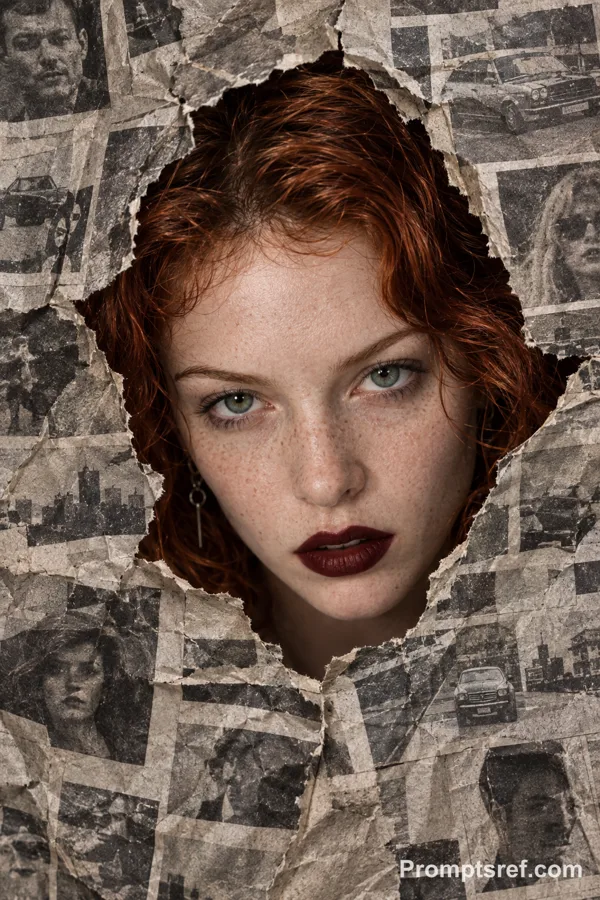
Nano Banana 2 提示词 - 撕纸线稿揭示效果编辑

提示词
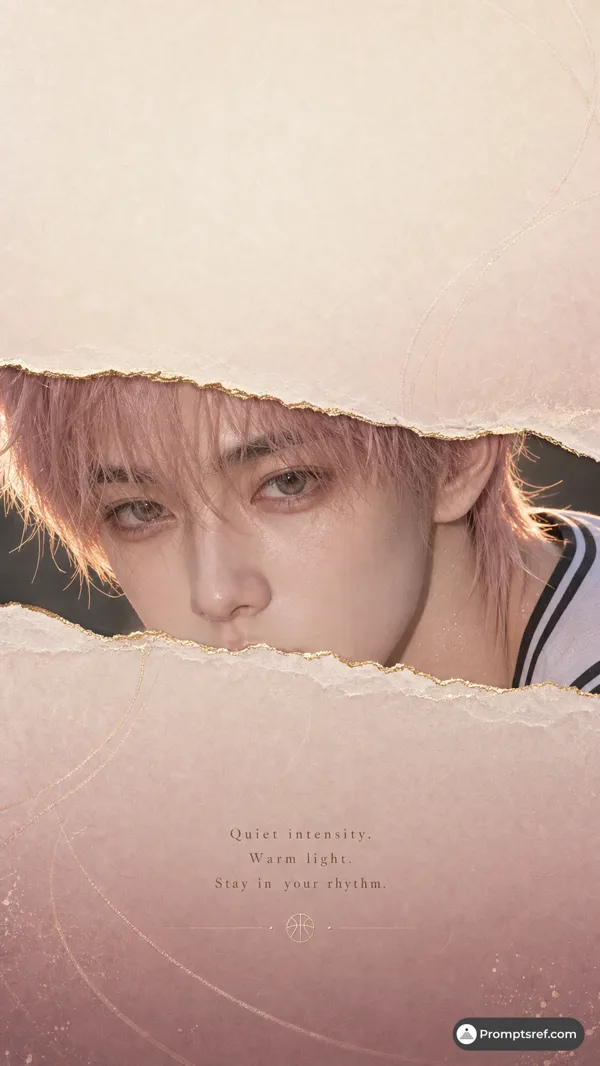
task: "edit-image: add widened torn-paper layered effect"
base_image:
use_reference_image: true
preserve_everything:
- character identity
- facial features and expression
- hairstyle and anatomy
- outfit design and colors
- background, lighting, composition
- overall art style
rules:
- Only modify the torn-paper interior areas.
- Do not change pose, anatomy, proportions, clothing details, shading, or scene elements.
effects:
- effect: "torn-paper-reveal"
placement: "across chest height"
description:
- Add a wide, natural horizontal tear across the chest area.
- The torn interior uses the style defined in `interior_style`.
- effect: "torn-paper-reveal"
placement: "lower abdomen height"
description:
- Add a wide horizontal tear across the lower abdomen.
- The torn interior uses the style defined in `interior_style`.
interior_style:
mode: "line-art"
style_settings:
line-art:
palette: "monochrome"
line_quality: "clean, crisp"
paper: "notebook paper with subtle ruled lines"
sumi-e:
palette: "black ink tones"
brush_texture: "soft bleeding edges"
paper: "plain textured paper"
figure-render:
material: "PVC-like"
shading: "semi-realistic highlights"
paper: "plain smooth surface"
colored-pencil:
stroke_texture: "visible pencil grain"
palette: "soft layered hues"
paper: "rough sketchbook paper"
watercolor:
palette: "soft transparent pigments"
blending: "smooth bleeding"
edges: "soft contours"
paper: "watercolor paper texture"
pencil-drawing:
graphite_texture: "visible pencil grain"
shading: "smooth gradients"
line_quality: "mixed sharp and soft"
tone: "gray-scale"
paper: "notebook paper with faint ruled lines"
参考图片

Remix 作品
Remix还没有人 Remix,来做第一个属于你的版本。
使用这条图片提示词
- 01
从提示词开始
复制提示词,或点击生成按钮在生成器中打开。
- 02
加入你的想法
调整主体、场景或细节,按需添加参考素材。
- 03
生成前确认
检查模型与输出设置,每次生成的结果可能有所不同。