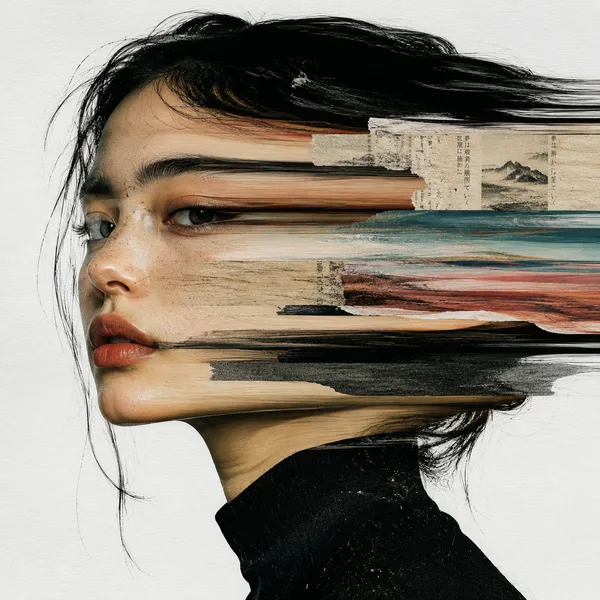
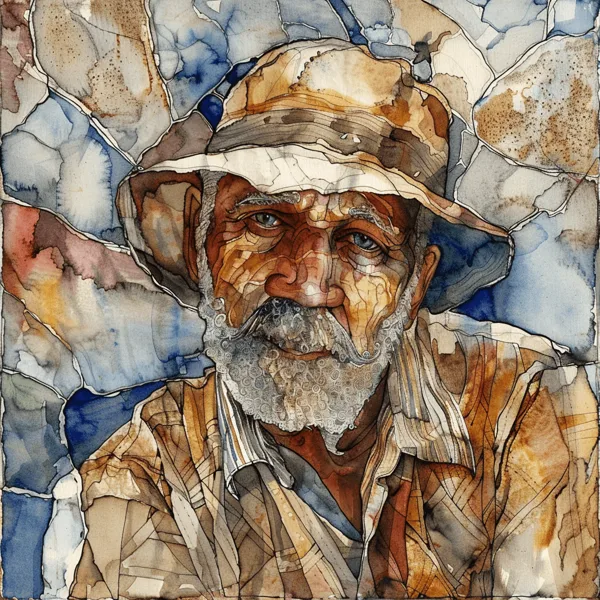
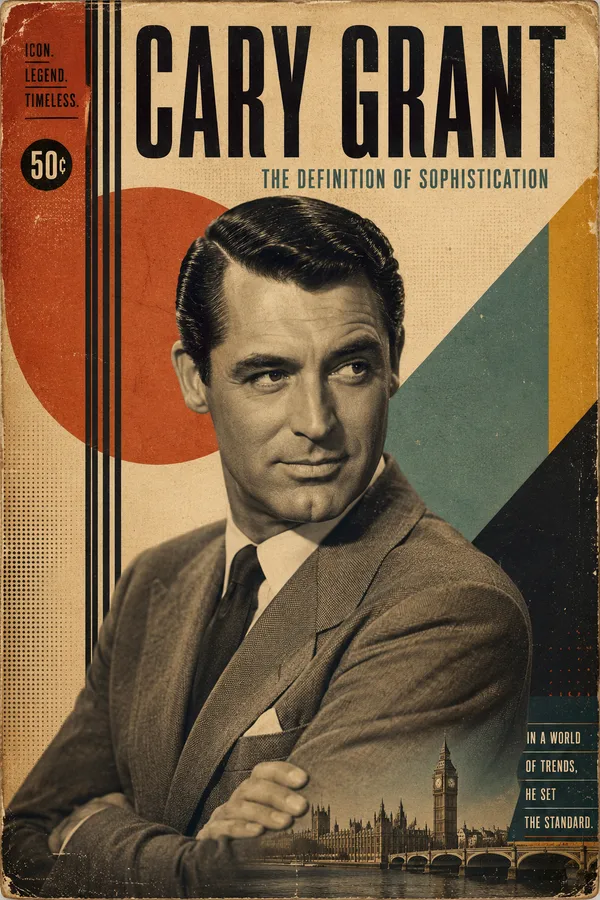
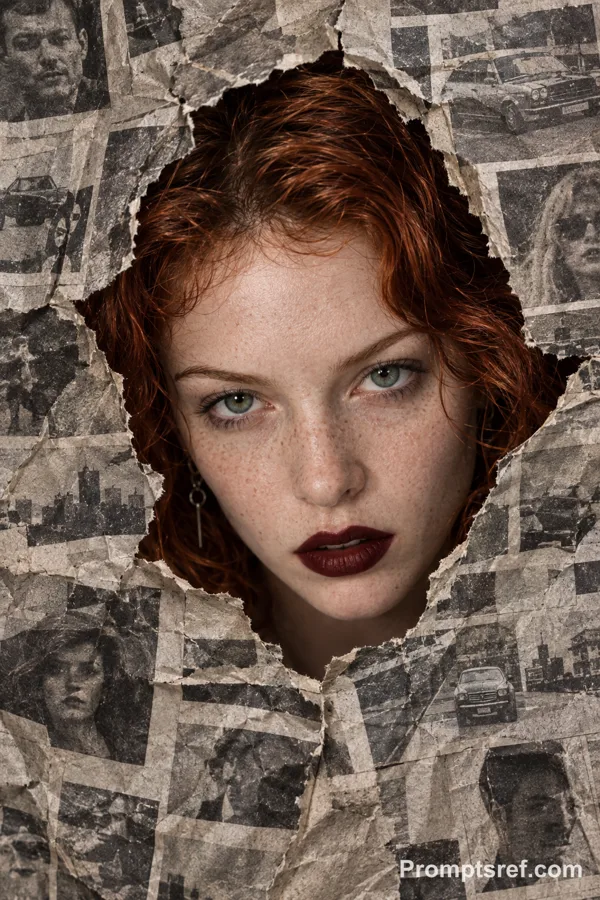
Nano Banana 2 프롬프트 - 찢어진 종이 속 라인 아트 공개 편집

프롬프트
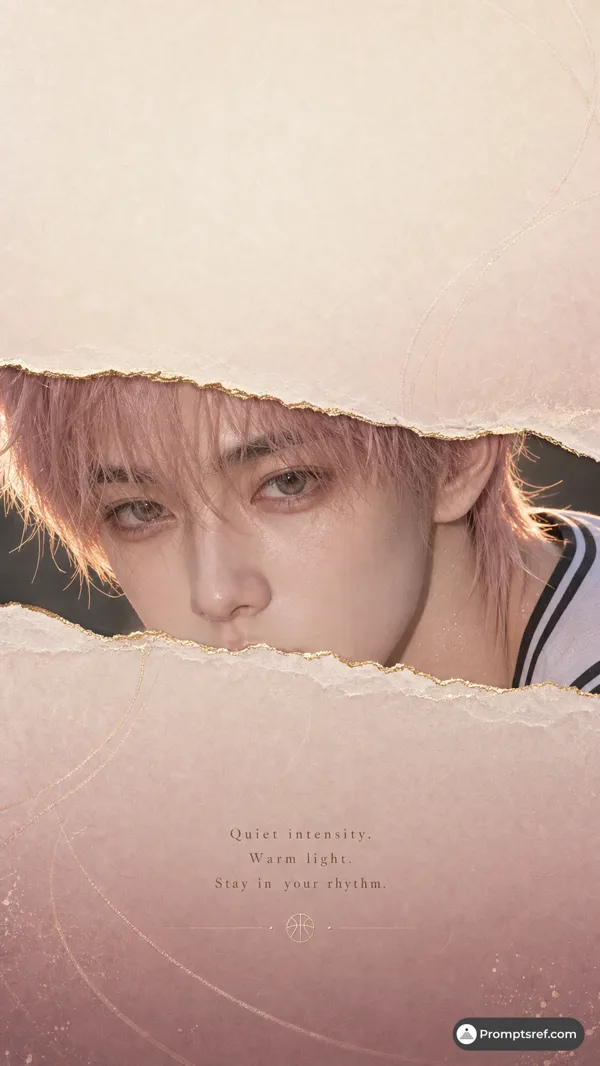
task: "edit-image: add widened torn-paper layered effect"
base_image:
use_reference_image: true
preserve_everything:
- character identity
- facial features and expression
- hairstyle and anatomy
- outfit design and colors
- background, lighting, composition
- overall art style
rules:
- Only modify the torn-paper interior areas.
- Do not change pose, anatomy, proportions, clothing details, shading, or scene elements.
effects:
- effect: "torn-paper-reveal"
placement: "across chest height"
description:
- Add a wide, natural horizontal tear across the chest area.
- The torn interior uses the style defined in `interior_style`.
- effect: "torn-paper-reveal"
placement: "lower abdomen height"
description:
- Add a wide horizontal tear across the lower abdomen.
- The torn interior uses the style defined in `interior_style`.
interior_style:
mode: "line-art"
style_settings:
line-art:
palette: "monochrome"
line_quality: "clean, crisp"
paper: "notebook paper with subtle ruled lines"
sumi-e:
palette: "black ink tones"
brush_texture: "soft bleeding edges"
paper: "plain textured paper"
figure-render:
material: "PVC-like"
shading: "semi-realistic highlights"
paper: "plain smooth surface"
colored-pencil:
stroke_texture: "visible pencil grain"
palette: "soft layered hues"
paper: "rough sketchbook paper"
watercolor:
palette: "soft transparent pigments"
blending: "smooth bleeding"
edges: "soft contours"
paper: "watercolor paper texture"
pencil-drawing:
graphite_texture: "visible pencil grain"
shading: "smooth gradients"
line_quality: "mixed sharp and soft"
tone: "gray-scale"
paper: "notebook paper with faint ruled lines"
참조 이미지

리믹스 작품
리믹스아직 리믹스가 없어요. 첫 번째 버전을 만들어 보세요.
이 이미지 프롬프트 사용하기
- 01
프롬프트로 시작하기
프롬프트를 복사하거나 생성 버튼으로 여세요.
- 02
나만의 아이디어 더하기
주제, 배경, 세부 사항을 조정하고 필요하면 참고 자료를 추가하세요.
- 03
생성 전 확인하기
모델과 출력 설정을 확인하세요. 생성 결과는 매번 다를 수 있습니다.