GPT Image 2.0 提示词 - 雨夜东京里的黑猫与蹲伏身影

- 画面比例
- 3:4
- 画质
- 2k
提示词
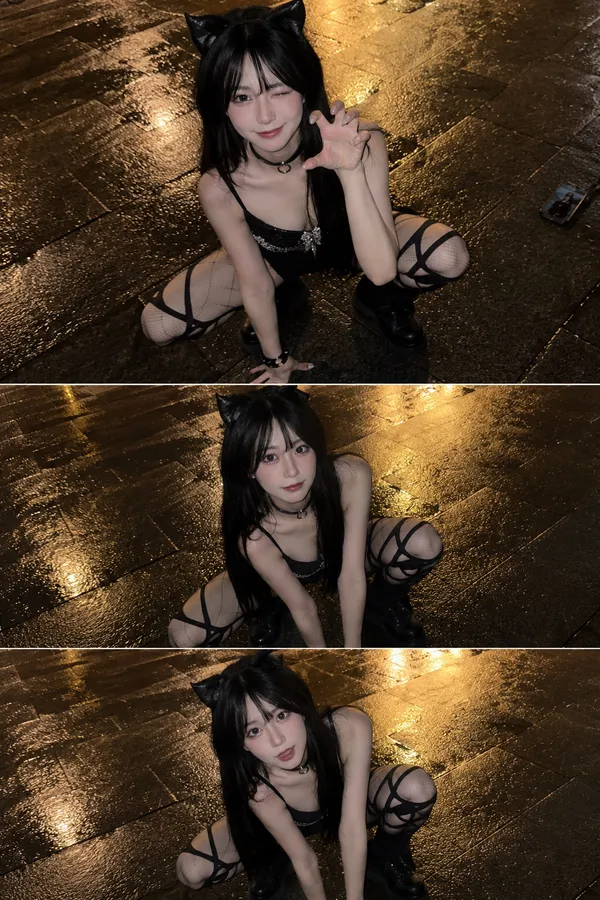
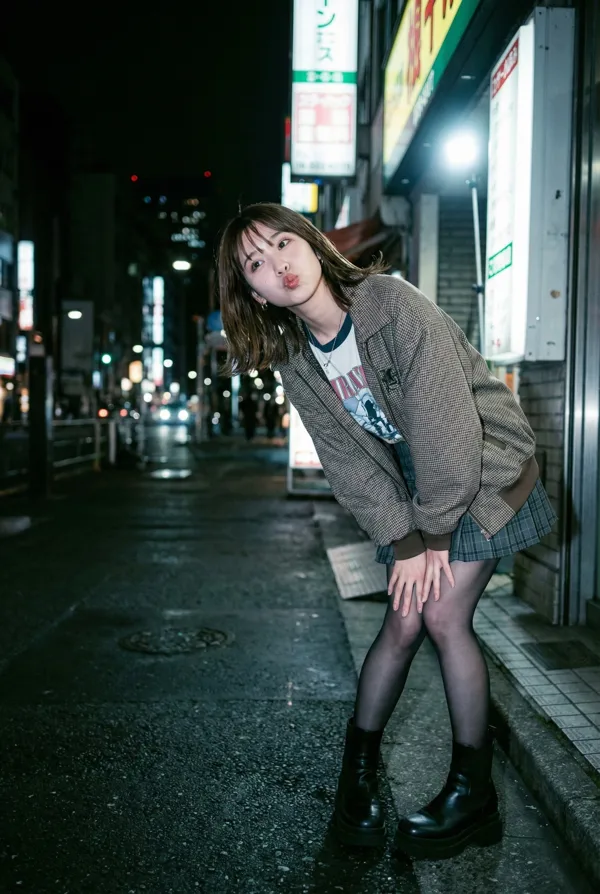
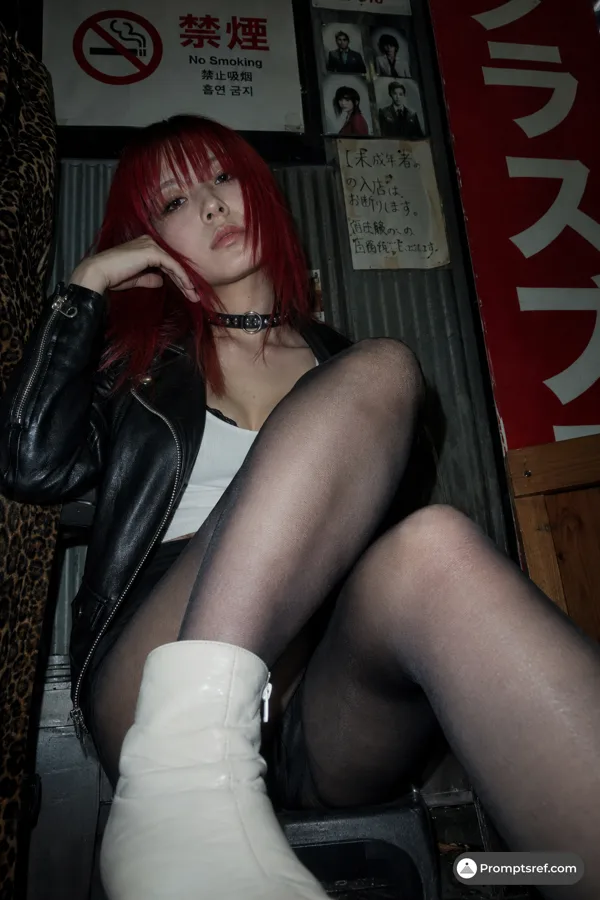
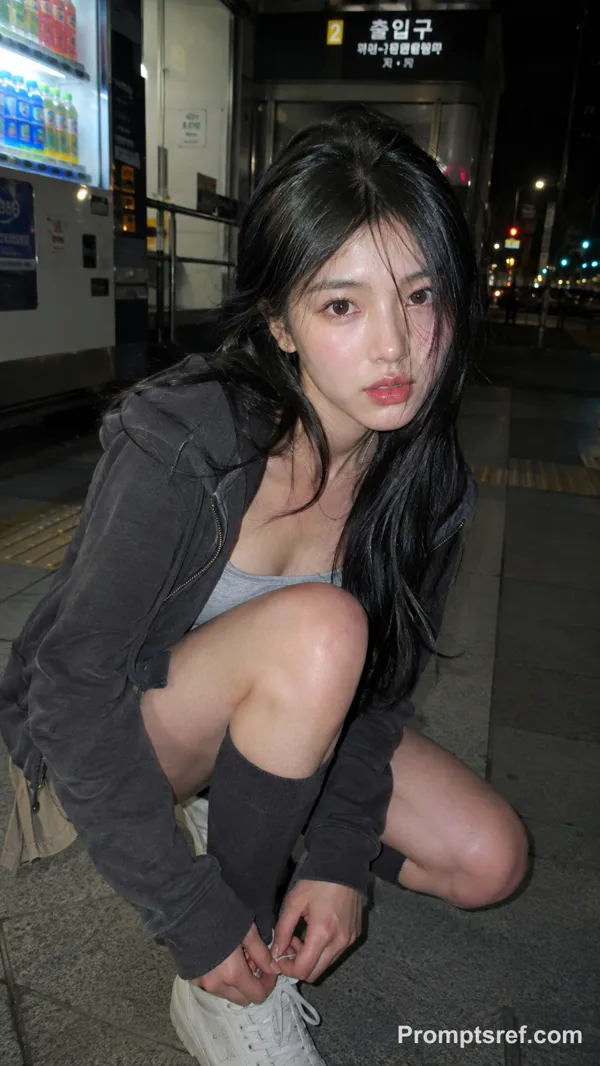
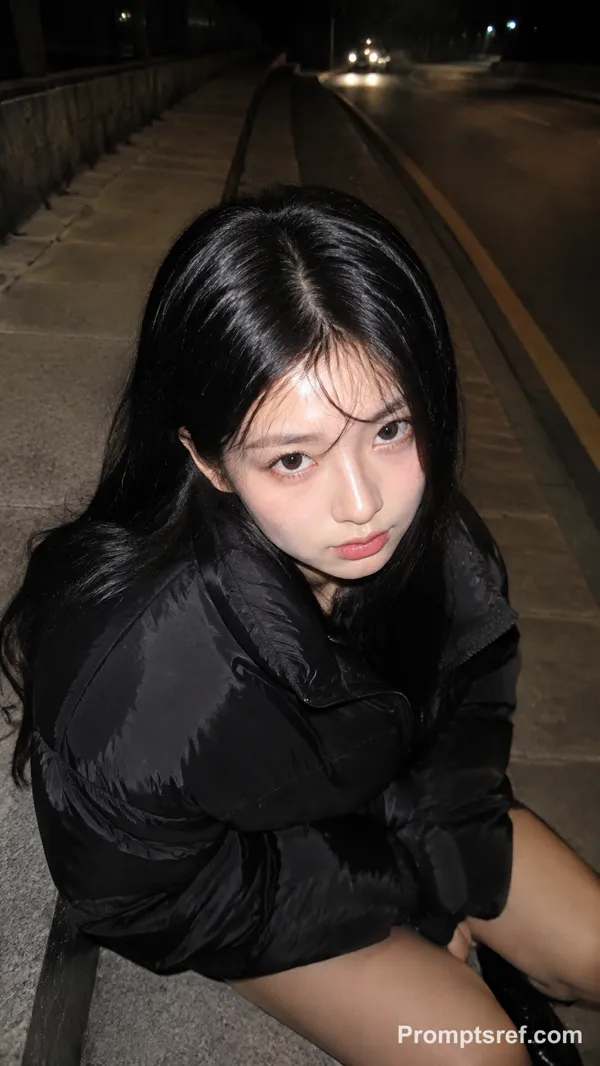
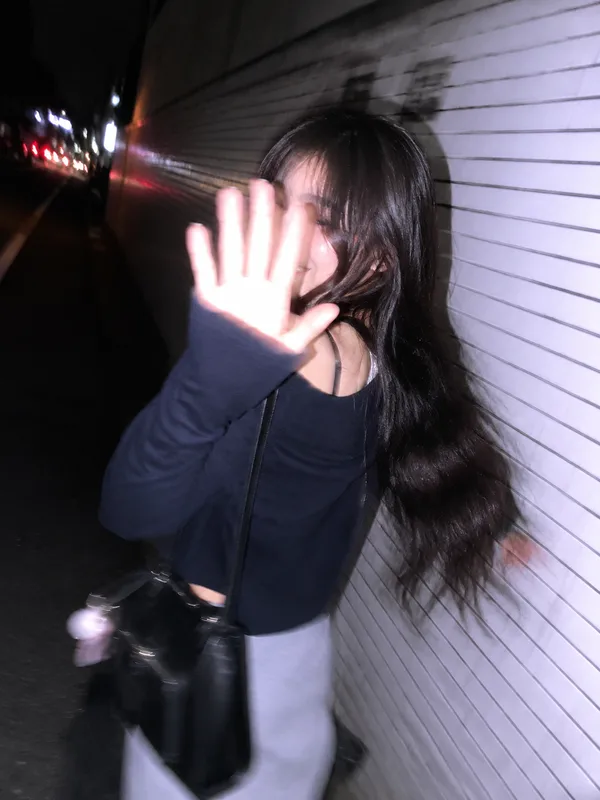
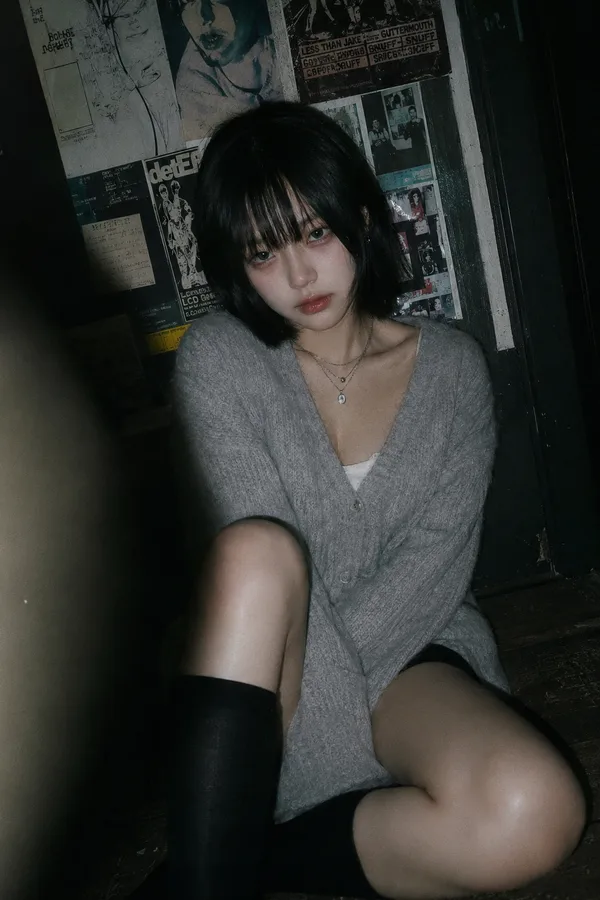
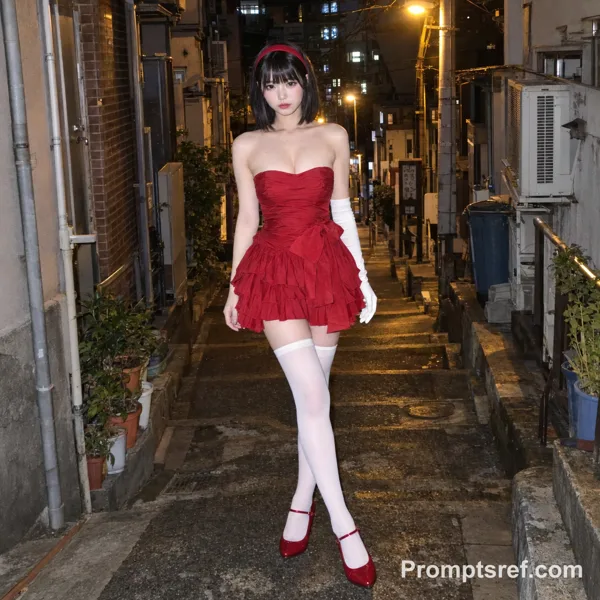
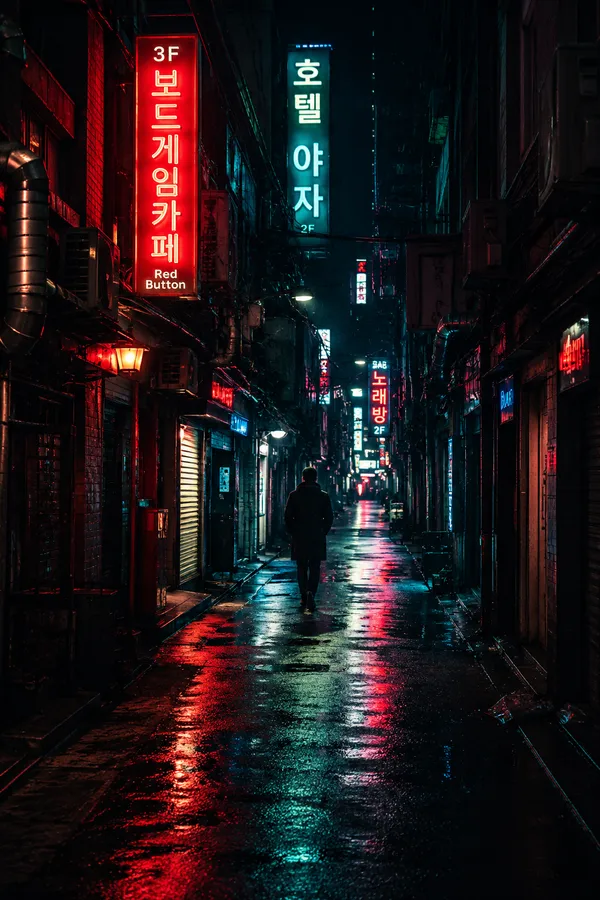
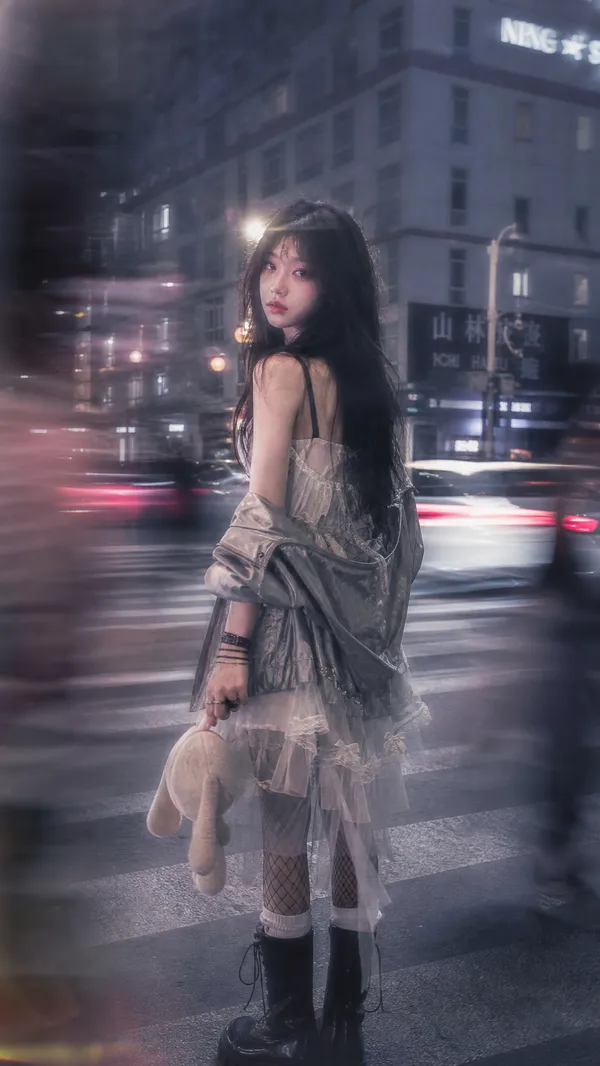
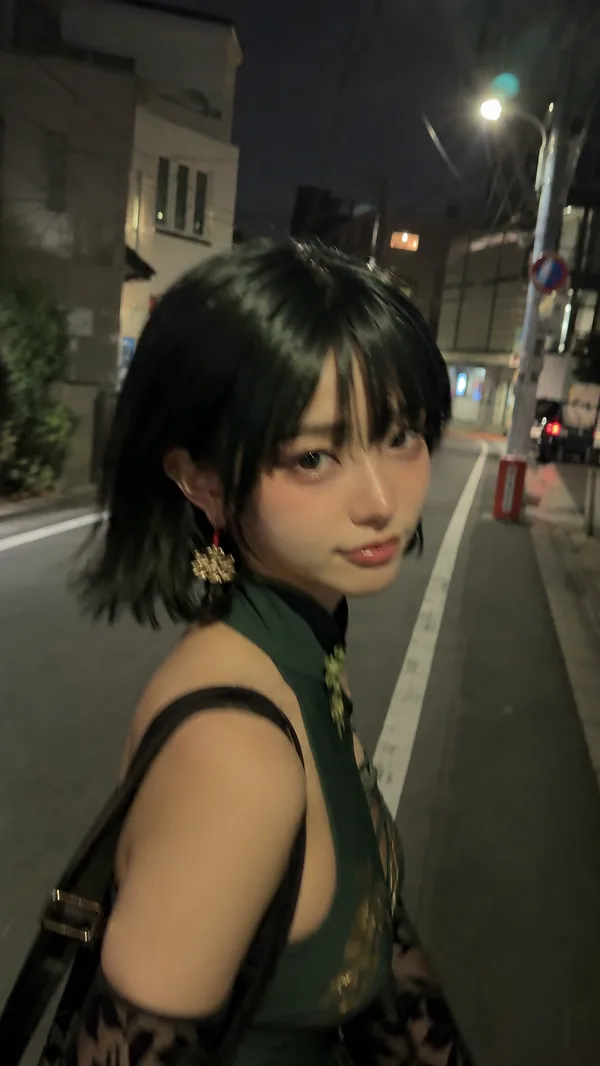
A cinematic candid night street photo in Tokyo shot from an extremely low ground-level angle, styled like a disposable film camera snapshot with direct on-camera flash, gritty realism, visible film grain, slight softness, deep shadows, strong contrast, and wet reflective pavement. In the center foreground, a {argument name="character gender presentation" default="androgynous young woman"} with {argument name="hair style" default="straight black bob covering part of the face"} crouches low with one hand pressed to the rain-soaked street, leaning toward the camera in a tense, fashion-editorial pose. The face is intentionally obscured by hair and shadow. She wears 4 visible clothing items: an oversized black blazer, a white dress shirt, a black necktie, and black shorts or a short skirt barely visible beneath the jacket. She also wears 3 visible accessories/details: a ring, a bracelet, and a pair of multicolored glittering lace-up ankle boots with a mosaic sequin look. Beside her on the right stands 1 black cat with bright reflective eyes, fully visible and alert, looking toward the camera. The setting is a narrow urban alley or side street at night with rain, slick asphalt, tangled utility cables and electrical boxes covering the left wall, and 2 vertical illuminated signs with Japanese text in the background. Overhead on the right side, dense blooming {argument name="tree blossoms" default="cherry blossoms"} fill the upper corner, creating a contrast between soft flowers and harsh city textures. Include distant bokeh from streetlights and storefronts, reflections of red, white, and yellow lights on the pavement, and a moody late-night atmosphere that feels spontaneous, raw, and slightly surreal. Use a wide lens perspective, documentary street photography composition, direct flash, disposable camera aesthetic, and {argument name="film mood" default="1990s Japanese nightlife snapshot"} realism.
Remix 作品
Remix还没有人 Remix,来做第一个属于你的版本。
使用这条图片提示词
- 01
从提示词开始
复制提示词,或点击生成按钮在生成器中打开。
- 02
加入你的想法
调整主体、场景或细节,按需添加参考素材。
- 03
生成前确认
检查模型与输出设置,每次生成的结果可能有所不同。