GPT Image 2.0 프롬프트 - 비 오는 도쿄의 검은 고양이와 웅크린 인물

- 화면 비율
- 3:4
- 화질
- 2k
프롬프트
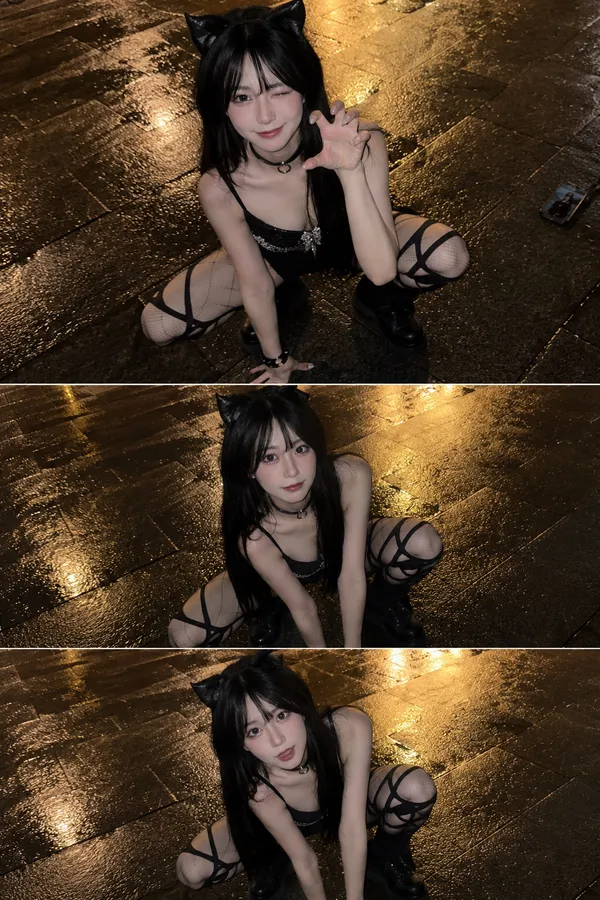
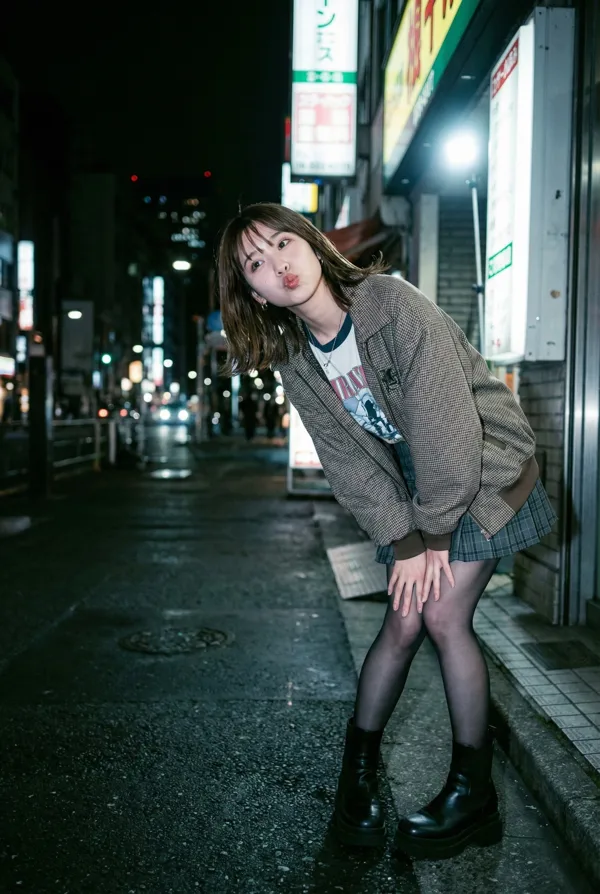
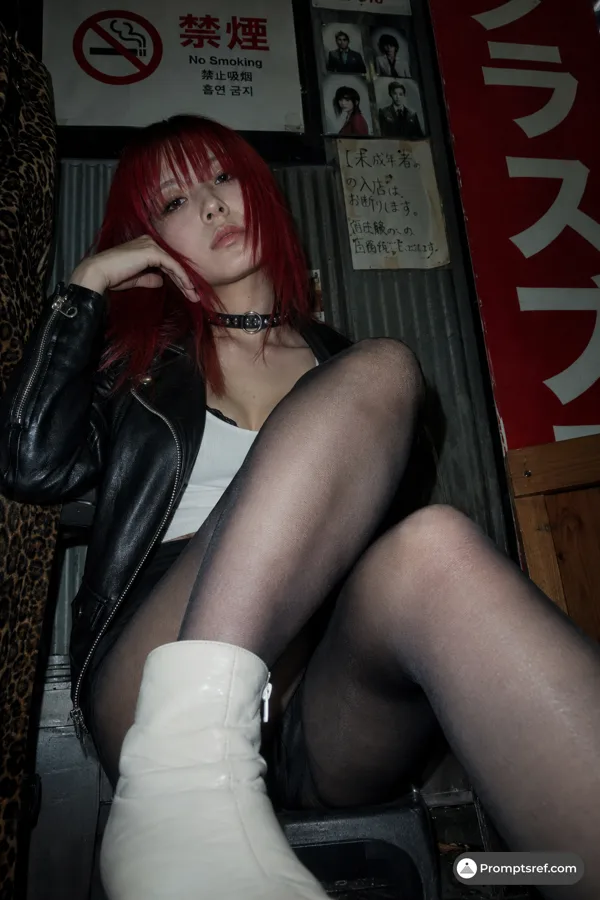
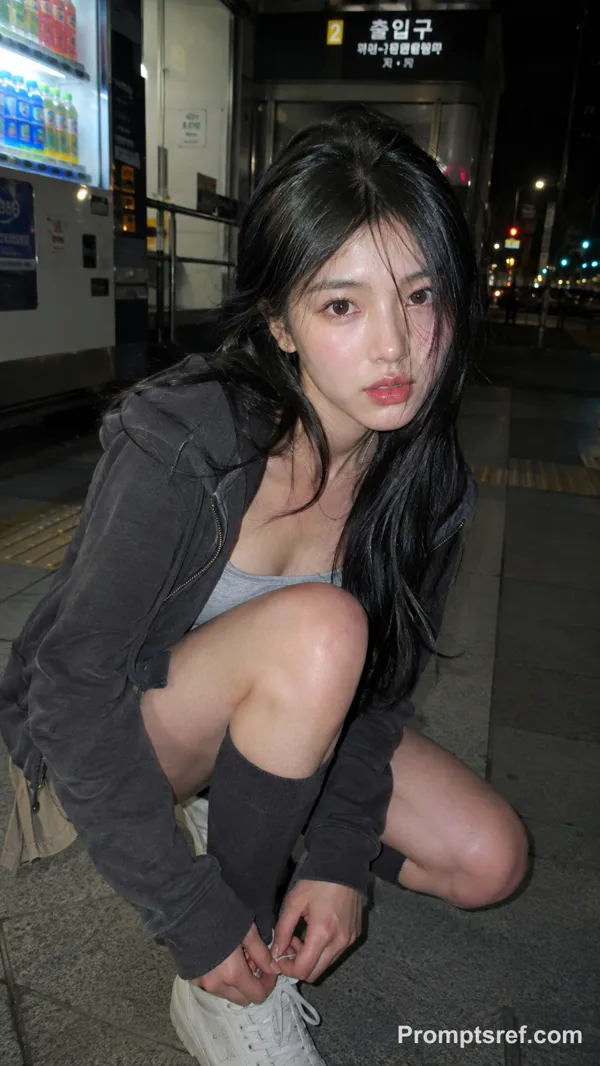
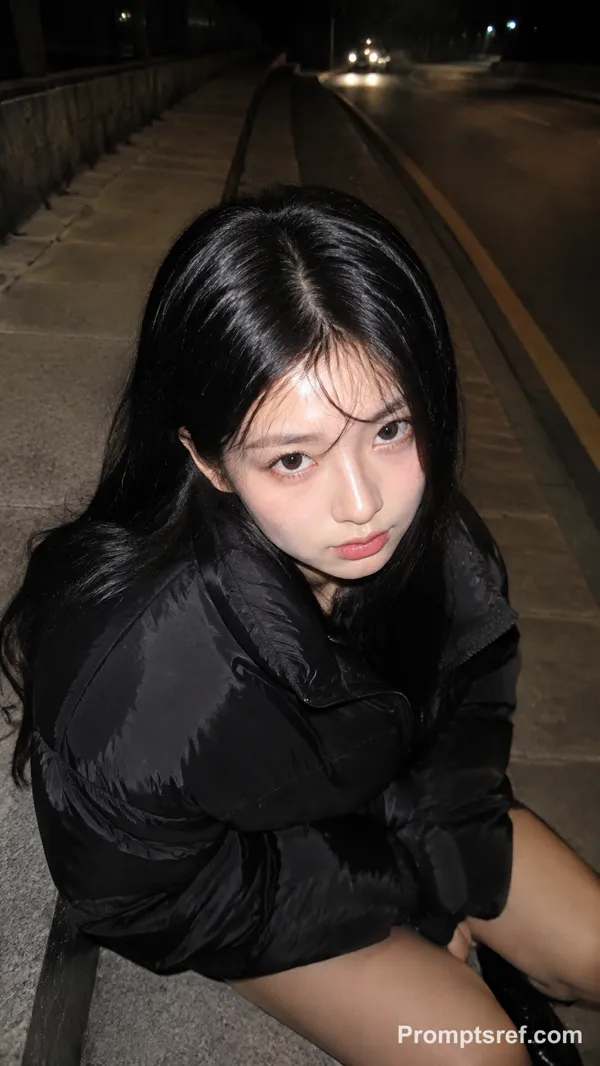
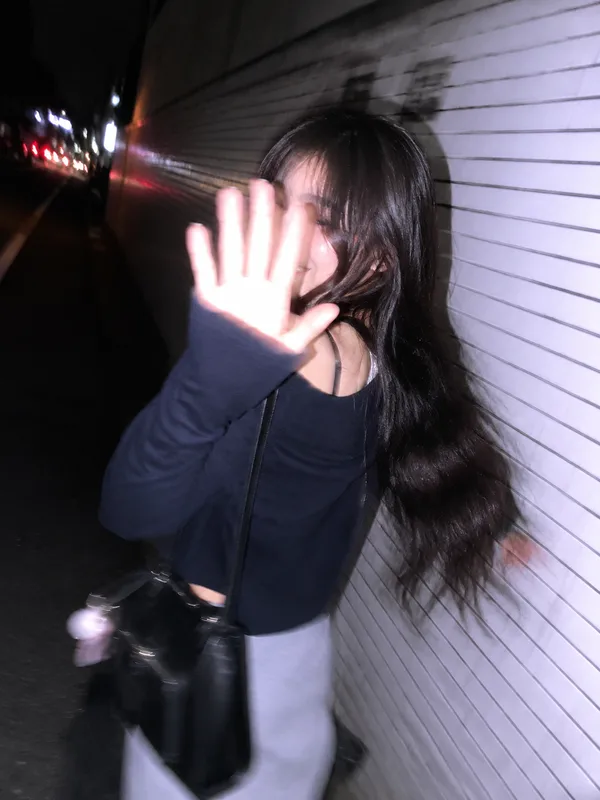
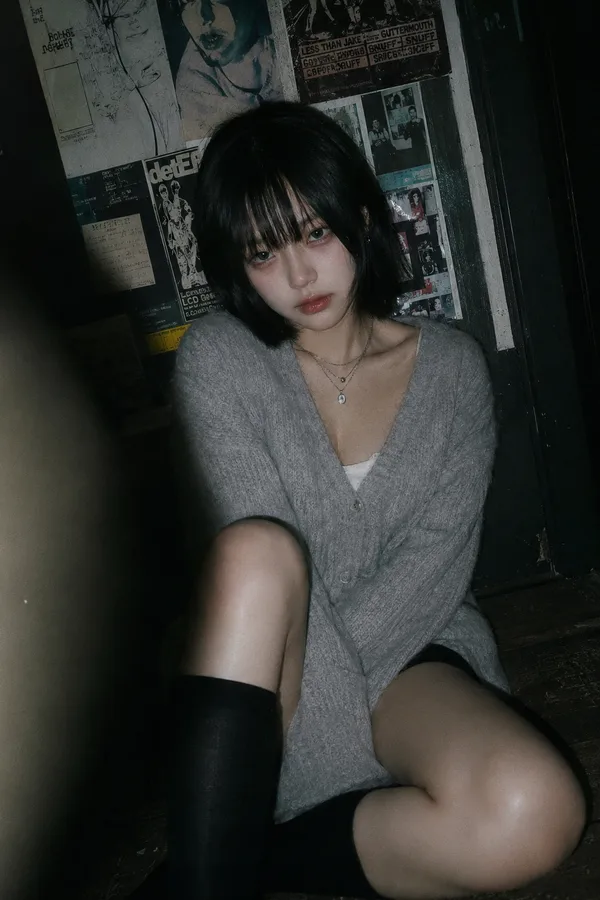
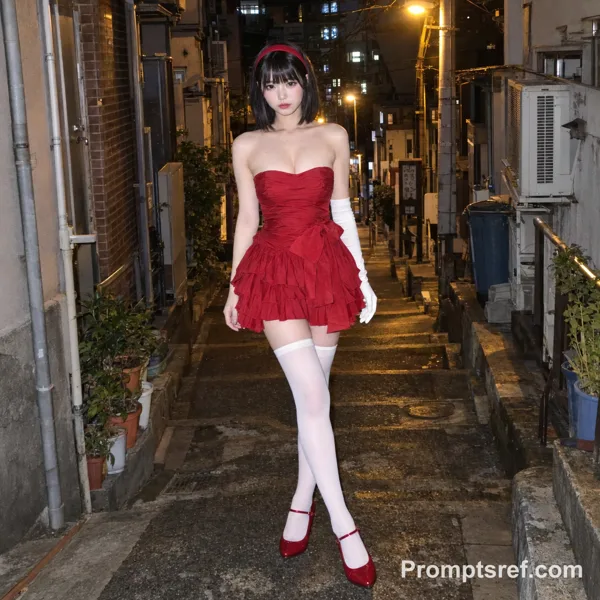
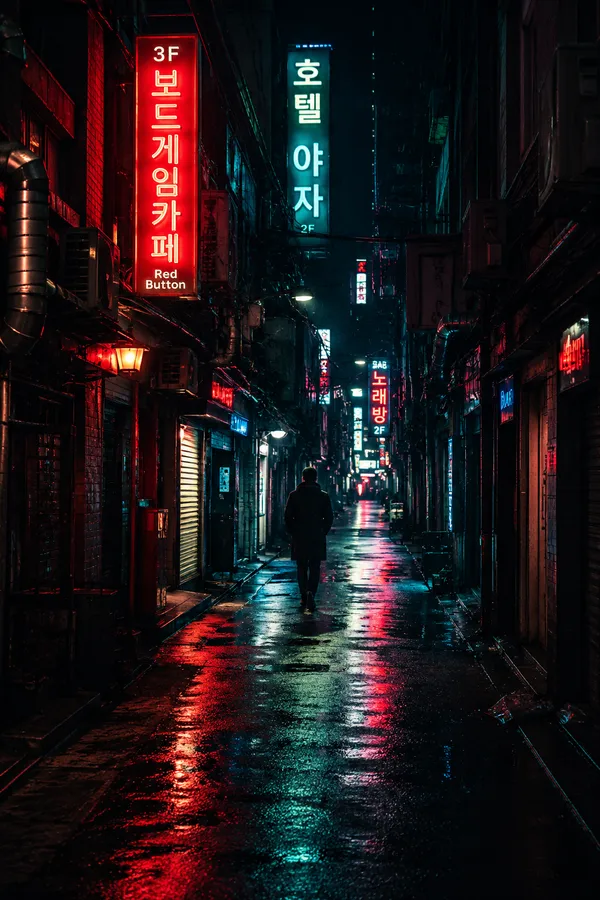
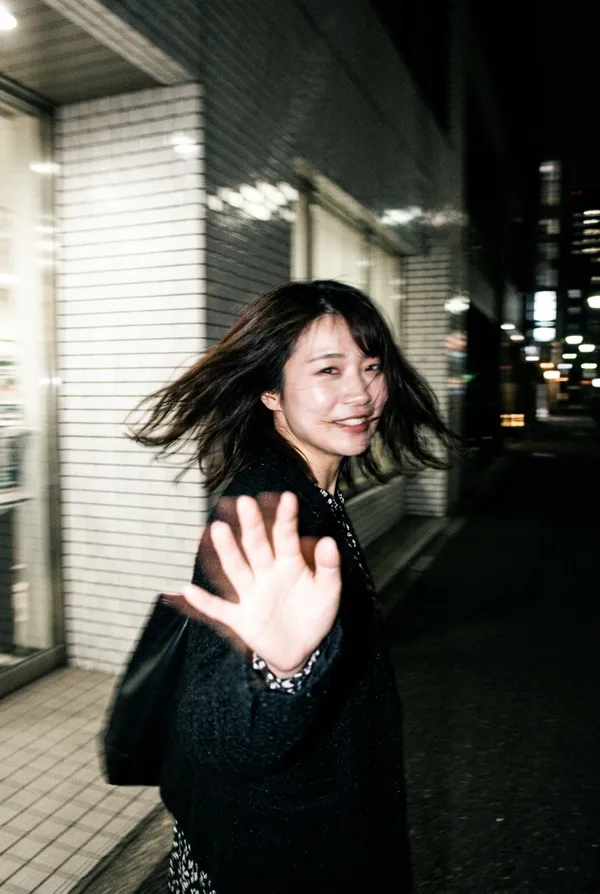
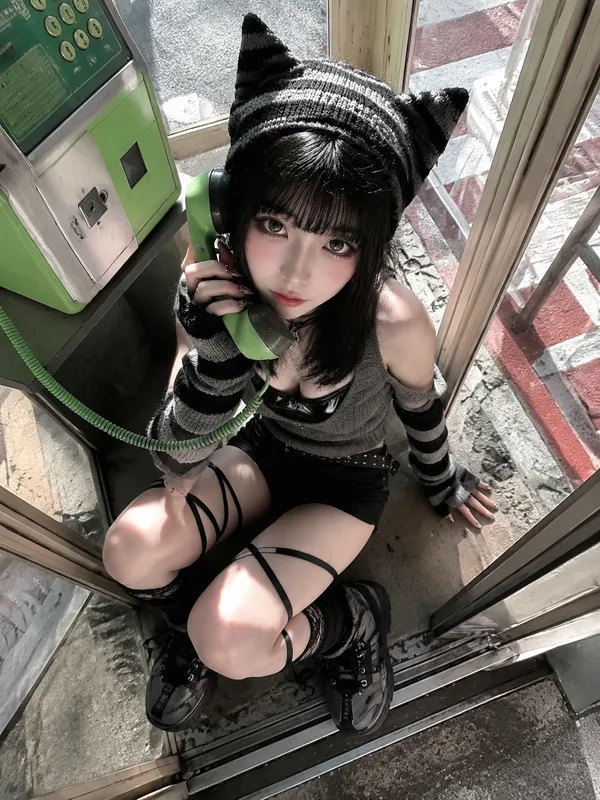
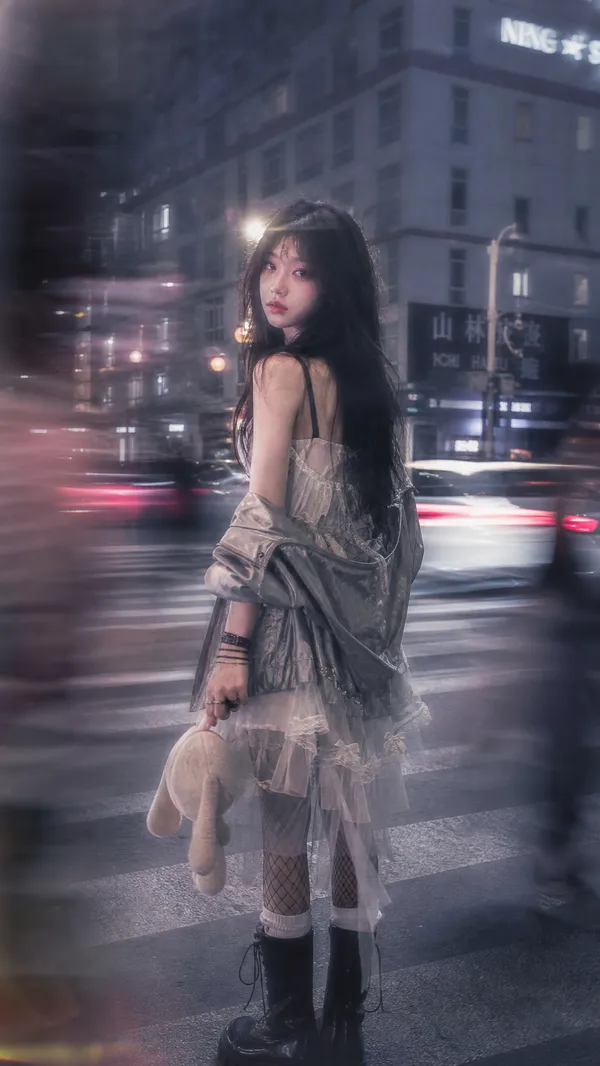
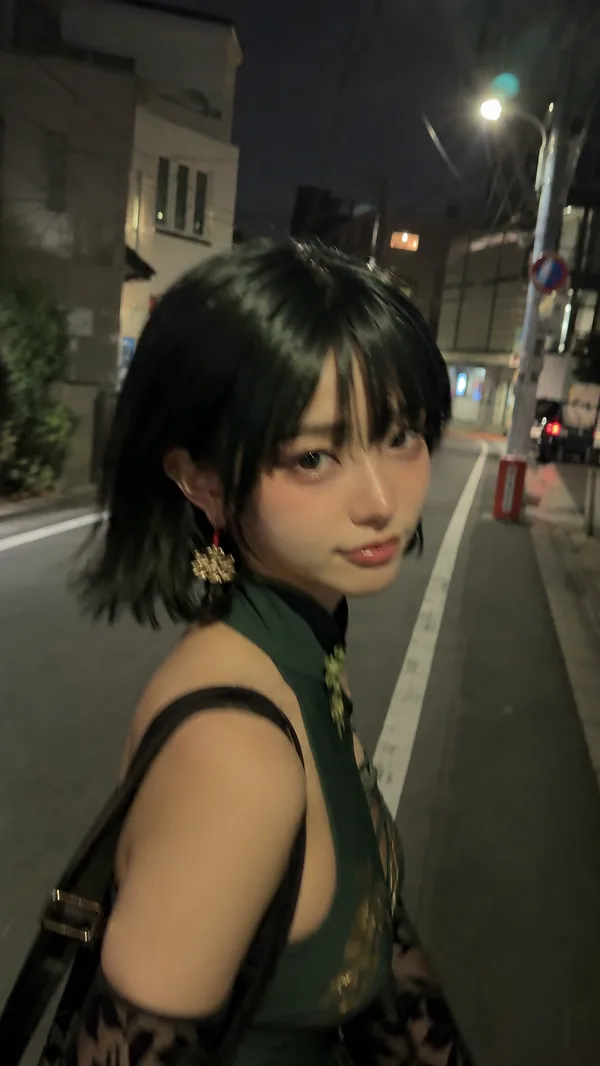
A cinematic candid night street photo in Tokyo shot from an extremely low ground-level angle, styled like a disposable film camera snapshot with direct on-camera flash, gritty realism, visible film grain, slight softness, deep shadows, strong contrast, and wet reflective pavement. In the center foreground, a {argument name="character gender presentation" default="androgynous young woman"} with {argument name="hair style" default="straight black bob covering part of the face"} crouches low with one hand pressed to the rain-soaked street, leaning toward the camera in a tense, fashion-editorial pose. The face is intentionally obscured by hair and shadow. She wears 4 visible clothing items: an oversized black blazer, a white dress shirt, a black necktie, and black shorts or a short skirt barely visible beneath the jacket. She also wears 3 visible accessories/details: a ring, a bracelet, and a pair of multicolored glittering lace-up ankle boots with a mosaic sequin look. Beside her on the right stands 1 black cat with bright reflective eyes, fully visible and alert, looking toward the camera. The setting is a narrow urban alley or side street at night with rain, slick asphalt, tangled utility cables and electrical boxes covering the left wall, and 2 vertical illuminated signs with Japanese text in the background. Overhead on the right side, dense blooming {argument name="tree blossoms" default="cherry blossoms"} fill the upper corner, creating a contrast between soft flowers and harsh city textures. Include distant bokeh from streetlights and storefronts, reflections of red, white, and yellow lights on the pavement, and a moody late-night atmosphere that feels spontaneous, raw, and slightly surreal. Use a wide lens perspective, documentary street photography composition, direct flash, disposable camera aesthetic, and {argument name="film mood" default="1990s Japanese nightlife snapshot"} realism.
리믹스 작품
리믹스아직 리믹스가 없어요. 첫 번째 버전을 만들어 보세요.
이 이미지 프롬프트 사용하기
- 01
프롬프트로 시작하기
프롬프트를 복사하거나 생성 버튼으로 여세요.
- 02
나만의 아이디어 더하기
주제, 배경, 세부 사항을 조정하고 필요하면 참고 자료를 추가하세요.
- 03
생성 전 확인하기
모델과 출력 설정을 확인하세요. 생성 결과는 매번 다를 수 있습니다.