GPT Image 2.0 Промпт - Раненая Синобу в RPG среди руин деревни

- Модель
- GPT Image 2.0
- Соотношение сторон
- 3:4
- Качество
- 1K
Промпт
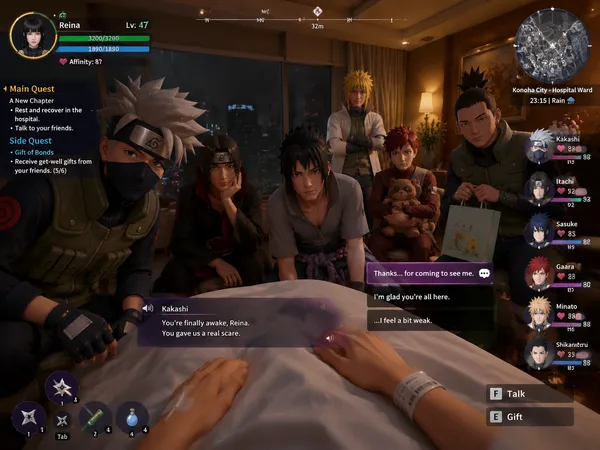
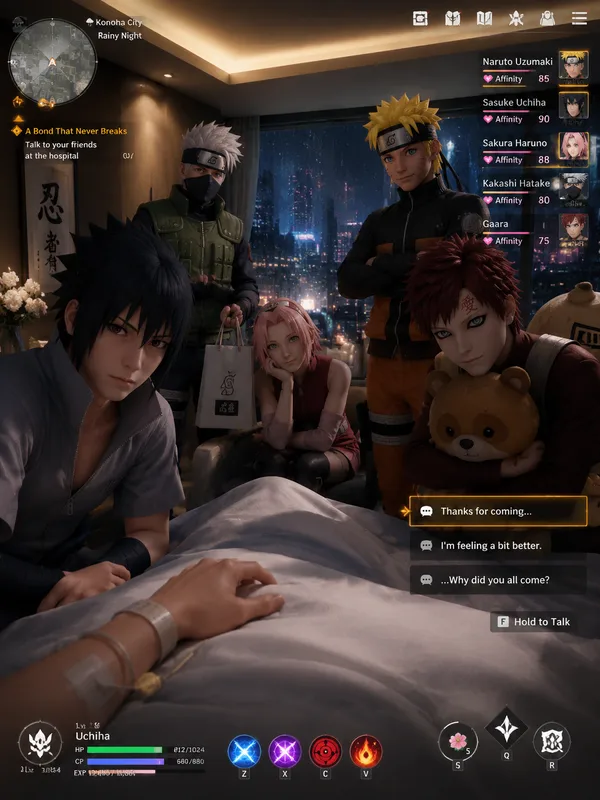
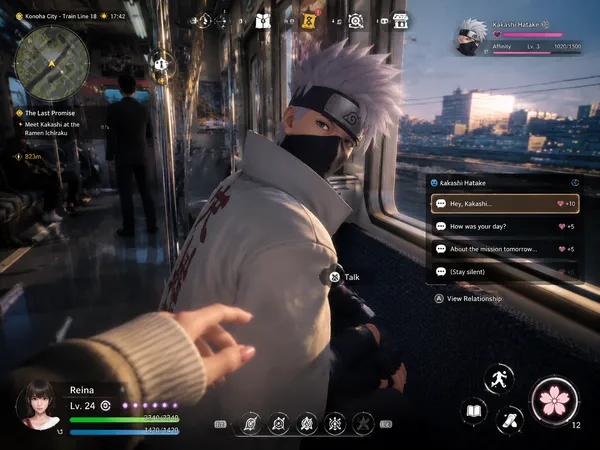
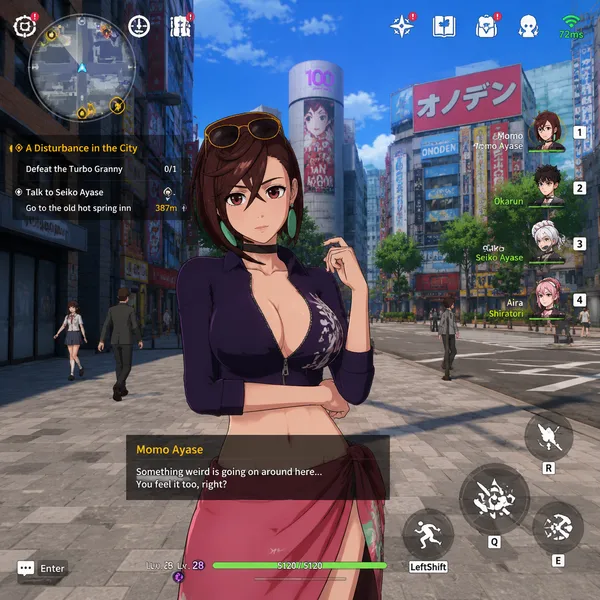
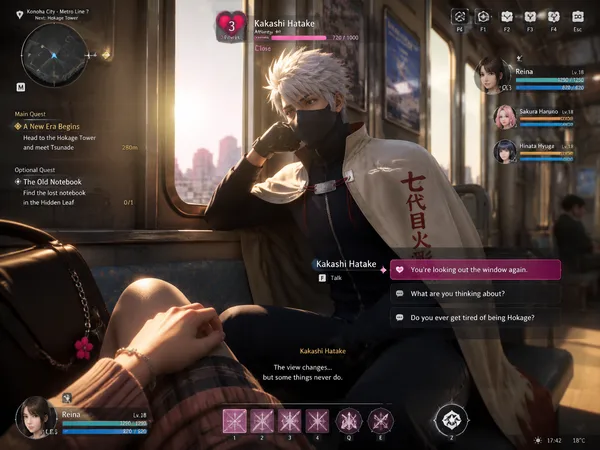
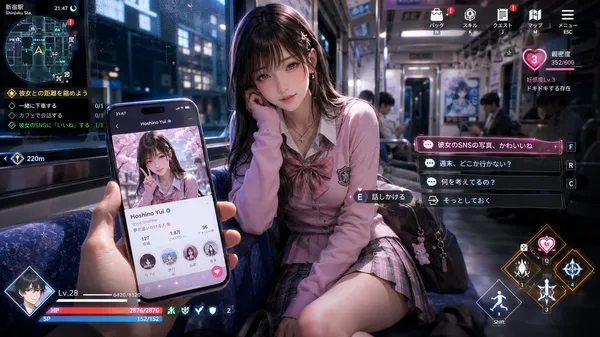
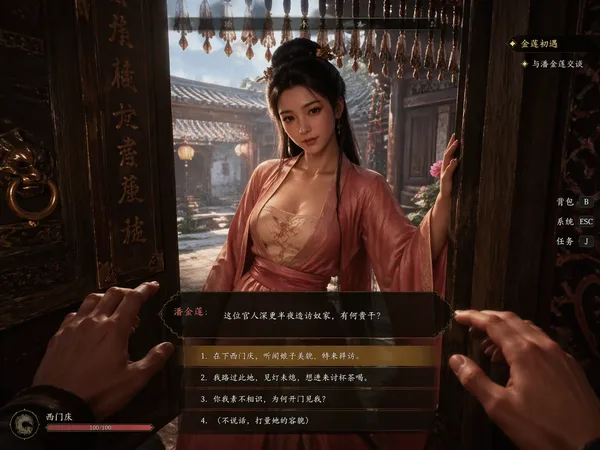
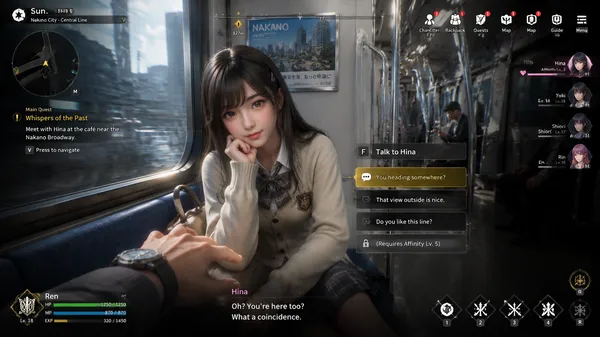
Capture a realistic screenshot from a fictional next-generation 3D open-world dystopian action-romance RPG, presented from the male protagonist’s first-person perspective.
Shinobu Kocho from Demon Slayer in a tattered butterfly-pattern haori and torn dark uniform that expose her cleavage, butterfly hair ornament, dramatic and somber cinematic lighting, leaning weakly against a crumbling stone wall in a destroyed, apocalyptic village. Her posture is fragile and exhausted—heavily wounded, shoulder line slumped, with visible cuts and burns, breathing heavily as if clinging to consciousness rather than striking a pose. Her face is smudged with ash, with a faint trail of blood trickling down her temple and reflections of distant embers in her eyes. A shattered, burnt wooden beam is propped against the debris beside her, casting harsh, jagged shadows over her upper body. Right beside her stands a cracked, blood-stained katana sheath driven into the scorched earth, next to a discarded, dirt-covered medical kit with spilled bandages—the debris, katana sheath, and medical kit must all be fully in frame; do not crop them out.
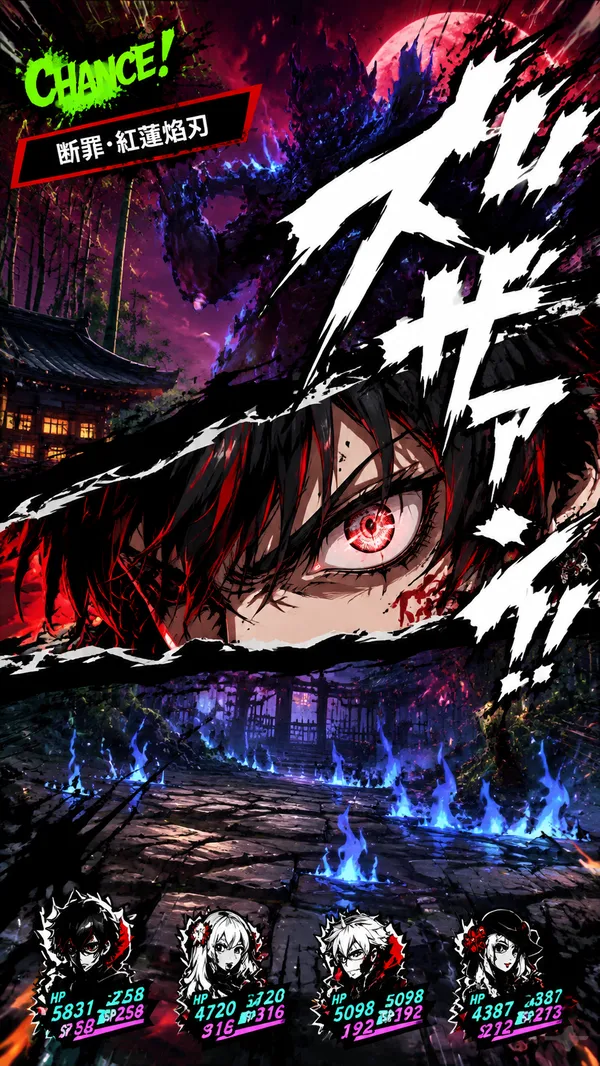
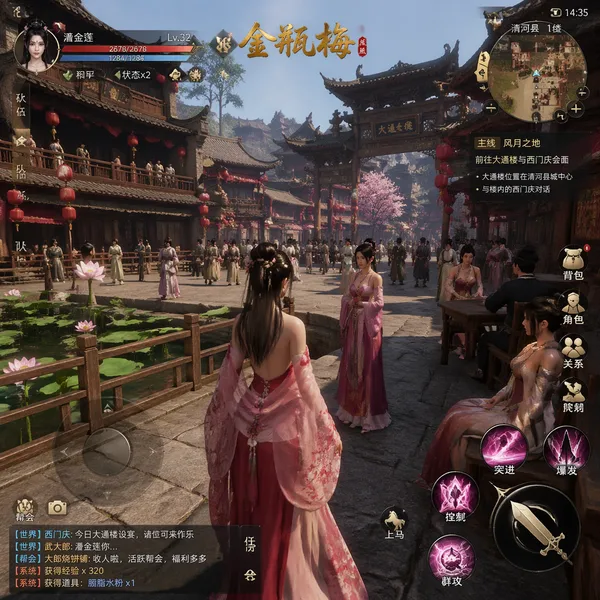
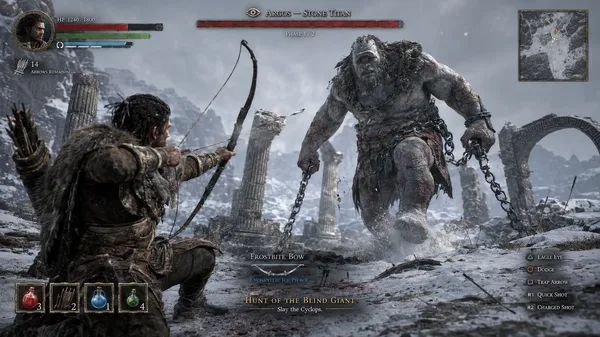
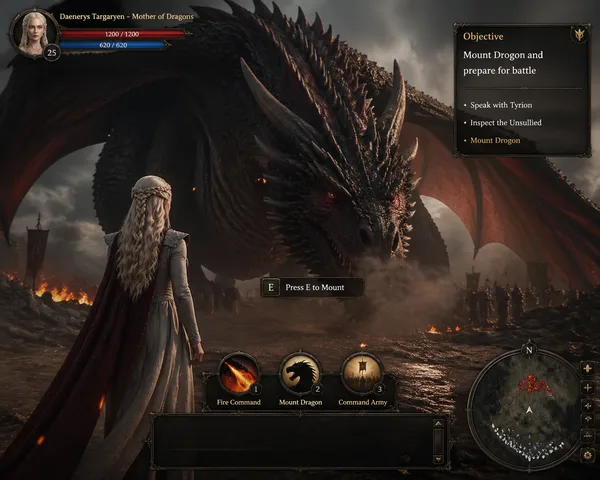
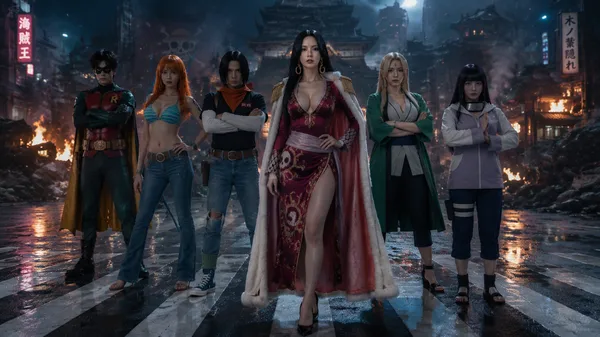
The overall visual style must feature high-quality cartoon-rendered 3D characters combined with Unreal Engine 5-level graphics, achieving AAA-quality visual fidelity. Include ultra-detailed character modeling, realistic skin shading with grit and sweat, cinematic lighting from smoldering ruins, PBR materials, high-precision battle-damaged fabric textures, and a finely rendered destroyed village environment. The final image must look like an actual playable game screenshot, including a complete game user interface: a malfunctioning or glitching minimap, an urgent crisis quest display, critical-low character status bars, emergency interaction prompts, tragic dialogue subtitles, HUD elements, and more.
Ремиксы
РемиксРемиксов пока нет. Сделайте первую версию.
Используйте этот промпт для изображения
- 01
Начните с промпта
Скопируйте промпт или откройте его кнопкой генерации.
- 02
Внесите изменения
Измените объект, обстановку или детали. При необходимости добавьте референсы.
- 03
Проверьте перед генерацией
Проверьте модель и настройки результата. Результаты генерации могут отличаться.