

01
Write a script
Enter up to 1,000 characters, choose a voice, preview its sound when a sample is available, and add optional speaking or motion direction.
No camera setup or reshoot needed. Add a still portrait and a script or recording, then create a downloadable clip with matching mouth movement and natural facial motion.
Use a front-facing image with a visible face, even lighting, and enough resolution to keep the eyes and mouth readable.
Write the exact line you need, or upload a recording when timing, pronunciation, and personal delivery matter.
Preview the result in your generation history and download it for editing, publishing, or sharing.
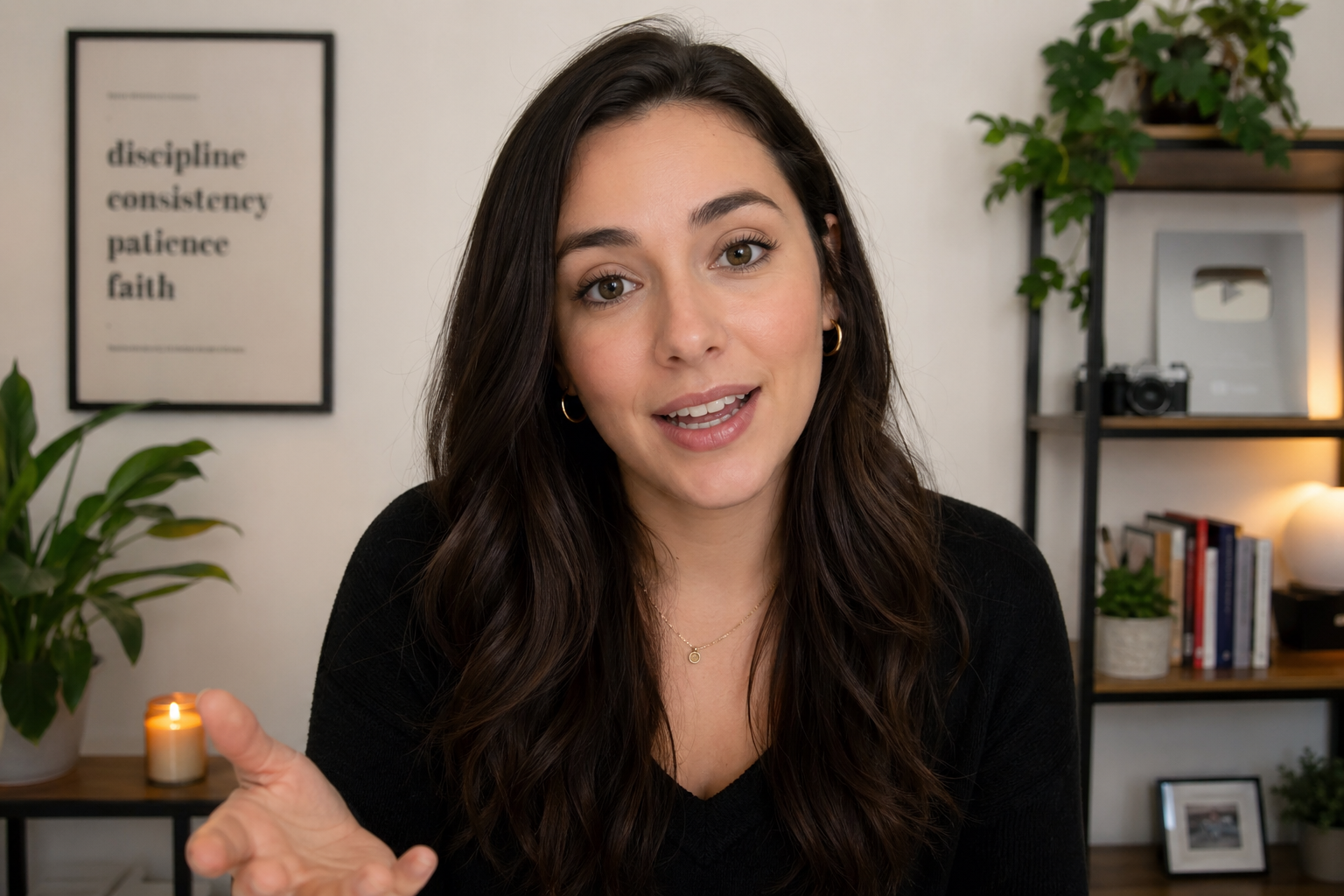
Type a script when you want to test an idea quickly. Upload a recording when the voice, rhythm, pauses, or pronunciation need to stay exactly as delivered.
Enter up to 1,000 characters, choose a voice, preview its sound when a sample is available, and add optional speaking or motion direction.
Choose an MP3, WAV, or M4A file up to 15 MB. Clean speech with little background noise makes timing easier to follow.
Short, clearly punctuated lines are easier to review and work well for social clips, hooks, product statements, and short explanations.
Give a face or character the opening line without arranging a shoot. Drop the finished segment into a vertical edit with captions, music, product footage, screen recordings, or B-roll.
Open a tutorial, list, story, or commentary Short with a presenter who states the topic and gives viewers a reason to keep watching.
Turn a portrait, mascot, illustration, or permitted character image into a short speaker for punch lines, reactions, product hooks, and recurring series.
Create compact spokesperson segments for feature introductions, launch notes, creator updates, calls to action, or localized versions of the same message.
This tool creates the talking performance. Add vertical framing, captions, cuts, music, and platform-safe margins in your editor before publishing.
Set the photo, speech, and output quality on one page. You will see the estimated duration and credit cost before generation starts.
Upload JPG, PNG, or WEBP, select an image from your saved assets, or start with a preset example.
Type a script and choose a voice, or switch to Upload audio and select your own recording.
Use 720p for lower-cost drafts or 1080p for more output detail. Generate, review the result, and download it from History.
Use the clip on its own or as one part of a larger edit—anywhere a visible speaker makes the message easier to follow.
Let a brand presenter introduce a feature, explain one benefit, or bridge between product shots.
Use a permitted portrait as a brief instructor or narrator before moving into slides, examples, or screen capture.
Create short birthday, welcome, thank-you, or event messages using a photo and voice you have permission to use.
Animate original artwork, mascots, and AI-generated characters for dialogue snippets and story narration.
Создавайте, проверяйте и находите результаты без переноса файлов между сервисами.
Switch between an AI voice and your own recording without changing the portrait workflow.
Choose the resolution for the job and see the estimated duration and credits before generation.
Start from a preset, compare the visible example, and return to processing or completed videos in History.
Continue with Promptsref video generation, voice generation, frame extraction, and other image and video utilities.
Используйте только разрешённые портреты и аудио и отмечайте синтетический характер видео, если зрители могут быть введены в заблуждение.
Use your own portrait and voice, licensed assets, or material for which you have clear permission.
Do not make a real person appear to endorse, confess, instruct, or claim something they did not say.
Review YouTube, TikTok, advertising, copyright, disclosure, and community requirements before publishing.
It is a browser-based tool that turns a still portrait into a speaking video. You supply a script or speech recording, and the model creates synchronized mouth and facial movement around that performance.
Add a clear portrait, enter a script or upload speech audio, choose 720p or 1080p, check the estimated credits, and select Generate a Talking Video.
Yes. Switch to Upload audio and choose an MP3, WAV, or M4A file up to 15 MB. Clean, clearly spoken audio is the most useful input.
Use a well-lit, front-facing portrait with one visible face. Strong side angles, face coverings, motion blur, and very small faces give the model less usable facial information.
The current generator supports up to 60 seconds. Script duration is estimated from the text, while uploaded-audio duration is read from the file and capped at 60 seconds.
Use 720p for drafts and lower-cost social tests. Choose 1080p when the finished clip needs more facial detail or will be used in a higher-resolution edit.
720p costs 5 credits per second and 1080p costs 9 credits per second. The generator displays the estimated duration and total before you start.
No. Portrait selection, speech input, settings, generation, examples, history, and download are available in the browser.
Only when you have the legal right and the person’s appropriate permission. Do not use the generator to impersonate, defraud, harass, or falsely attribute statements to someone.
Загрузите портрет, введите текст или добавьте аудио и создайте говорящее видео с синхронизацией губ.