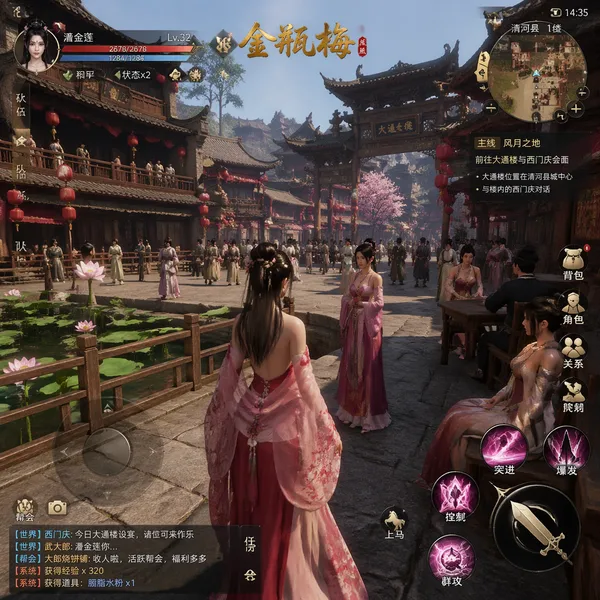
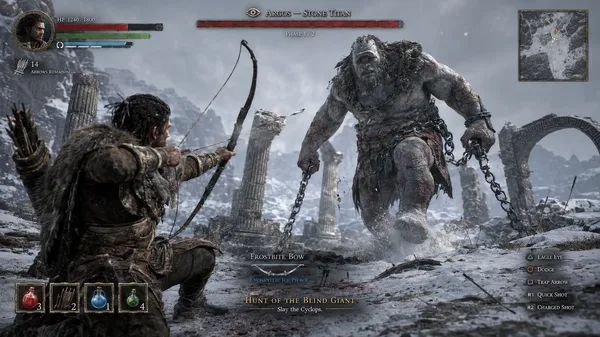
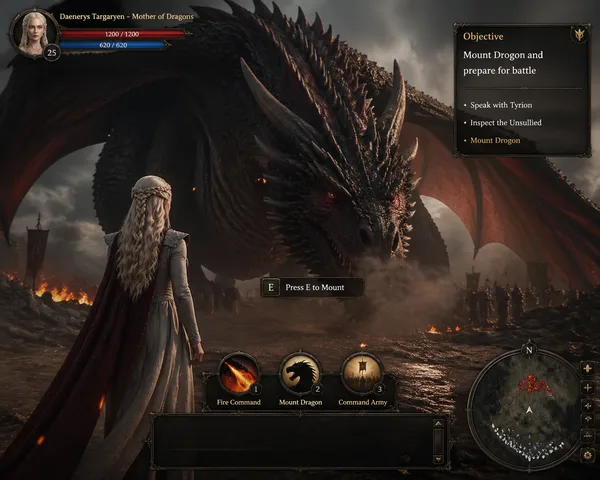
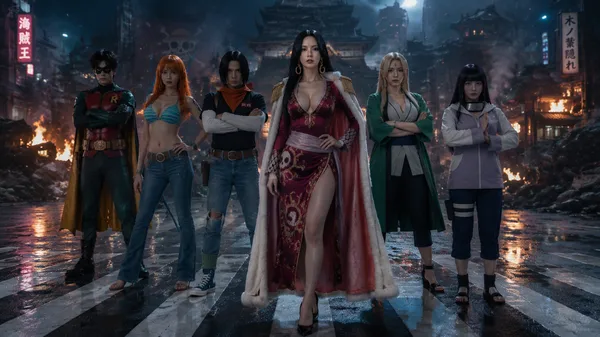
GPT Image 2.0 프롬프트 - 폐허 마을 RPG의 부상당한 코쵸 시노부

- 화면 비율
- 3:4
- 화질
- 1K
프롬프트
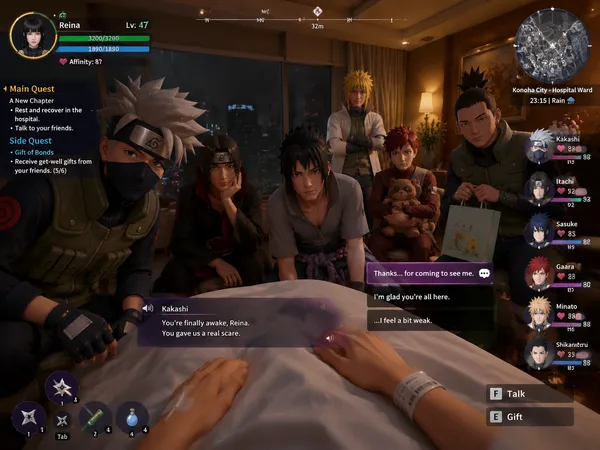
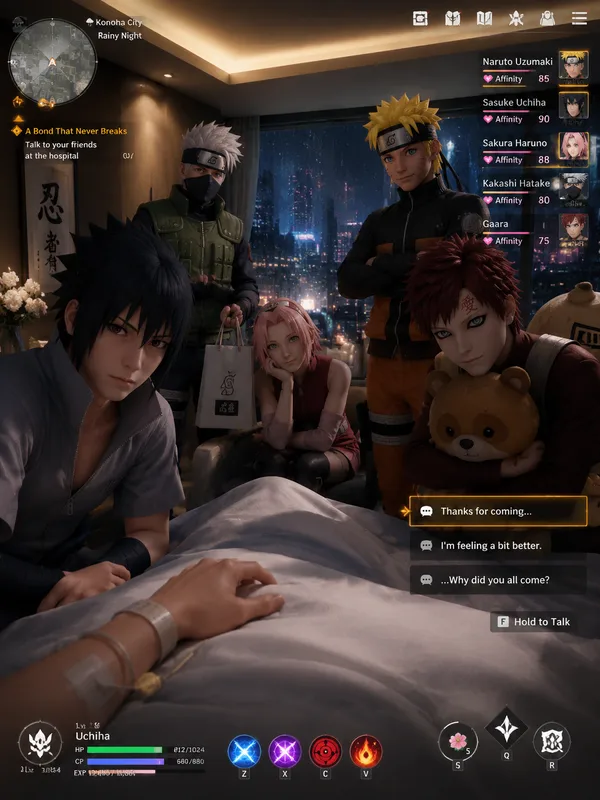
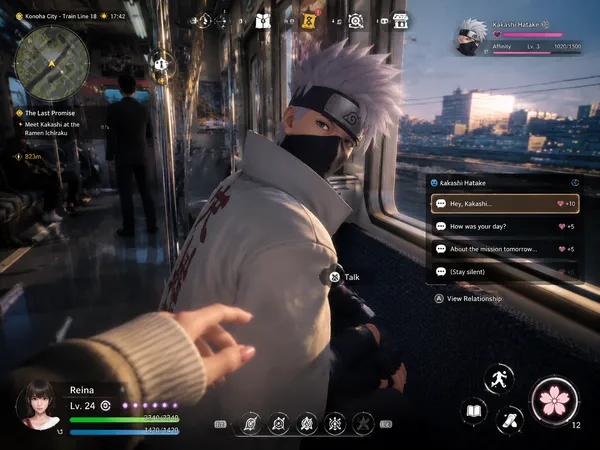
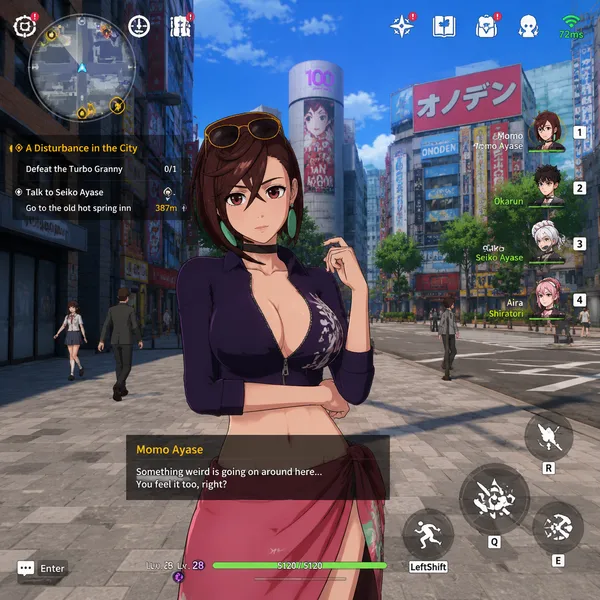
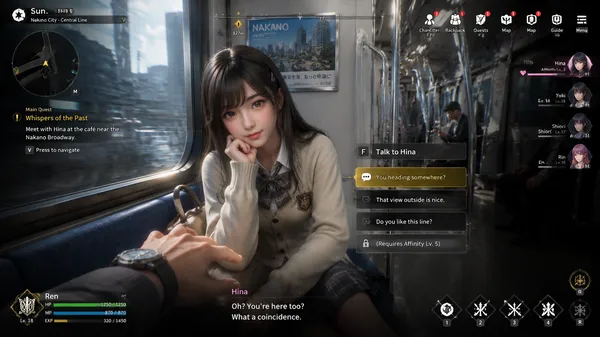
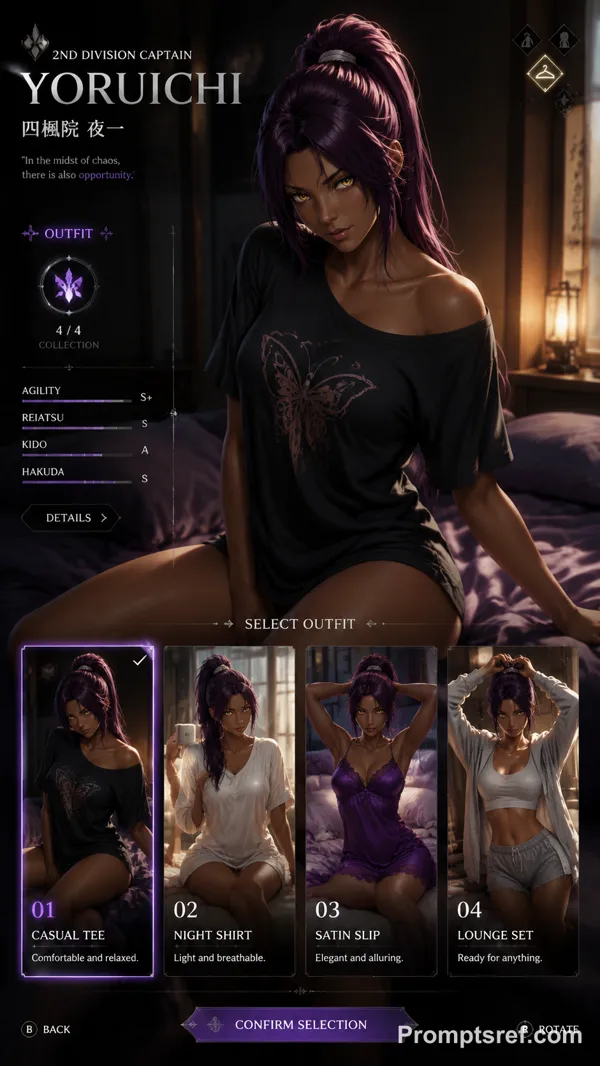
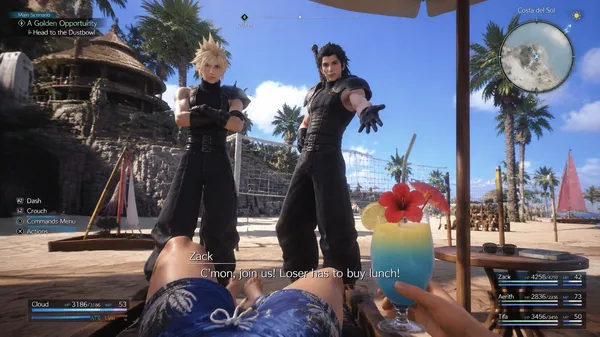
Capture a realistic screenshot from a fictional next-generation 3D open-world dystopian action-romance RPG, presented from the male protagonist’s first-person perspective.
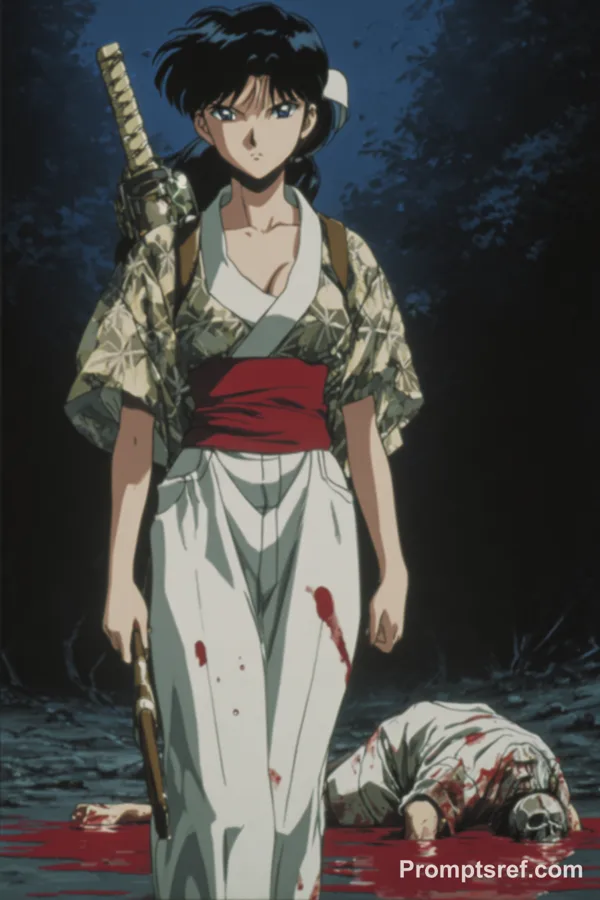
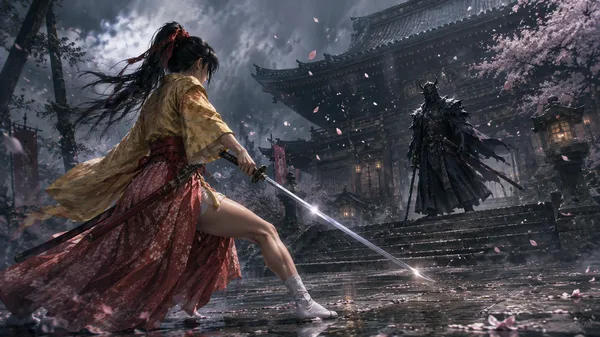
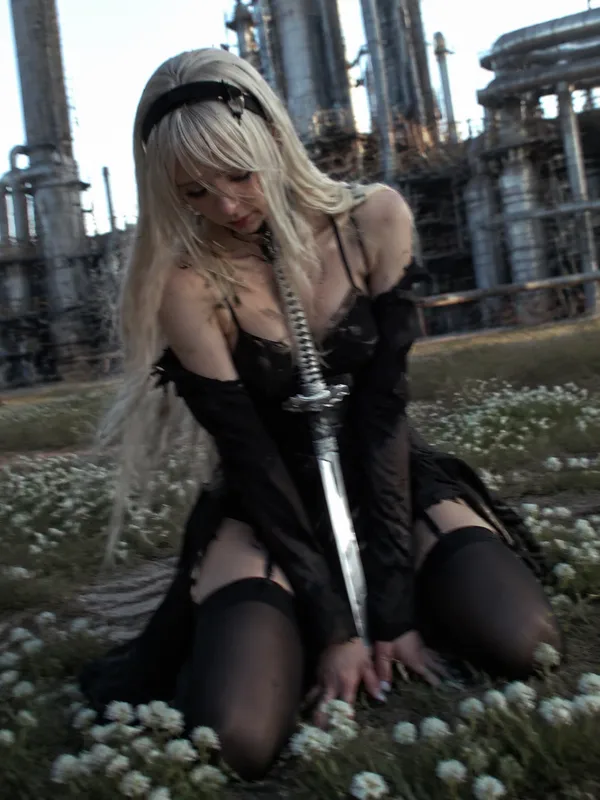
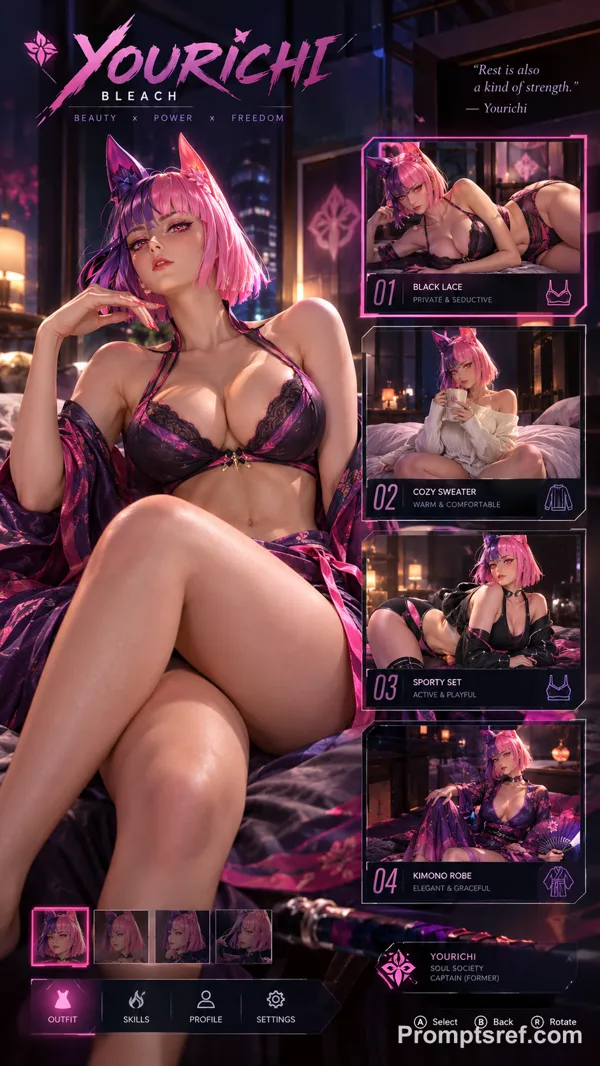
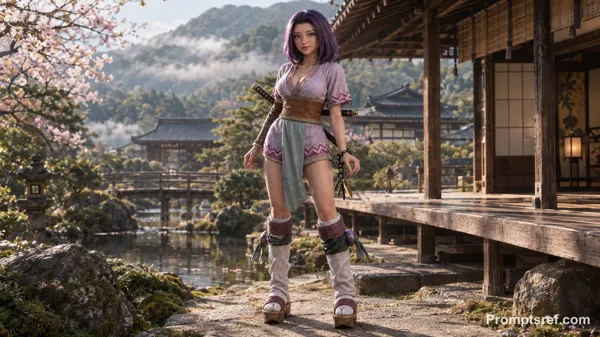
Shinobu Kocho from Demon Slayer in a tattered butterfly-pattern haori and torn dark uniform that expose her cleavage, butterfly hair ornament, dramatic and somber cinematic lighting, leaning weakly against a crumbling stone wall in a destroyed, apocalyptic village. Her posture is fragile and exhausted—heavily wounded, shoulder line slumped, with visible cuts and burns, breathing heavily as if clinging to consciousness rather than striking a pose. Her face is smudged with ash, with a faint trail of blood trickling down her temple and reflections of distant embers in her eyes. A shattered, burnt wooden beam is propped against the debris beside her, casting harsh, jagged shadows over her upper body. Right beside her stands a cracked, blood-stained katana sheath driven into the scorched earth, next to a discarded, dirt-covered medical kit with spilled bandages—the debris, katana sheath, and medical kit must all be fully in frame; do not crop them out.
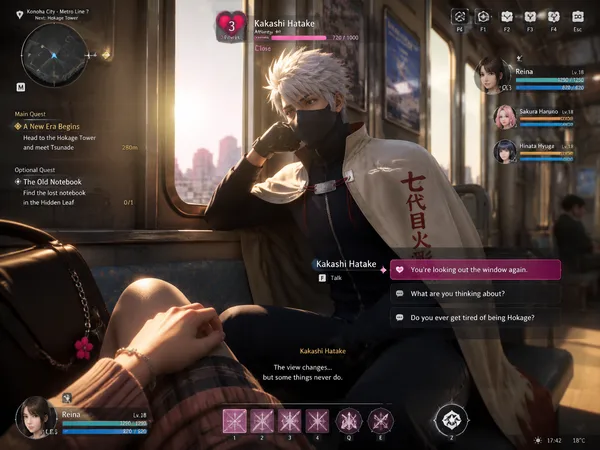
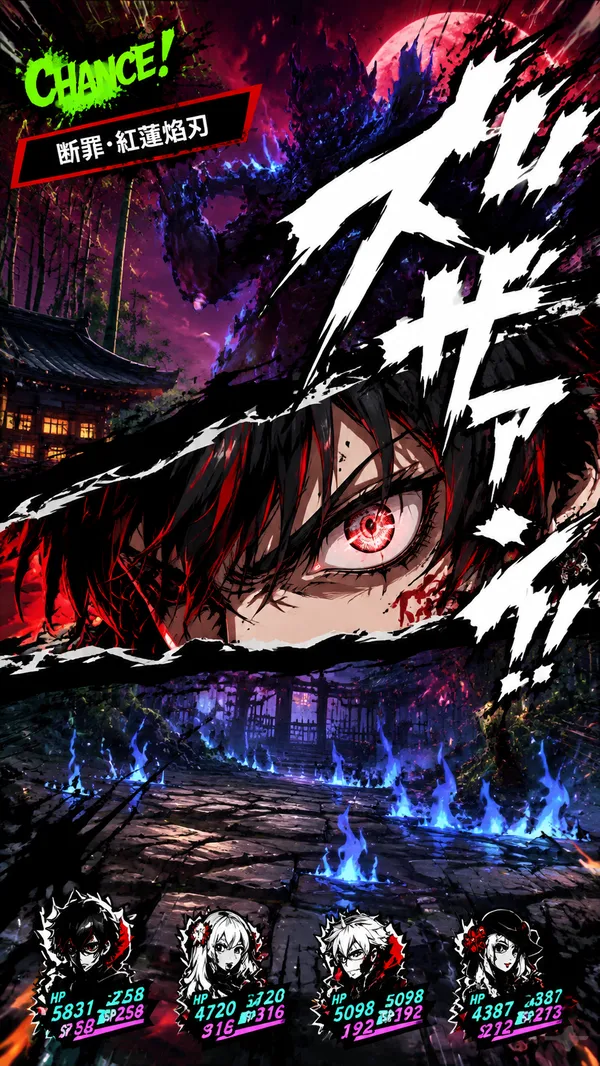
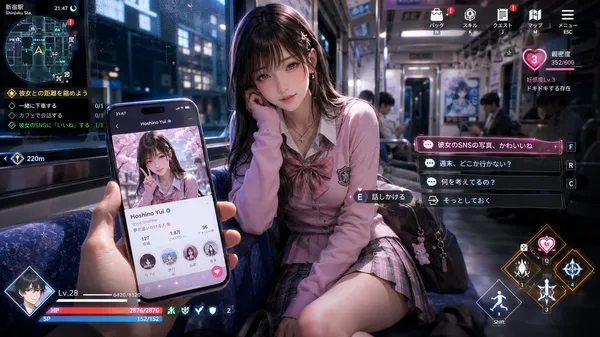
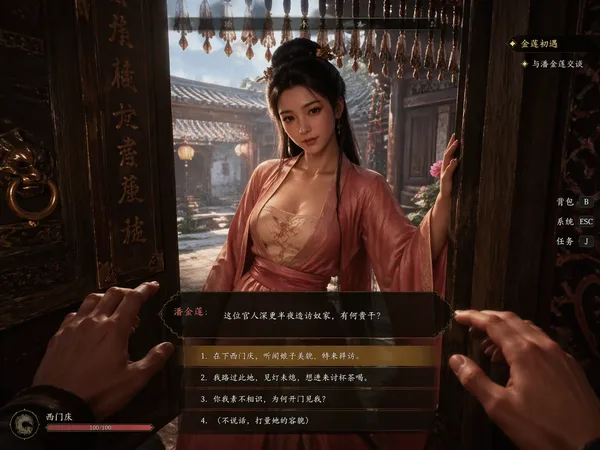
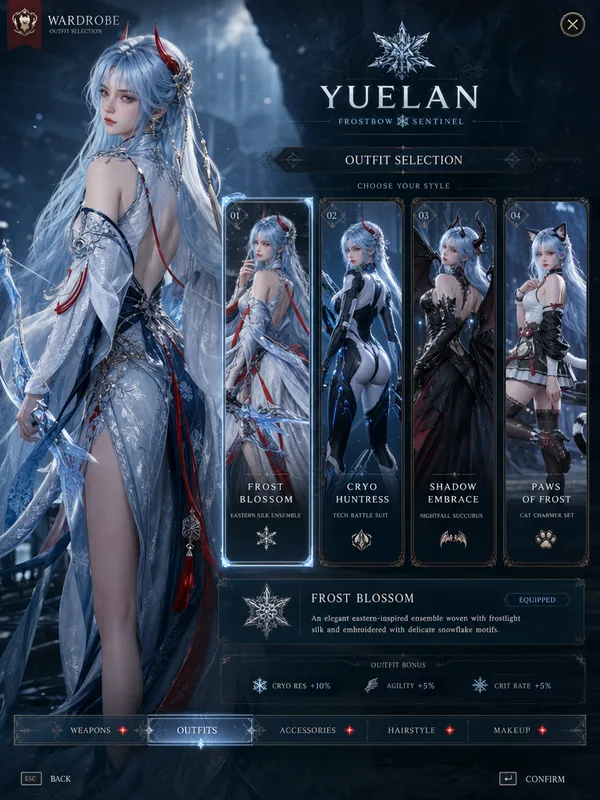
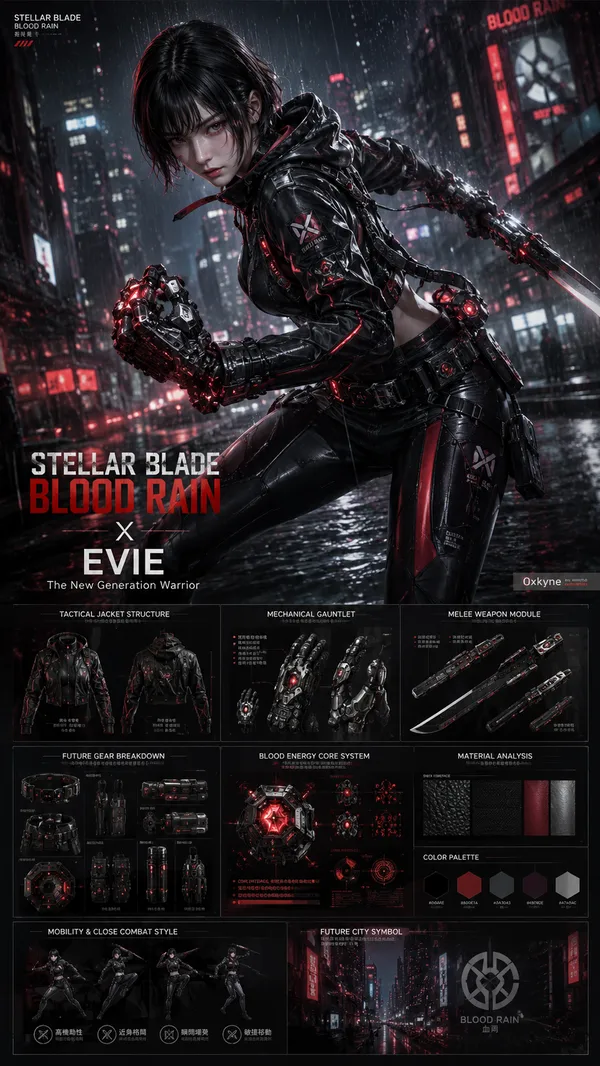
The overall visual style must feature high-quality cartoon-rendered 3D characters combined with Unreal Engine 5-level graphics, achieving AAA-quality visual fidelity. Include ultra-detailed character modeling, realistic skin shading with grit and sweat, cinematic lighting from smoldering ruins, PBR materials, high-precision battle-damaged fabric textures, and a finely rendered destroyed village environment. The final image must look like an actual playable game screenshot, including a complete game user interface: a malfunctioning or glitching minimap, an urgent crisis quest display, critical-low character status bars, emergency interaction prompts, tragic dialogue subtitles, HUD elements, and more.
리믹스 작품
리믹스아직 리믹스가 없어요. 첫 번째 버전을 만들어 보세요.
이 이미지 프롬프트 사용하기
- 01
프롬프트로 시작하기
프롬프트를 복사하거나 생성 버튼으로 여세요.
- 02
나만의 아이디어 더하기
주제, 배경, 세부 사항을 조정하고 필요하면 참고 자료를 추가하세요.
- 03
생성 전 확인하기
모델과 출력 설정을 확인하세요. 생성 결과는 매번 다를 수 있습니다.