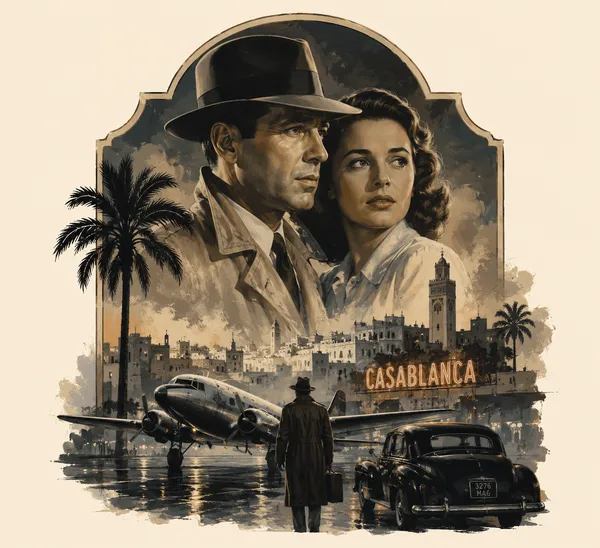
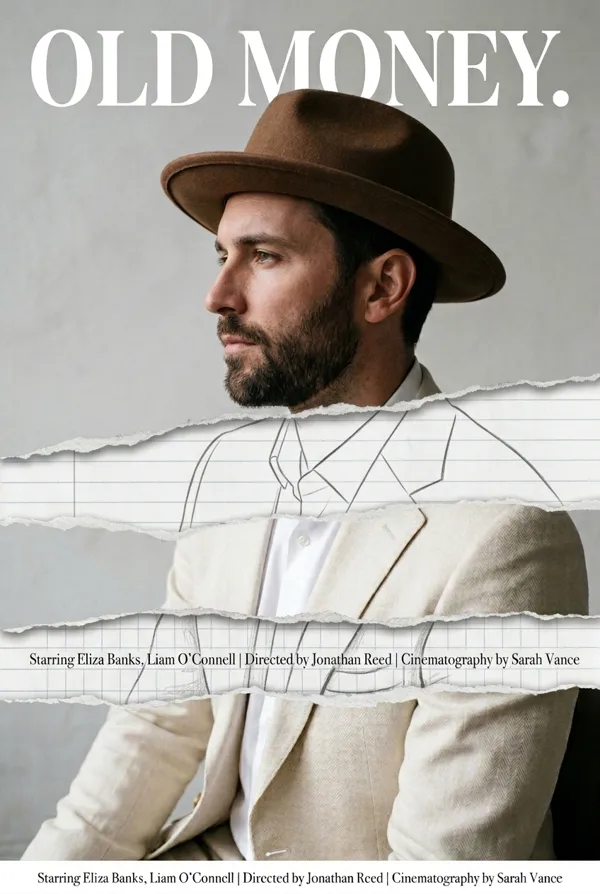
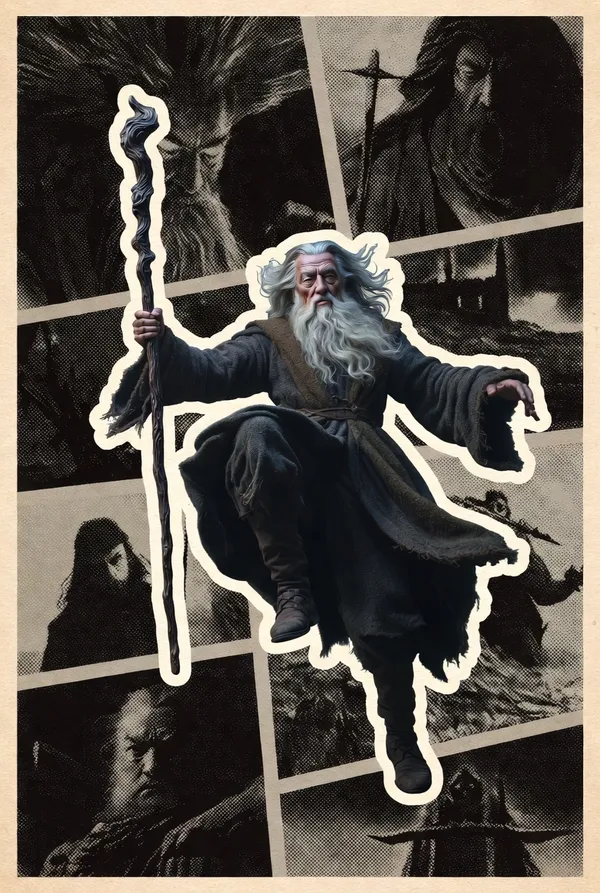
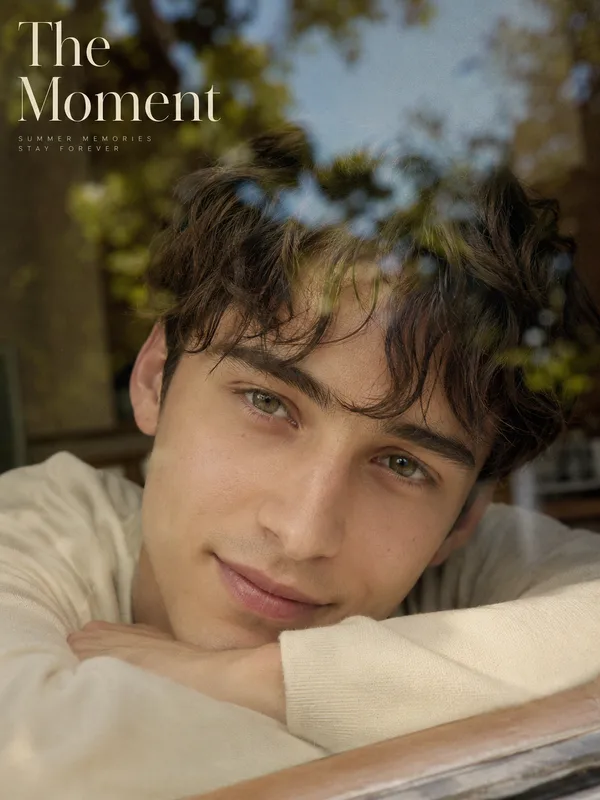
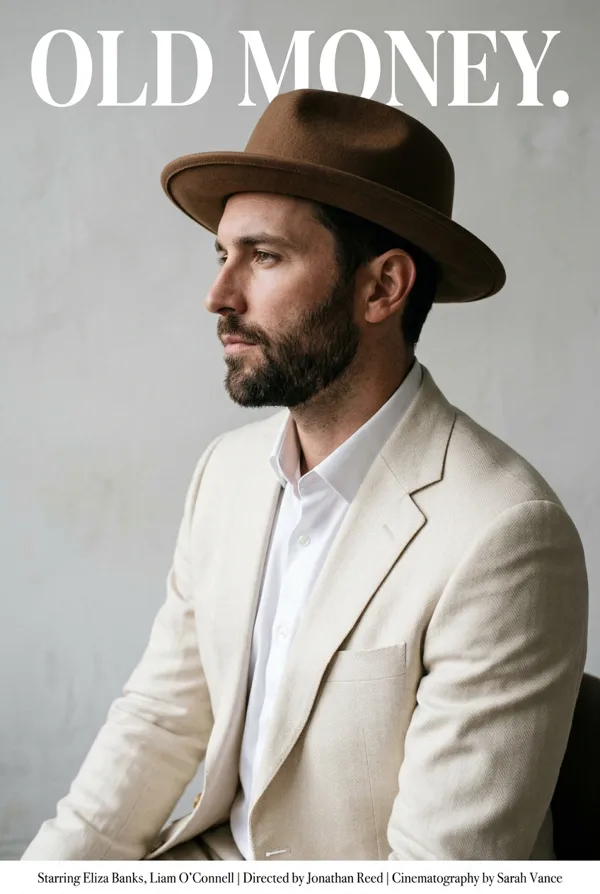
GPT Image 2.0 프롬프트 - 미드센추리 빈티지 에디토리얼 포스터 템플릿

- 화면 비율
- auto
- 화질
- 1K
프롬프트
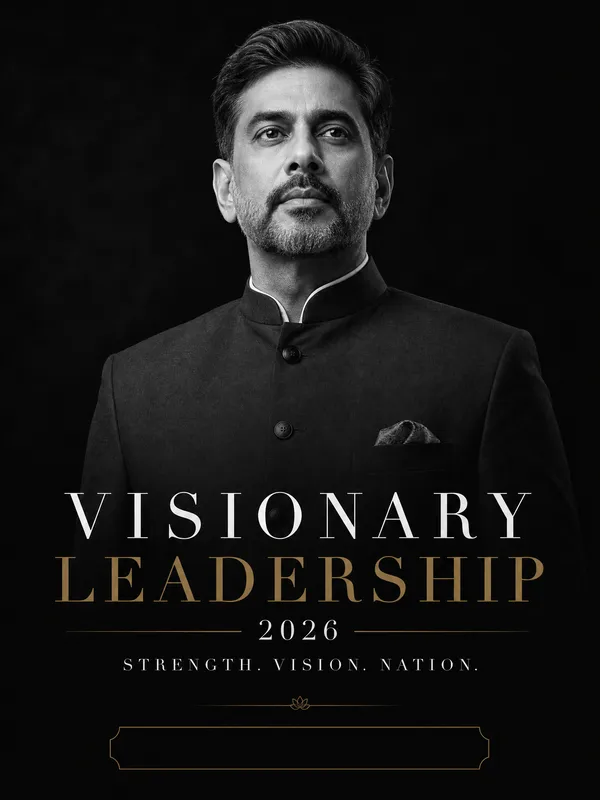
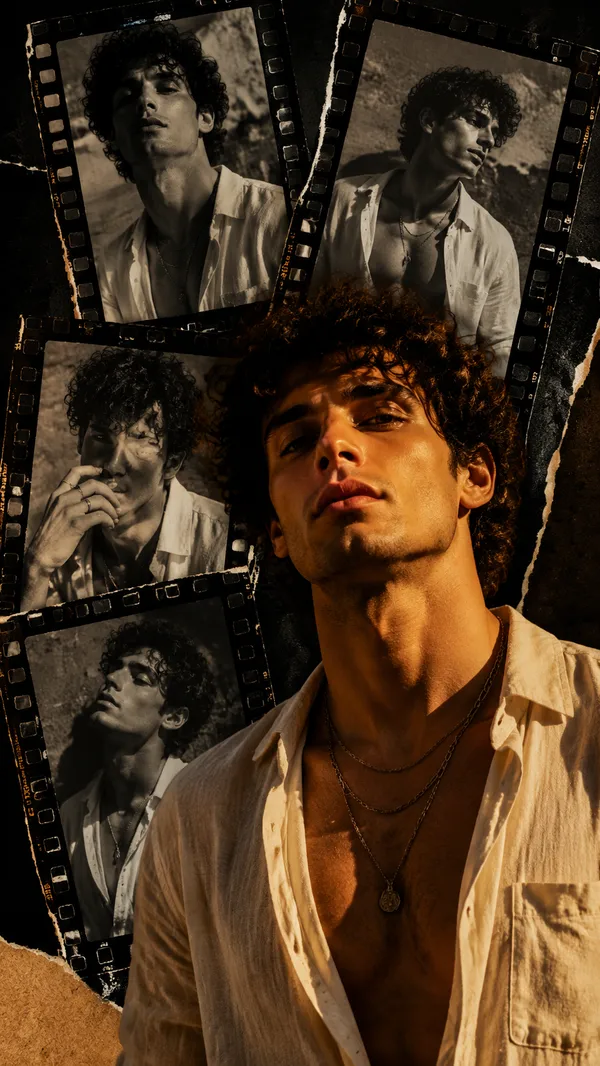
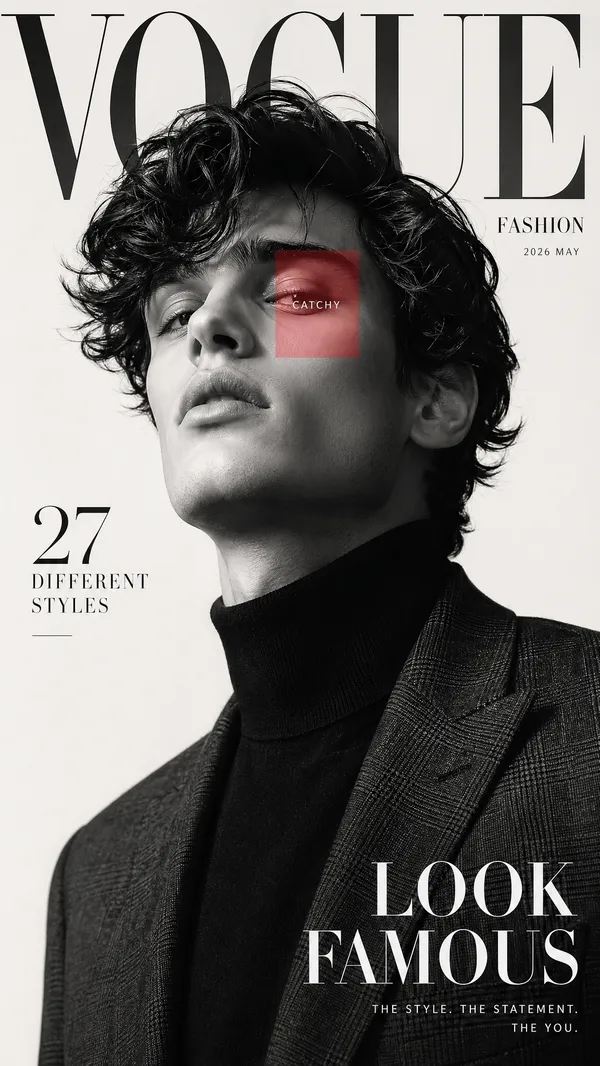
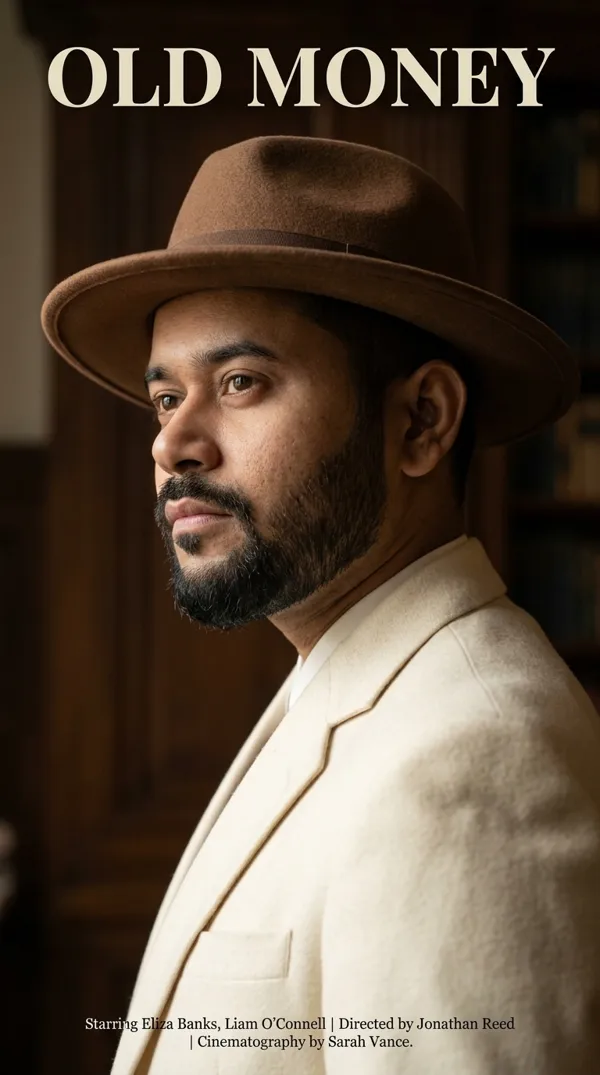
Create a premium 1950s–1960s vintage editorial poster featuring [Subject] as the central focus. The composition is a vertical movie-style magazine cover with the subject occupying approximately 70% of the frame in a confident, iconic pose. Use authentic mid-century modern graphic design, inspired by Saul Bass and classic travel/cinema posters. The background consists of bold geometric shapes, circles, triangles, diagonal blocks, and vertical stripes in muted mustard yellow, burnt orange, faded teal, olive green, charcoal black, cream, and beige.
Apply a realistic photographic look to the subject while blending seamlessly with the retro poster aesthetic. Use warm sepia color grading, faded inks, subtle halftone printing, distressed paper texture, worn edges, scratches, grain, faded colors, ink imperfections, and aged vintage printing effects.
Place a large bold uppercase title at the top reading "[Title]" using thick condensed sans-serif typography. Beneath it add a smaller slogan:
"[Tagline]"
Include a subtle landmark, skyline, environment, or thematic background relevant to the subject near the bottom without distracting from the main figure. Keep the layout clean, symmetrical, and highly professional.
The lighting should be cinematic yet soft, with realistic shadows and excellent facial detail. Maintain premium print quality, ultra-sharp details, authentic retro magazine design, museum-quality vintage poster aesthetics, high contrast, balanced negative space, elegant composition, timeless branding, and a luxurious editorial feel.
Aspect Ratio: 2:3 (Portrait)
Style Keywords: vintage poster, retro magazine cover, mid-century modern, Saul Bass, editorial design, aged paper texture, distressed print, halftone, cinematic portrait, classic advertising, geometric composition, muted color palette, premium graphic design, realistic photography blended with vintage illustration, collectible poster, 8K.
리믹스 작품
리믹스아직 리믹스가 없어요. 첫 번째 버전을 만들어 보세요.
이 이미지 프롬프트 사용하기
- 01
프롬프트로 시작하기
프롬프트를 복사하거나 생성 버튼으로 여세요.
- 02
나만의 아이디어 더하기
주제, 배경, 세부 사항을 조정하고 필요하면 참고 자료를 추가하세요.
- 03
생성 전 확인하기
모델과 출력 설정을 확인하세요. 생성 결과는 매번 다를 수 있습니다.