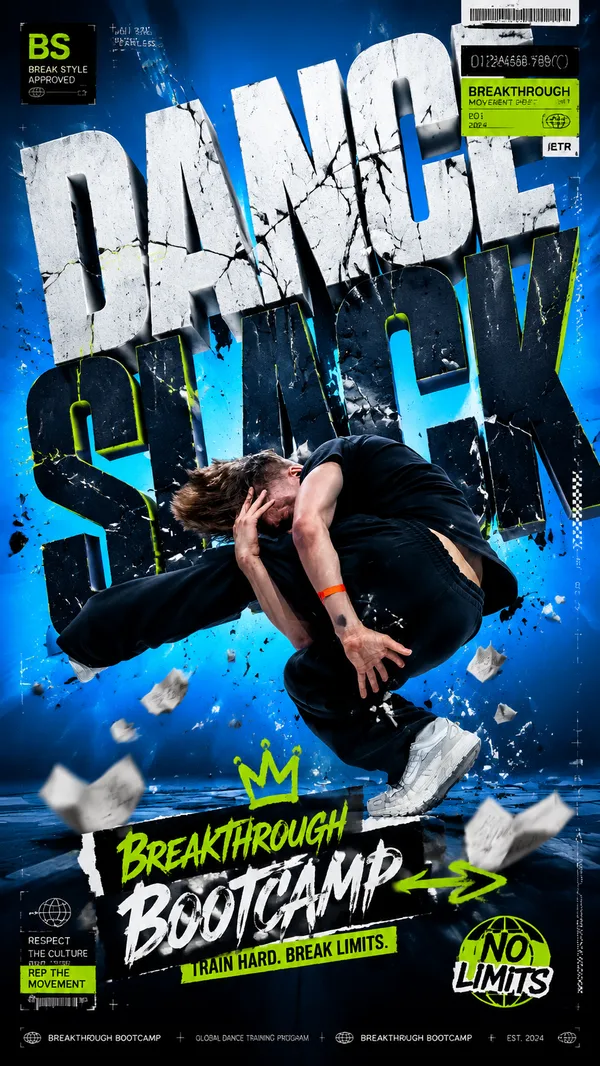
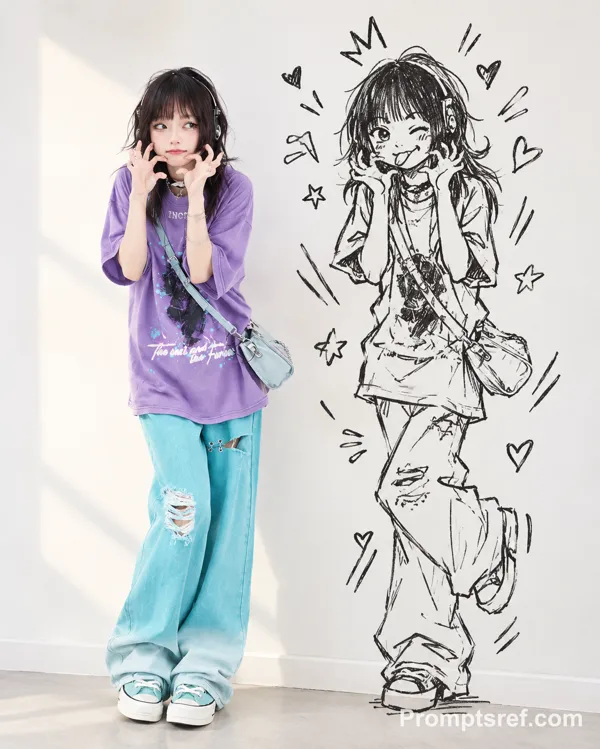
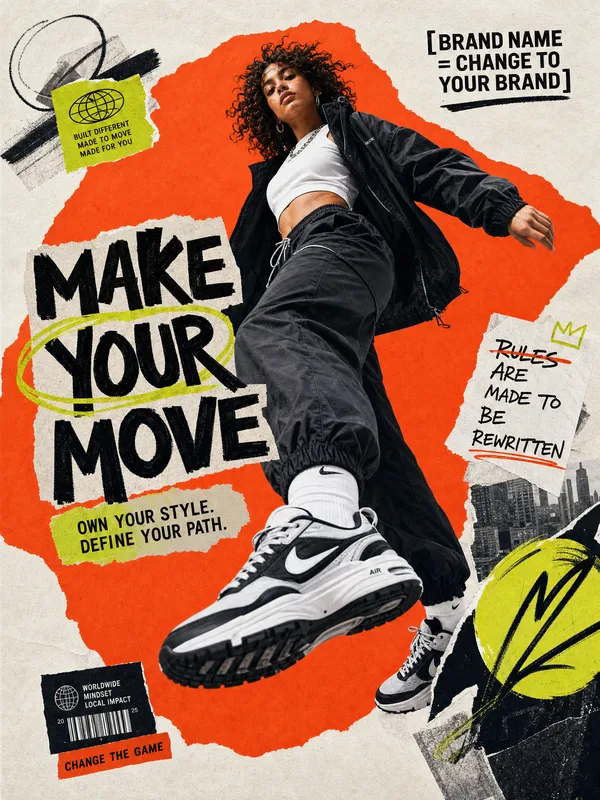
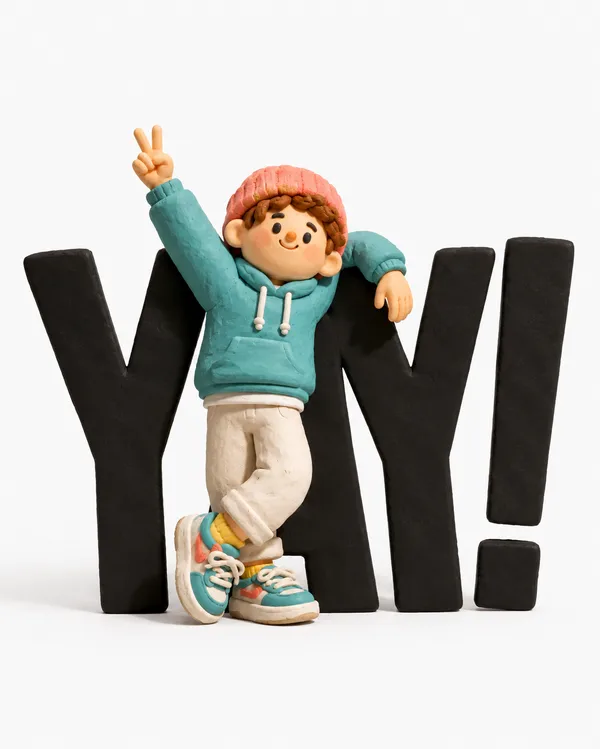
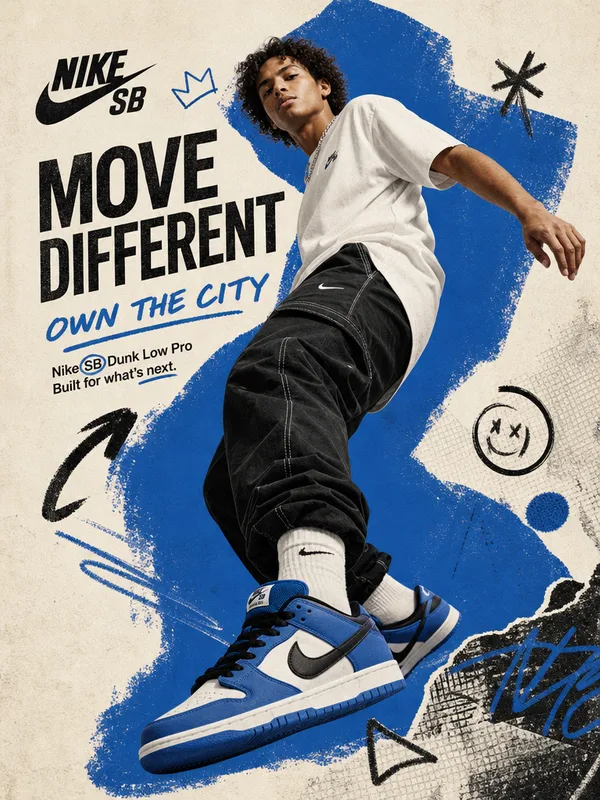
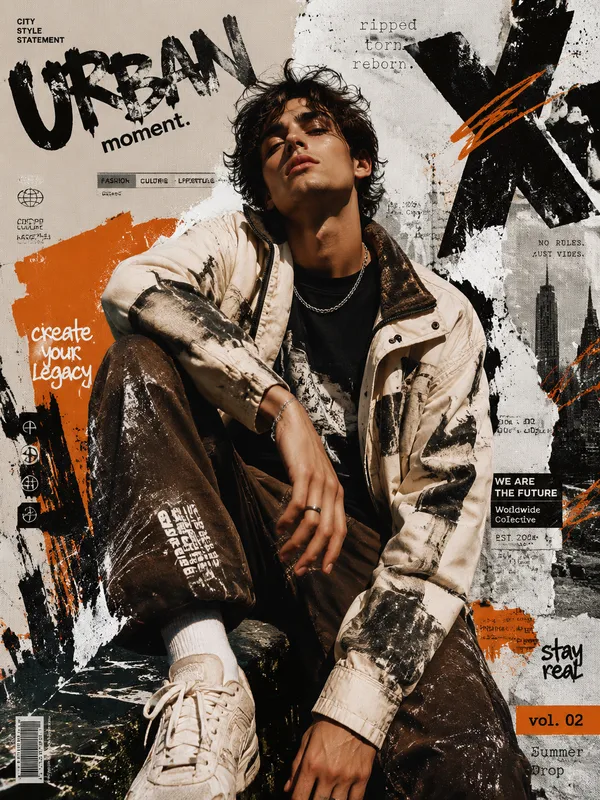
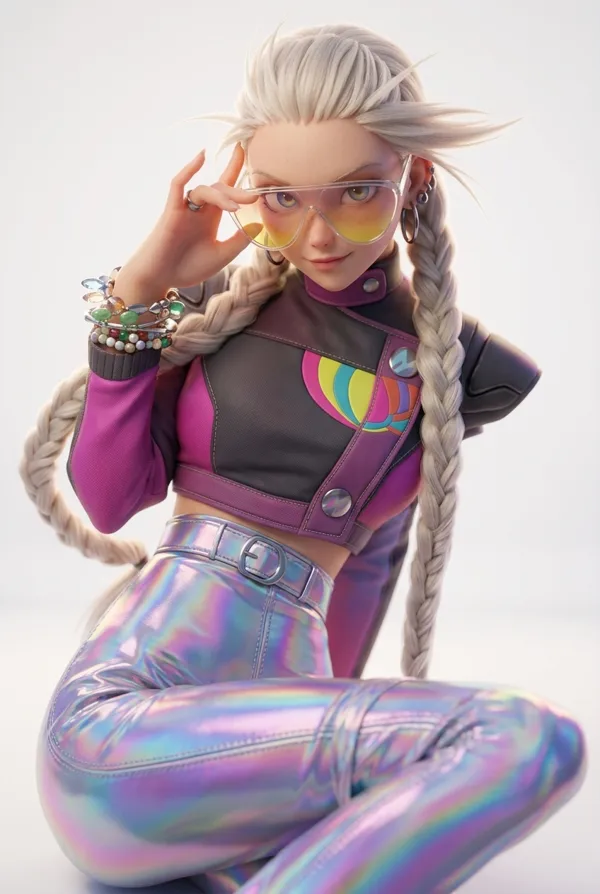
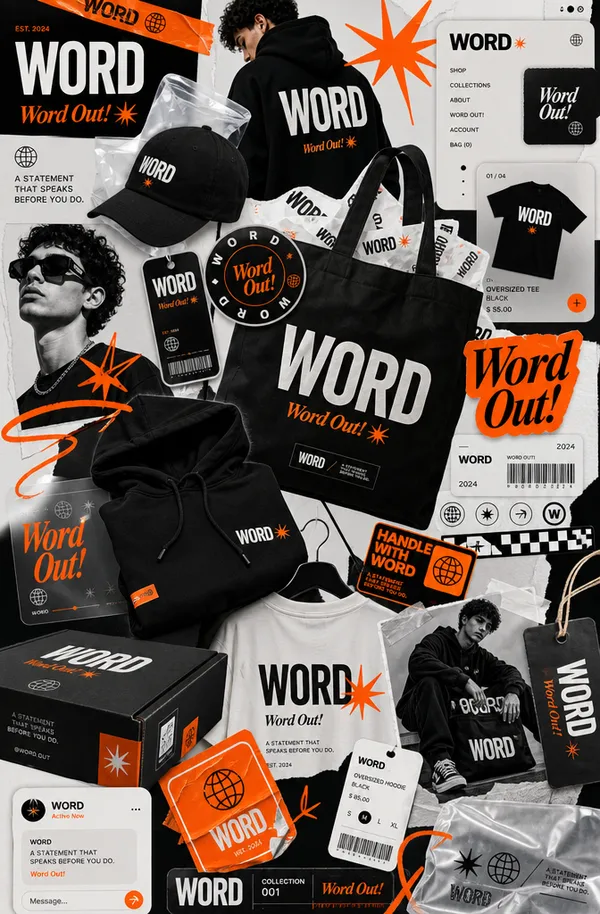
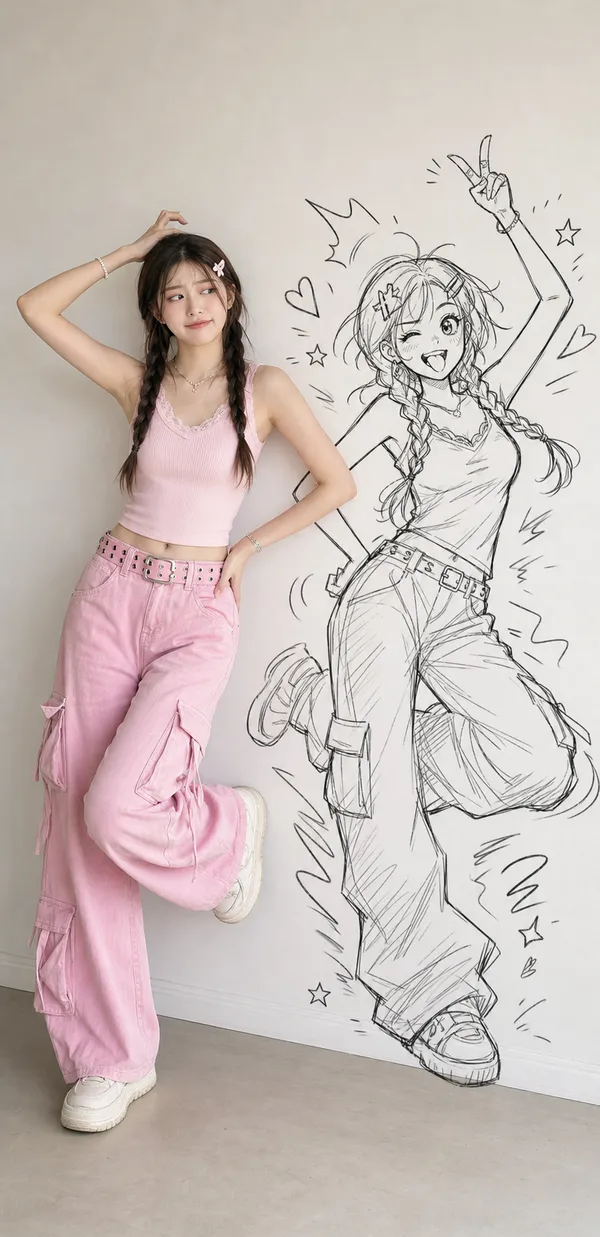
GPT Image 2.5 Sunburst 프롬프트 - 스트리트 댄스 에디토리얼 디자이너 토이

- 화면 비율
- 16:27
- 화질
- 1K
프롬프트
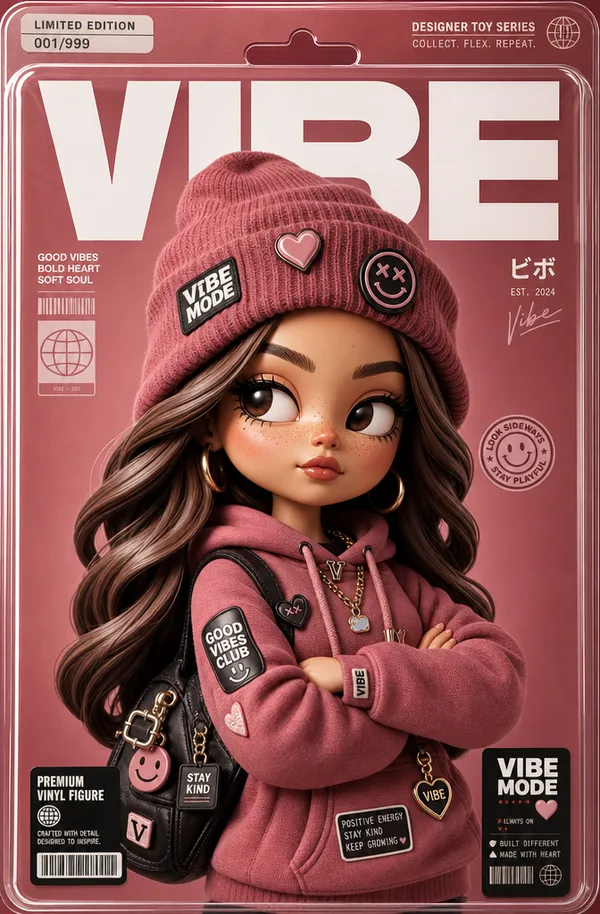
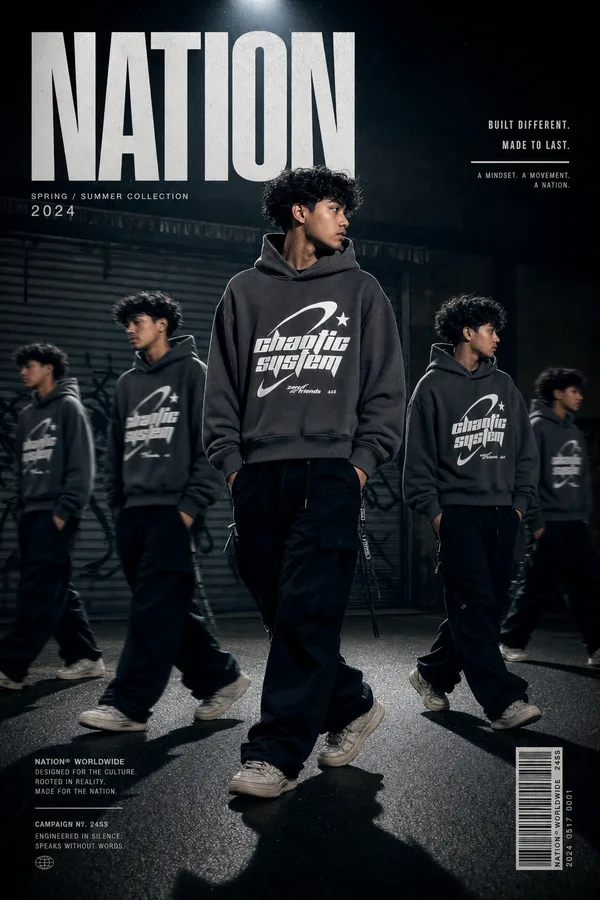
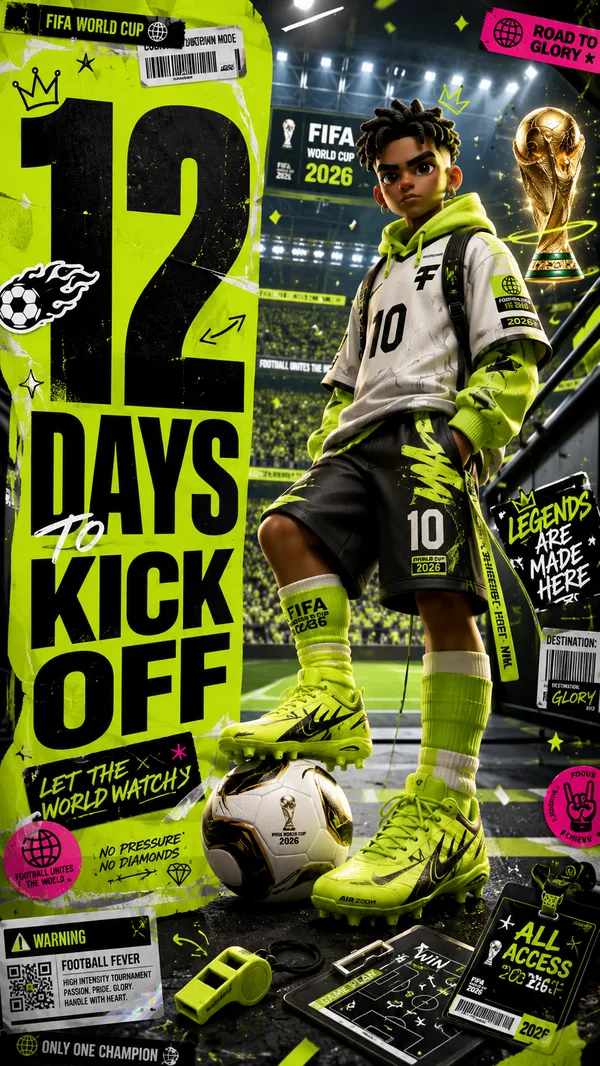
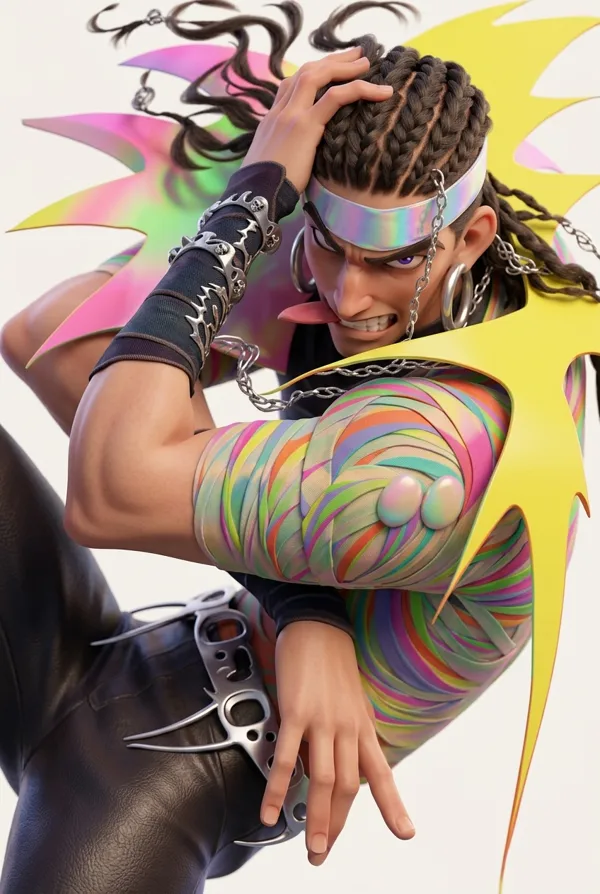
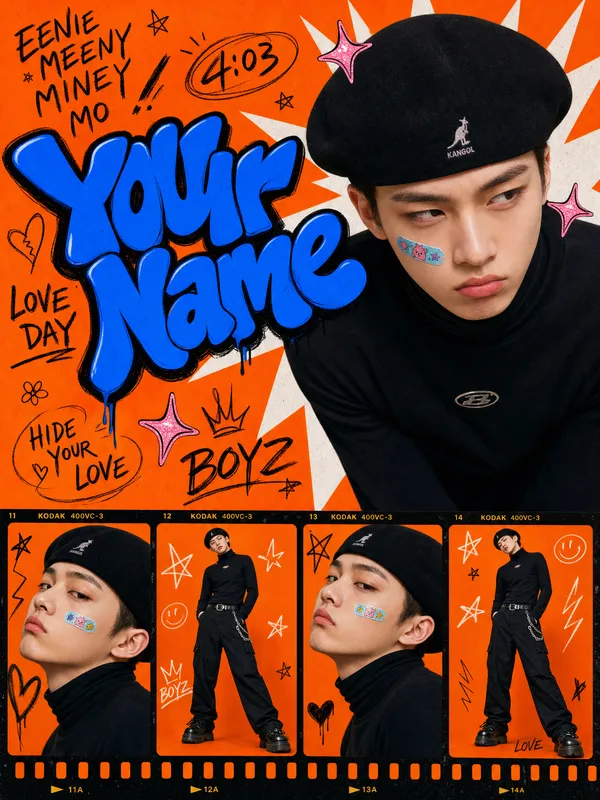
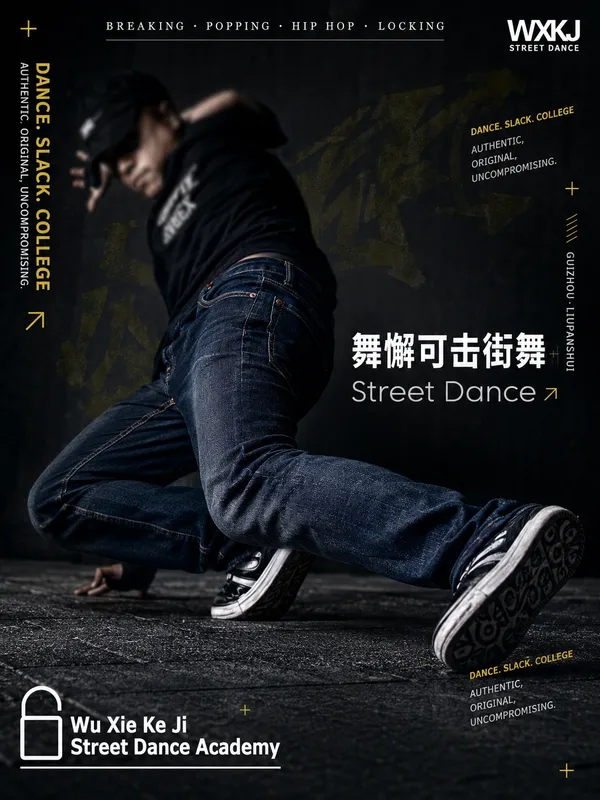
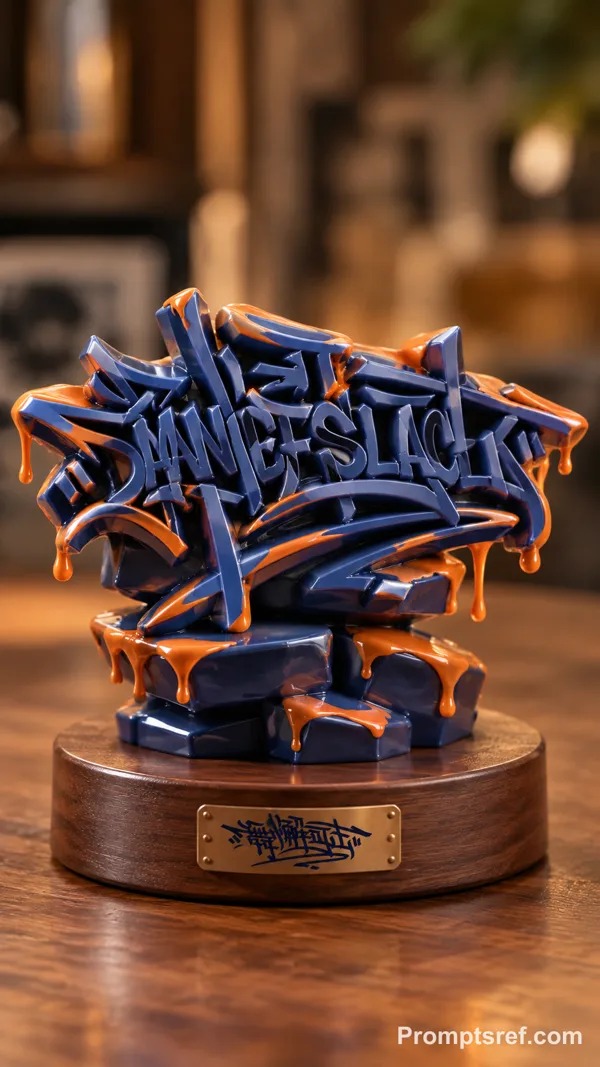
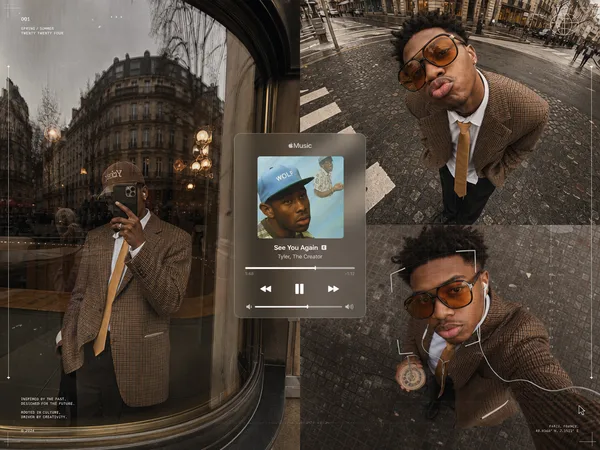
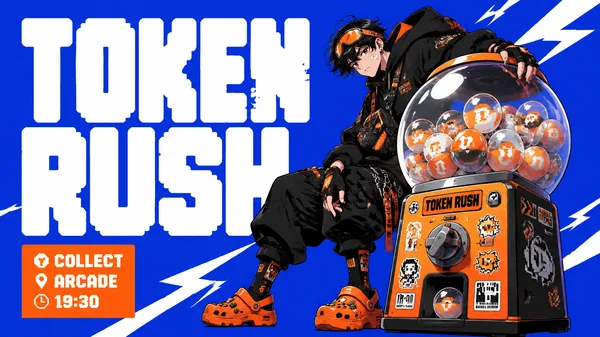
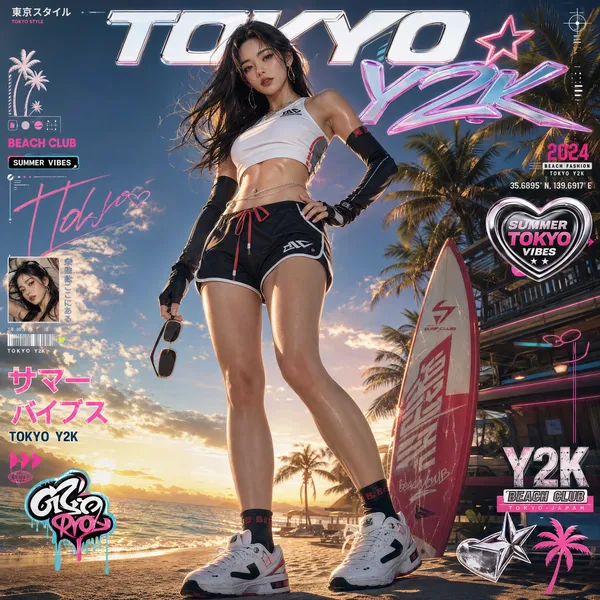
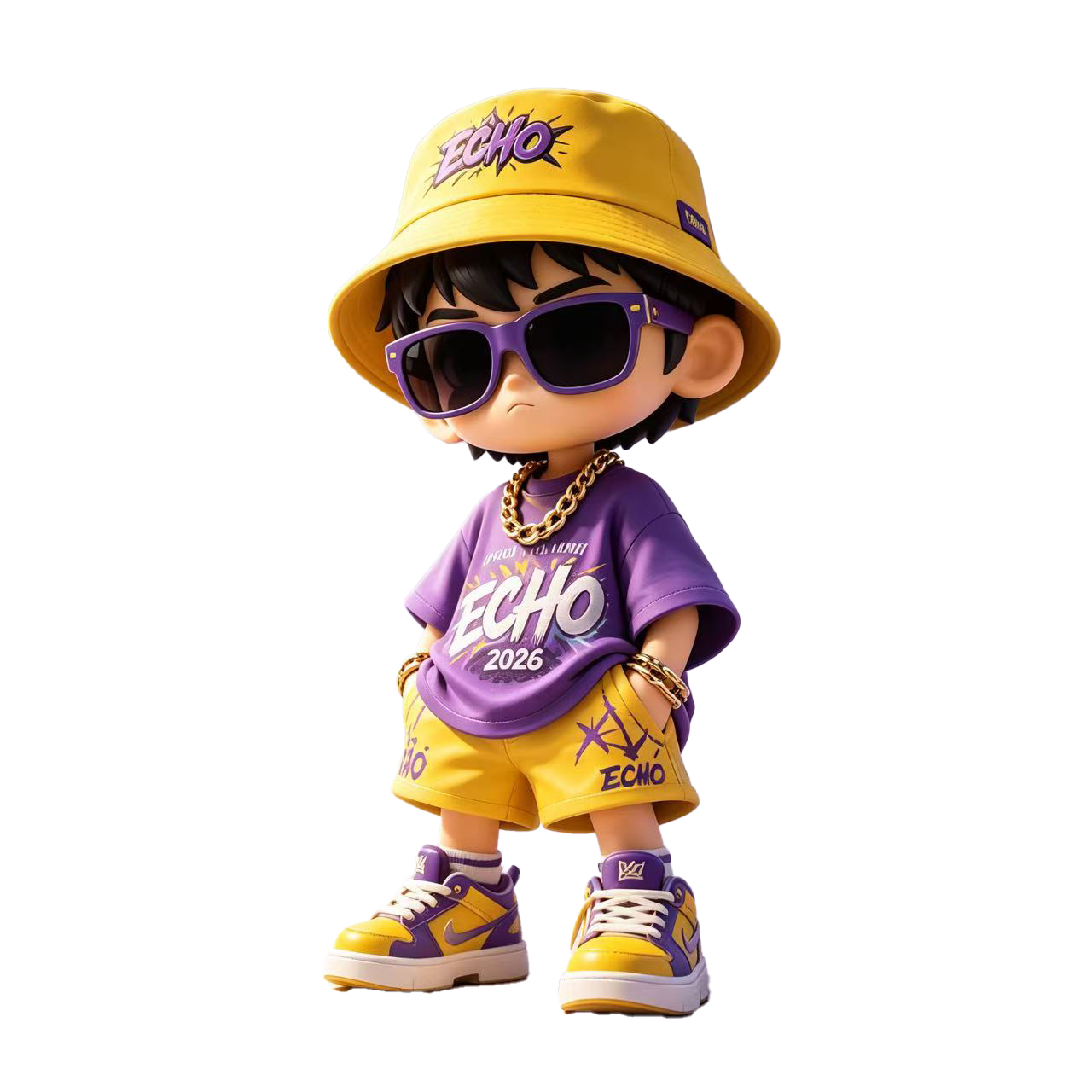
Transform Figure 1 into a high-end designer collectible toy. Retain subject shape, pose, composition, key features; reinterpret as detailed stylized vinyl/resin character. Cute sophisticated toy proportions, large expressive eyes with side-glance attitude, smooth polished skin, softly sculpted face, high-end 3D render quality, ultra-detailed materials, soft global ambient lighting, studio lighting with gentle halos, slightly exaggerated facial proportions, clean toy-like surface, collectible doll look.
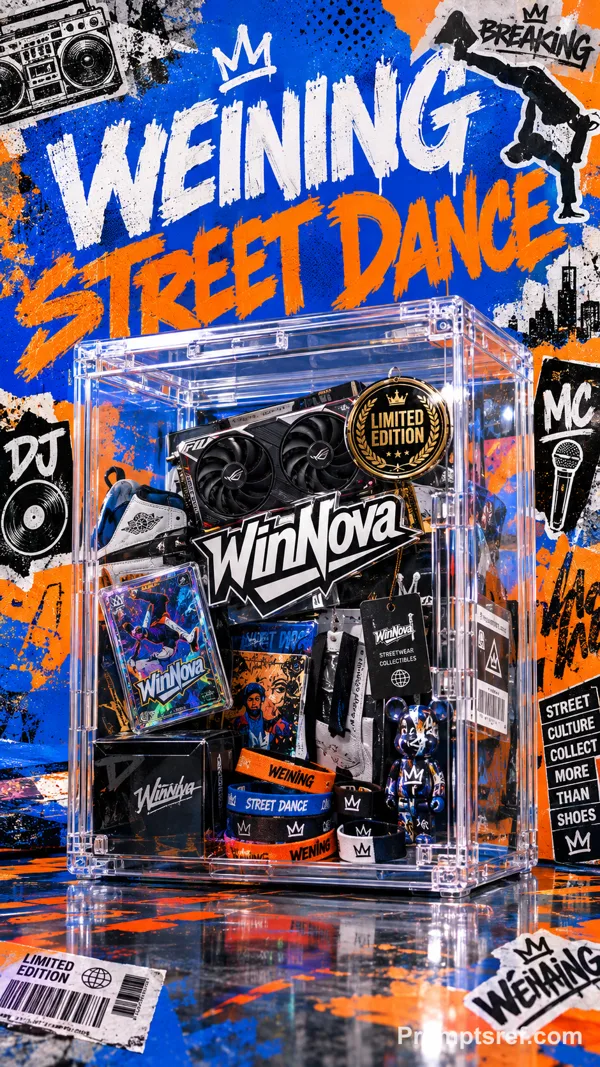
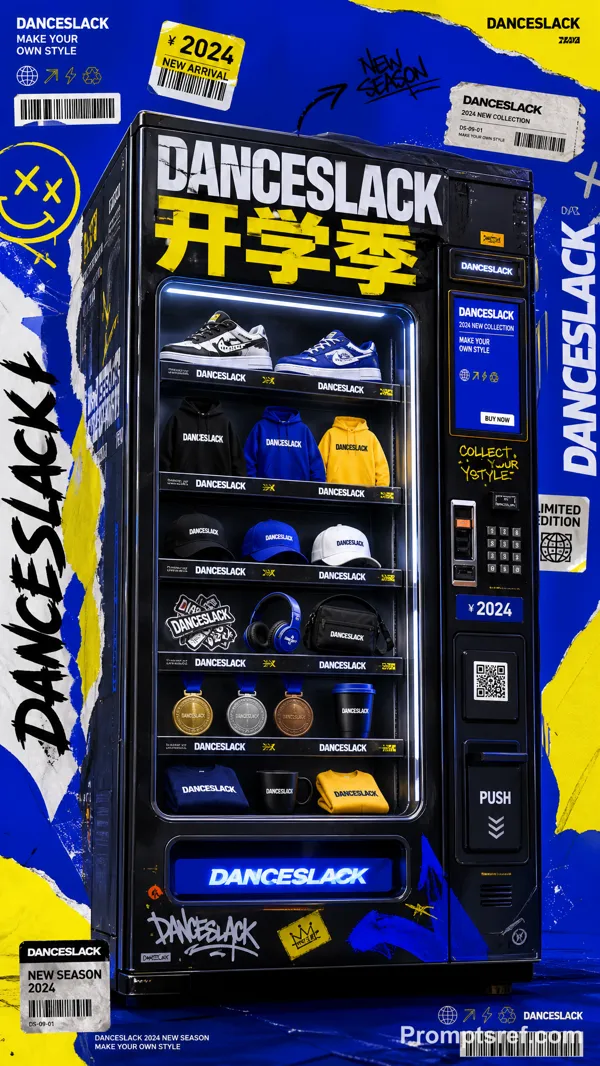
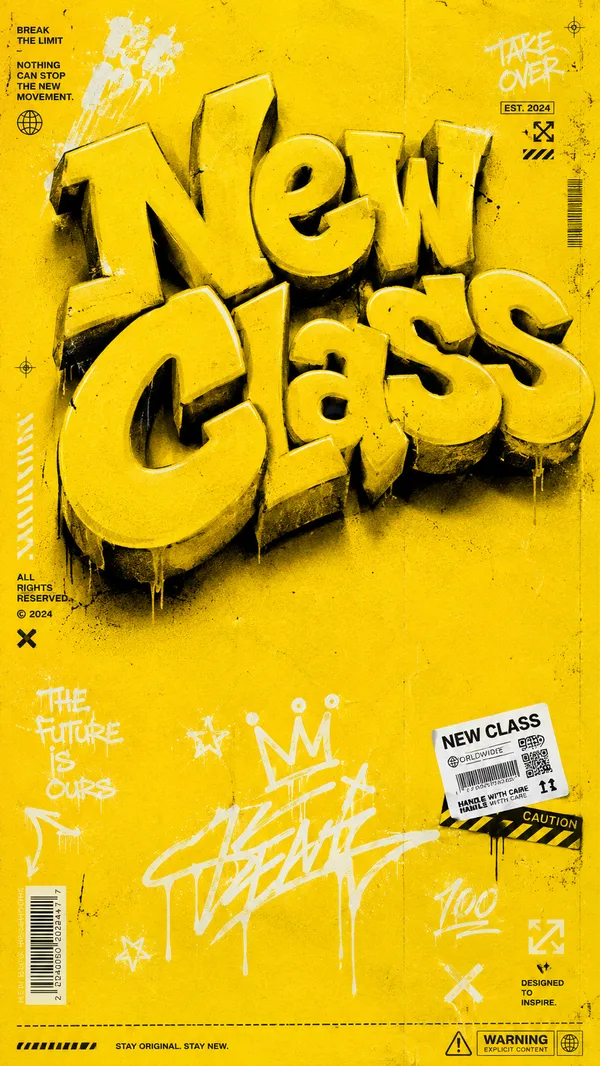
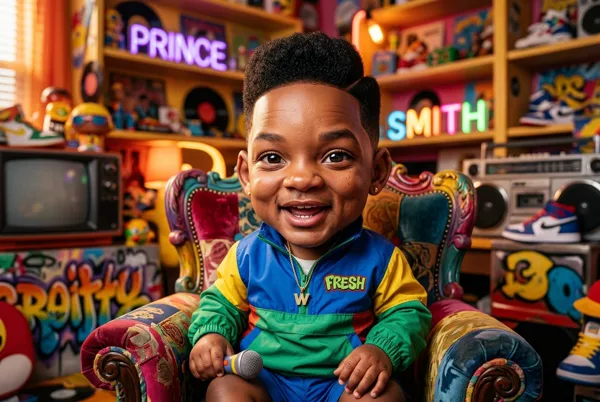
Highlight Figure 2 logo across entire image.
Add graphic stickers, pins, badges, charms, appliques, decorations matching subject personality; curated collectible feel, not clutter. Clothing/accessories continue original inspiration, enhance designer toy aesthetic. Rich layered materials: knitted fabric, glossy plastic, enamel pins, embroidered patches, metal, soft fabric. Subtle spots, texture, tiny imperfections for realism.
Composition: centered portrait, magazine cover style.
Typography: bold oversized “WEINING STREET DANCE”, modern editorial layout. Minimal geometric UI, limited-edition collectible packaging language. Clear hierarchy, luxurious streetwear toy brand aesthetic.
Color: dominant clothing color as main background gradient; monochromatic harmony background/wardrobe; small complementary accents via stickers/accessories.
Detail: delicate edges, smooth gradients, clean image, refined textures, balanced light/shadow, soft even lighting, clear natural quality. Avoid noise, grain, blemishes, high-frequency details, dirt, over-sharpening, patchy surfaces, chaotic details, rough edges, clutter, excessive texture.
High-end brand editorial visual.
Render: ultra-detailed 3D character, Octane/Redshift/Cinema4D quality. Sharp focus, high contrast, soft depth-of-field. Commercial toy photography, high-end collectible shoot, premium art toy aesthetic. Contemporary street culture collectible design.
참조 이미지

리믹스 작품
리믹스아직 리믹스가 없어요. 첫 번째 버전을 만들어 보세요.
이 이미지 프롬프트 사용하기
- 01
프롬프트로 시작하기
프롬프트를 복사하거나 생성 버튼으로 여세요.
- 02
나만의 아이디어 더하기
주제, 배경, 세부 사항을 조정하고 필요하면 참고 자료를 추가하세요.
- 03
생성 전 확인하기
모델과 출력 설정을 확인하세요. 생성 결과는 매번 다를 수 있습니다.