GPT Image 2.0 프롬프트 - AI Prompt Studio 유리 큐브 배너

- 화면 비율
- auto
- 화질
- 1K
프롬프트
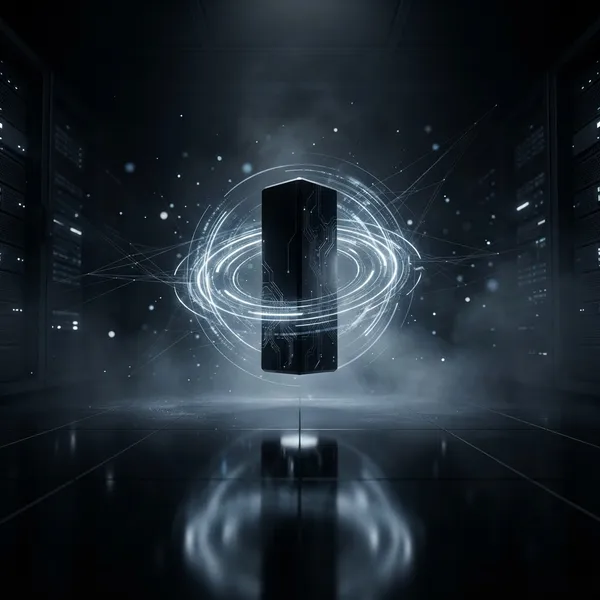
Create an ultra-premium editorial technology poster for the AI community "AI Prompt Studio".Design style:Behance FeaturedAdobe MAX Key VisualApple EventNike CampaignFuture Technology EditorialLuxury Startup BrandingCanvas:Reddit Banner1920 × 384Background:Deep matte black (#0B0F14)Large cinematic negative spaceVolumetric lightingSoft cyan and violet atmosphereSubtle glass reflectionsNo clutter.Across the entire banner, arrange large floating transparent glass cubes and acrylic blocks in a dynamic composition.Every block has a different rotation.Some are tilted left.Some rotated right.Some floating higher.Some overlapping.Some partially cropped outside the frame.Some blurred in foreground.Some sharp in background.Create strong depth using camera perspective.Inside every cube leave a perfectly centered placeholder area designed for official company logos.DO NOT invent or redesign the logos.Each logo area must look like it was specifically designed for authentic brand assets to be placed later.Use premium lighting:Edge glowGlass refractionSoft reflectionsRay-traced shadowsFloating particlesMinimal neon accentsColor accents:Electric CyanSoft VioletMagentaWhiteNo rainbow colors.Typography:Huge background words:PROMPTENGINEERINGAISTUDIOCOMMUNITYusing an ultra-bold modern grotesk font.The typography should be partially hidden behind cubes exactly like high-end editorial posters.Logo placement zones should exist for these brands:GPT Image 2Flux 2 ProMidjourneyNano Banana 2Seedream V4.5Wan 2.2IdeogramMeta ImagineGrokLeave clean, premium placeholders sized for official SVG logos.Composition should feel like a creative director from Apple or Adobe personally designed it.No fake logos.No made-up icons.No robots.No brains.No circuit boards.No stock AI graphics.The banner should look like a luxury technology conference keynote visual.Ultra detailed.Photorealistic glass materials.8K.Behance Featured.Dribbble Front Page.Professional editorial masterpiece.
리믹스 작품
리믹스아직 리믹스가 없어요. 첫 번째 버전을 만들어 보세요.
이 이미지 프롬프트 사용하기
- 01
프롬프트로 시작하기
프롬프트를 복사하거나 생성 버튼으로 여세요.
- 02
나만의 아이디어 더하기
주제, 배경, 세부 사항을 조정하고 필요하면 참고 자료를 추가하세요.
- 03
생성 전 확인하기
모델과 출력 설정을 확인하세요. 생성 결과는 매번 다를 수 있습니다.