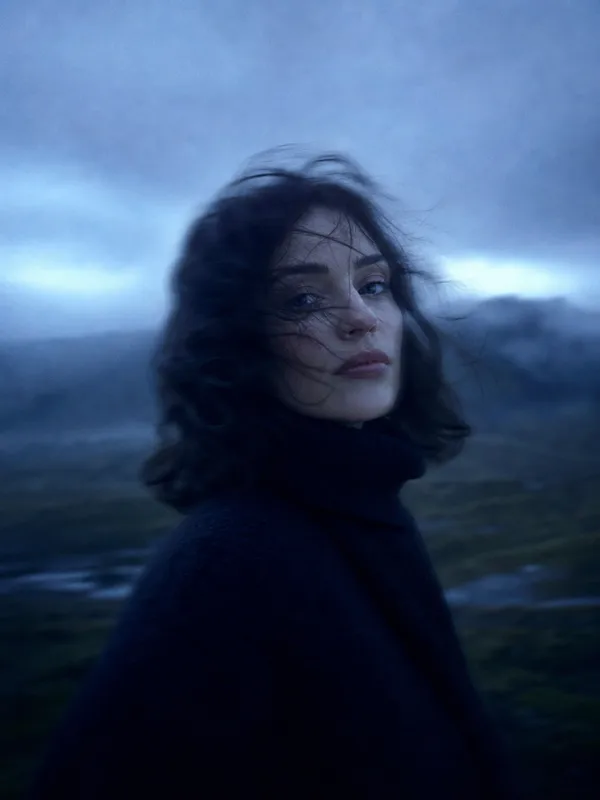
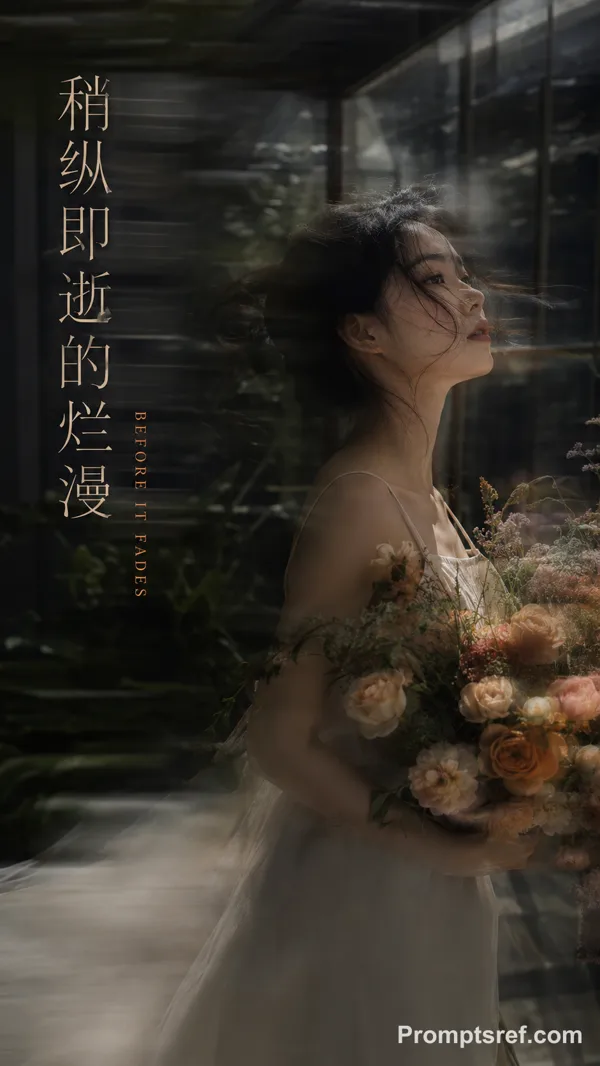
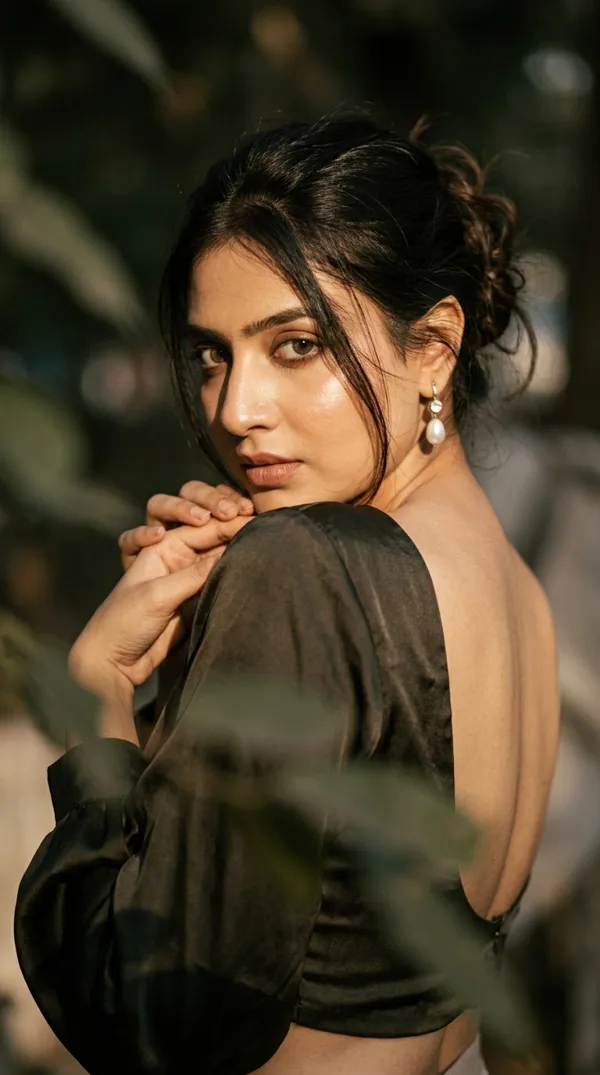
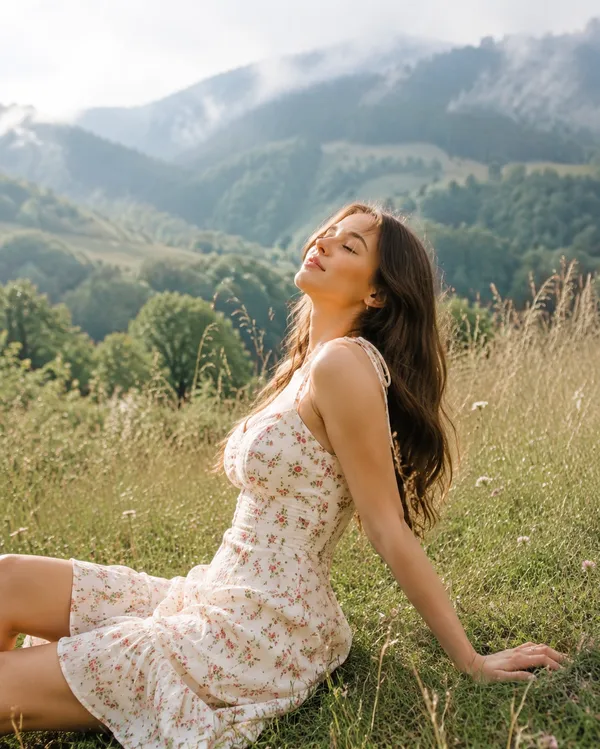
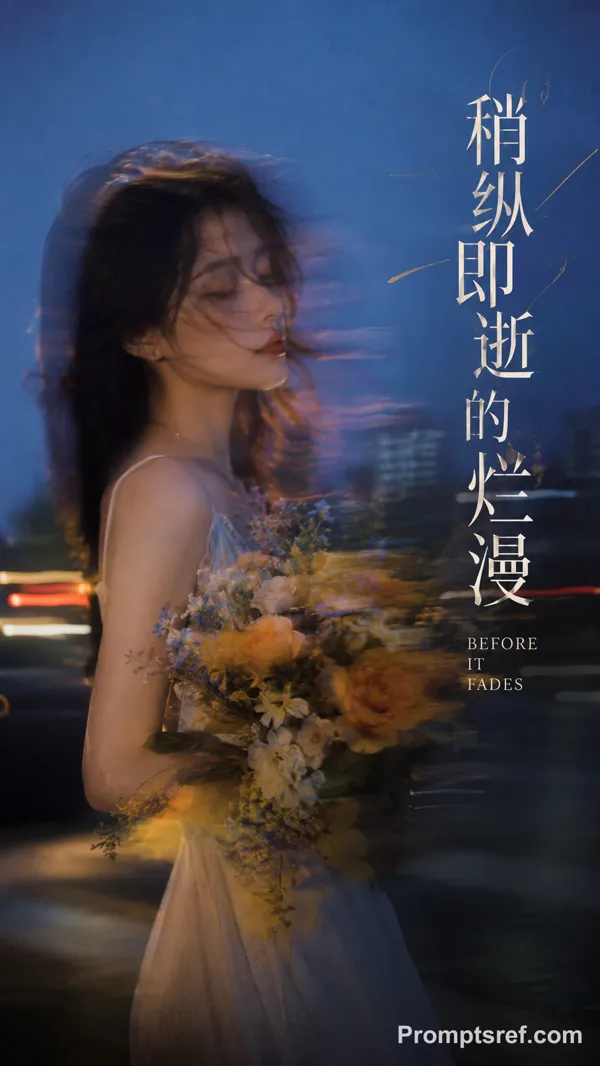
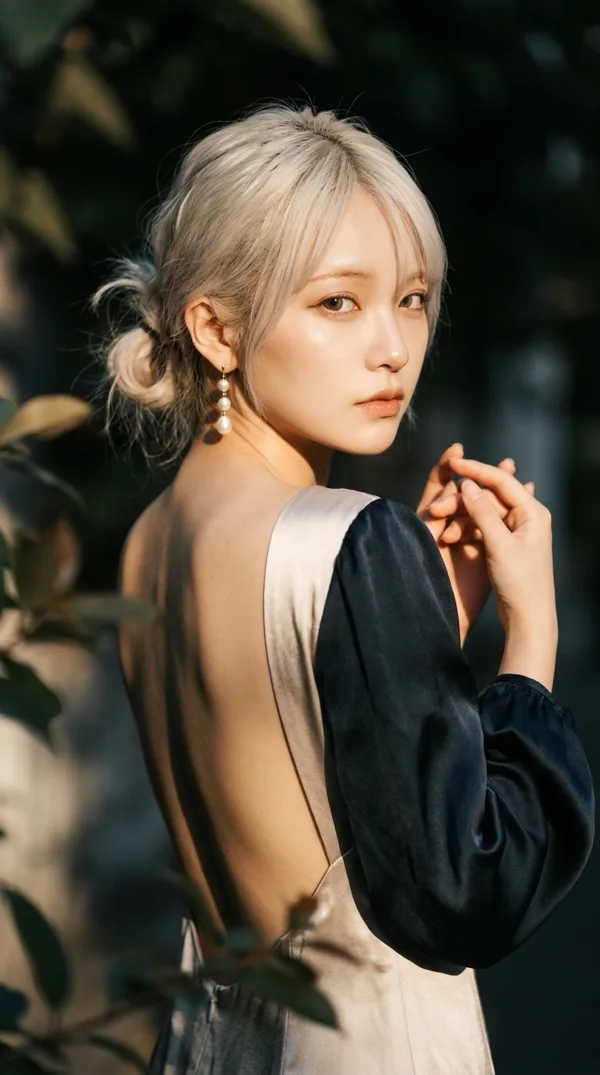
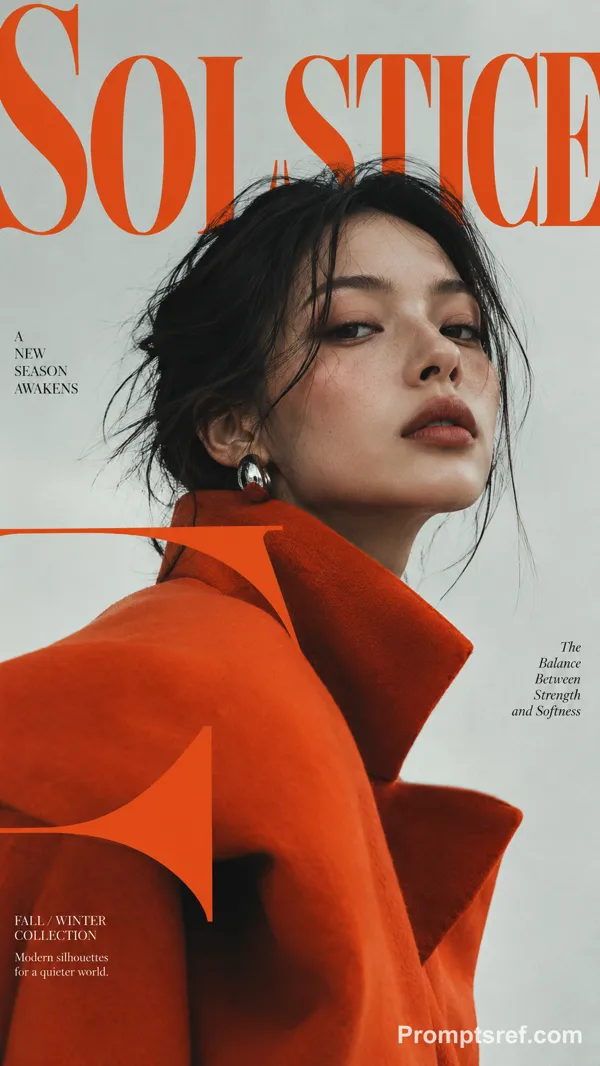
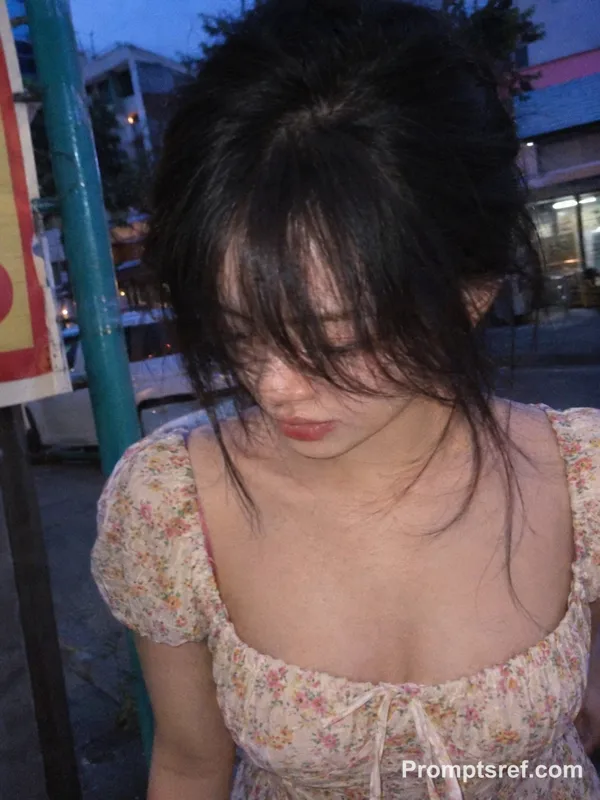
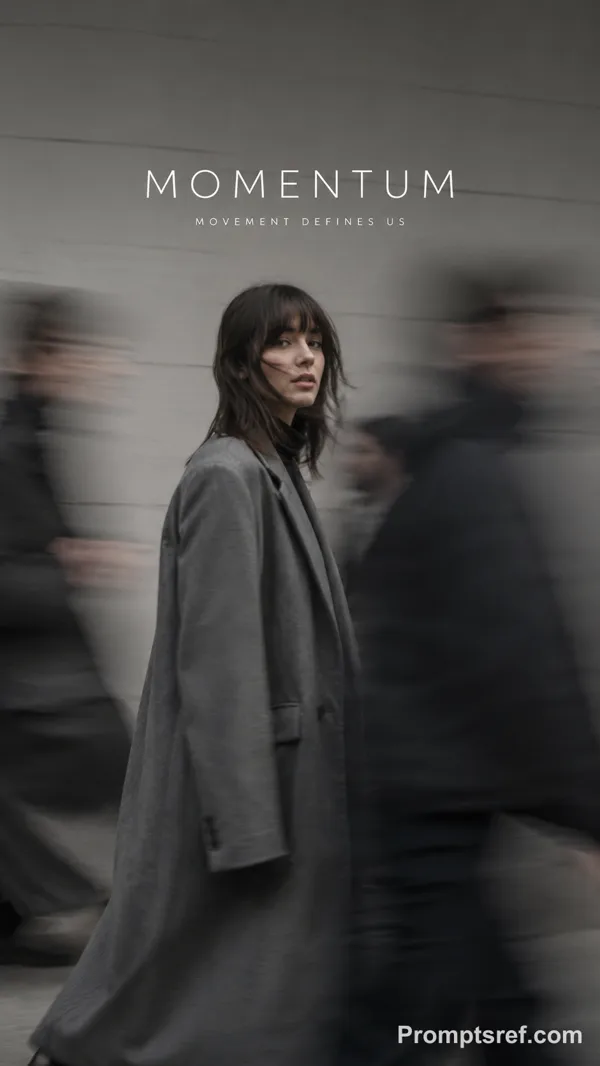
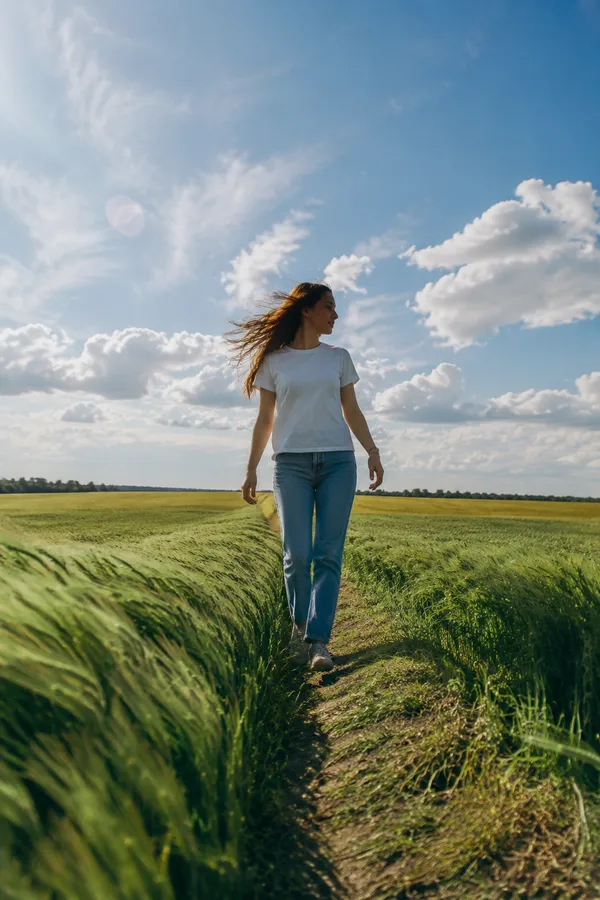
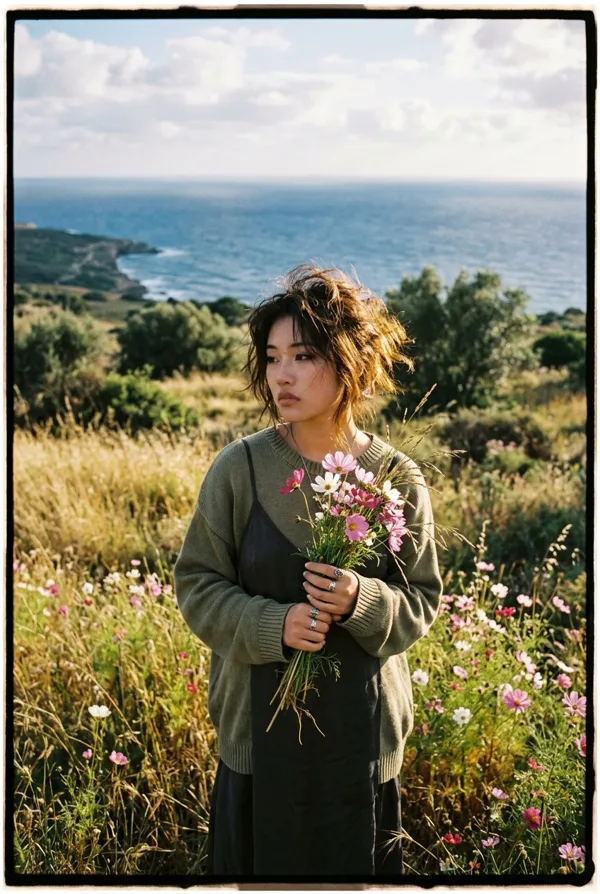
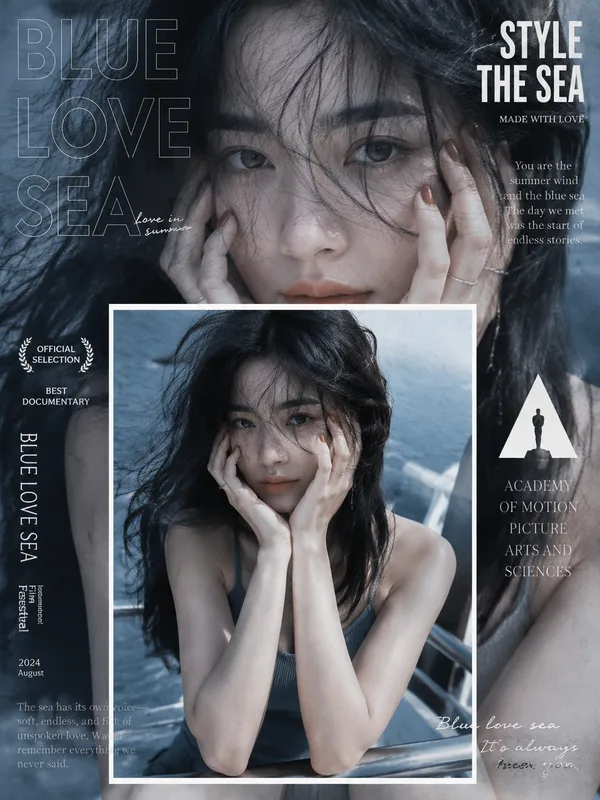
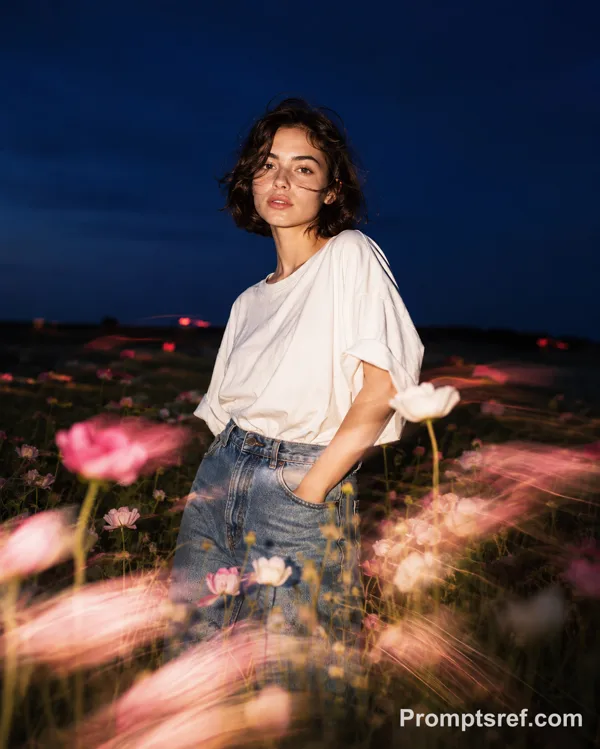
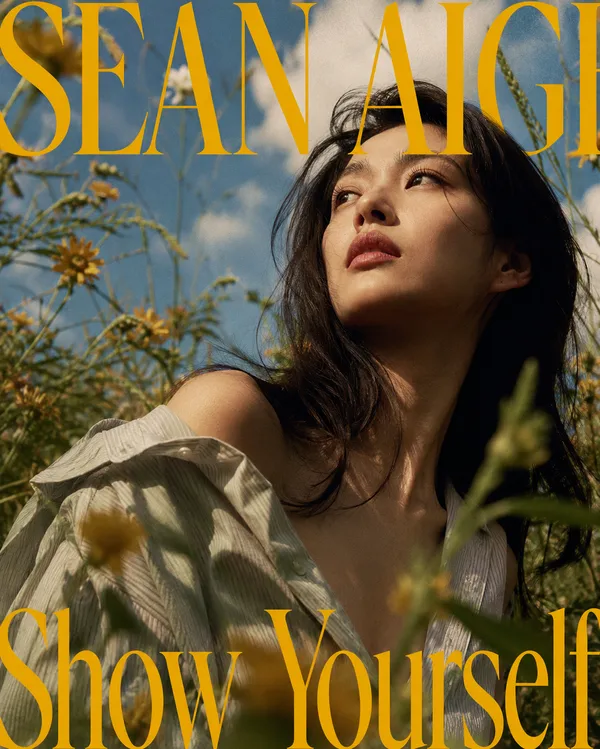
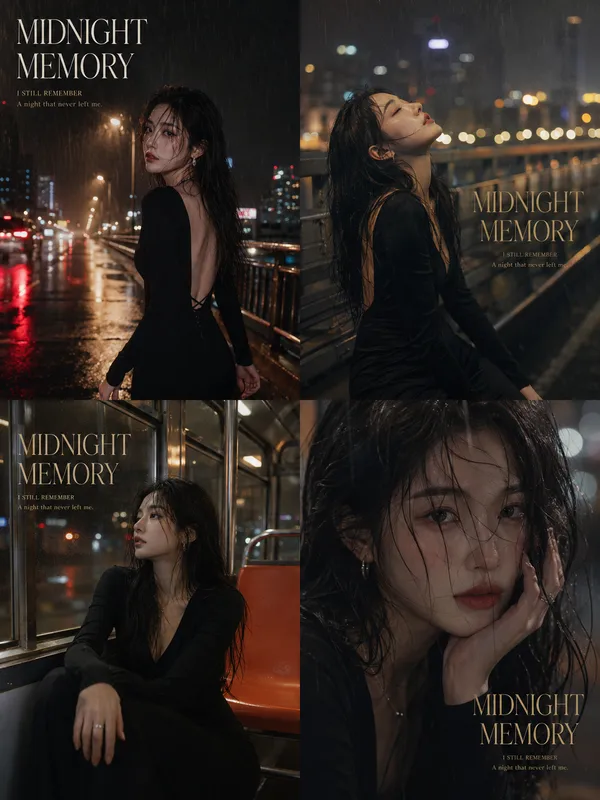
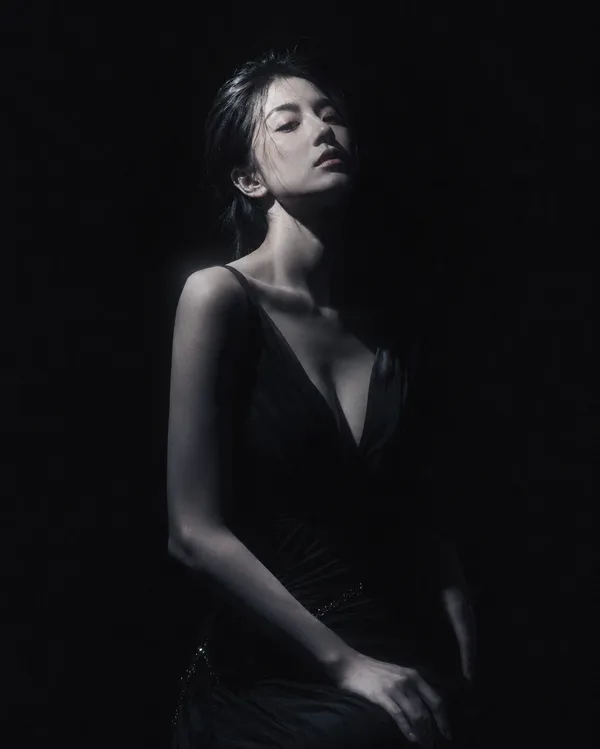
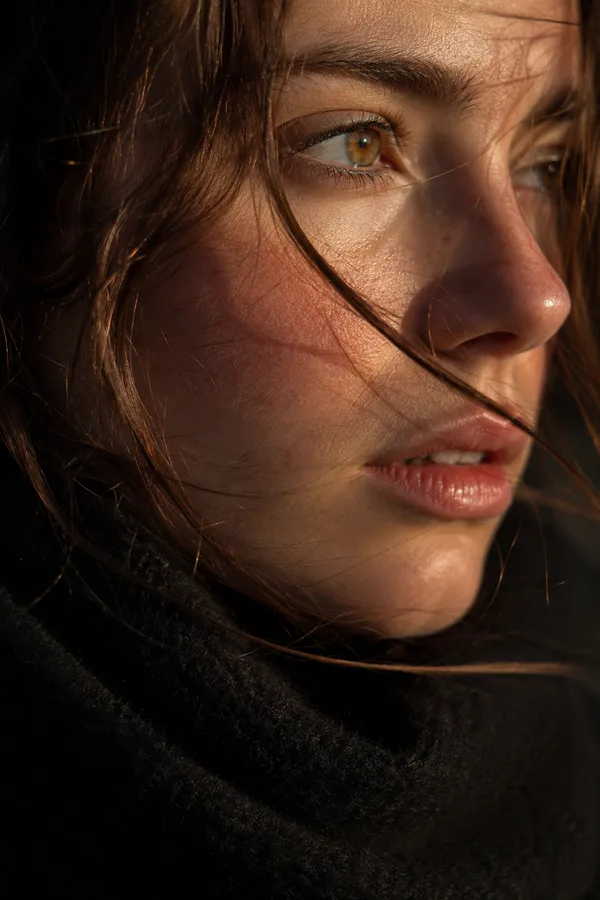
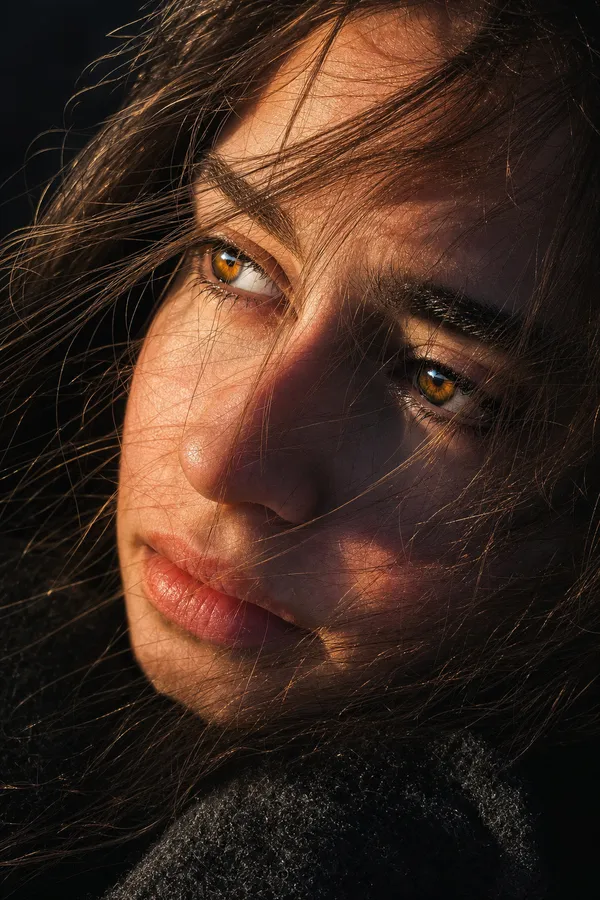
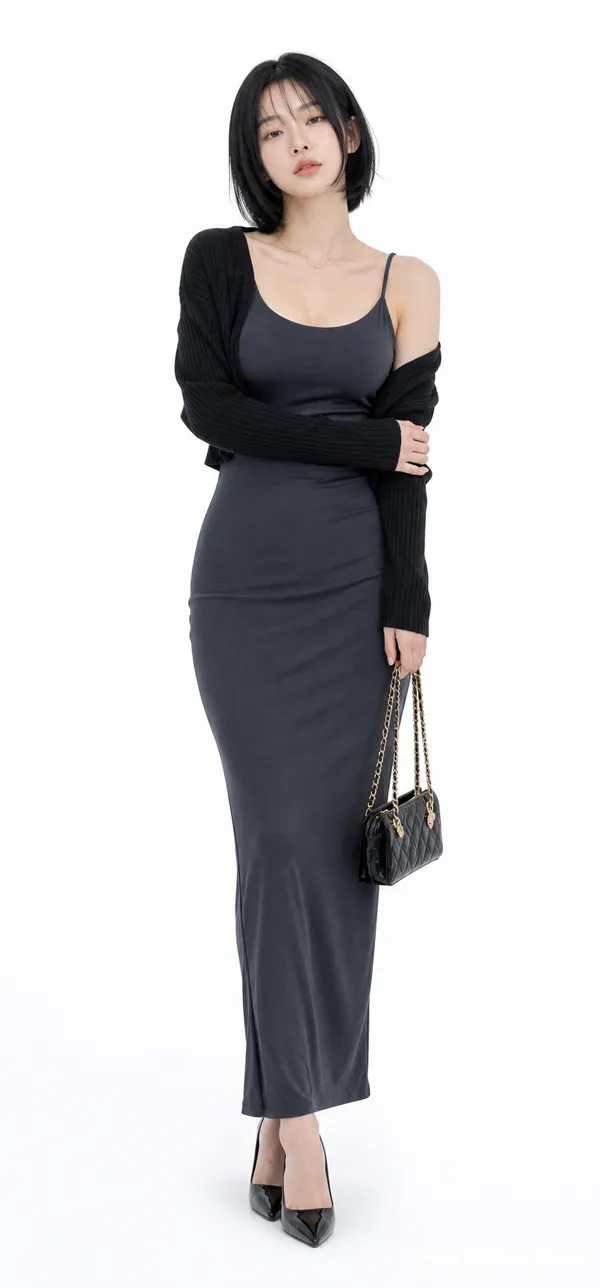
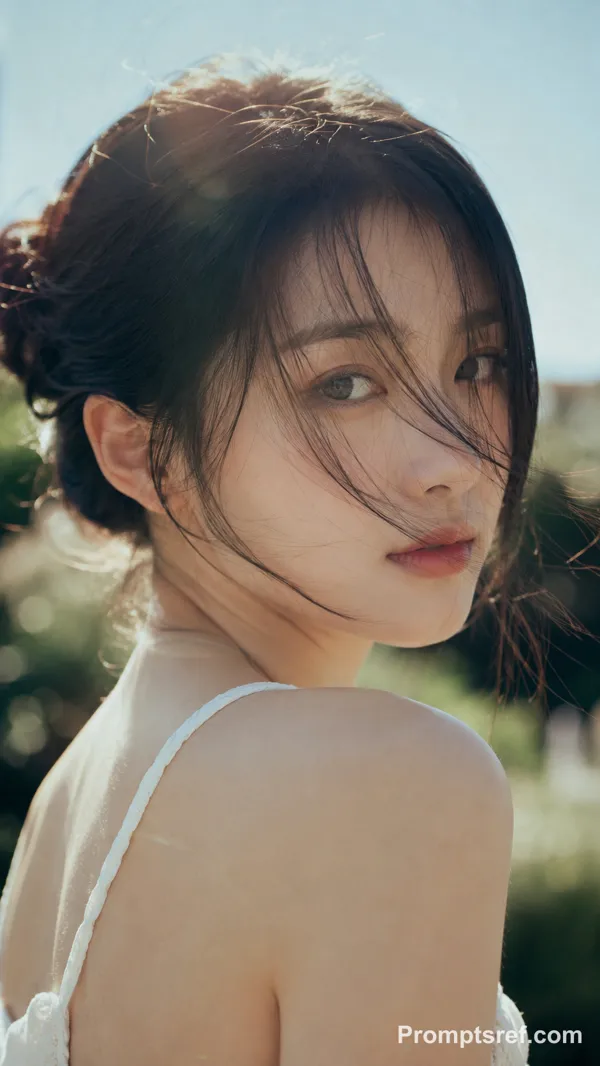
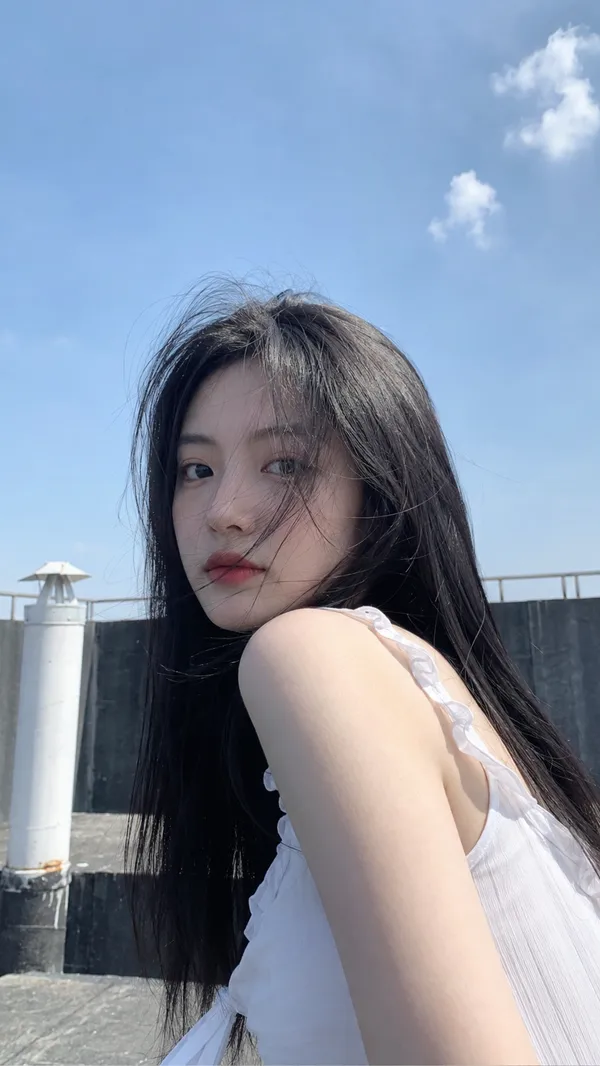
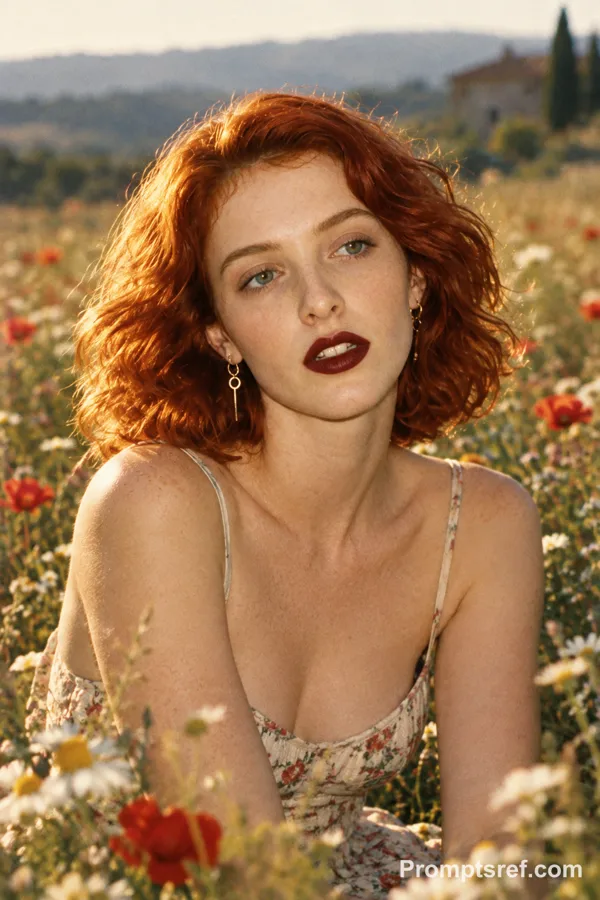
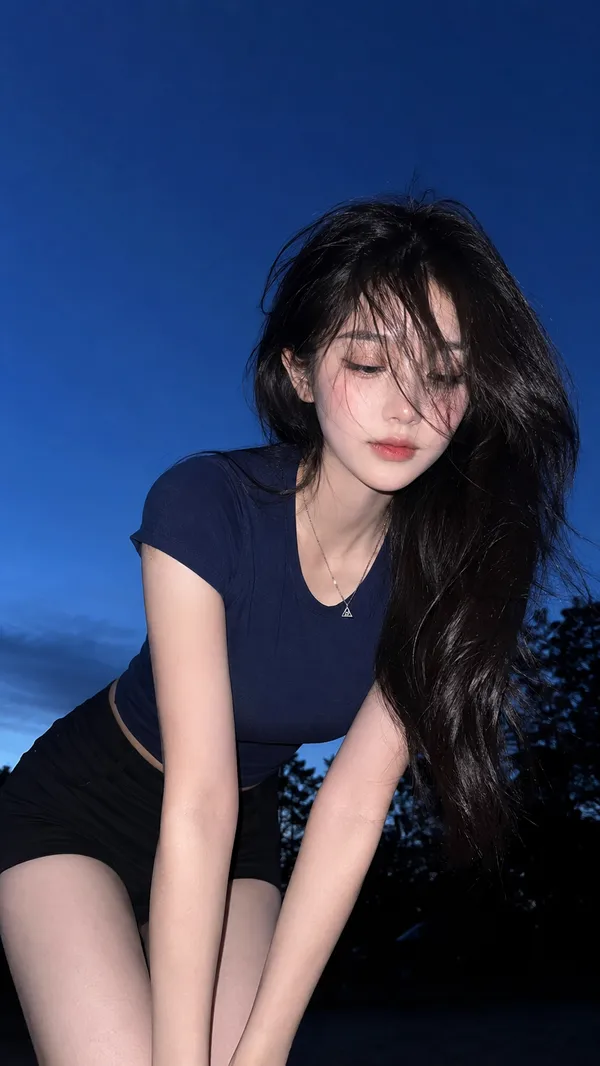
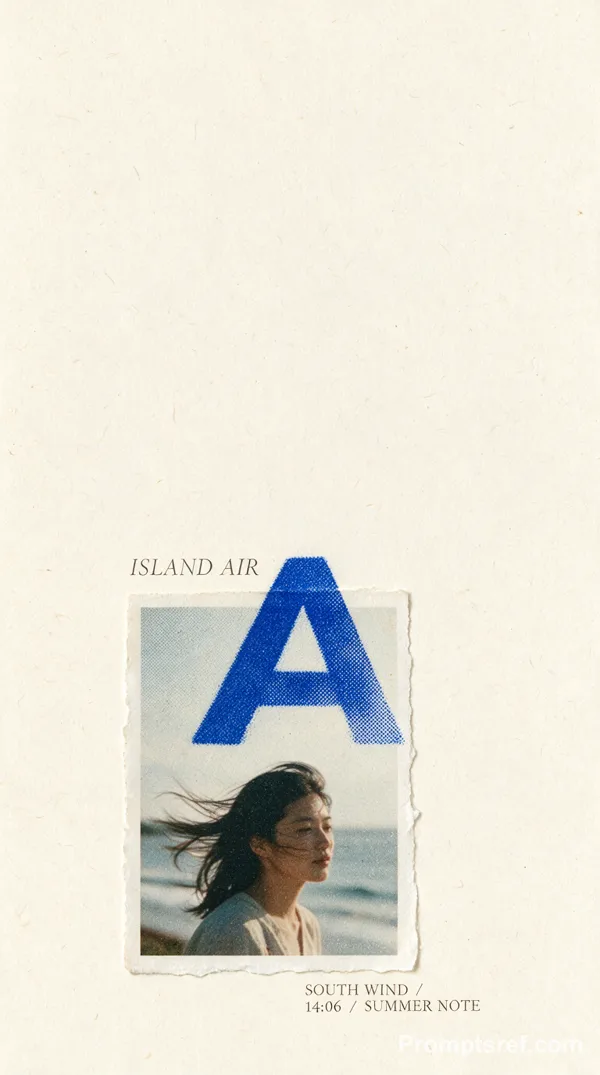
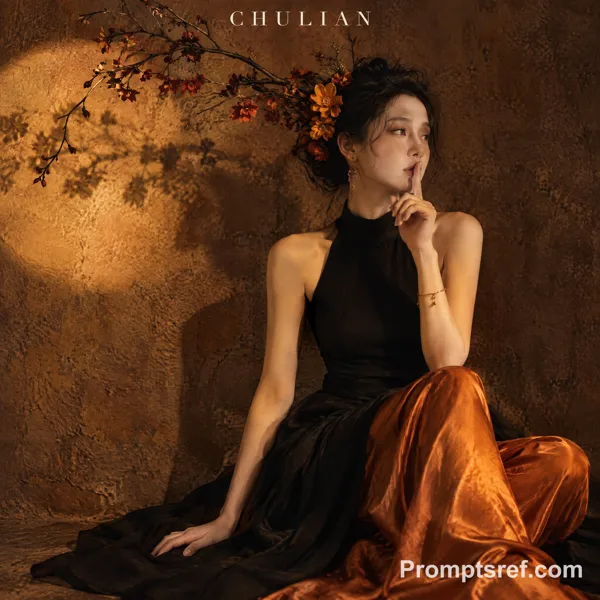
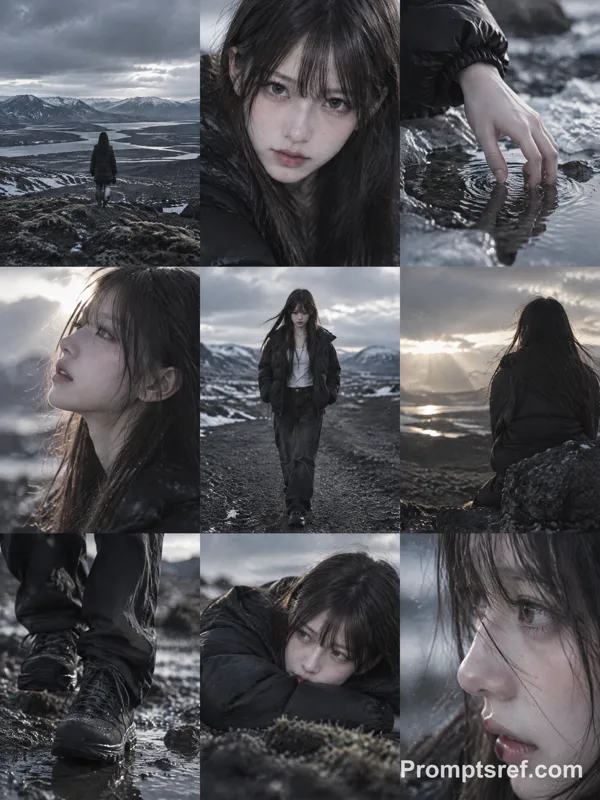
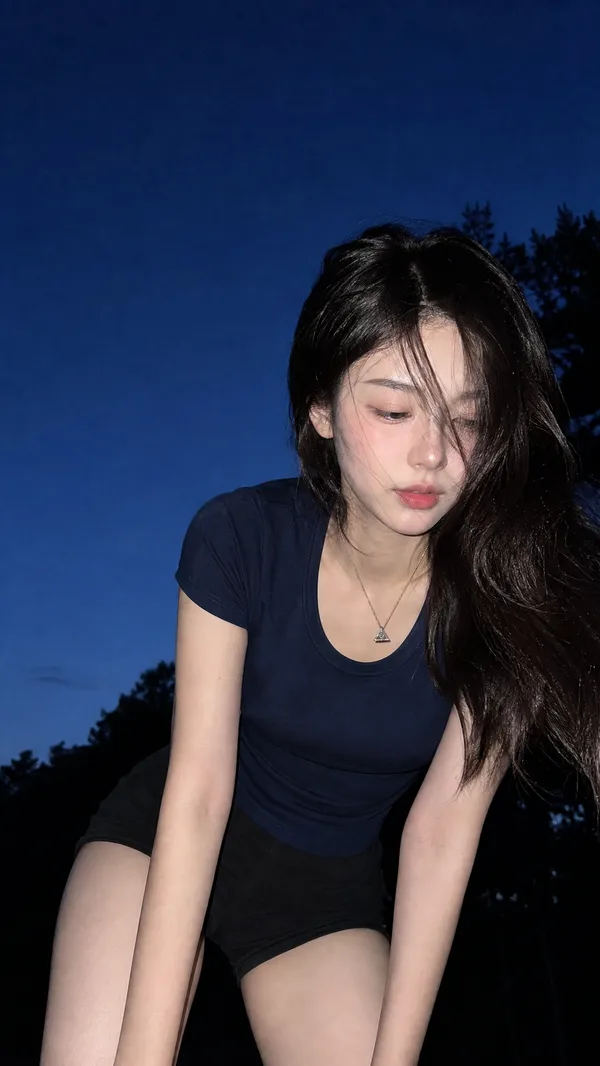
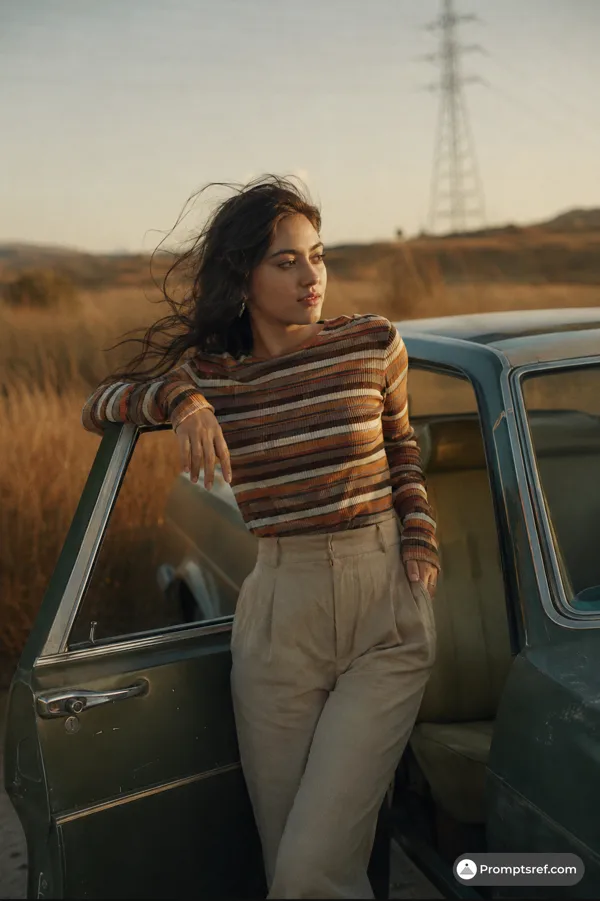
GPT Image 2.0 프롬프트 - 바람 들판 초상 에디토리얼 템플릿

- 화면 비율
- auto
- 화질
- 1K
프롬프트
[Title]: [custom]
[Series Name]: [Wind Field Portraits / custom]
[Subject]: [e.g. young East Asian woman]
[Outfit]: [e.g. black knit dress / white dress / dark green long dress]
[Scene]: [e.g. grass field / reed field / hillside / coastal grassland]
[Weather]: [e.g. overcast / stormy / strong wind]
[Mood]: [e.g. quiet / cold / distant]
[Color Tonel: [e.g. grey-green low saturation / film-like]
[Aspect Ratio]: [e.g. 3:4 | 4:5 / 9:16]
Create a cinematic outdoor editorial portrait poster titled [Title] from the series [Series Name].
Show [Subject] in [Outfit], standing in [Scene] under [Weather], with strong wind moving through her hair and the surrounding grass.
Her expression should feel [Mood], with realistic skin, natural hair strands, and a vivid lifelike presence.
Use blurred foreground plants for depth, muted [Color Tonel tones, subtle film grain, and a quiet fashion-editorial mood.
Vertical composition in [Aspect Ratio].
Add original minimal white typography at the bottom with a custom main title, subtitle, and slogan.
Do not copy any text from the reference images.
Avoid e-commerce posing, fake beauty retouching, oversaturated colors, and cheap poster design.
리믹스 작품
리믹스아직 리믹스가 없어요. 첫 번째 버전을 만들어 보세요.
이 이미지 프롬프트 사용하기
- 01
프롬프트로 시작하기
프롬프트를 복사하거나 생성 버튼으로 여세요.
- 02
나만의 아이디어 더하기
주제, 배경, 세부 사항을 조정하고 필요하면 참고 자료를 추가하세요.
- 03
생성 전 확인하기
모델과 출력 설정을 확인하세요. 생성 결과는 매번 다를 수 있습니다.