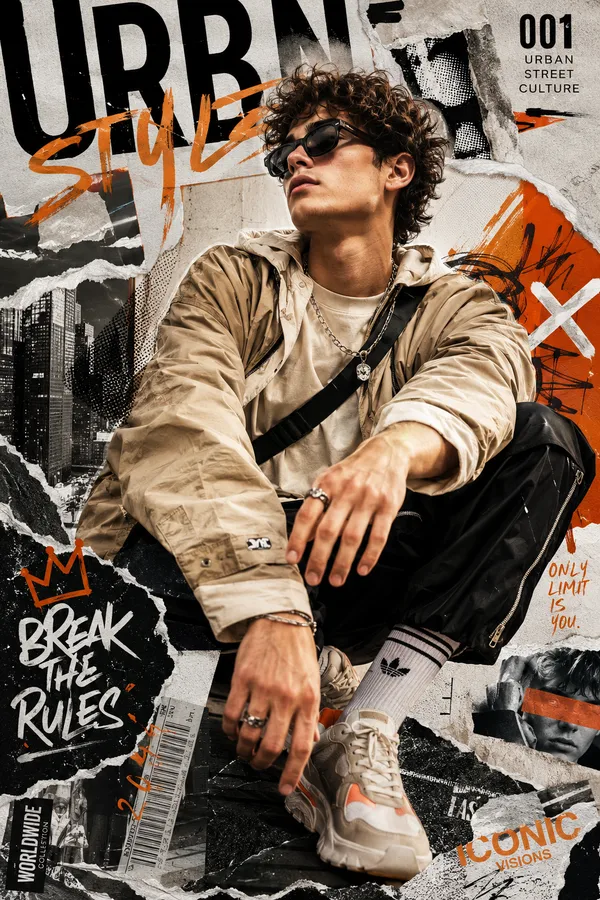
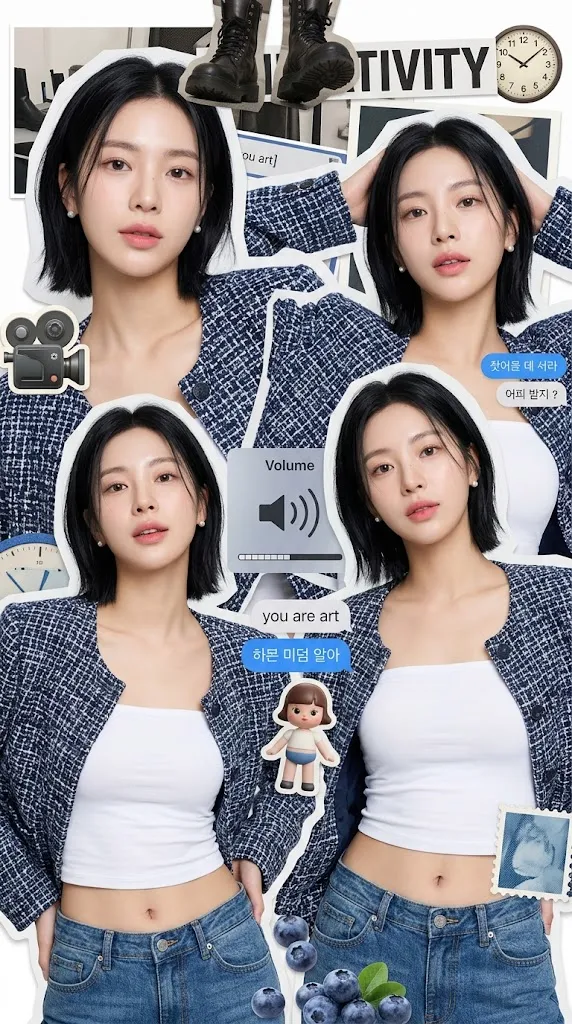
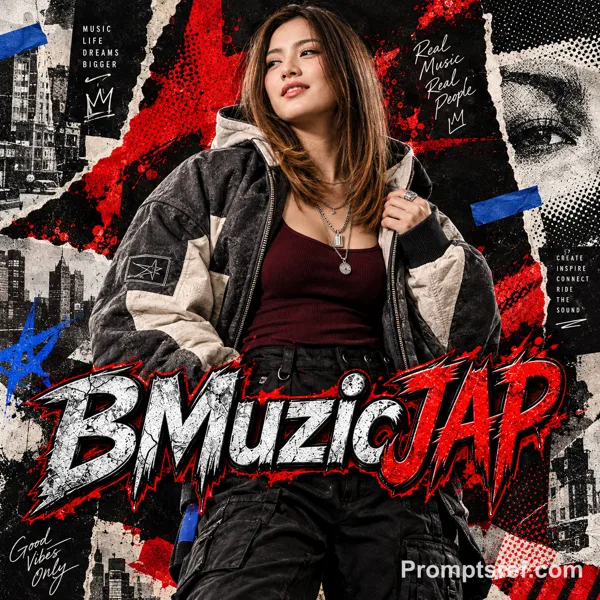
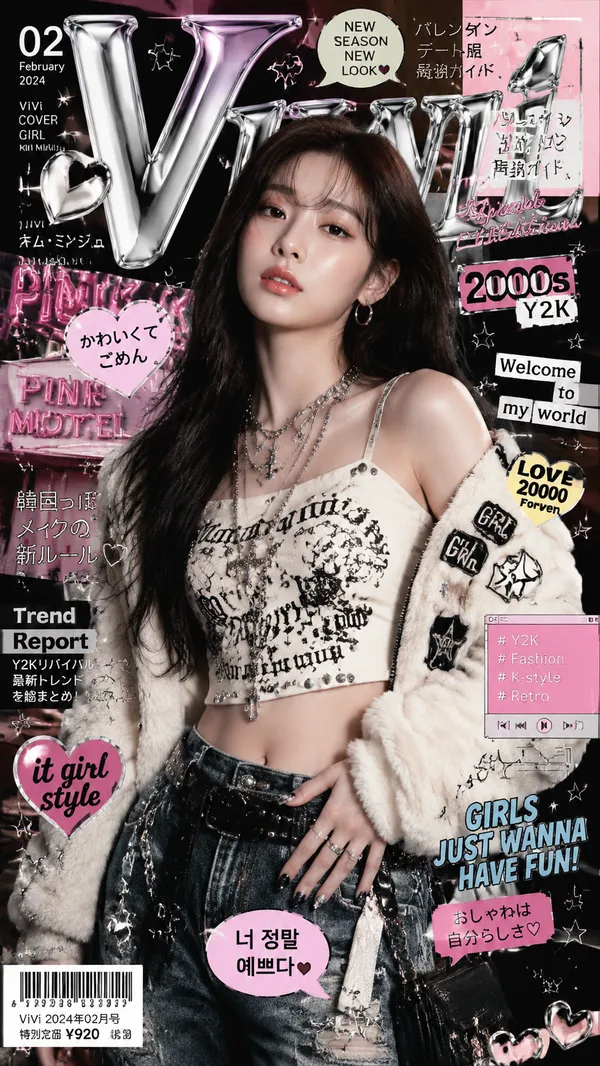
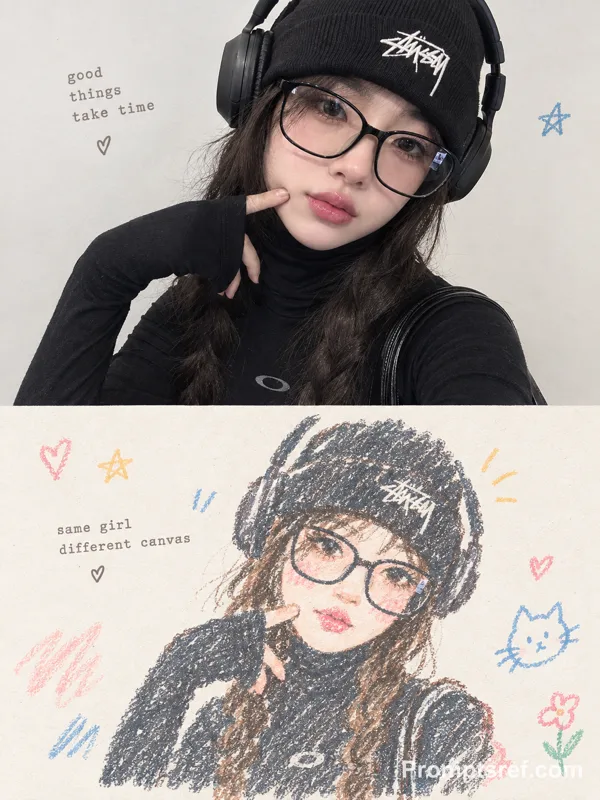
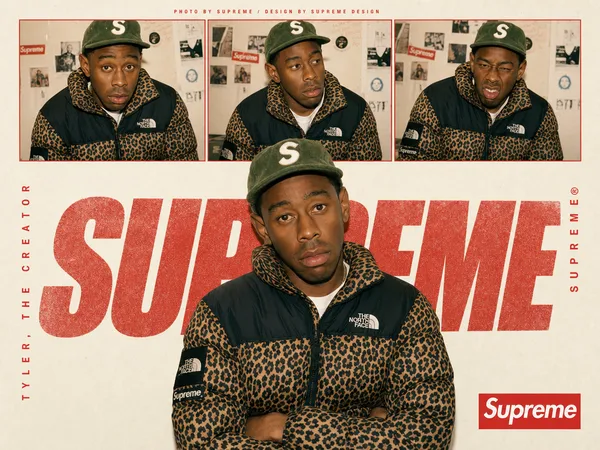
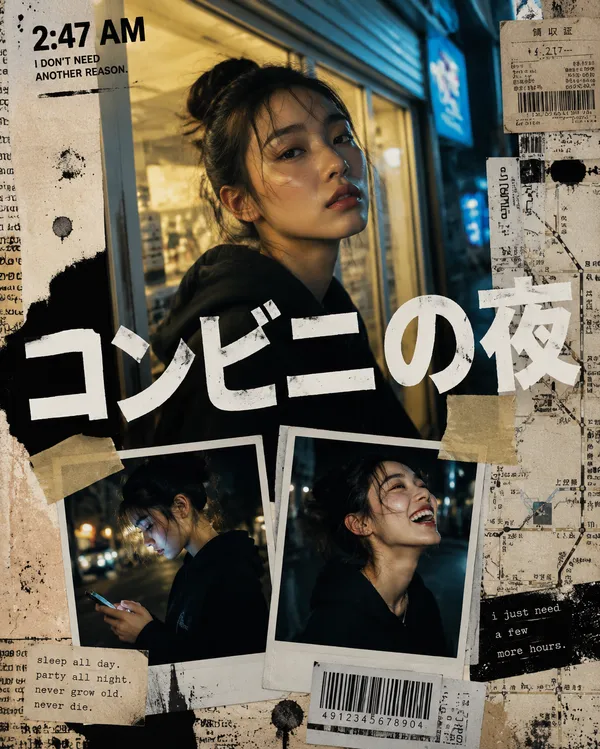
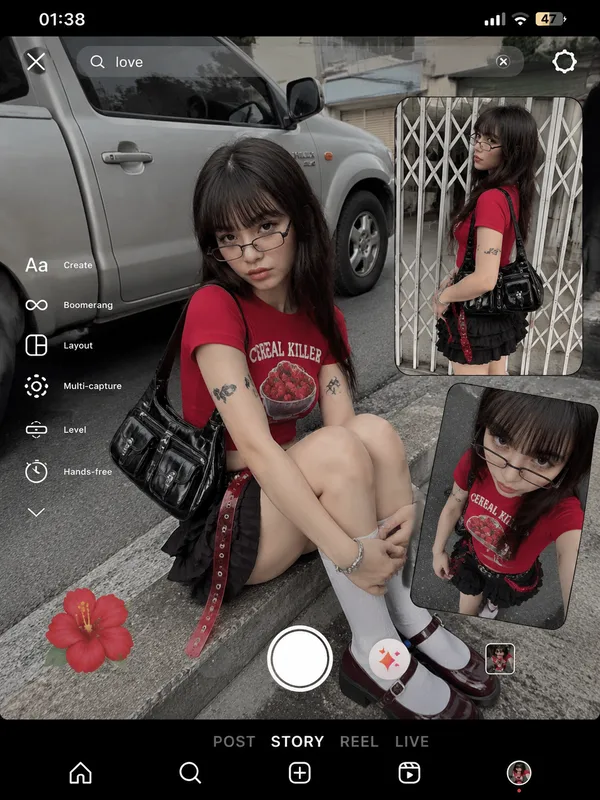
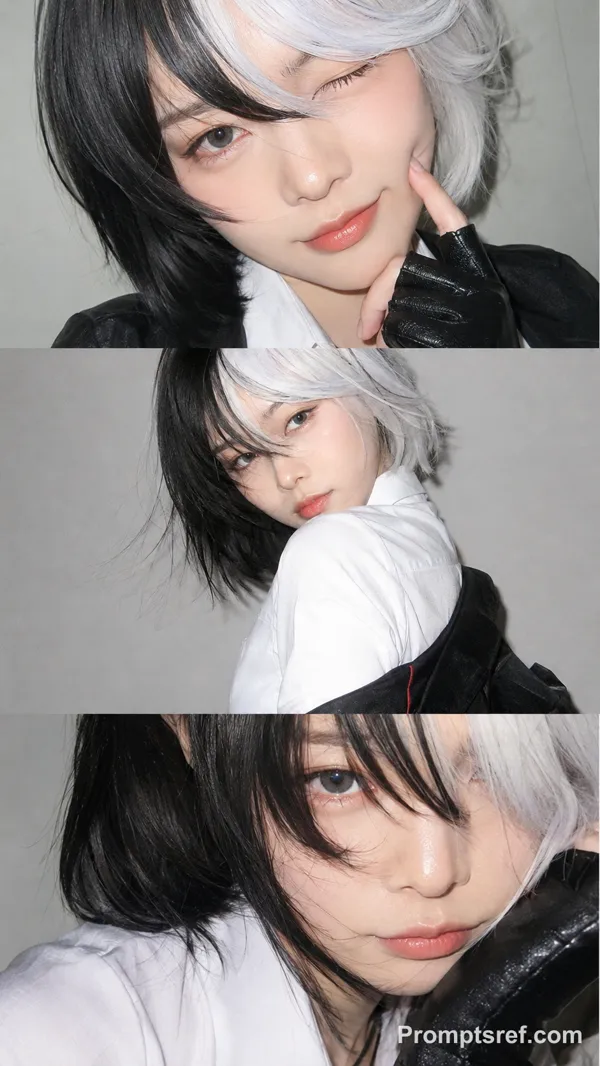
GPT Image 2.0 프롬프트 - Y2K 오렌지 그래피티 패션 콜라주

- 화면 비율
- 3:4
- 화질
- 2k
프롬프트
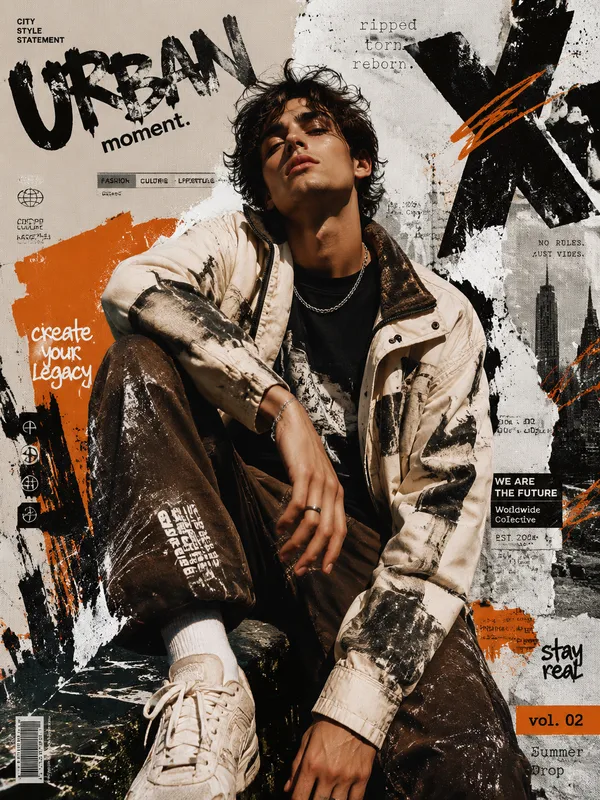
Create a bold Y2K pop-street editorial collage featuring a young person as the central subject, combining playful graffiti typography, orange poster background, sticker-like graphic elements, and fashion magazine layout energy.
MAIN SUBJECT AND FRAMING:
Place the young person on the right side of the composition in a close-up to upper-body portrait. The face should be large and dominant, cropped from the chest upward, with the subject slightly leaning forward into the frame. The composition should feel asymmetrical, with graphic typography filling the left side and the subject anchoring the right side.
Do not control or describe the hairstyle.
OUTFIT DETAIL:
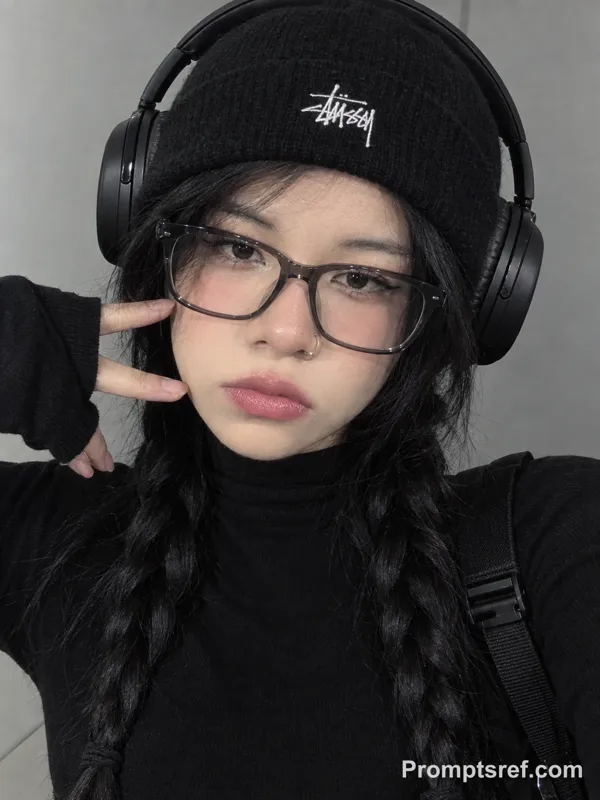
Style the subject in a minimal black streetwear outfit. They wear a black turtleneck or high-neck top with a soft fitted silhouette, creating a clean dark shape against the bright orange background. Add a black beret or rounded cap with a small embroidered logo detail on the front, giving the look a stylish retro street-fashion feeling.
Add a small colorful cheek sticker or decorative bandage on one cheek, with cute tiny graphic details, making the styling feel playful and idol-like. Keep the outfit mostly black so the blue graffiti typography and orange background stand out strongly.
BEHAVIOUR AND BODY LANGUAGE:
The subject’s body language should feel calm, closed-off, and slightly moody. The shoulders are relaxed but slightly rounded forward, creating a soft guarded posture. The head tilts subtly downward and to the side, giving the portrait a cool detached attitude.
The subject does not need a big hand gesture in the main portrait; instead, the behaviour comes from the face angle, lowered posture, and intense sideways eye movement. The pose should feel like someone caught in a quiet bratty moment, not fully engaging with the viewer.
FACIAL EXPRESSION:
The expression is pouty, serious, and mildly irritated in a fashionable way. The lips are softly pushed forward into a small pout, brows slightly tense, and the eyes look sideways with a suspicious or unimpressed gaze. The mood should feel bratty, stylish, aloof, and quietly rebellious.
GRAPHIC BACKGROUND:
Use a saturated orange background with a large white starburst shape behind the subject’s head and shoulders. The starburst should create strong comic-book energy and make the face pop.
Add hand-drawn black scribble text across the orange background, like messy diary writing or lyric notes. Include phrases such as:
“EENIE MEENY MINEY MO”
“4:03”
“LOVE DAY”
“HIDE YOUR LOVE”
“BOYZ”
The handwriting should look playful, imperfect, thin, and chaotic, but still visually controlled.
MAIN TYPOGRAPHY:
Place a large blue graffiti-style word “Your Name” across the left-center area. The letters should be chunky, rounded, irregular, and outlined in thick black, like a playful bubble graffiti tag. The typography should overlap slightly with the subject’s face area without blocking the eyes.
Add pink star sparkle stickers around the face and cap area, giving a cute pop-idol accent.
BOTTOM FILMSTRIP:
At the bottom of the composition, add a horizontal filmstrip with four rectangular photo panels. These panels show smaller full-body and close-up poses of the same young person wearing the same black outfit.
Panel pose ideas:
1. Side close-up portrait with head tilted back slightly, cheek sticker visible, eyes looking away.
2. Full-body stance with legs apart, hands near pockets or belt area, posture confident and relaxed.
3. Repeated close-up side portrait for rhythmic collage effect.
4. Repeated full-body stance, slightly different angle or crop.
The filmstrip should feel like a fashion contact sheet or idol editorial preview.
MOOD AND STYLE:
The overall mood should be playful, bratty, nostalgic, and street-fashion inspired. It should feel like a Y2K teen magazine layout mixed with graffiti poster design, idol concept styling, and scrapbook-like pop graphics.
리믹스 작품
리믹스아직 리믹스가 없어요. 첫 번째 버전을 만들어 보세요.
이 이미지 프롬프트 사용하기
- 01
프롬프트로 시작하기
프롬프트를 복사하거나 생성 버튼으로 여세요.
- 02
나만의 아이디어 더하기
주제, 배경, 세부 사항을 조정하고 필요하면 참고 자료를 추가하세요.
- 03
생성 전 확인하기
모델과 출력 설정을 확인하세요. 생성 결과는 매번 다를 수 있습니다.