GPT Image 2.0 Prompt - Femme aux lunettes champagne dans la lumière de la fenêtre

- Modèle
- GPT Image 2.0
- Format
- auto
- Qualité
- 1K
Prompt
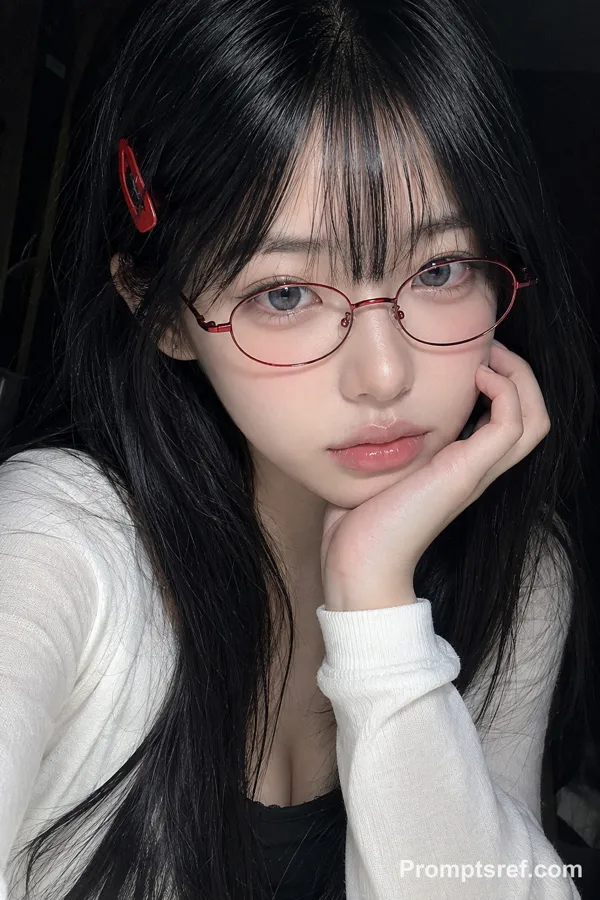
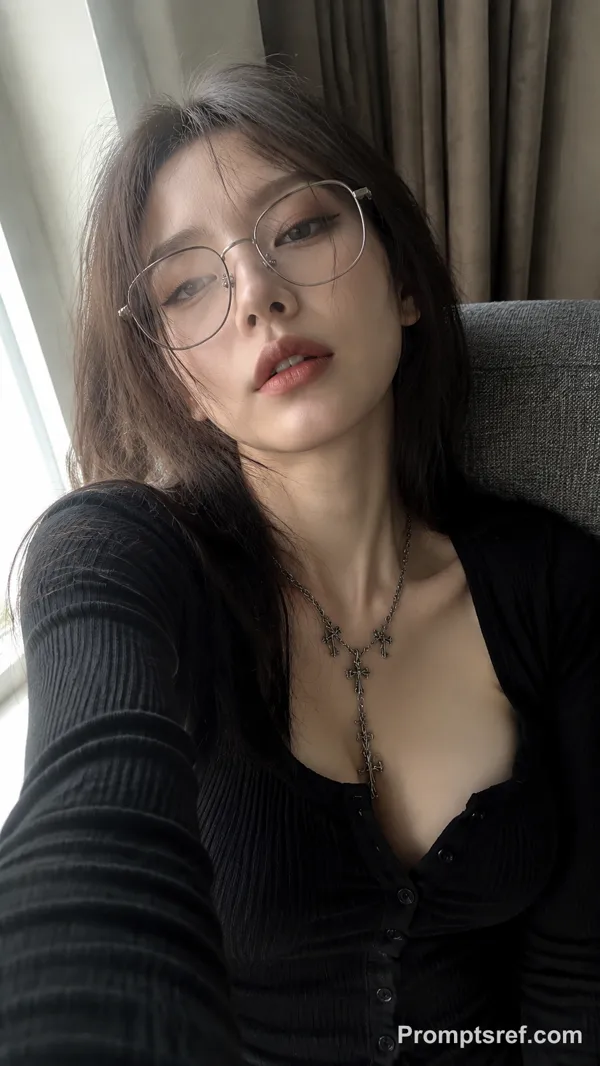
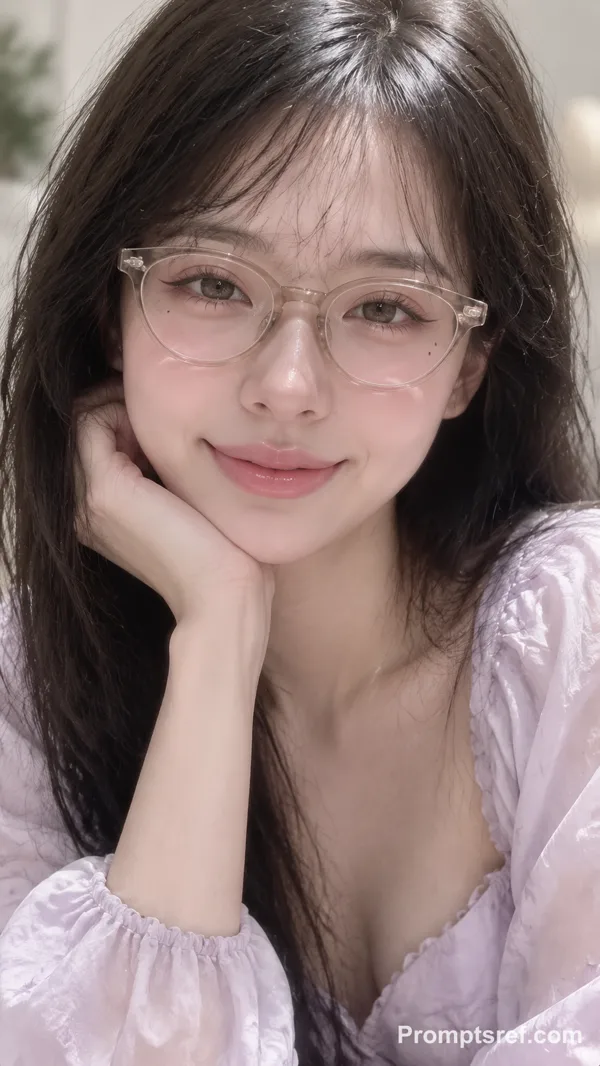
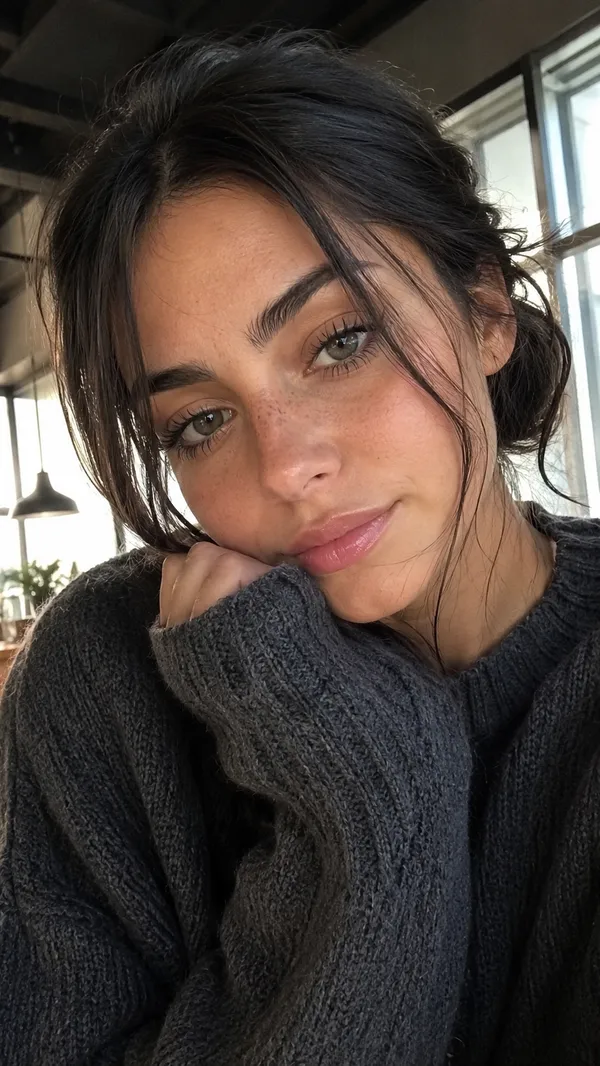
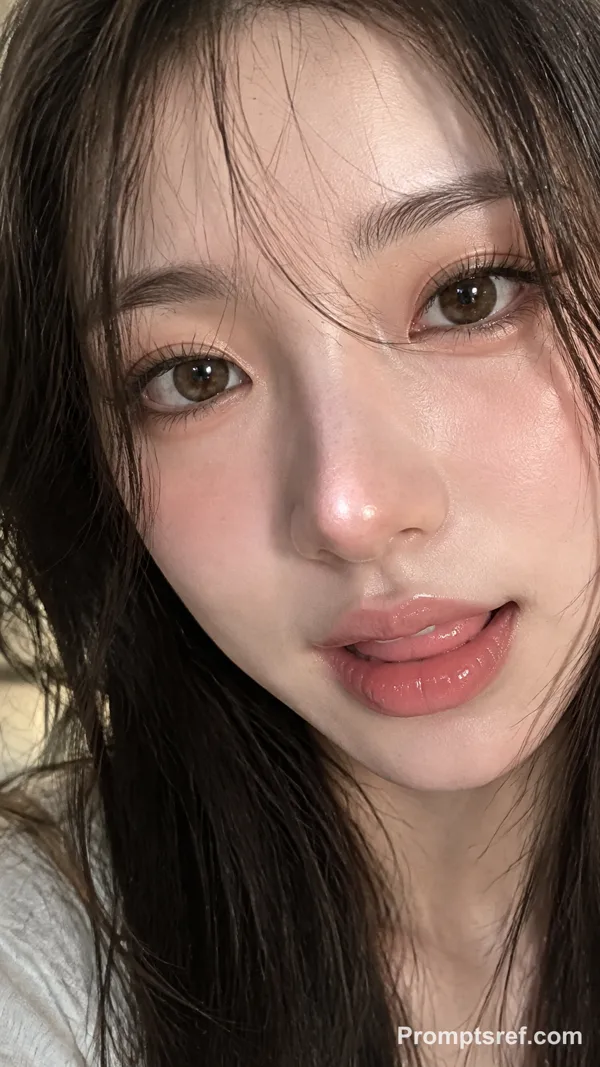
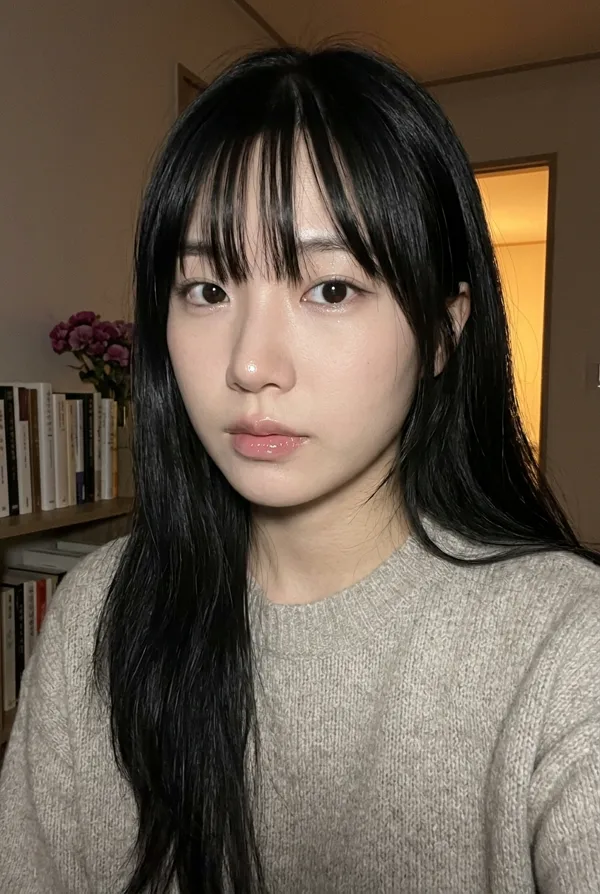
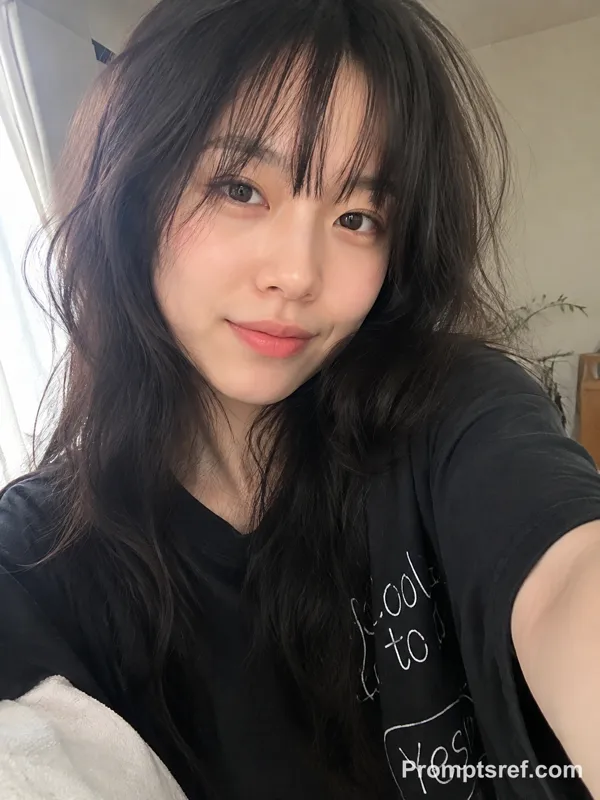
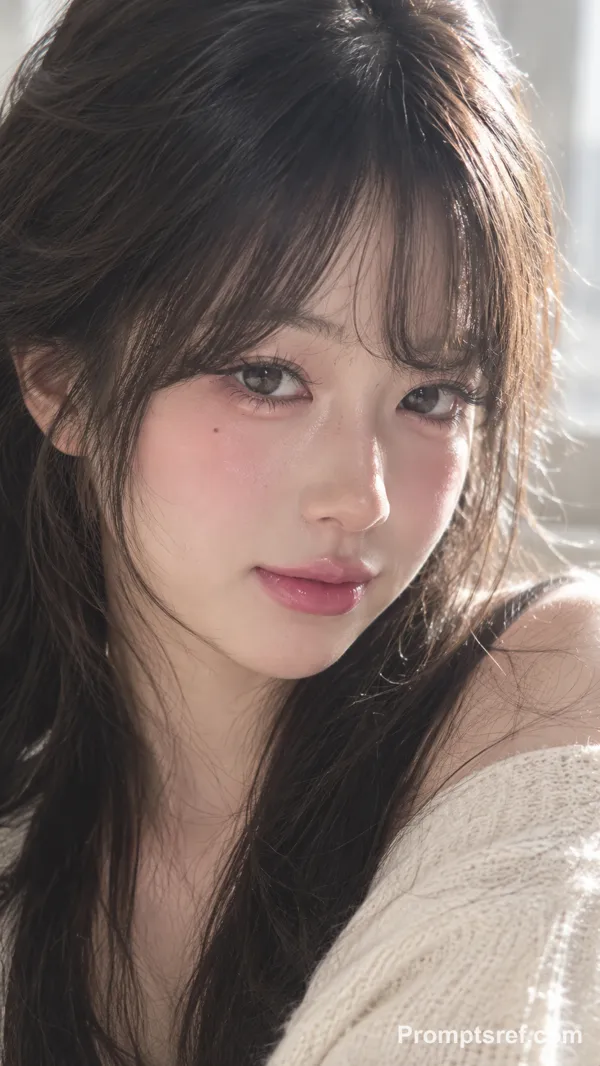
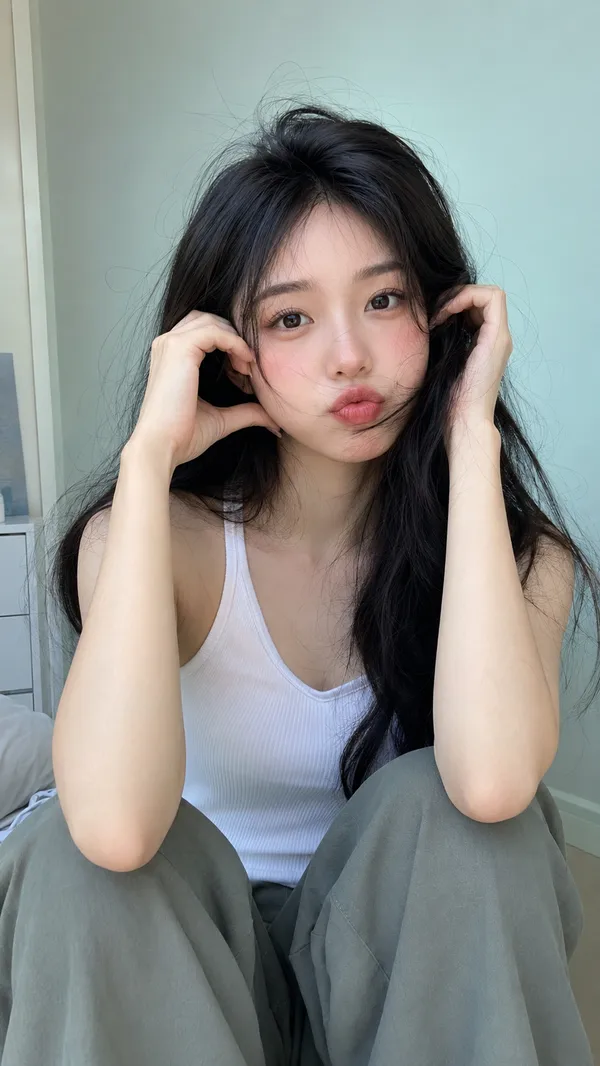
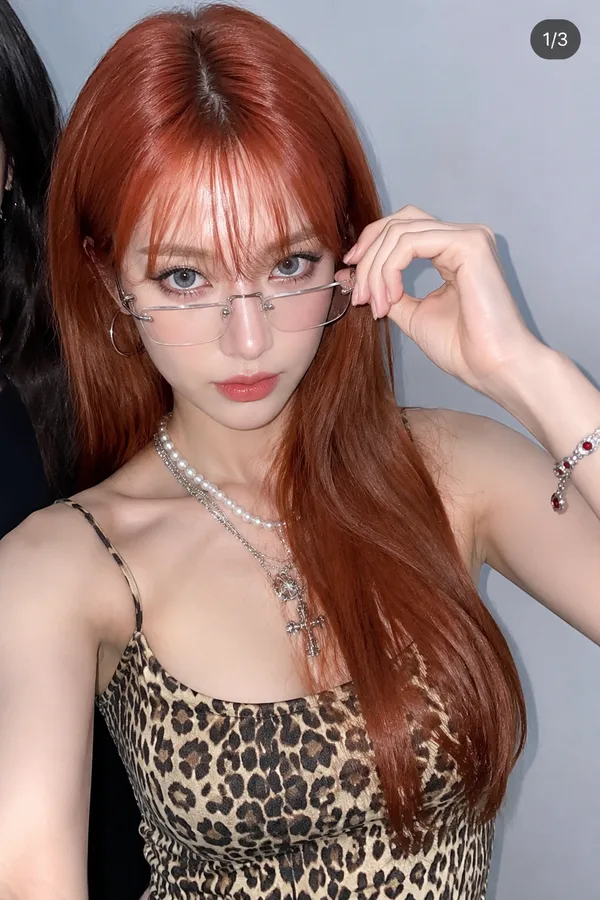
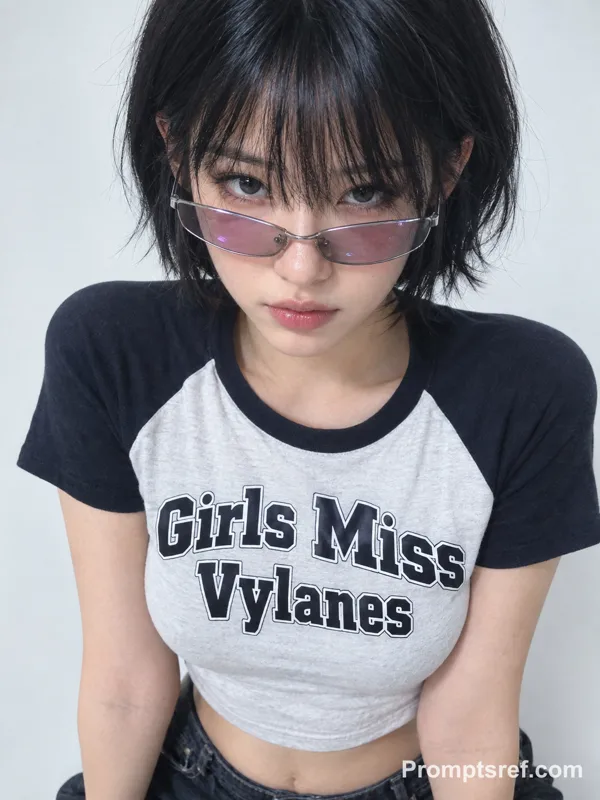
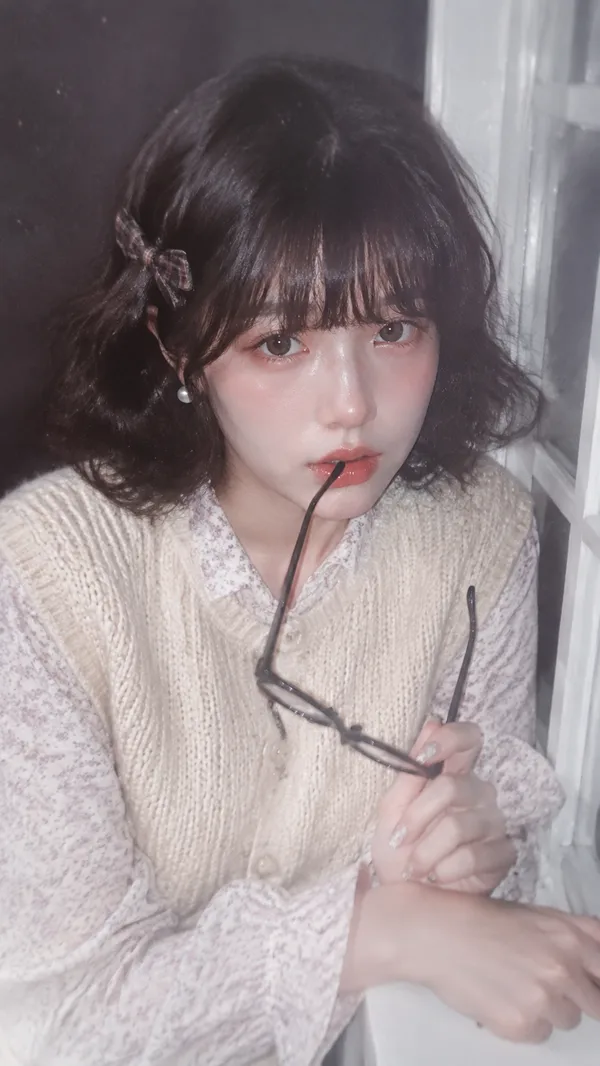
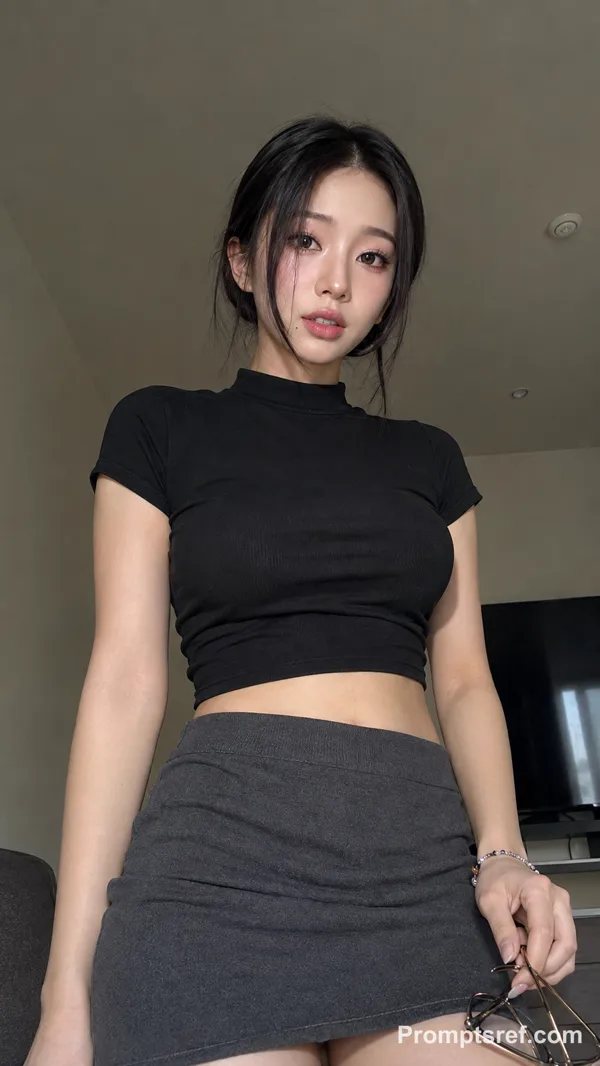
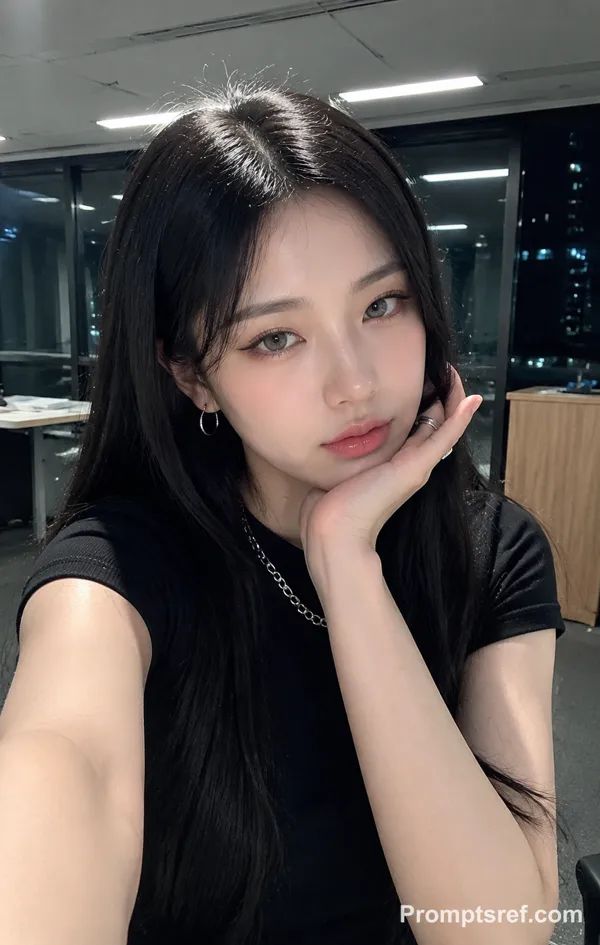
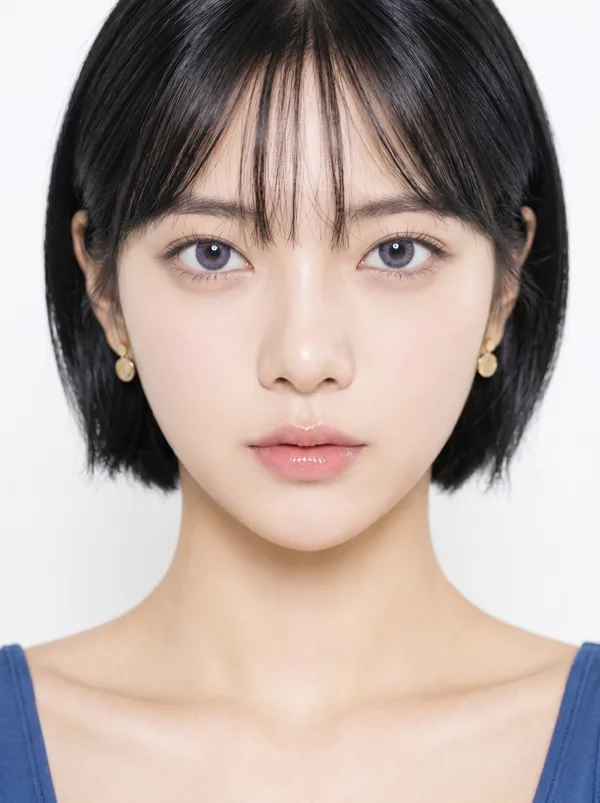
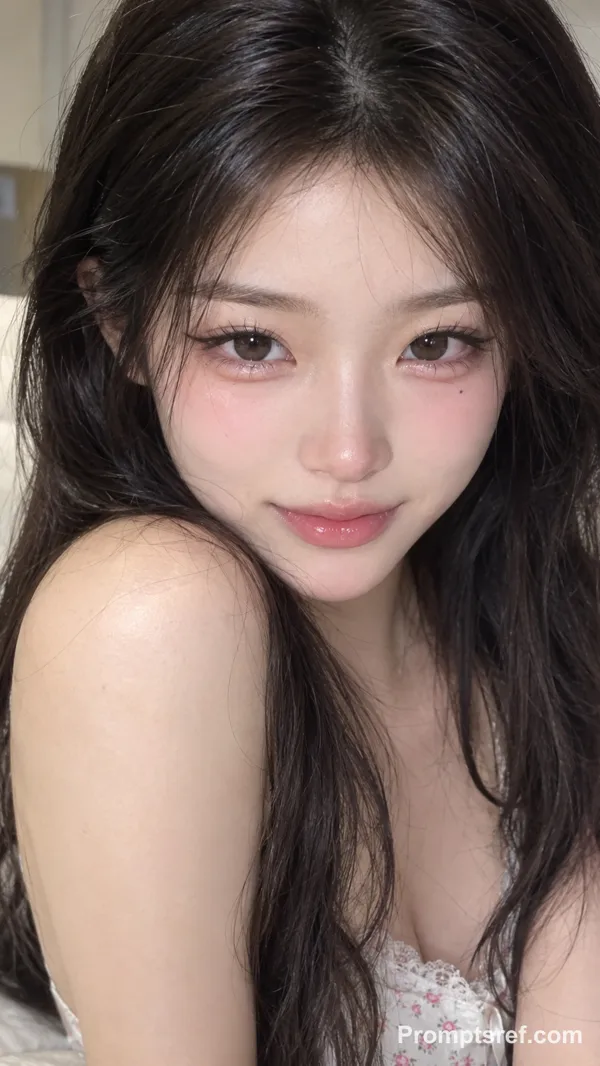
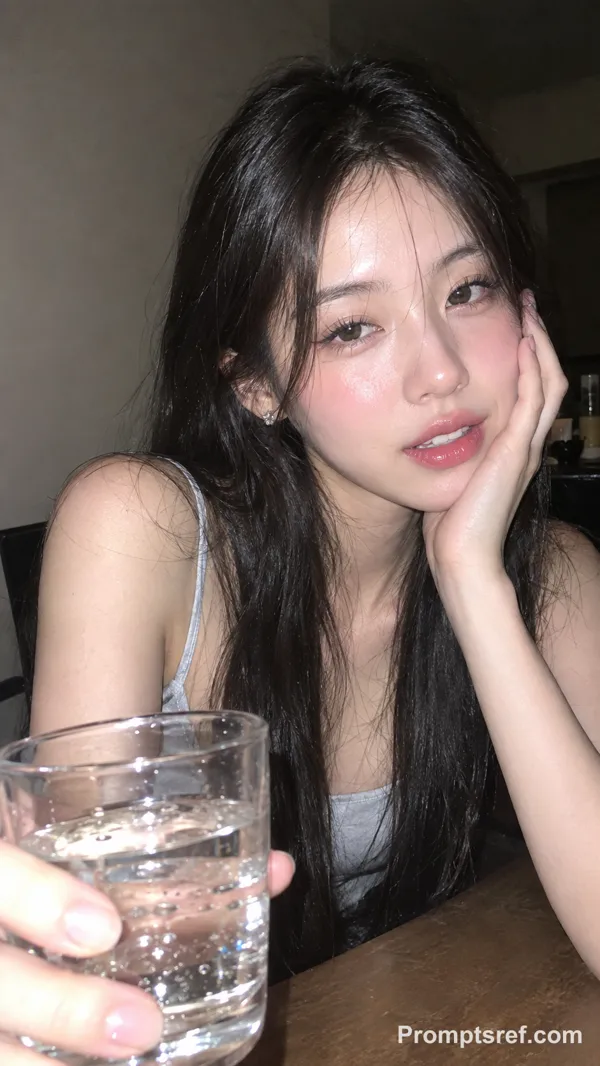
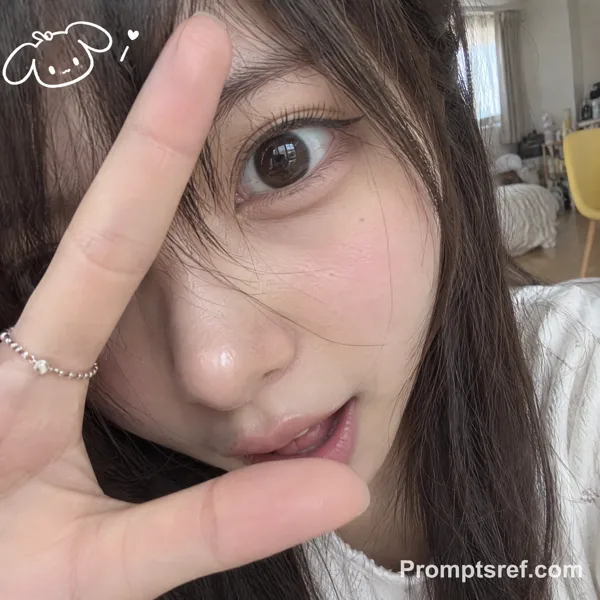
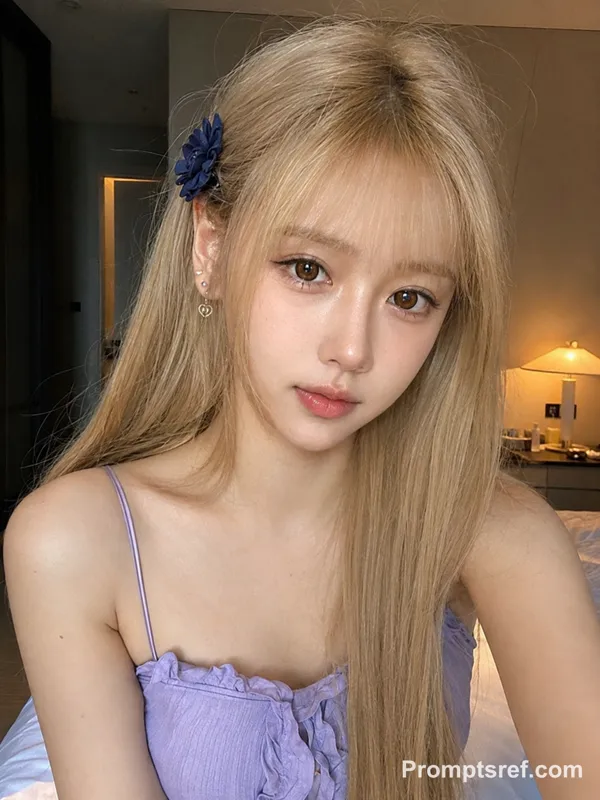
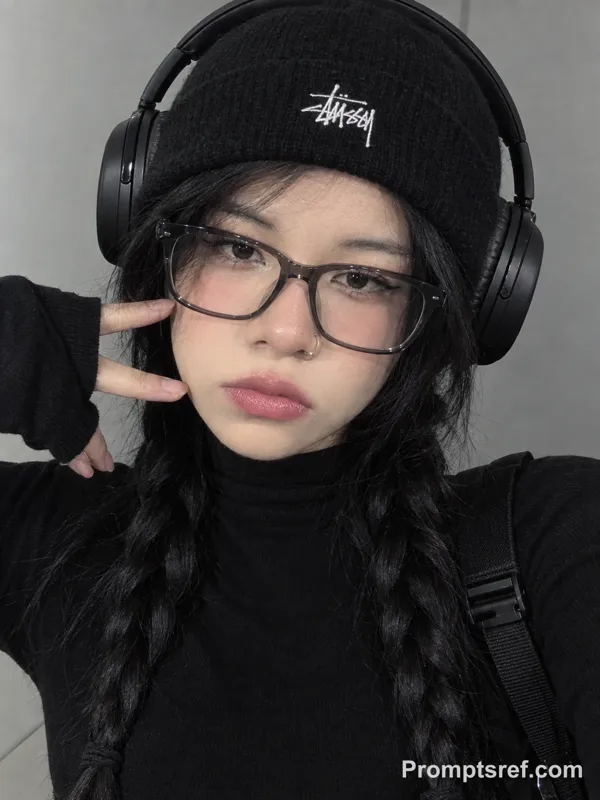
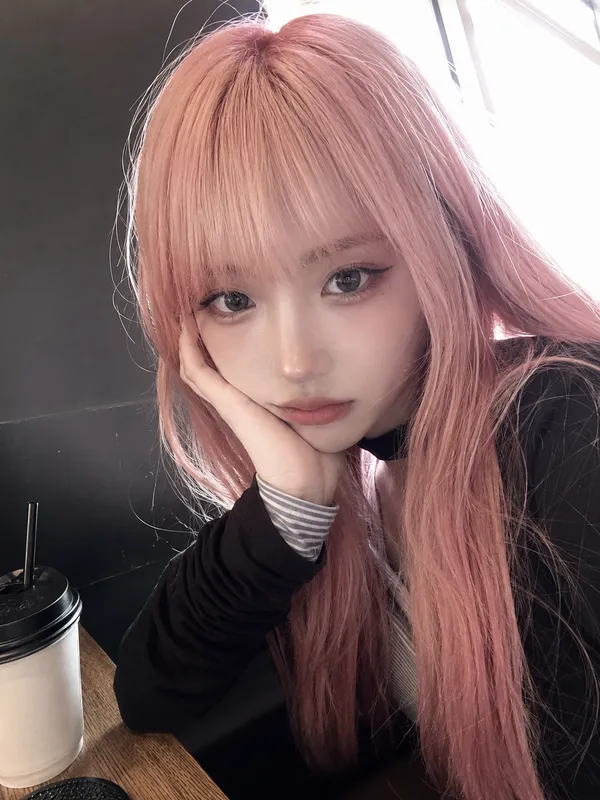
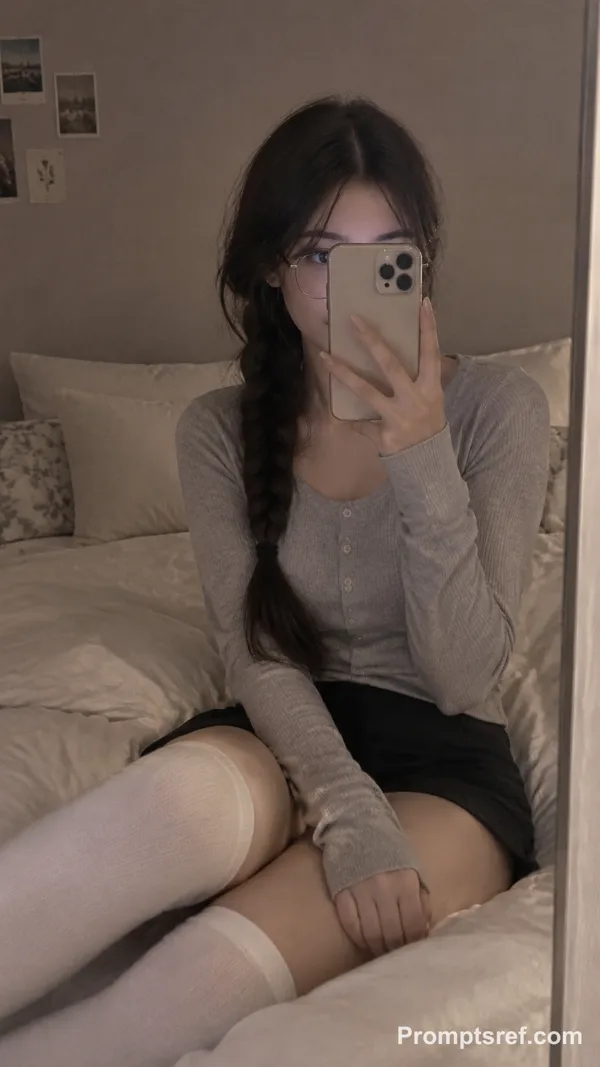
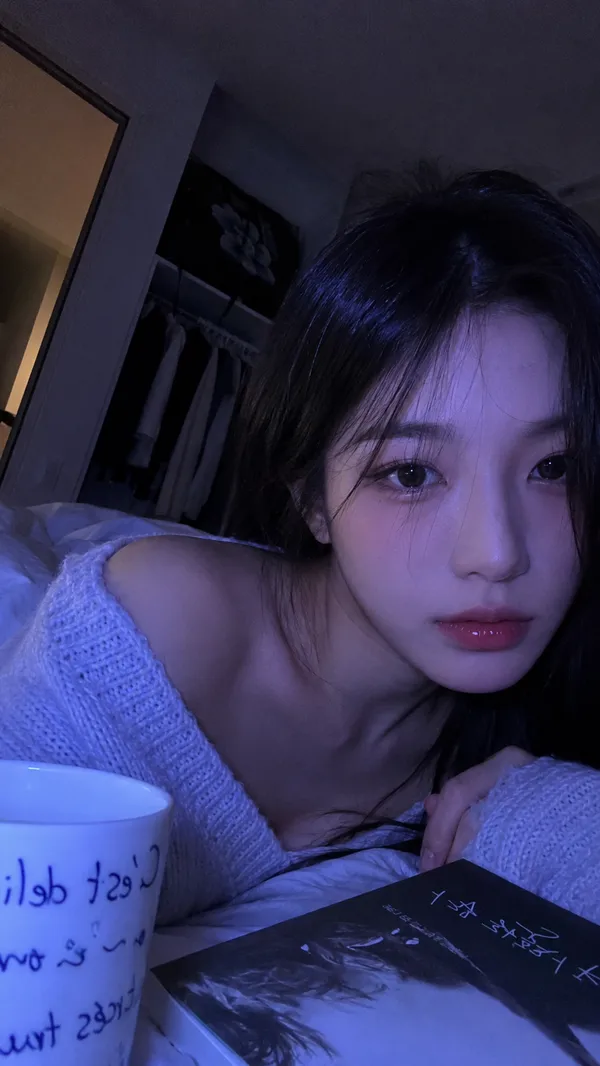
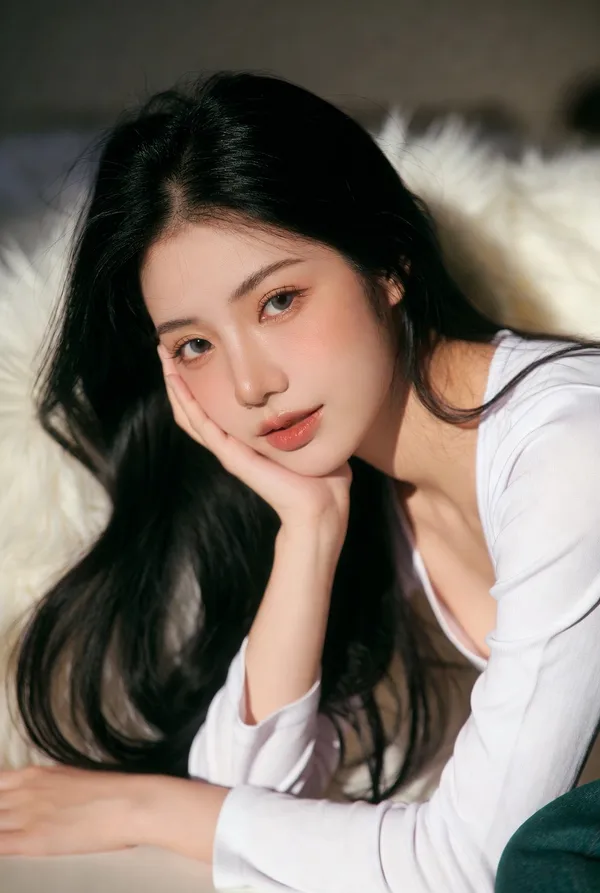
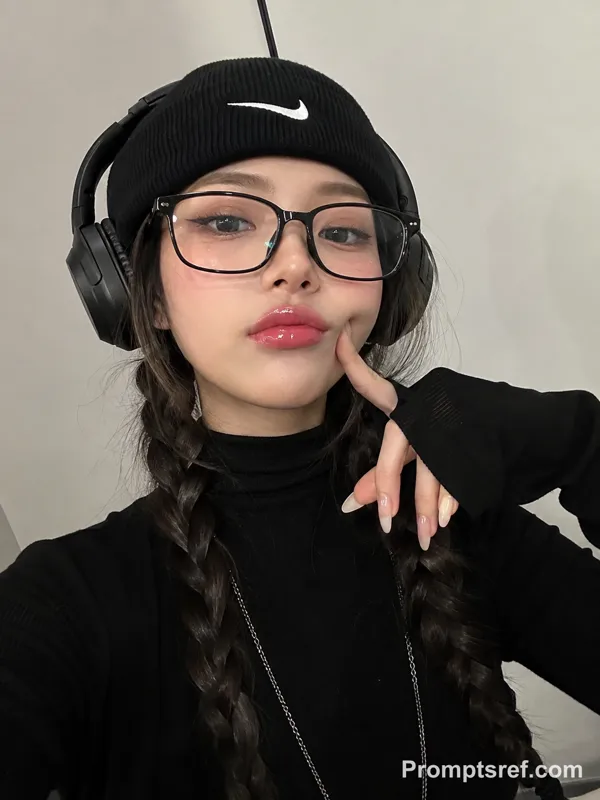
Prompt: Ultra-realistic close-up smartphone selfie portrait of a beautiful young East Asian woman with a soft, youthful aesthetic, captured in natural window light against a clean neutral gray background. She has silky shoulder-length jet-black hair with airy wispy curtain bangs, a subtle side braid tucked along one side, and smooth luminous porcelain-fair skin with a natural healthy glow. Her large gray-brown eyes feature soft eyeliner, delicate lashes, naturally defined brows, and a calm, slightly playful expression while making direct eye contact with the camera.
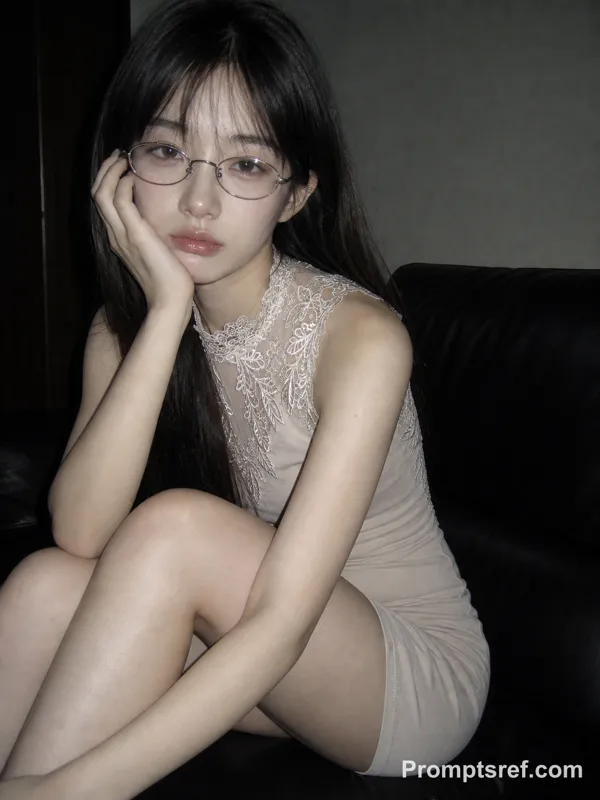
She wears elegant translucent champagne-beige rectangular glasses with a modern minimalist frame resting low on her nose, gently touching the frame with one finger in a cute, confident pose. Her lips are soft rosy-pink with a glossy gradient finish, and her makeup is minimal, fresh, and Korean beauty inspired.
She is dressed in an oversized pastel baby-blue sweatshirt with long sleeves covering part of her hands, creating a cozy oversized fit. The composition is a tight chest-up portrait with relaxed posture, emphasizing the face and eyes.
Lighting is soft diffused daylight from a nearby window, producing gentle shadows, natural skin texture, subtle catchlights in the eyes, and a dreamy atmosphere. Background is softly blurred with shallow depth of field, clean indoor setting, no distractions.
Style: ultra-photorealistic, Korean ulzzang aesthetic, clean minimalist portrait, cozy lifestyle photography, premium editorial quality, smartphone camera realism, authentic skin details, cinematic color grading, high dynamic range, razor-sharp focus on the eyes, creamy bokeh, 85mm portrait look, 8K, HDR, magazine-quality, stop-scrolling social media aesthetic. Aspect ratio 3:4.
Remix
RemixPas encore de remix. Créez la première version.
Utiliser ce prompt d’image
- 01
Commencer avec le prompt
Copiez le prompt ou ouvrez-le avec le bouton de génération.
- 02
Apporter vos modifications
Adaptez le sujet, le décor ou les détails. Ajoutez des références si nécessaire.
- 03
Vérifier avant de générer
Vérifiez le modèle et les paramètres de sortie. Les résultats peuvent varier.