GPT Image 2.0 Prompt - Flacon de shampoing transparent dans une salle de bain chaleureuse

- Modèle
- GPT Image 2.0
- Format
- 2:3
- Qualité
- 1K
Prompt
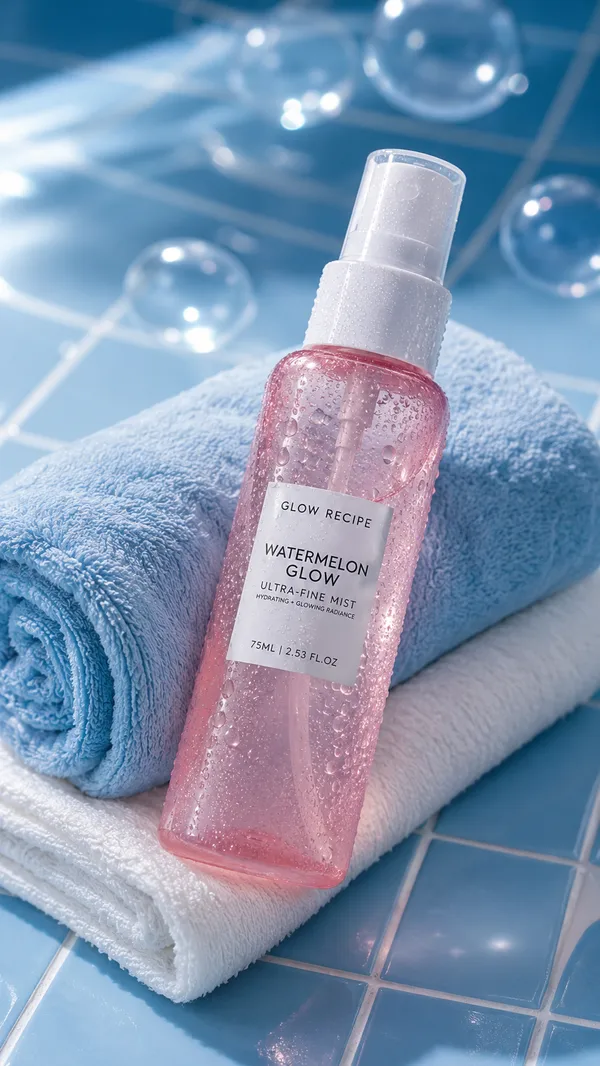
Ultra-realistic skincare and bathroom product photography of a transparent shampoo bottle with clear gel liquid and foam bubbles near the top, white pump dispenser, minimalist luxury packaging design, warm natural sunlight entering from the left creating soft shadows across the scene, cozy neutral-toned bathroom environment, creamy ivory and beige color palette, soft diffused lighting, highly realistic reflections on transparent plastic bottle.
A cute hand-drawn sticker illustration of a little girl washing her hair with soap bubbles attached to the front-right side of the shampoo bottle, doodle-style black sketch lines, soft pink cheeks, tiny floating foam bubbles around the character, subtle glossy sticker texture visible.
Label design on bottle reads:
“shampoo”
“CLEAN & MOISTURIZING”
minimal serif typography, luxury clean-girl aesthetic.
Background includes:
soft folded white towel, blurry white bottle in background, natural wooden brush with cream bristles in foreground, clean spa-like atmosphere, airy composition, subtle shadows and highlights, editorial skincare photography style.
Bottom handwritten caption reads:
“I’ll keep you cool and refreshed from head to toe ”
casual handwritten font, centered placement, tiny blue water drop accent.
Camera and lighting style:
85mm product photography look, shallow depth of field, soft matte highlights, cinematic natural lighting, realistic transparent material rendering, premium Pinterest aesthetic, soft warm whites and creams.
Style tags:
minimal skincare aesthetic, Korean product photography, clean girl aesthetic, soft lifestyle realism, cozy bathroom mood, Pinterest editorial style, cute sticker aesthetic, photorealistic, luxury minimalism.
Remix
RemixPas encore de remix. Créez la première version.
Utiliser ce prompt d’image
- 01
Commencer avec le prompt
Copiez le prompt ou ouvrez-le avec le bouton de génération.
- 02
Apporter vos modifications
Adaptez le sujet, le décor ou les détails. Ajoutez des références si nécessaire.
- 03
Vérifier avant de générer
Vérifiez le modèle et les paramètres de sortie. Les résultats peuvent varier.