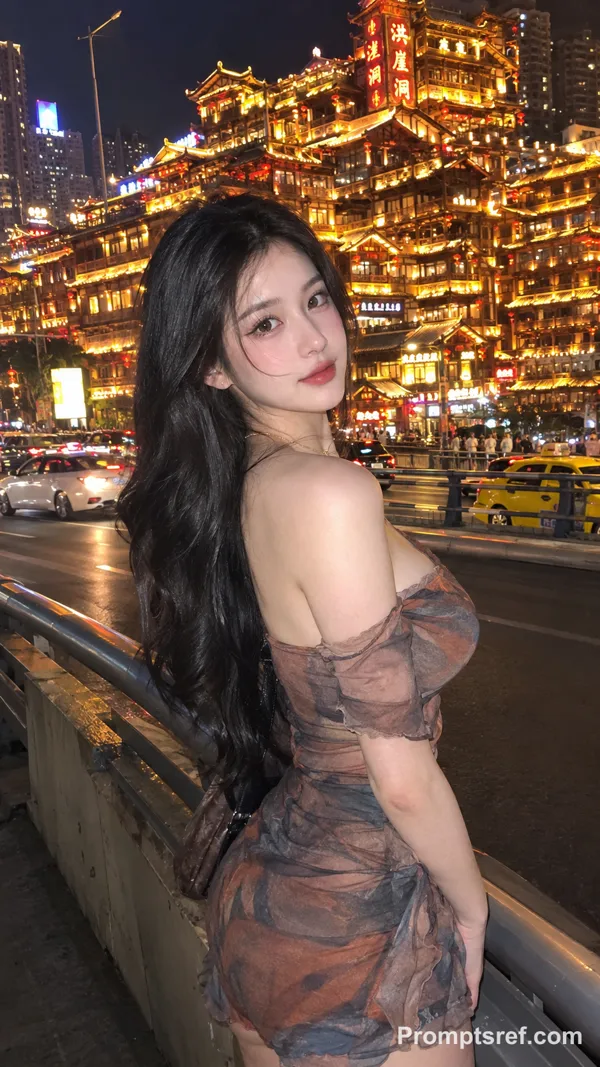
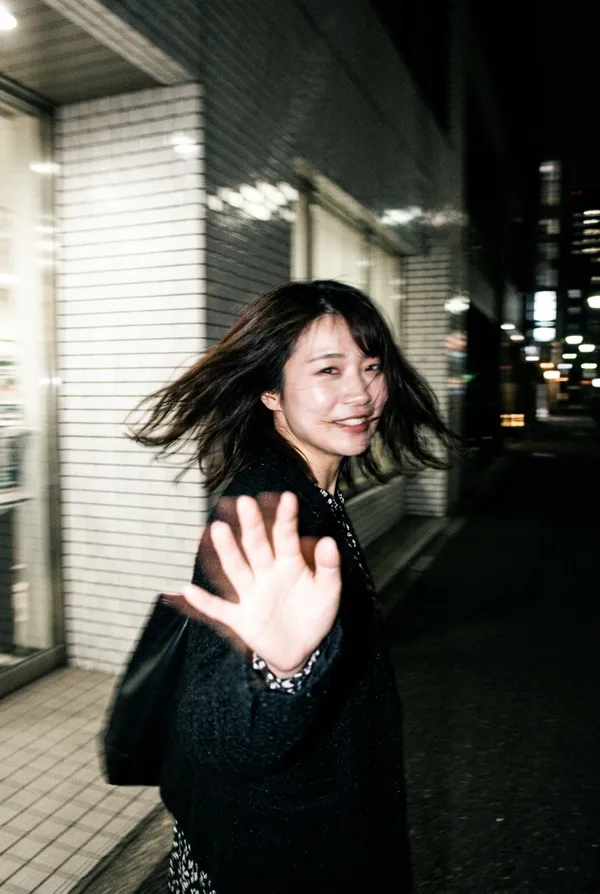
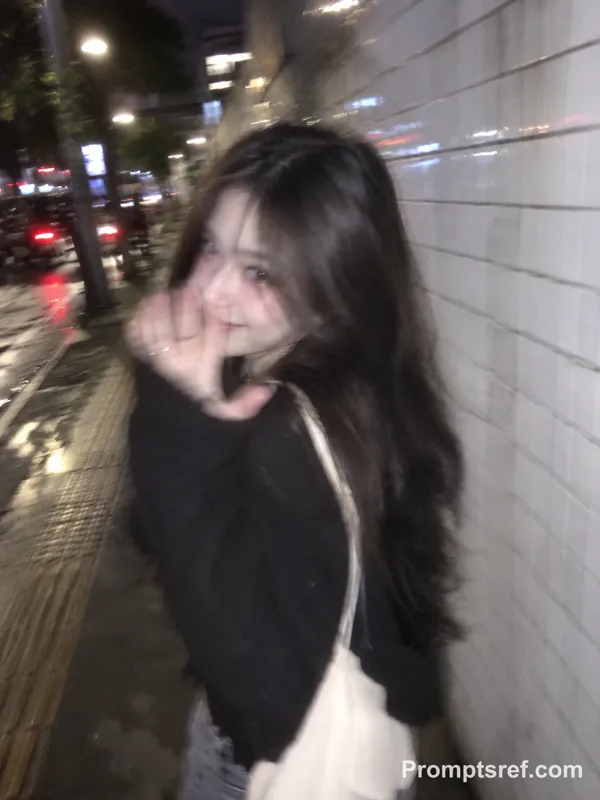
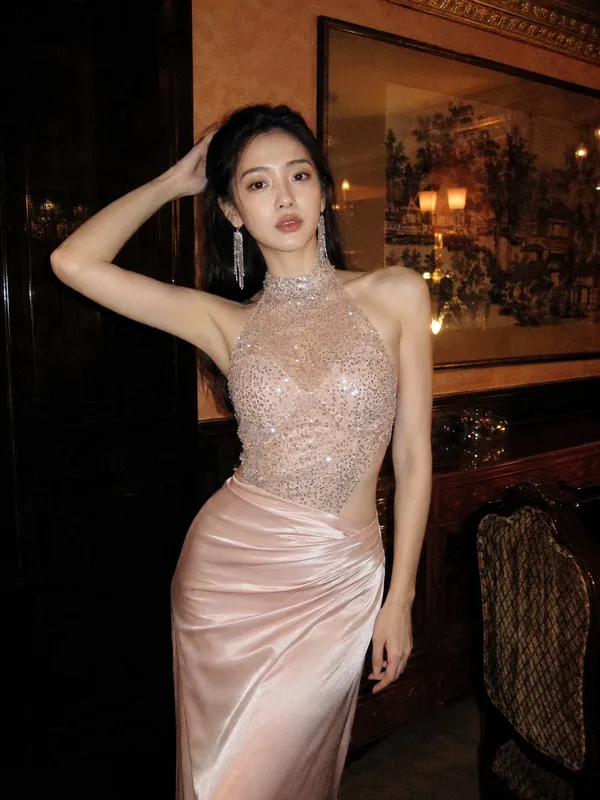
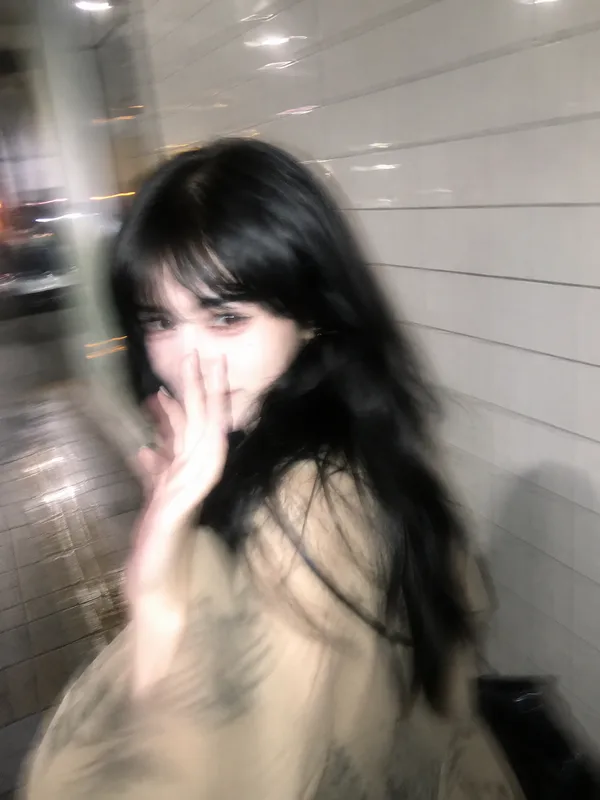
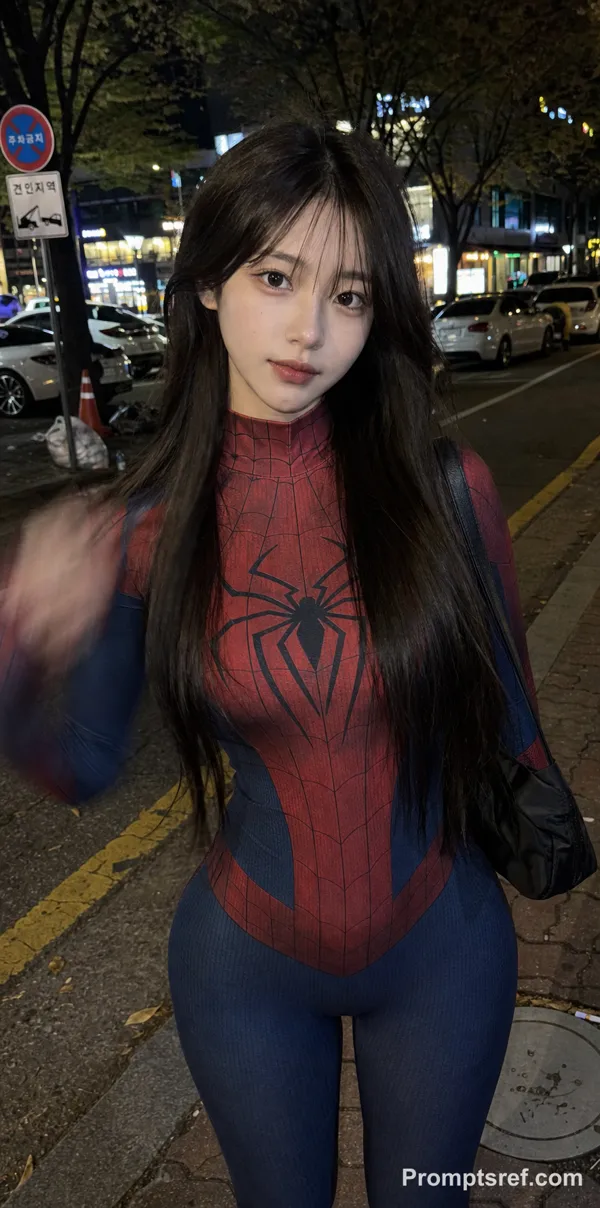
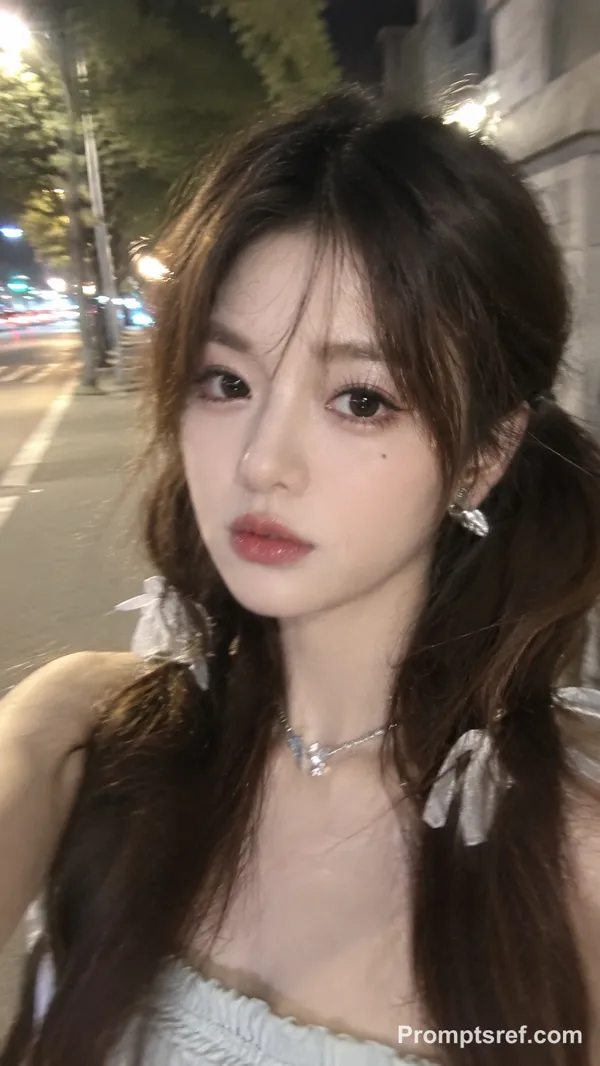
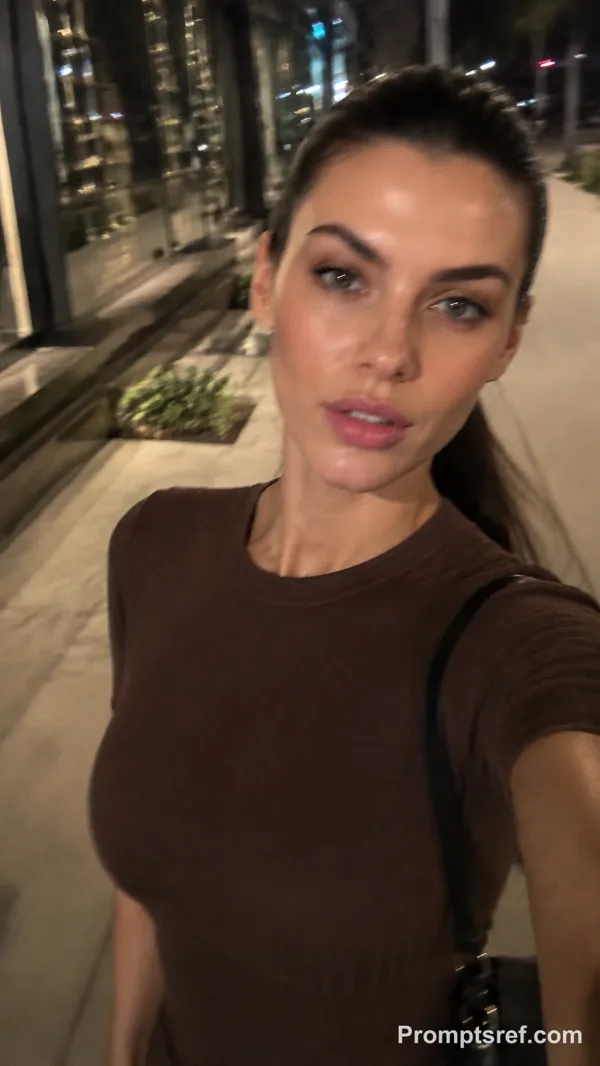
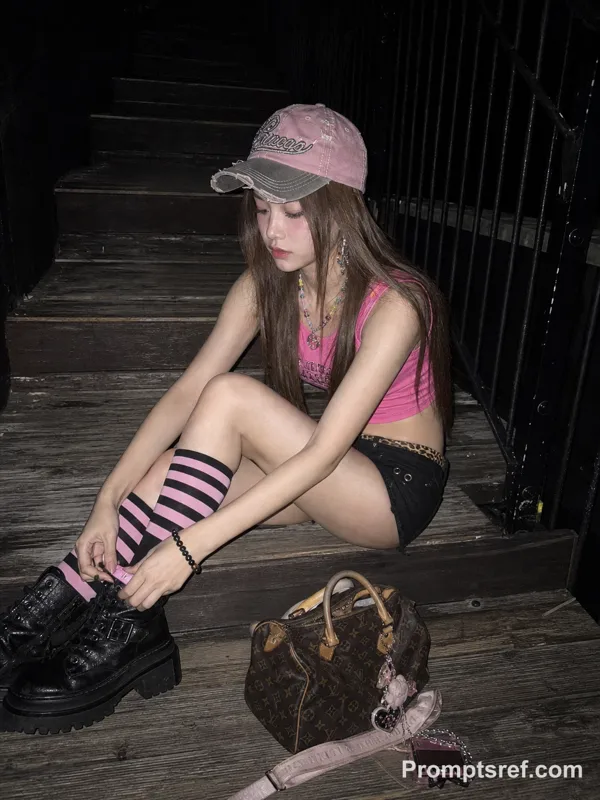
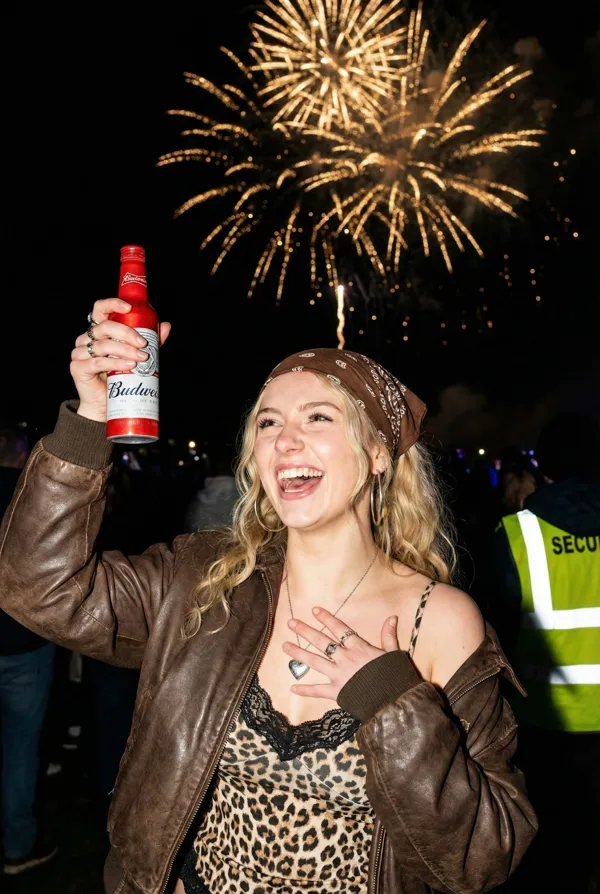
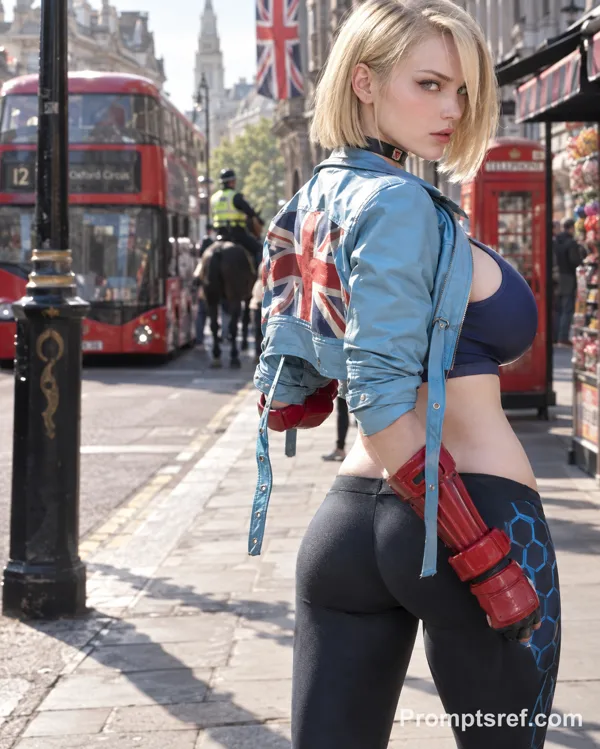
Nano Banana 2 Prompt - Portrait de rue de Raya à Bukit Bintang

- Modèle
- Nano Banana 2
Prompt
{
"reference_face": {
"use_reference_image": true,
"face_identity": "hard_lock",
"instructions": "Preserve the same reference face exactly with no changes to facial structure and proportions."
},
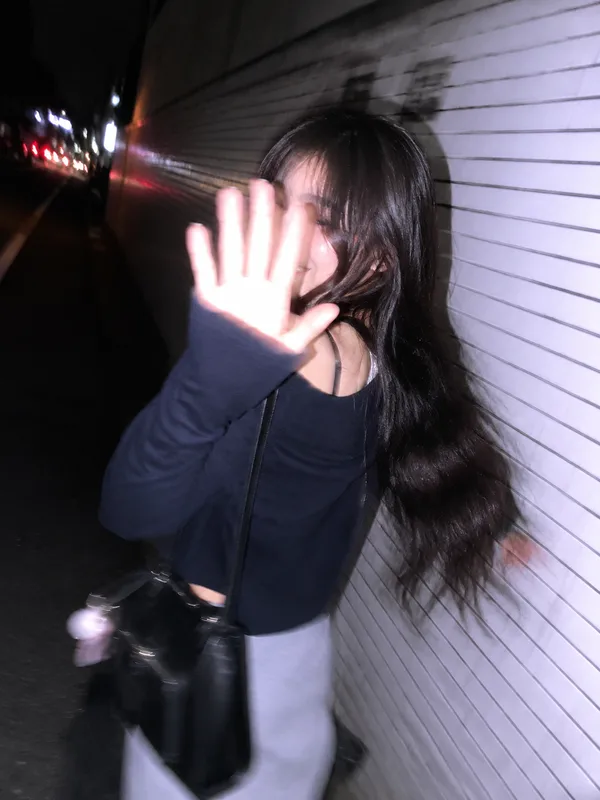
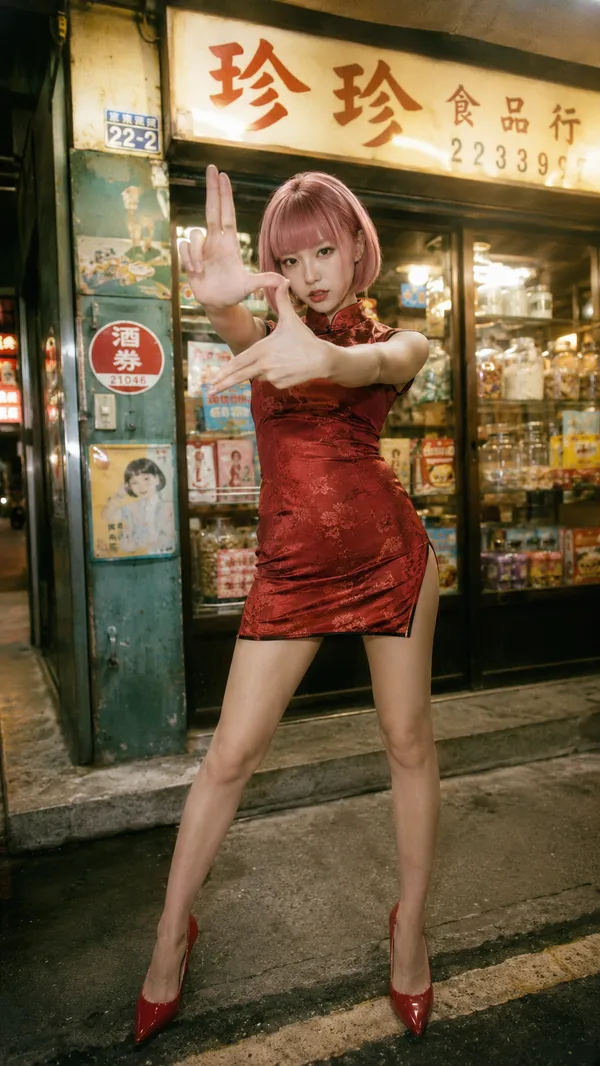
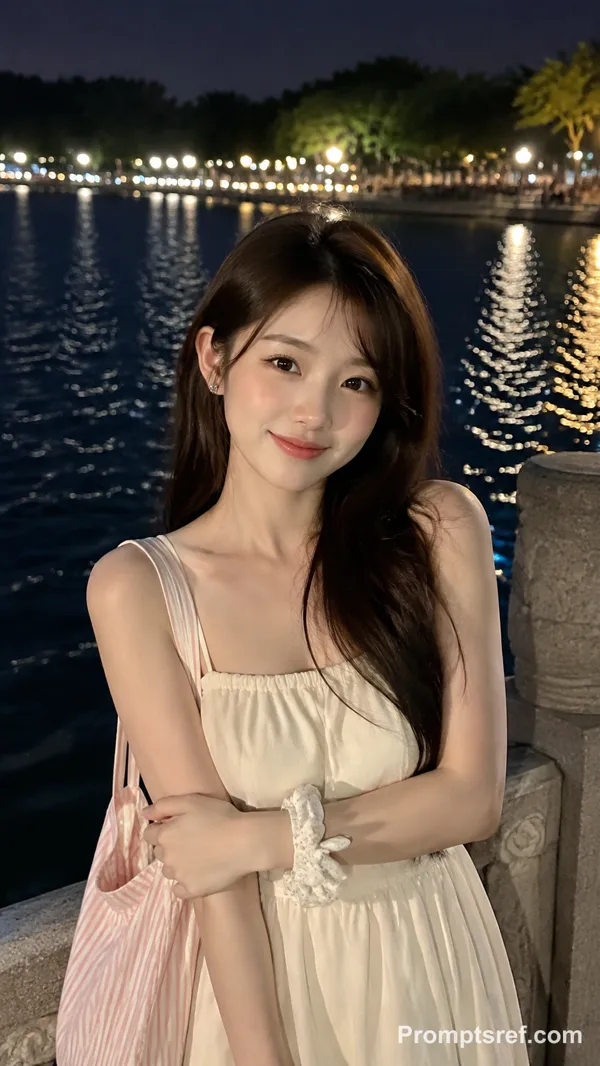
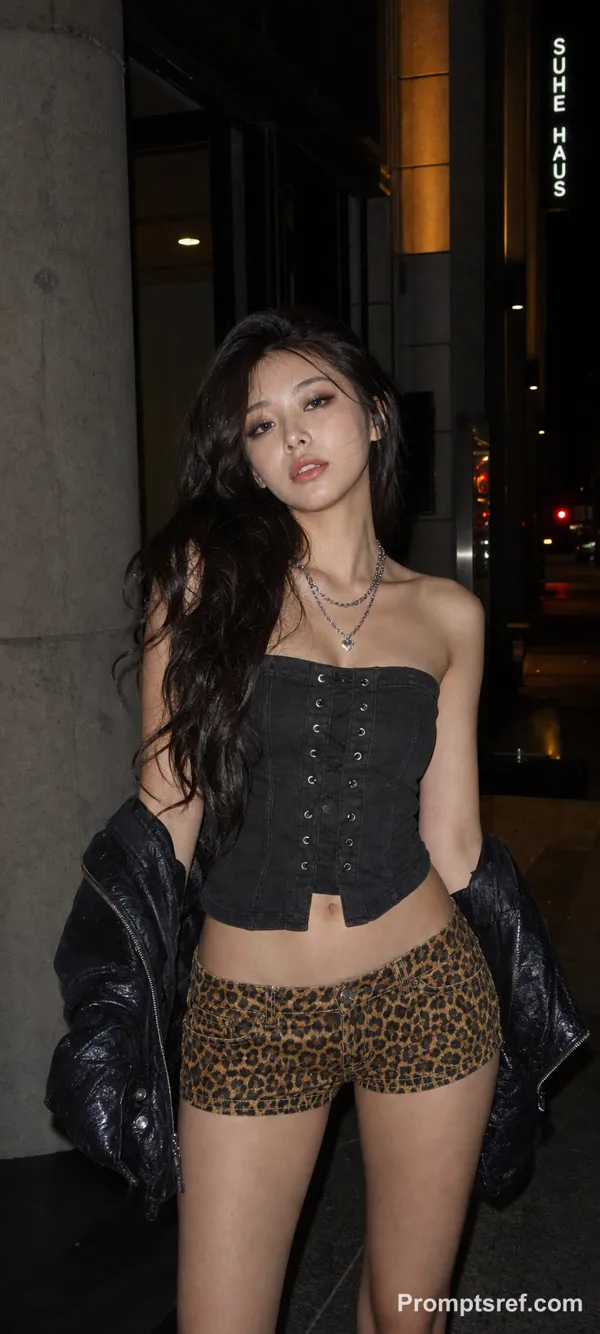
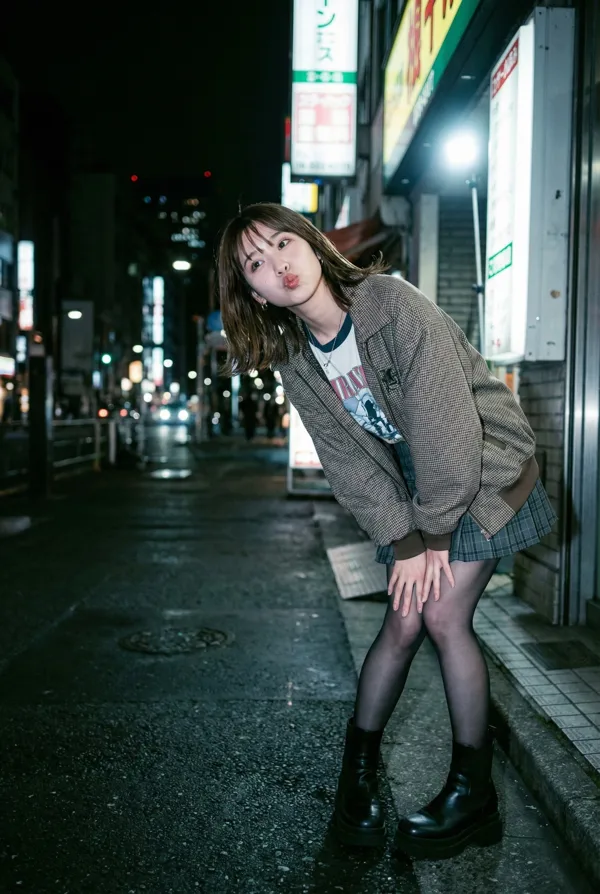
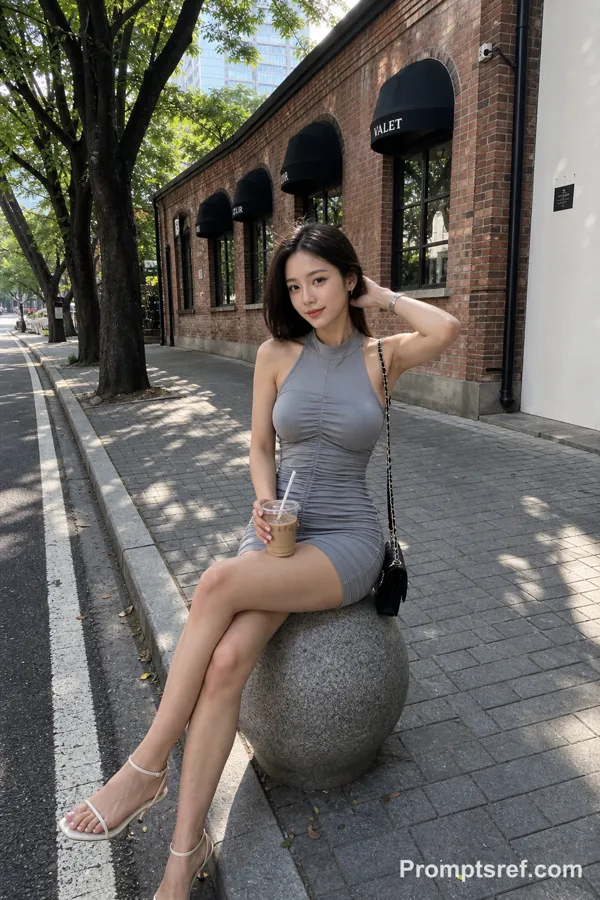
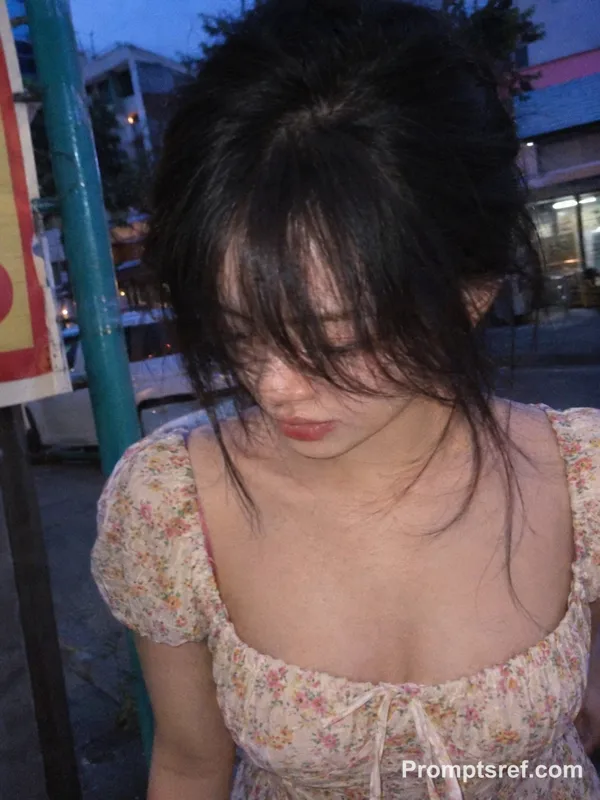
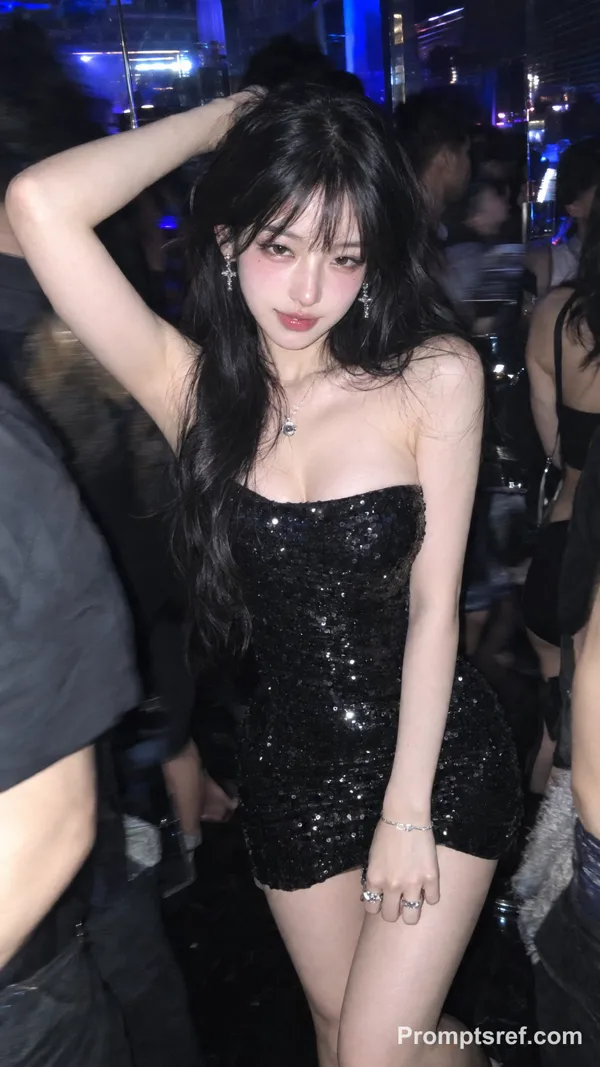
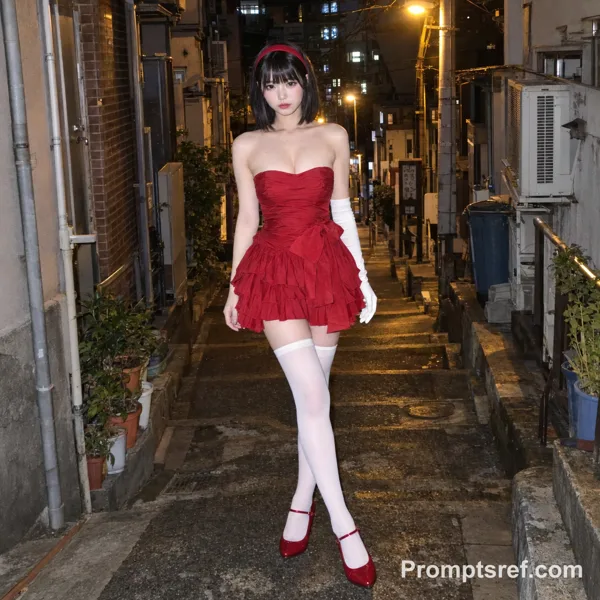
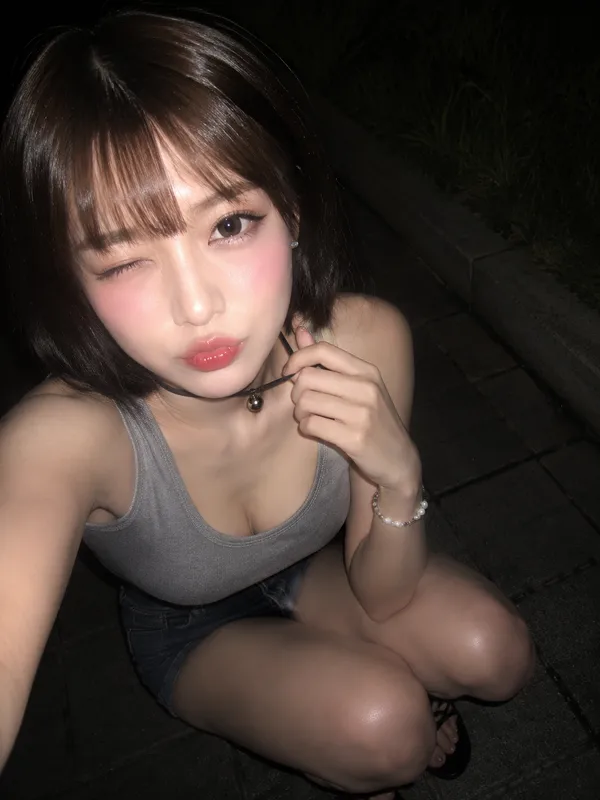
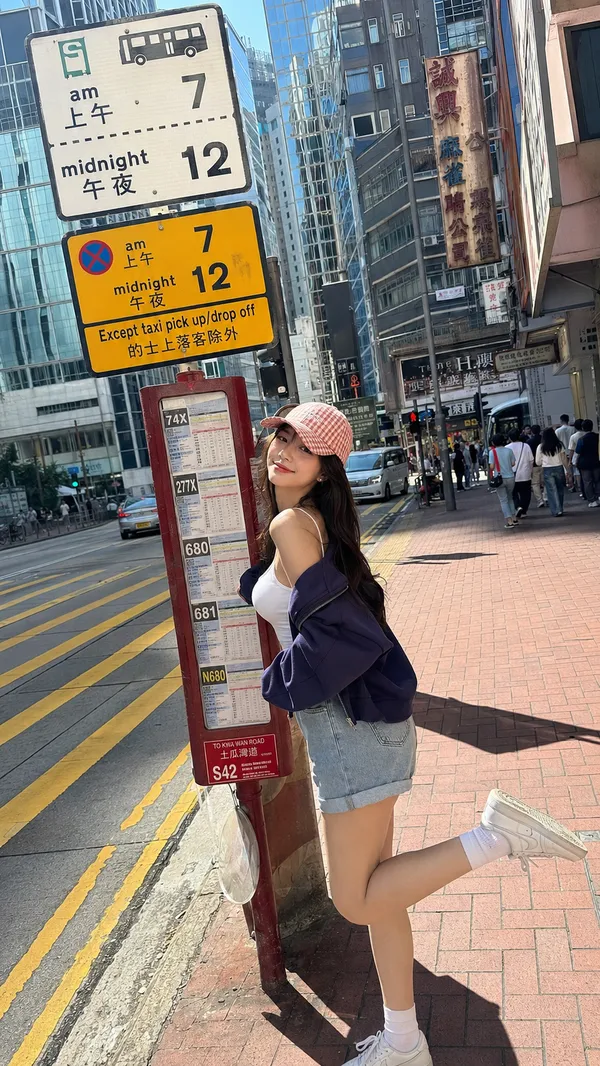
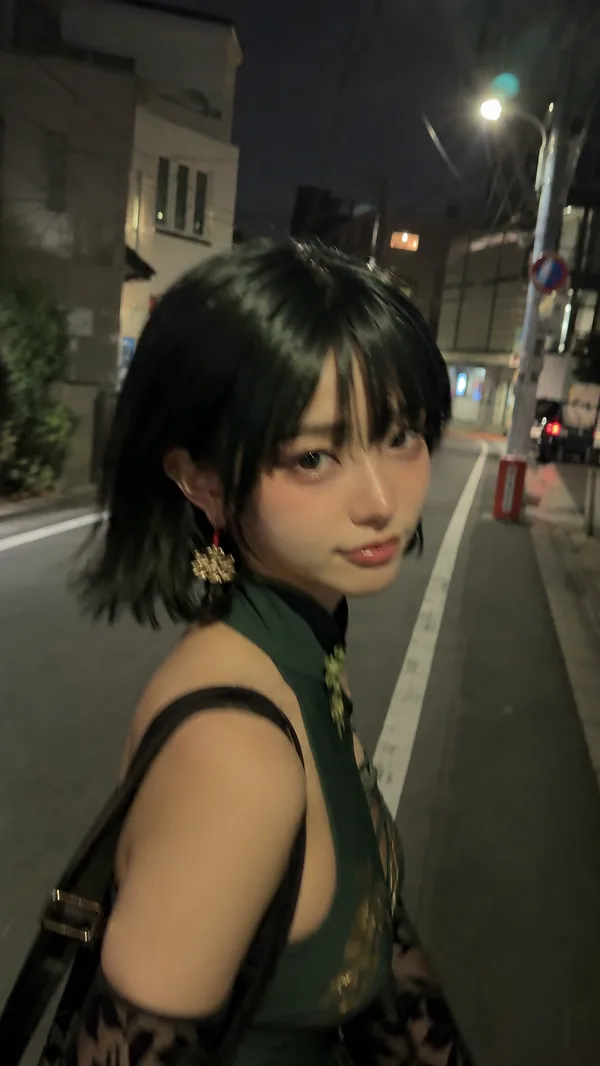
"positive_prompt": "(modern phone candid:1.5), (shot on iPhone 15 Pro:1.5), (Dutch angle:1.5), (tilted horizon:1.4), (shutter drag:1.3), (direct on-camera flash:1.4), (harsh shadows:1.3), (Fujifilm Superia:1.3), (warm golden tones:1.3). (Malay Female Subject:1.5): (warm tan Southeast Asian skin:1.4), (almond dark eyes:1.3), (soft rounded Malay facial features:1.3), (Malay Raya baddie aesthetic:1.5), (energetic happy emotion:1.4), (laughing with eyes closed:1.4), (radiant confident smile:1.4), (open mouth laugh), (sleek low bun with loose face-framing strands:1.4), (pearl hair pins:1.3), (dark black hair:1.3). (modern baju kurung:1.6): (dusty rose chiffon baju kurung:1.5), (peplum silhouette modern cut:1.4), (lace trim along hem and cuffs:1.4), (shimmering dull satin kain:1.3), (pearl embroidery details on collar:1.3), (matching selendang loosely draped over shoulder:1.4), (delicate gold bangle:1.3), (small gold clutch bag:1.3), (block heels:1.3). (leaning sideways into frame:1.4), (almost losing balance playfully:1.3), (peace sign near cheek:1.5), (V-sign hand gesture:1.4), (one leg kicked back:1.3), (mid-step pose on zebra crossing). (motion blur on hand:1.5), (Bukit Bintang zebra crossing Kuala Lumpur:1.6), (Pavilion KL entrance bokeh background:1.4), (festive LED warm string lights on buildings:1.3), (Raya-themed LED billboard Pavilion facade:1.4), (golden hour warm evening glow:1.5), (busy festive crowd in baju raya background:1.3), (KL urban Raya street energy:1.4), (night time city warm amber lights:1.3). Technical specs: (flash washout:1.2), (digital noise:1.2), (warm pastel highlights:1.2).",
"negative_prompt": "(semirealism:1.5), (CGI:1.5), (3d render:1.5), (airbrushed skin:1.5), (beauty filter:1.3), (doll face:1.3), (wax figure:1.4), (smooth skin:1.2), (plastic skin:1.4), (perfect symmetry:1.3), (studio lighting:1.4), (magazine editorial:1.3), (retouched:1.5), (stock photography:1.2), (hyper-realistic:1.2), (digital art:1.5), (Octane Render:1.3), (Unreal Engine:1.3), (extra fingers:1.5), (floating objects:1.4), (perfect composition:1.2), (denoised:1.2), (smoothing:1.3), (watercolor effect:1.5), (illustration:1.5), (painting:1.5), (sketch:1.5), (anime:1.5), (cartoon:1.5), (graphic:1.5), (digital painting:1.5), (concept art:1.3), (facetune:1.5), (selfie filter:1.5), (different face:1.3), (changing identity:1.3), (bad likeness:1.4), (visible mobile phone:1.7), (visible camera:1.7), (holding device:1.7), (camera in frame:1.6), (third person view:1.6), (photographer visible:1.5), (reflection of phone:1.5), (hands holding phone:1.6), (melted fingers:1.6), (amorphous limbs:1.6), (smudge filter:1.4), (liquid hand:1.5), (ghost hand:1.4), (disappearing extremities:1.4), (static pose:1.5), (Japanese signage:1.6), (Shibuya:1.7), (Tokyo:1.7), (non-Southeast Asian features:1.5), (pale skin:1.5), (East Asian features:1.4), (hijab:1.5), (tudung:1.5), (full head covering:1.5), (old-fashioned baju kurung:1.4), (pelita:1.6), (oil lamp:1.6), (bunting:1.6), (kampung decorations:1.5), (dull flat colors:1.3), (boring pose:1.4)."
}
Remix
RemixPas encore de remix. Créez la première version.
Utiliser ce prompt d’image
- 01
Commencer avec le prompt
Copiez le prompt ou ouvrez-le avec le bouton de génération.
- 02
Apporter vos modifications
Adaptez le sujet, le décor ou les détails. Ajoutez des références si nécessaire.
- 03
Vérifier avant de générer
Vérifiez le modèle et les paramètres de sortie. Les résultats peuvent varier.