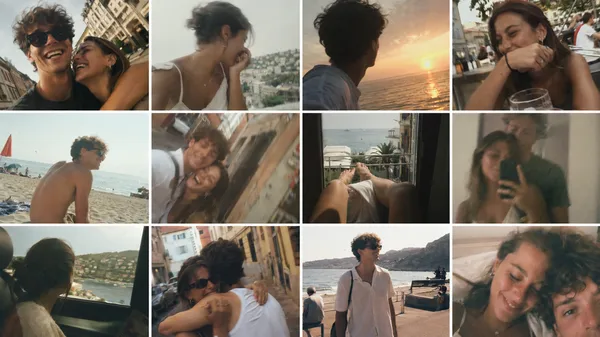
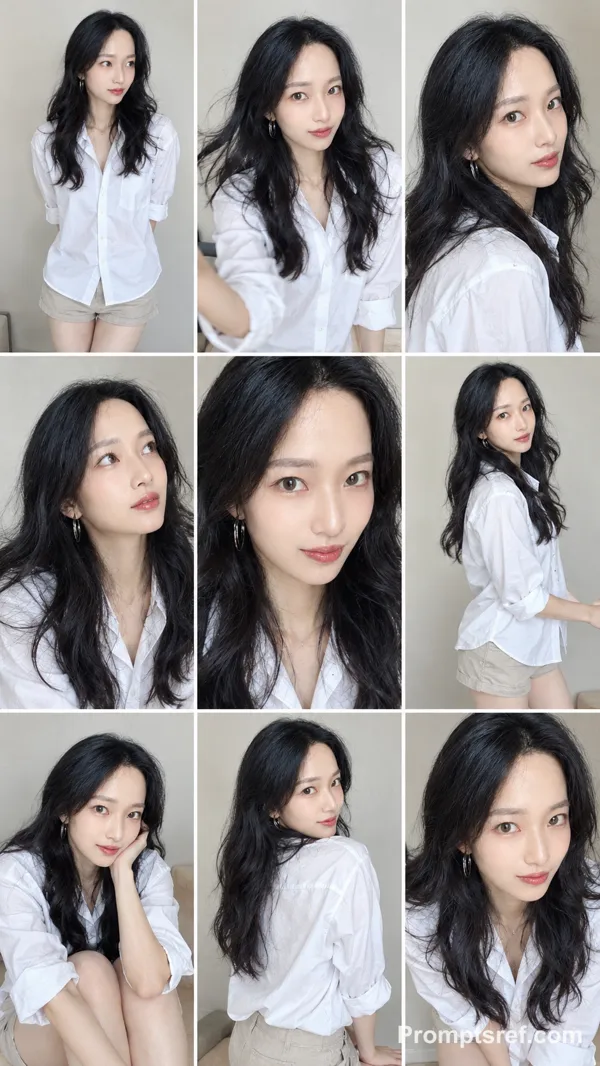
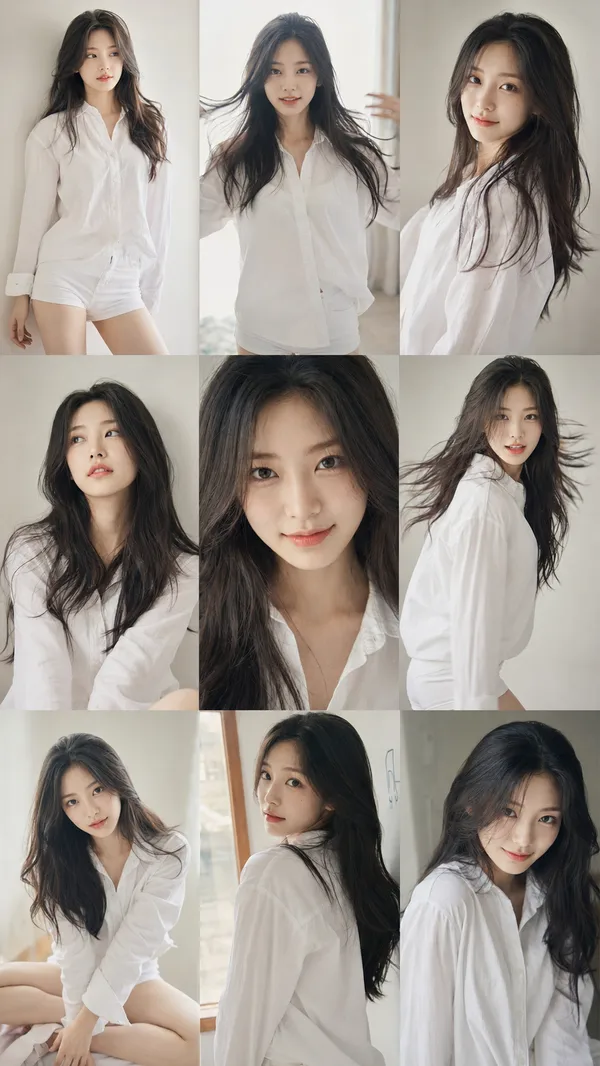
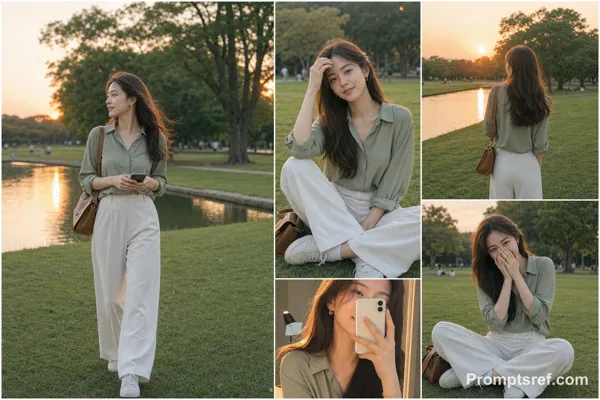
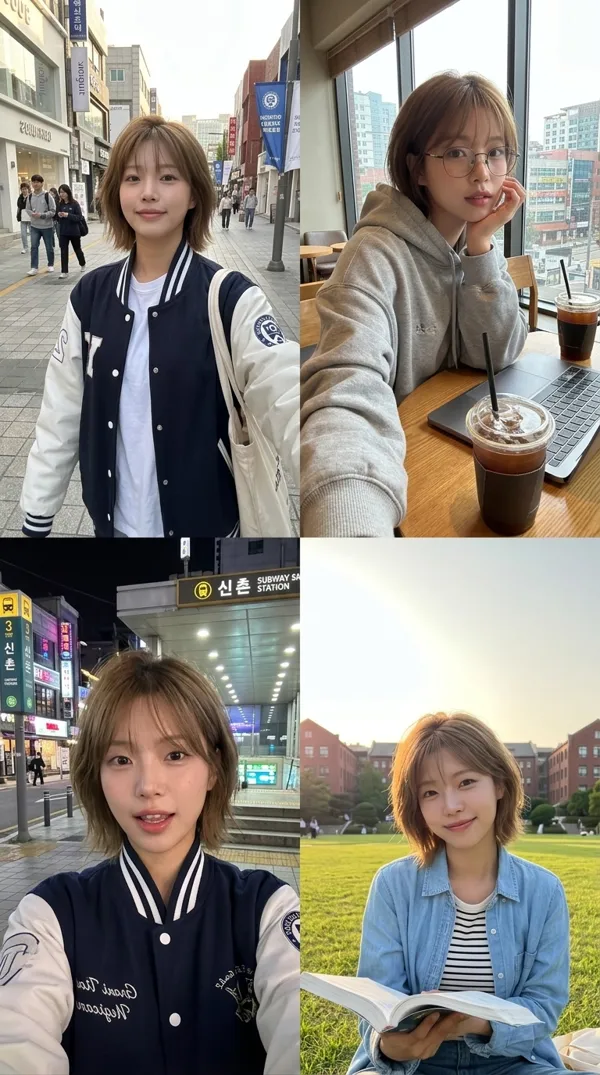
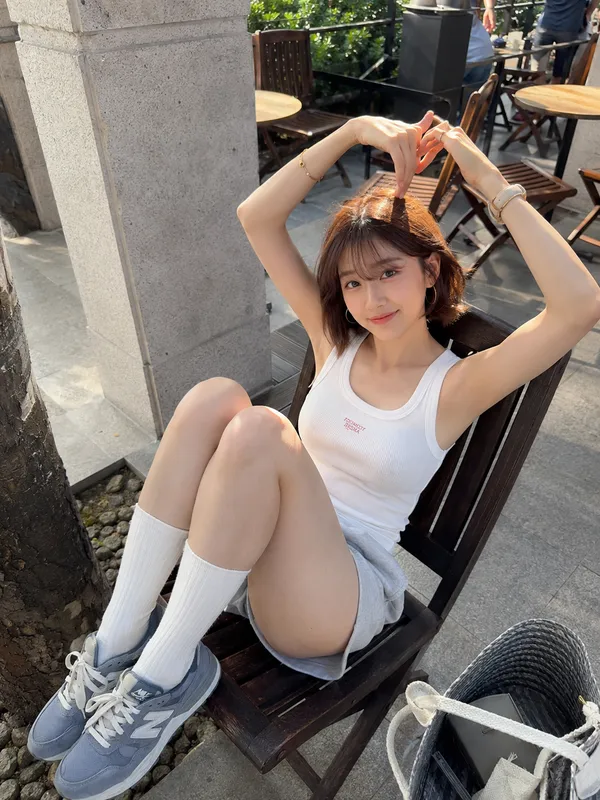
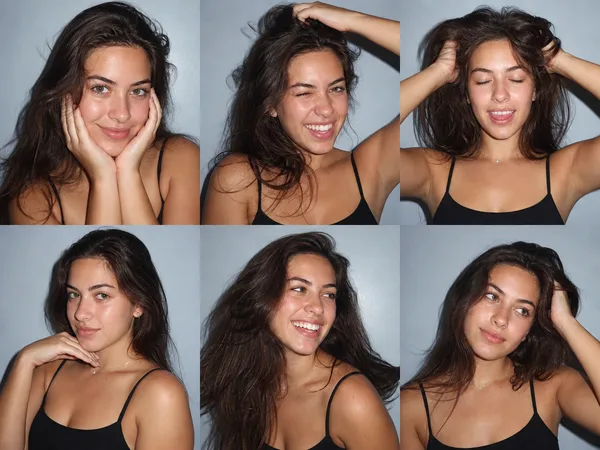
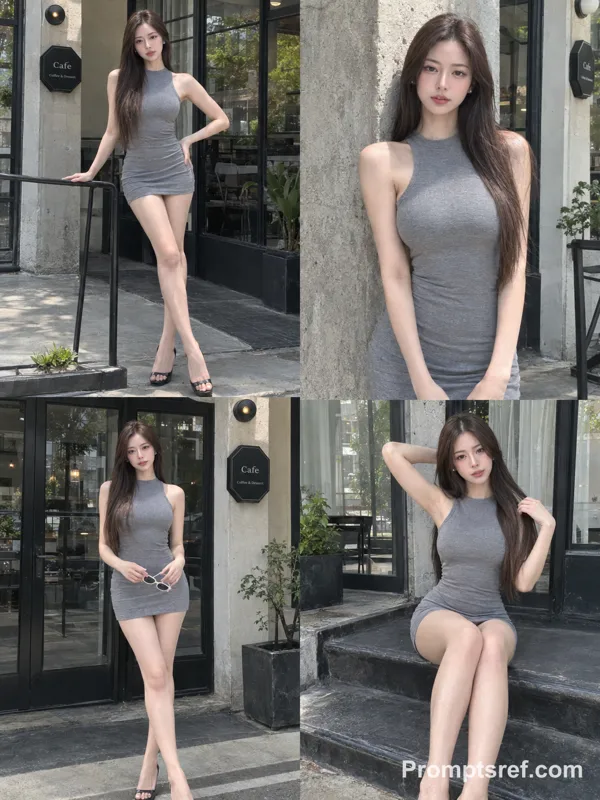
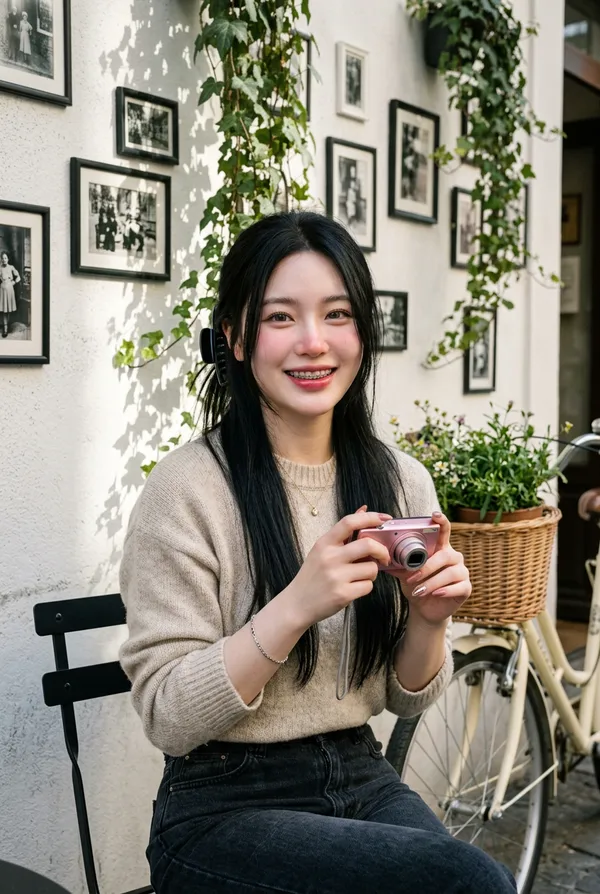
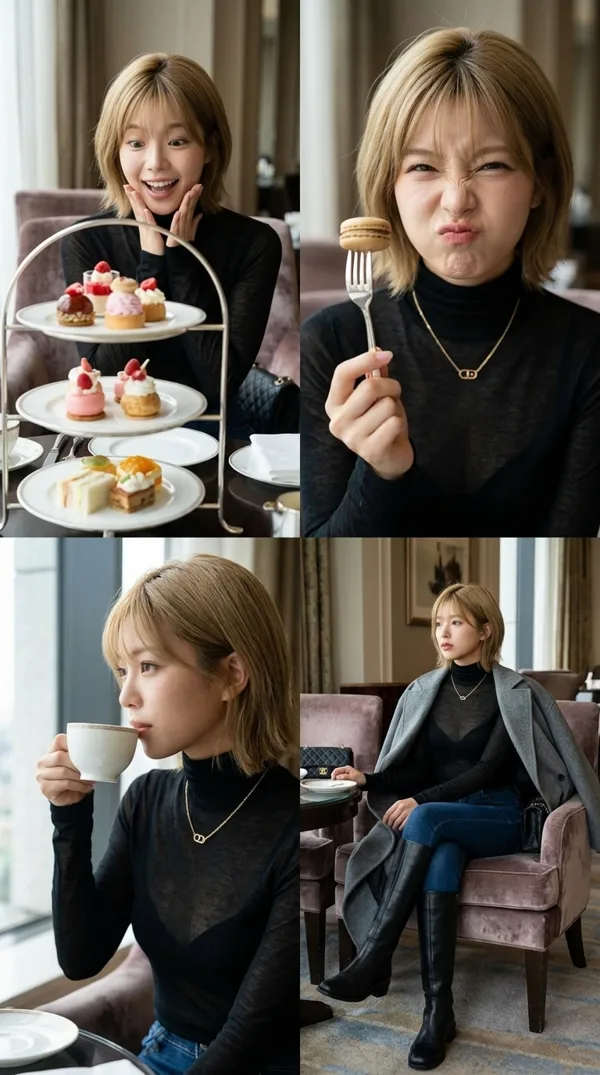
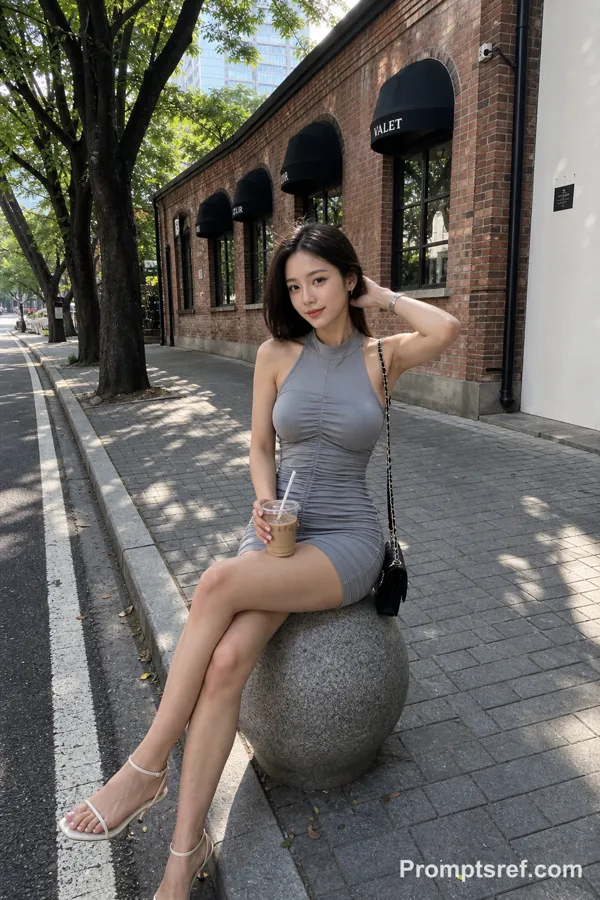
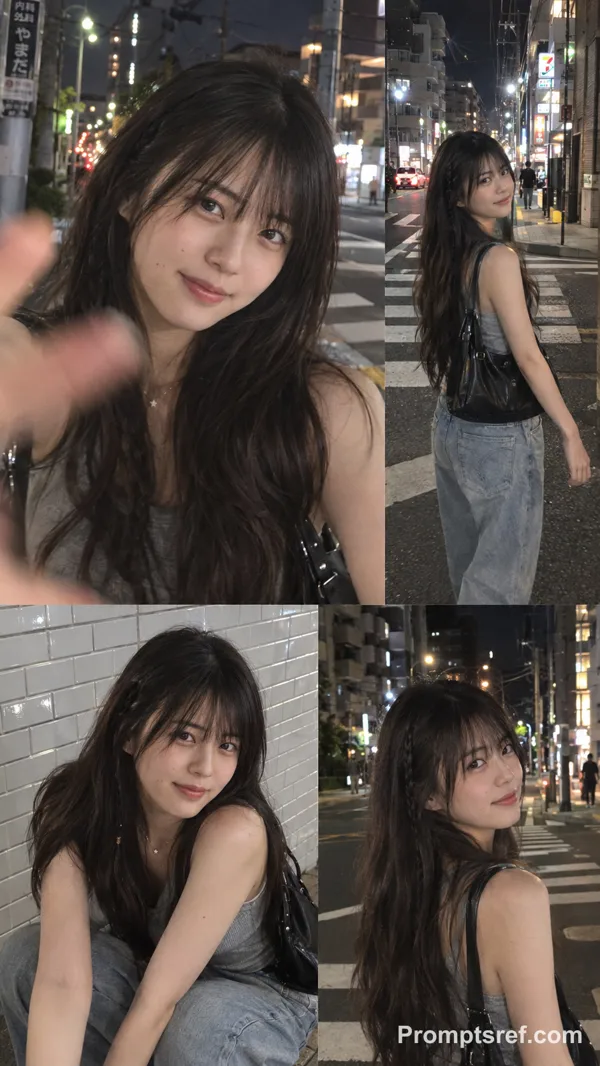
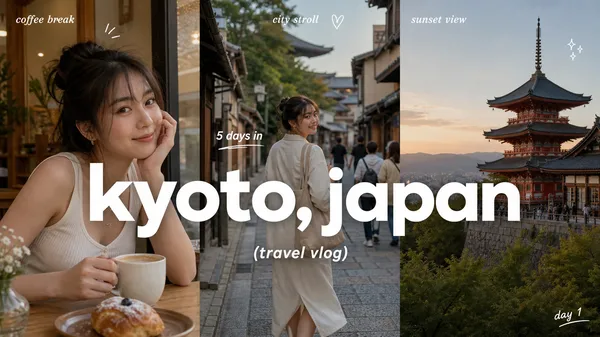
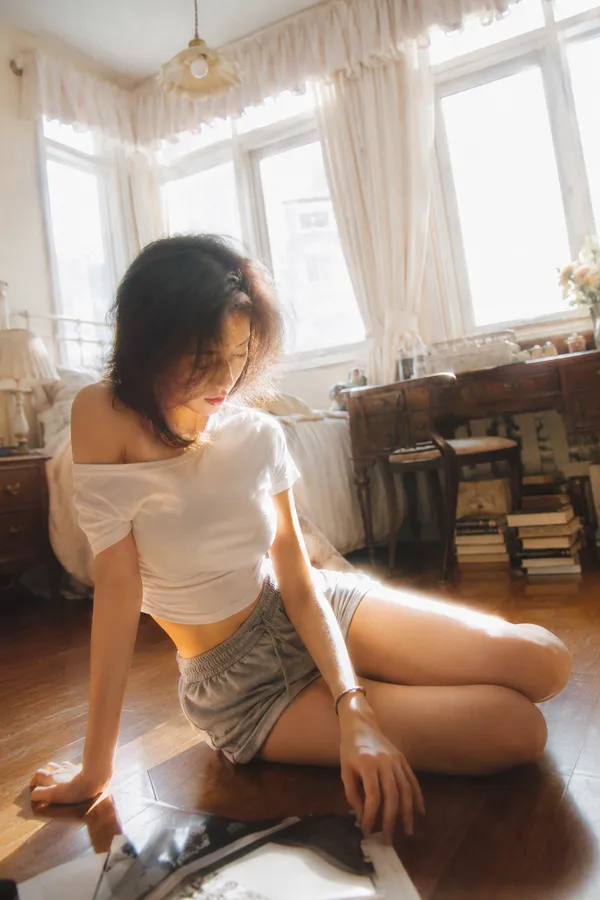
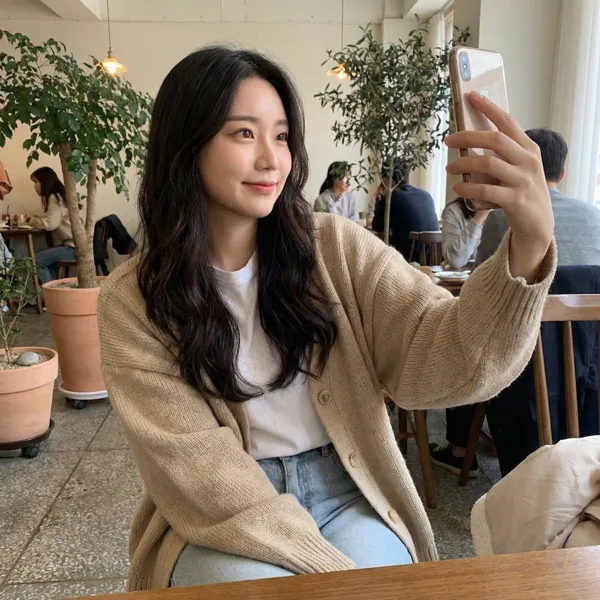
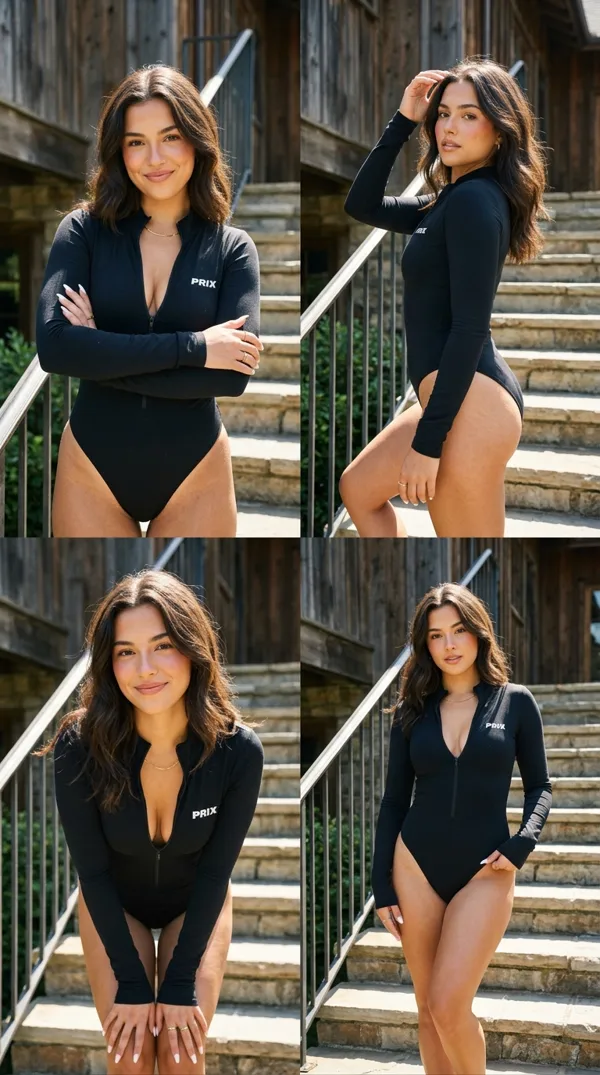
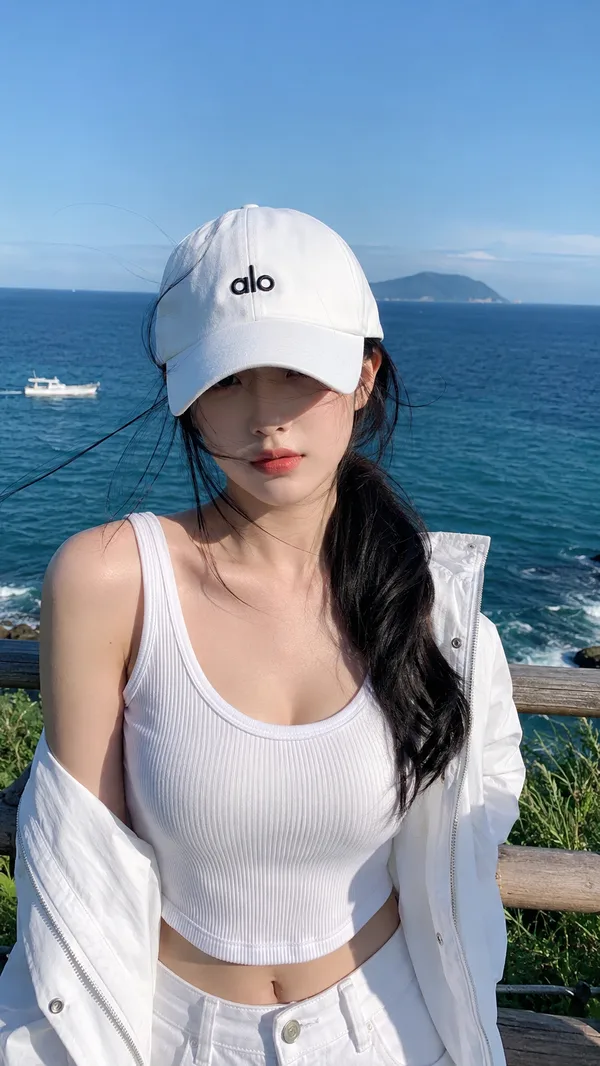
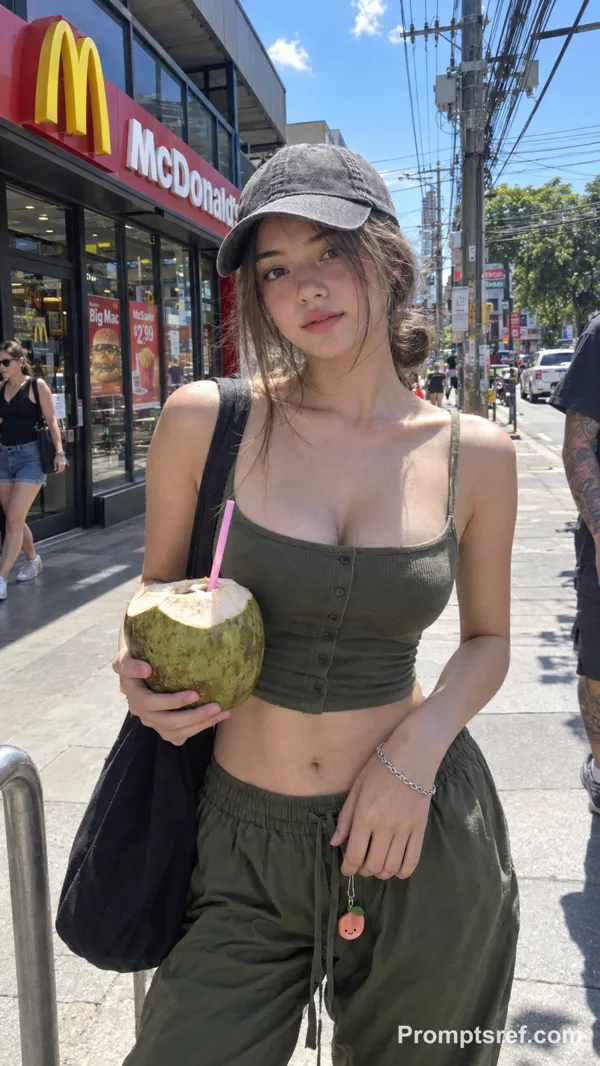
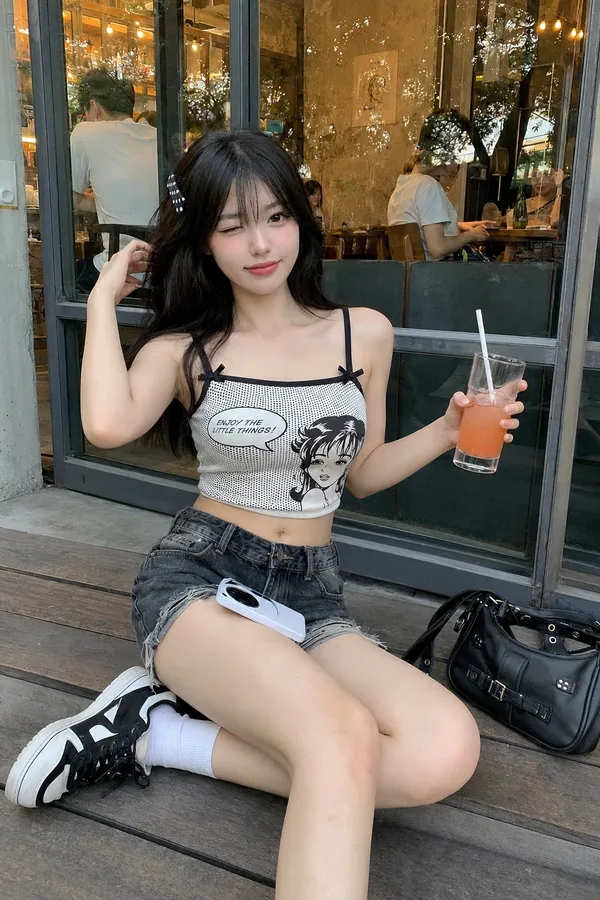
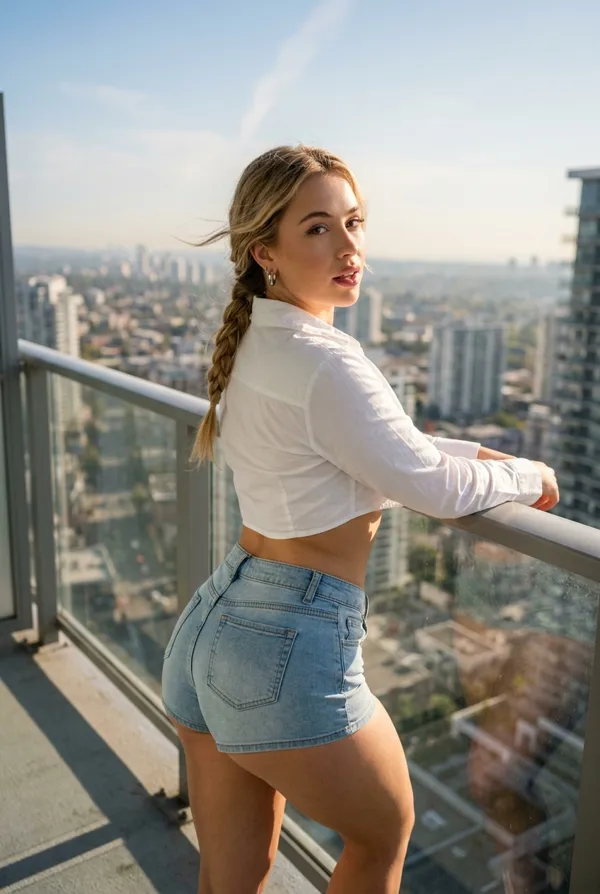
Nano Banana 2 Prompt - Neuf moments d’été spontanés à travers le Portugal

- Modèle
- Nano Banana 2
Prompt
{
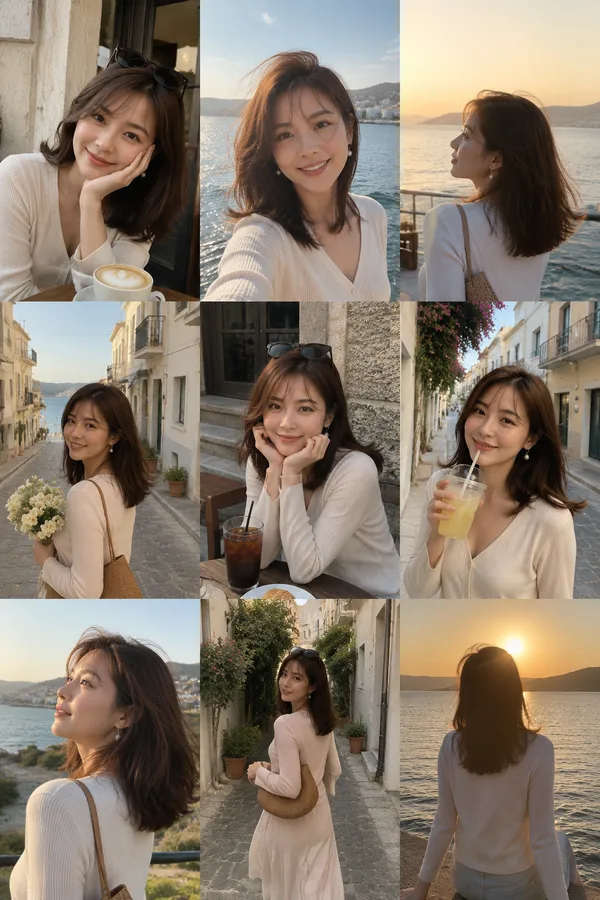
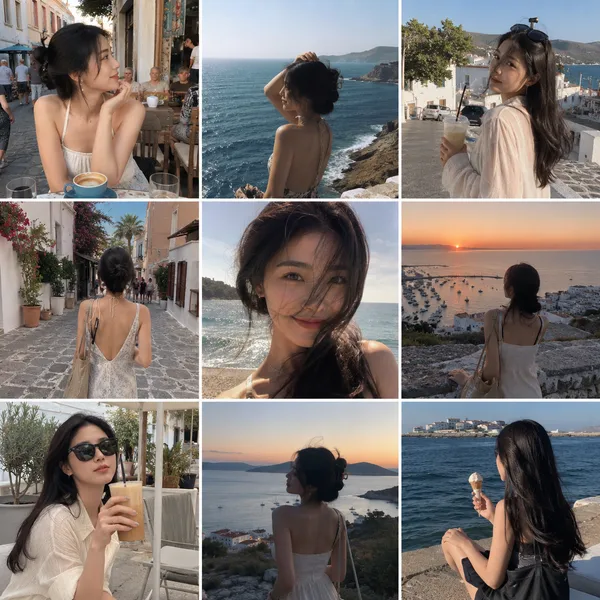
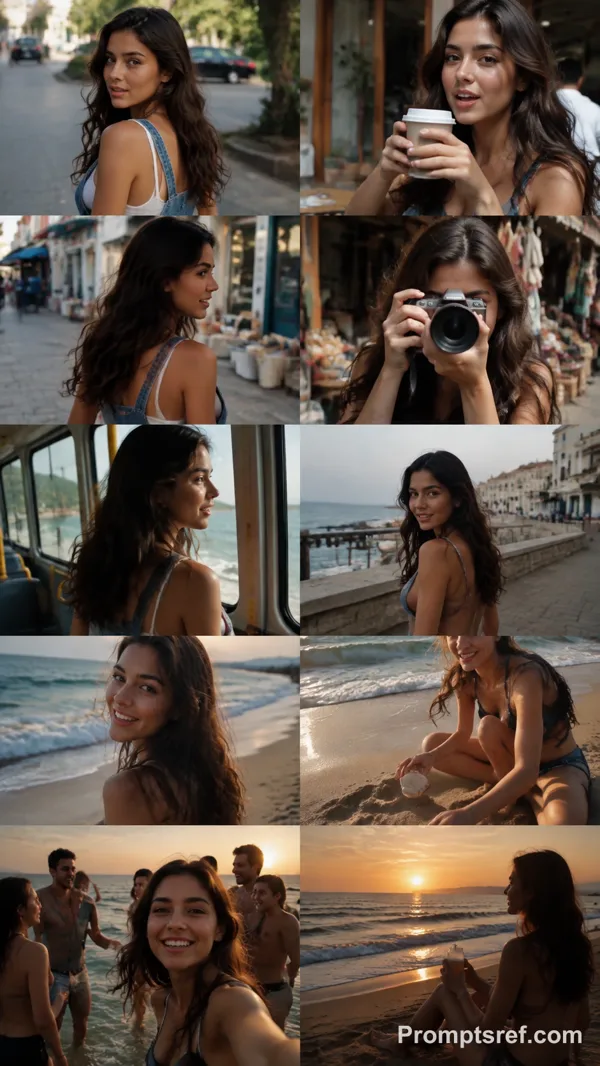
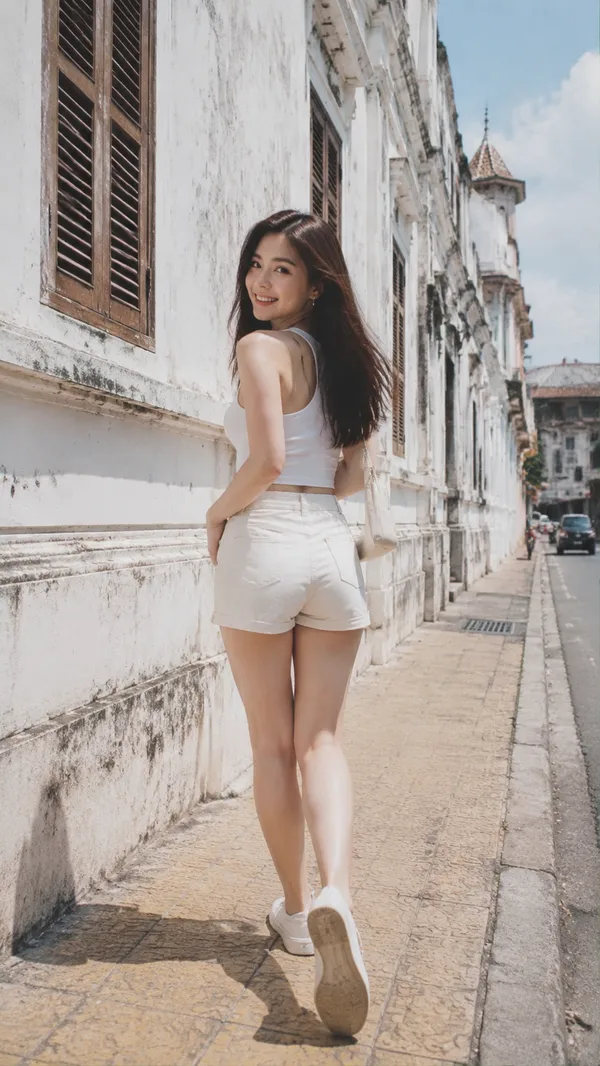
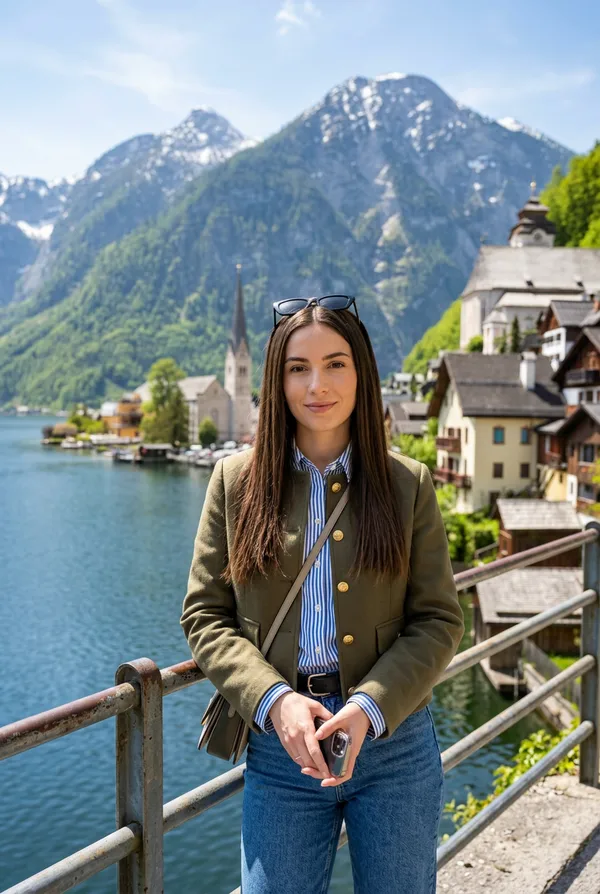
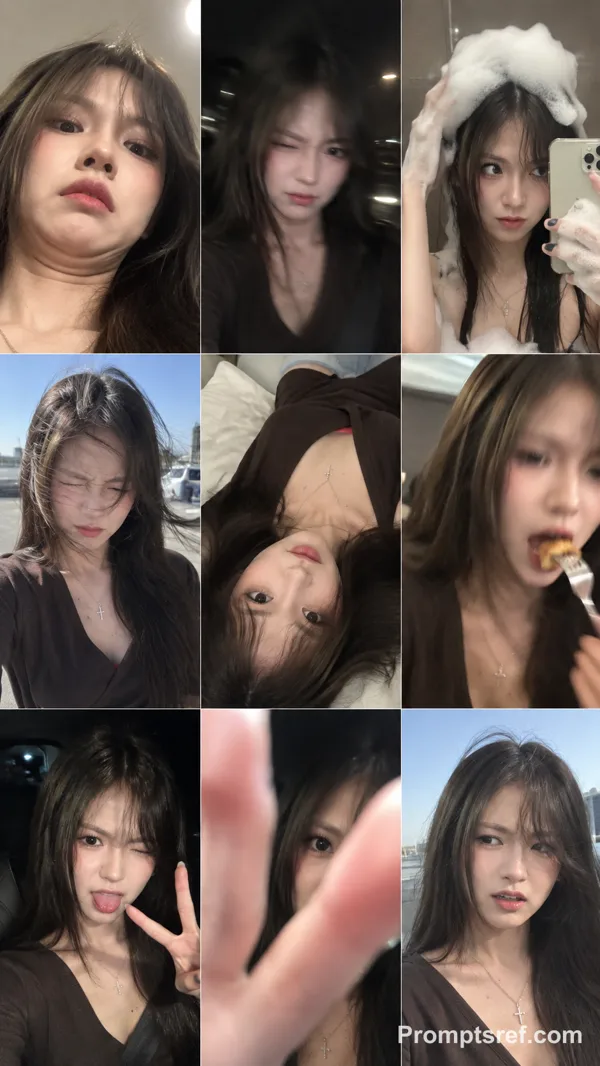
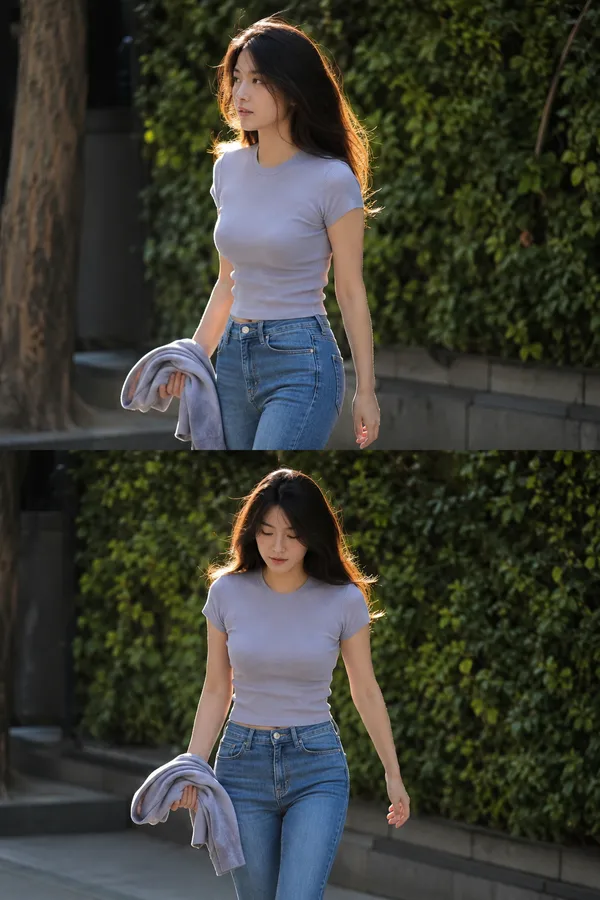
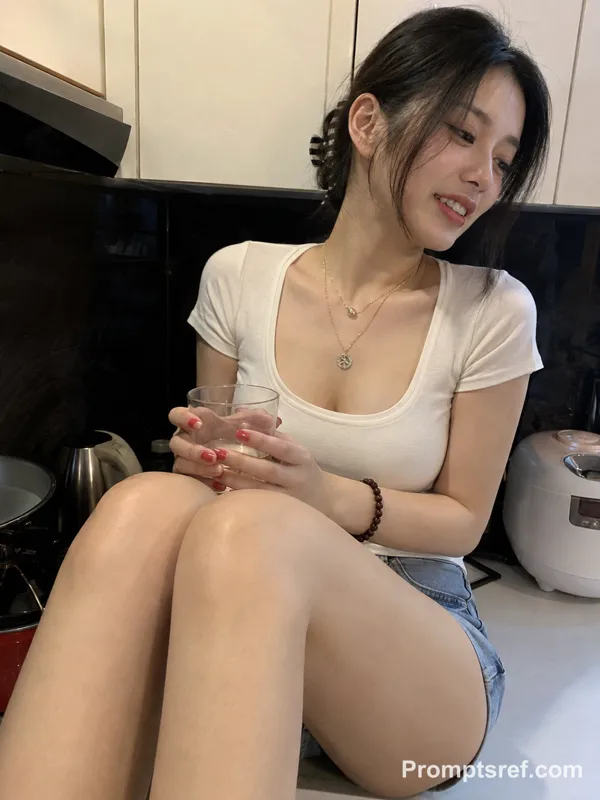
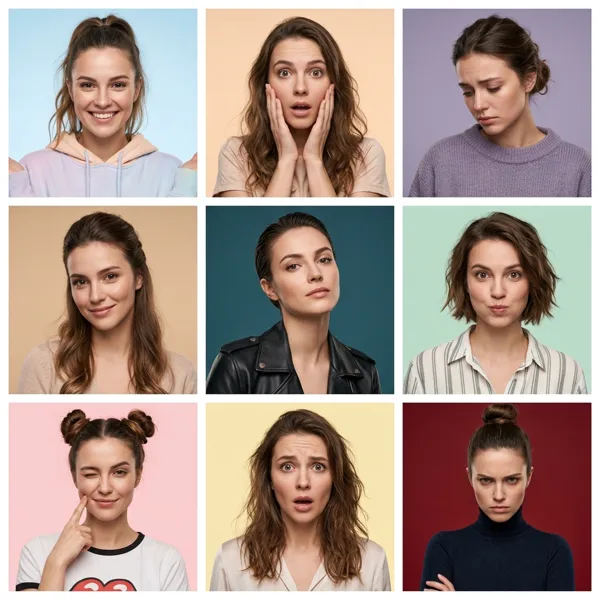
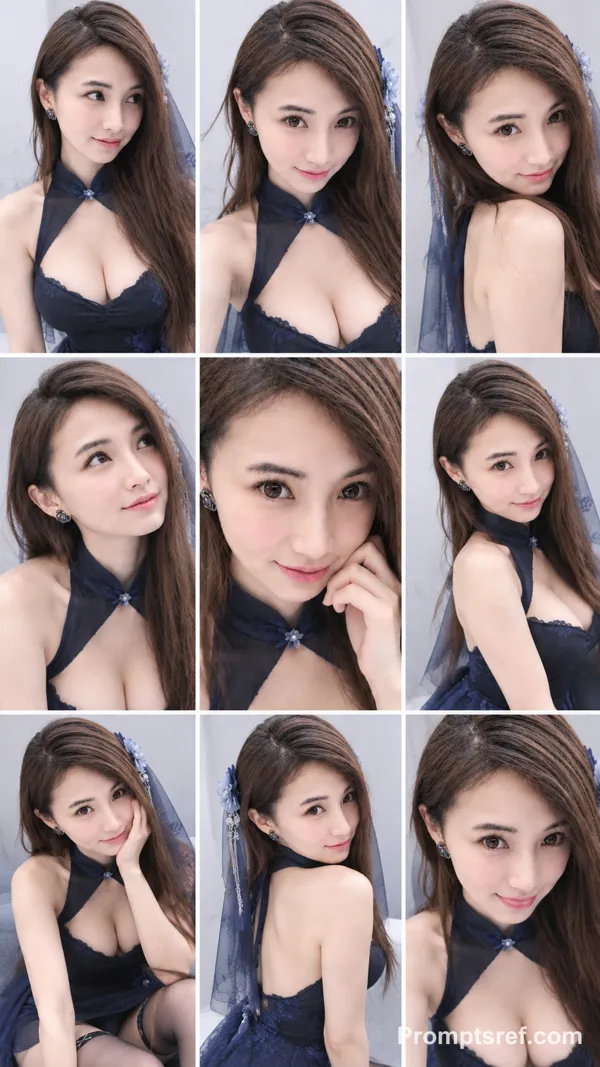
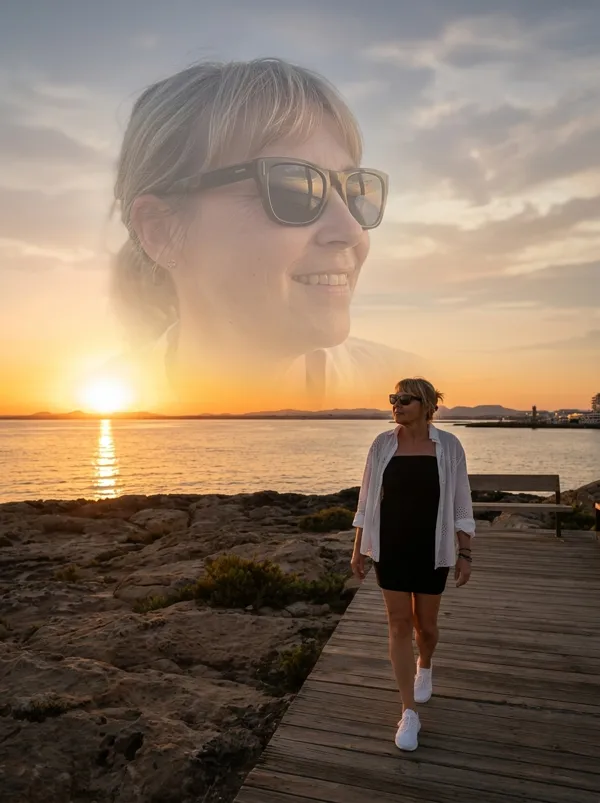
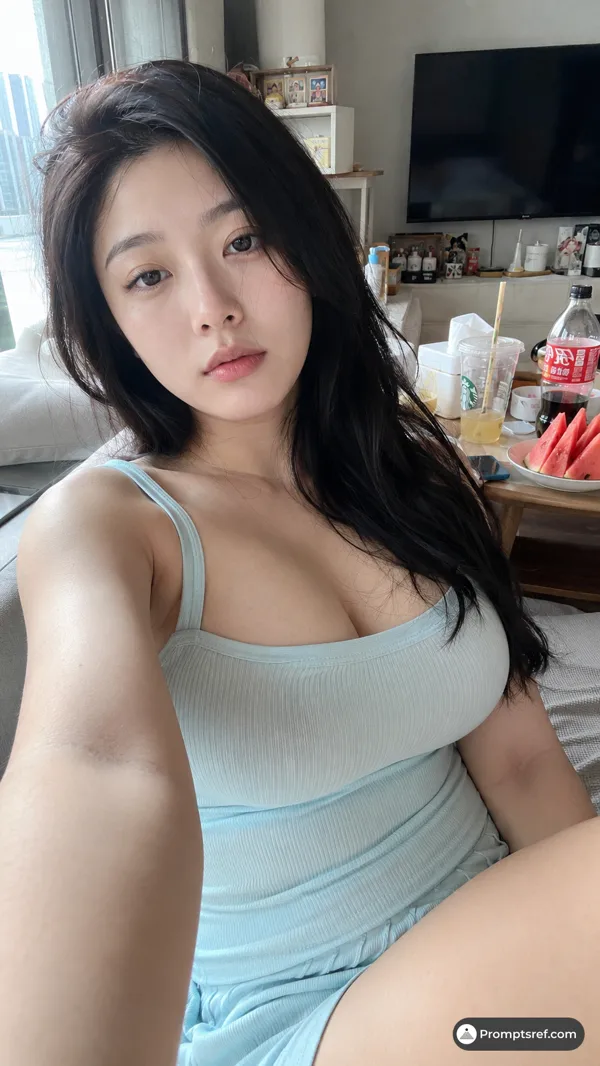
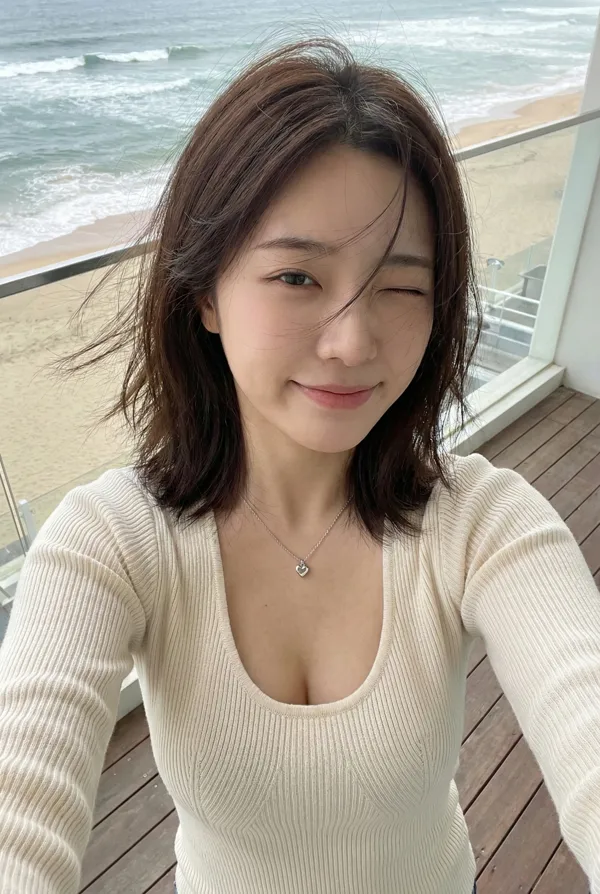
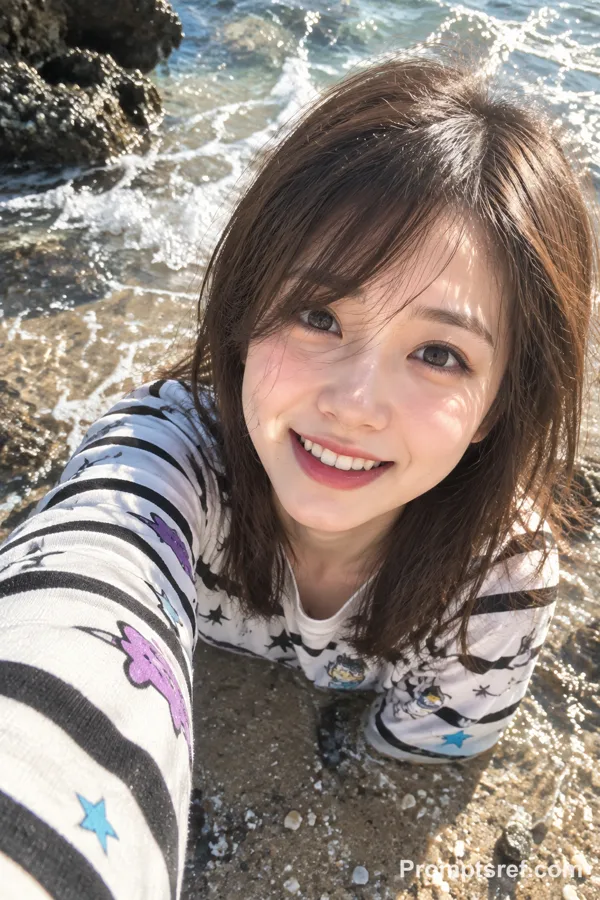
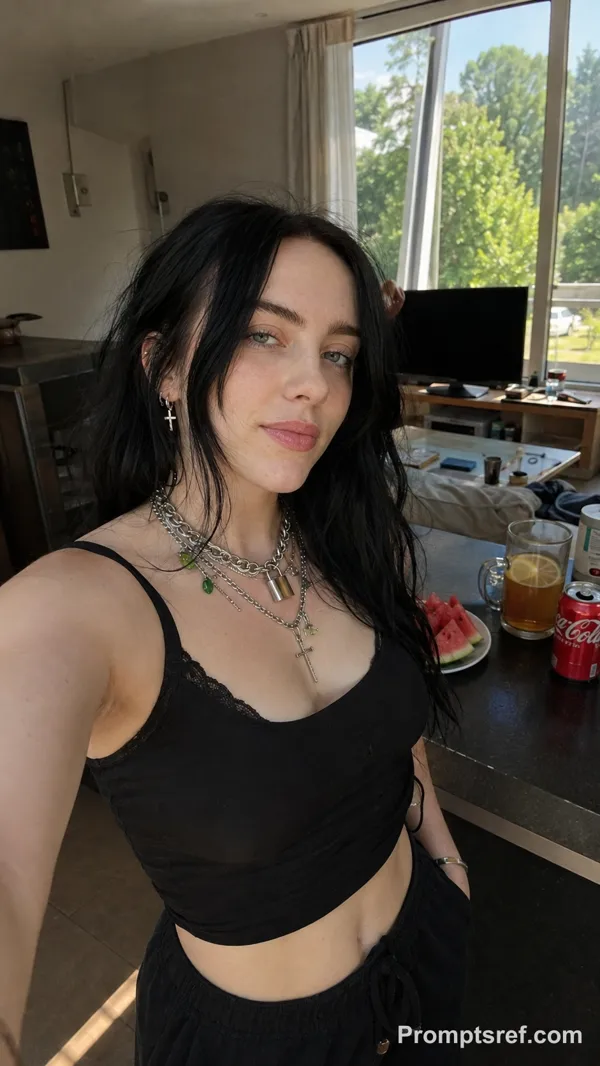
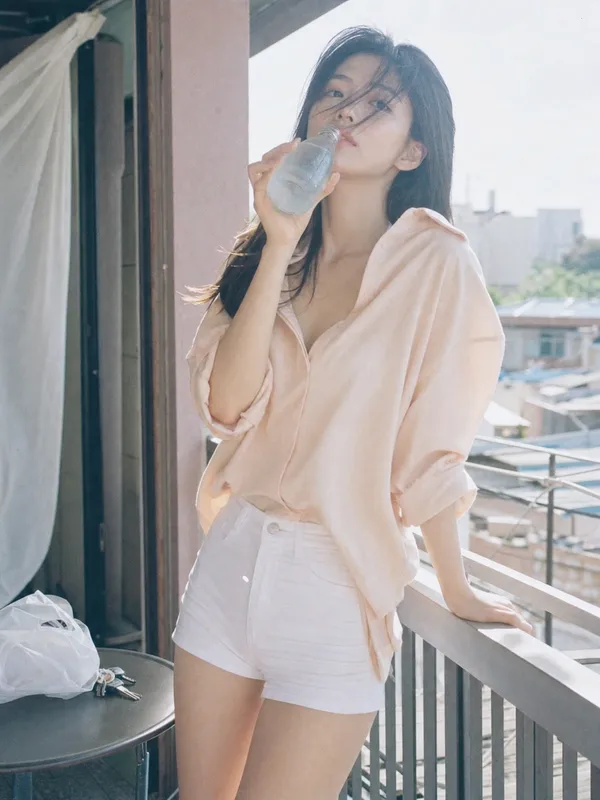
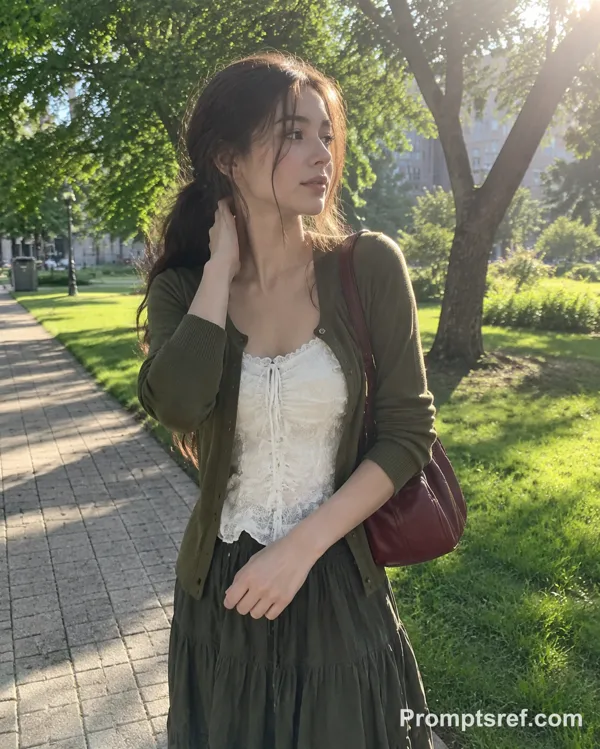
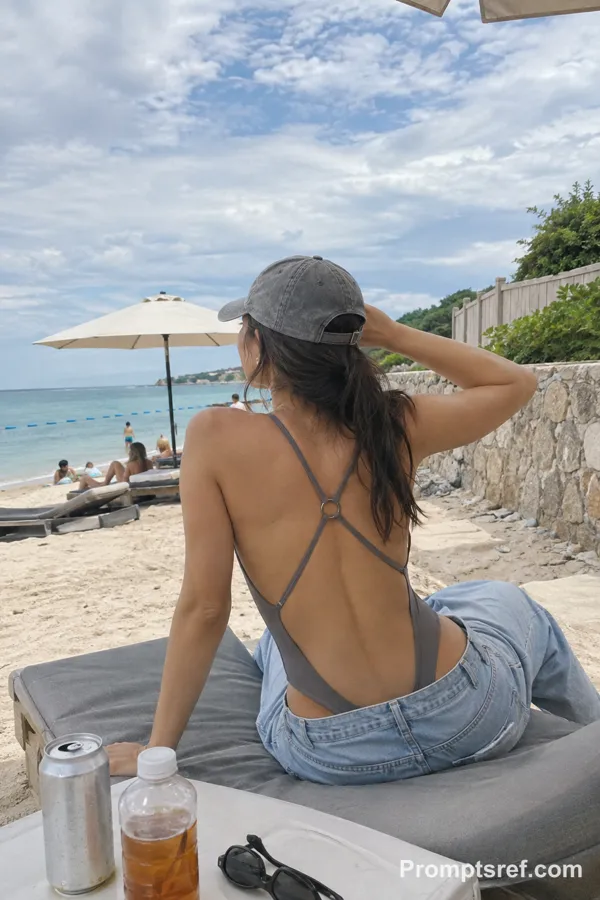
"Objective": "Create a 3x3 photo grid featuring the same extremely attractive woman in Portugal, captured in natural smartphone photography with an authentic lifestyle aesthetic.",
"Composition": {
"layout": "3x3 grid",
"aspect_ratio": "1:1",
"framing": "each square represents a different candid moment, forming a cohesive Instagram profile grid"
},
"Subject": {
"type": "young woman",
"appearance": {
"beauty": "extremely attractive, natural beauty",
"skin": "realistic skin texture, no smoothing, no glossy finish",
"makeup": "light natural makeup with subtle emphasis (e.g., soft lips, minimal foundation)",
"hair": "naturally styled, slightly wind-swept or imperfect"
},
"consistency": "same woman across all 9 images"
},
"Wardrobe": {
"style": "summer European fashion",
"outfits": [
"light linen dress",
"casual crop top with skirt",
"flowy blouse with shorts",
"beachwear or relaxed outfit"
]
},
"Environment": {
"location": "Portugal",
"scenes": [
"Lisbon streets with tiles and trams",
"Pena Palace with colored walls",
"Eating Nata in Pastéis de Belém",
"Cais da Ribeira view in Porto",
"viewpoints overlooking the city",
"sunlit narrow streets",
"balcony or window with scenic view",
"stone pathways and historic textures",
"sunset by the ocean"
]
},
"Photography": {
"camera": "smartphone",
"style": "Instagram lifestyle photography",
"lighting": "natural sunlight, golden hour, soft shadows",
"imperfections": [
"slight motion blur",
"natural grain",
"uneven exposure",
"authentic dynamic range"
],
"effects": [
"no beauty filter",
"no skin retouching",
"subtle lens distortion",
"realistic highlights and shadows"
]
},
"Mood": "carefree, travel lifestyle, warm, aesthetic, European summer vibe",
"Rendering": {
"style_keywords": [
"instagram grid",
"travel photography",
"portugal aesthetic",
"smartphone photos",
"natural beauty",
"summer lifestyle"
],
"realism": "highly realistic smartphone look",
"detail_level": "natural detail, not overprocessed",
"aspect_ratio": "--ar 1:1"
},
"Response_Format": {
"type": "image_generation_prompt_json",
"editable_fields": [
"environment.scenes",
"wardrobe.outfits",
"lighting",
"poses"
]
}
}
Remix
RemixPas encore de remix. Créez la première version.
Utiliser ce prompt d’image
- 01
Commencer avec le prompt
Copiez le prompt ou ouvrez-le avec le bouton de génération.
- 02
Apporter vos modifications
Adaptez le sujet, le décor ou les détails. Ajoutez des références si nécessaire.
- 03
Vérifier avant de générer
Vérifiez le modèle et les paramètres de sortie. Les résultats peuvent varier.